Identify your mission-critical CRM moments
When your CRM is the system of record for quotes, renewals, and pipeline governance, uptime and reliability become operational requirements—not a box to check in a vendor demo. A useful review looks beyond “can we log in?” and focuses on what happens to revenue workflows under load, during partial disruptions, and after recovery.
Use this page as a practical framework for evaluating CRM uptime and reliability software for mission-critical sales operations. It outlines what to test, what to document, and which operating rules matter most—then shows how Bitrix24 can support continuity through standardized workflows, controlled access, and disciplined execution across teams.
- Define what “available” means for your sales process (not just the UI loading)
- Identify workflows that must keep moving even in degraded conditions
- Validate continuity controls: ownership, permissions, and recovery rules
Run an uptime and reliability evaluation plan
Create a short test plan that mirrors real selling conditions and run it with sales managers, sales ops, and frontline reps.
- Select 3–5 must-run workflows and define pass/fail outcomes
- Test peak-day behavior with heavy record creation, approvals, and updates
- Validate role ownership, permissions, and exception handling
- Agree on operating rules for degraded conditions and recovery
- Review how process changes are introduced and adopted
Use access and process controls to limit damage
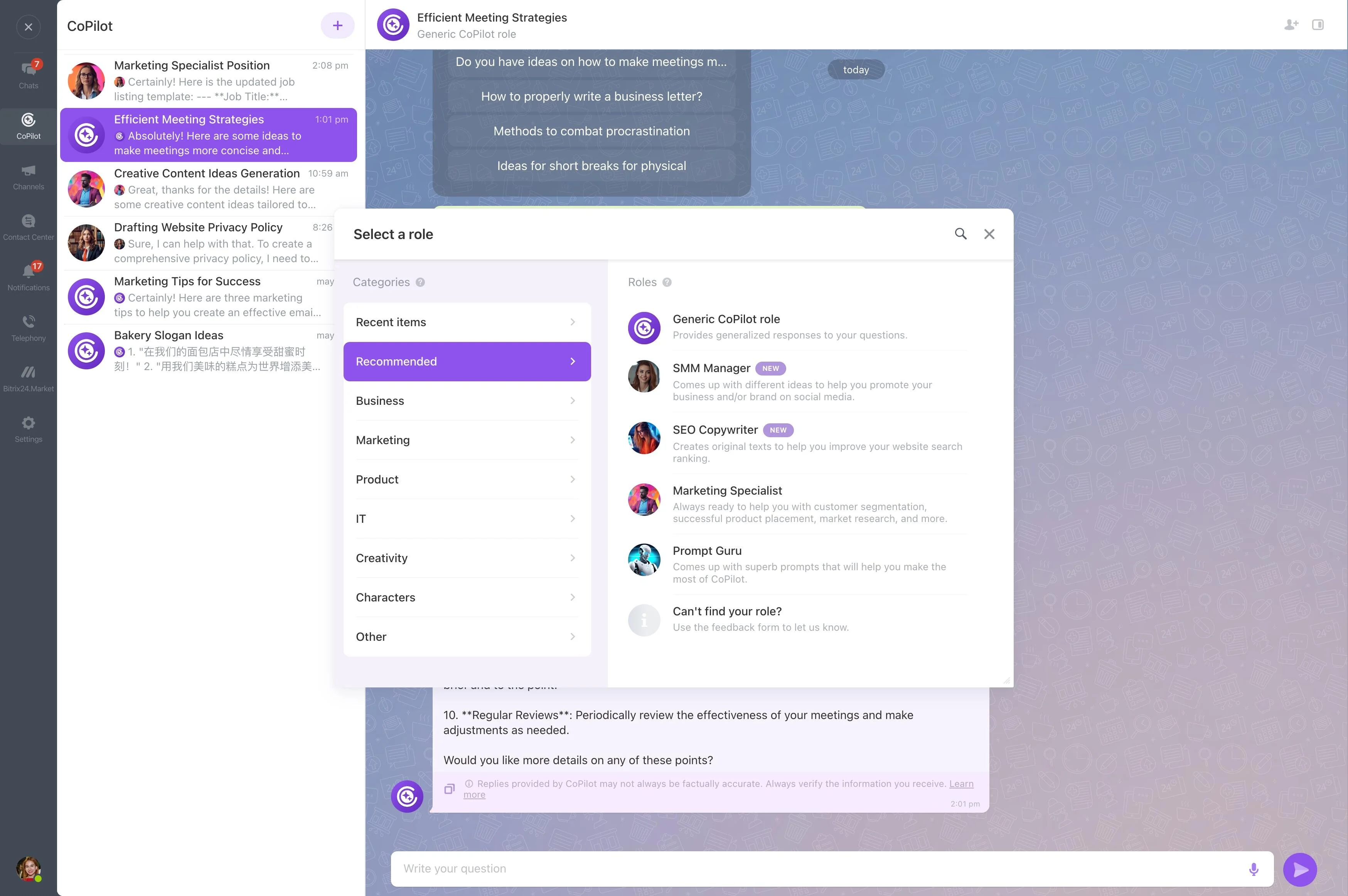
Reliability and security meet in day-to-day controls. The fewer people who can make high-impact changes under stress, the easier it is to recover cleanly.
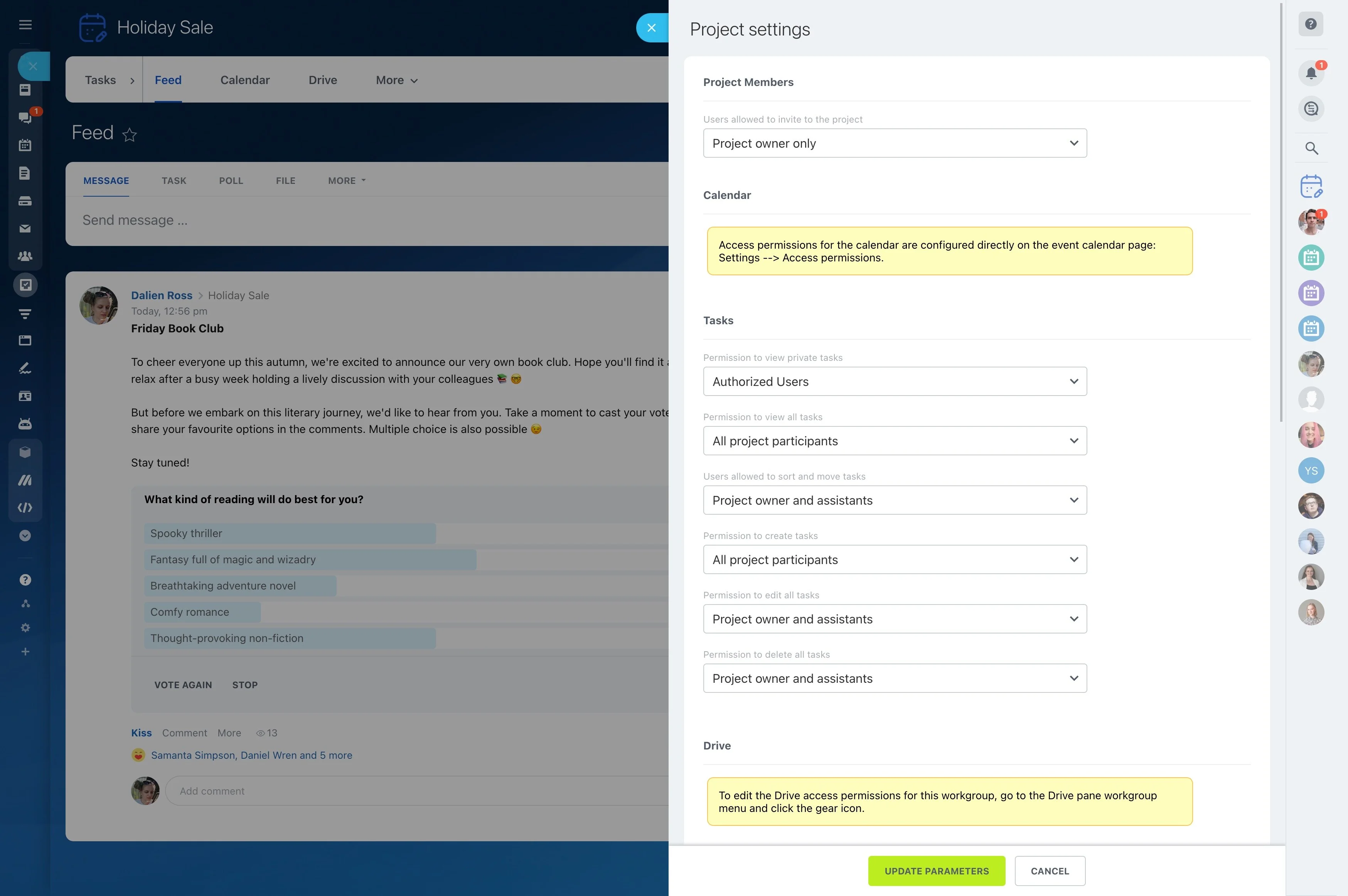
Define who can edit key account fields, move deals between governed stages, and approve commercial terms. During evaluation, verify that Bitrix24 can enforce these rules consistently across teams.
Identify your mission-critical CRM moments
Start with the moments where downtime or degraded performance creates irreversible loss: same-day quote approvals, renewals near end-of-term, response windows tied to paid campaigns, or required activity logging.
Translate those into 3–5 “must-run” workflows. Assign an owner for each and define acceptable degradation (for example, read-only access might be tolerable; inability to create or update deals might not).
Test reliability as end-to-end execution
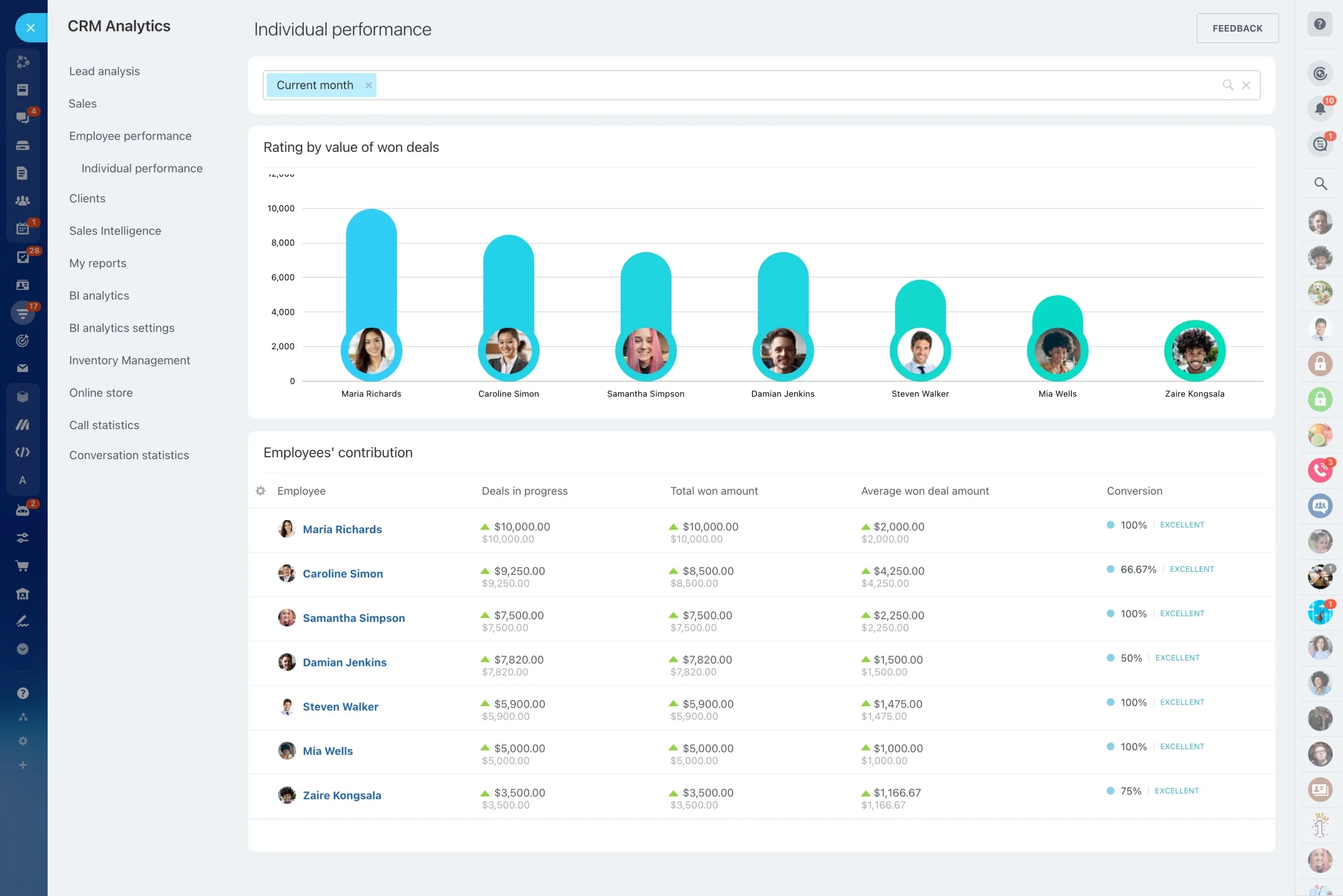
Evaluate reliability by running complete flows the way your team actually works: lead qualification, quote-to-approval, opportunity progression, and post-sale handoff. Track where the workflow breaks first and what that means for revenue, reporting, and customer commitments.
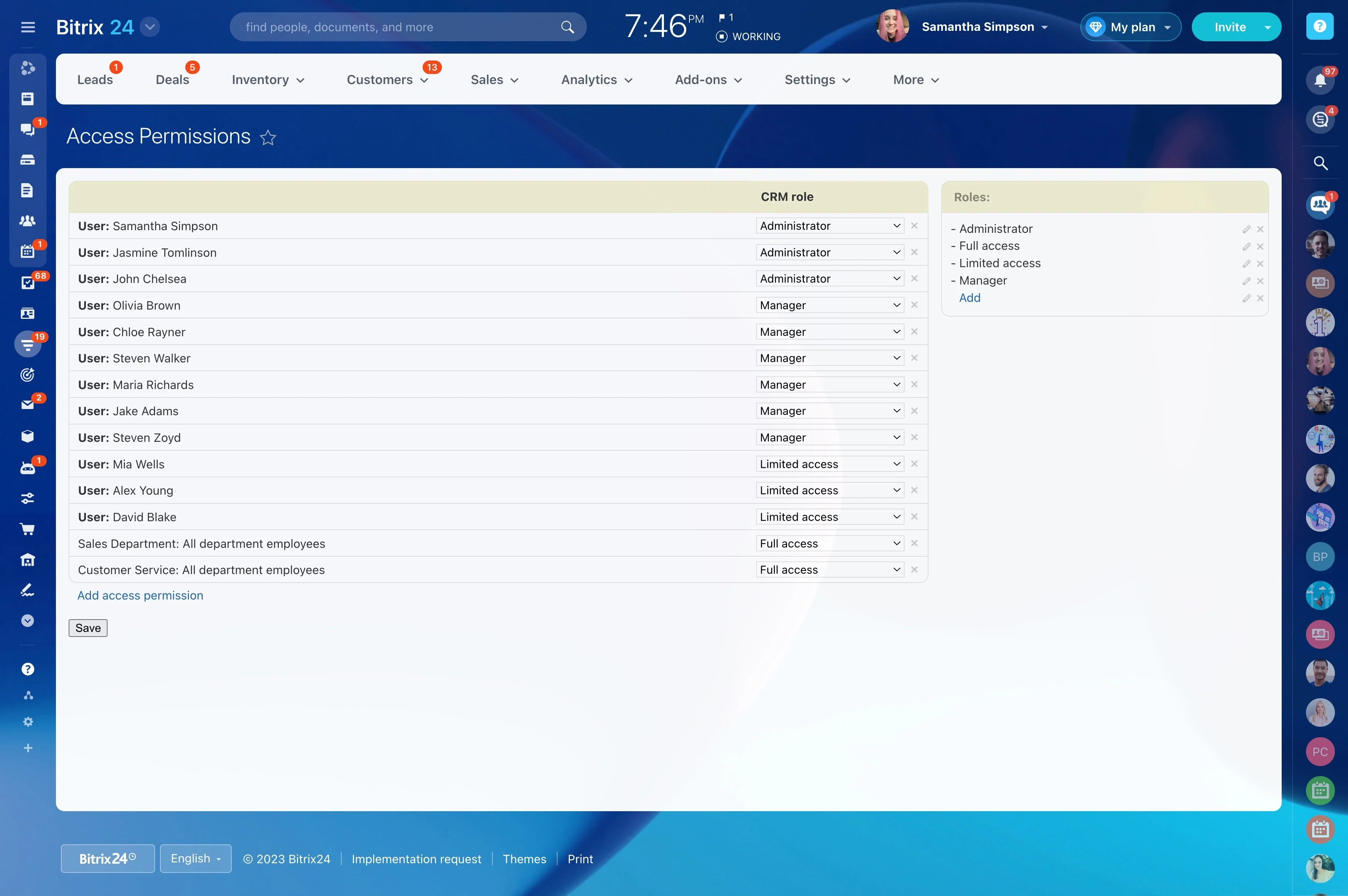
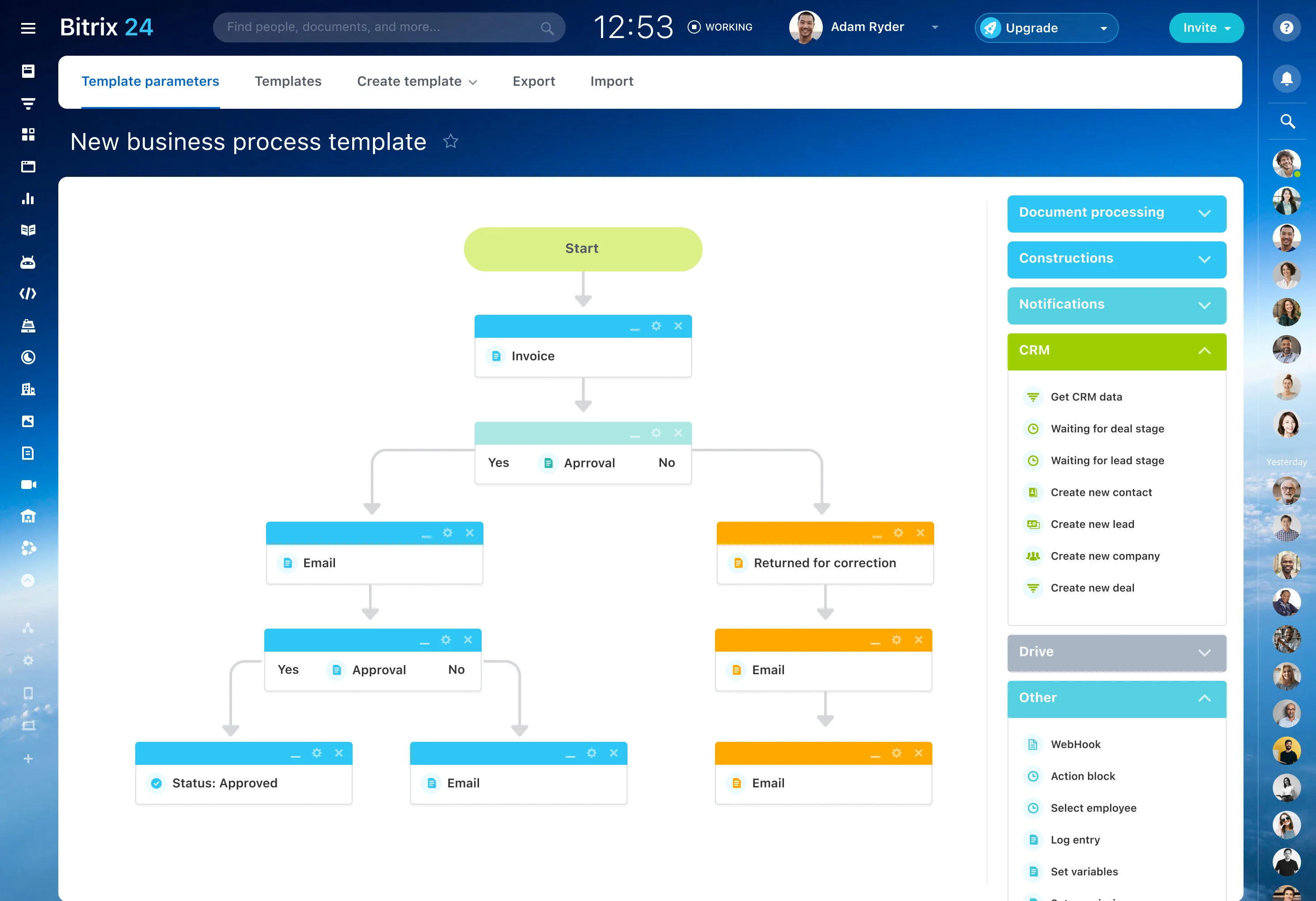
In Bitrix24, check whether teams can follow the same required stages and fields consistently so continuity depends less on individual habits.
Document operations for partial disruptions
Many incidents aren’t full outages. A common failure mode is partial disruption: pages load but key objects time out, some roles can view records but can’t update them, or mobile actions fail while desktop works.
Write operating rules for each scenario: who continues work, what pauses, and how to prevent “catch-up” from creating bad pipeline data during recovery.
Reduce loss with explicit ownership and handoffs
Some “downtime losses” are really ownership breakdowns: duplicate deals, approvals handled off-system, or reassigned follow-ups that never get recorded.
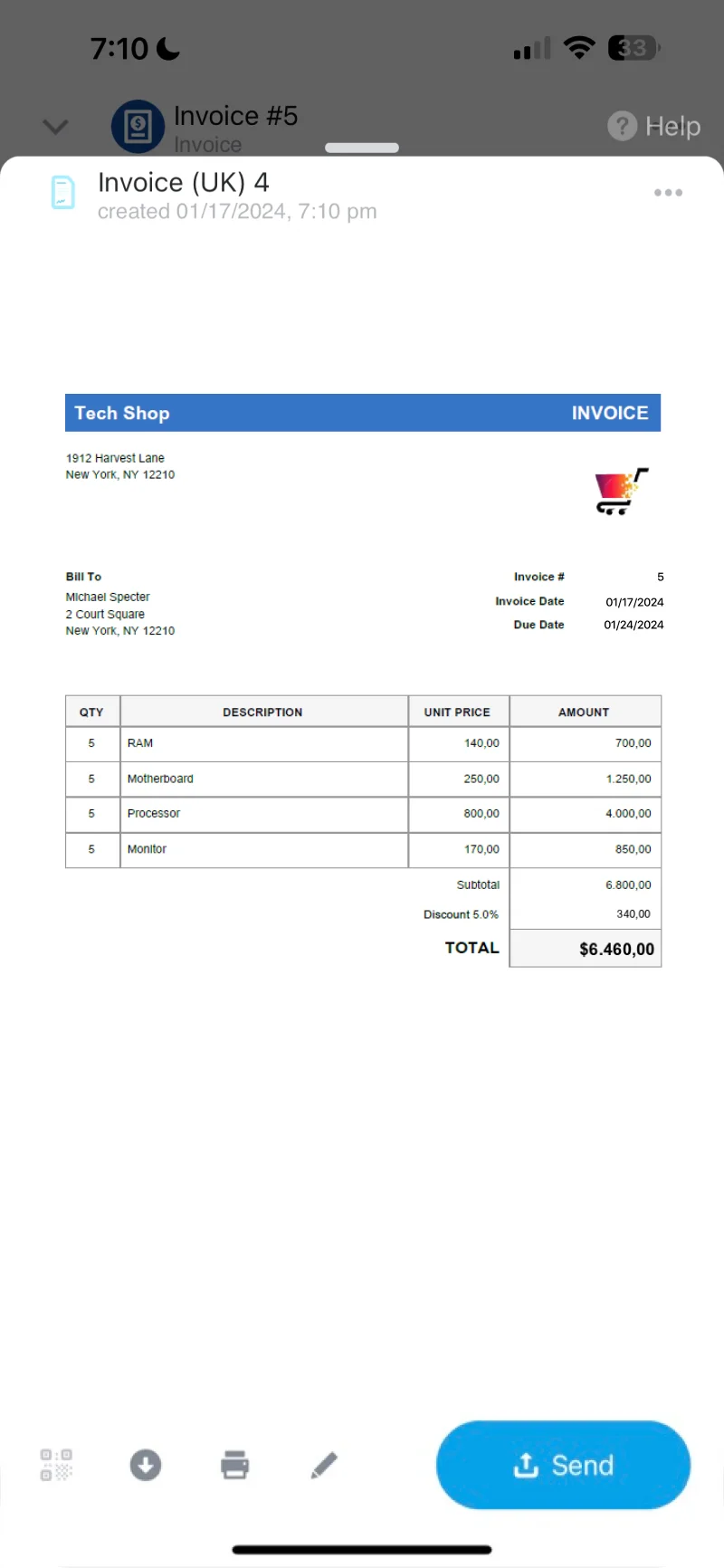
Build handoffs into the operating model: who owns a lead at each stage, how approvals are requested and recorded, and how post-sale responsibility transfers. Structured handoffs make coverage changes less disruptive.
Treat change readiness as part of continuity
Reliability is also the ability to evolve your process without destabilizing execution. Sales motions change: stages, required fields, territories, and responsibilities all get updated.
Evaluate whether Bitrix24 can support process updates with a clear operating model—standard records, consistent rules, and extensions that don’t force teams into improvisation that weakens data quality.