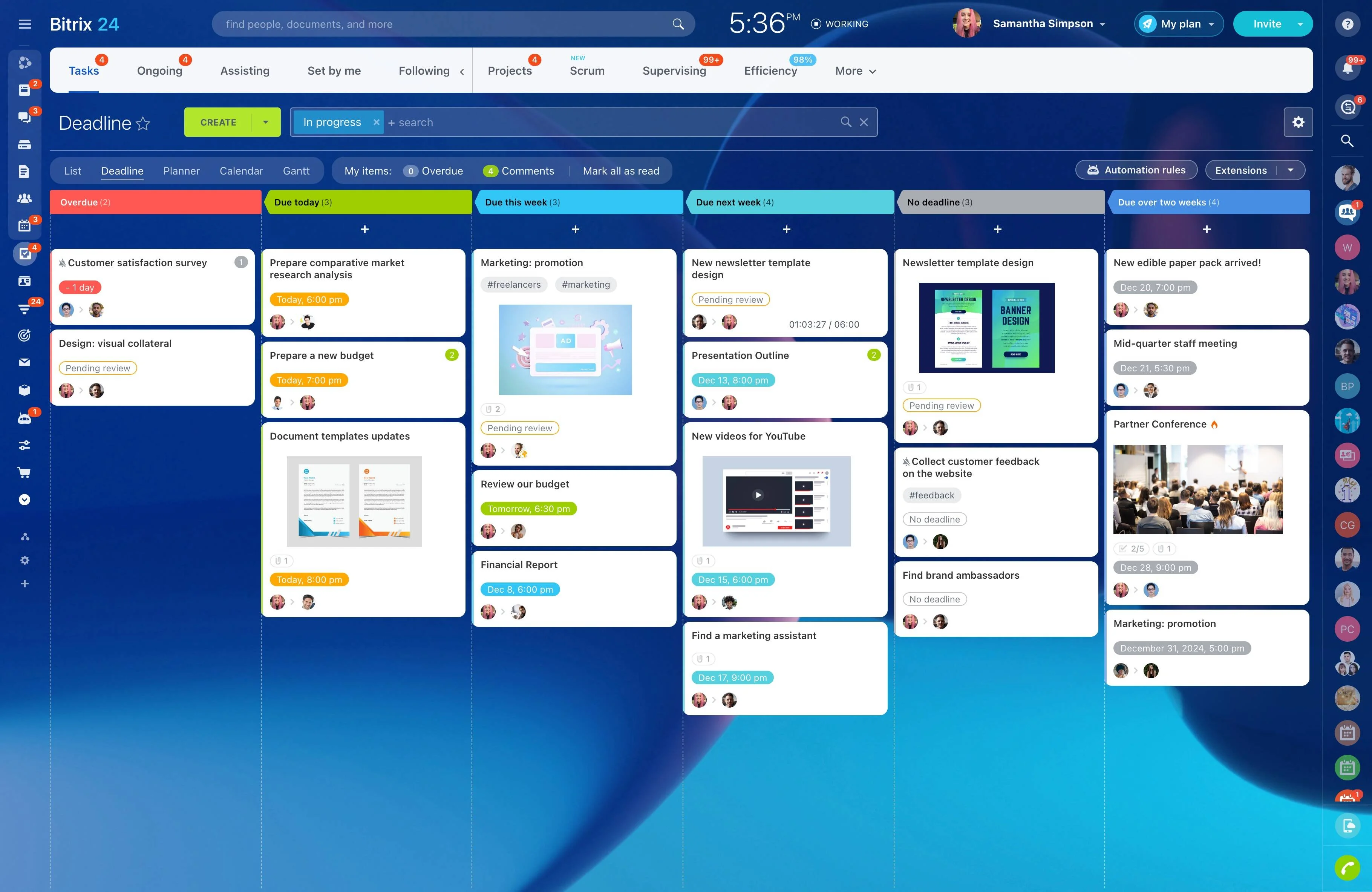
When a project moves through several stages, a task list alone does not show the full delivery path. A visual timeline helps the team understand what happens when, which milestones are approaching, and where a change could affect later work.
Bitrix24 supports practical online project planning with a shared timeline for organizing stages, activities, and milestones. It gives contributors a clear view of the schedule without requiring everyone to work through a highly detailed Gantt model.
Give each contributor useful context
Team members do not always need the full project model. A timeline shows where their work fits, what follows it, and which milestone it supports, giving them enough context to plan without studying every scheduling detail.
Map stages and milestones in sequence
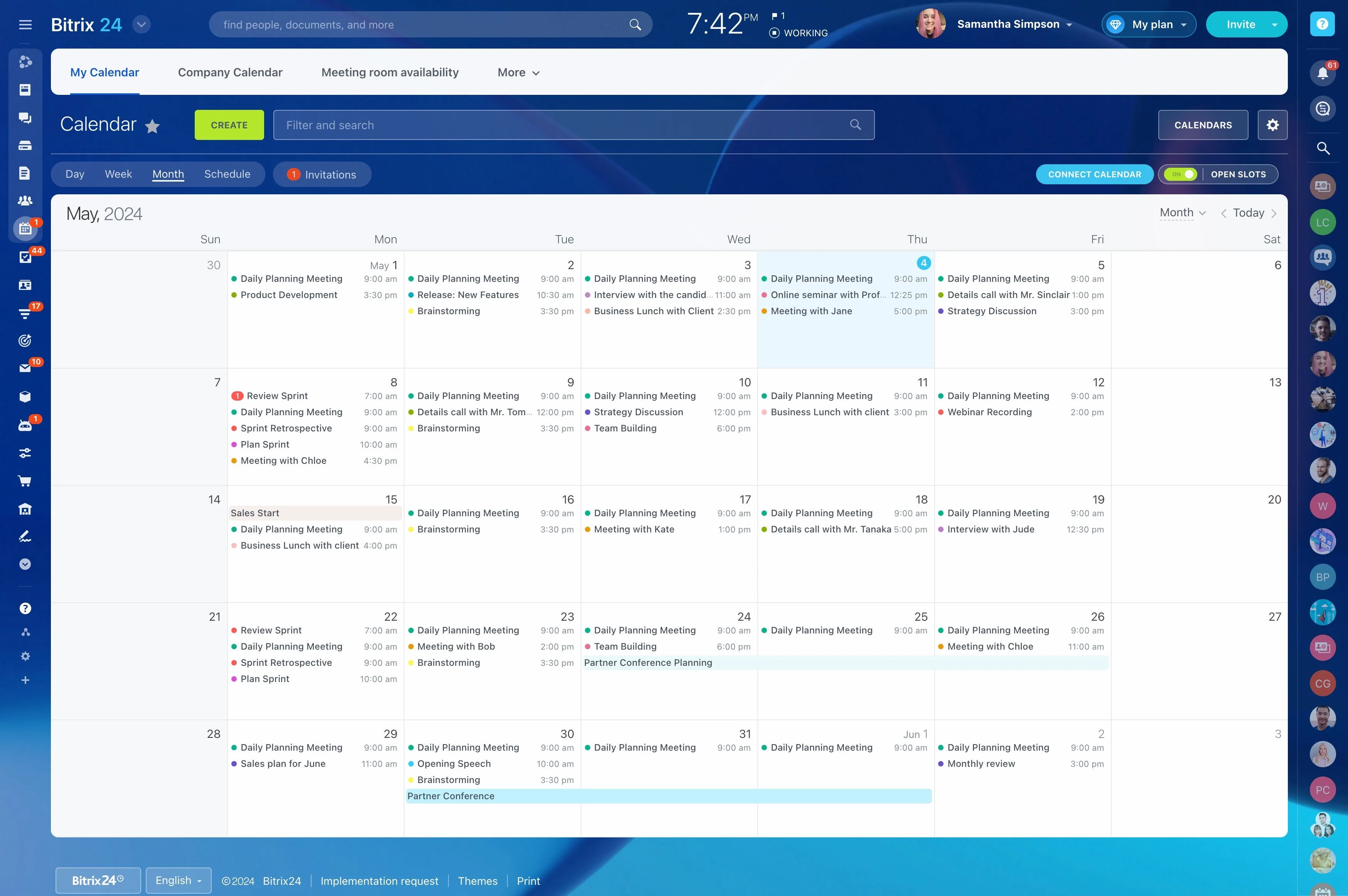
Arrange the main stages, tasks, and milestones in chronological order so the team can follow the project from kickoff to delivery. This view is useful for launches, campaigns, implementations, and other work where timing matters as much as ownership.
Make task order easier to understand
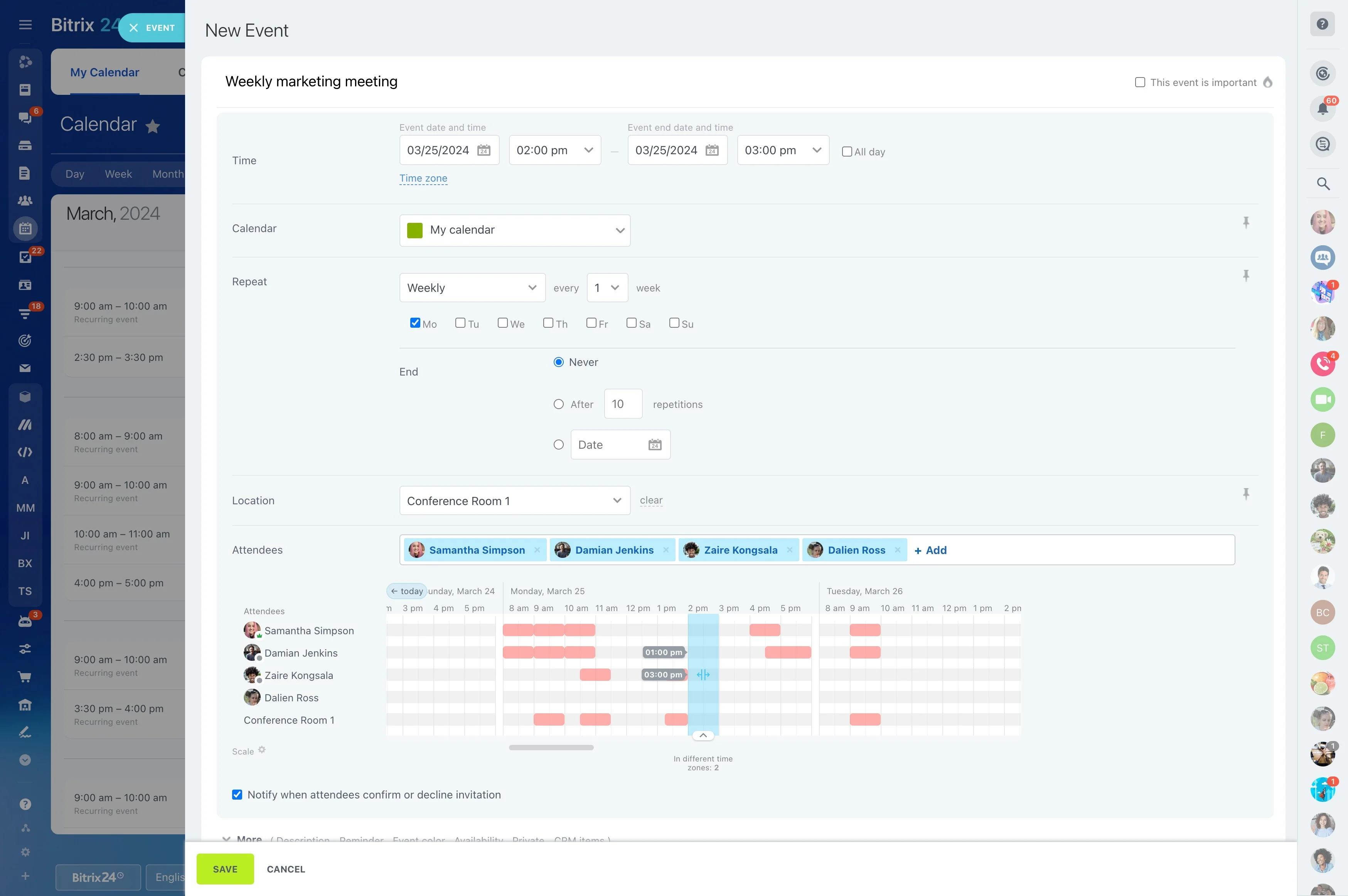
Many project activities depend on what comes before them. A timeline shows how preparation, execution, review, and delivery fit together, helping contributors understand the order of work instead of piecing it together from separate task lists.
See schedule pressure before delivery
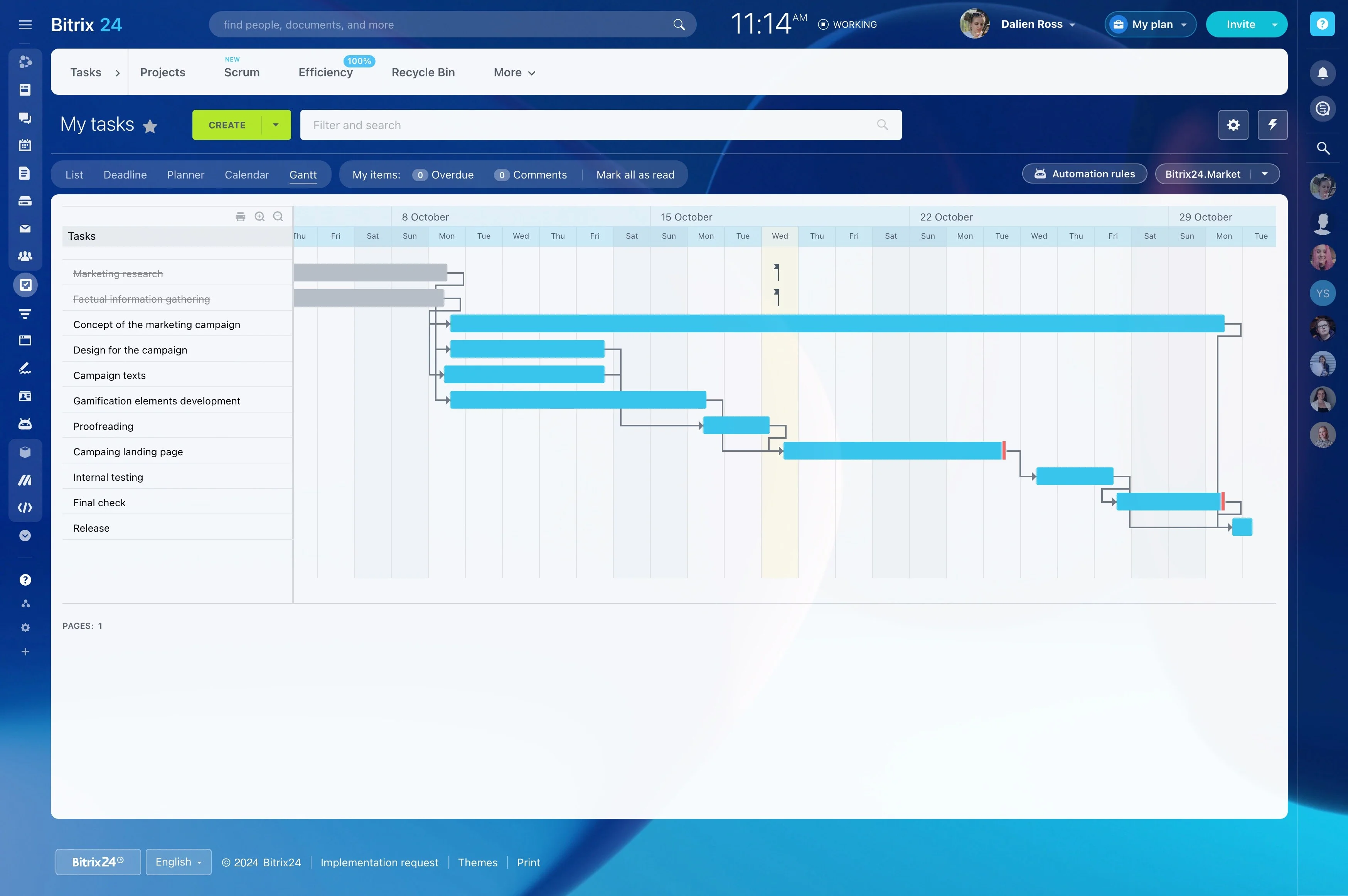
Review approaching milestones, concentrated work periods, and tightly spaced stages in one view. This makes it easier to discuss priorities and adjust the planned sequence when a delay or change puts later work at risk.
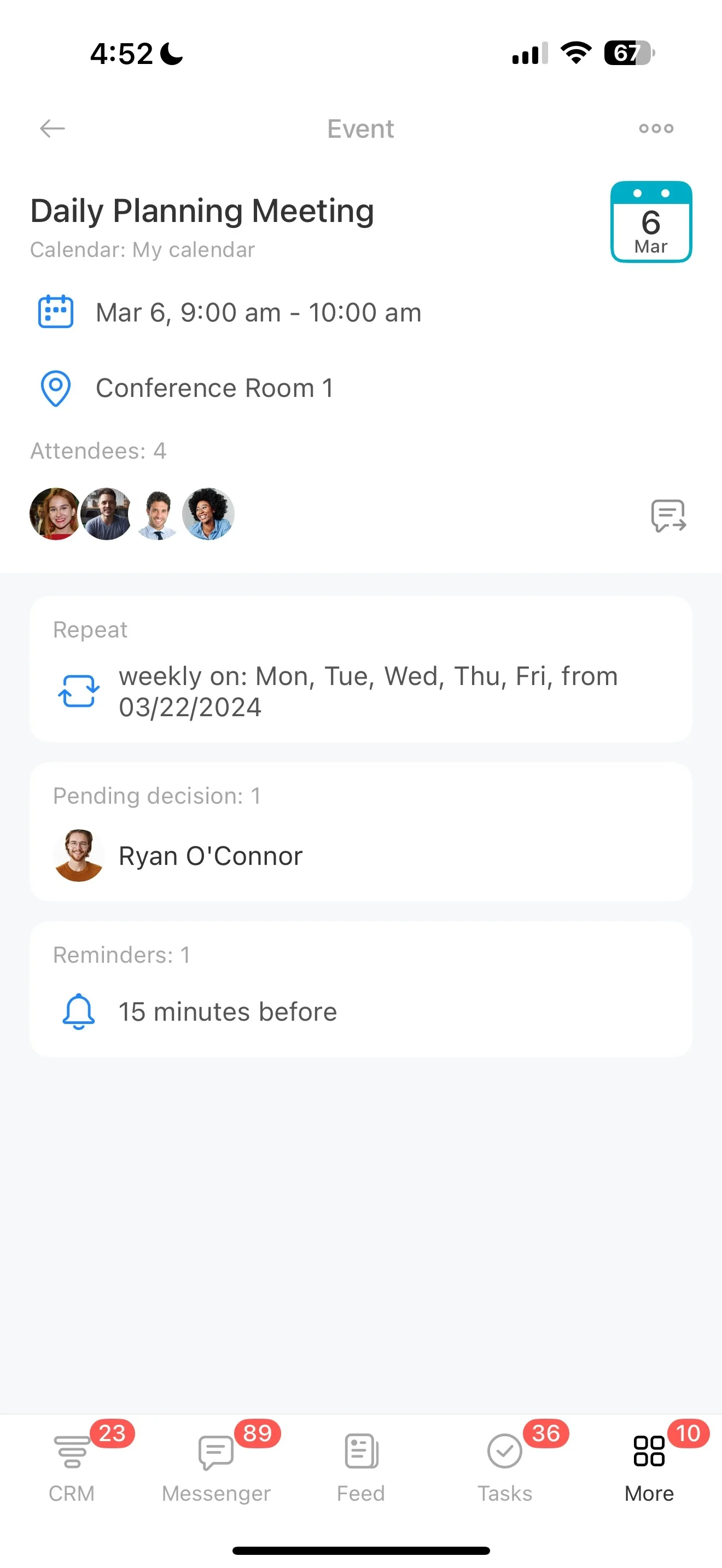
Choose a lighter view than detailed Gantt planning
Detailed Gantt planning can be useful for complex scheduling, but everyday coordination often calls for a simpler visual summary. A timeline communicates dates, sequence, and milestones without modeling every dependency or resource constraint.
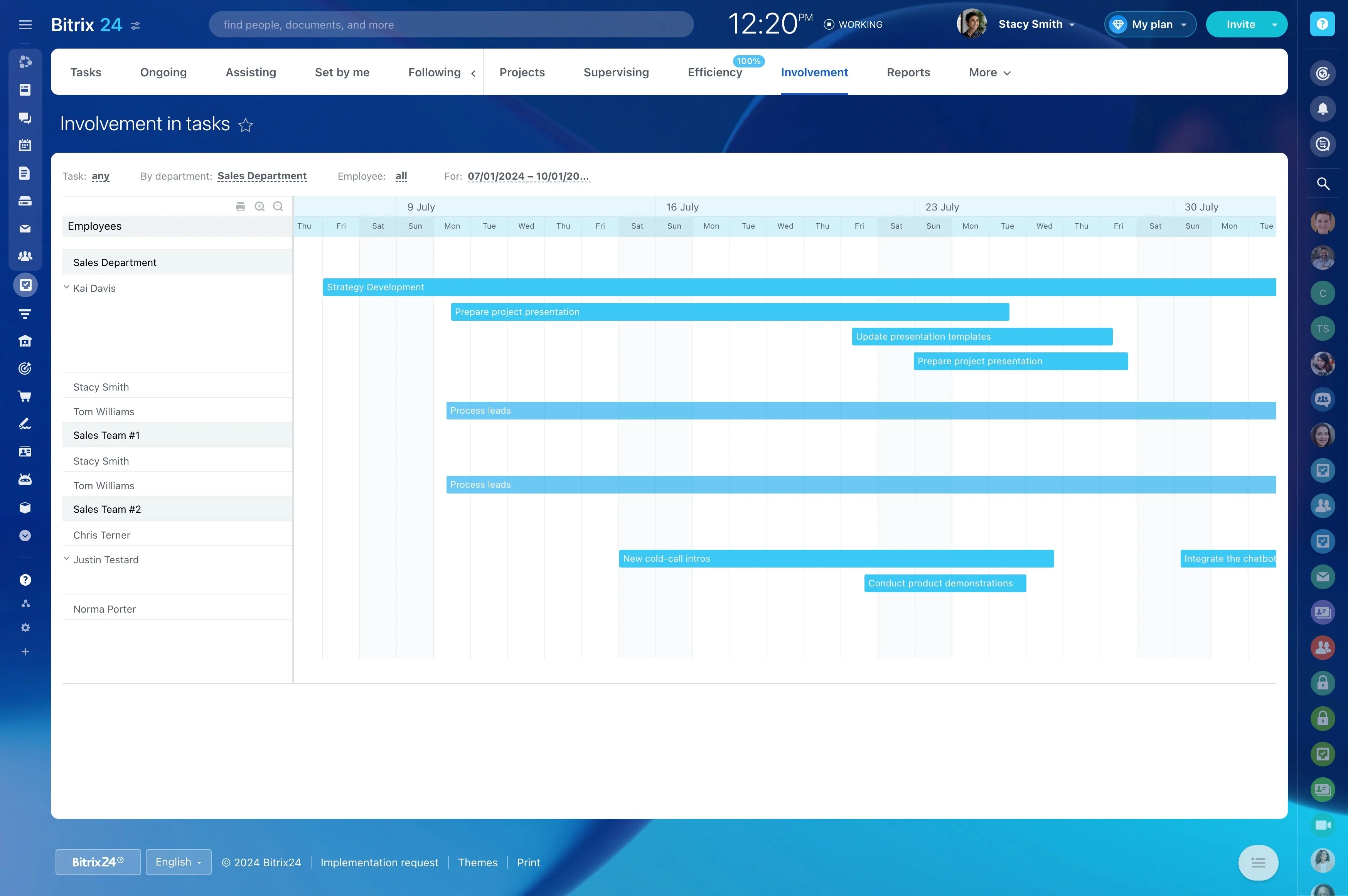
Keep the project schedule online
An online timeline gives the team a shared reference for planning discussions and status reviews. In Bitrix24, the high-level schedule can sit alongside the project work, making it easier to review what is complete, upcoming, or at risk.