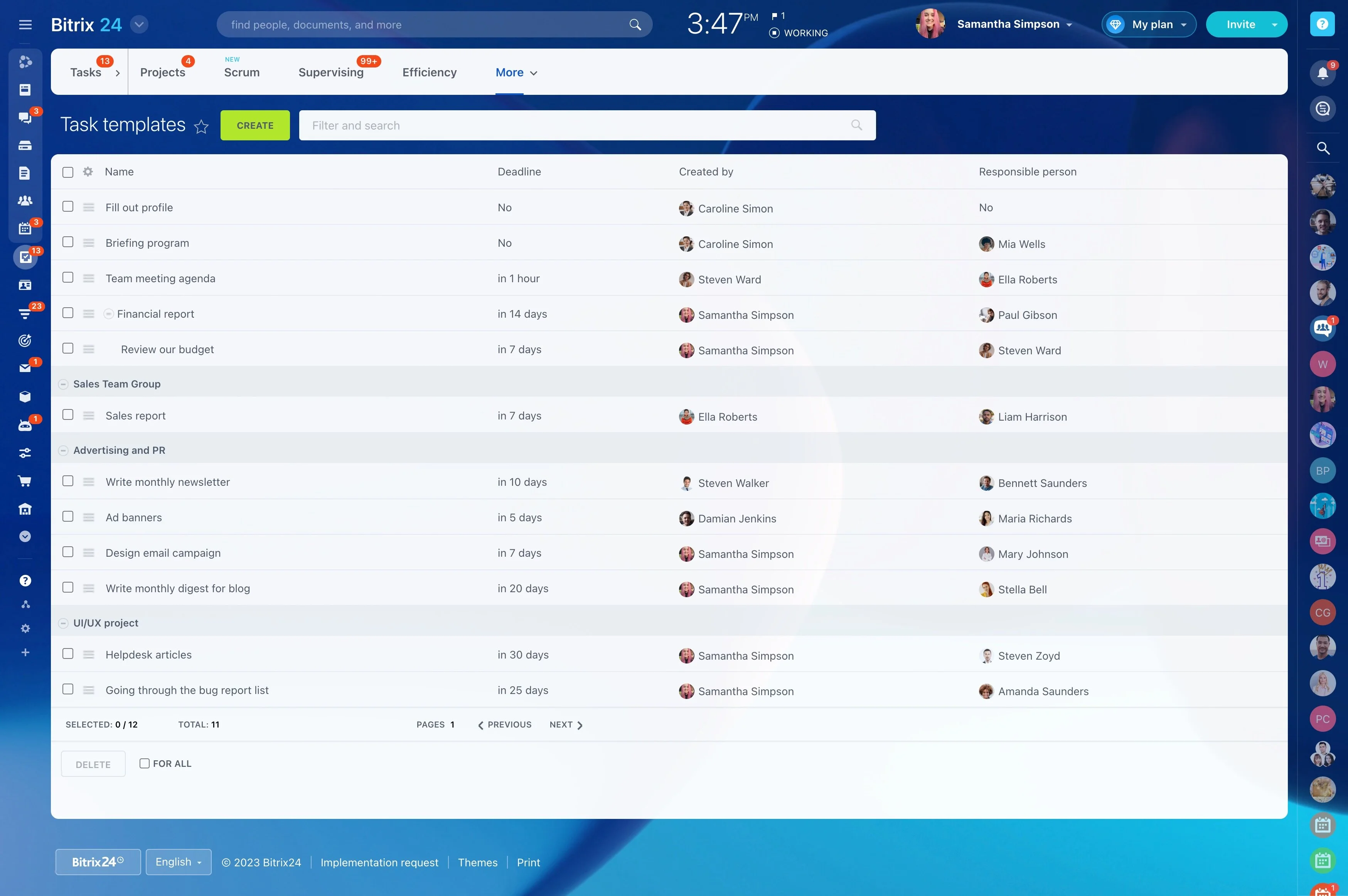
Agile project management works best when the method is reflected in the daily workflow. Teams need to prioritize backlog items, assign responsibility, move work through clear stages, and revisit plans as requirements develop.
Bitrix24 gives teams one workspace for organizing that process. Use a Scrum-style structure for sprint planning or a Kanban flow for continuous delivery, while keeping task discussions and project updates connected to the work they describe.
Apply agile practices beyond development
Agile methods can support software development as well as product, marketing, operations, and cross-functional work. The common foundation is prioritized work, visible stages, clear ownership, and regular review.
Bitrix24 lets teams apply that structure to different project types while keeping delivery work and its context together.
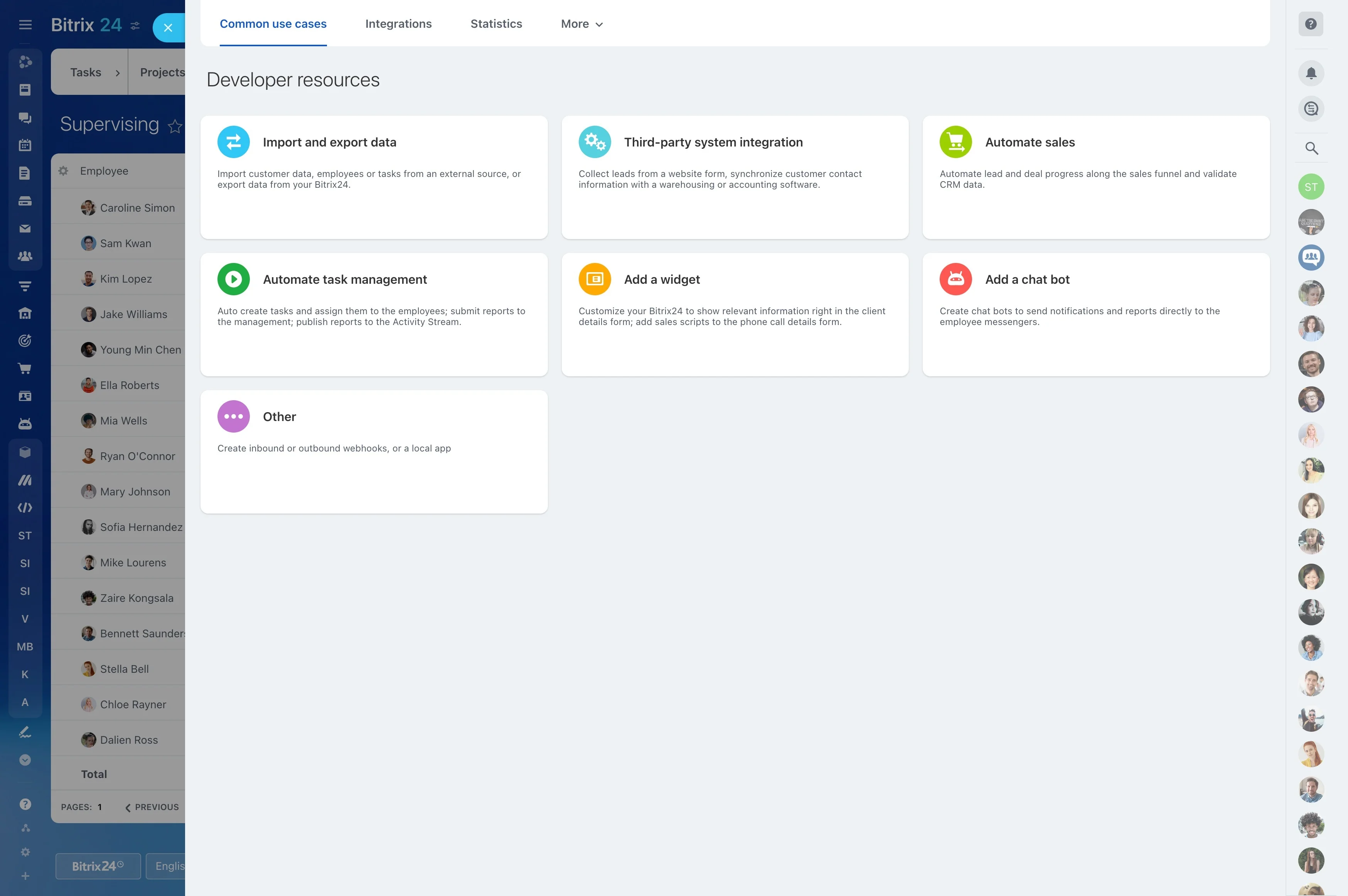
Make responsibility clear each cycle
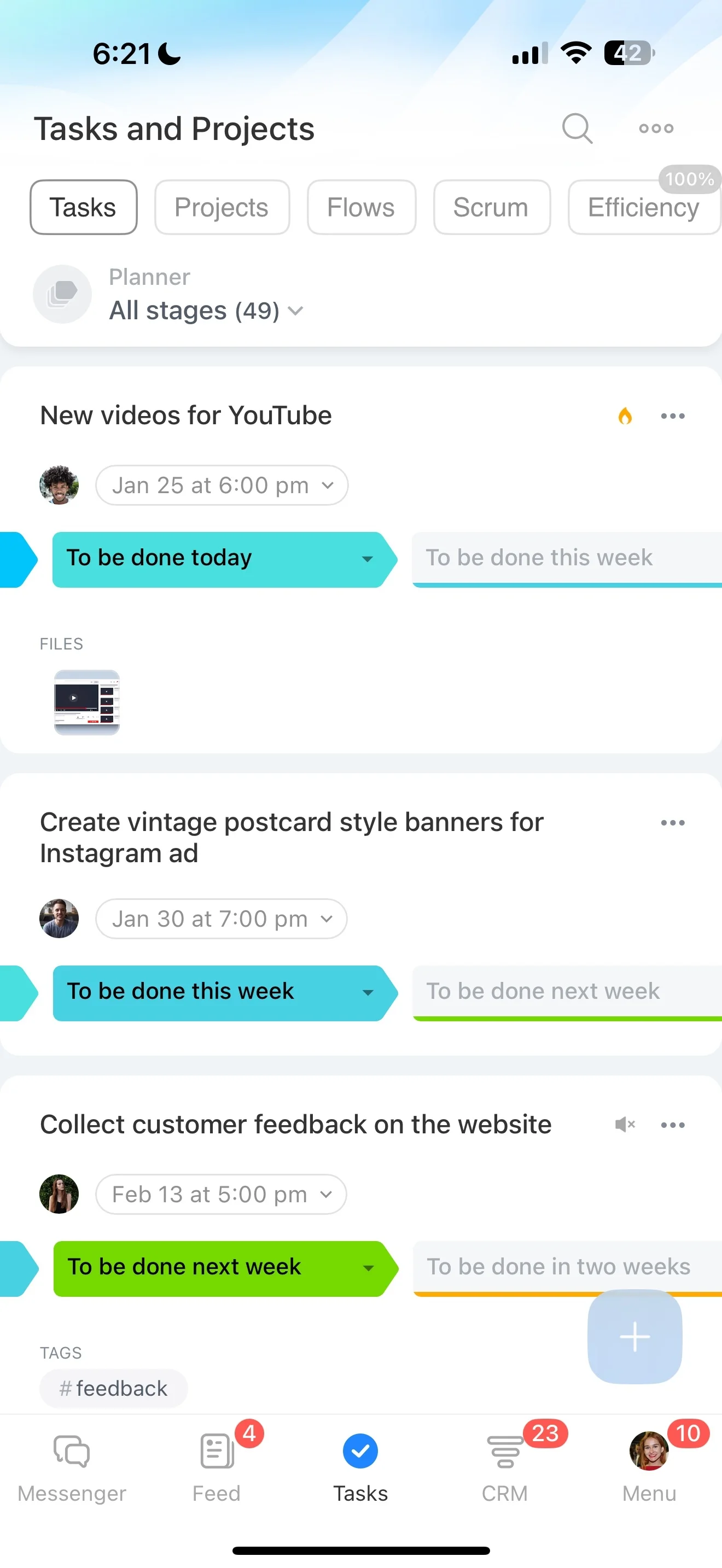
Assign tasks to the people responsible for completing them and use dates or stages where they help the team focus. A visible task state shows where attention is needed during each sprint or flow cycle.
- Separate upcoming work from active items.
- Identify tasks waiting for review.
- Keep completed work out of the active backlog.
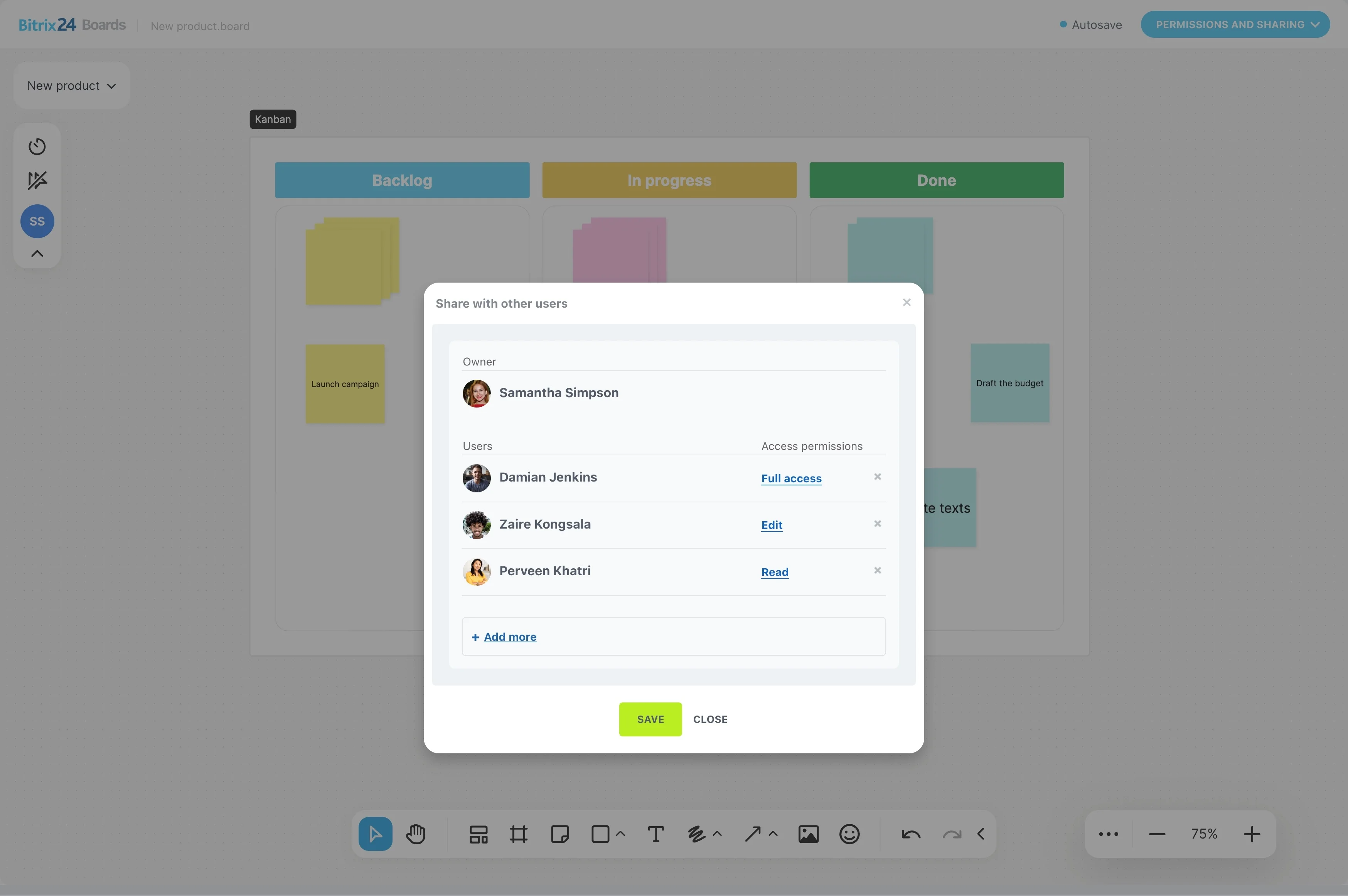
Shape the backlog into actionable work
Turn broad initiatives into tasks the team can prioritize and complete. Assign responsibility, clarify the next action, and define which items belong in the current sprint or project phase.
With planning tied to execution, the backlog remains part of the working process rather than a separate document that quickly falls out of date.
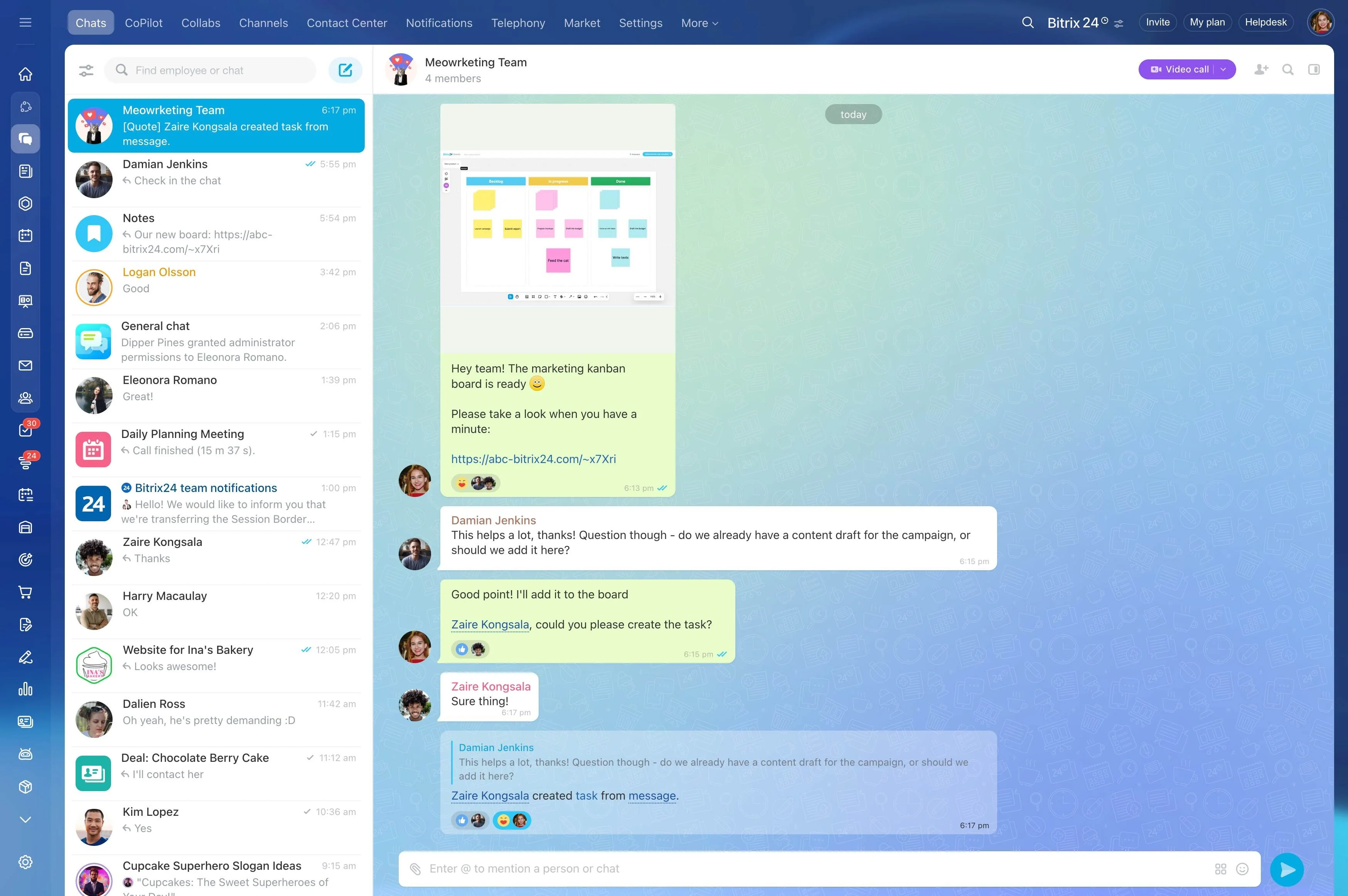
Match the board to your agile method
Use a Scrum-style board when work is organized around sprints, planning, and reviews. Choose a Kanban flow when the priority is tracking continuous movement through stages.
In either case, task stages make it easier to see what is ready, underway, waiting for review, or complete.
Keep delivery decisions with the work
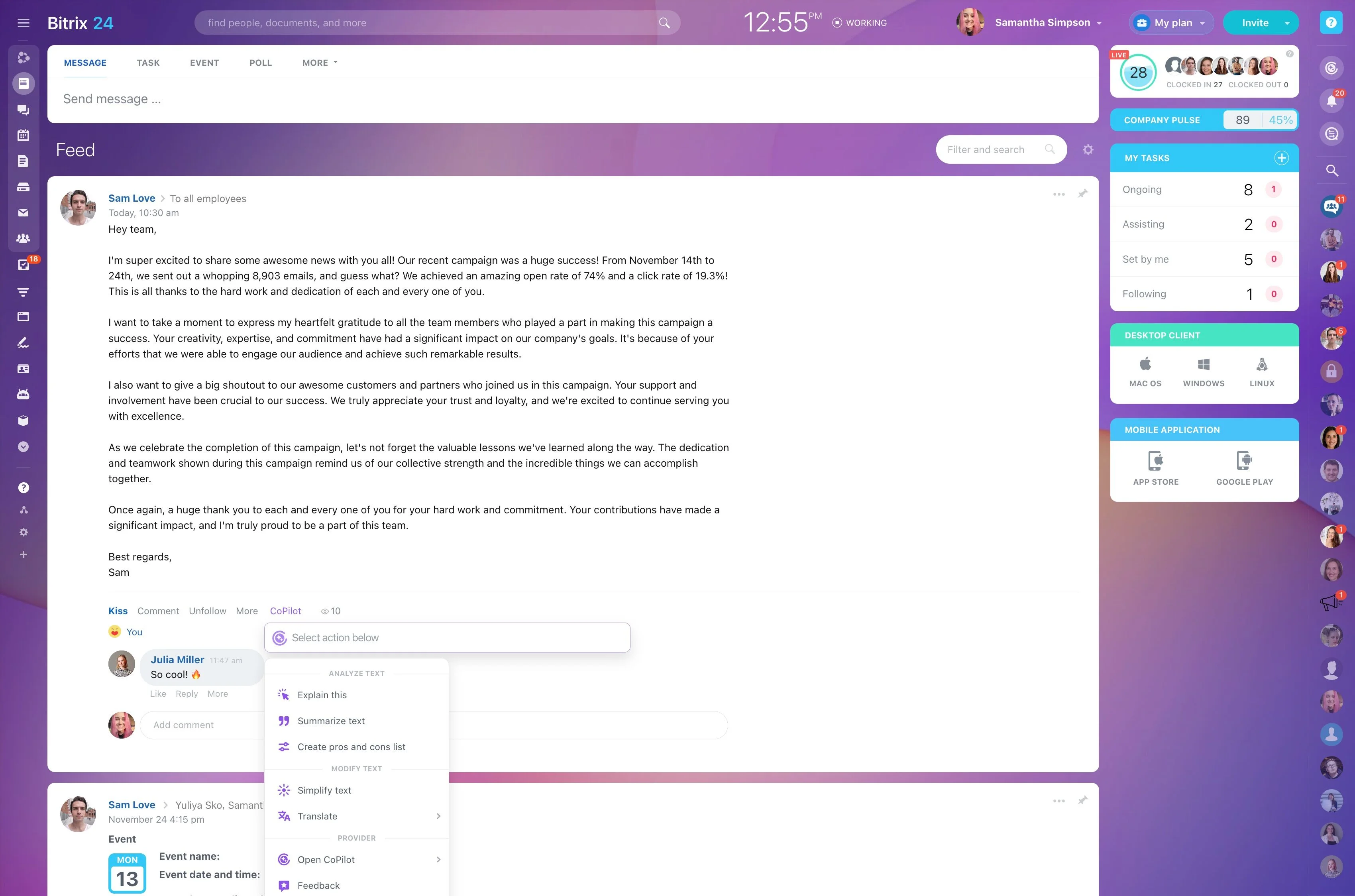
Requirements and priorities can change during delivery. Keep clarifications, decisions, and follow-up actions connected to the relevant project work so contributors can act with the right context.
This links conversation to execution and gives project leads a clearer record of why work changed.
Use project data in reviews
Reviews are more useful when they start with the current project record. Use task status and project activity to discuss completed work, unfinished items, and the next planning decision.
Keeping reporting close to delivery gives the team a shared basis for evaluating progress instead of relying only on separate updates.
Reuse structures for recurring projects
For initiatives that follow a similar pattern, project templates can provide a practical starting structure. Reuse the basic tasks, stages, and organization, then adjust them for the scope and priorities of the new project.
This supports consistency without locking the team into an unchanged plan.