Monitor activity completion and “next activity” discipline in key stages
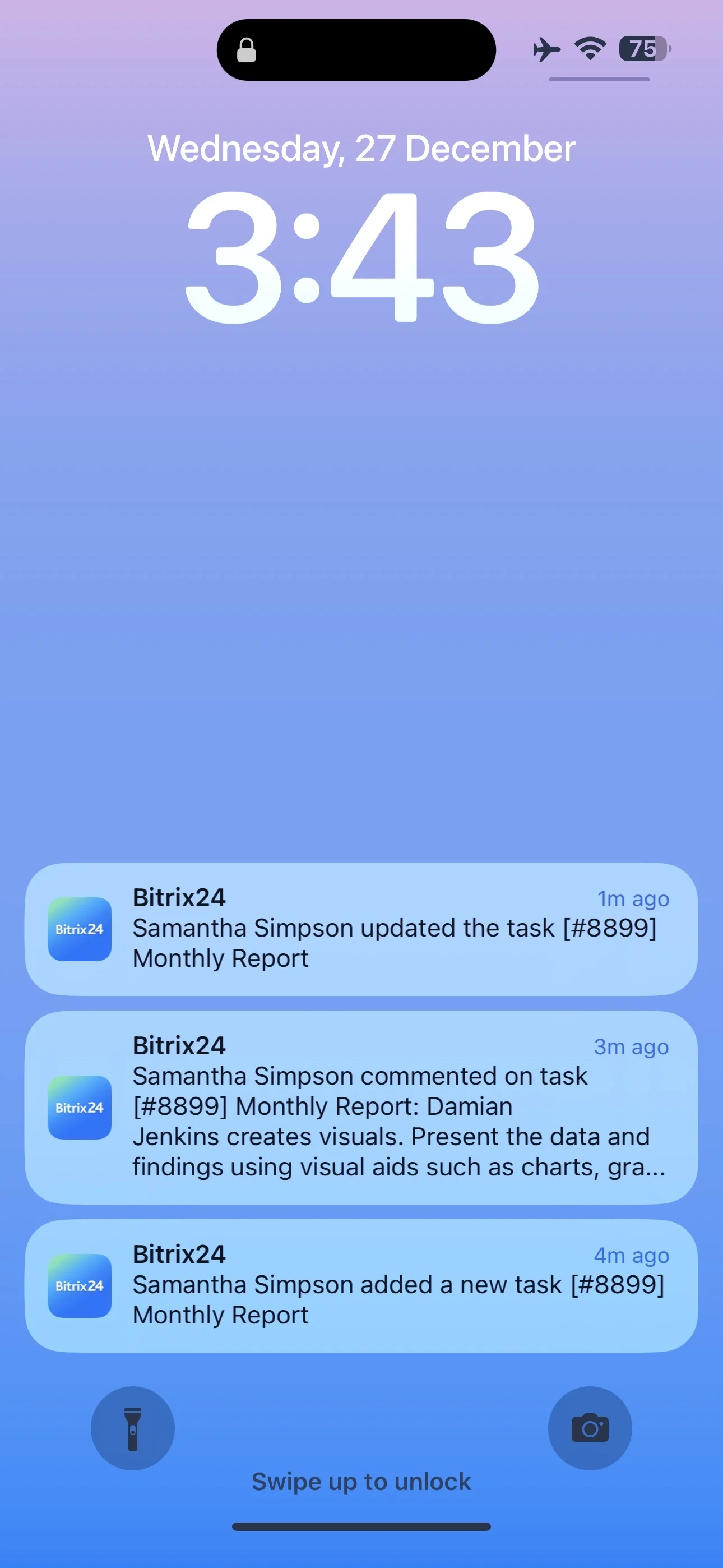
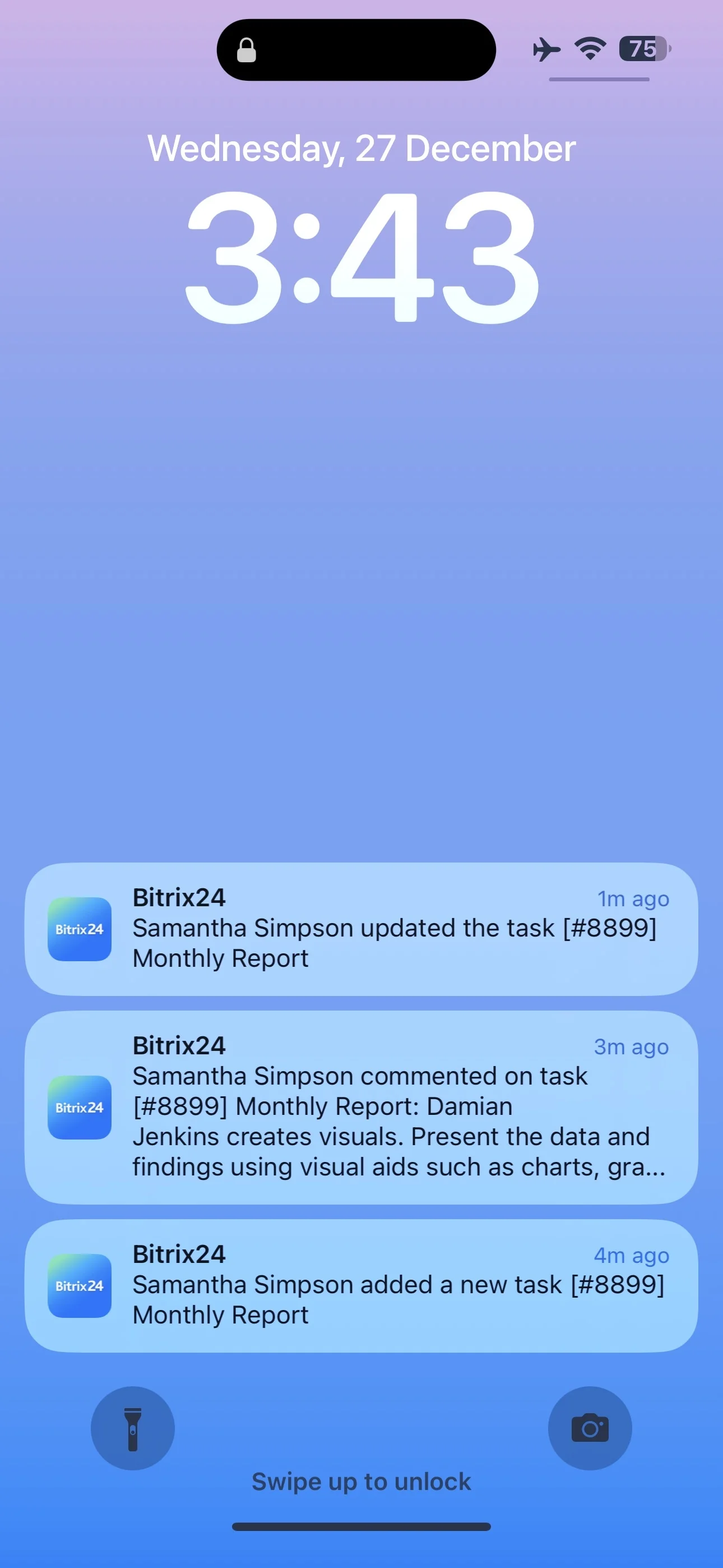
In a busy pipeline, the biggest risk isn’t missing information—it’s missing the moment to act. CRM notifications keep sales and service teams aware of new leads, deal changes, overdue activities, and customer updates that require a decision.
On this page, you’ll see practical ways to set up CRM notifications in Bitrix24 around the events that matter most, route them to the right people based on ownership, and turn each alert into a specific CRM action. You’ll also see what to review afterward to confirm notifications are improving on-time follow-up—not just increasing message volume.
- Pick high-impact events and define the expected next step
- Route alerts by record ownership and pipeline responsibility
- Monitor activity completion and “next activity” discipline in key stages
Measure whether follow-ups improve after rollout
After you introduce rules, verify they change behavior—then adjust. Use activity completion and pipeline discipline as your reality check.
- Are due activities completed on time more often?
- Do deals in key stages consistently have a next activity scheduled?
- Are overdue activities and aging deals trending down?
Use the results to tighten triggers, refine escalation timing, and clarify stage-level accountability.
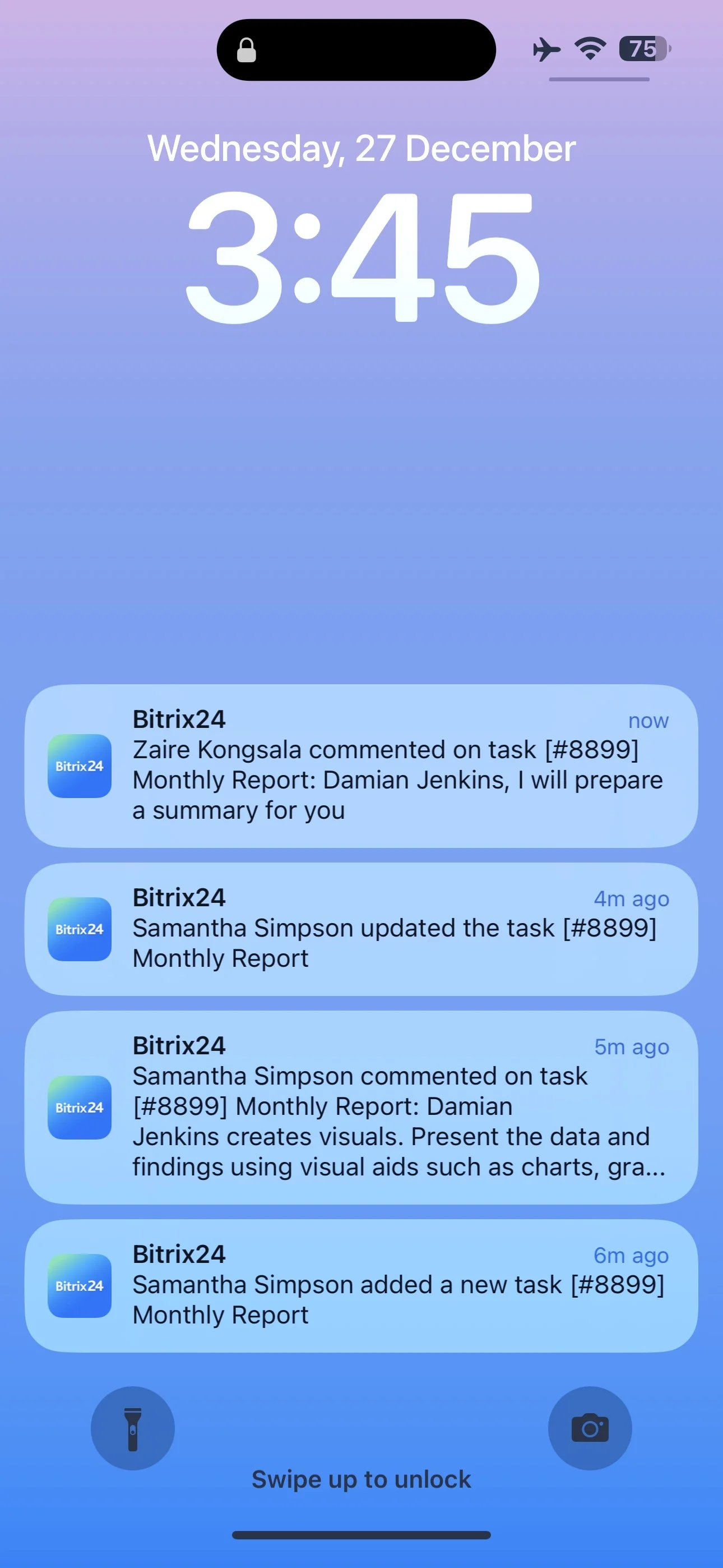
Make every notification point to the record
An alert should bring the user to the exact lead/deal/customer record and the specific activity that needs attention. That context makes it easier to log outcomes and keep the timeline accurate.
- New lead: capture qualification notes and set the next activity
- Stage change: confirm required fields or checkpoints for that stage
- Overdue activity: reschedule or log the result before moving on
Start with events that change outcomes
Define the moments where a delay creates revenue or service risk, then build notifications around those moments. Keep the first set small so the team can consistently act on what they receive.
- New lead created
- Deal stage changed (especially critical stages you manage closely)
- Activity due soon or overdue (calls, emails, meetings, tasks)
- Important customer updates added to the record
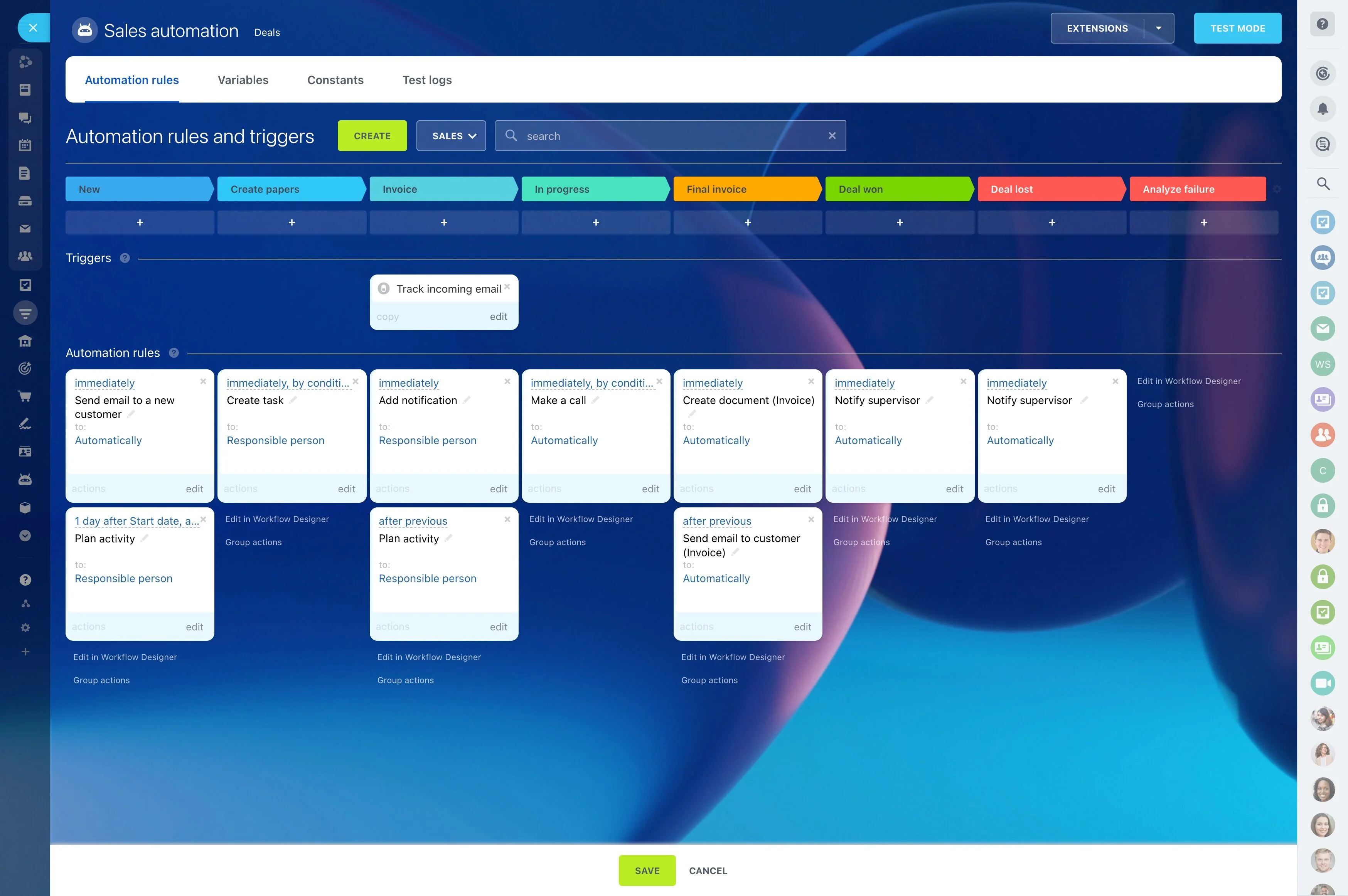
Design rules as trigger → CRM action → outcome
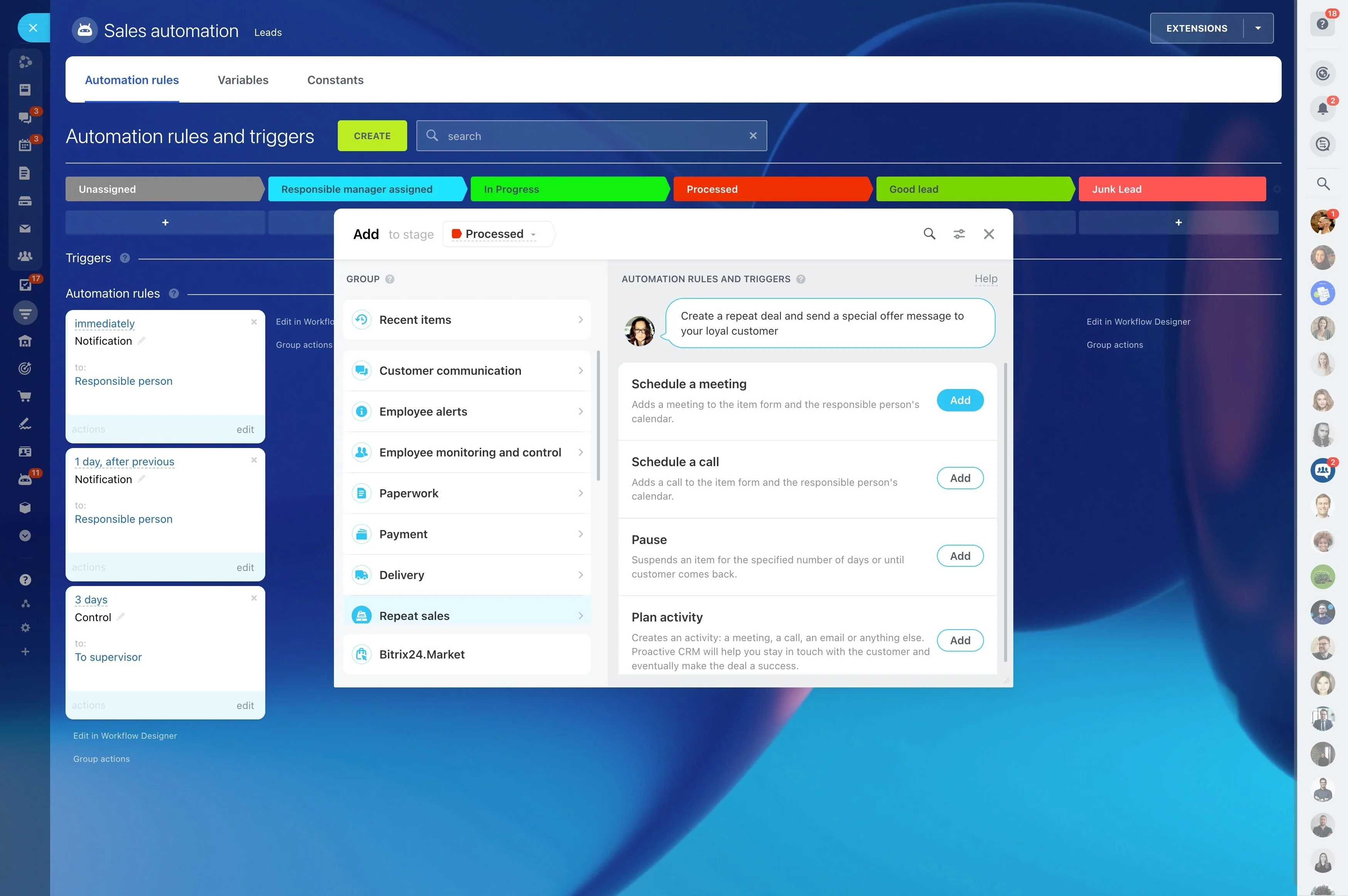
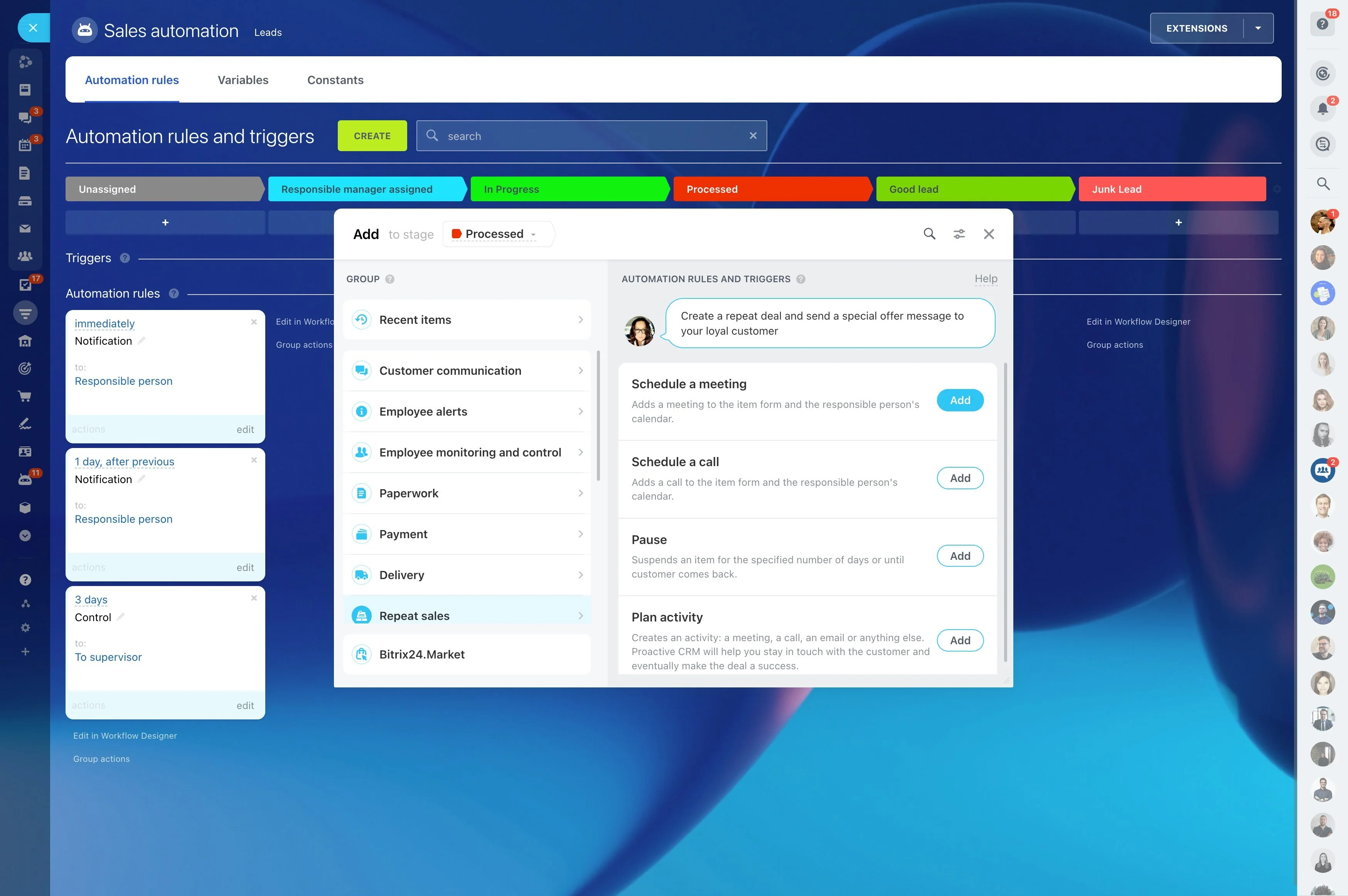
Notifications are most useful when they lead to a specific next step and a measurable check. Write each rule so everyone understands what happens next and what “good” looks like.
- Trigger: New lead created → Action: assign an owner and schedule the first call → Outcome: first contact completed within your target window
- Trigger: Deal enters a priority stage → Action: confirm next step and due date → Outcome: no deals in that stage without a next activity
- Trigger: Activity overdue → Action: notify owner, then escalate if still unhandled → Outcome:
Route alerts by owner and stage accountability
Route notifications by responsibility so alerts stay relevant and don’t become background noise. The same event may need different recipients depending on who owns the record and who oversees the stage.
- Record owner: day-to-day follow-ups and updates
- Manager/team lead: stage changes that require review or approval
- Group/queue: unassigned leads or shared intake
Reduce noise with clear rules and escalation
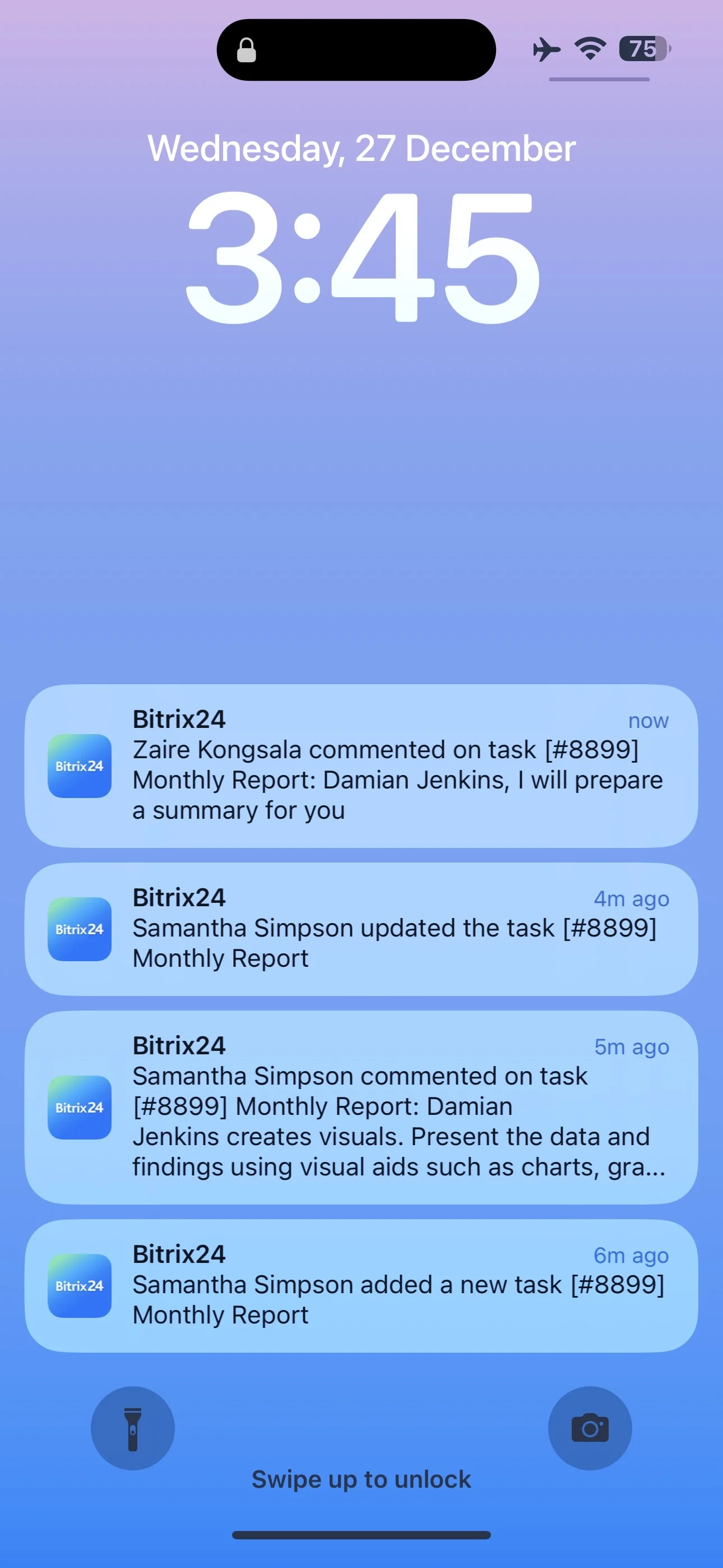
The difference between helpful notifications and “spam” is control. Start with the highest-impact events, notify once, and escalate only when the item stays unhandled.
- Cover critical stages and overdue activities before “nice-to-know” events
- Define frequency (one alert per event, escalation after a set threshold)
- Standardize message content: what happened, who owns it, what to do next, and by when
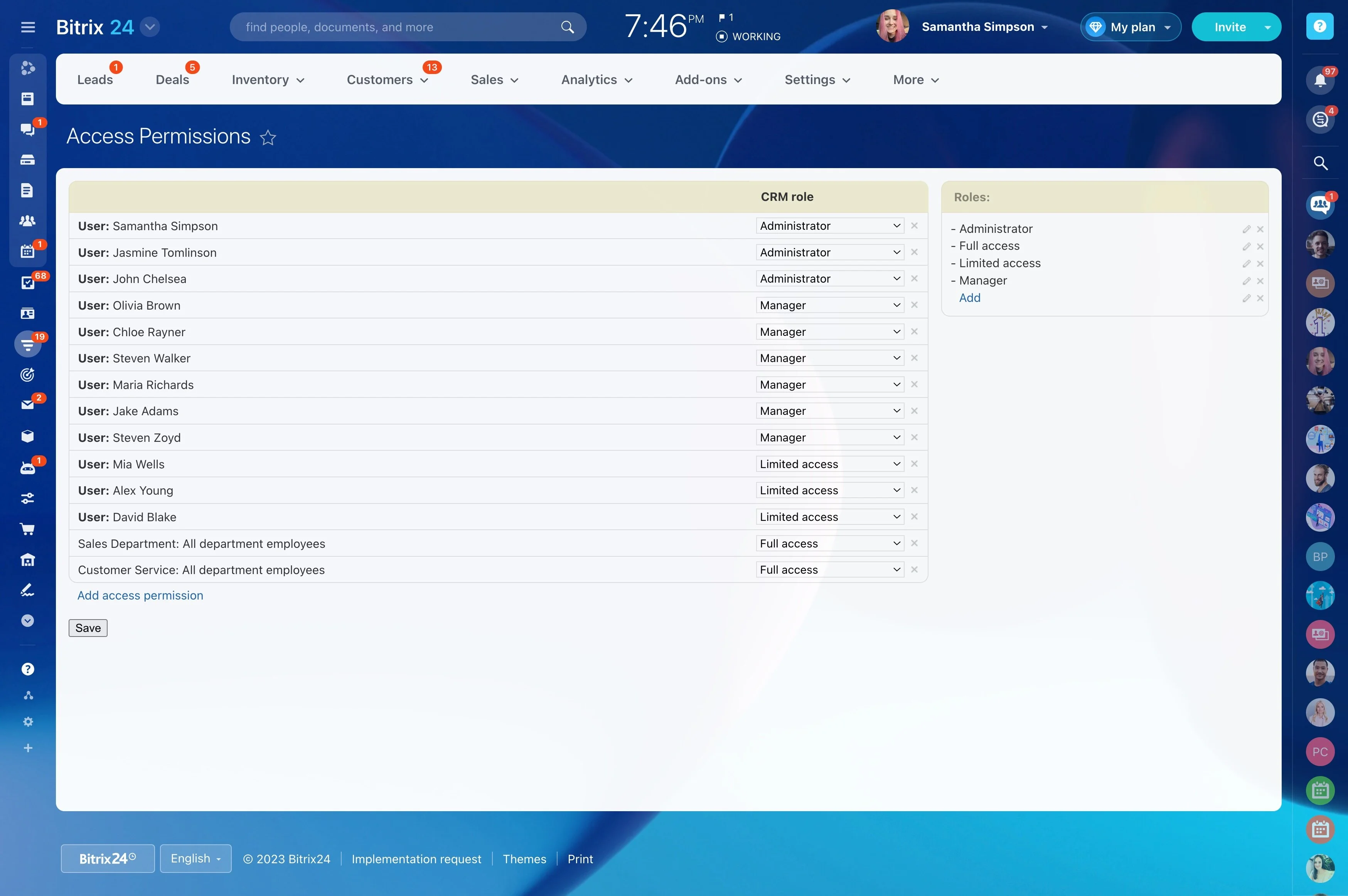
Align notifications with CRM access and roles
Notifications should follow your CRM permission model so users only receive alerts for records and pipelines they’re allowed to work with. For oversight, ensure the right roles can see and act on escalations.
- Which roles can change stages (and trigger downstream alerts)
- Who can reassign ownership, and under what conditions
- Which teams receive group alerts for shared or unassigned work