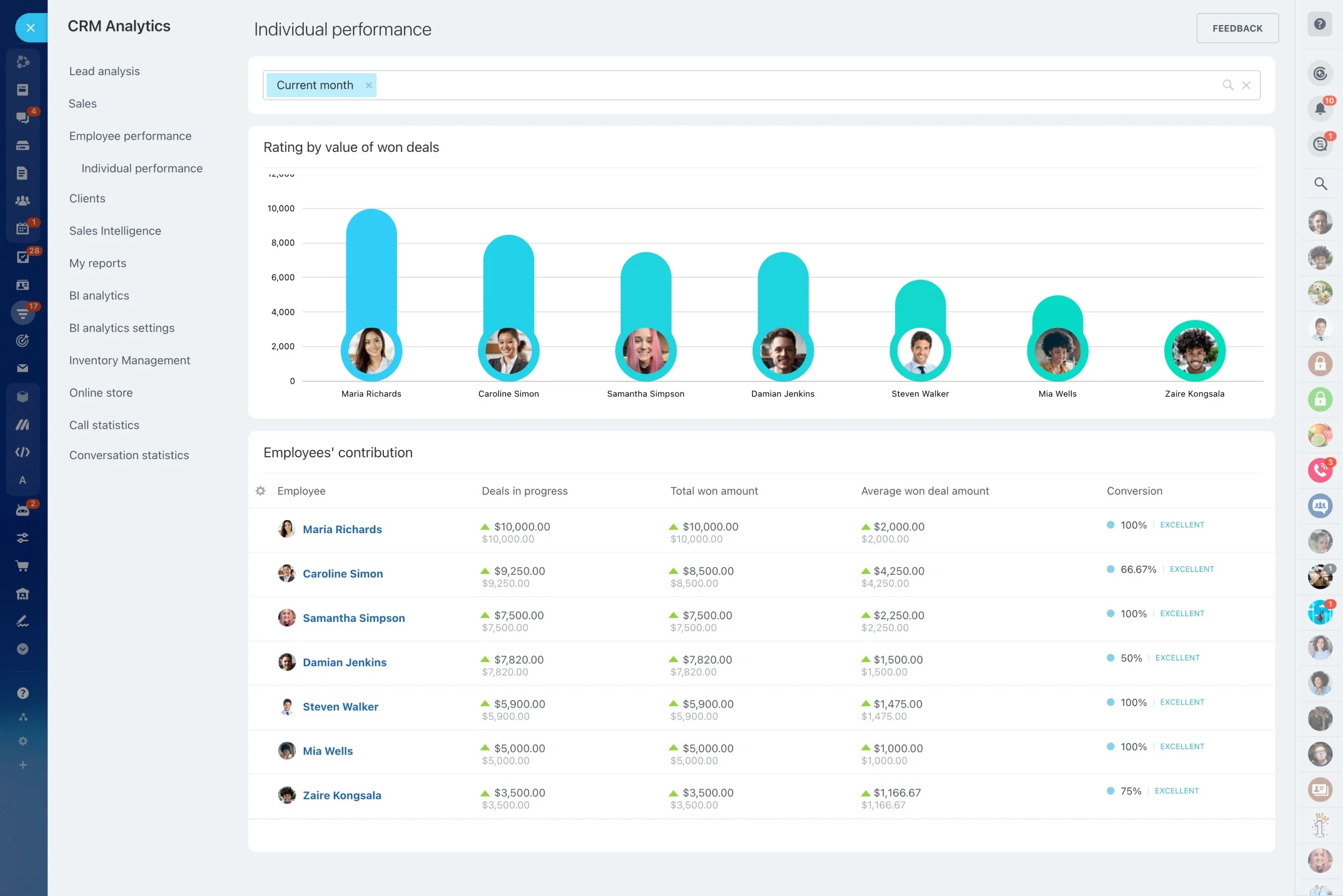
Turn scores into daily sales execution
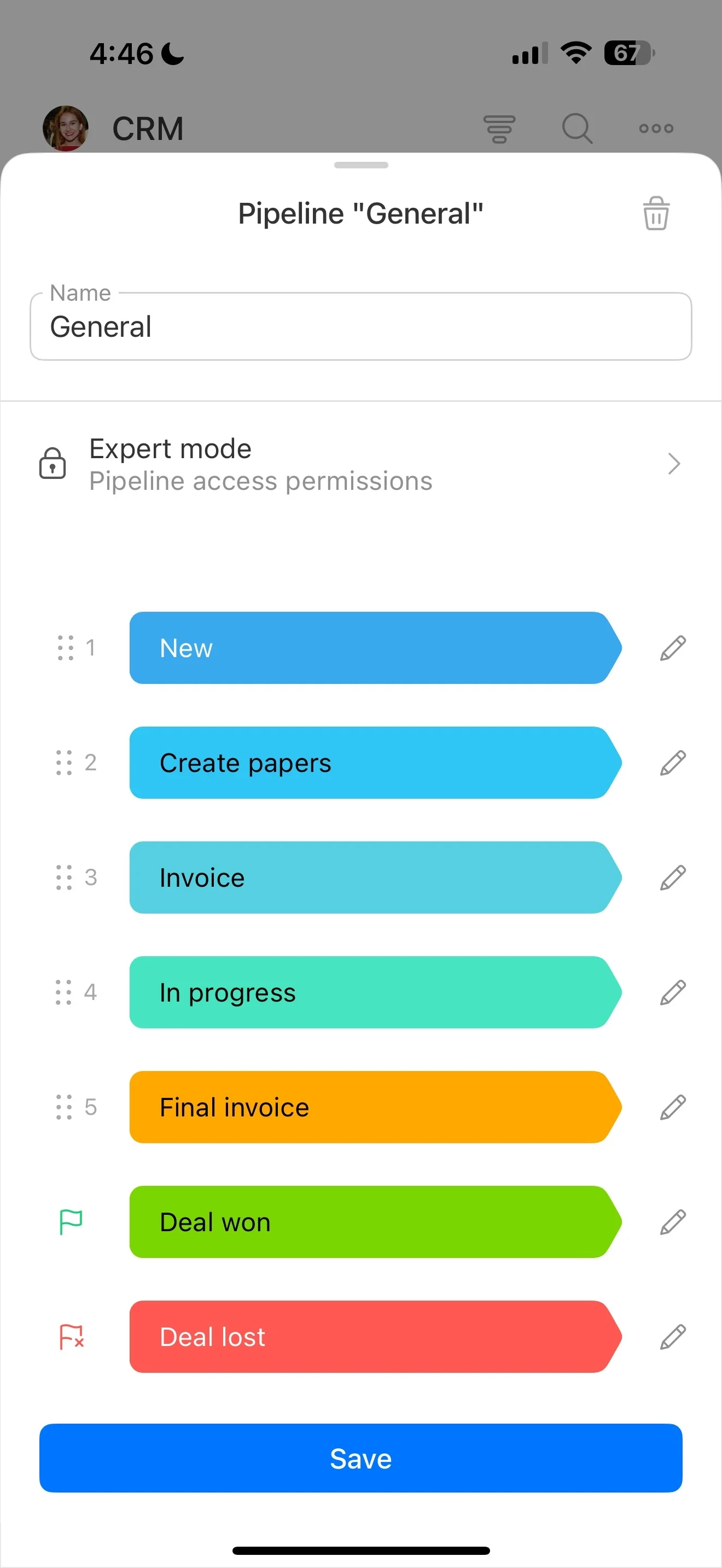
Not every lead deserves the same follow-up. When your team is working inbound forms, event lists, referrals, and repeat inquiries, lead scoring software helps you rank leads by fit (who they are) and engagement (what they did) so effort goes to the opportunities most likely to convert.
Bitrix24 supports a repeatable scoring workflow in your CRM: define what “high quality” means for your business, update scores as new details and behaviors appear, and use score ranges to drive the next step (priority, owner, and follow-up cadence). With a clear setup and review rhythm, you can keep qualification consistent across reps and verify that the model actually correlates with conversions.
- Fit scoring based on CRM fields you capture
- Engagement scoring based on actions you decide matter
- Operational use of score bands for routing and follow-up
- Reporting to validate and refine the model
Align scoring with CRM qualification steps
Scoring should reinforce your CRM process, not run beside it. Define how score bands affect qualification steps, assignment rules, and when a lead is ready to become an opportunity.
In Bitrix24, keep your scoring definitions consistent with how your team updates records, advances pipeline stages, and reviews performance across reps and sources.
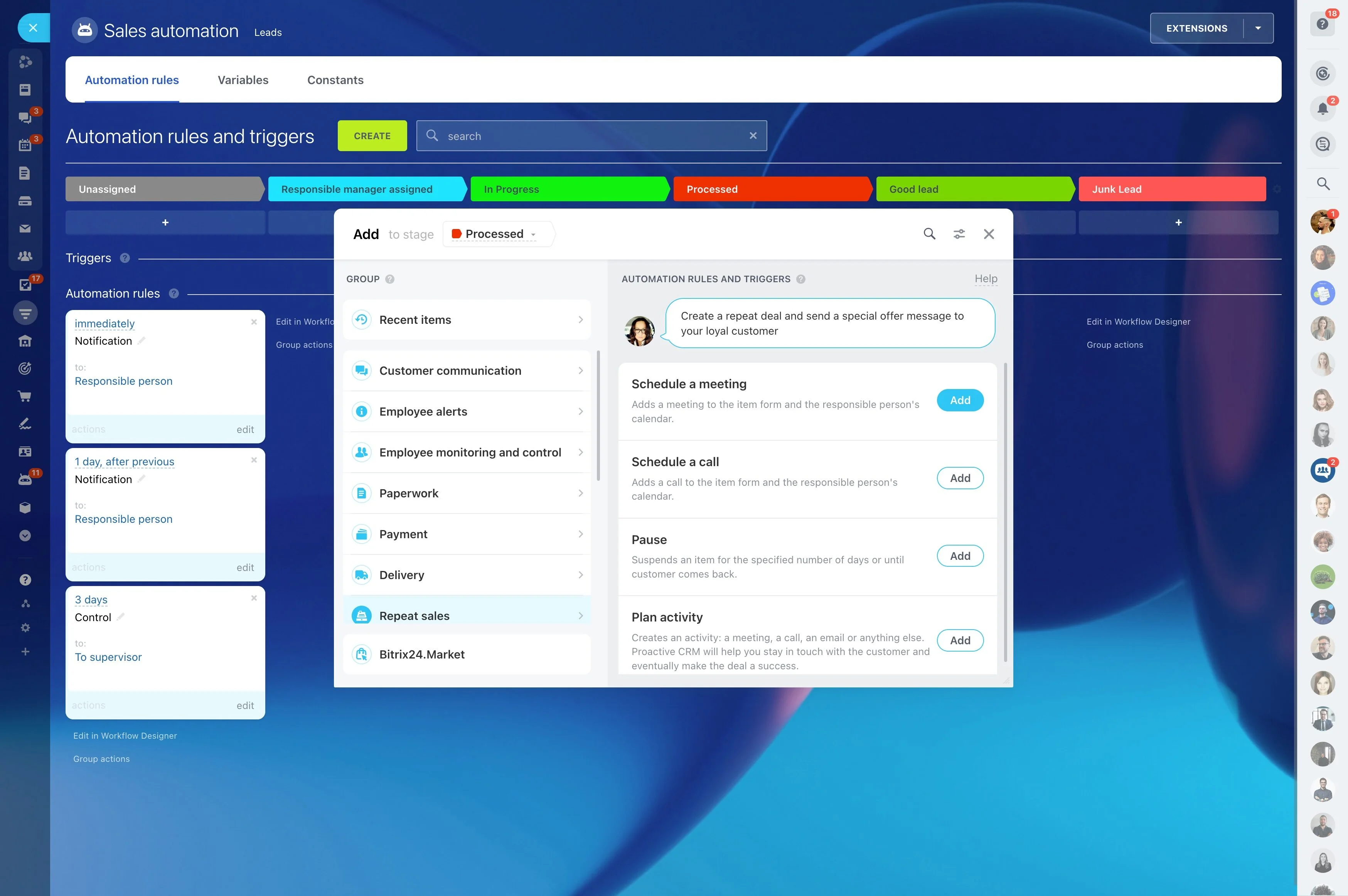
Govern scoring rules like a sales process
Scoring stays useful when changes are controlled and based on evidence. Assign an owner (often sales ops or a sales manager), set a review cadence, and require CRM results before adjusting weights or thresholds.
Keep the logic maintainable by documenting what each scoring element represents and tying thresholds to specific actions, so the model doesn’t drift over time.
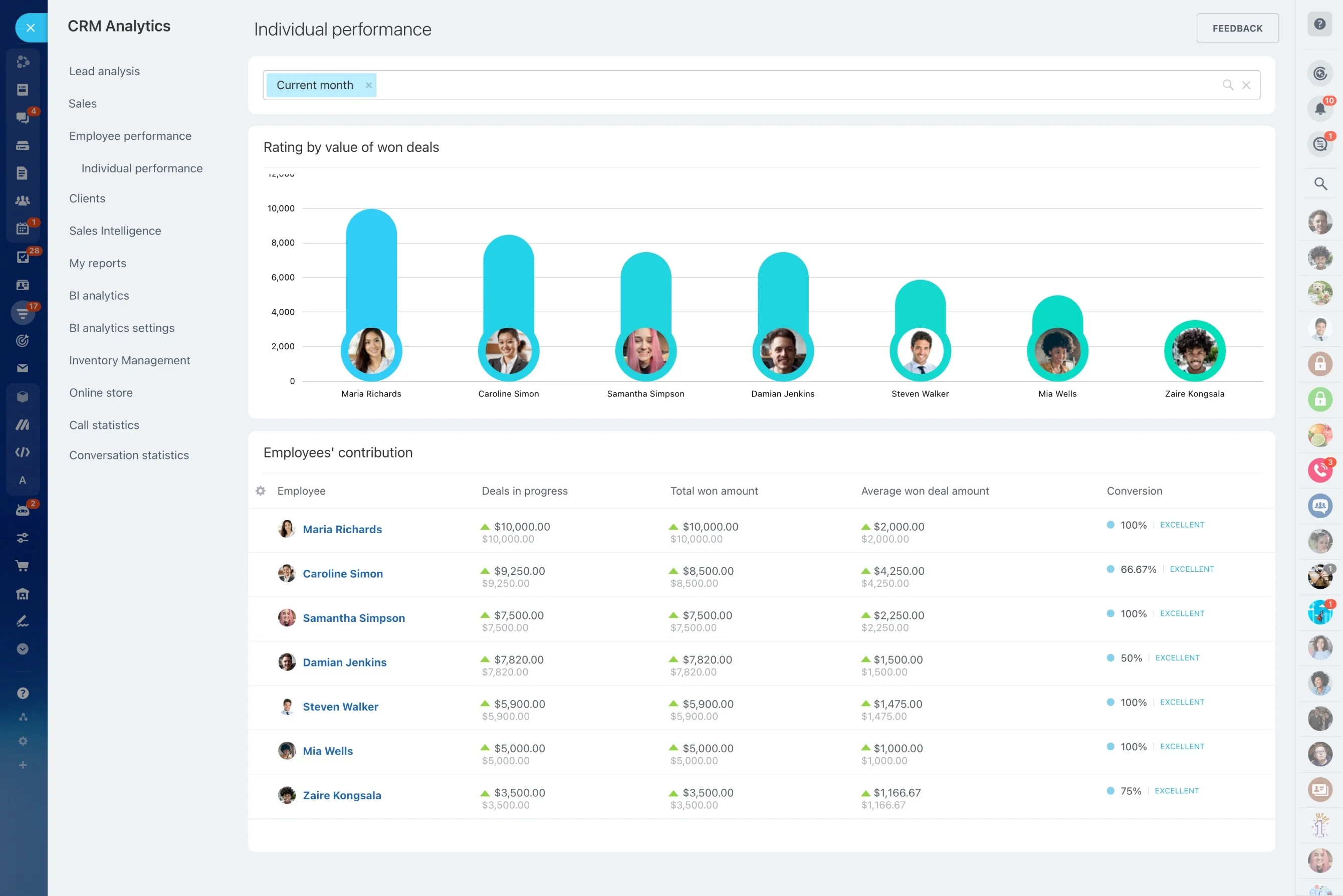
Build a scoring model reps will trust
A scoring model works when it’s simple, explainable, and tied to real actions. Split the logic into fit (ideal-customer attributes) and engagement (intent signals), then keep definitions for “qualified,” “nurture,” and “not a match” explicit.
In Bitrix24, align fit scoring to the CRM fields you already collect, and document which behaviors add or subtract points so the score consistently leads to the same next step.
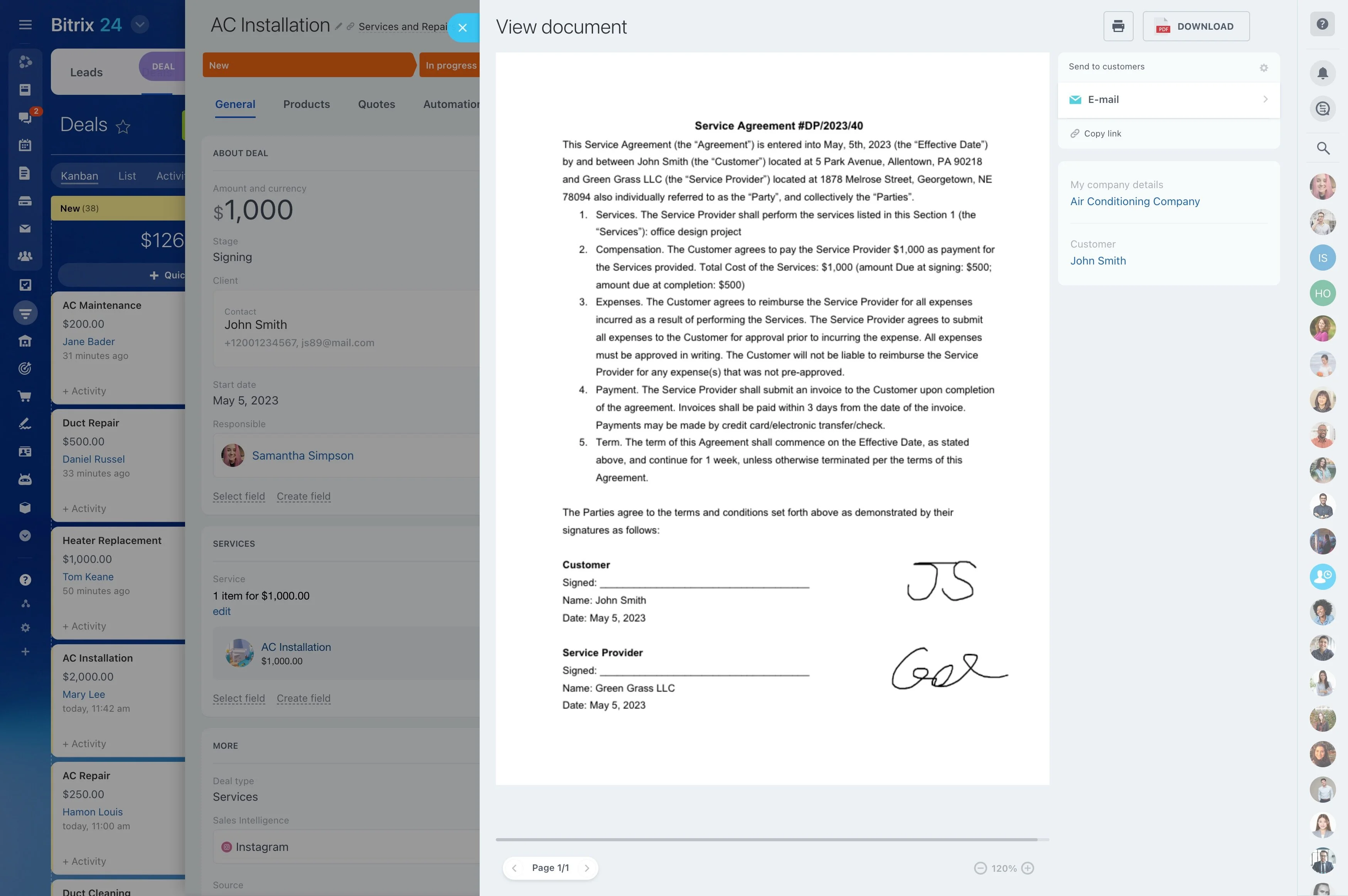
Trigger → CRM action → measurable outcome
Scoring only matters if it changes what happens next and you can measure the impact.
- Trigger: a lead matches target attributes and completes a high-intent action you’ve defined.
- CRM action: the score crosses a threshold and the lead is flagged for faster follow-up and clear ownership.
- Outcome: compare conversion and time-to-contact for high-score leads versus the rest, then refine weights and thresholds based on results.
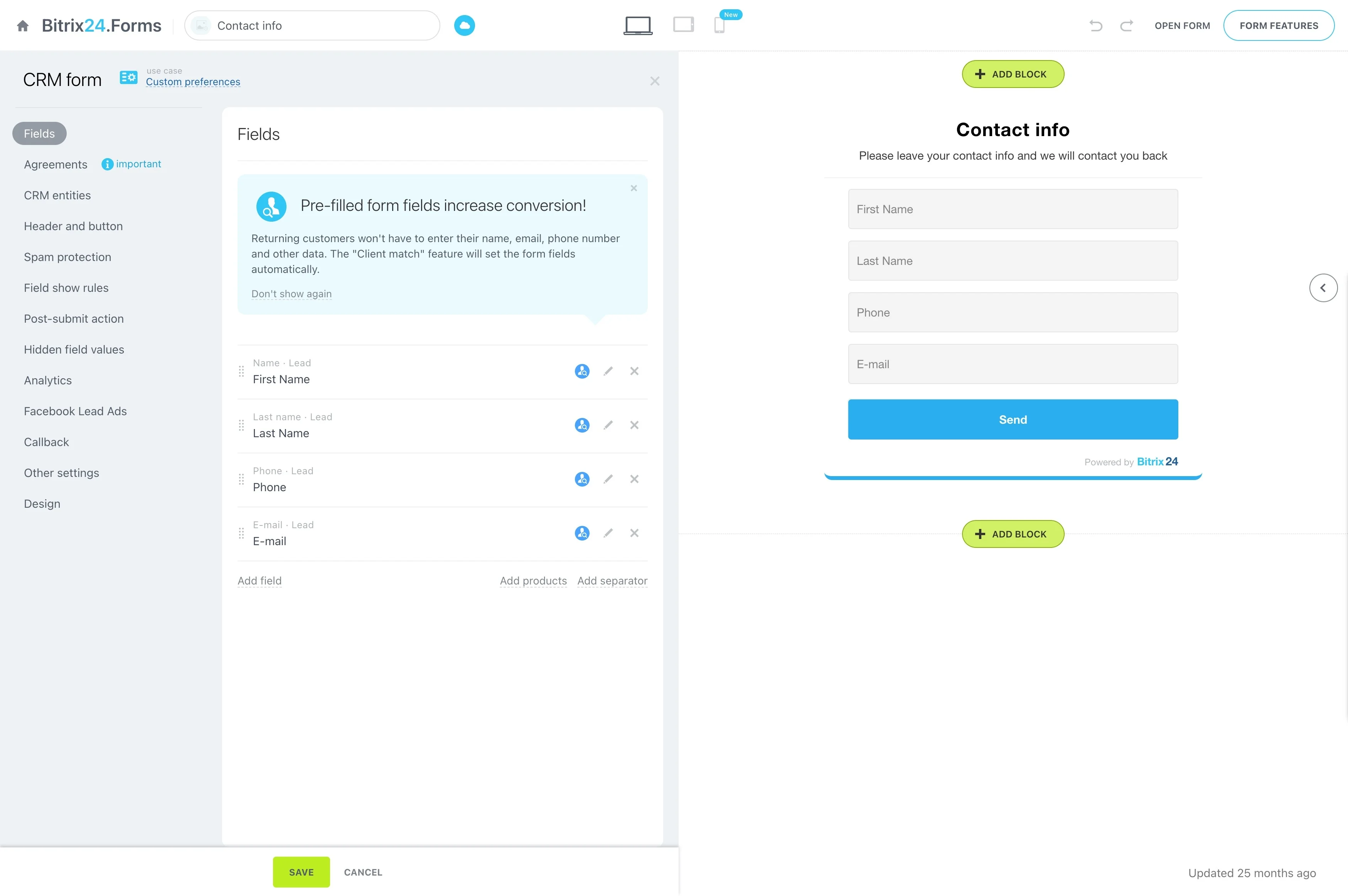
Turn scores into daily sales execution
Decide in advance what each score range means in practice. High-score leads should create urgency and ownership; mid-score leads should follow a standard cadence; low-score leads should be handled in a way that protects sales time while keeping options open.
In Bitrix24 CRM, reps can use the score to sort and filter lead lists and work a consistent next step as leads move from “cold” to “ready.”
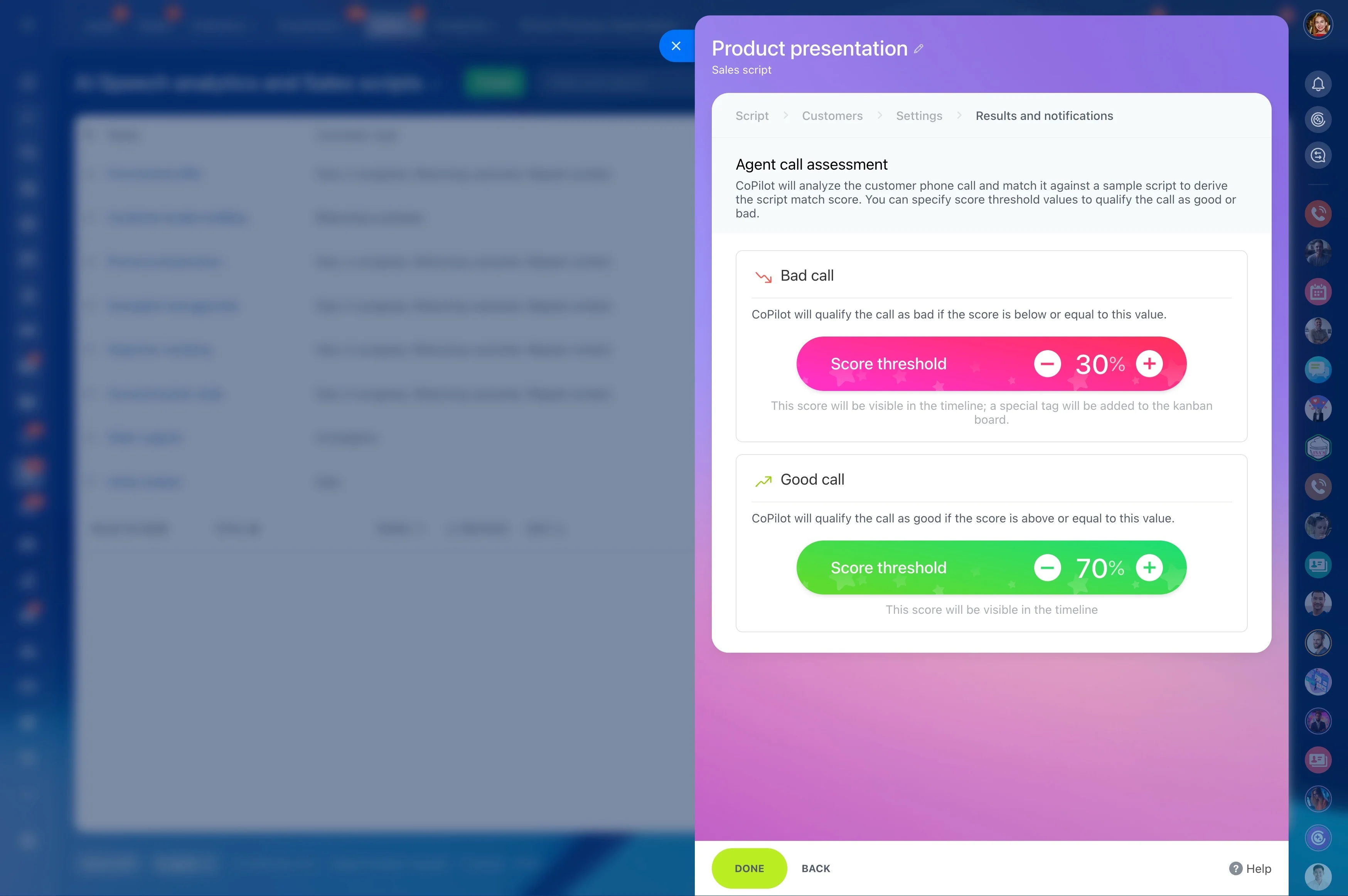
Control who can change scoring settings
Scores become a shared language only when everyone interprets them the same way. Standardize what reps should do at each score band, then protect the configuration so it isn’t changed ad hoc.
Use Bitrix24 permissions to separate day-to-day lead handling from administrative setup, keeping the model stable while managers coach to consistent behaviors.
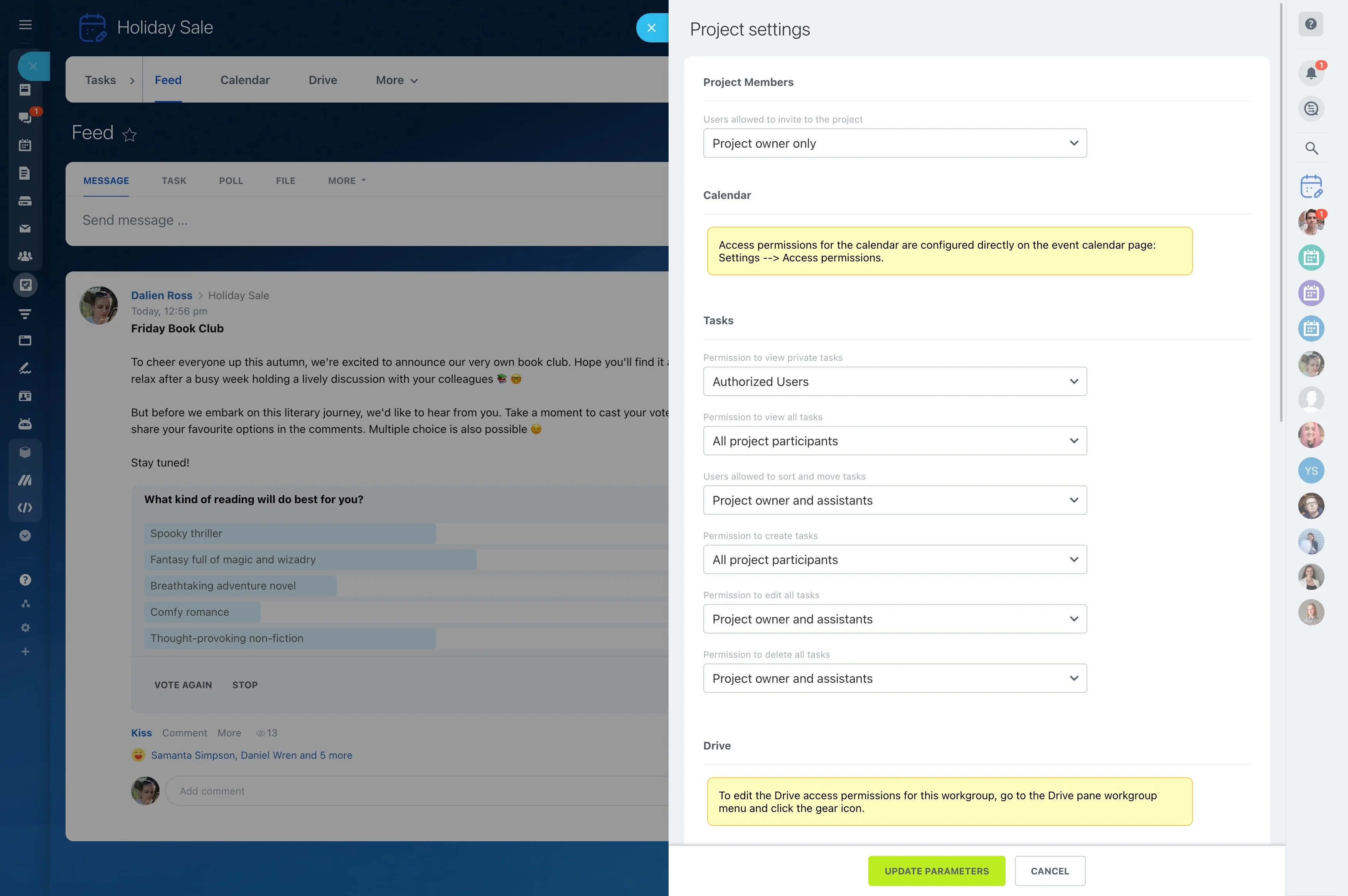
Report on whether scores predict conversion
The test of any scoring model is whether it predicts outcomes. Review performance across score bands so you can remove signals that don’t correlate with progression and double down on the ones that do.
- Conversion rate by score band
- Time to first response by score band
- Stage progression against score thresholds
- Lead sources and campaigns that produce high-score leads