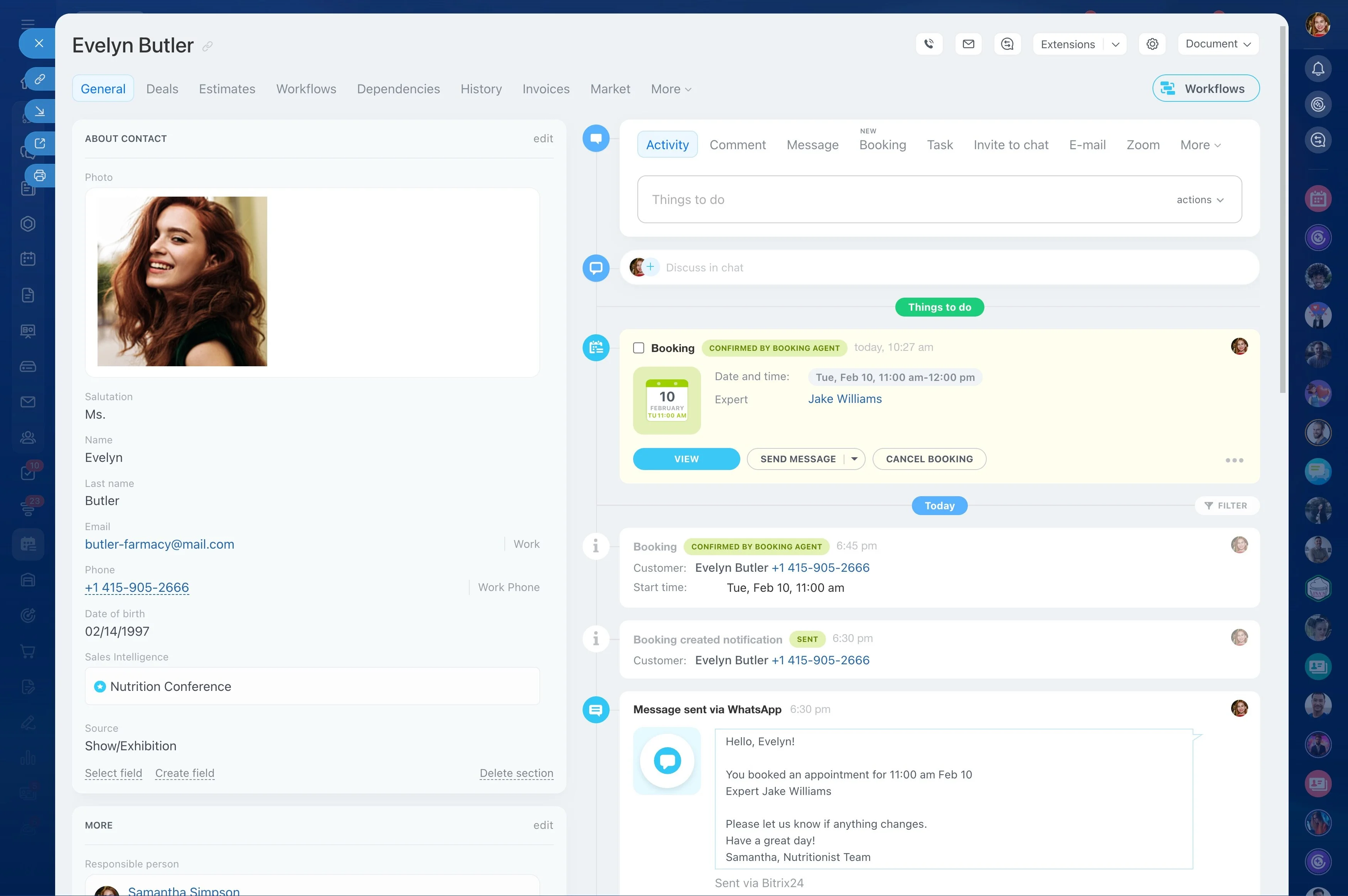
Keep approvals, messages, and documents together
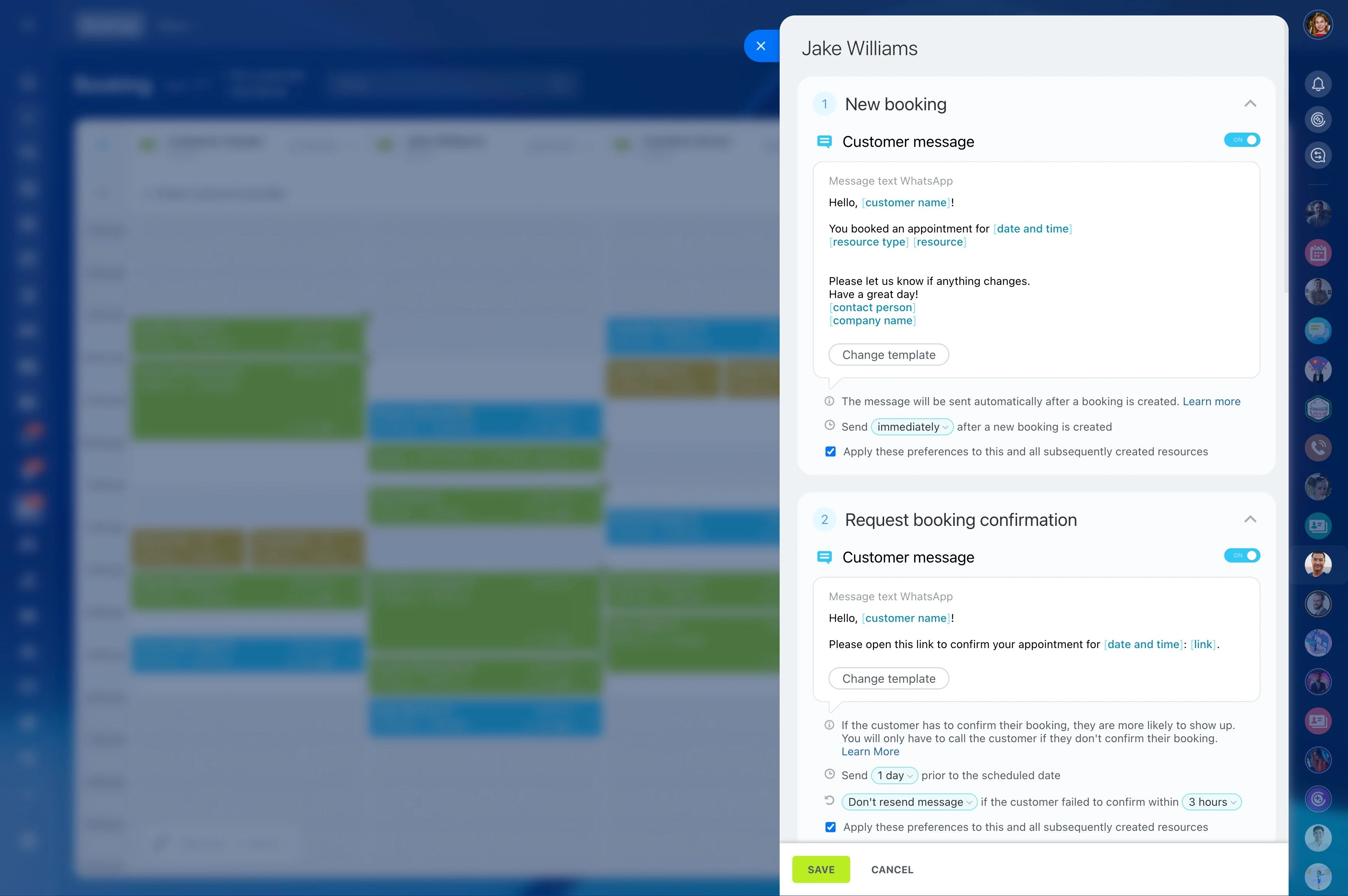
Travel sales and operations happen in one continuous workflow: a request comes in, you qualify constraints, build and revise an itinerary, get approval, coordinate suppliers, confirm bookings, and support changes before and during travel. A CRM for travel agencies needs to capture that lifecycle—not just a “deal”—so every trip stays traceable from the first message to post-trip follow-up.
With Bitrix24, you can keep corporate accounts and individual travelers organized, move each trip request through your own booking stages, and keep messages and files attached to the same record. When ownership shifts from agent to ticketing, or a client asks for a revision, the next person sees the context immediately: what was quoted, what was approved, what’s pending with suppliers, and what still needs action.
- Organize corporate accounts, travelers, and stakeholders
- Track trip requests from inquiry to confirmed booking
- Coordinate supplier actions and internal handoffs
- Store communications and key documents with the trip
Use trip history to speed up repeat bookings
Repeat sales improve when you can reuse what you already know: typical routes, preferred suppliers, traveler preferences, and what a company usually approves. Keeping trip records consistent helps your team respond faster and reduces preventable back-and-forth—especially when requests arrive close to travel dates.
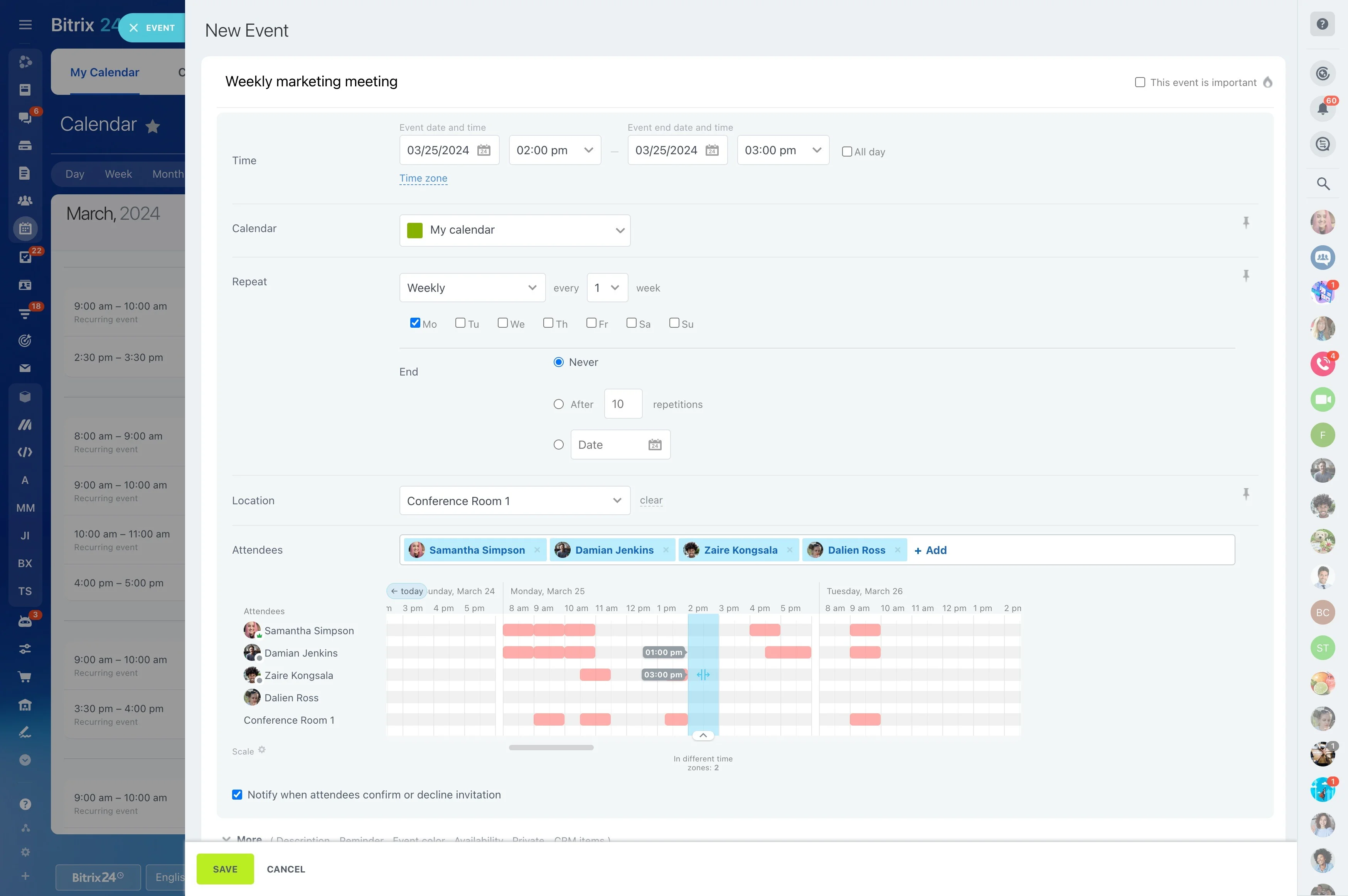
Manage handoffs and supplier follow-ups
Use the trip record as the operational backbone across roles (agent, ticketing, operations) and suppliers (air, hotel, DMC, transfers, tours). Assign next steps, track what’s awaiting a quote or confirmation, and move ownership as the request progresses—without losing the full timeline of what’s been done.
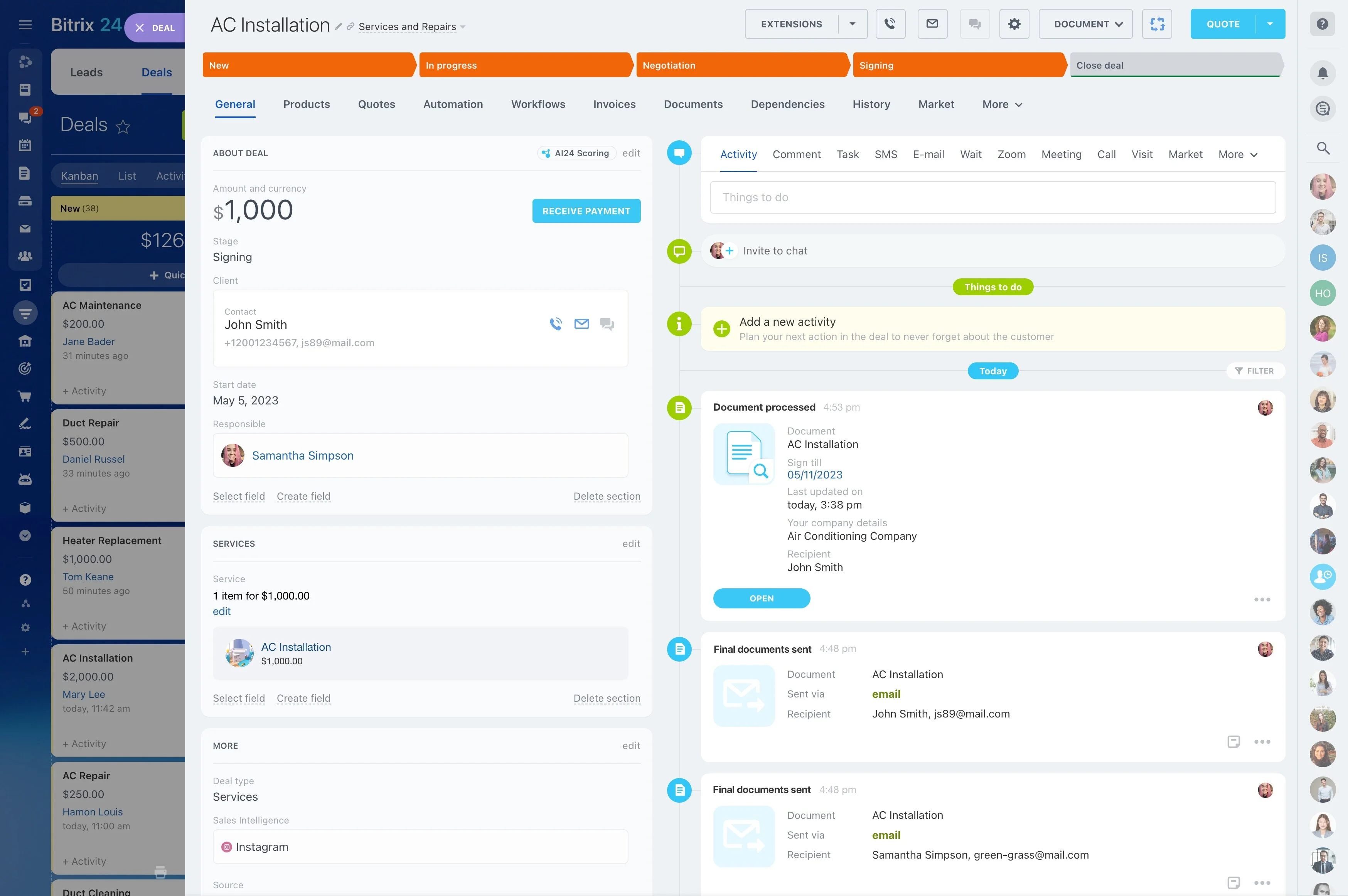
Build booking stages that match your process
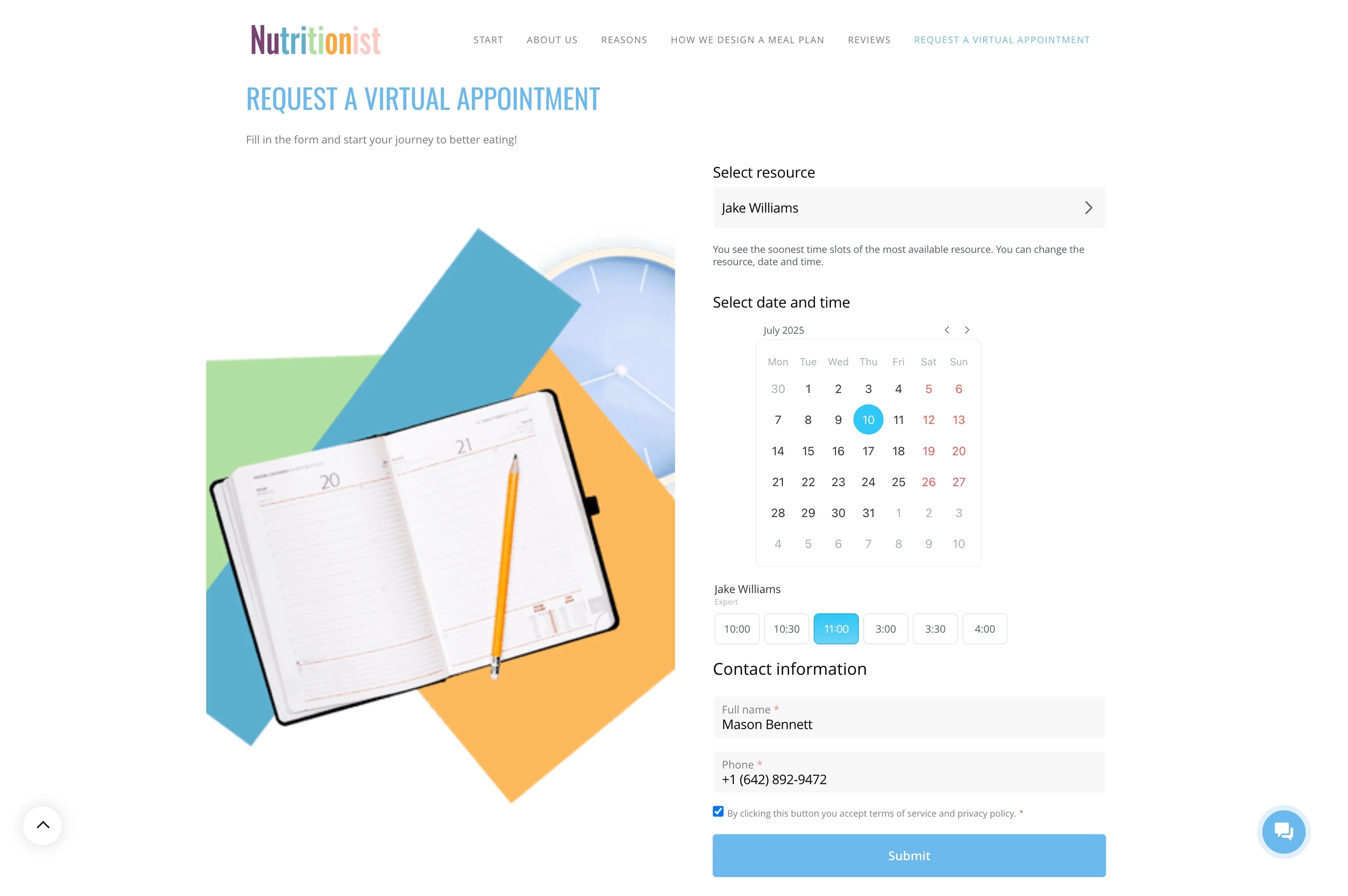
Define CRM stages around the checkpoints your agency already uses—such as inquiry, discovery, quoting, revision, approval, booking, confirmation, and post-trip. When every request sits in the right stage, agents know what to do next and managers can quickly spot what’s blocked (client approval vs. supplier response).
Link companies, travelers, and approvers correctly
Corporate travel usually involves a company account plus multiple contacts (travel manager, approver, travelers, finance). Keep those relationships separate in the CRM so preferences and history stay tied to the right person while reporting and billing context stays tied to the organization.

Capture trip-request details inside the record
Turn each inquiry into a structured request: route, dates, passenger count, cabin/hotel preferences, flexibility, and approval rules. As the itinerary changes, update the same record with notes about trade-offs (schedule vs. price, refundable vs. non-refundable) so anyone can continue the work without re-discovery.
Keep approvals, messages, and documents together
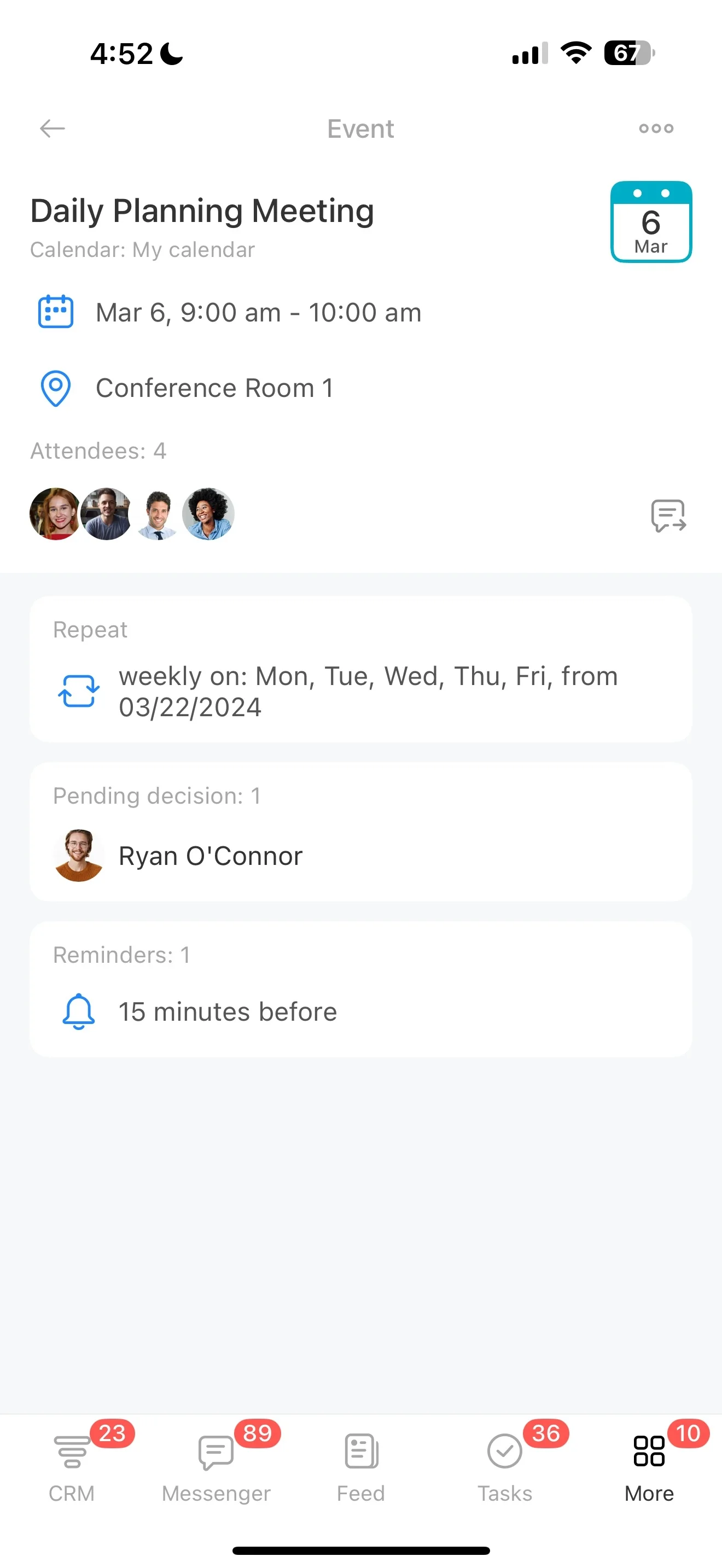
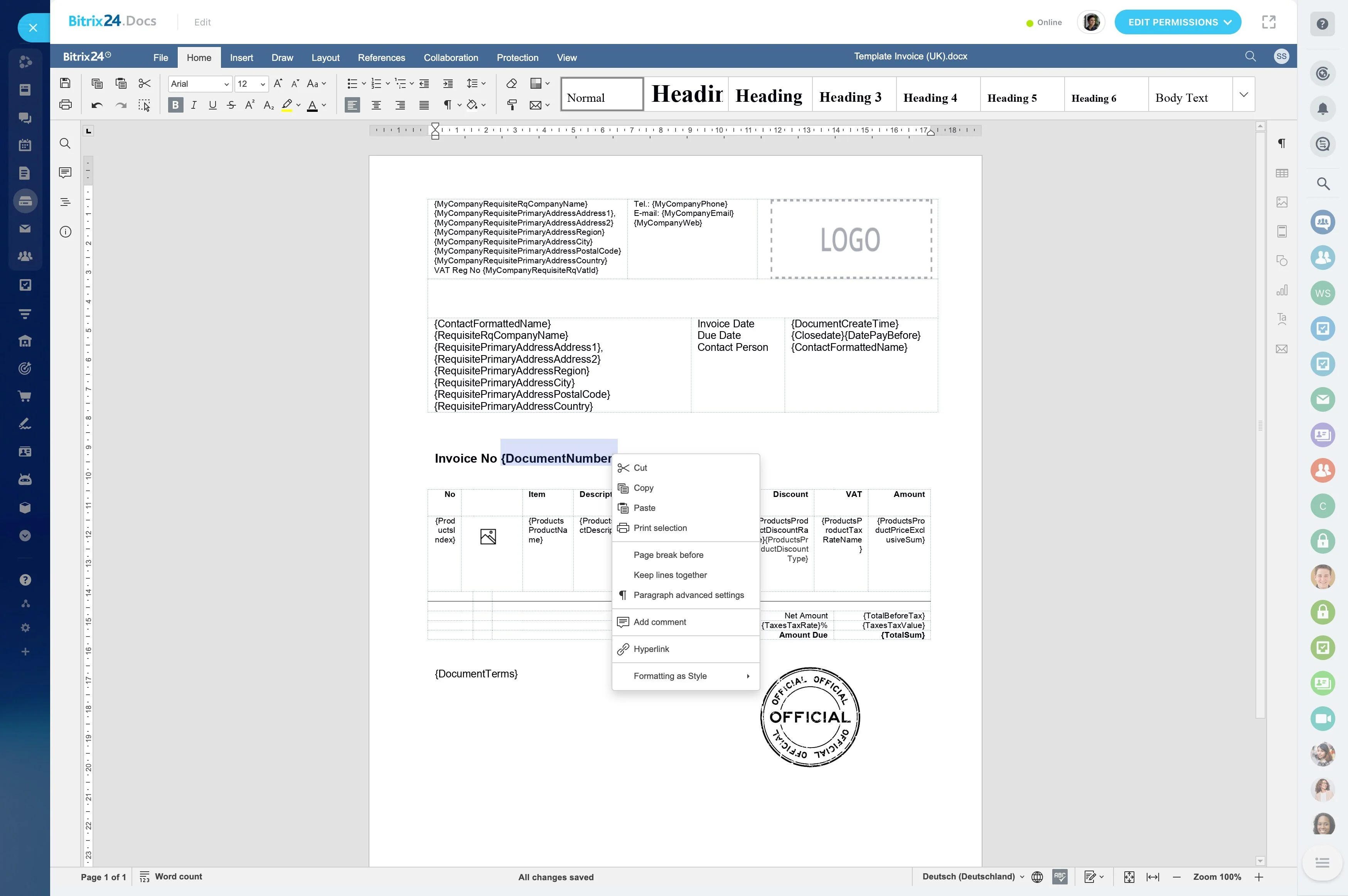
When plans change, the details that matter are usually in the trail: what was sent, what was approved, and which version is current. Store itinerary versions, invoices, supplier confirmations, and key correspondence on the trip record so ticketing and traveler support can work from the same source during changes, refunds, or audits.
End-to-end example: multi-city corporate trip
A travel manager requests a multi-city trip for three employees with a budget cap and hotel location constraints. An agent creates a trip request, links it to the corporate account, adds each traveler contact, and records preferences and approval requirements.
The request moves through quoting and revision as options are compared. After approval, ownership shifts to ticketing to confirm flights and hotels, and confirmations are attached to the same record. Post-trip, the agent logs feedback and notes so the next request from that account starts with known preferences and policy limits.