AI Helpdesk Triage and SLA Dashboard: Urgent Requests First, Response Times Under Control
Classify every chat, WhatsApp message, and email by topic, sentiment, and priority, route it to the right team, and watch response times live. Team leads get an alert before a breach — not after the client complains.
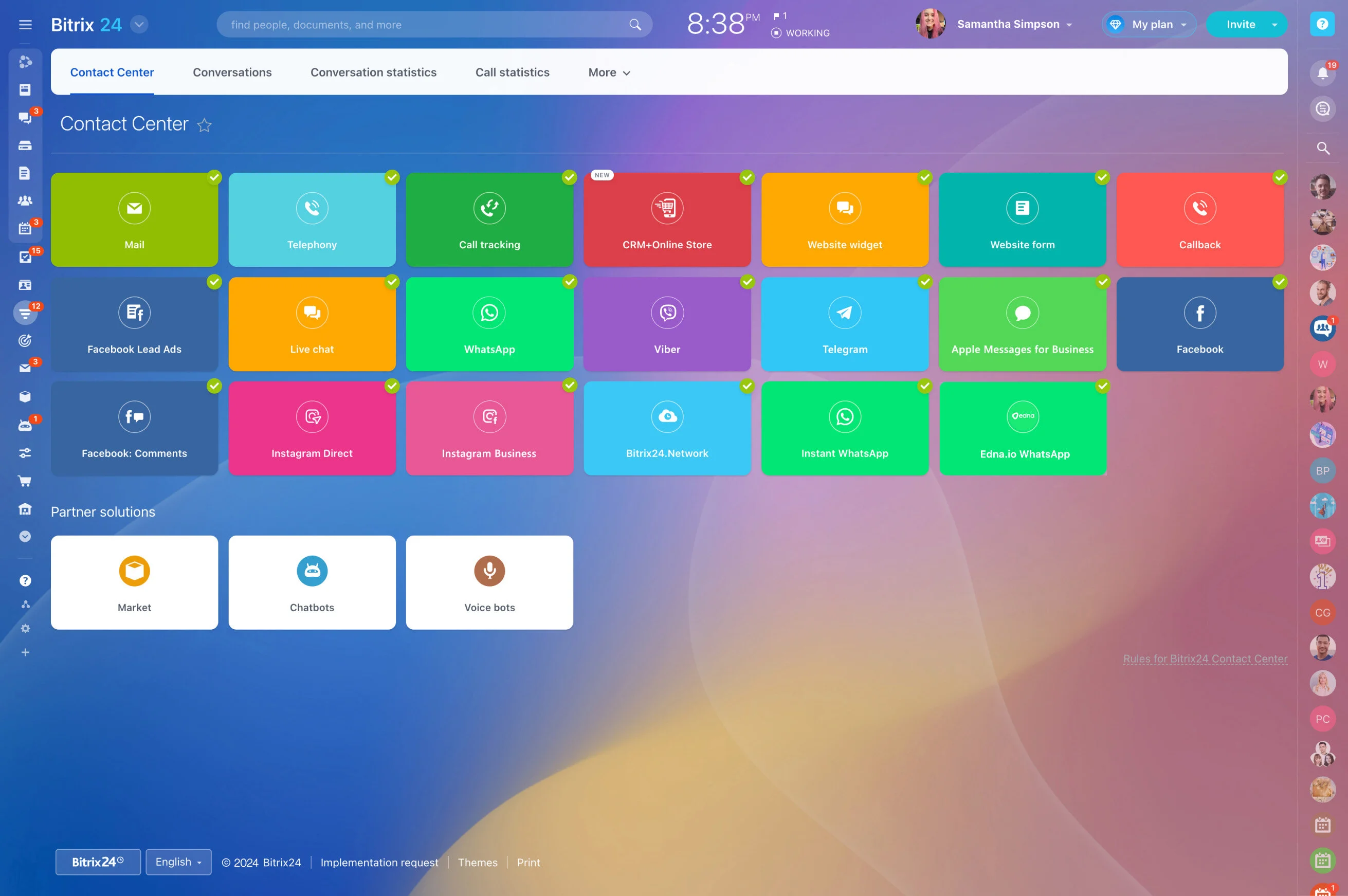
Requests from chat, WhatsApp, email, and social media land in one queue, and urgent issues wait behind simple questions. Bitrix24 Open Channels and Contact Center already unify the channels, and with Alaio Vibecode you can add AI triage and a live SLA view.
- Classify requests by topic, sentiment, and priority.
- Route them to the right team automatically.
- Track response times against SLA targets.
- Alert team leads before a breach happens.
Fits Your Existing Setup
Queues, working hours, and channel settings stay in Bitrix24.
- Add the app as a tile in the Contact Center section.
- Keep agents in the tools they already use.
- Change routing rules without touching channel settings.
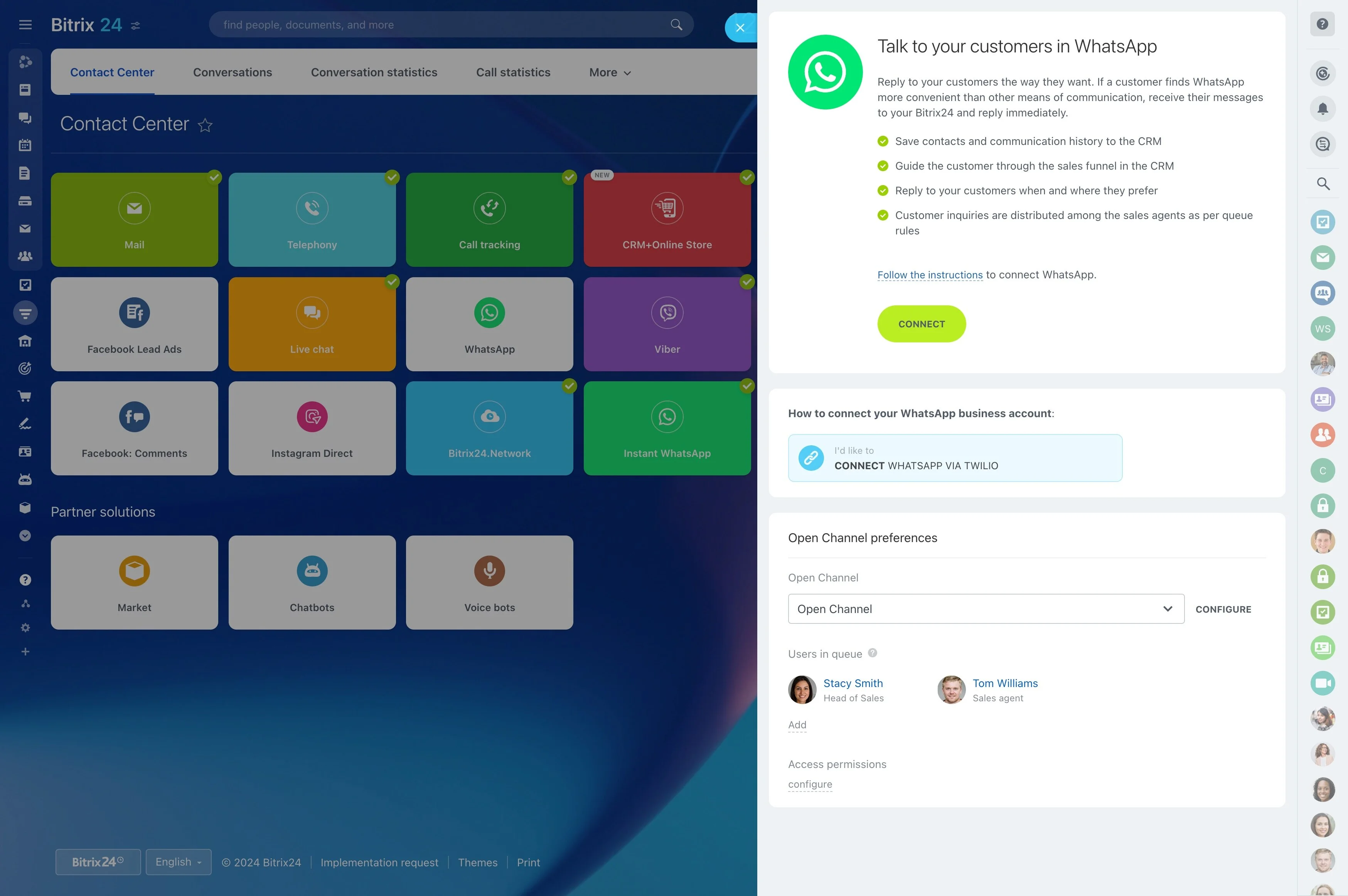
Classify, Prioritize, Route
For each request, AI returns fields from a closed list you define. Vibecode's ready-made Smart Intake prompt is a ready starting point.
- Category, sentiment, and priority for every conversation.
- Queue sorted by urgency.
- Uncertain cases sent to manual triage instead of guessed.
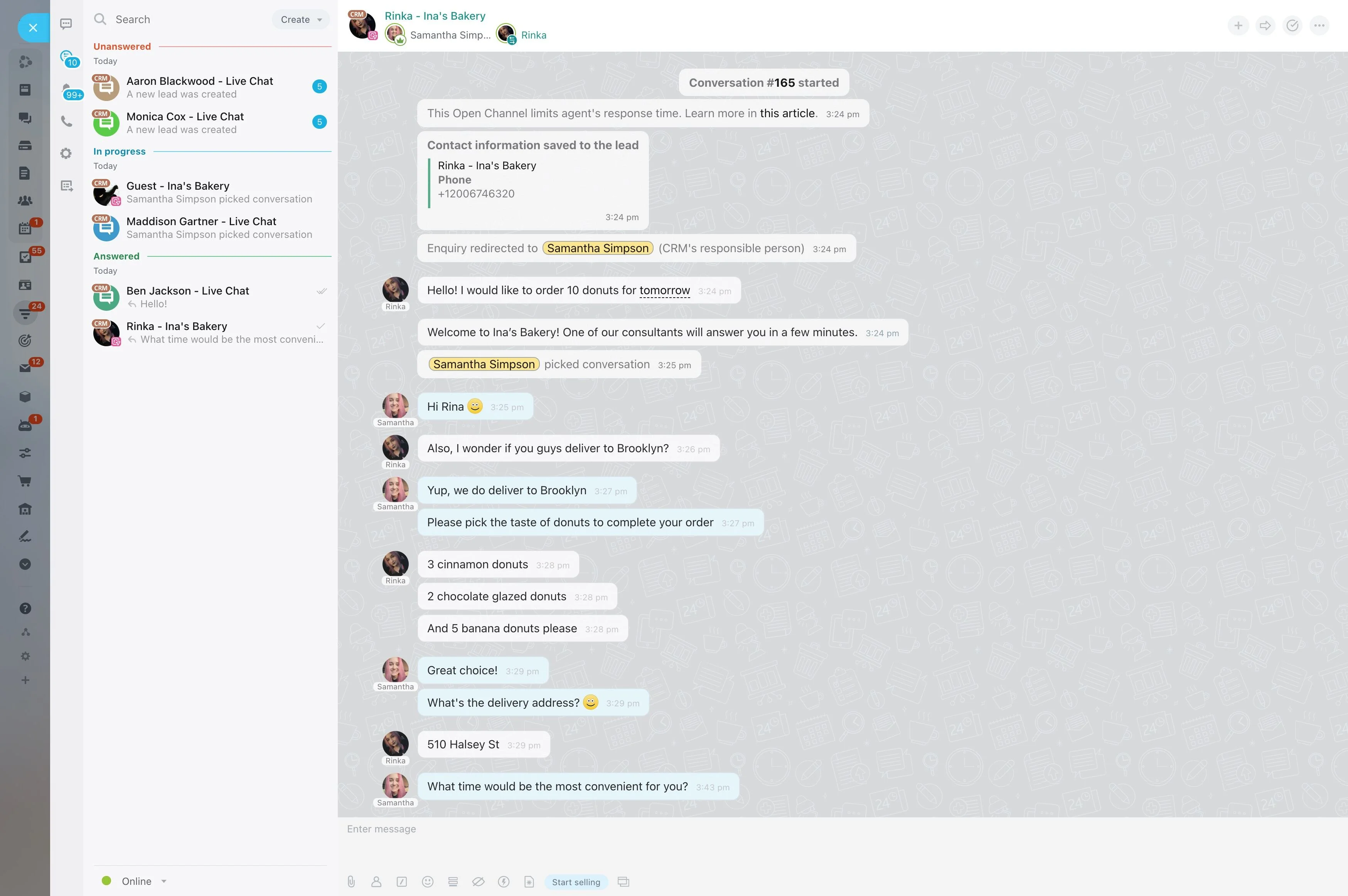
SLA Tracking in Real Time
The Vibecode API provides Open Channels data such as sessions, operator load, and ratings, where available on your account.
- Calculate first response and resolution times.
- Show conversations close to breaching.
- Notify team leads in Bitrix24 chat.
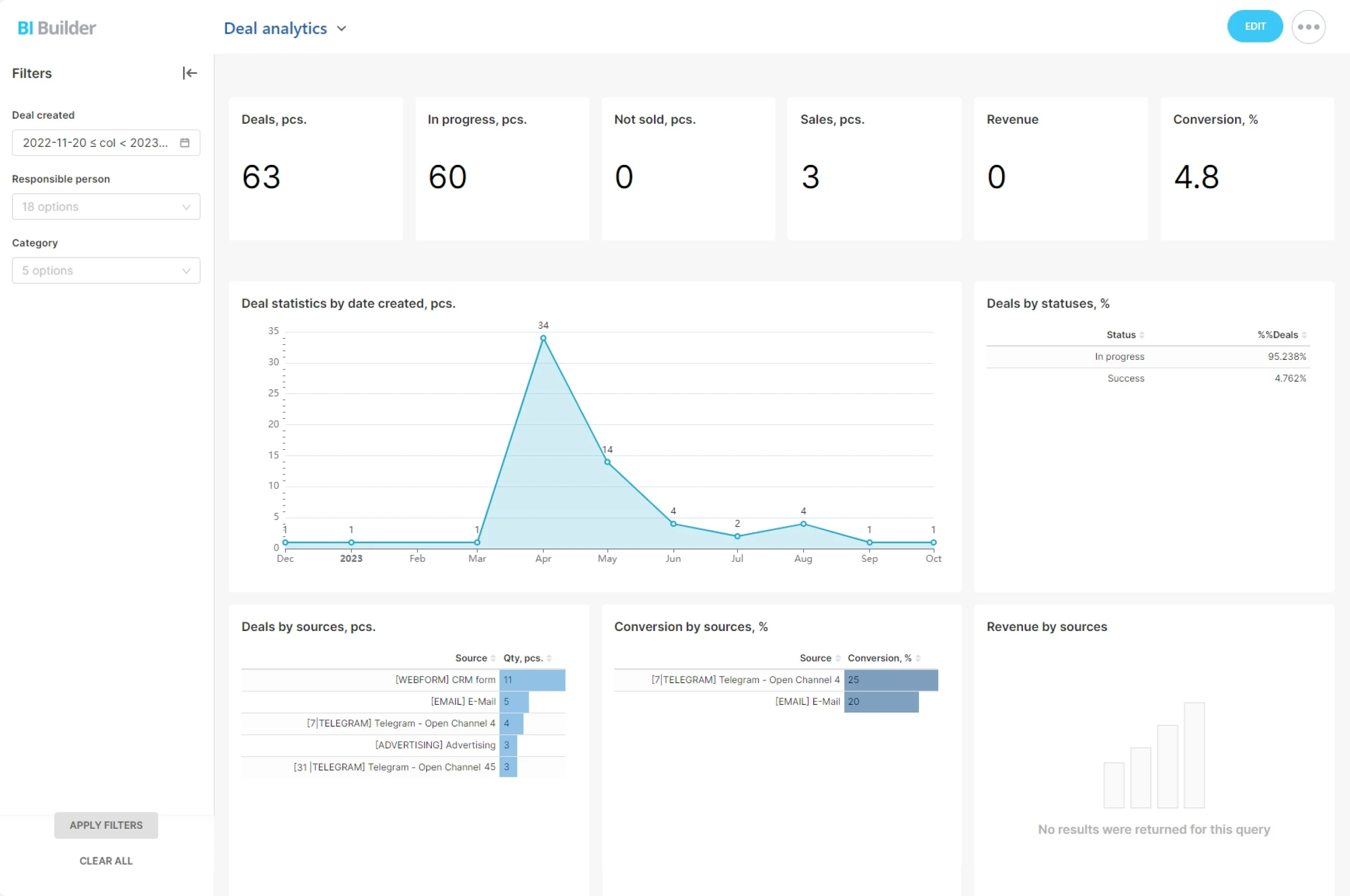
Find What to Automate Next
Triage data reveals the questions that repeat every day. Vibecode's ready-made Ticket Deflection Radar prompt is built for exactly this.
- Rank recurring topics by volume.
- Estimate the agent time they take.
- Suggest an FAQ, quick reply, or bot answer for each.
Build the Triage App With Vibecode
Describe your categories and SLA targets. More support scenarios are described in Alaio Vibecode use cases.
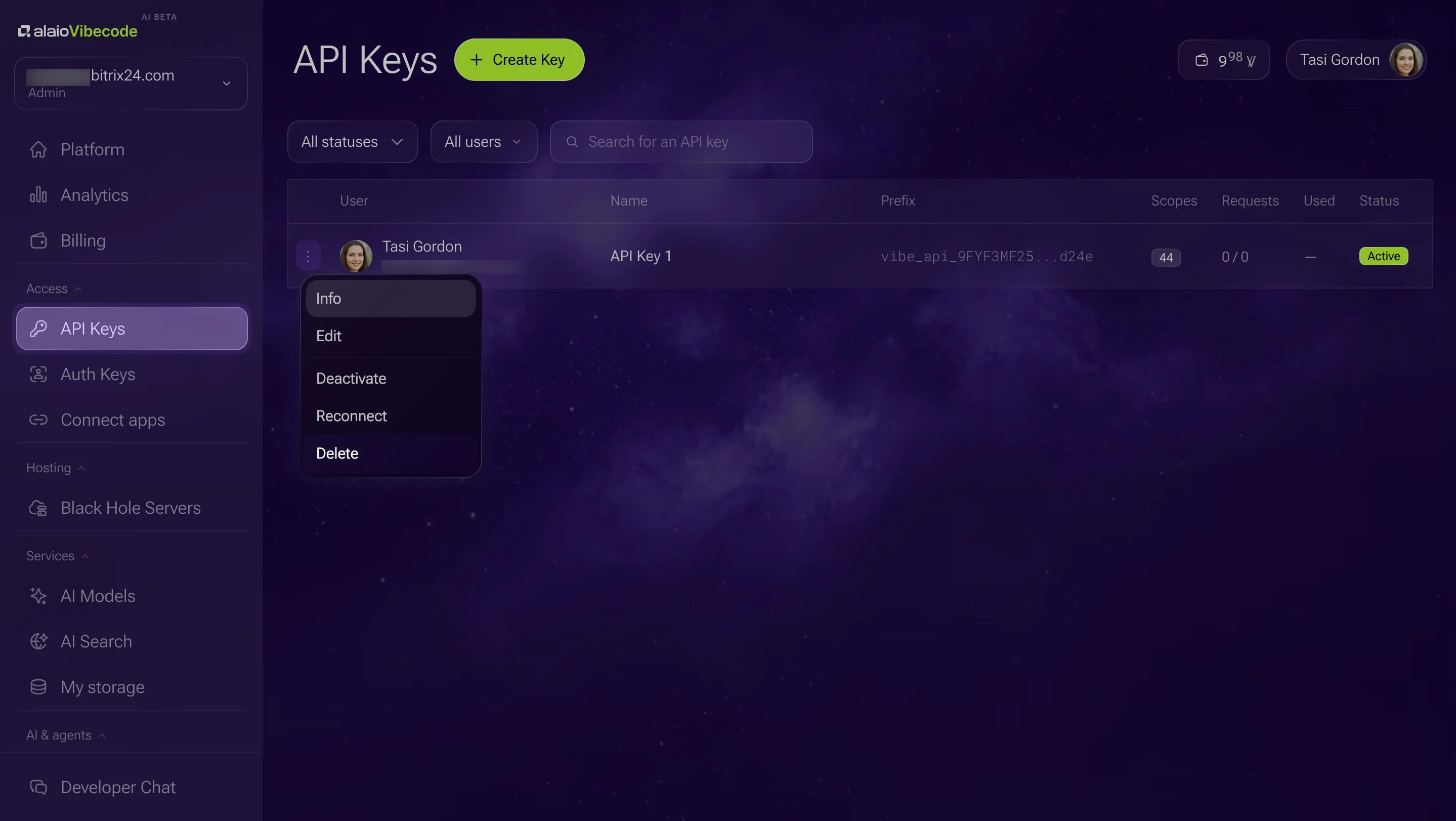
1. Create an API key with Open Channels and AI access.
2. Describe it: "Classify new conversations by topic and priority, route urgent ones, and show a live SLA dashboard."
3. Test it on one channel first.
4. Expand to all lines once results are stable.
Cost and Control
Triage stays transparent and affordable.
- Classification runs on built-in AI models from your Vibe+ plan's monthly AI allowance.
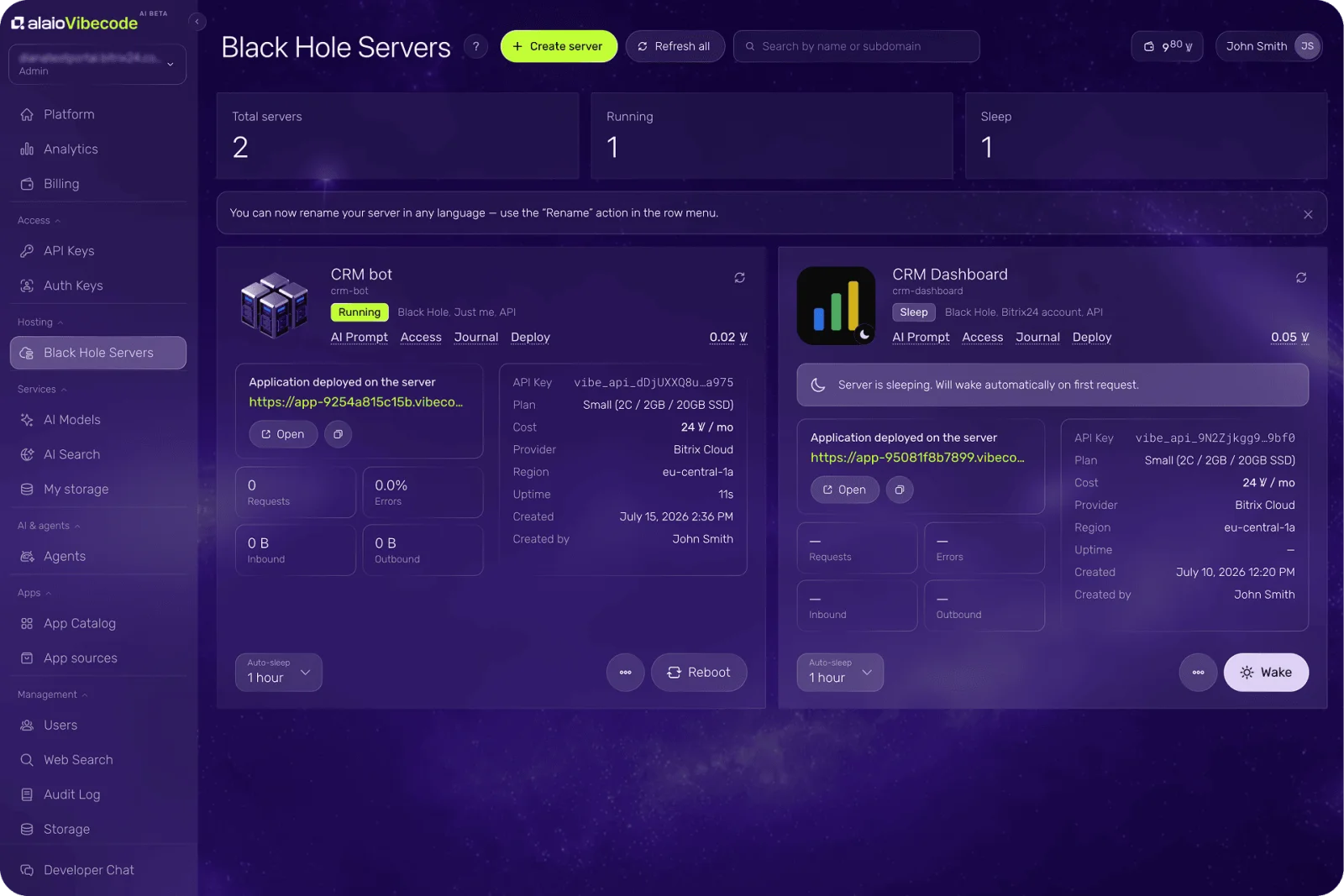
- A continuously running app may need a server billed in Vibe credits.
- Routing rules remain visible and editable by your team.
- Vibecode is in AI Beta, so plans and pricing may change.
For more information about Bitrix24, head over to our training courses.
We also have a great YouTube channel that covers every aspect of Bitrix24, from sales and planning to document management and company internal communication tools.
To download the self-hosted edition of Bitrix24 that can be installed on your own server and give you access to open source code, please visit the Bitrix24 Self-Hosted page.
Be sure to check out other Bitrix24 tools:
15.000.000+ organizations have chosen Bitrix24