AI Client Reports for Agencies: Work Done, Hours Used, and Results — Drafted in Minutes
Collect tasks and tracked time per client, compare hours with the retainer, and send a branded monthly report in plain language from your Document generator template. Scope creep gets flagged before the invoice does.
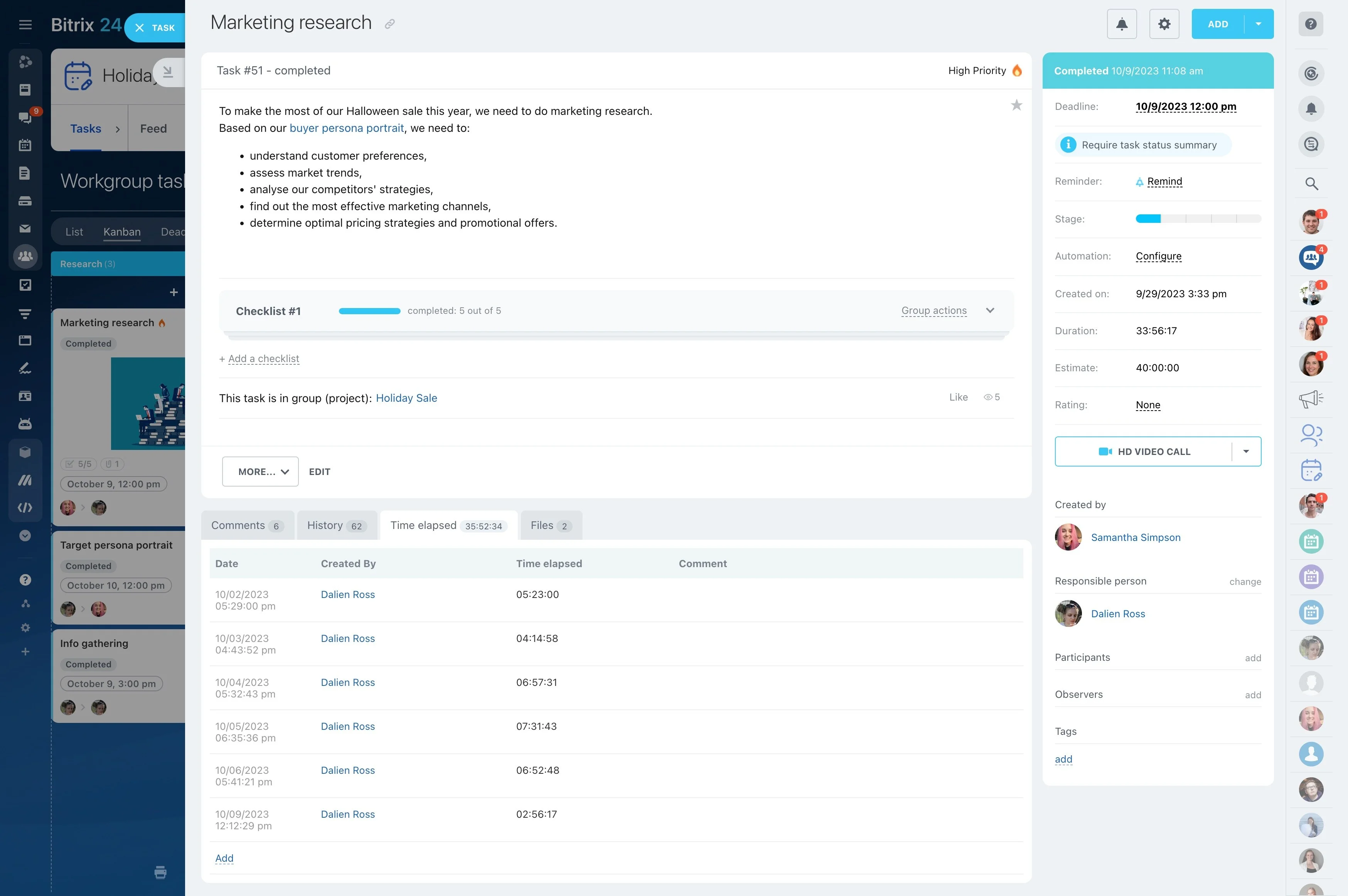
At the end of every month, someone collects tasks, adds up hours, and writes reports nobody bills for. With Alaio Vibecode, you can build a generator that reads tracked work and time and drafts a branded report for each client in minutes.
- Collect tasks and hours per client.
- Summarize work and results in plain language.
- Compare hours with the retainer.
- Generate branded reports from your template.
Scope Creep Spotted Early
Talk about priorities before the budget runs out.
- Flag clients approaching their hour limit.
- Show where extra time was spent.
- Give account managers time to act.
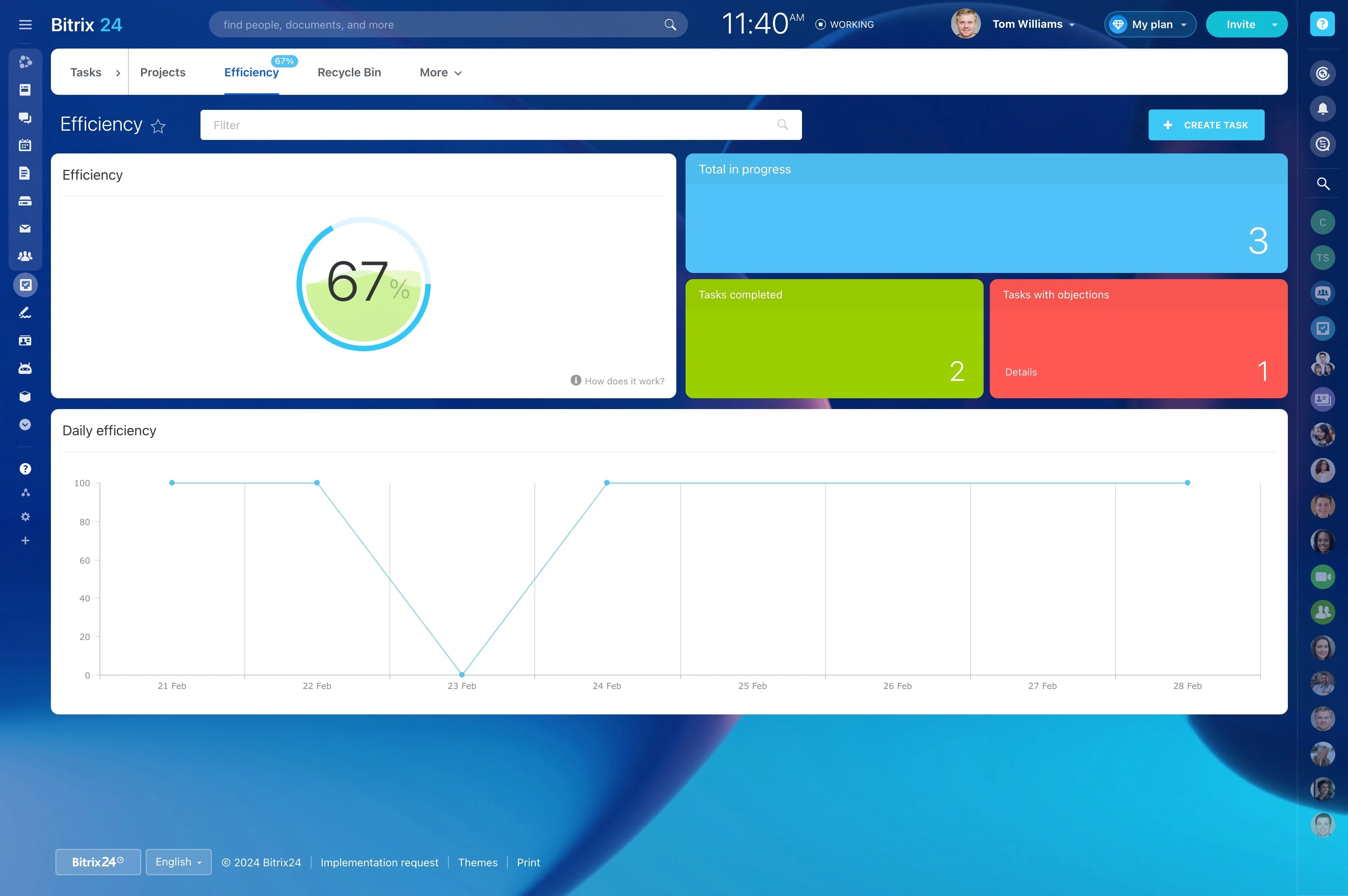
Hours and Tasks, Calculated Exactly
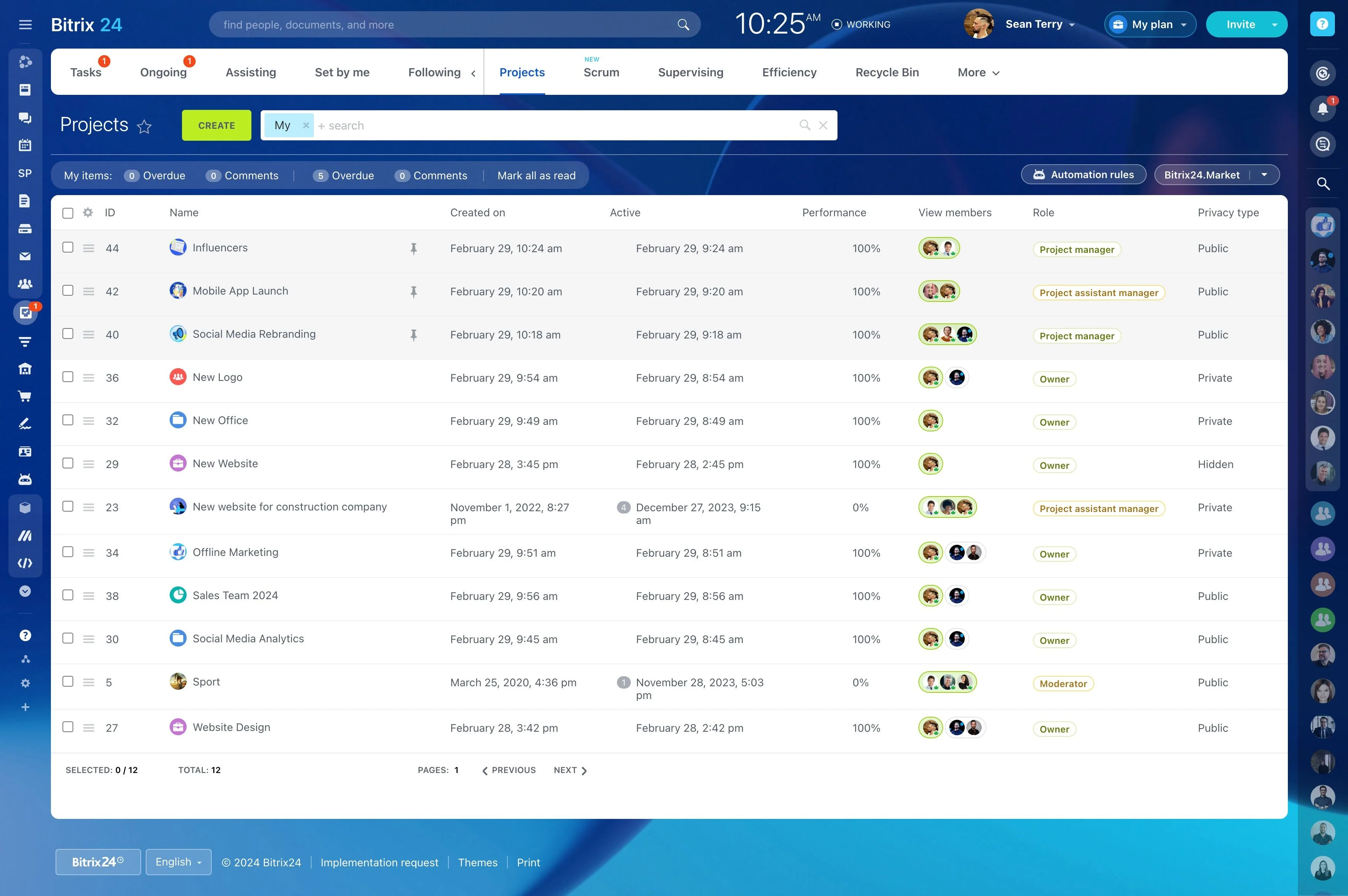
Time and completed tasks are summed in code from Bitrix24 data.
- Group by project, service type, or team member.
- Compare hours used with the retainer.
- Avoid surprises when the invoice arrives.
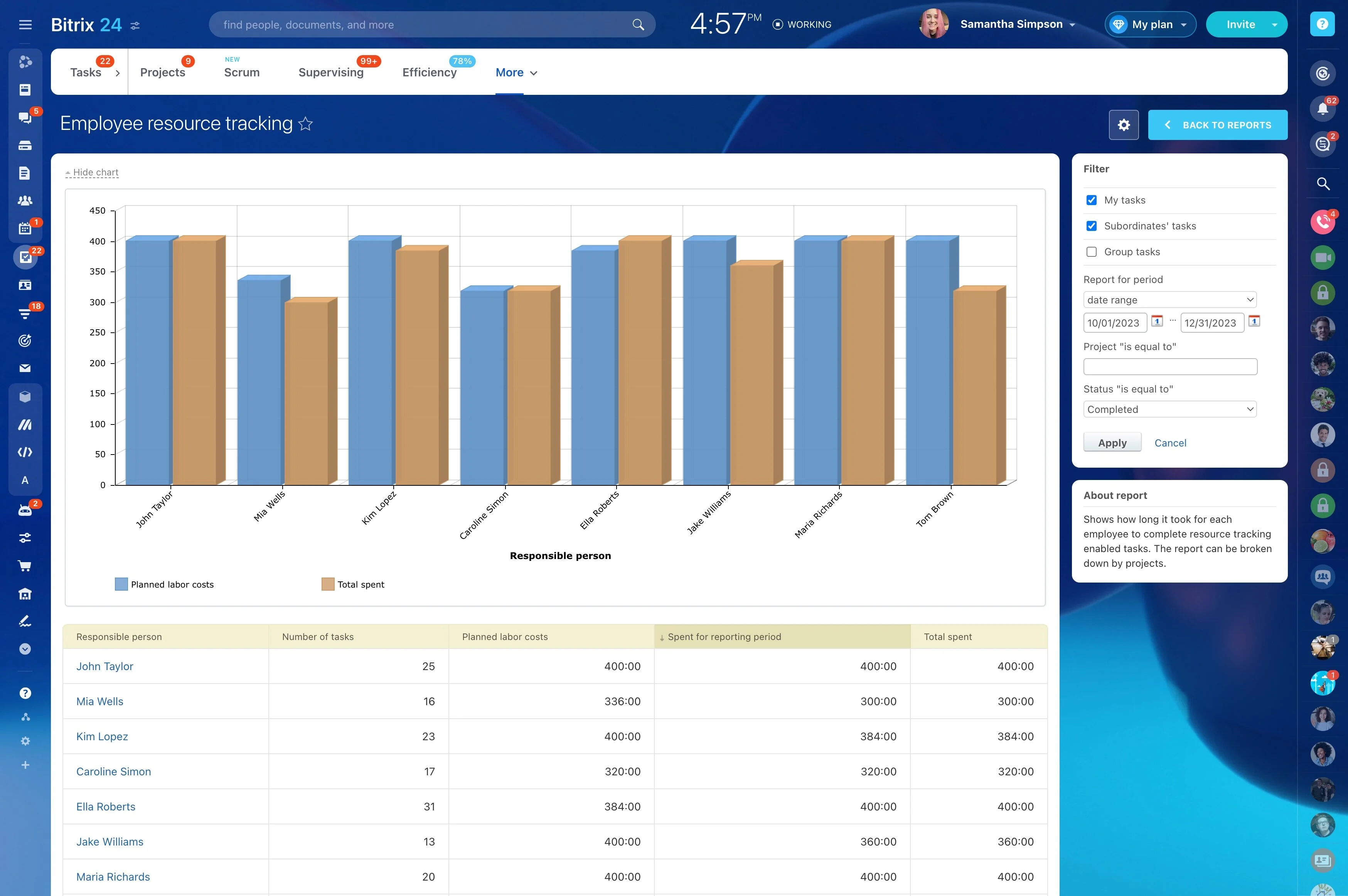
A Narrative Clients Understand
Clients want to know what changed for them, not read a task list.
- Summarize work done and results with AI.
- Add next steps for the coming month.
- Let the account manager review before sending.
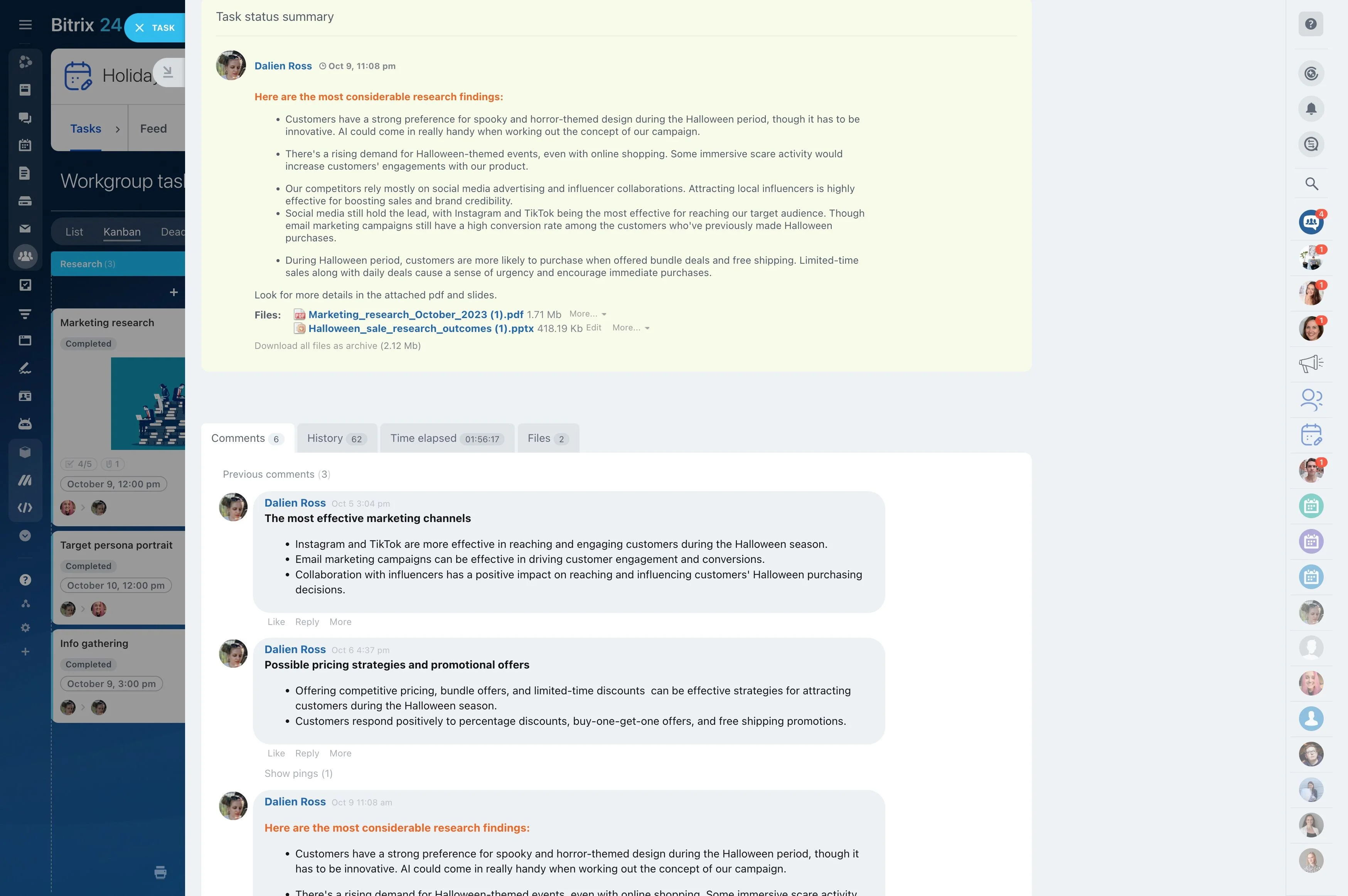
Branded and Consistent
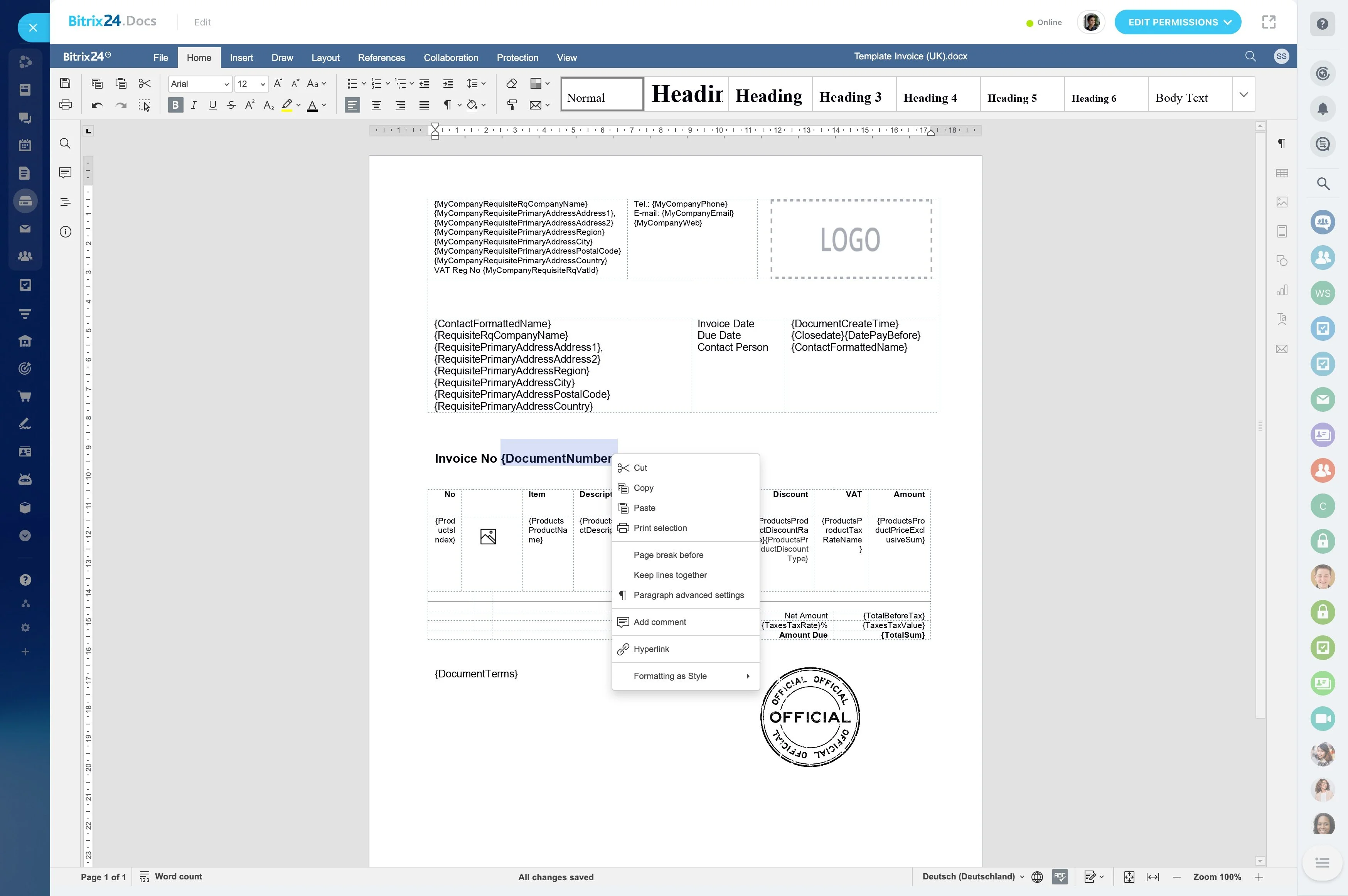
The Bitrix24 Document generator fills your report template with numbers and approved text.
- Same professional format for every client.
- Copies stored with the client record in CRM.
- No manual formatting at month-end.
Build the Client Report Generator With Vibecode
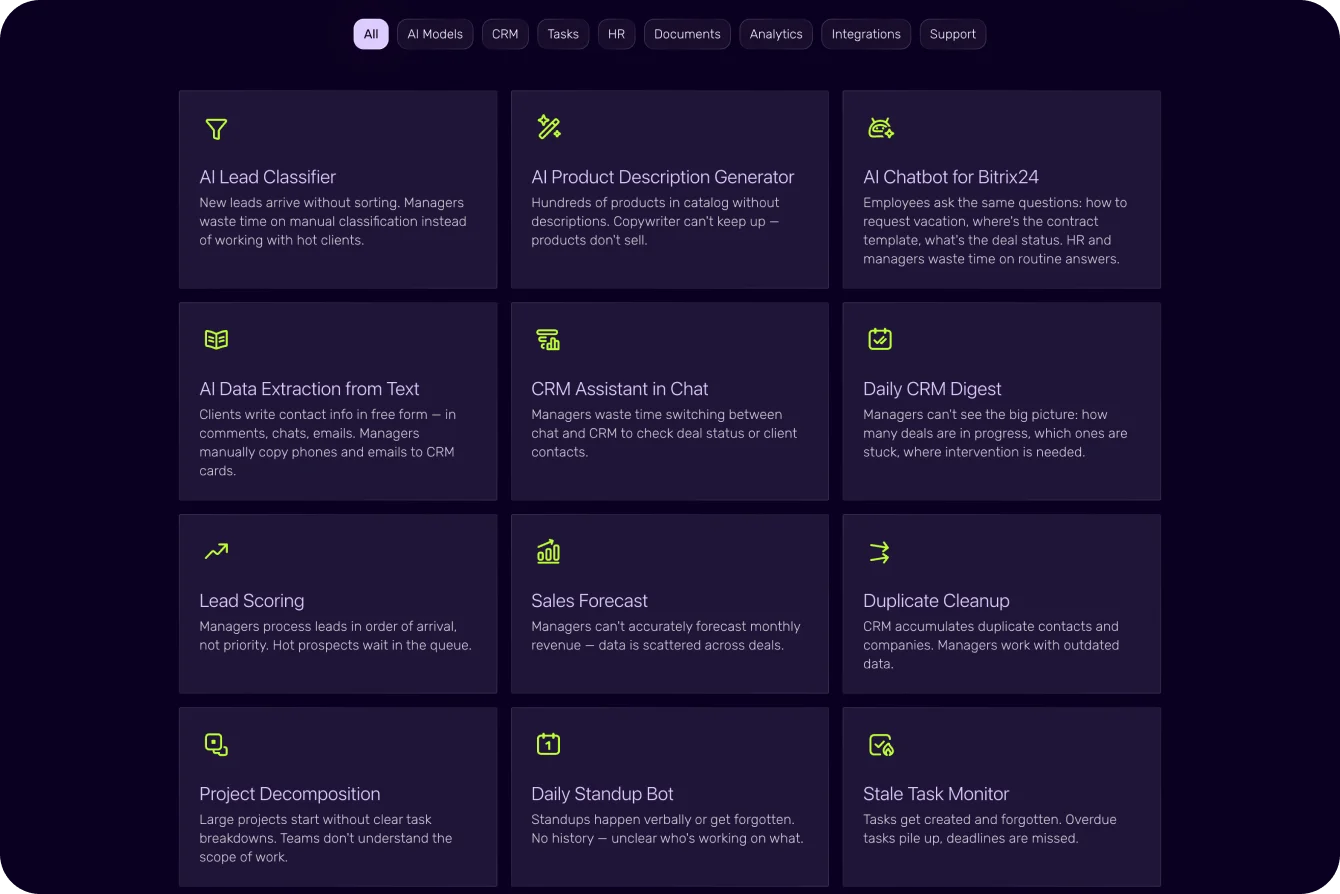
Vibecode's ready-made Weekly Company Report and Document Generation prompts are a good base.
1. Create an API key with tasks, CRM, and document access.
2. Describe it: "For each client, collect tasks and time spent last month, compare with retainer hours, and generate a report from our template."
3. Review reports for two or three clients.
4. Adjust structure and tone in plain language.
What You Need for Client Reports
Check that your plan includes task time tracking.
- Task time tracking is available on plans that include it.
- Built-in AI models run within your Vibe+ plan's monthly AI allowance; usage beyond it is billed in Vibe credits.
- Vibecode is in AI Beta, so plans and pricing may change.
For more information about Bitrix24, head over to our training courses.
We also have a great YouTube channel that covers every aspect of Bitrix24, from sales and planning to document management and company internal communication tools.
To download the self-hosted edition of Bitrix24 that can be installed on your own server and give you access to open source code, please visit the Bitrix24 Self-Hosted page.
Be sure to check out other Bitrix24 tools:
15.000.000+ organizations have chosen Bitrix24