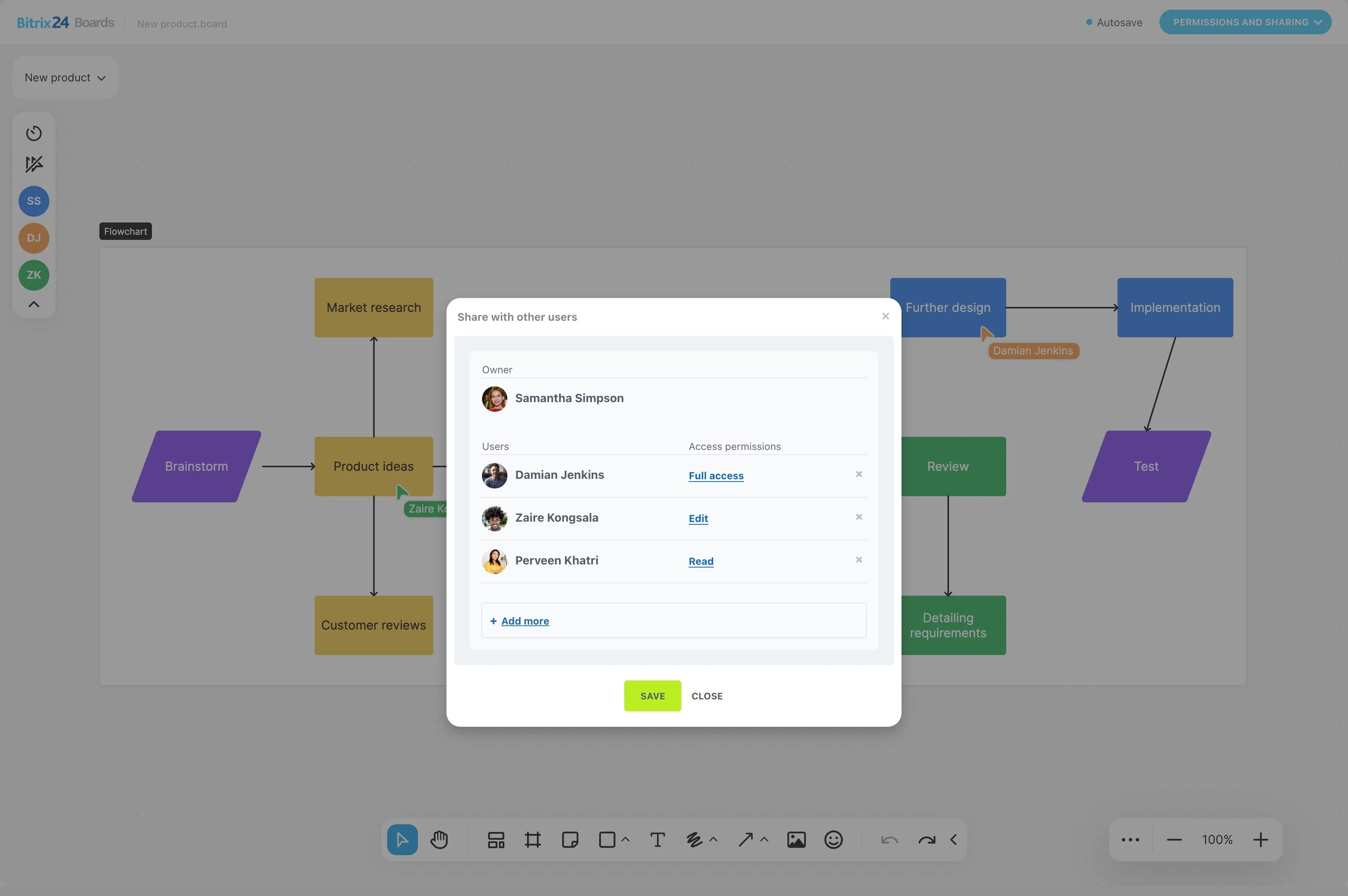
When a project depends on a series of handoffs, a visual board makes the current state of work easier to understand. Kanban project management software shows which tasks are planned, active, awaiting review, blocked, or complete.
In Bitrix24, teams can organize project work on Kanban boards using task cards. Each card keeps the work, responsible person, priority, and stage connected, so the team can review the board, identify the next action, and move tasks forward through the agreed workflow.
Keep blocked tasks in view
A blocked task remains visible on the board instead of being lost in a long list. Mark it according to the team’s workflow and review what is preventing the card from moving to the next stage.
Project reviews can then focus on stalled work, the dependency or decision it needs, and the next action required to resume progress.
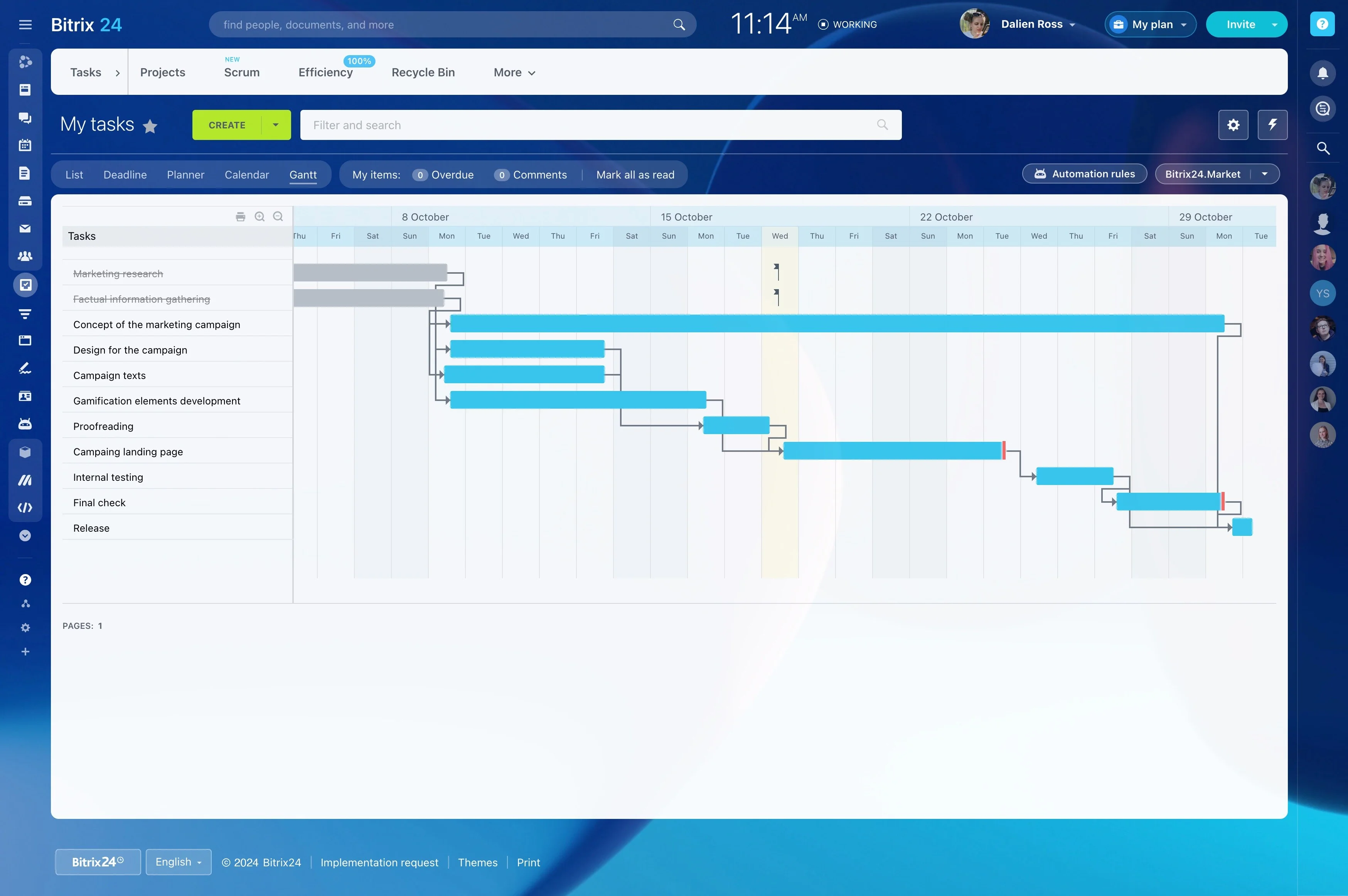
Map project stages on a visual board
Use columns to represent the stages a project passes through, such as planned, in progress, review, and complete. The position of each task shows its current status, while the number of cards in a stage gives the team a quick view of work waiting to move.
This structure suits projects with repeatable steps, from content production and product work to client delivery.
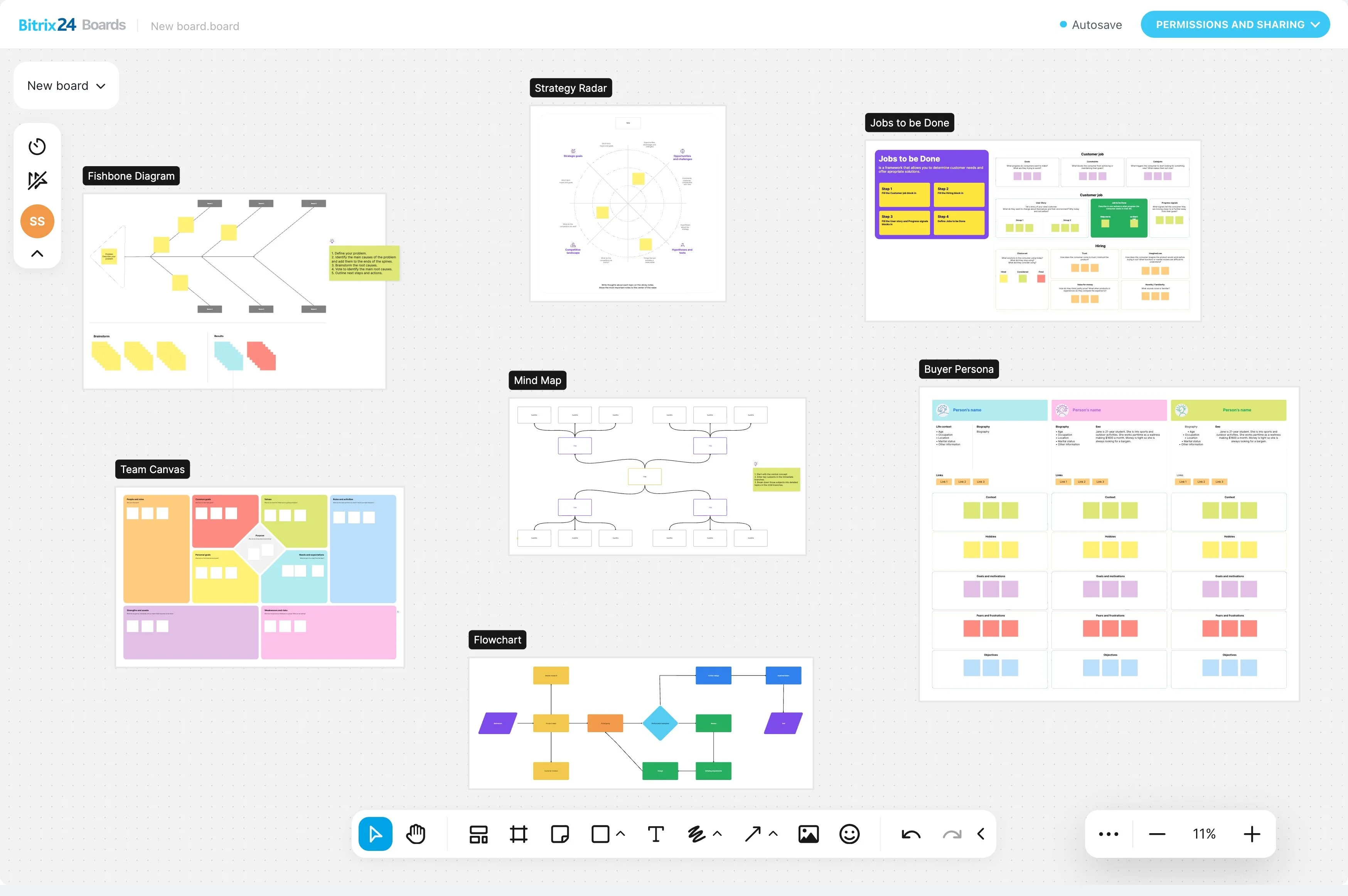
Keep task details on each card
A task card gives one piece of work a clear place in the project. Keep its description, responsible person, priority, due date, and other relevant details together instead of separating the task from its context.
Team members can open the card to understand the work, complete the next action, and move it to the appropriate stage.
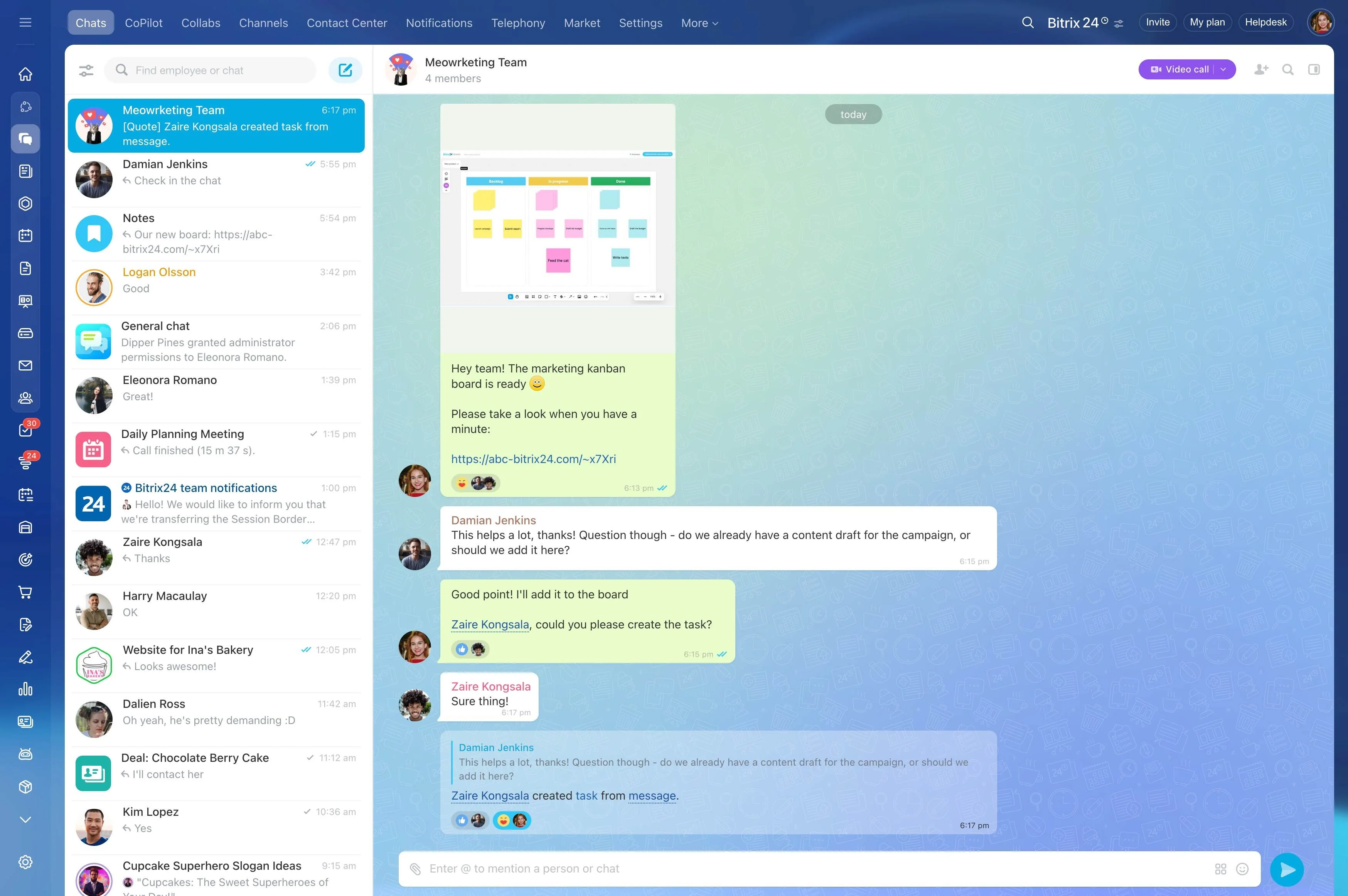
Make responsibility and priority visible
A board makes ownership easier to review alongside the work itself. Project managers can see which person is responsible for each card and which tasks deserve attention first, while contributors can check their responsibilities without waiting for a separate status update.
During planning or status reviews, this shared view supports a more focused discussion about workload and priorities.

Move cards through a repeatable process
Kanban gives the team a consistent sequence for handling work: create the task, assign ownership, set its priority, complete the work, review the result, and move the card toward completion.
Using the same stage structure across a project makes new tasks easier to place and gives everyone a shared understanding of how work progresses.
Review project work online
An online Kanban board gives project participants a shared reference for current stages, ownership, and priorities. Team members can review the same workflow while coordinating work from different locations.
Bitrix24 supports this approach with visual boards and task cards, giving teams a practical way to check and update day-to-day project progress.