Keep a single schedule for rooms, staff, and equipment
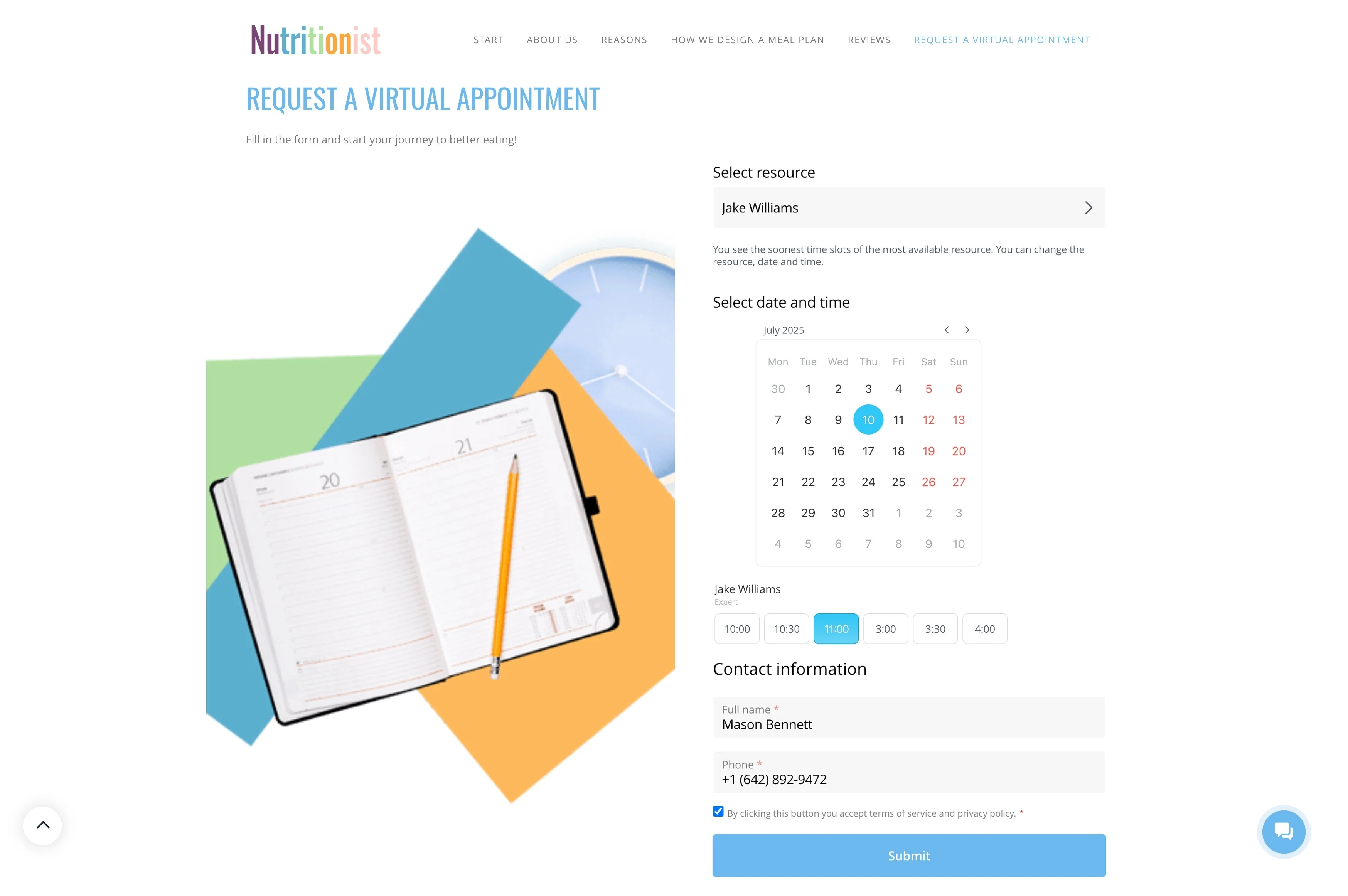
When several teams rely on the same rooms, staff, and equipment, booking problems usually come from one thing: two requests colliding on the same time slot. Resource booking management is about seeing real availability before committing a slot, then keeping the reservation traceable—who booked it, for what purpose, and what happens next.
Bitrix24 supports a practical booking flow for shared resources: start with an availability check, capture the request as a CRM record (or attach it to an existing one), confirm the reservation with the right people, send reminders, and log the outcome after the time window ends. The result is fewer conflicts and clearer accountability for every reservation.
- Keep a single schedule for rooms, staff, and equipment
- Connect each booking to a customer or internal request record
- Use confirmations, reminders, and follow-ups to keep calendars current
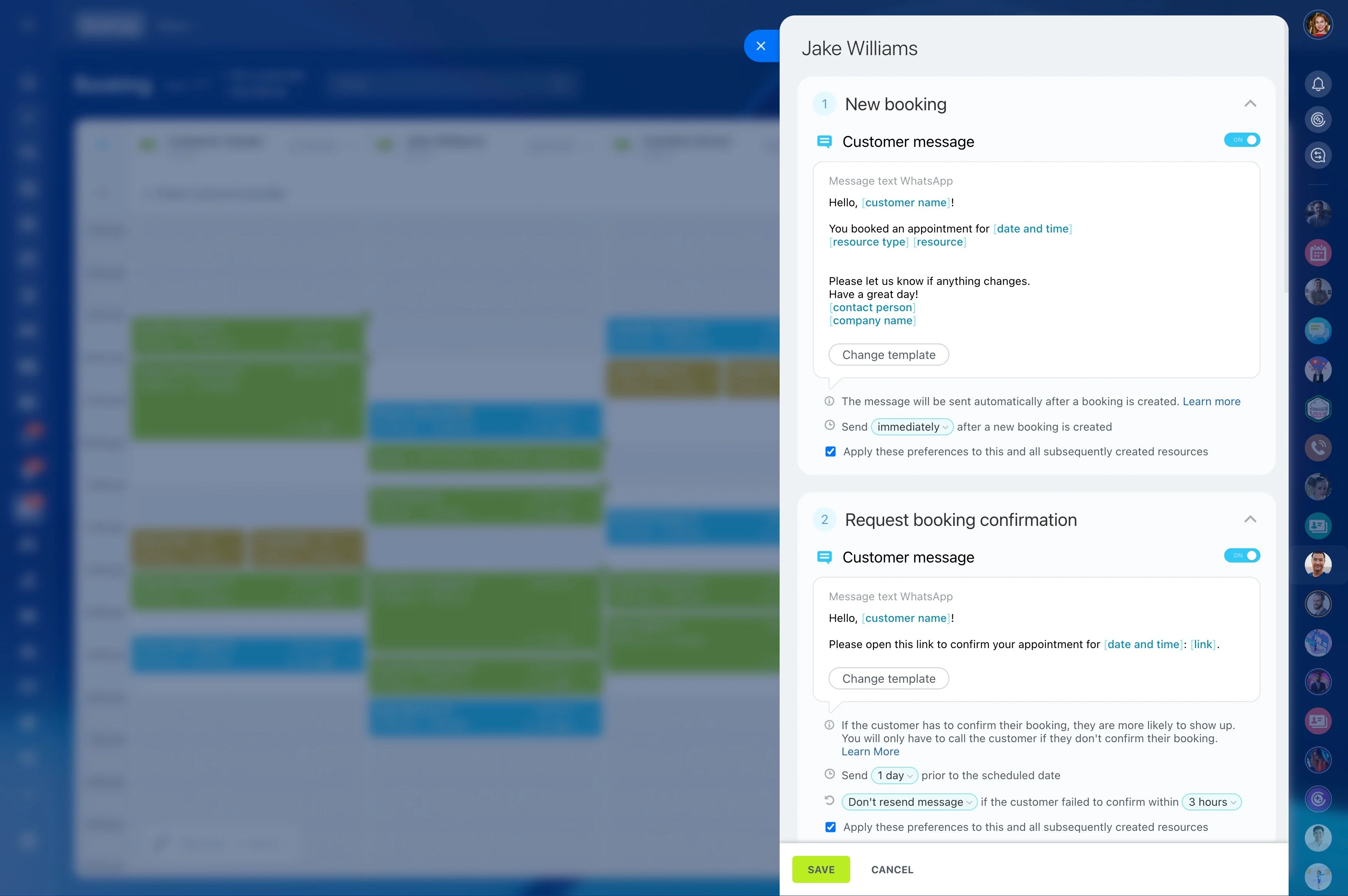
Send confirmations to participants and owners
Once the slot is selected, confirm it to everyone who must act on it—attendees, the assigned staff member, or the resource coordinator. A useful confirmation clearly states the time window, the reserved resource(s), and any essential notes from the request.
This separates “requested” from “final” and reduces soft-hold confusion on shared assets.
Set up bookable resources and rules
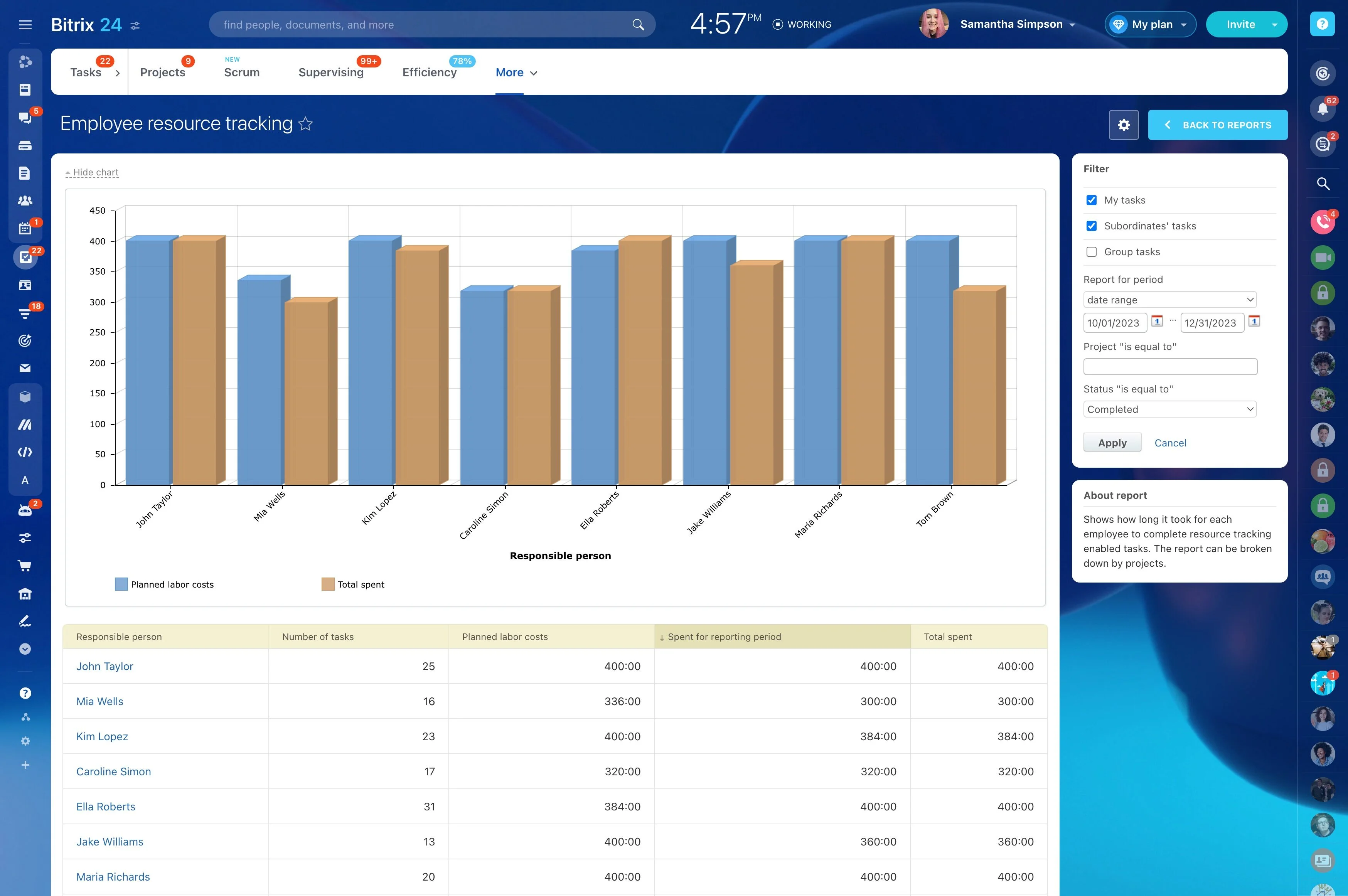
List the assets you need to control—rooms, specialists, vehicles, devices—and treat each one as a limited resource with its own schedule. Define what counts as a valid reservation (time window, required participants, or required equipment) so requests don’t depend on ad-hoc decisions.
With resources defined up front, bookings become structured reservations instead of informal calendar entries.
Check availability before confirming a time
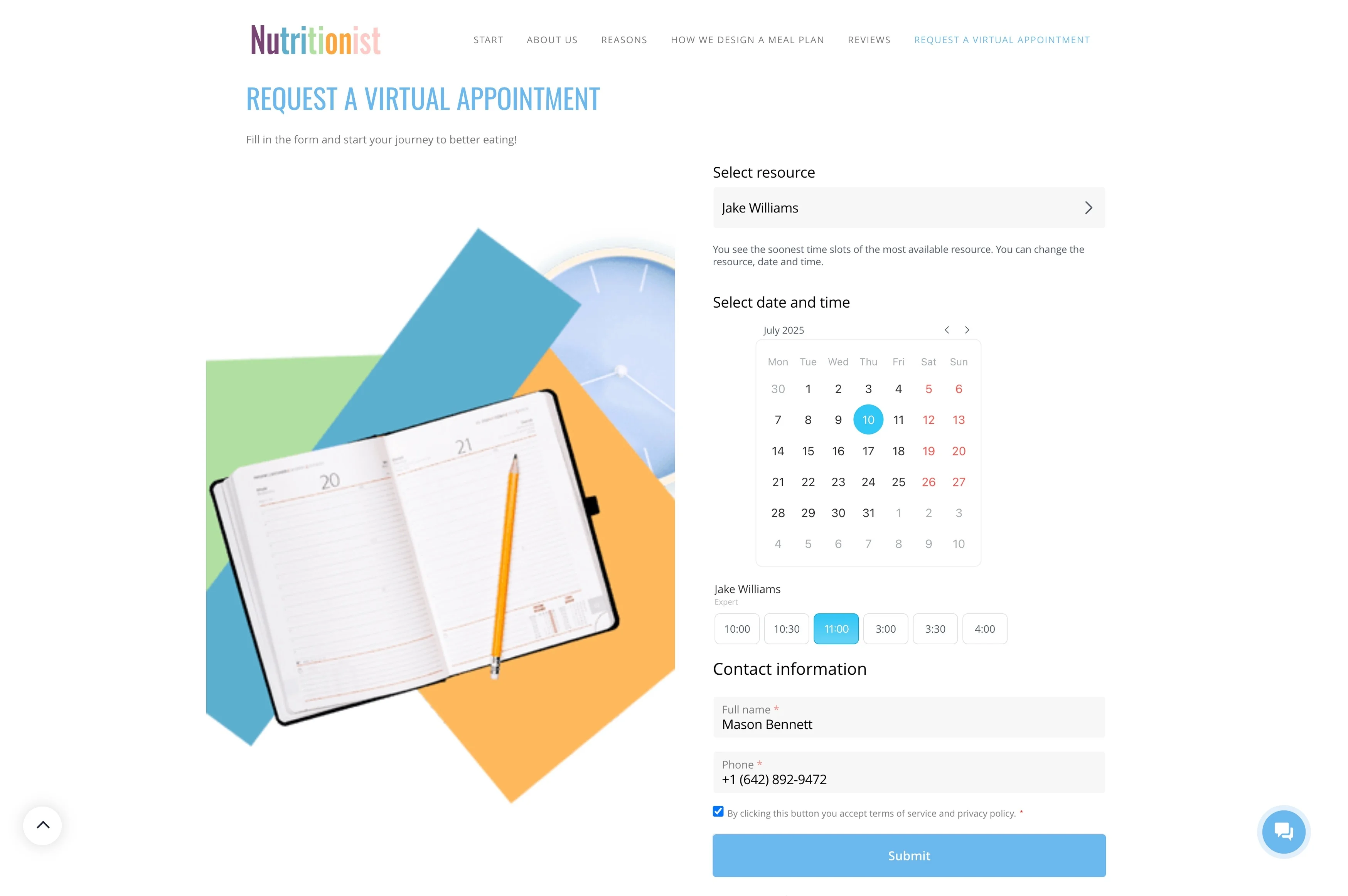
Conflict control starts with availability. Before you accept a request, validate that the chosen room, staff member, or equipment is actually free for the full time window.
Making availability the first step reduces back-and-forth and prevents overlapping reservations from being “confirmed” in parallel.
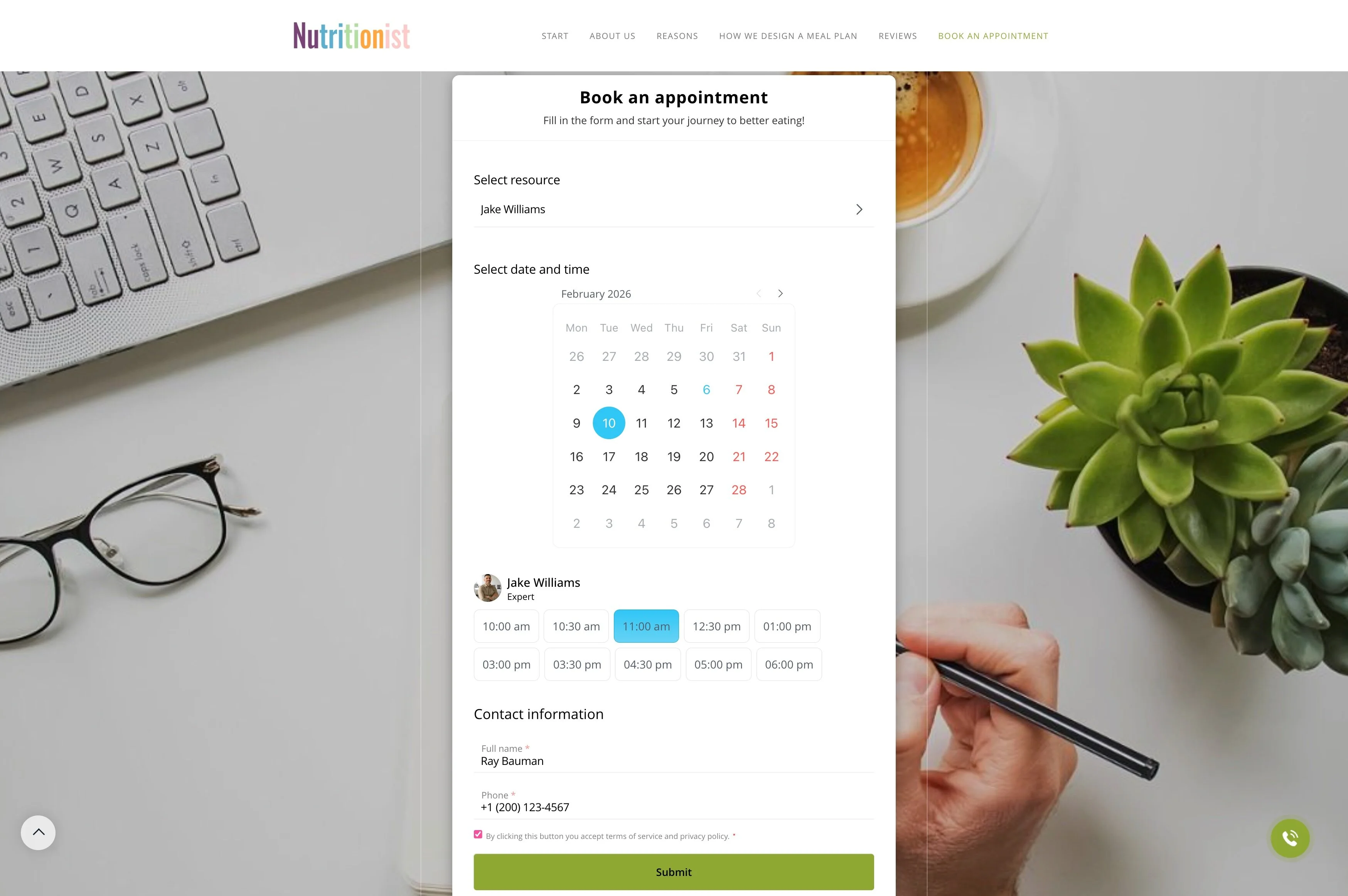
Capture the booking purpose in CRM
Most reservations exist to support a specific interaction—client meeting, demo, service visit, training, or internal request. Create a CRM record for the request (or link to one) so the team can see who it’s for, what was agreed, and who owns the next step.
If the booking is rescheduled or canceled, the changes stay attached to the same history.
Use reminders to protect capacity
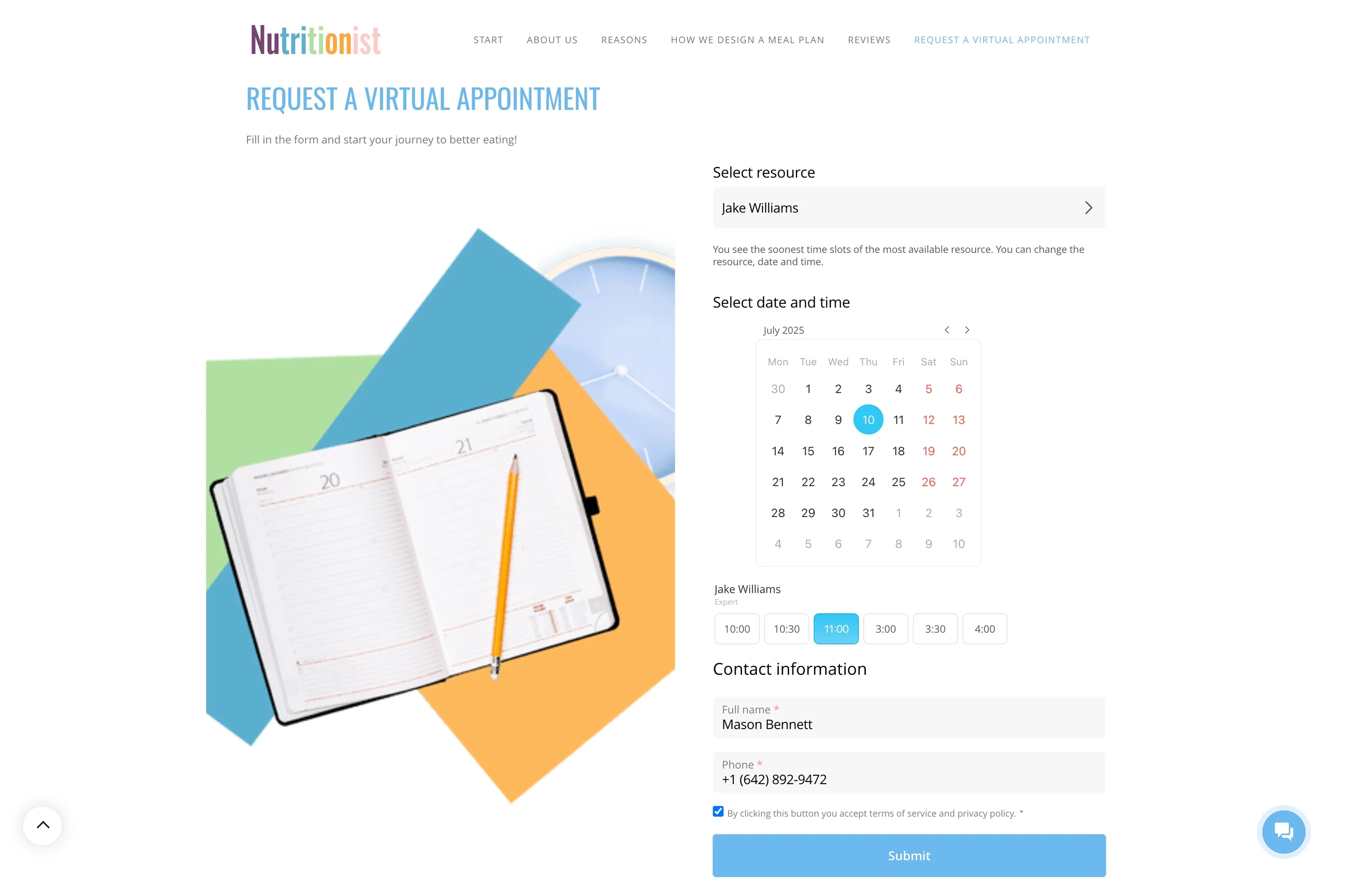
Reminders keep resources from sitting idle due to late cancellations or forgotten appointments. Set reminder timing based on the type of reservation—earlier for equipment pickup, closer to start time for rooms or specialist time.
When reminders follow the same booking process, they’re easier to apply consistently across resources.
Follow up after the time slot ends
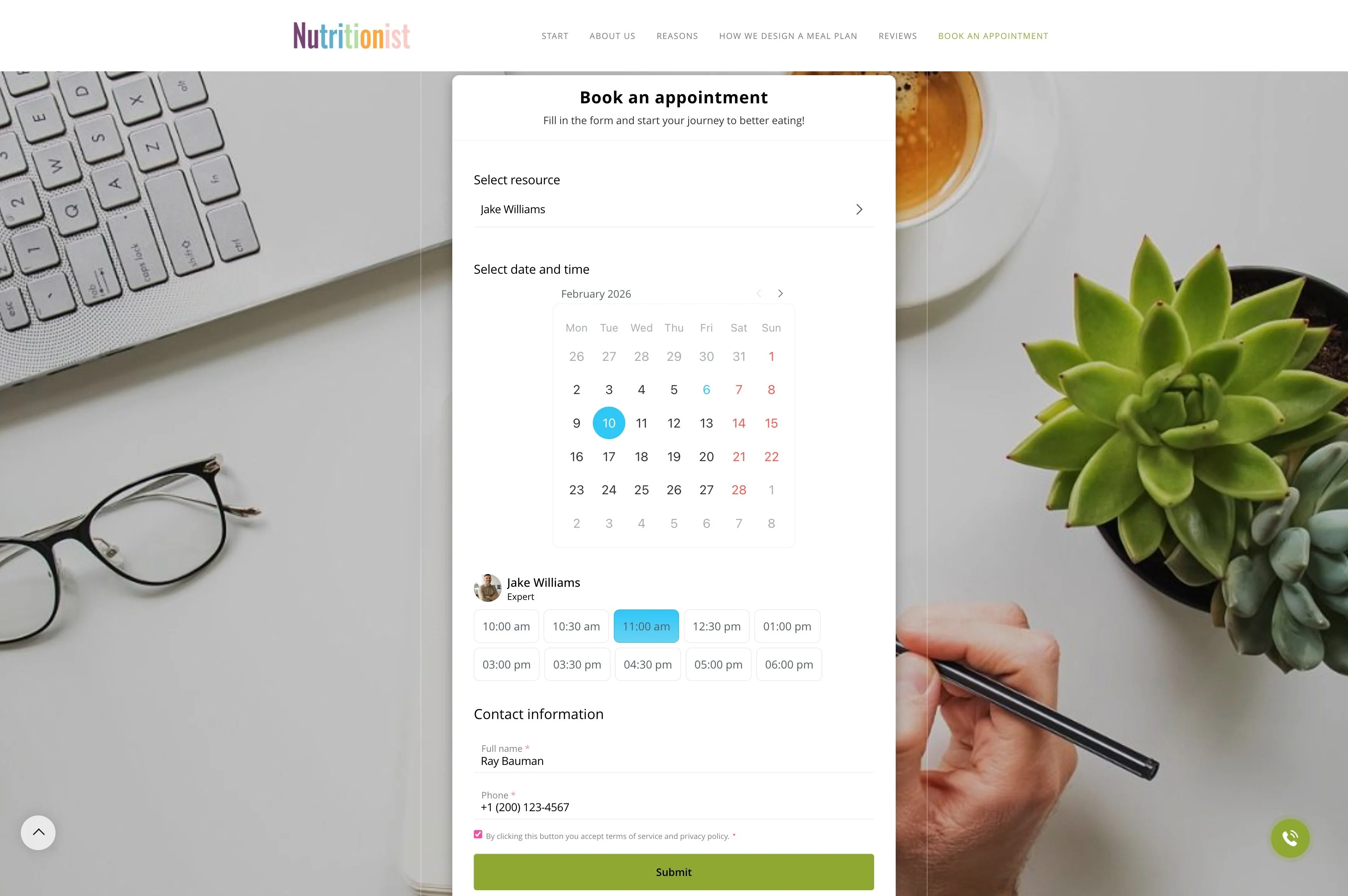
After the reservation window, record what happened: completed, no-show, partial use, or rescheduled. Then capture the next action—another appointment, a quote, a handoff, or a return/check-in for equipment.
Keeping follow-up on the same record maintains continuity from request to outcome.