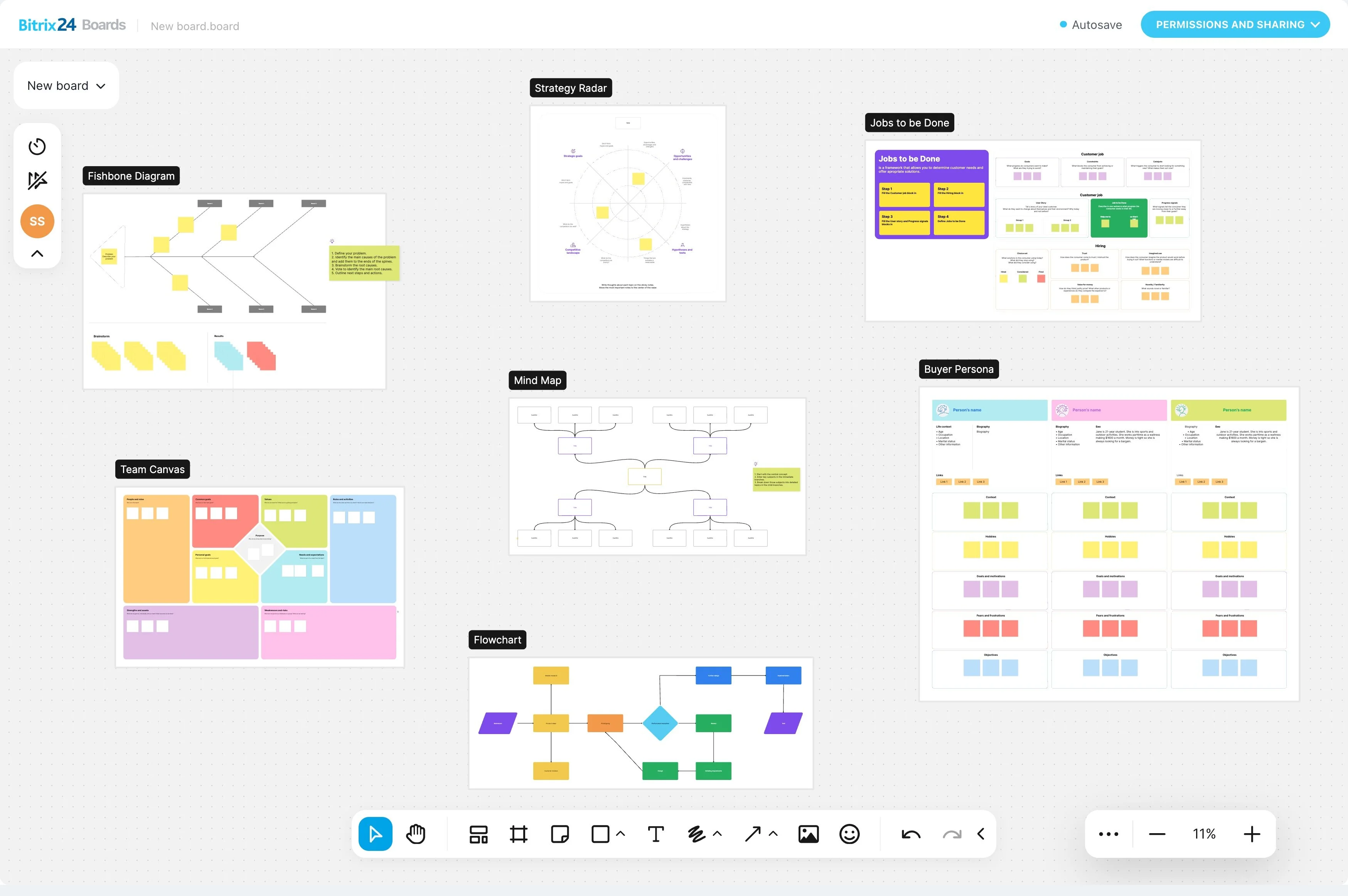
Trello is useful for visual task tracking, but project work often extends beyond boards and cards. When your team also manages customer records, conversations, files, calendars, and recurring actions, a Trello to Bitrix24 migration can create a broader workflow for the business.
Start by identifying the Trello information and processes that matter most. Then rebuild the essential work in Bitrix24, connecting project activity with the customer and team context people need to act on the next step.
Connect delivery with customer context
If customer information lives outside Trello, migration can bring project execution closer to relationship management. Teams can organize work around the request, account, or ongoing customer activity that gives the project its business context.
This matters when a request moves through internal handoffs and ends with follow-up. The work is managed as part of the customer process rather than as an isolated board.
When Trello no longer covers the workflow
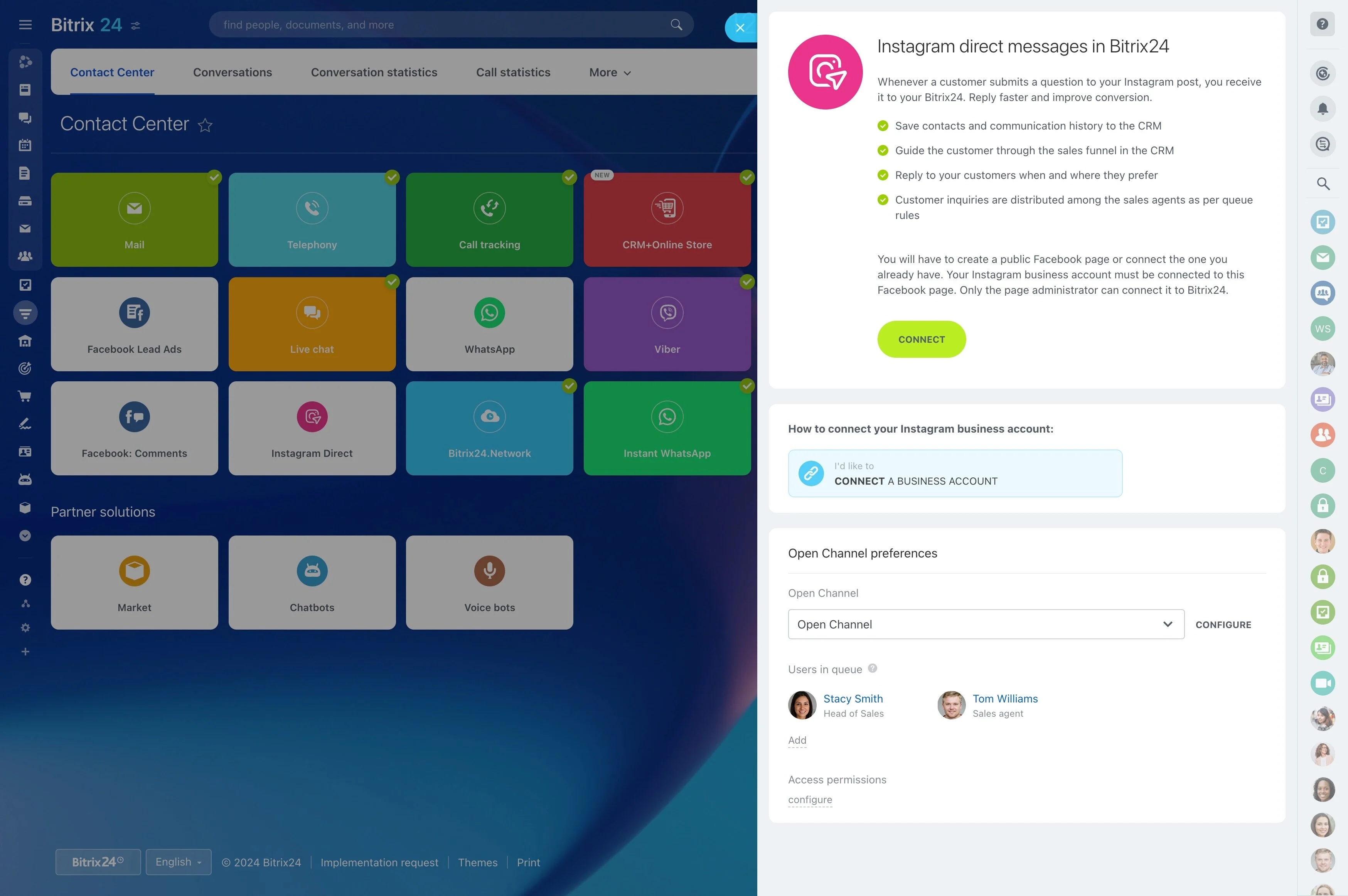
Migration becomes relevant when project boards are only one part of the process. Teams may need to connect delivery work with customer information, internal conversations, documents, schedules, and repeatable actions rather than managing those activities separately.
Bitrix24 is a practical Trello alternative when the goal is to coordinate projects alongside broader customer and team workflows.
Define what should move from Trello
Review how your team uses Trello before planning the move. Separate active work from outdated material and record the boards, lists, cards, owners, due dates, checklists, labels, and attachments that people still rely on.
- Which boards represent current projects or recurring processes?
- Which card details must remain available?
- Who needs access to each workflow?
- What should connect with customer work, calendars, files, or communication?
Turn boards into clearer processes
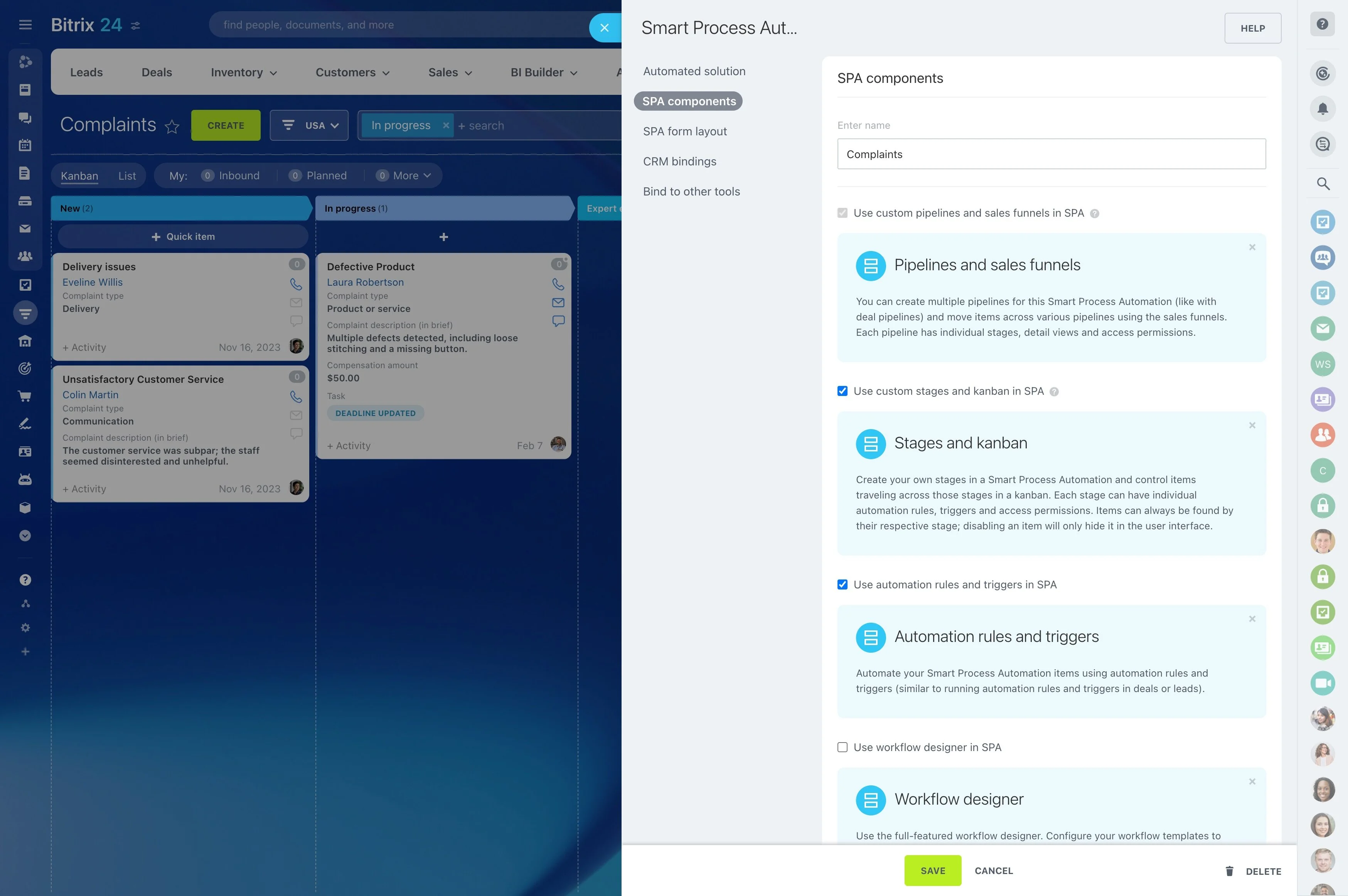
Do not copy every list and card automatically. Keep the stages that explain progress, then define what each stage means, who owns the next action, and which information belongs with the work.
This approach lets project work fit into a wider Bitrix24 process that can include tasks, customer-related activity, conversations, documents, and scheduled work.
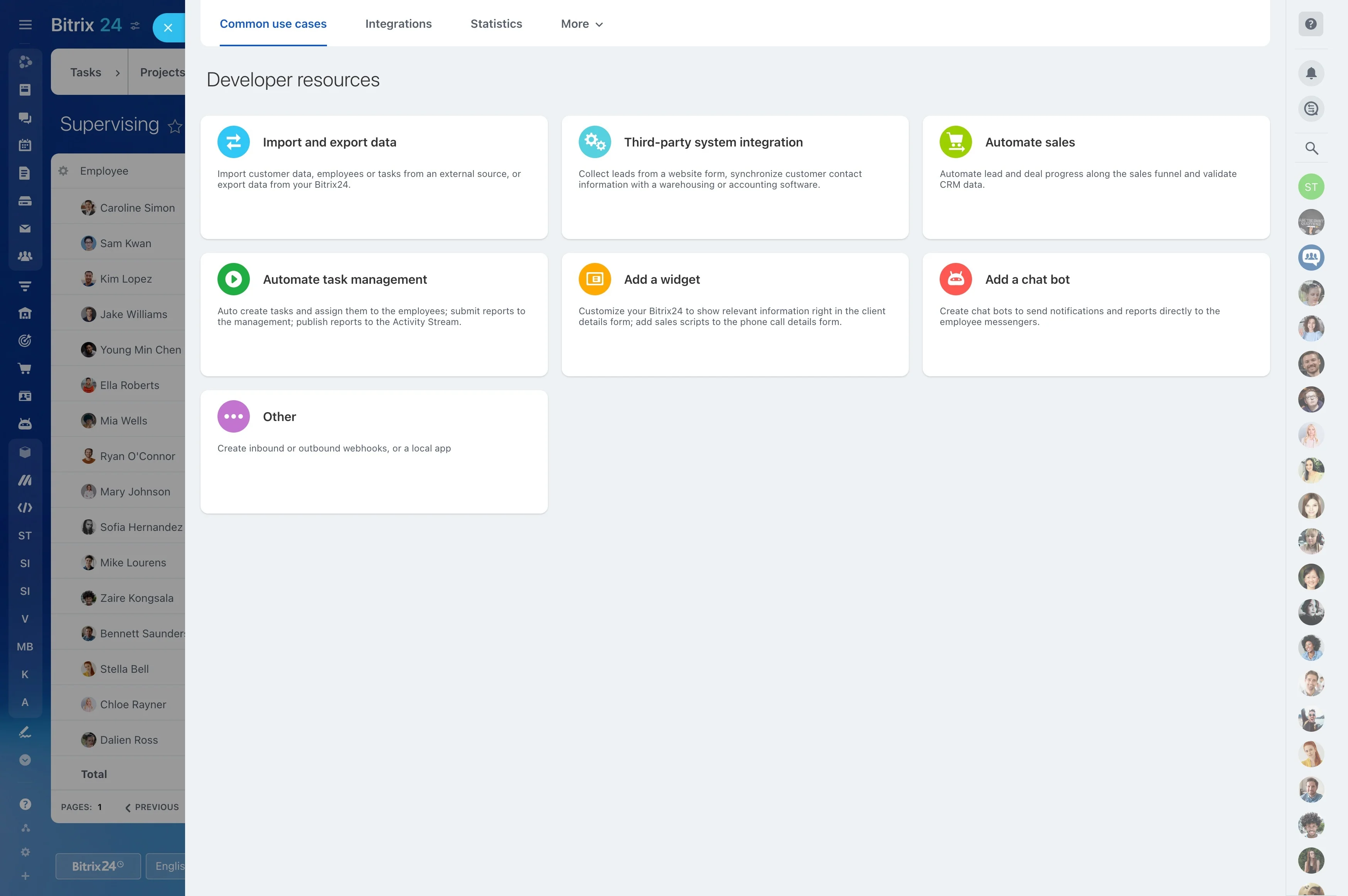
Set rules for conversations and files
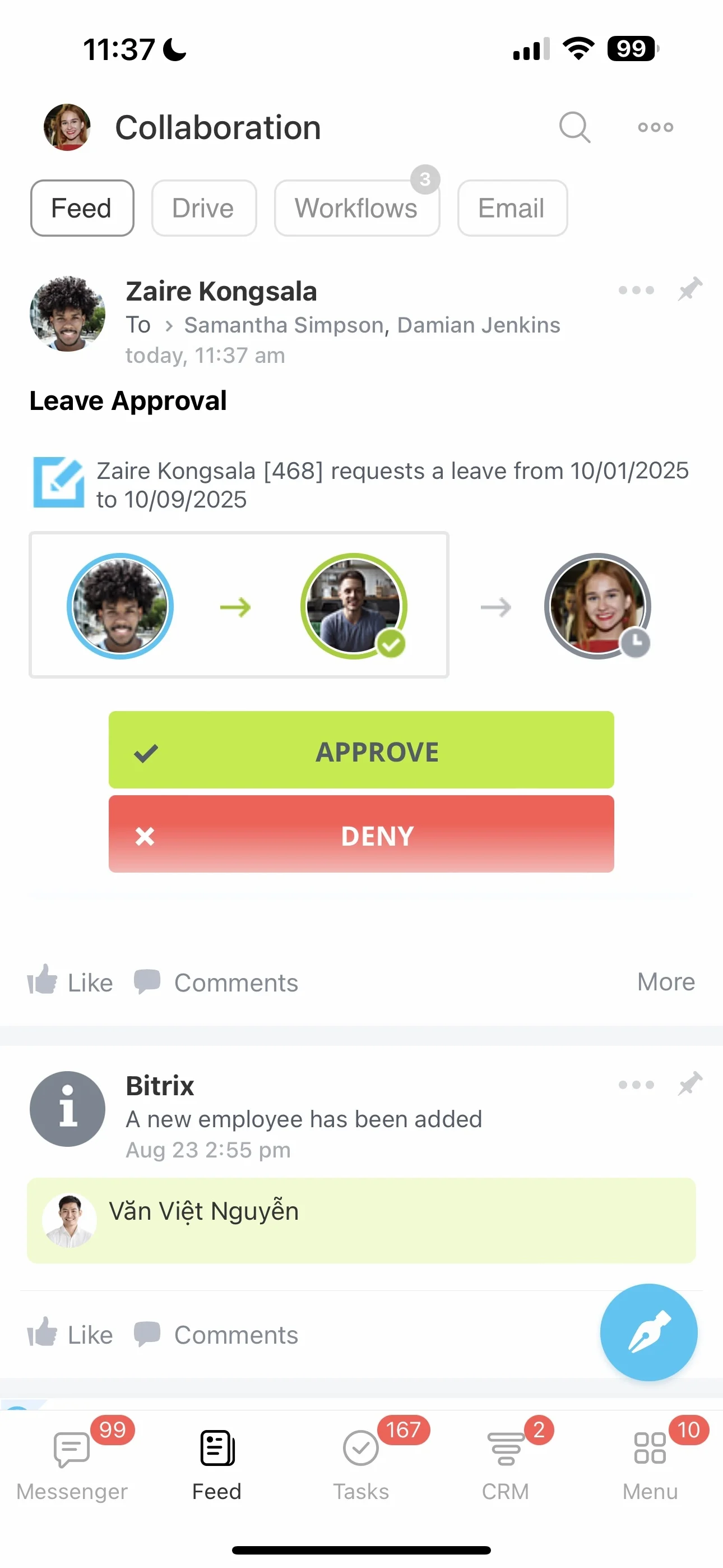
Project status is only part of the record. Teams also need to find decisions, working documents, schedules, and the context behind an action. Decide where these materials and updates belong in Bitrix24 before the migration is complete.
Clear conventions help people use the new workspace consistently instead of recreating the separation the migration was meant to address.
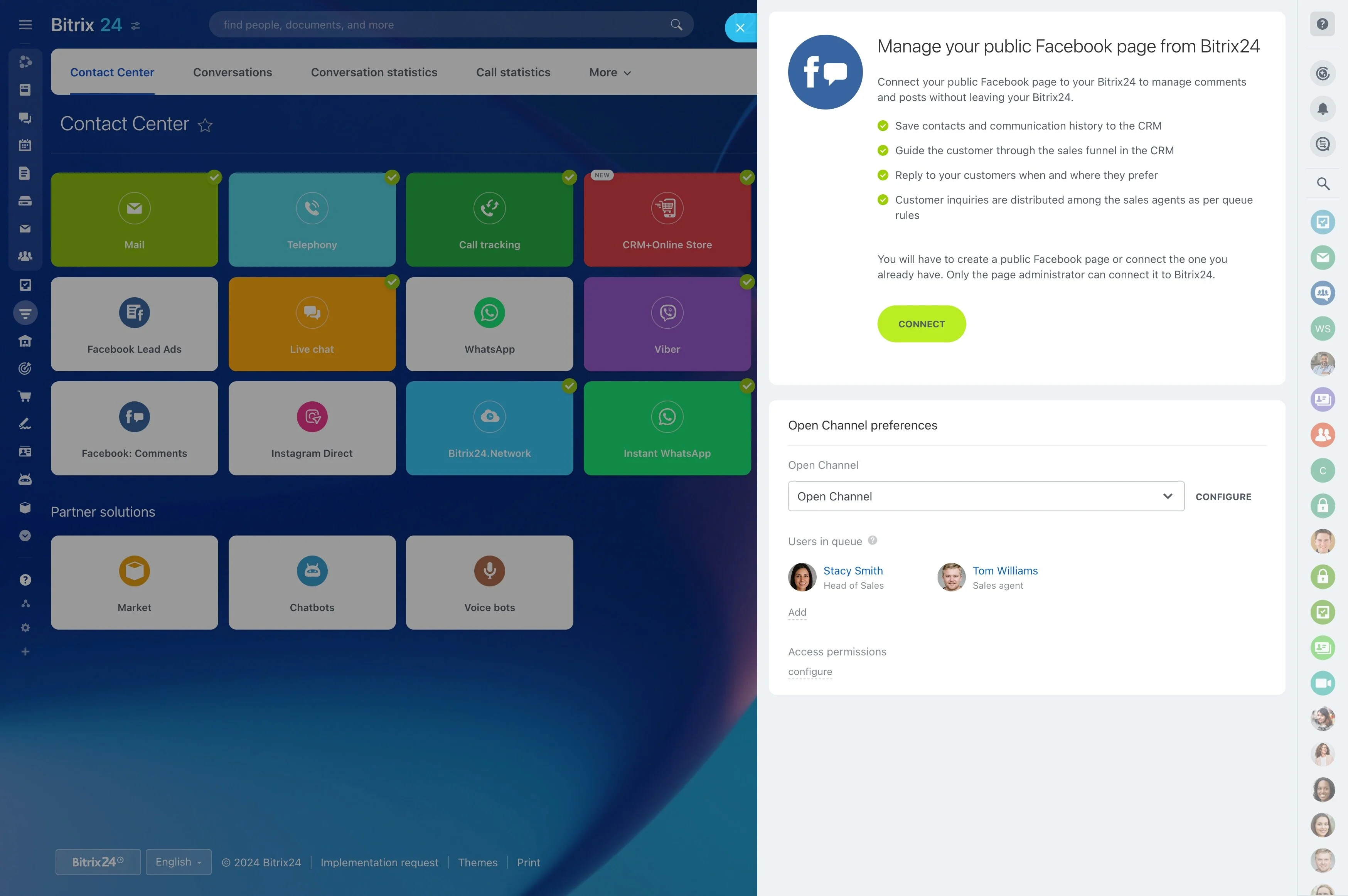
Support adoption after migration
The move continues after the data is transferred. Begin with the workflows people use most, explain new ownership and communication practices, and give the team a short guide to common activities.
Ask project owners to review the structure after initial use. Adjust stages, responsibilities, or information fields when the rebuilt process does not reflect how work is actually done.