Define “in this stage” and the next step
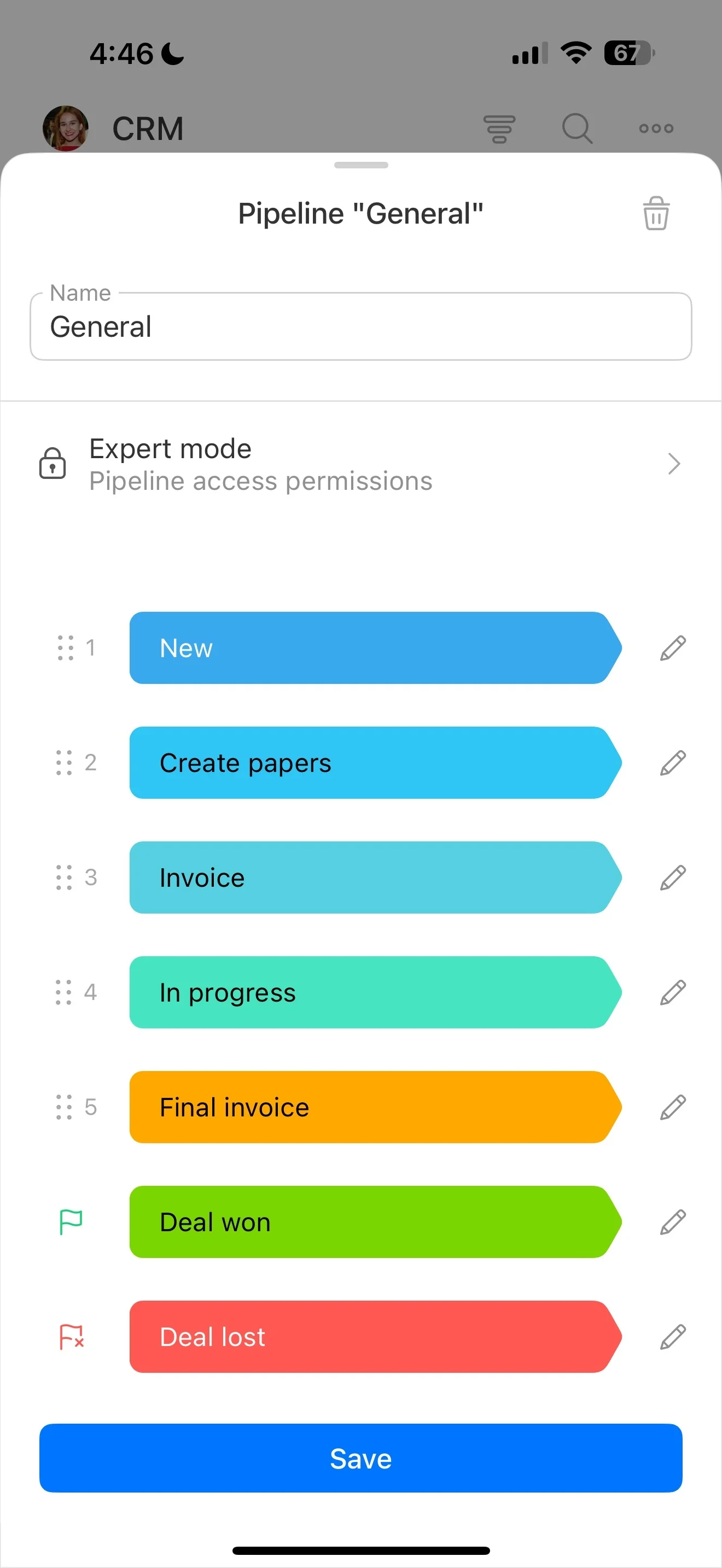
Starting a CRM from scratch isn’t about memorizing definitions—it’s about choosing a small structure your team will actually follow. A beginner-friendly setup should make it easy to capture new inquiries, qualify them, move real opportunities through a few clear stages, and always know the next step on every active deal.
This guide explains the core CRM concepts in plain language, then walks you through creating a lightweight first pipeline you can improve later. Use the checklists and examples to keep your setup minimal, consistent, and easy to maintain while you evaluate a tool like Bitrix24 in real work.
- Understand leads, deals, stages, and customer records
- Pick 4–7 stages that match how you sell today
- Define what “in this stage” means (and what happens next)
- Launch small, then iterate based on real usage
Minimum viable Bitrix24 pipeline setup
Start small so you can launch quickly and adjust based on real usage. In Bitrix24, create one pipeline with your chosen stages, then set expectations for when a lead becomes a deal and how follow-ups are recorded.
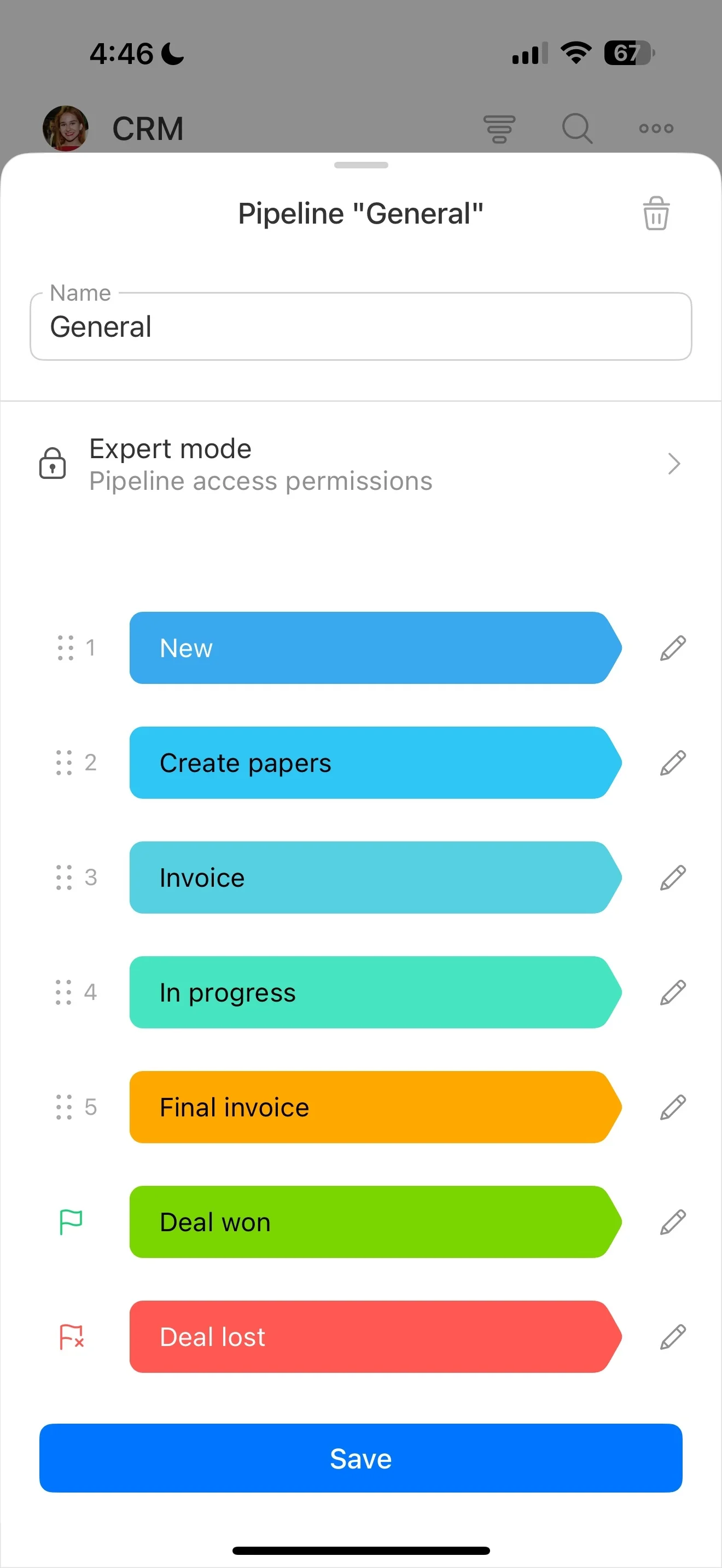
- Create a single pipeline and add your stages
- Agree on when to convert an inquiry into a deal (after qualification)
- Keep fields to essentials you’ll use (name, source, value, expected close date)
- Require a scheduled activity for every active deal
Once usage is consistent, expand with more fields or additional pipelines if you truly need them.
CRM basics, in the order you’ll use them
A CRM is a way to run customer work as a repeatable process. For a first setup, you only need a few building blocks:
- Contacts/Companies: who you’re selling to.
- Leads: new inquiries you still need to qualify.
- Deals: qualified opportunities you’re actively working.
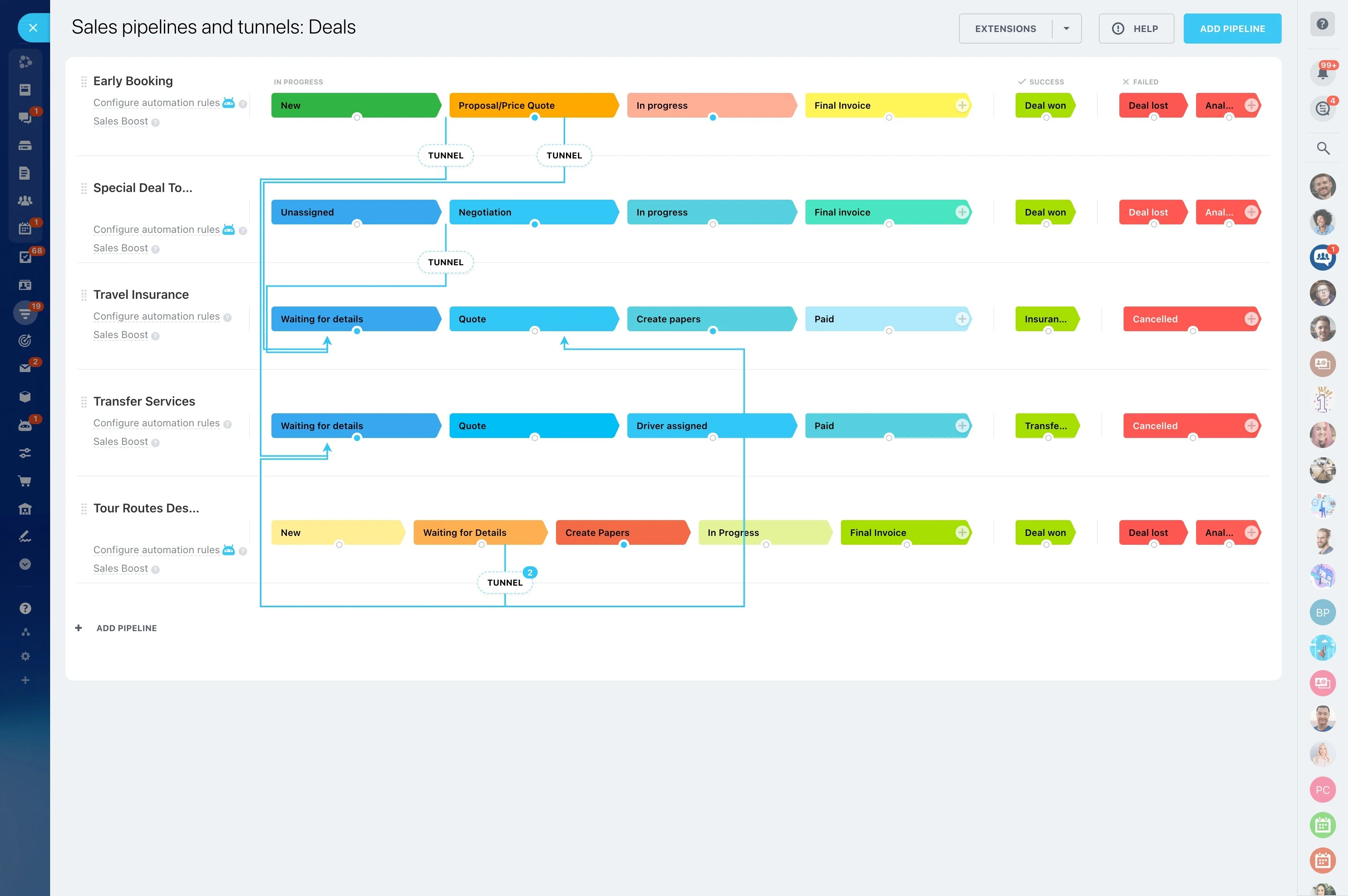
- Pipeline stages: the steps a deal moves through.
- Activities: the next action (call, email, meeting, task) tied to the record.
Your beginner goal: each item has a clear stage and an obvious next step.
Pick a simple pipeline you can maintain
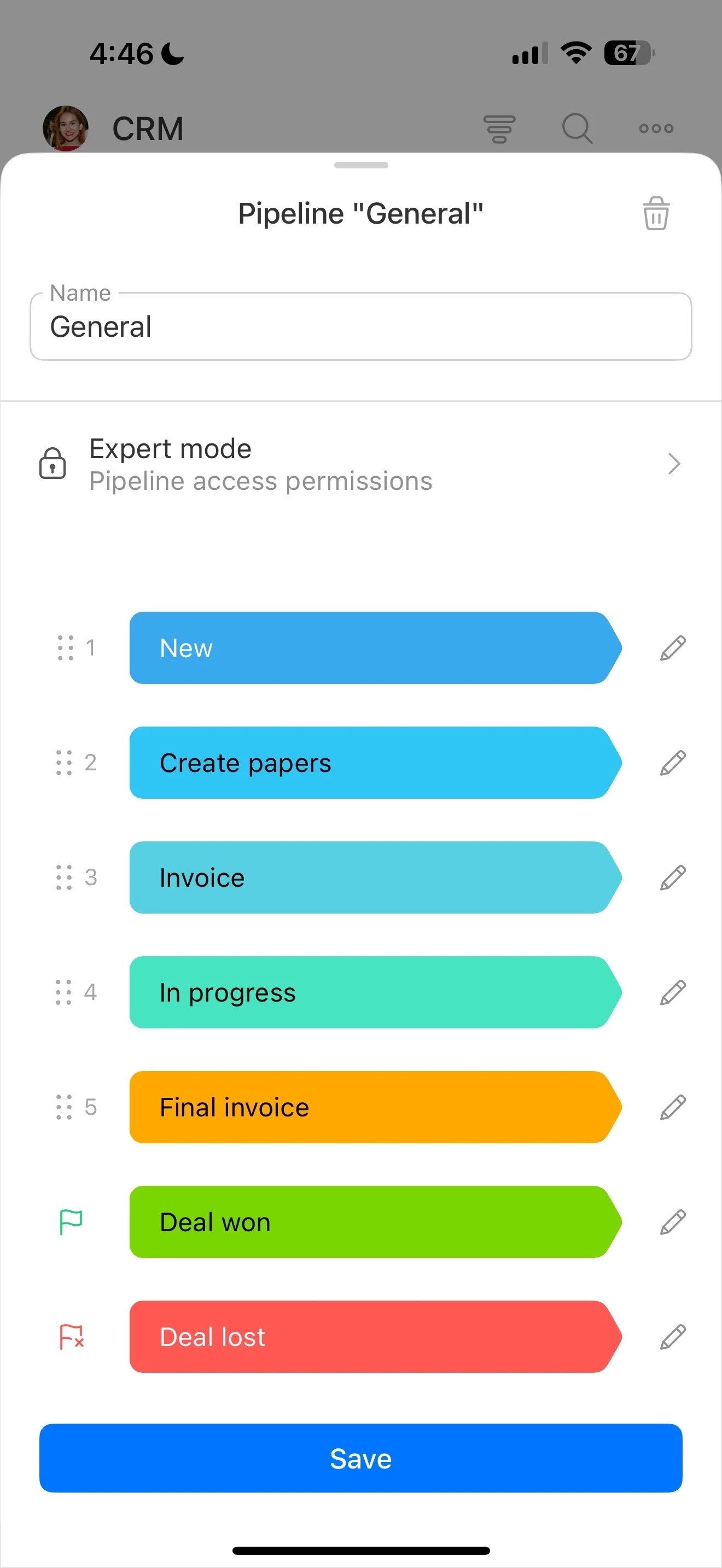
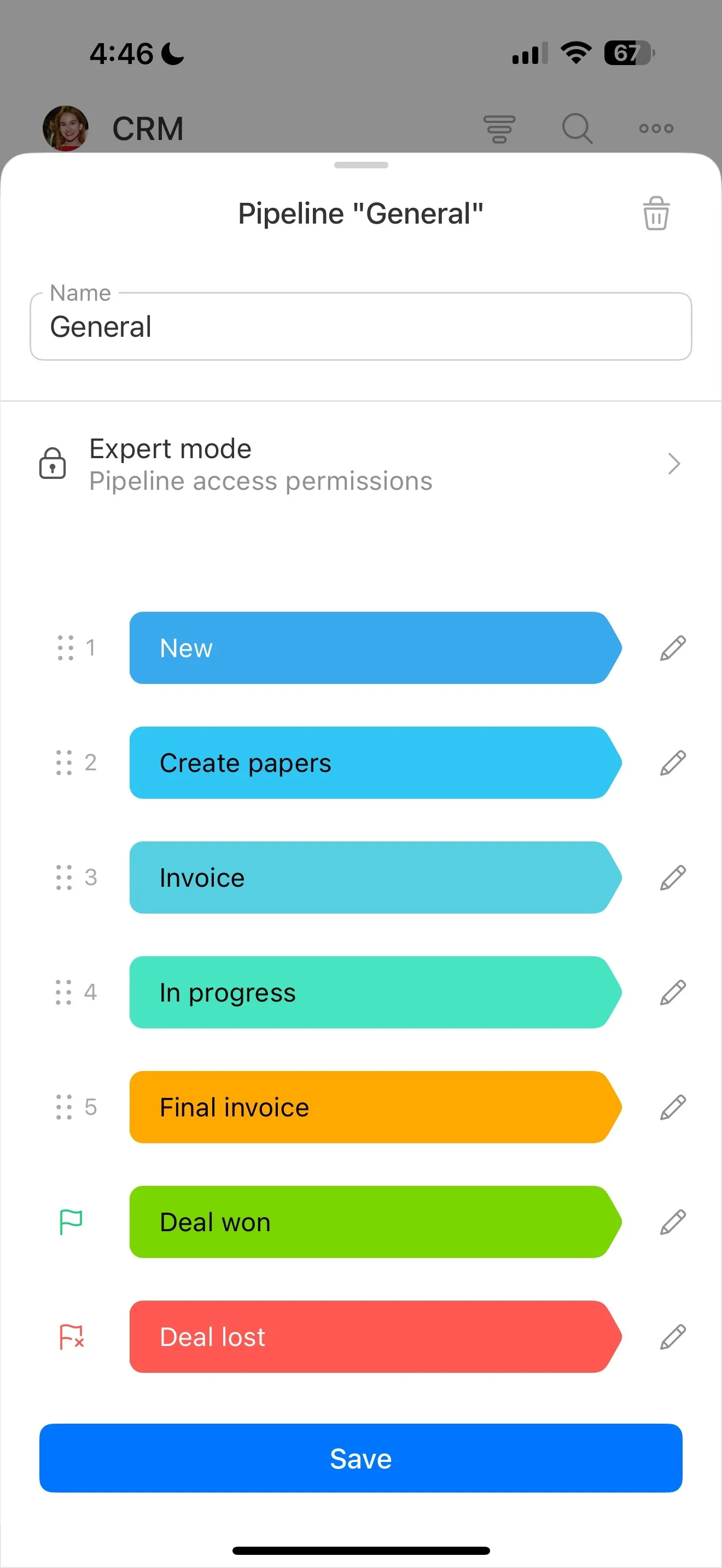
Your first pipeline should match how you sell now—not an idealized process. Start with 4–7 stages: enough to show what’s happening, not so many that updates become subjective.
Example starter pipeline:
- New inquiry
- Qualified
- Proposal/Quote sent
- Negotiation
- Won
- Lost
If a stage doesn’t change what you do next, remove it.
Define “in this stage” and the next step
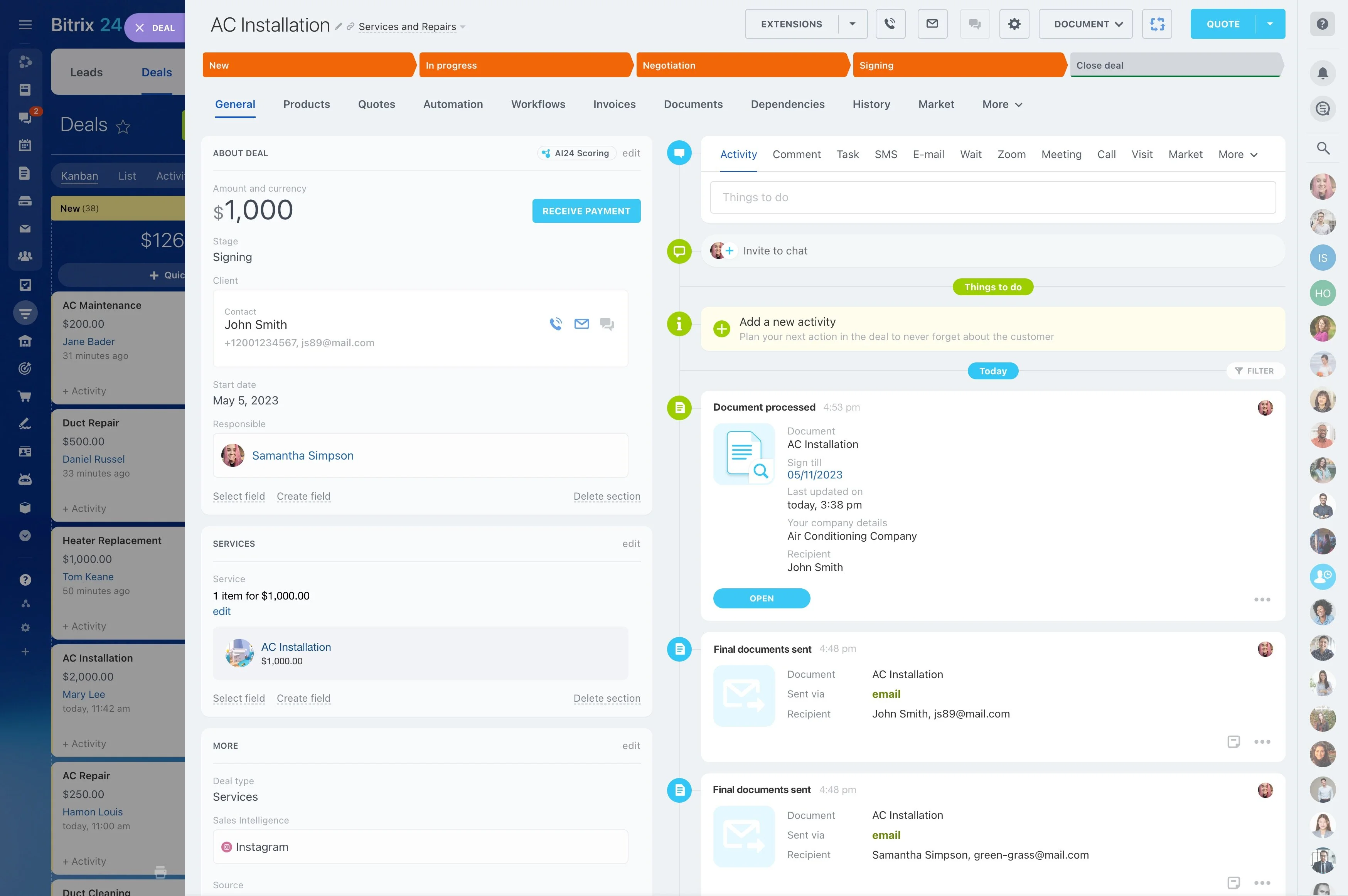
A pipeline only works when stages mean the same thing to everyone. For each stage, write two short rules:
- Entry rule: what must be true to move a deal into the stage (for example, “budget and timeline confirmed”).
- Next action: what should happen next (for example, “book a demo” or “send quote”).
This reduces guesswork, skipped steps, and deals that sit without follow-up.
A 1-week rollout plan for beginner adoption
For beginners, the biggest win is consistent usage—not perfect customization. Run a short rollout focused on habits:
- Day 1: Agree on what counts as a lead vs. deal and what each stage means.
- Days 2–3: Enter real work; keep fields minimal.
- Day 4: Review what’s stuck; enforce “every active deal has a next action.”
- Day 5: Rename stages and tighten criteria based on what didn’t fit.
After week one, fix only the patterns that repeatedly cause confusion.
Beginner CRM software evaluation checklist
When comparing CRM software for beginners, judge it by how easy it is to run your daily workflow correctly. Use this shortlist to evaluate:
- Pipeline clarity: Can you see stage and next step quickly?
- Fast entry: Can you capture an inquiry without a long form?
- Follow-ups: Can you schedule and track activities per record?
- Basic visibility: Can you review what’s active, stuck, and closing?
- Grow later: Can you add stages/fields without rebuilding?
The “best CRM for beginners” is usually the one that matches your current sales motion and makes the next action hard to ignore.