See How One Delay Affects the Rest of the Schedule
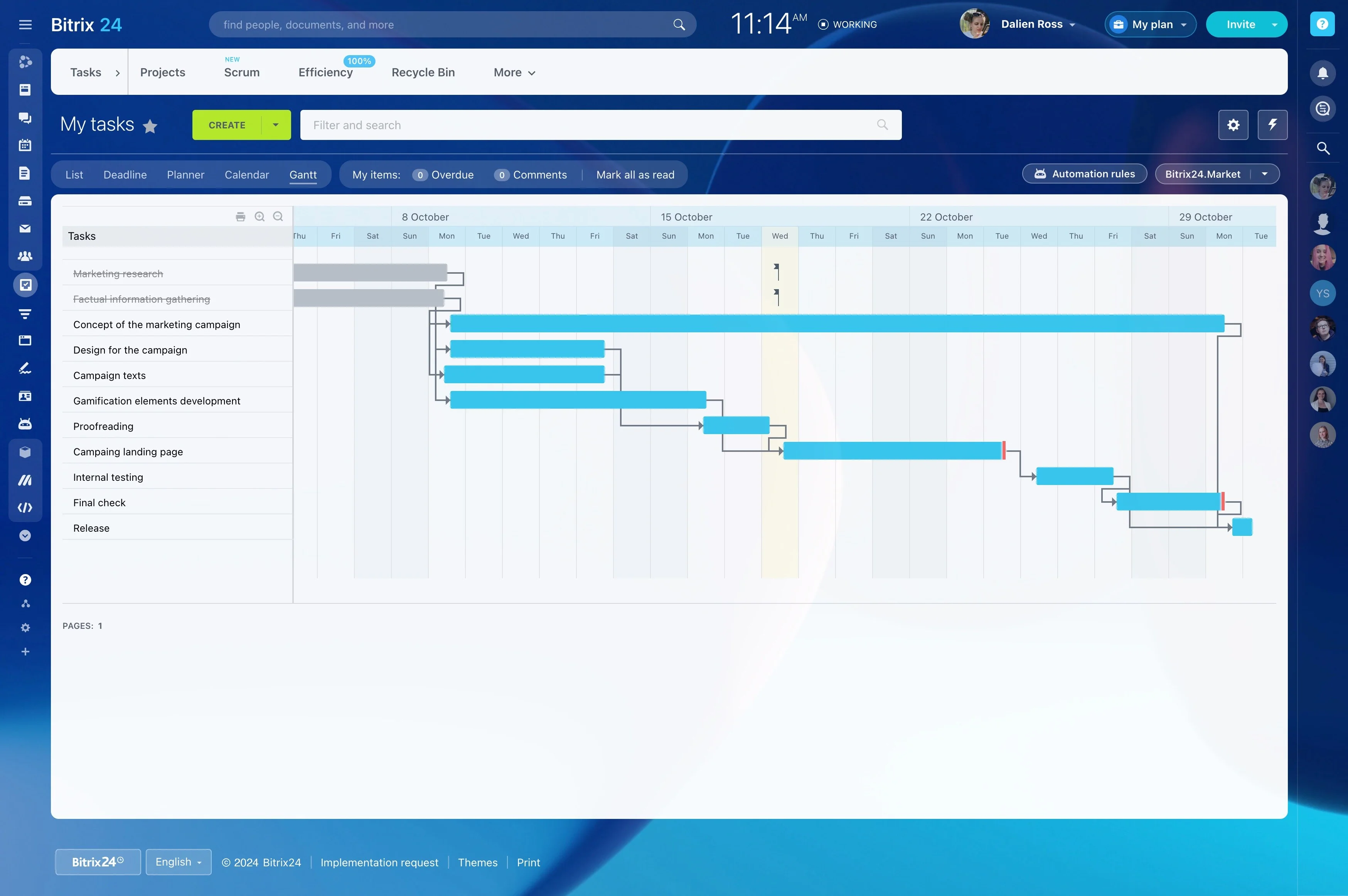
When one project task cannot start until another is complete, a schedule change can affect the entire delivery plan. A gantt chart with dependencies shows these relationships clearly, so teams can distinguish fixed sequences from work that can run in parallel.
In Bitrix24, connect related tasks in the Gantt view, review their order, and assess how a date change may affect the work that follows. This gives project managers a practical basis for updating timing, coordinating handoffs, and keeping the plan aligned with how the work actually happens.
Coordinate ownership at each handoff
Dependencies make handoffs easier to plan by showing what follows each completed task. A content specialist may prepare materials, a reviewer may approve them, and a web team may publish the final version.
Showing this sequence in the project plan gives each owner a clearer view of when their work is expected and what must happen first.
How task dependencies work
A dependency defines the order between two tasks. For example, a design review may need to finish before development begins, or testing may depend on a completed build. The Gantt chart places these relationships alongside dates and durations.
- Finish-to-start: the next task begins after its predecessor ends.
- Start-to-start: related activities begin from the same starting point.
- Finish-to-finish: connected tasks are planned to finish together.
Dependency examples across project work
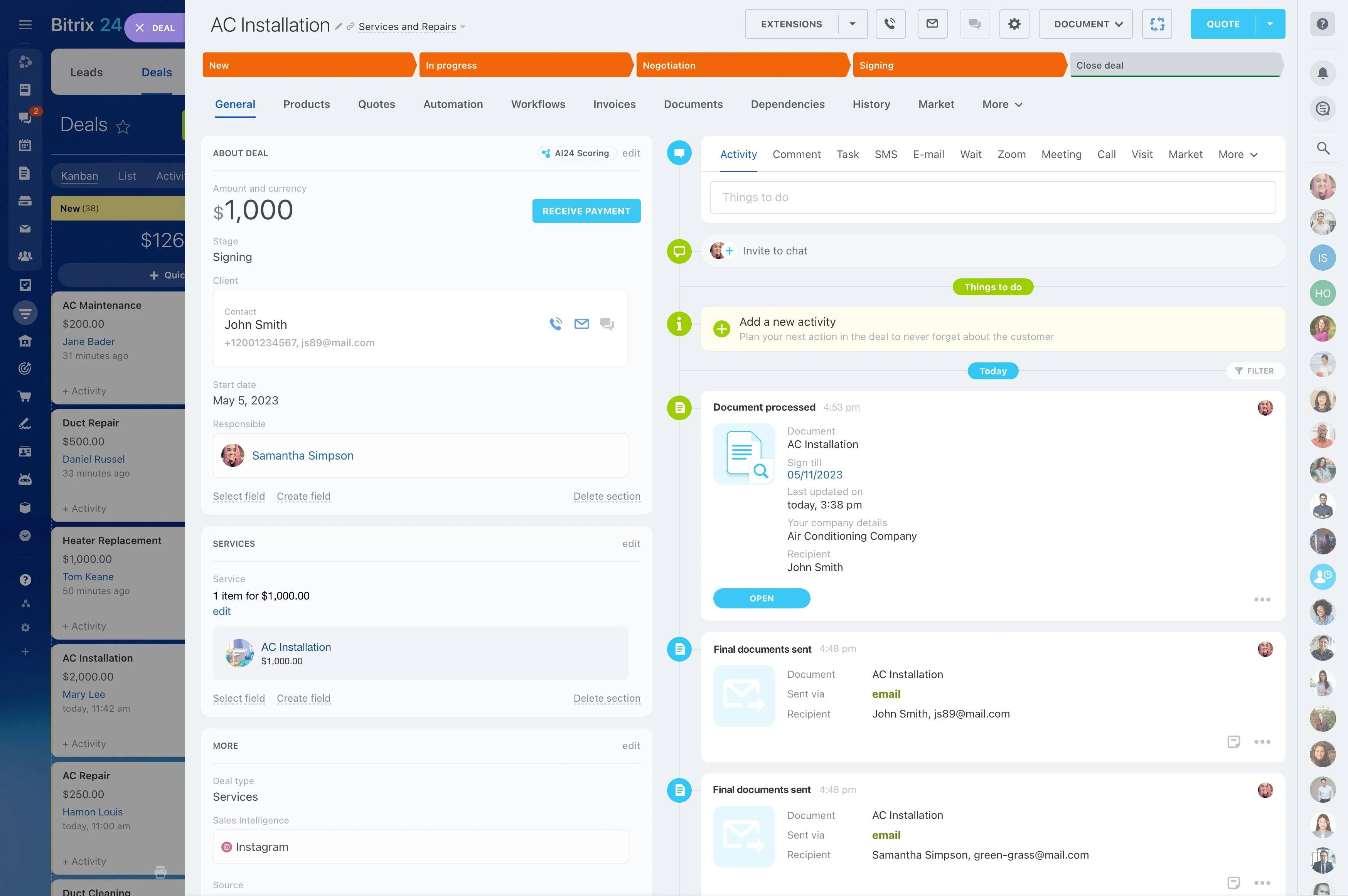
Dependencies matter wherever work follows a defined sequence. A marketing launch may link approved messaging to creative production, then to landing-page preparation. A construction plan may connect site preparation with installation, inspection, and handover.
Mapping these relationships helps the team see which tasks can run in parallel and which must wait for a predecessor.
Trace the impact of schedule changes
If a predecessor takes longer than planned, its dependent tasks may also need new dates. Updating the task in the Gantt view gives the team a way to review the affected sequence rather than treating the delay as an isolated issue.
During a status review, this makes it easier to decide whether timing, ownership, or priorities need adjustment.

Review dependencies in an online schedule
An online Gantt chart with dependencies gives project participants a shared view of task order and timing as the plan changes. The team can review upcoming work, progress, and revised dates from the same project schedule.
In Bitrix24, the dependency view supports ongoing project coordination instead of leaving the schedule as a static document.
Keep the dependency map focused
Not every task needs a dependency. Start with relationships that can affect delivery, such as approvals, handoffs, required inputs, or inspections. Review those links when the scope, timing, or ownership changes.
A focused map is easier to maintain and gives the team a clearer view of the project path.