AI Client Meeting Prep: Know the Full Story Before You Join the Call
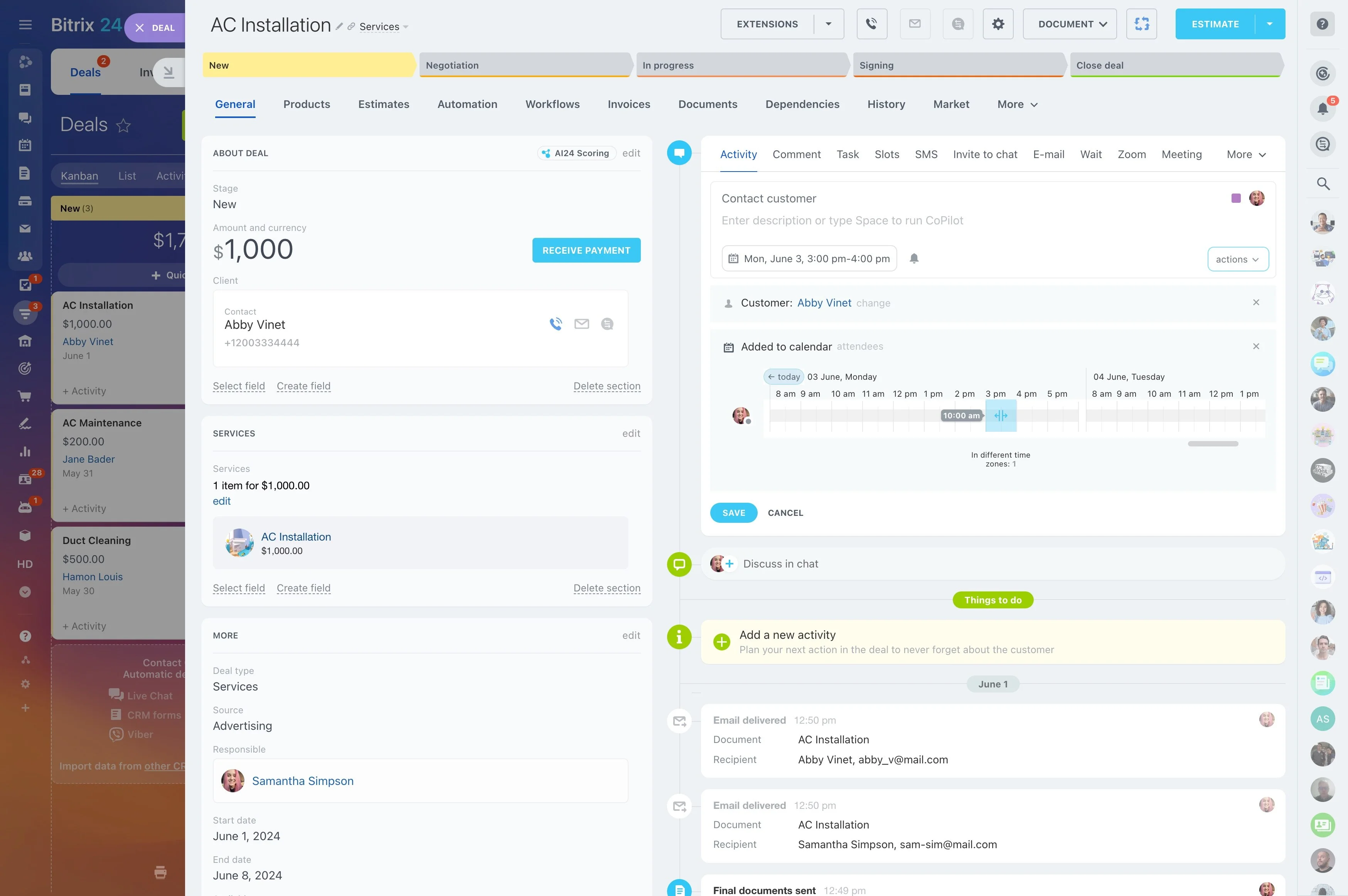
Your calendar says “Meeting with Northwind”. It doesn't say their invoice is overdue and the deal has been stuck for three weeks. Build an app that matches meetings to CRM records and sends you a brief beforehand.
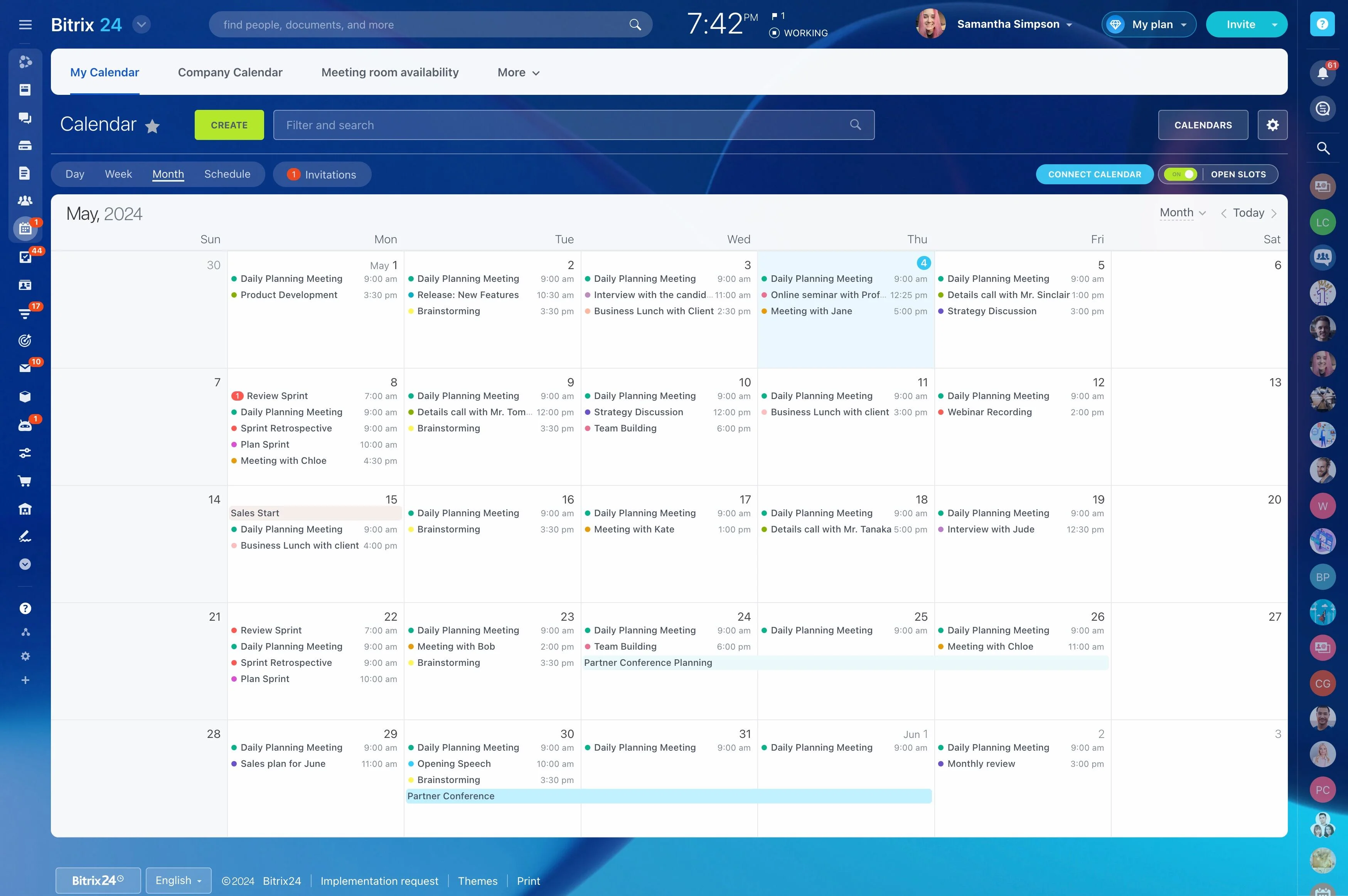
Your calendar says "Meeting with Northwind" — it does not say their invoice is overdue and the deal has been stuck for three weeks. With Alaio Vibecode, you can build an app that matches meetings to CRM records and sends you a brief beforehand.
- Match calendar events to CRM contacts and deals.
- Receive a brief in chat before each meeting.
- See open deals, invoices, and open issues.
- Get talking points based on client history.
Talking Points and Smart Questions
A nudge, not a script.
- Suggest two or three topics to raise.
- Propose questions that move the deal forward.
- Flag sensitive topics such as delayed payments.
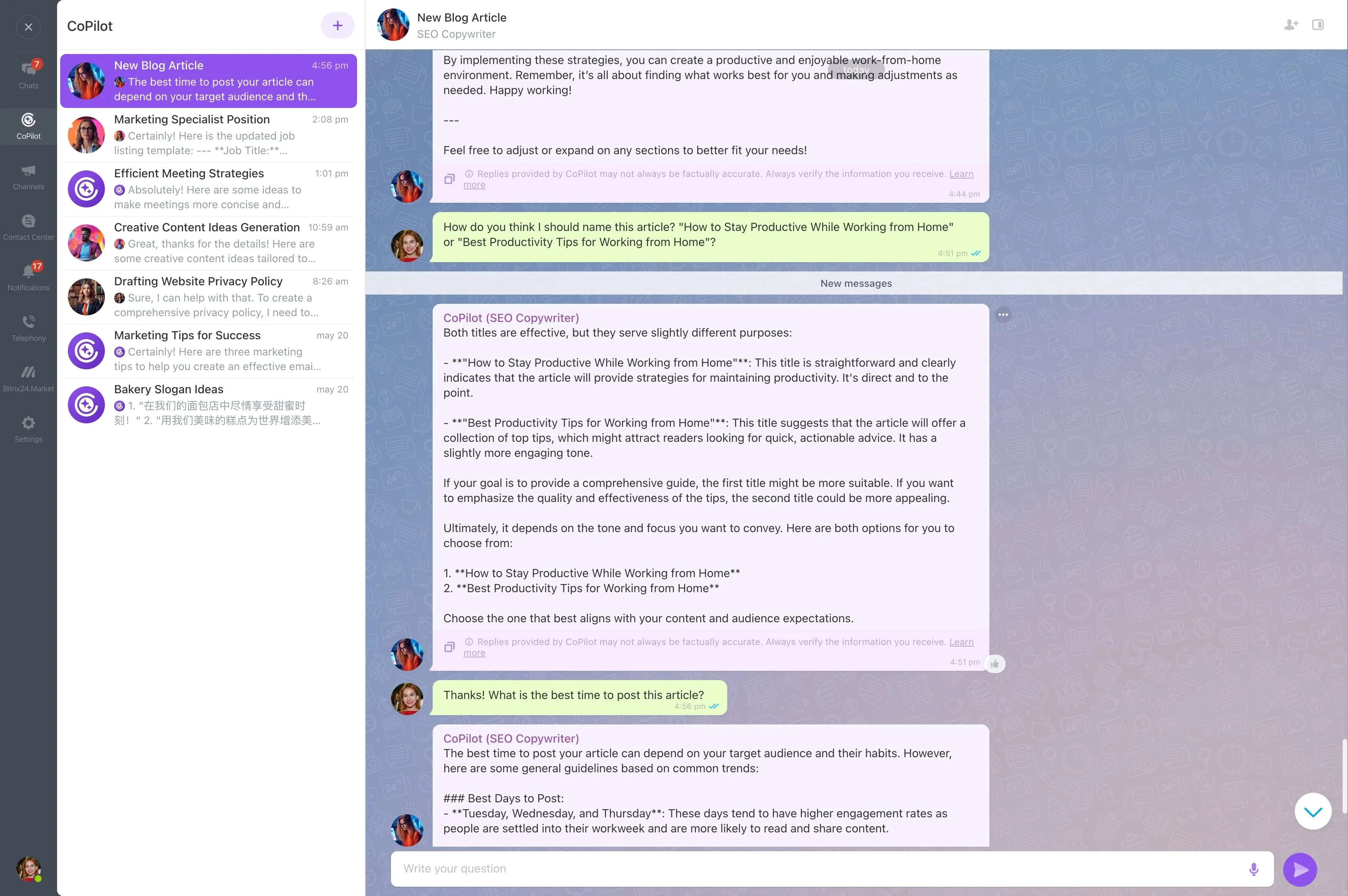
Calendar Meets CRM
Bitrix24 Calendar and CRM live in the same workspace, so one app can connect them.
- Find who you are meeting from event participants.
- Link the event to the right company and deals.
- Choose which meeting types get a brief.
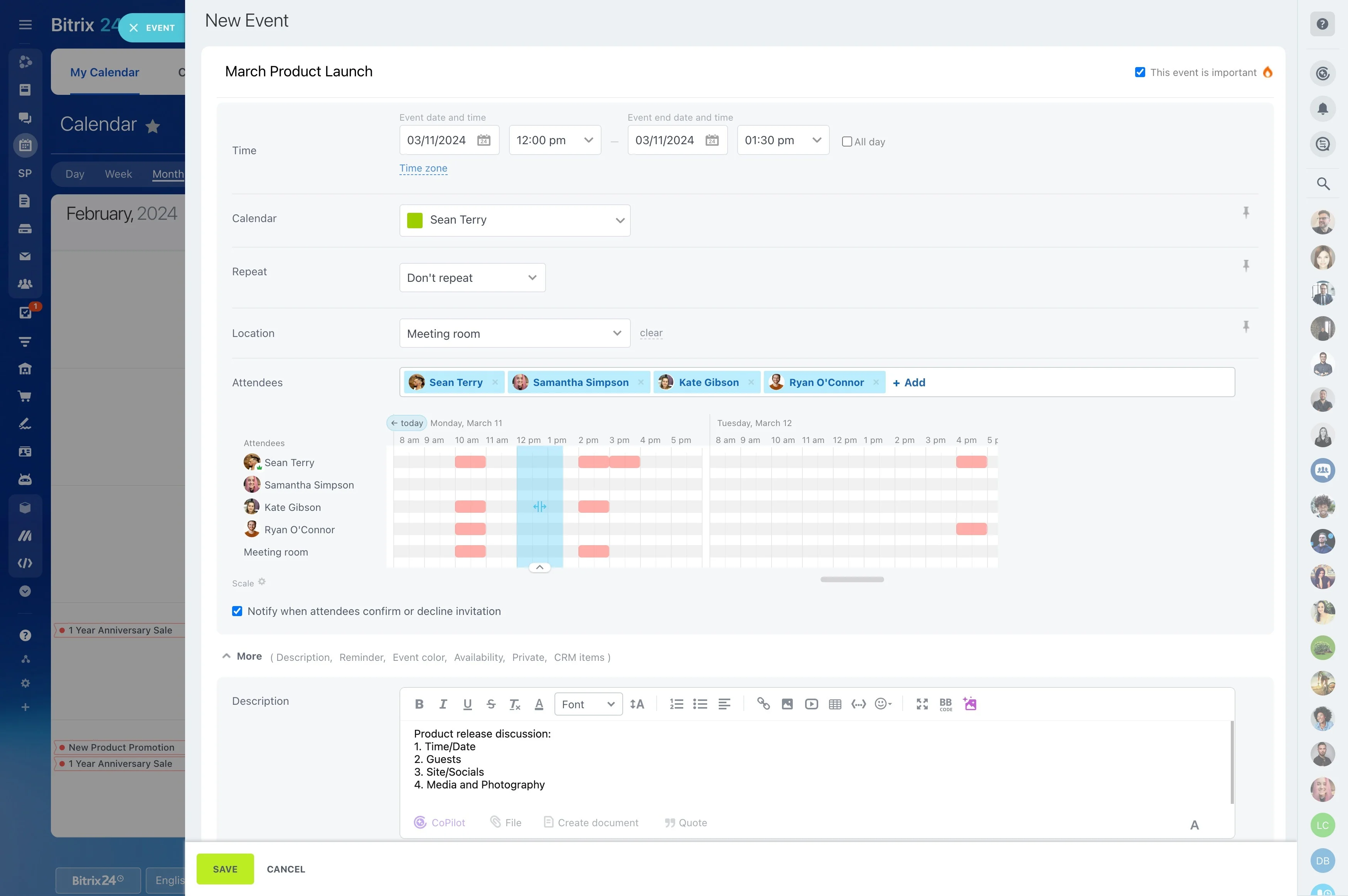
Briefs Delivered Where You Already Work
Nobody needs another dashboard to check before a call.
- Receive the brief from a Vibecode bot in Bitrix24 chat.
- Set the timing — 30 or 60 minutes before the meeting.
- Read it on the go in the Bitrix24 mobile app.
- Ask follow-up questions about the client to an AI agent such as Hermes.
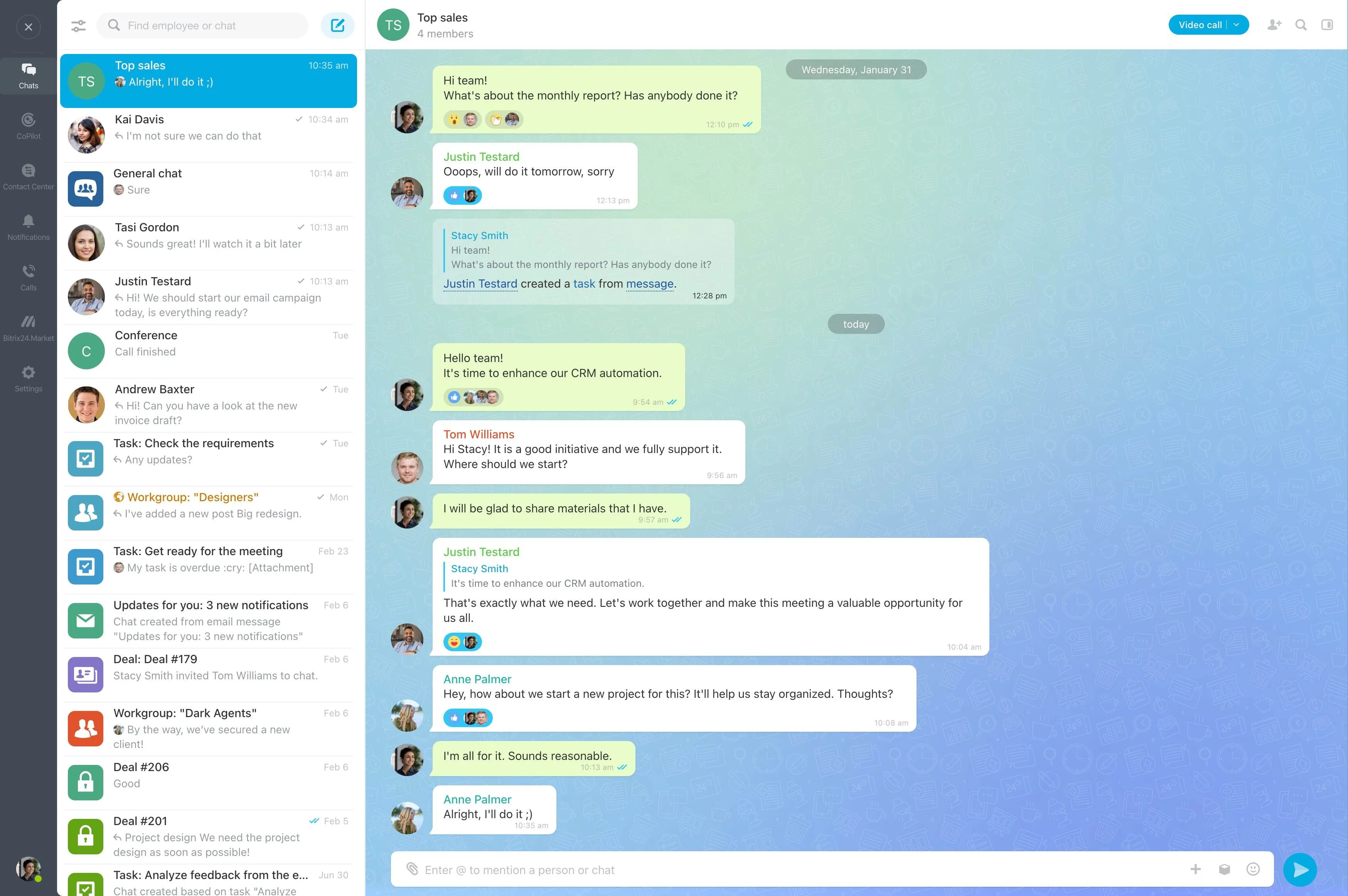
Only What Changes the Conversation
The brief focuses on facts that matter. Numbers and dates come from CRM fields; AI only summarizes.
- Deal stage, amount, and last interactions.
- Agreements from the previous meeting.
- Overdue invoices and open support conversations.
Build the Meeting Prep App With Vibecode
Vibecode documentation covers calendar events and bots, so AI writes working code from the first prompt.
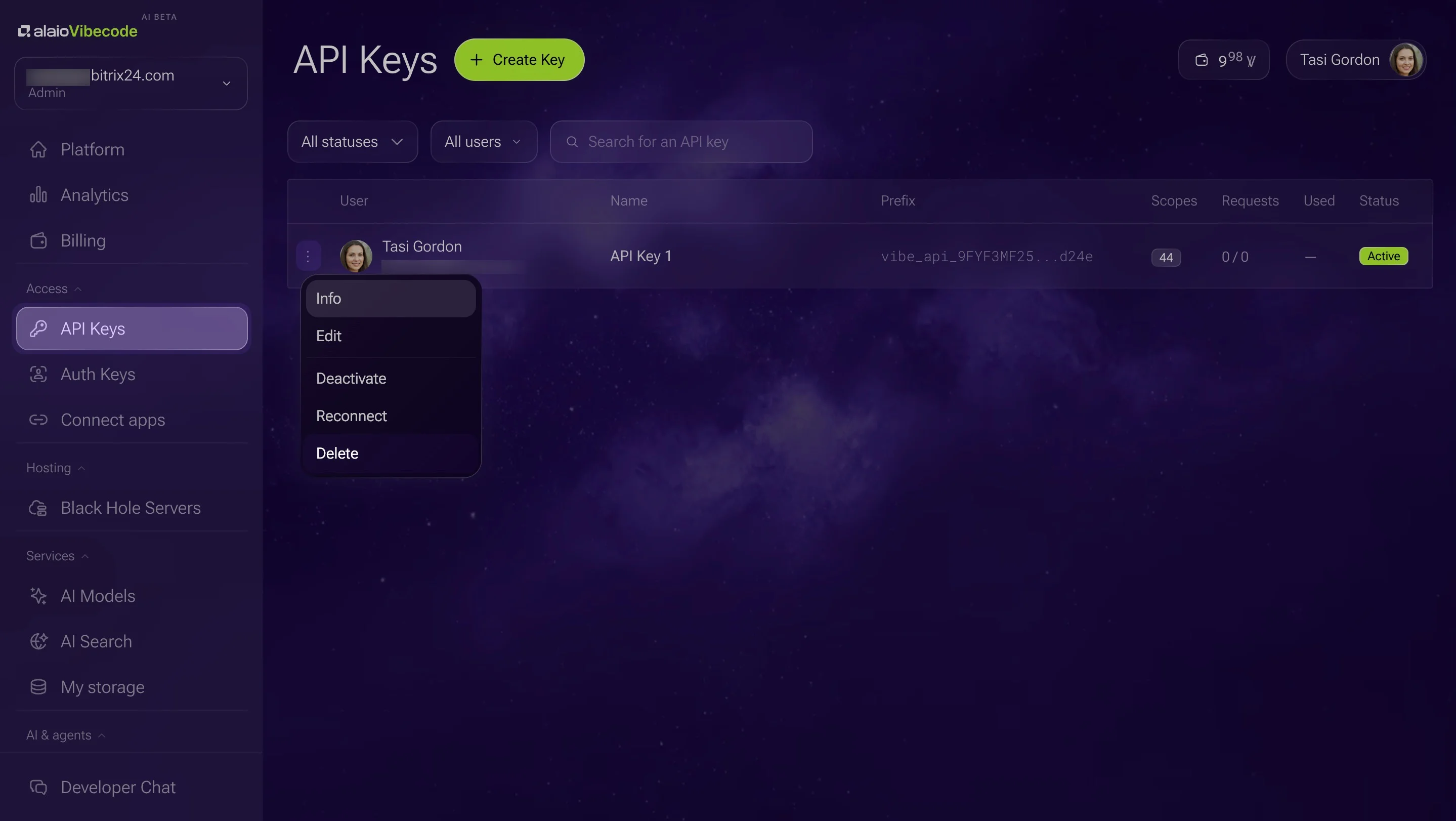
1. Create an API key with calendar, CRM, and chat access.
2. Describe the app: "Check my calendar for client meetings and send me a brief in chat one hour before each."
3. Review the first briefs and adjust what they include.
4. Share the app with the rest of the team.
Read-Only and Lightweight
The app reads data and sends you a message — nothing more.
- Use a read-only key for CRM access.
- The API, bot platform, and built-in AI models are included in Vibe+ plans, within the monthly AI allowance.
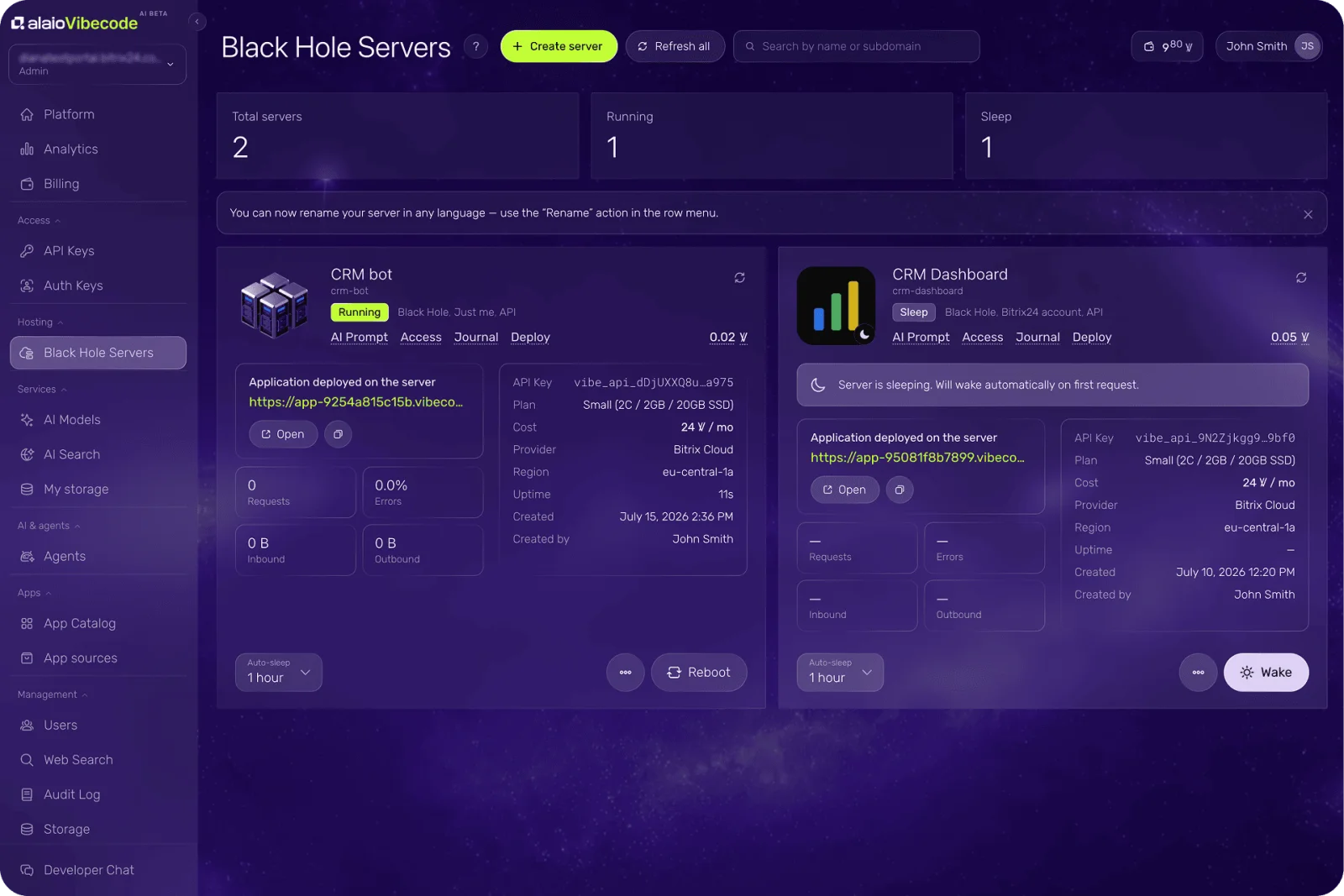
- A scheduled app may need a server billed in Vibe credits; while idle, it sleeps at a reduced rate.
- Vibecode is in AI Beta, so plans and pricing may change.
For more information about Bitrix24, head over to our training courses.
We also have a great YouTube channel that covers every aspect of Bitrix24, from sales and planning to document management and company internal communication tools.
To download the self-hosted edition of Bitrix24 that can be installed on your own server and give you access to open source code, please visit the Bitrix24 Self-Hosted page.
Be sure to check out other Bitrix24 tools:
15.000.000+ organizations have chosen Bitrix24