Walk Into Every First Call Prepared With an AI Prospect Research Assistant
Combine what your Bitrix24 CRM already knows with fresh web signals — news, hiring, launches — and get a short dossier where every fact links to its source. Start from the ready-made Deal Radar solution in Alaio Vibecode.
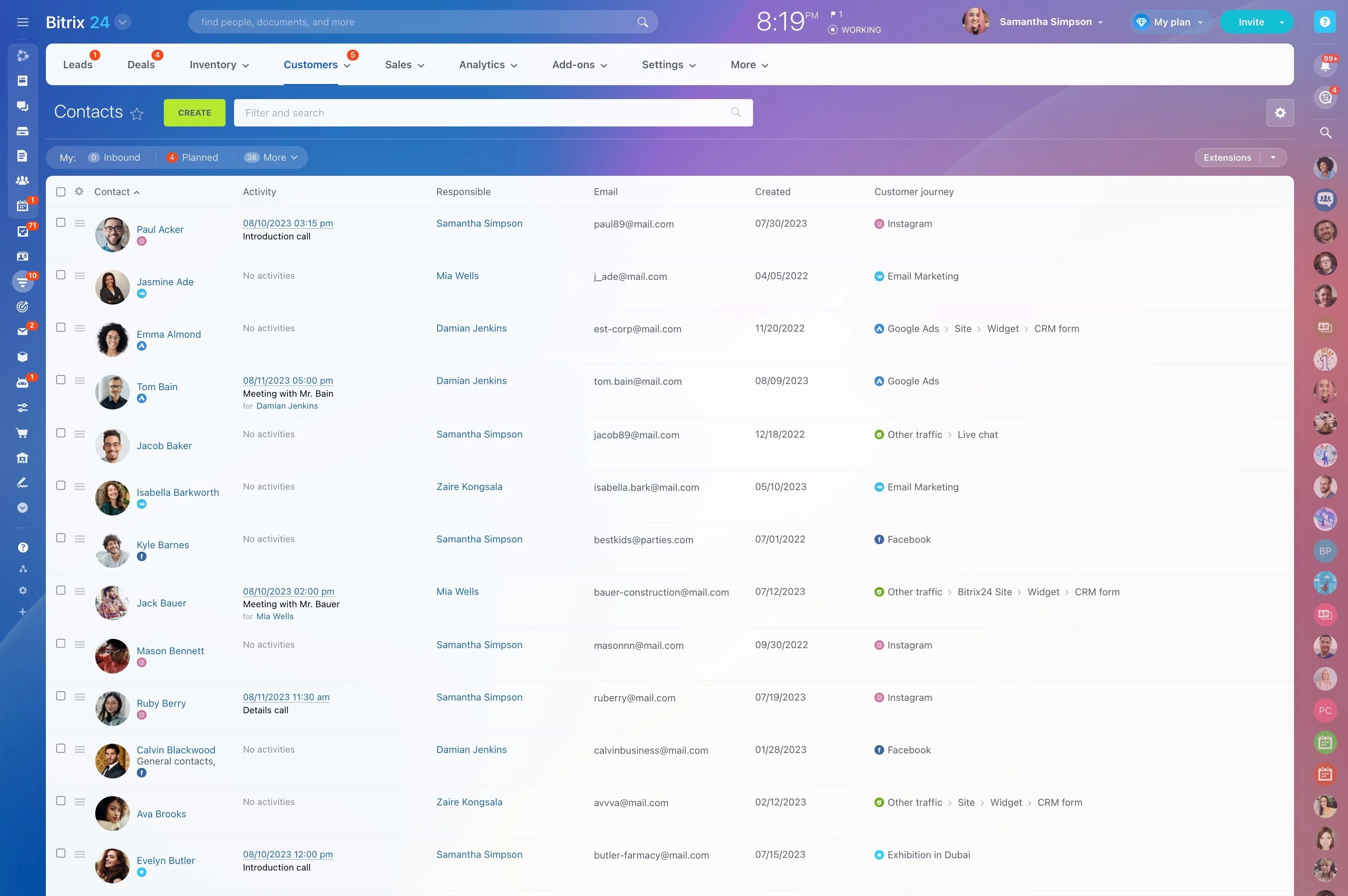
Good reps research a prospect before calling, but with a full calendar that step is the first to go. With Alaio Vibecode, you can build an assistant that combines CRM data with fresh web signals and prepares a short dossier in seconds.
- Generate a one-page brief from a lead or deal.
- Find recent news, hiring, and launches.
- See the source of every fact.
- Save research to the CRM for the whole team.
Research That Stays in the CRM
Nobody should repeat the same research twice.
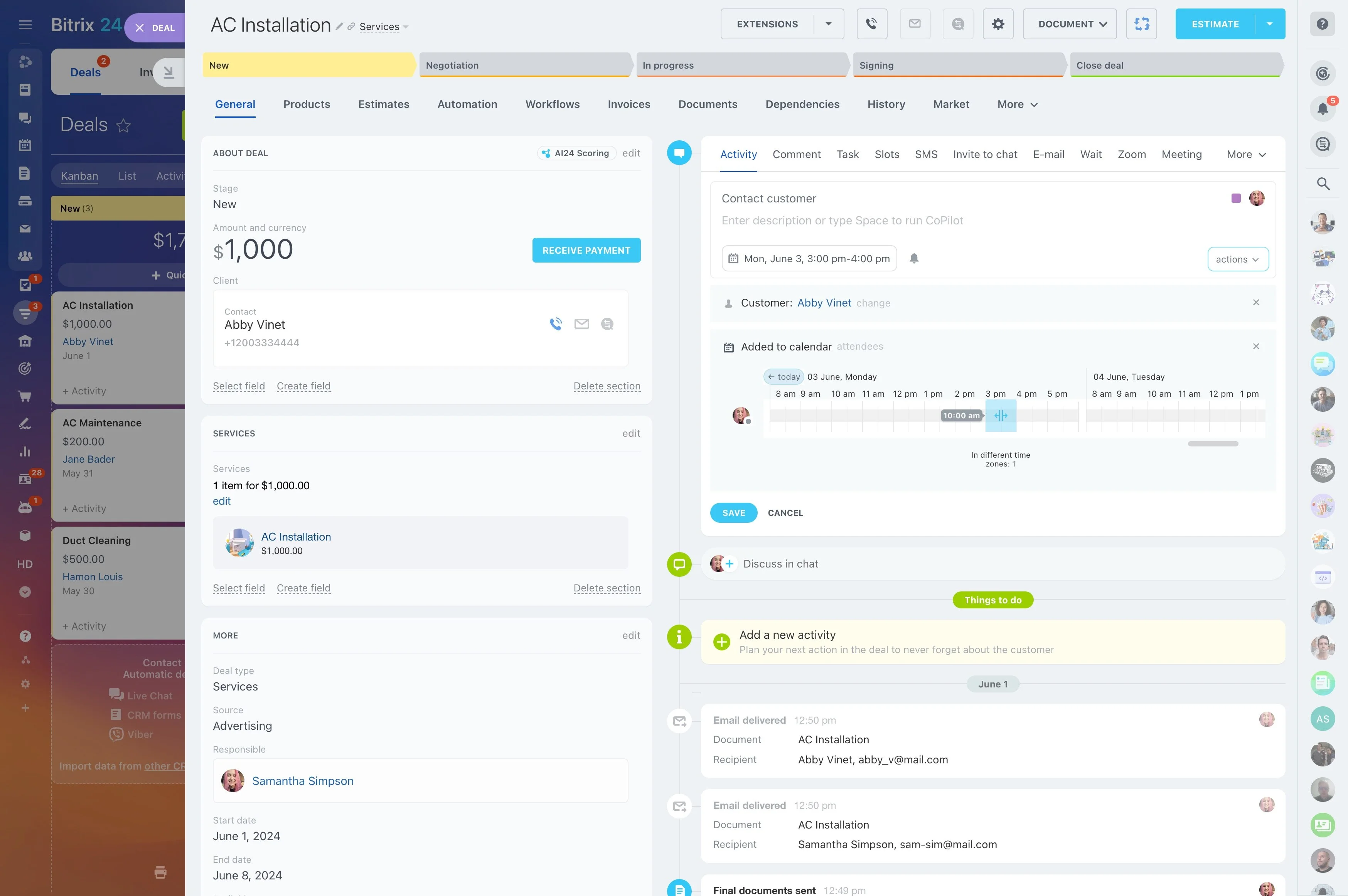
- Open the brief as a tab in the lead, company, or deal card.
- Save it as a comment on the CRM timeline.
- Let everyone who works the account reuse it.
CRM Context Plus Live Web Search
The assistant starts with what Bitrix24 already knows, then adds fresh public information through Vibecode AI Search.
- Read company name, website, and past interactions from the CRM.
- Search for recent news, funding, hiring, and product launches.
- Keep only results that clearly name the company.
A Brief You Can Read in a Minute
Preparation should take seconds, not a long report.
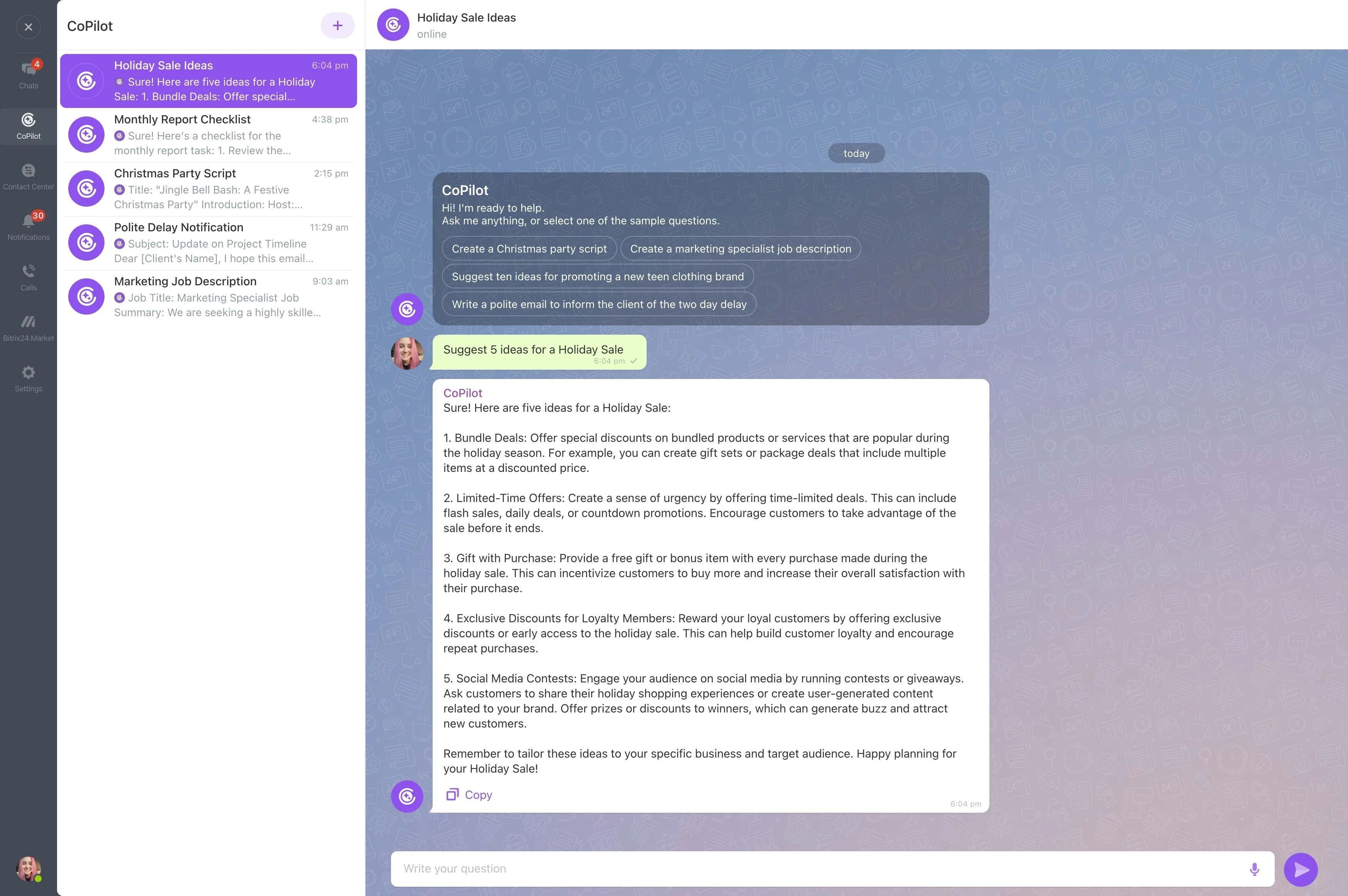
- What the company does and a quick snapshot.
- Recent signals with links.
- A short "why call now" summary and a relevant product angle.
Facts You Can Verify
AI-generated research can be wrong, so transparency comes first.
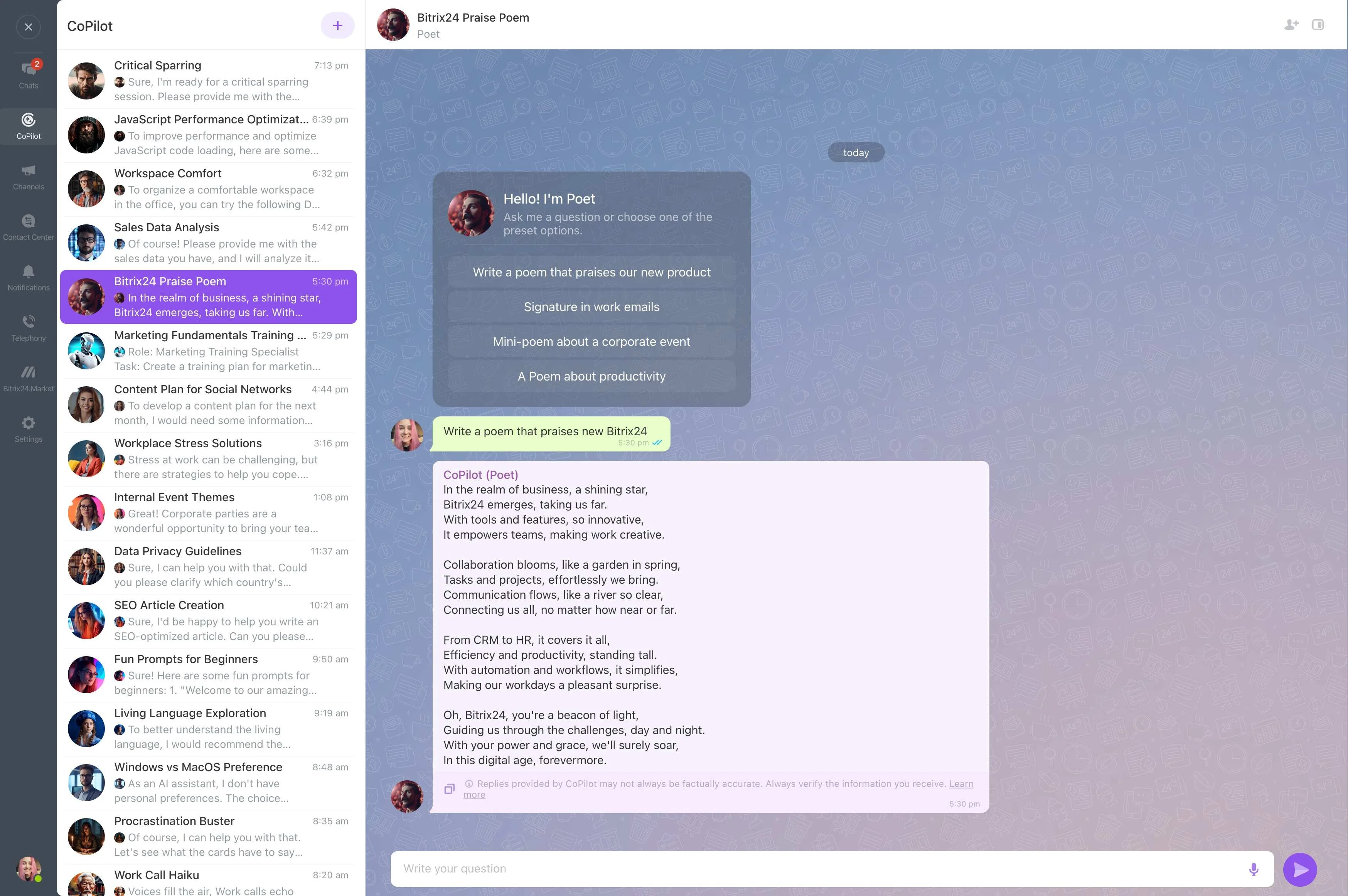
- Show the source for every signal.
- Label uncertain information clearly.
- Say "nothing recent found" instead of filling the gap.
Build the Research Assistant With Vibecode
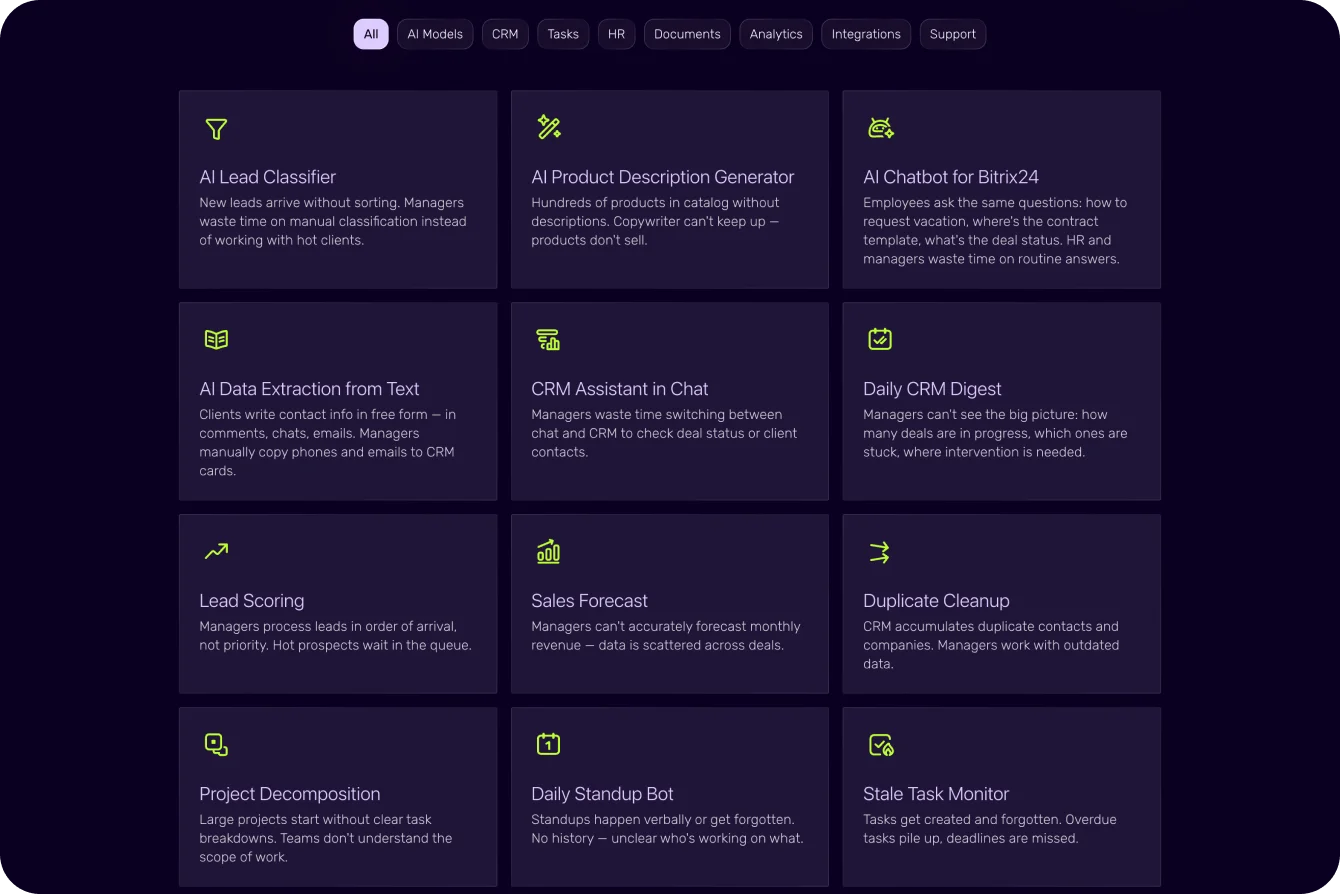
Vibecode's ready-made Deal Radar prompt is a good starting point.
1. Create an API key with CRM and AI Search access in Vibecode.
2. Describe the app: "For the company on a deal, generate a brief with facts, recent signals with sources, and a why-call-now summary."
3. Check a few briefs for accuracy.
4. Adjust layout and sources in plain language.
Research Costs: Plan vs. Web Search
Most of the app runs within your plan; web search is metered.
- Built-in AI models run within your Vibe+ plan's monthly AI allowance; usage beyond it is billed in Vibe credits.
- AI web search is billed by usage in Vibe credits.
- Every new Bitrix24 account gets 10 welcome Vibe credits to try it.
- Vibecode is in AI Beta, so plans and pricing may change.
For more information about Bitrix24, head over to our training courses.
We also have a great YouTube channel that covers every aspect of Bitrix24, from sales and planning to document management and company internal communication tools.
To download the self-hosted edition of Bitrix24 that can be installed on your own server and give you access to open source code, please visit the Bitrix24 Self-Hosted page.
Be sure to check out other Bitrix24 tools:
15.000.000+ organizations have chosen Bitrix24