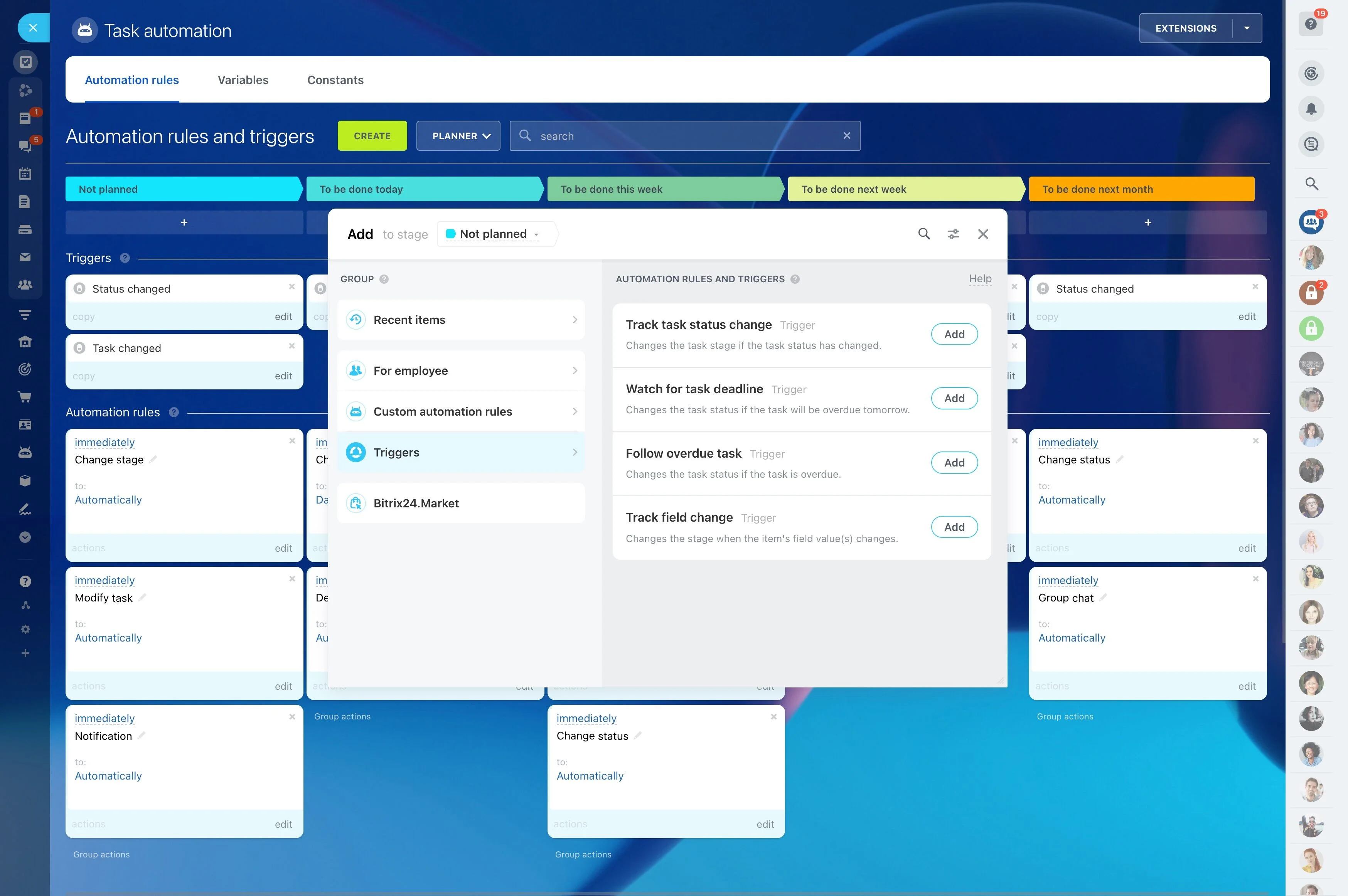
Keep owner and patient context connected
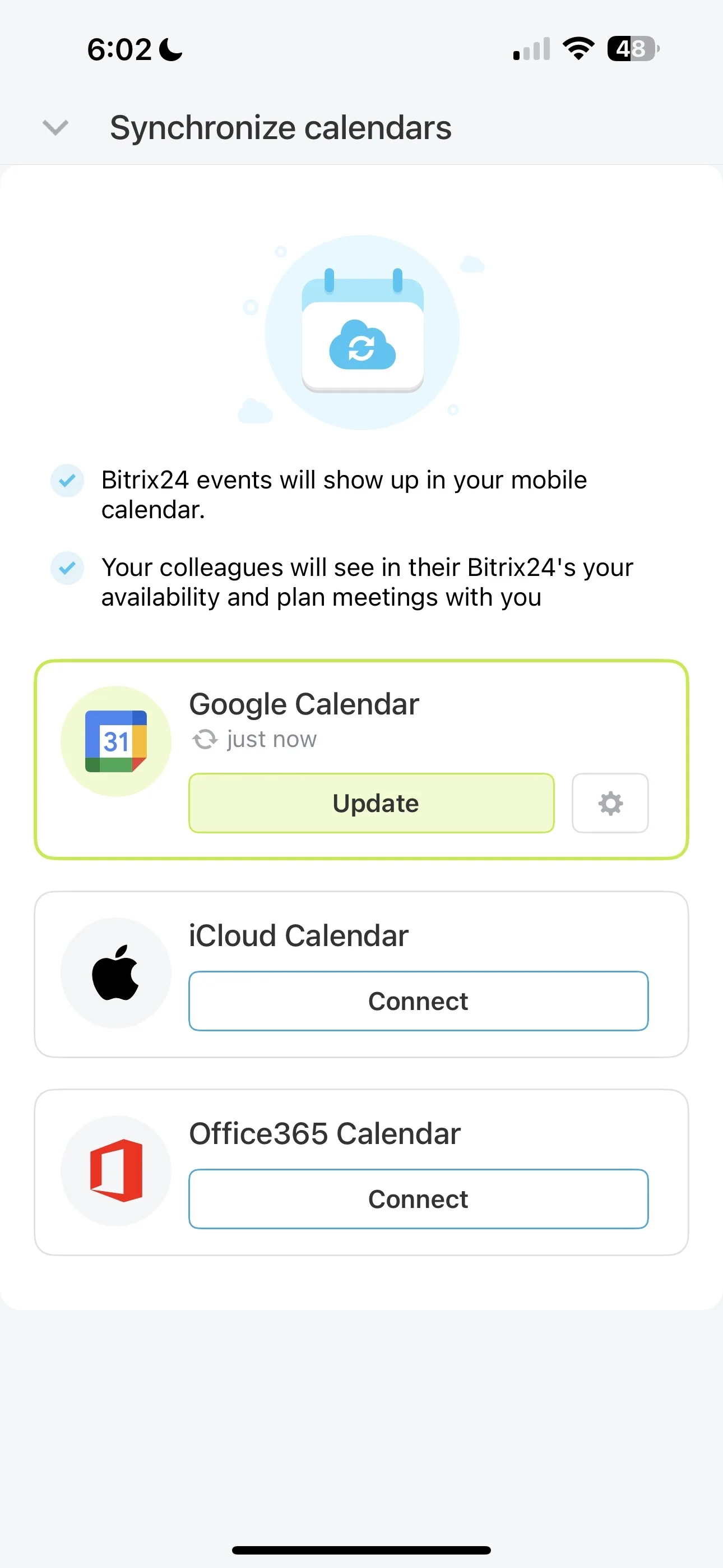
In a veterinary clinic, every interaction involves two records: the owner who communicates and consents, and the patient who needs a continuing care plan. A CRM for veterinary clinics should make it quick to pull up the right household, document what happened, and turn the plan into scheduled next steps—rechecks, lab-result calls, refills, and vaccine due dates.
Bitrix24 supports a practical flow from inquiry to booked visit to follow-up. Your front desk can capture each request and schedule it, clinicians can record outcomes, and the team can assign and track what must happen next. The goal is simple: every visit ends with the next action clearly owned and time-bound, so recurring care stays consistent.
- Keep owner and patient context connected
- Schedule visits and create next actions from the same record
- Track rechecks, recalls, and chronic-care follow-ups through completion
- See what’s due, overdue, and booked across the clinic
How to evaluate veterinary clinics CRM software
When comparing veterinary clinics CRM software, look for fit with your real clinic flow: intake to visit outcome to follow-up completion. The right choice should keep owner and patient context connected and make recurring-care recalls a routine process—not a special project.
- Can staff find the right household and patient fast?
- Does every visit produce clear next actions with due dates?
- Can recurring care be run as a repeatable workflow?
- Can you see what’s due, booked, and completed?
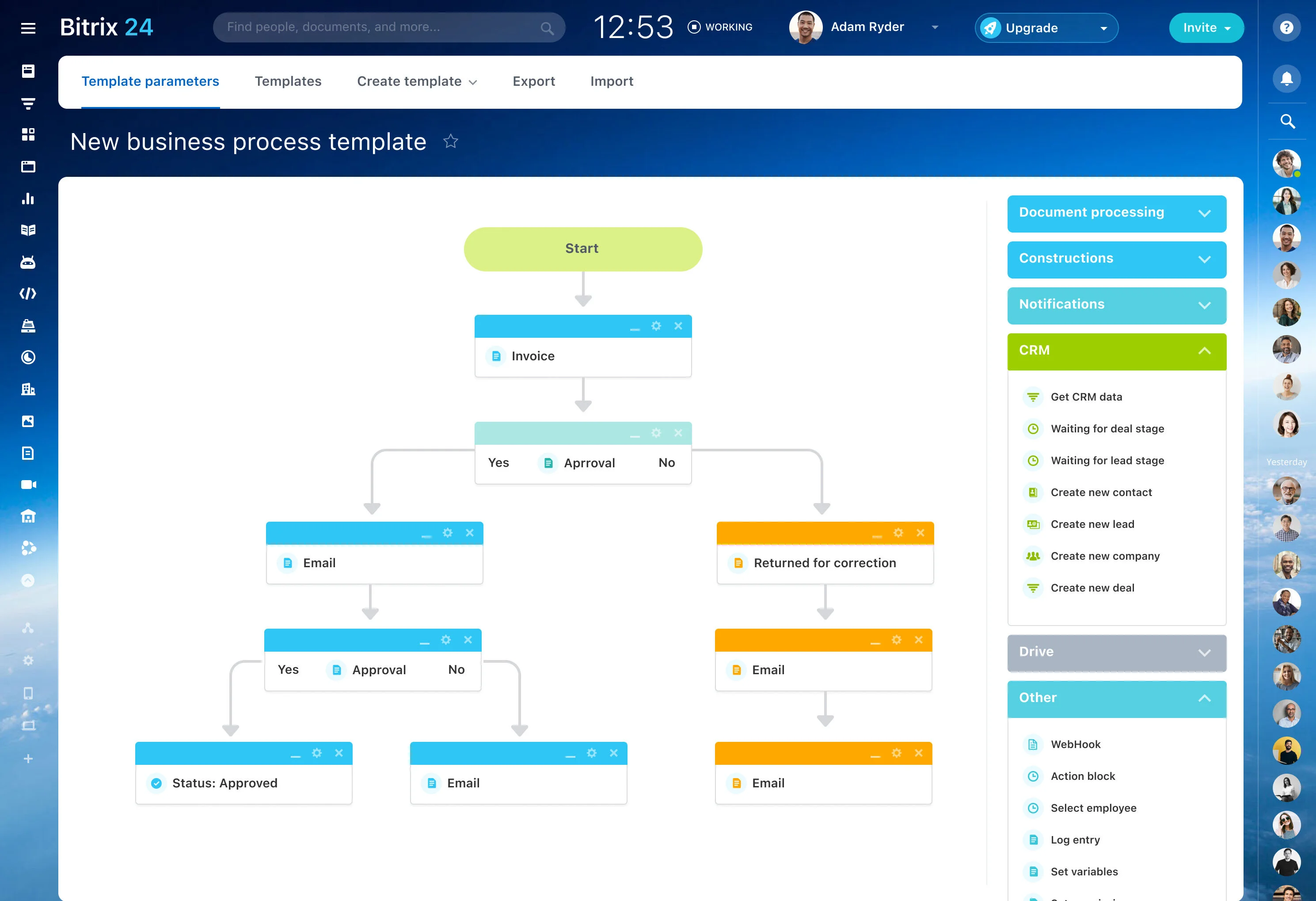
Turn treatment decisions into owned follow-ups
The exam isn’t the finish line—the plan is. After documenting the visit outcome, create follow-ups while details are fresh: recheck timing, lab-result call, refill reminder, diet trial check-in, or post-op wound check.
- Action: call/message/schedule/confirm
- Due date: when it must happen
- Owner: reception/technician/veterinarian
- Done means: booked, confirmed, completed, or noted
Set up owner, patient, and household records
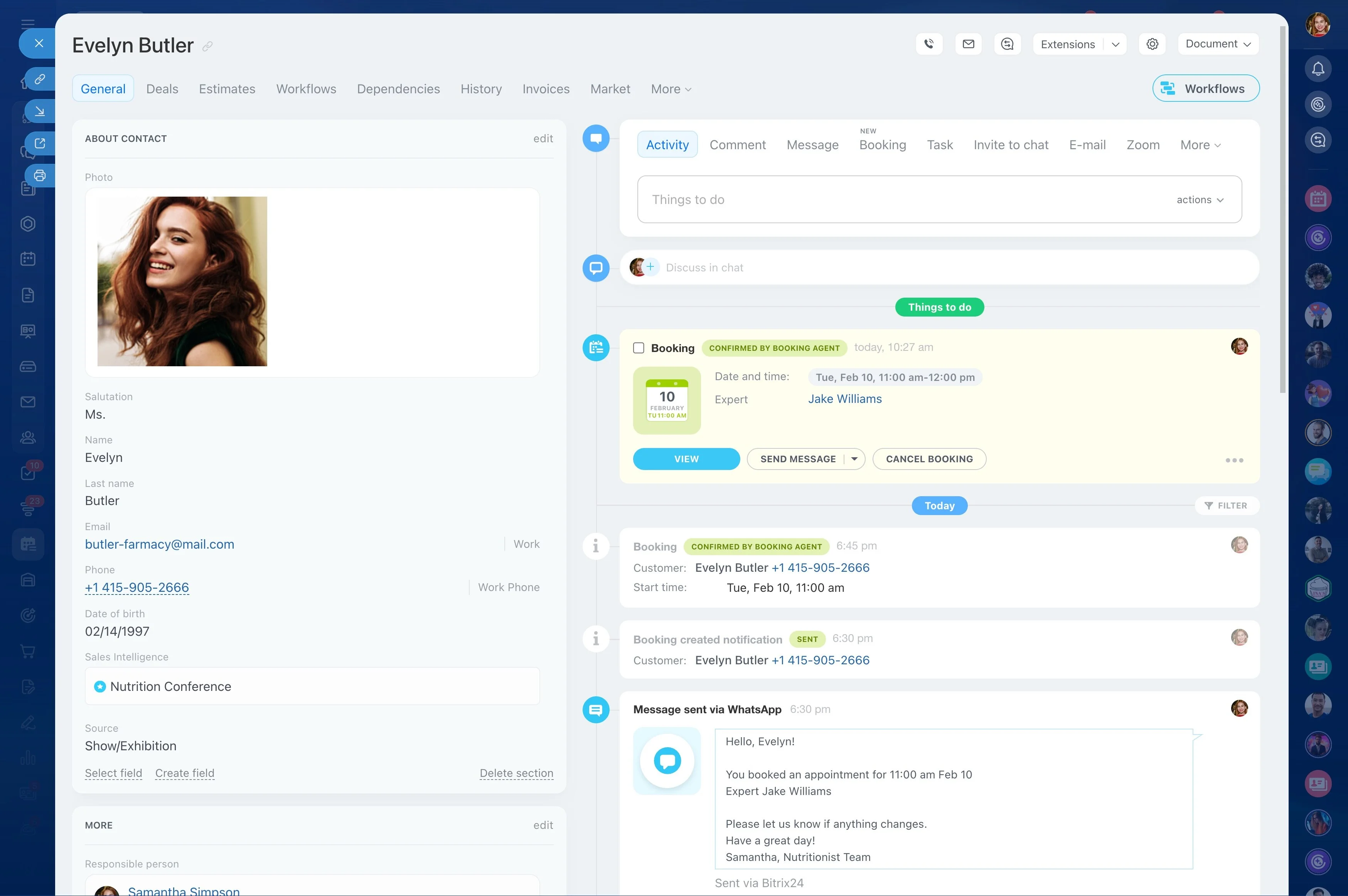
Define what staff must see immediately when a call comes in or a patient is checked in. In Bitrix24, keep an owner contact record and relate each pet to that owner so your team can move between “who is calling” and “which patient” without losing the visit context.
- Owner: contact details, reminder preferences, key notes
- Patient: species/breed, age, weight, allergies, chronic issues
- History: visit outcomes, medications, recommendations, next due dates
Capture requests and convert them into booked visits
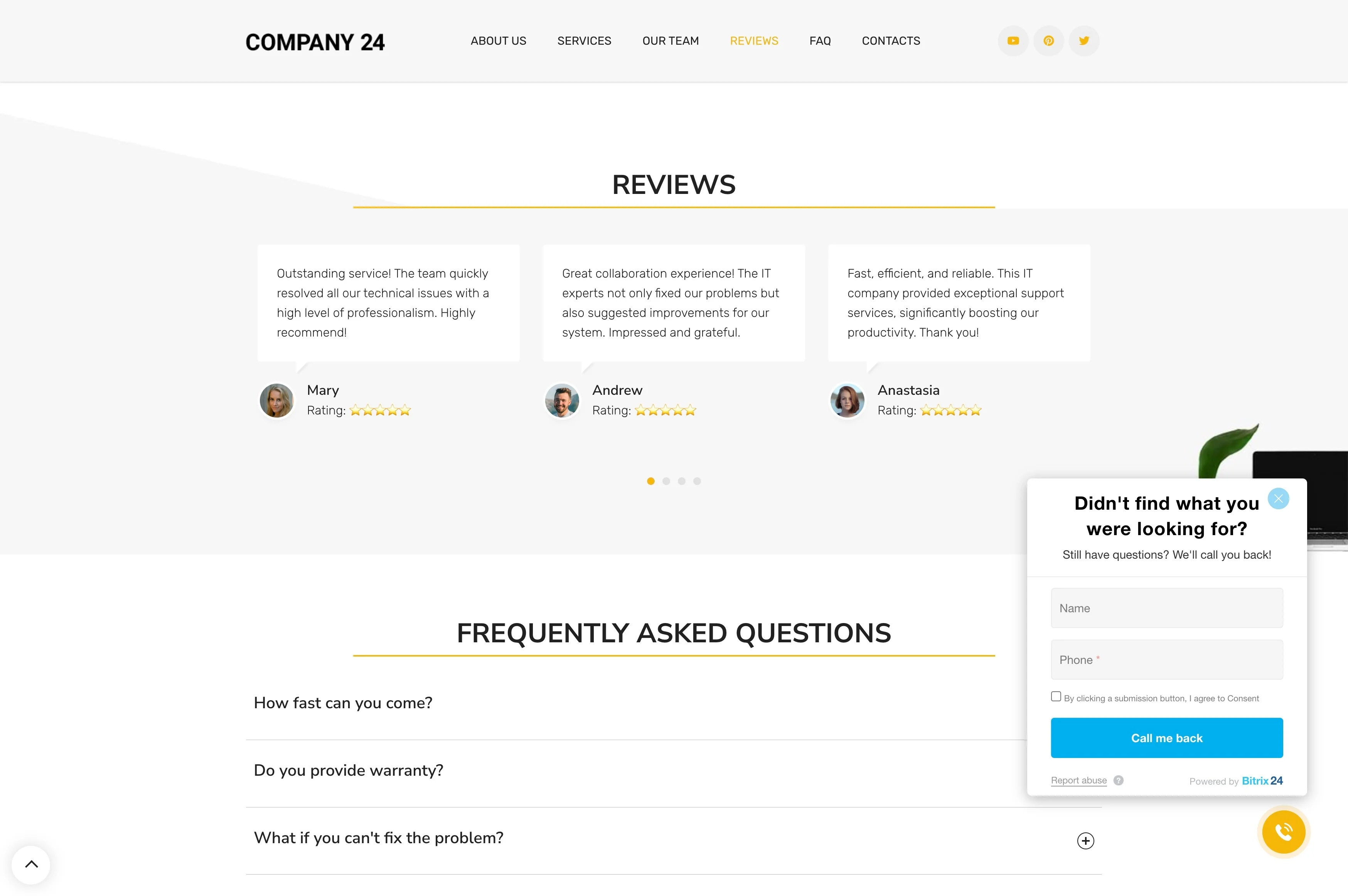
Calls about symptoms, website inquiries, walk-ins, and post-op questions all need a tracked outcome. Log each request in the CRM, label what it is (new patient, urgent, wellness, dental consult), and route it to a next step: book an appointment, assign a call-back, or request missing details from the owner.
This keeps a visible queue of items that still need action—before the schedule fills up.
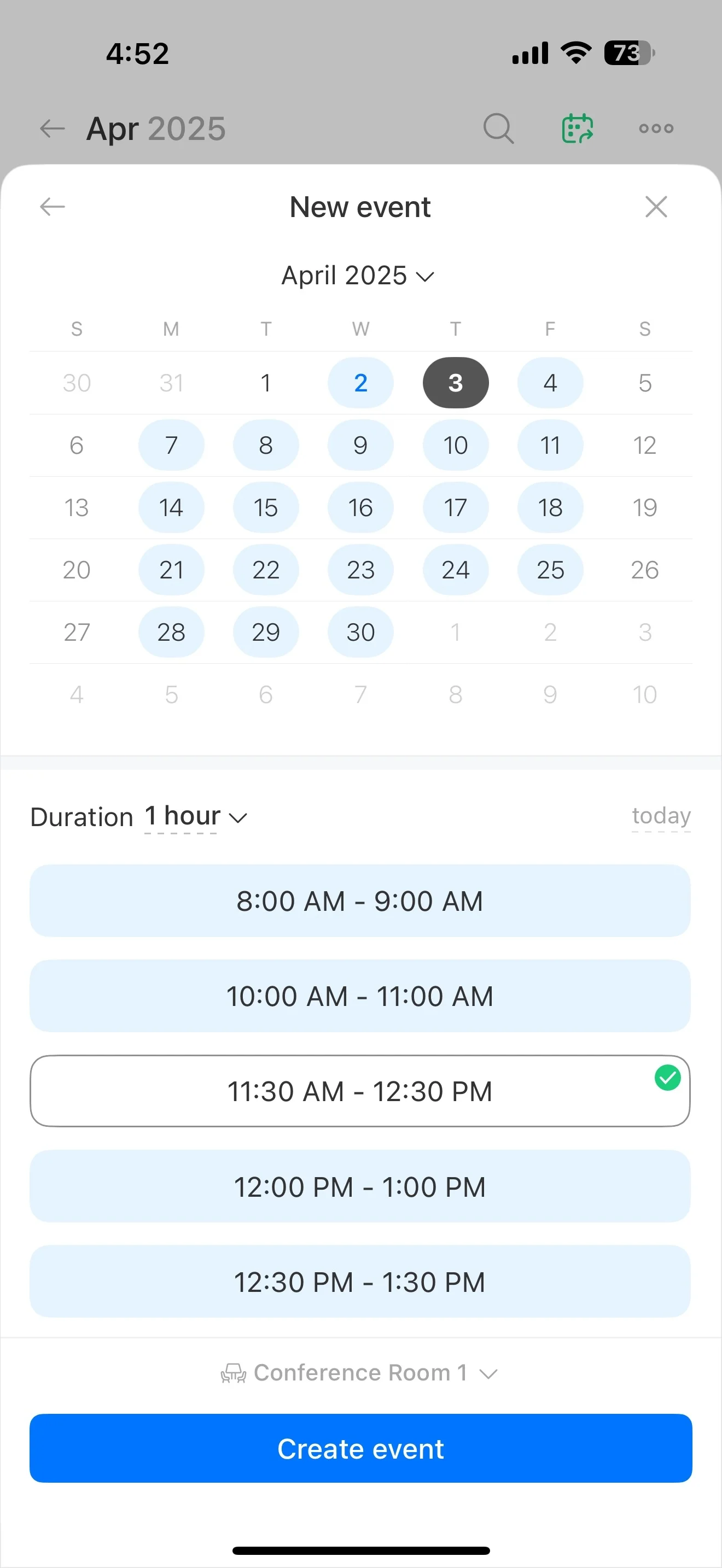
Use the appointment as the day-of-visit handoff point
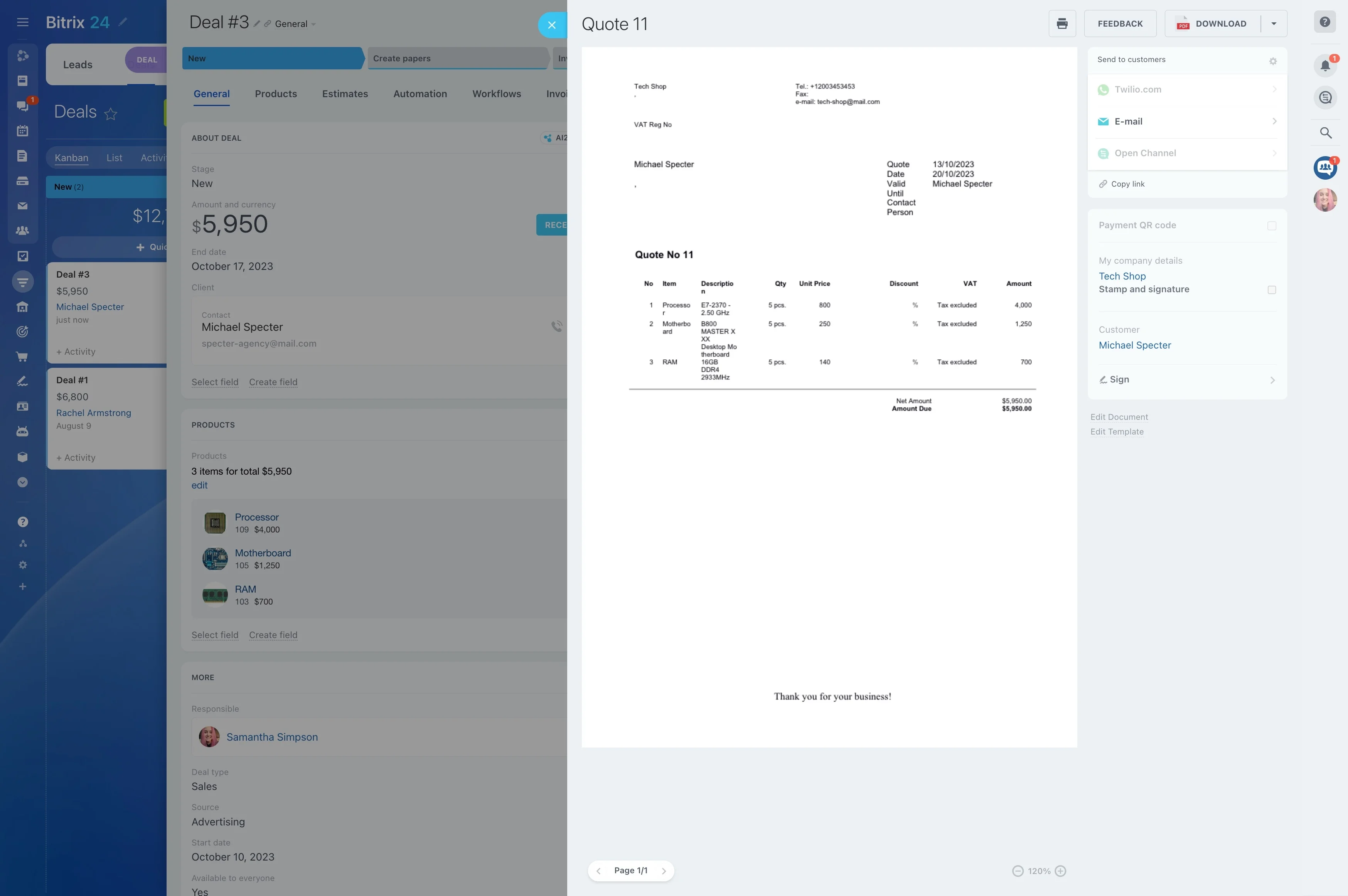
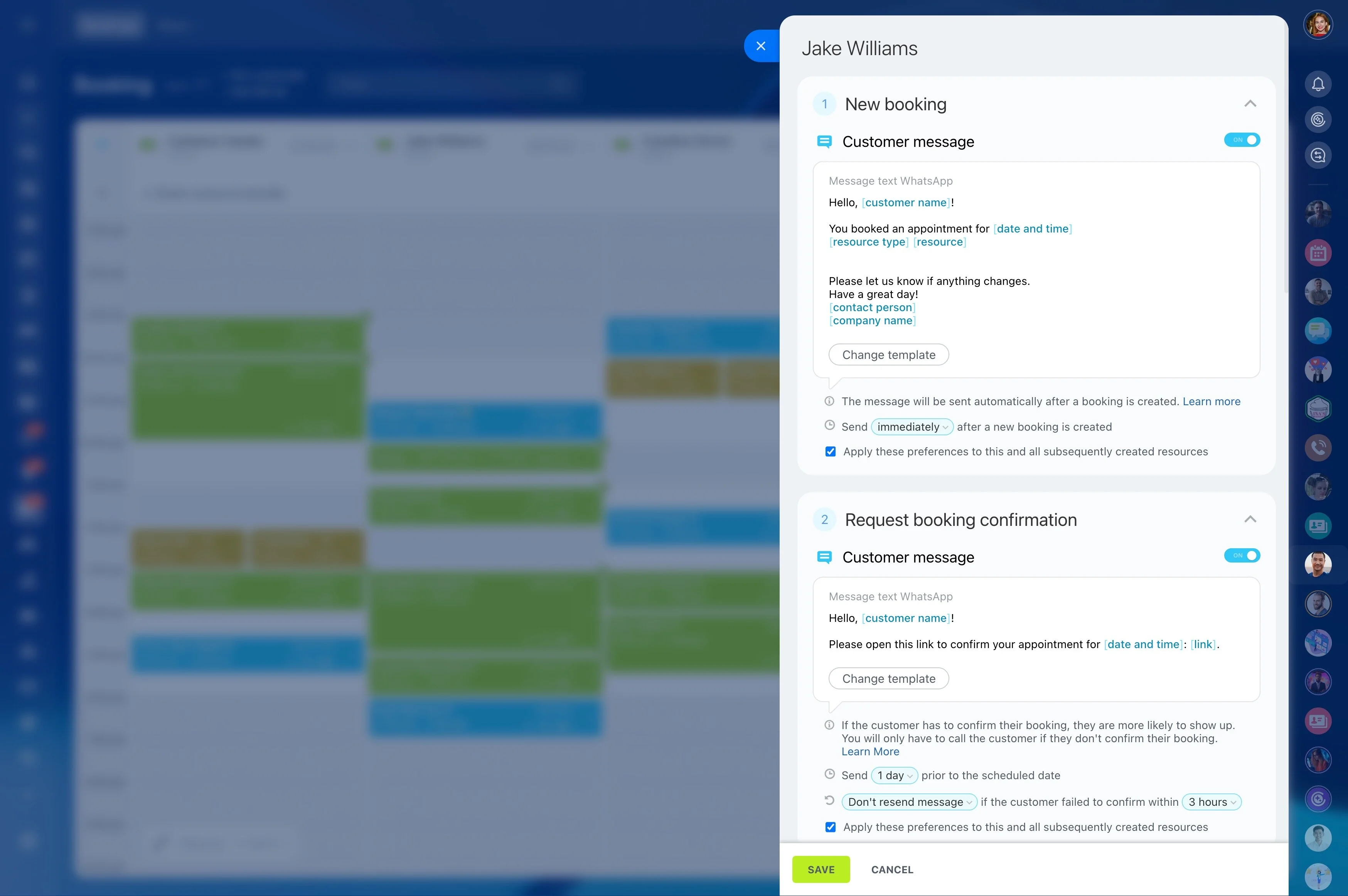
Treat the appointment record as the operational anchor for the visit: reason, assigned staff, and what must be prepared before arrival. Add tasks for pre-visit work (confirm fasting instructions, collect prior records, prep an estimate, check vaccines due) and hand off cleanly from reception to technician to veterinarian.
- Reason for visit and key concerns
- Consent/documents needed
- Resources to coordinate (room/equipment), if relevant
- Next steps to schedule at checkout
Build repeatable workflows for wellness and chronic care
Wellness exams, vaccines, dental care, and chronic-condition monitoring work best as repeatable programs—not one-off reminders. In Bitrix24, structure these as consistent stages your team can apply to the right patients, then track each outreach attempt, booking, completion, and next due window on the record.
This makes recurring care measurable and manageable during busy weeks.
End-to-end example: puppy vaccines and recalls
Day 1: An owner calls about a new puppy’s vaccines. Reception creates an owner record, adds the puppy as a related patient, logs the request, books the first visit, and assigns a task to send prep instructions.
Visit day: The clinician documents the plan and vaccines given, then the team creates follow-ups for the next dose window and a booking task before checkout.
Week 6: Reception completes the follow-up by contacting the owner and booking the next appointment, keeping the patient timeline moving forward.