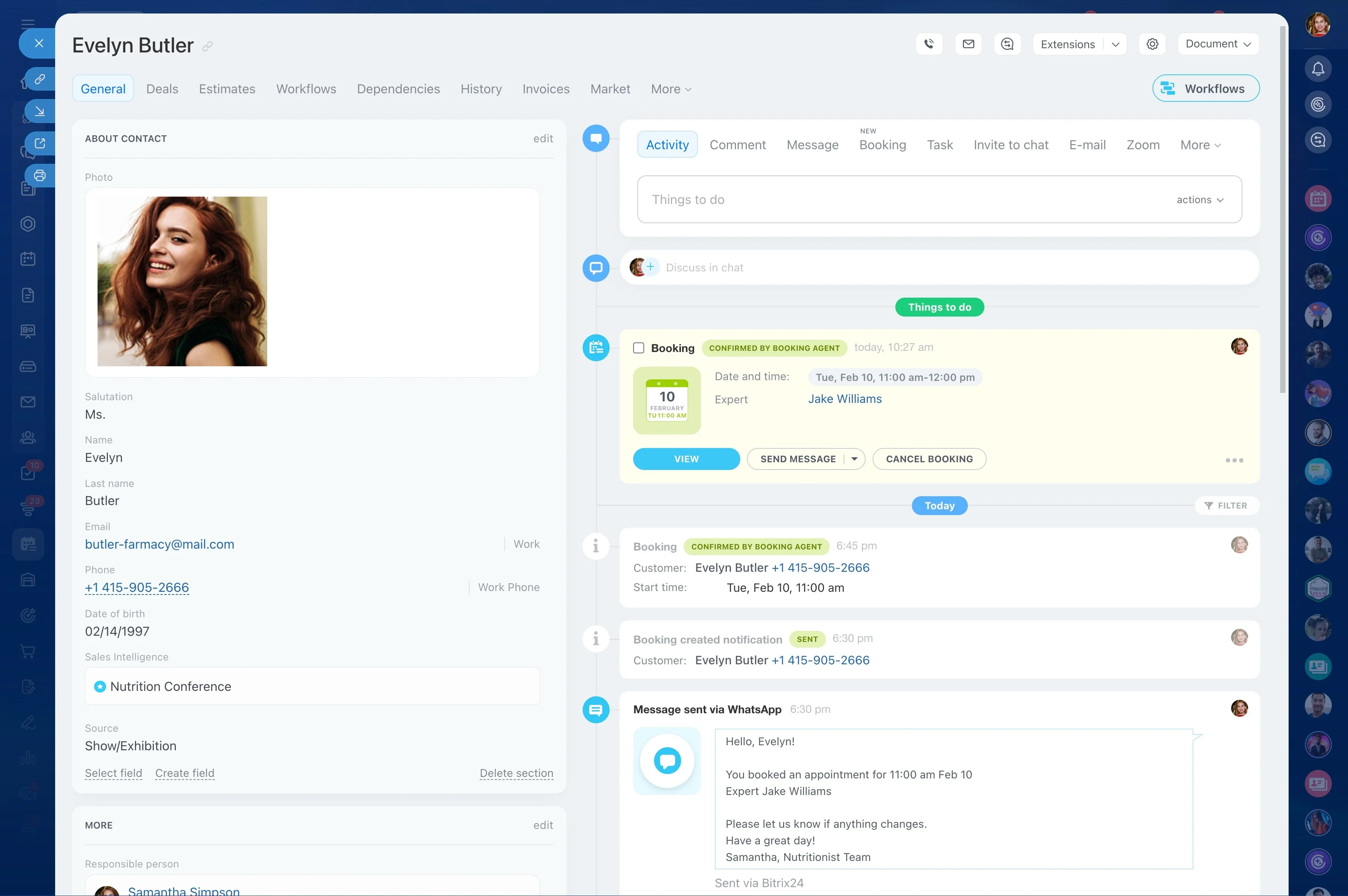
Merge into a single master record
Duplicate records don’t just clutter your CRM—they change decisions. One customer can appear twice in reports, get assigned to different owners, and receive conflicting follow-ups, which weakens forecasting and creates a poor customer experience.
CRM duplicate detection is the practical routine of spotting records that represent the same person or business, confirming the match, and merging them into a single “master” record. In Bitrix24, teams can review suspected duplicates and consolidate contacts and companies so sales and service work from one customer history.
- Trigger: A new contact is created from an import, web form, or manual entry.
- CRM action: Check for possible matches and merge duplicates into one contact/company.
- Outcome: More reliable reporting, clear ownership, and fewer repeat touches.
Define merge responsibility and CRM access
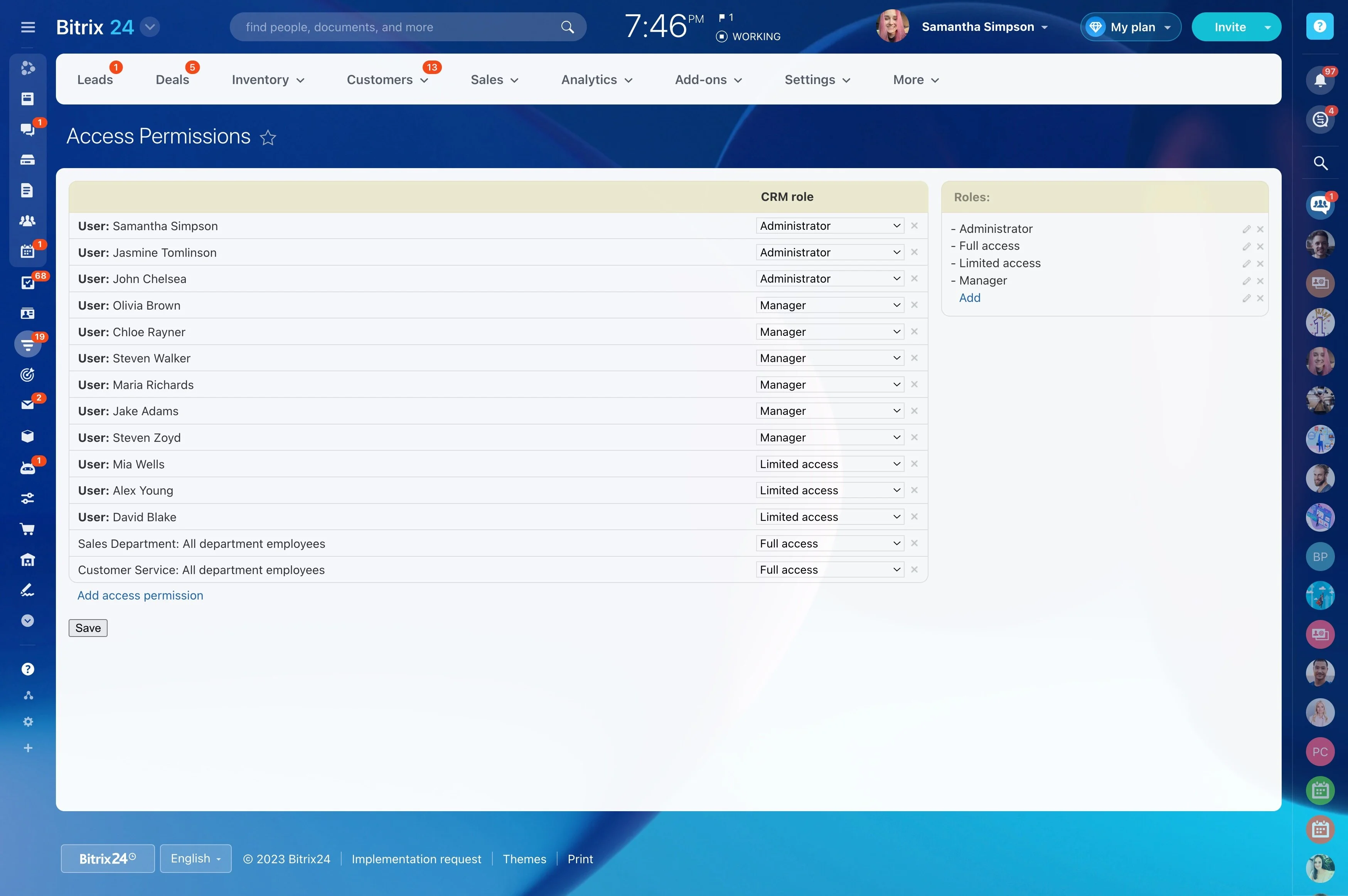
Data hygiene works best when responsibility is explicit. Decide who can merge records, who reviews merges for sensitive segments (key accounts, partners), and how uncertain matches get escalated.
In Bitrix24, set CRM roles and access permissions so the right people can approve and perform merges while everyone else can keep creating and updating records as part of daily work.
Common points where duplicates get created
Duplicates usually come from normal activity, not mistakes: two reps add the same account, a list import includes existing customers, or a contact is created again during a call. Identify these high-risk moments and make a quick duplicate check part of the standard process.
- Manual entry during calls/meetings
- Multiple users working the same account
- Imports and bulk updates
Catch likely matches before work splits
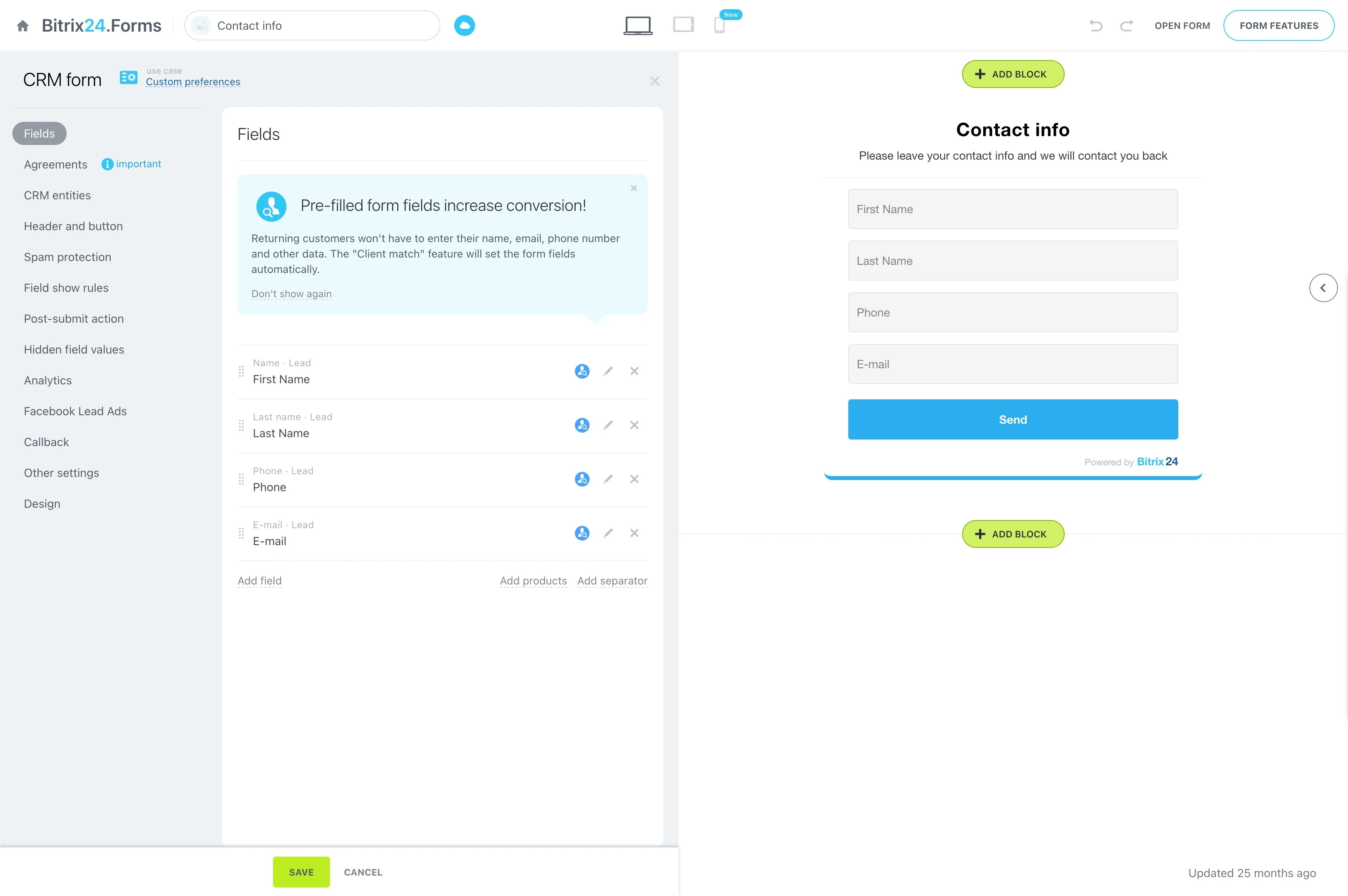
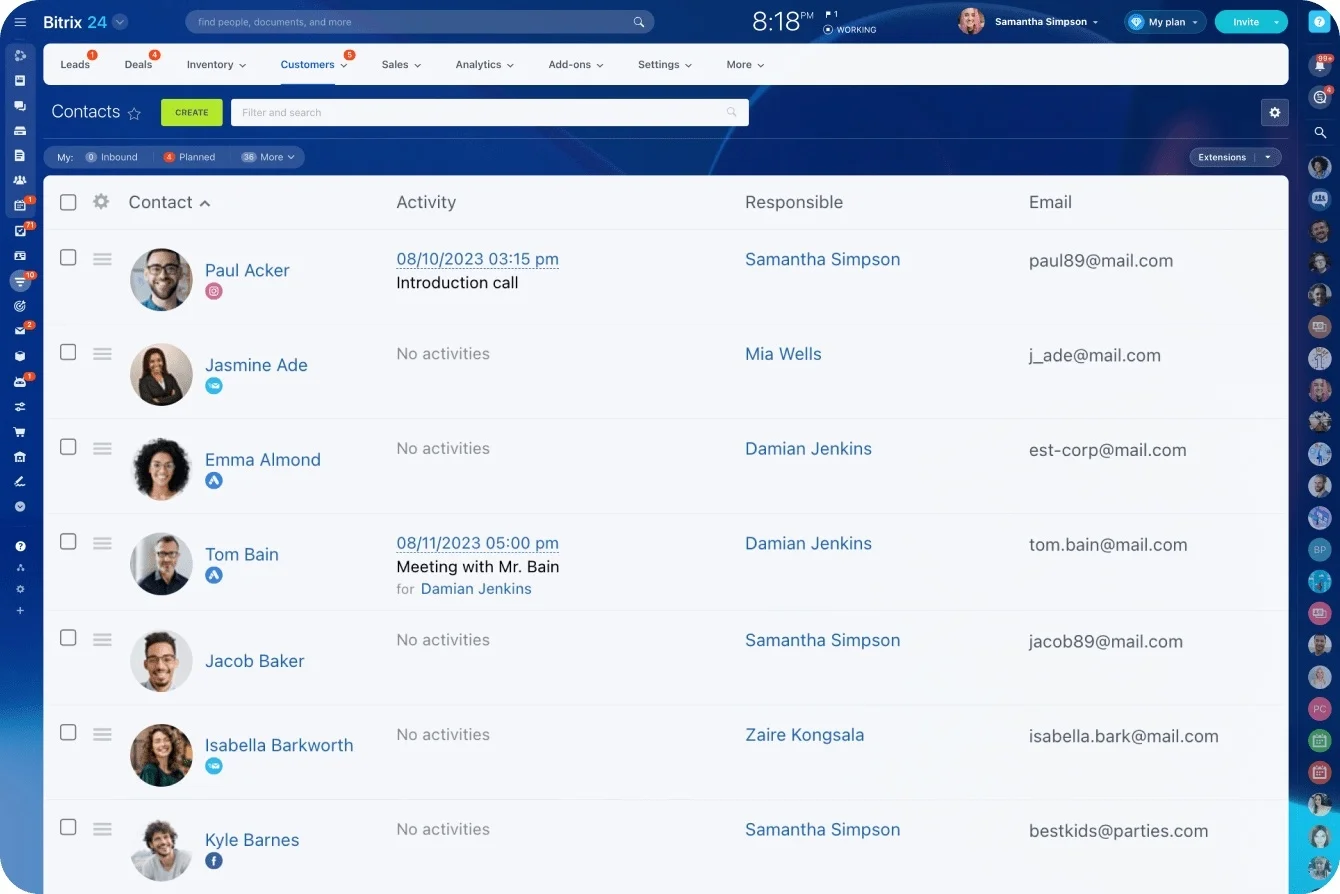
Duplicate detection is most valuable early—before separate deals, tasks, and conversations build up on different records. When a new contact or company is created or edited, review potential matches using the identifiers your team trusts (name variants, key fields you use for routing/segments) and confirm it’s truly the same customer before merging.
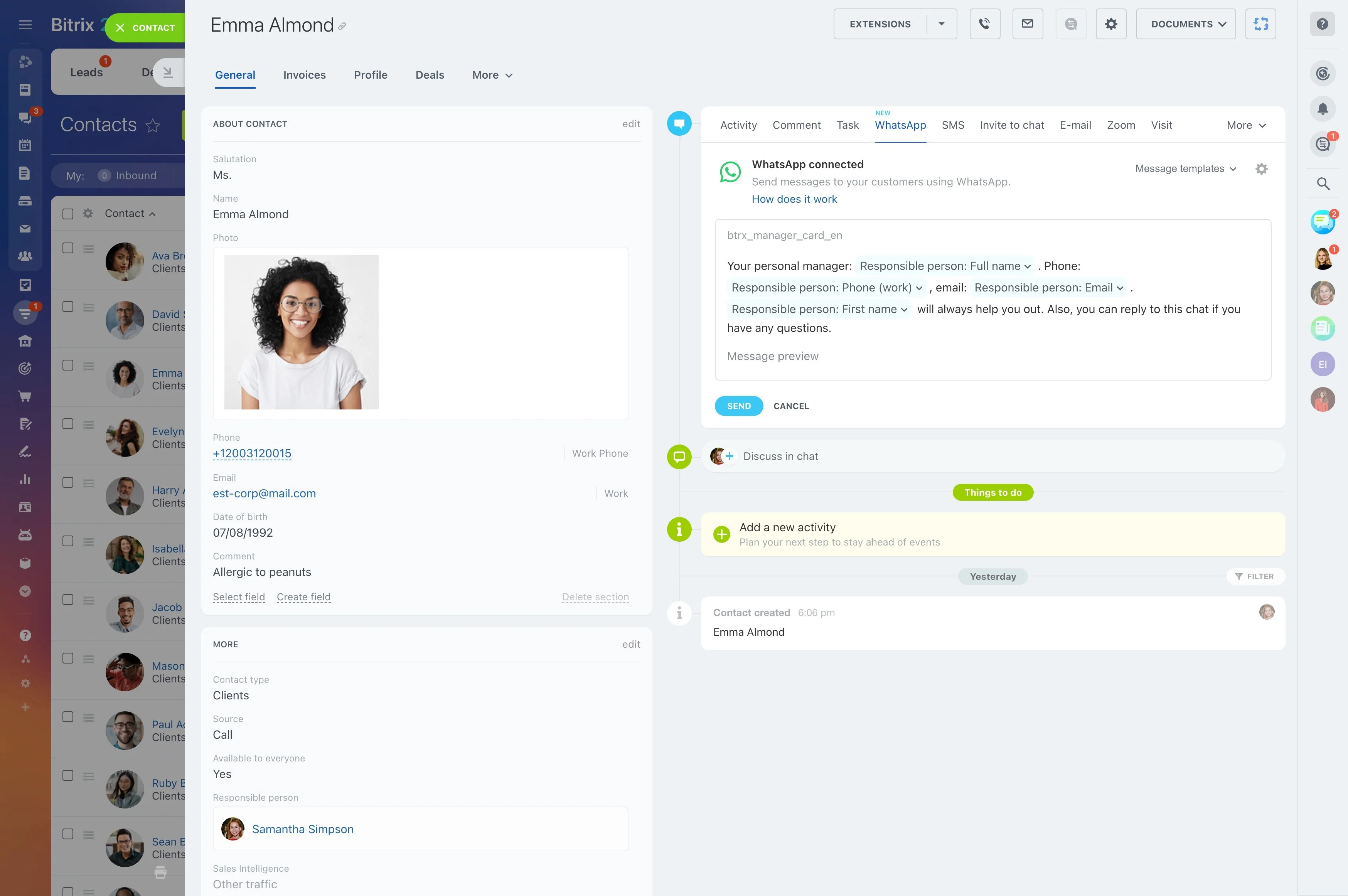
Merge into a single master record
Merging turns “suspected duplicates” into clean data your team can actually use. Choose one master contact or company, decide which values to keep when fields conflict, and merge the rest so future activity happens on a single customer record.
- Select the most accurate, current record as the master
- Resolve field conflicts intentionally
- Continue work from the consolidated record
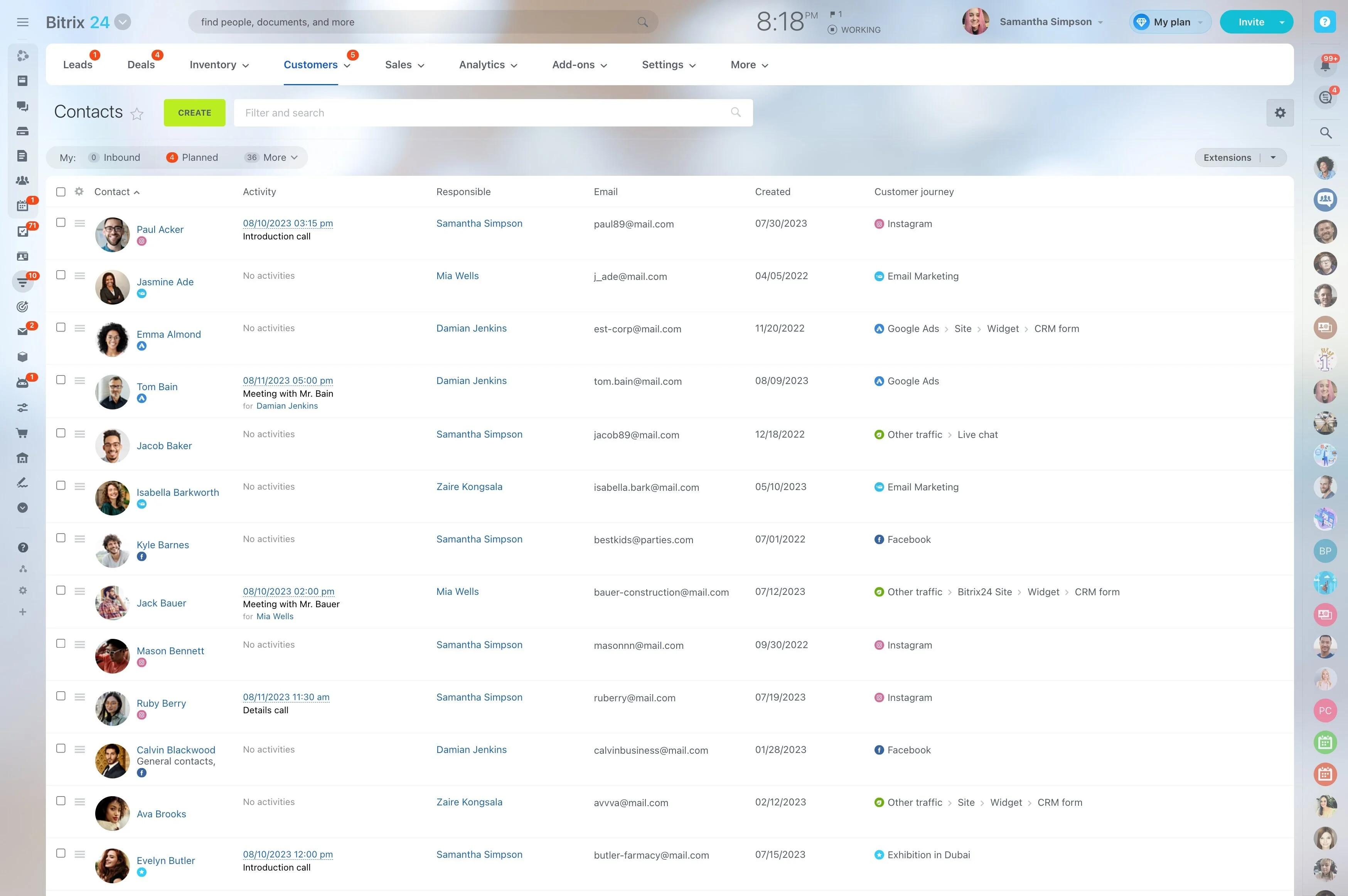
Track whether duplicate cleanup is improving
Use a few simple checks to see whether your process is working. The goal is fewer “late” duplicates discovered after active work exists, and faster resolution when a match is flagged.
- Duplicates found per week (trend)
- Time from detection to merge
- Share of merges completed by the designated owner
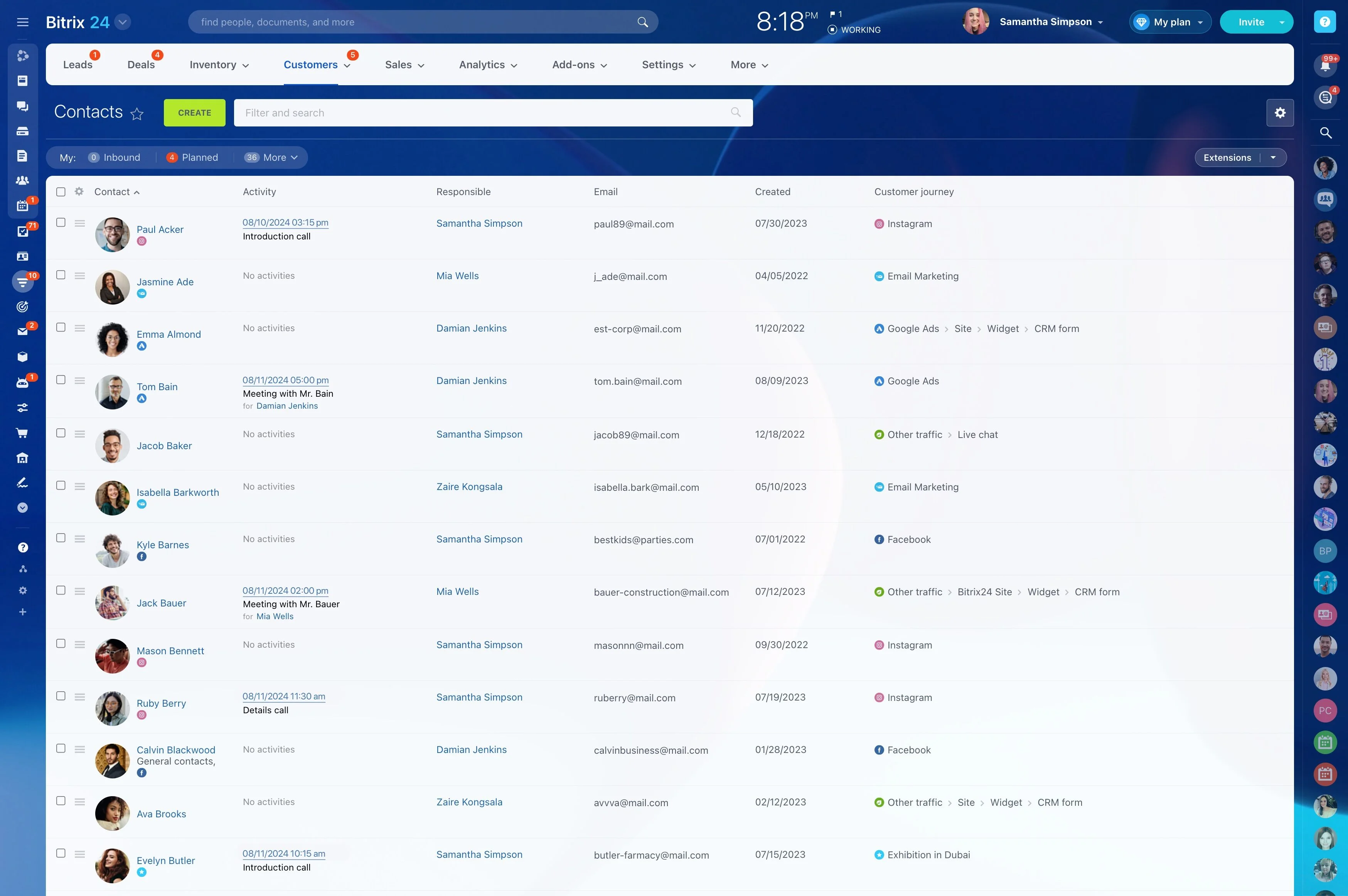
Why clean records improve routing and reporting
When each customer has one consolidated contact/company record, outreach and reporting become more dependable: the right owner sees the full history, and metrics aren’t split across duplicates.
If duplicates have already spread into active deals or activities, schedule cleanup during a low-risk window and coordinate with record owners so in-flight outreach doesn’t conflict after the merge.