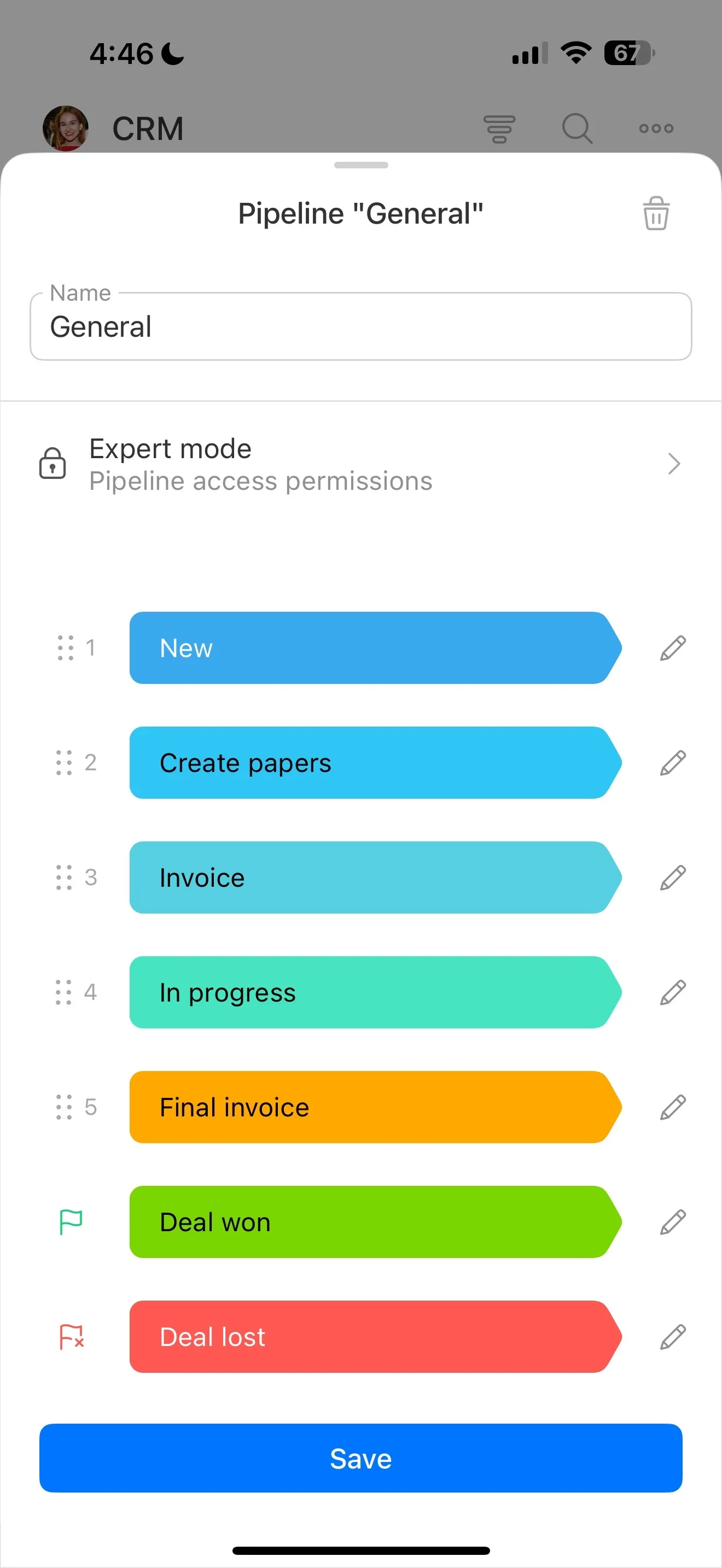
Build scripts around stages and call moments
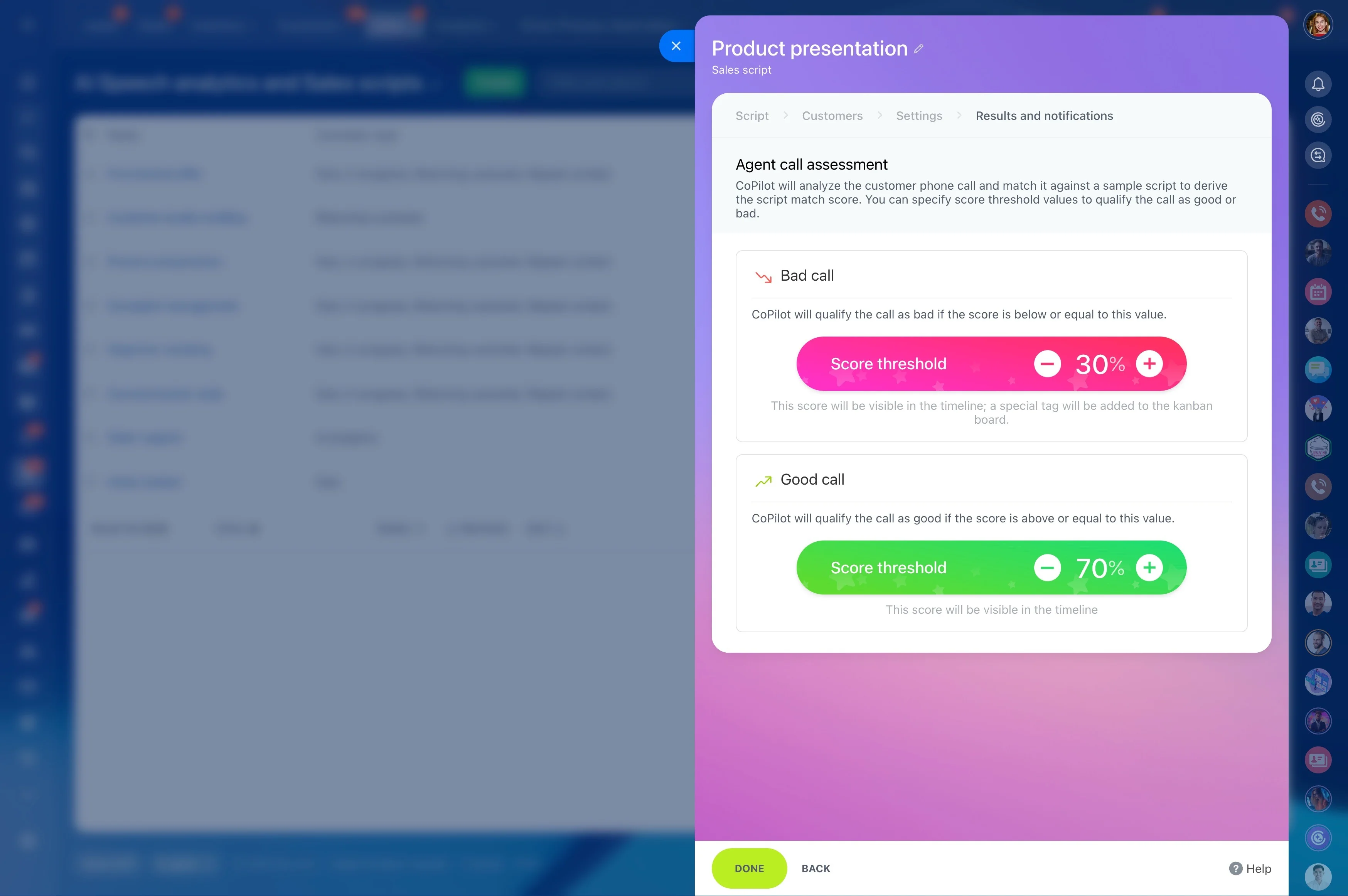
Sales call scripts only work when they’re usable in the moment: the rep is on a lead or deal, needs the right opener or objection response, and has to capture what happened before moving to the next step. When scripts live outside the CRM, it’s harder to keep messaging consistent, onboard new reps quickly, and evaluate what talk tracks actually move deals forward.
Bitrix24 lets you run sales call scripts as part of your CRM workflow. You can organize scripts by pipeline stage and call type, keep approved wording consistent across the team, and make the script drive the CRM update—answers captured in fields, a clear next step, and a follow-up action that matches what was agreed on the call.
- Prospecting openers and voicemail frameworks
- Qualification questions and discovery structure
- Objection responses with approved language
- Follow-up and next-step confirmation
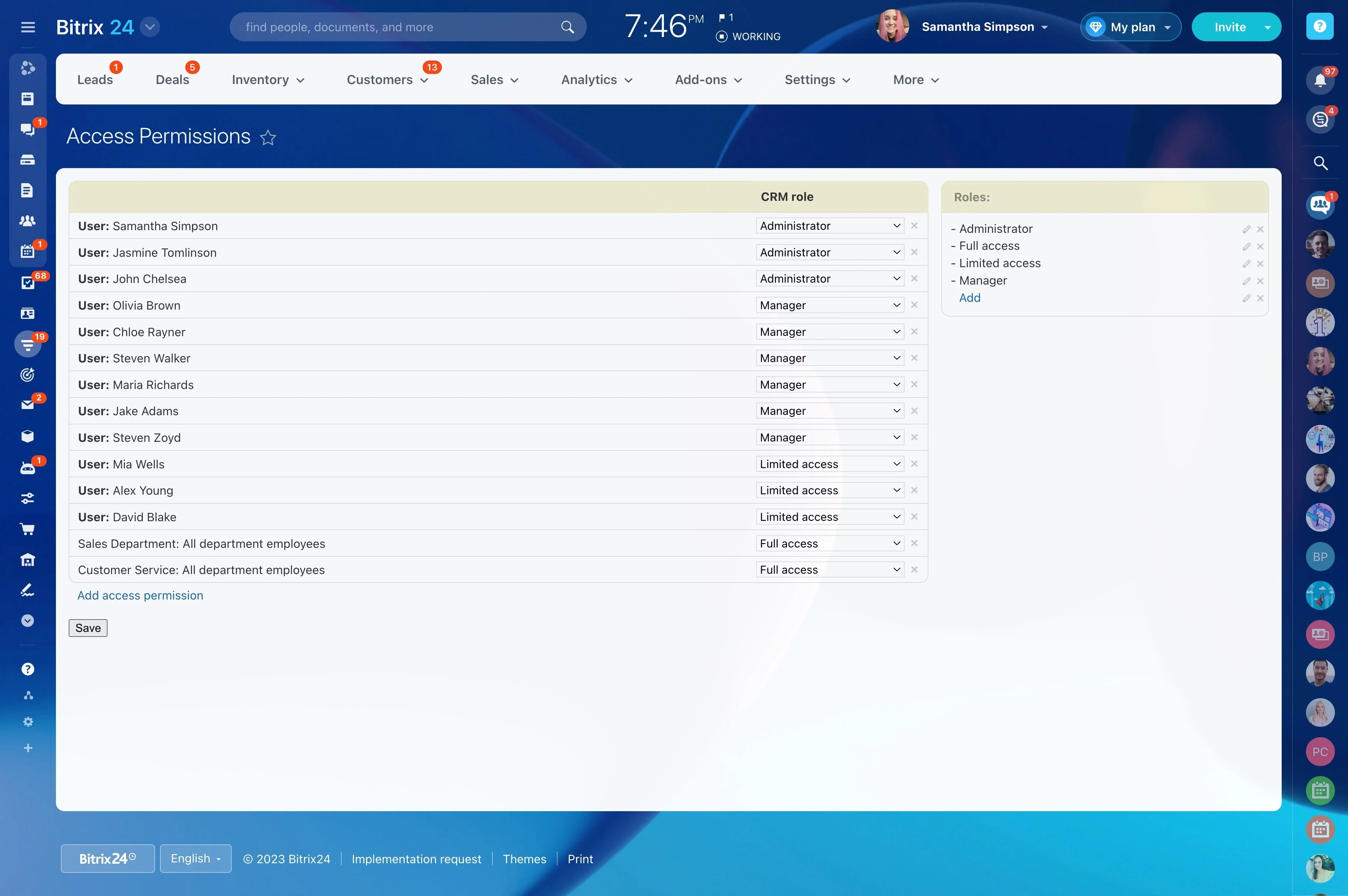
Permissions: publish scripts, prevent drift
Scripts affect what reps promise and what gets recorded, so editing should be limited. Set roles so most users can view scripts, a small group can create/edit/publish, and managers can review adherence and outcomes.
Clear governance keeps messaging consistent while still allowing controlled iteration based on call results.
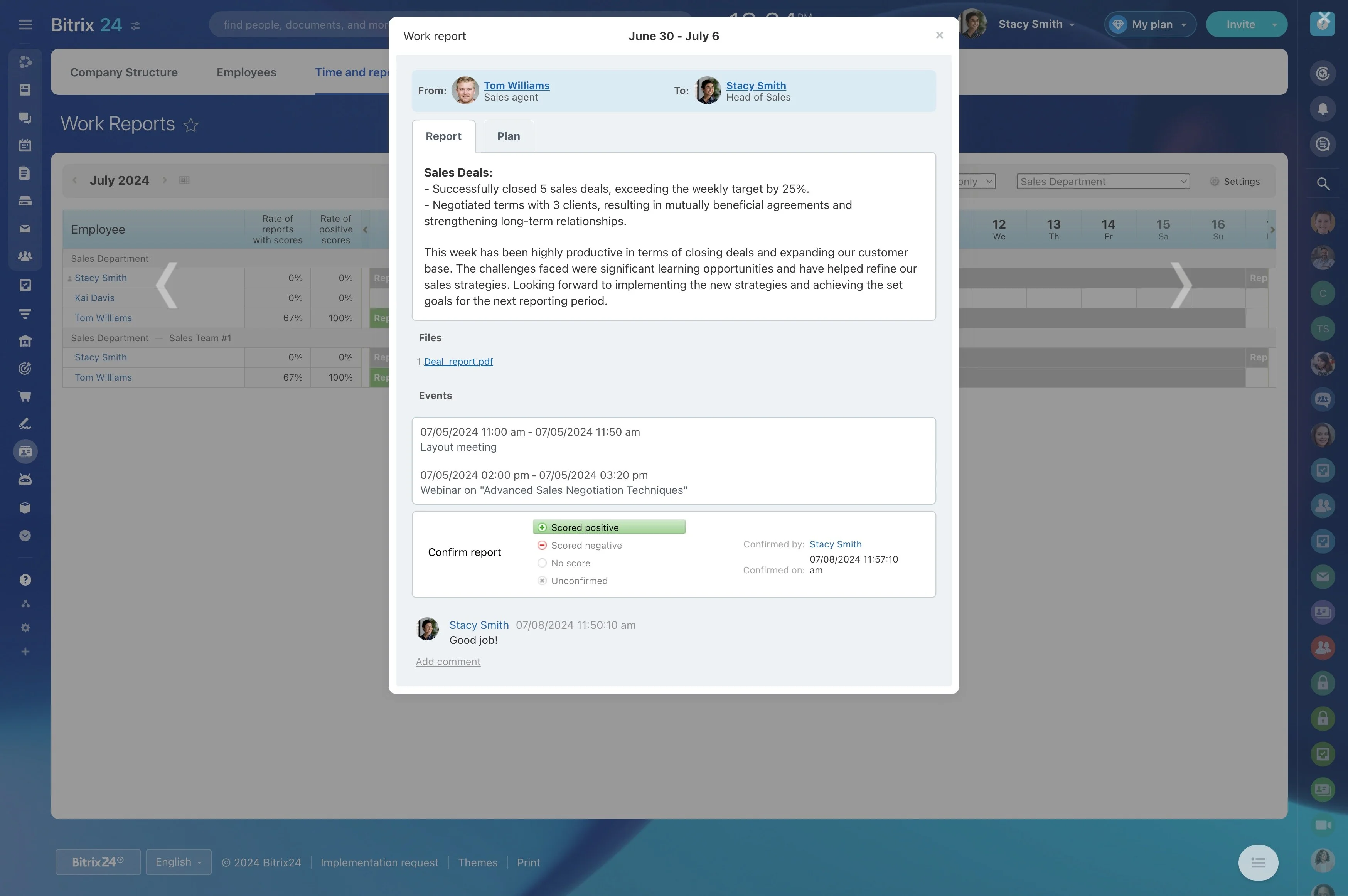
Report on outcomes, not preferences
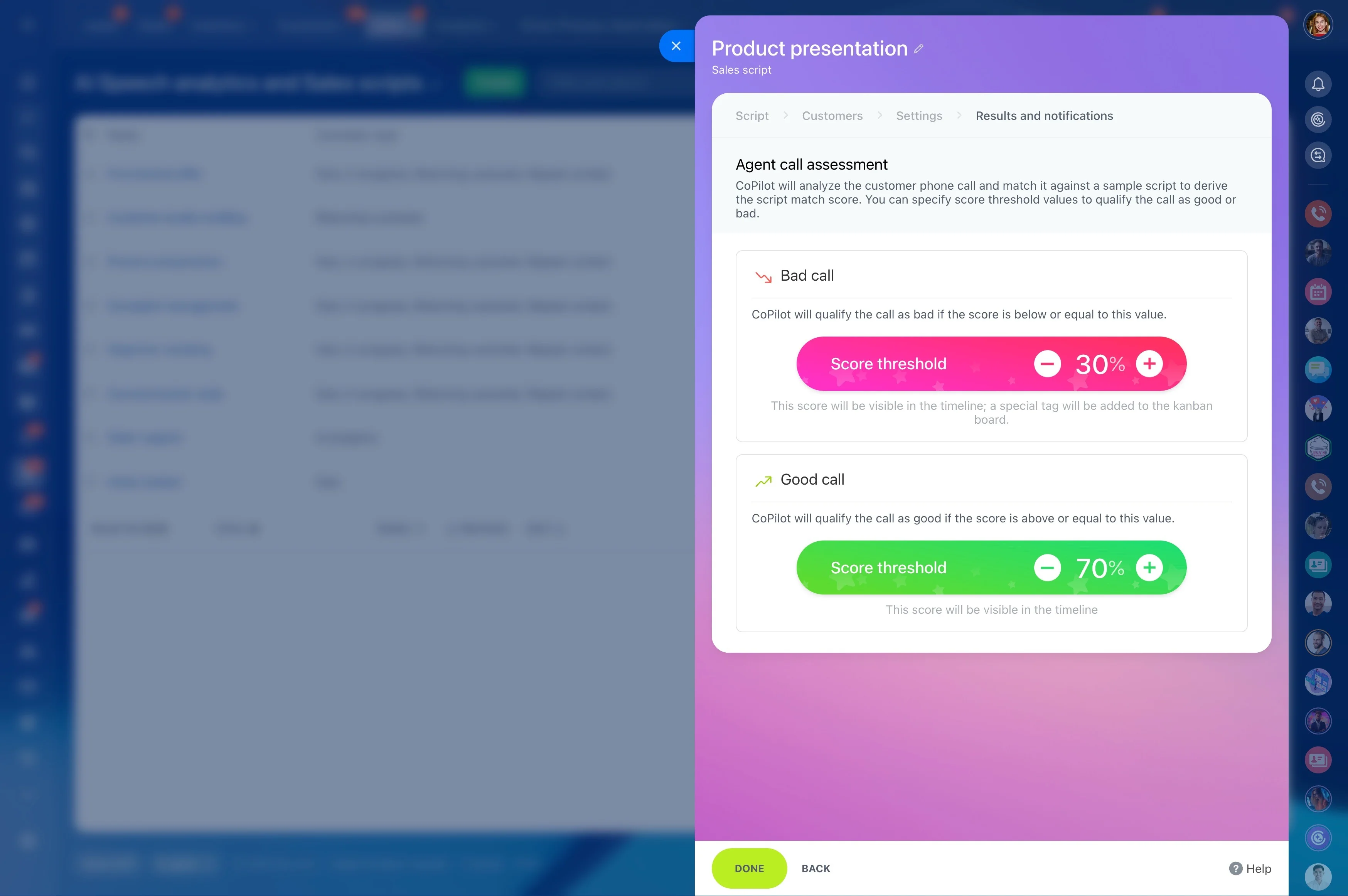
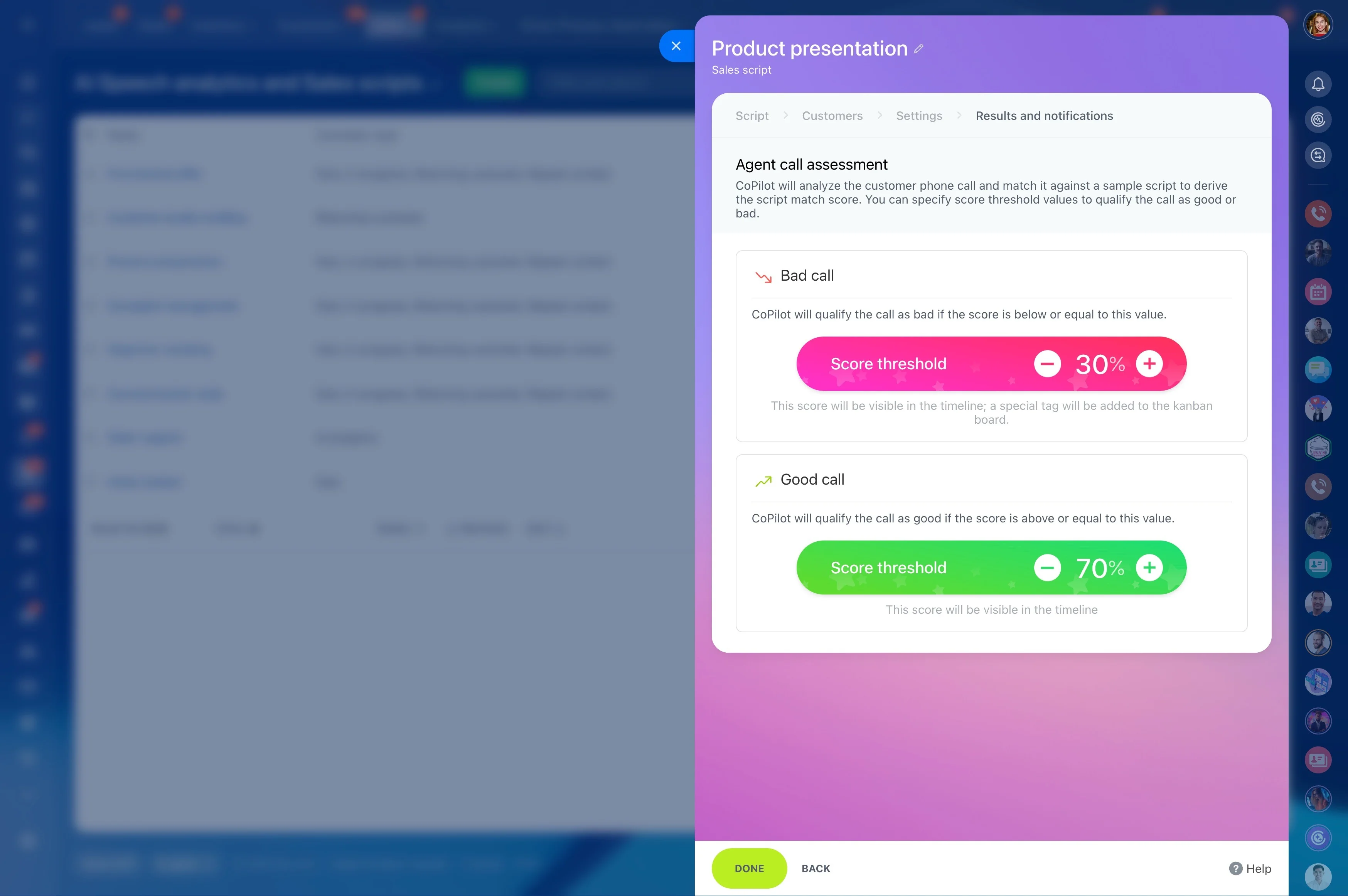
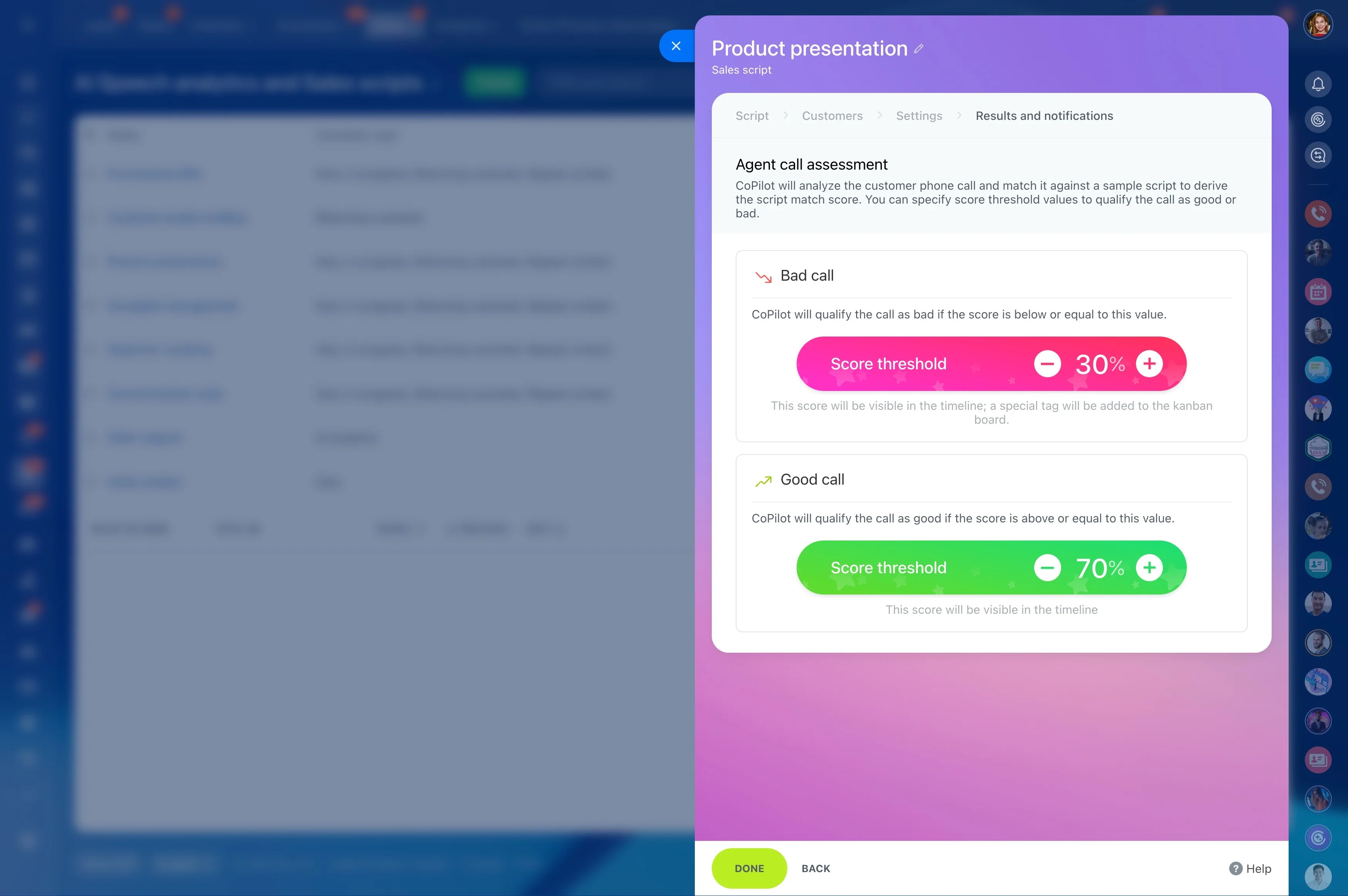
Define 1–2 outcomes for each script set—meeting booked, stage conversion, follow-up completion, or win rate for a specific segment. Review results on a cadence, then tighten questions, adjust objection branches, and refine the close based on what moves the pipeline.
Structure objections as decision paths
Objection handling works better as guided branching than as a wall of text. Create response blocks for common objections (price, timing, competitor, “send info,” “not interested”) and include the exact pivot question or proof point you want used.
Treat objection language as controlled content: one approved version, a clear owner, and a defined update process when positioning changes.
Build scripts around stages and call moments
Start with how your pipeline is actually worked: first touch, discovery, proposal, negotiation, and follow-up. For each stage, break the script into small blocks a rep can use during a live call—opener, key questions, likely objections, and a close that ties to the next CRM step.
This keeps scripts practical: reps pull the right talk track for the record and stage they’re in, not a long document they have to search and interpret.
Trigger → CRM action → measurable outcome
Trigger: A new inbound lead is created and assigned to an SDR.
CRM action: The SDR opens the lead, follows an “Inbound qualification” talk track, captures answers in lead fields, and sets the next step (schedule a meeting or send a follow-up) based on the result.
Measurable outcome: Compare lead-to-meeting conversion and follow-up completion for leads processed with the qualification flow versus those that weren’t.
Put talk tracks on the lead or deal record
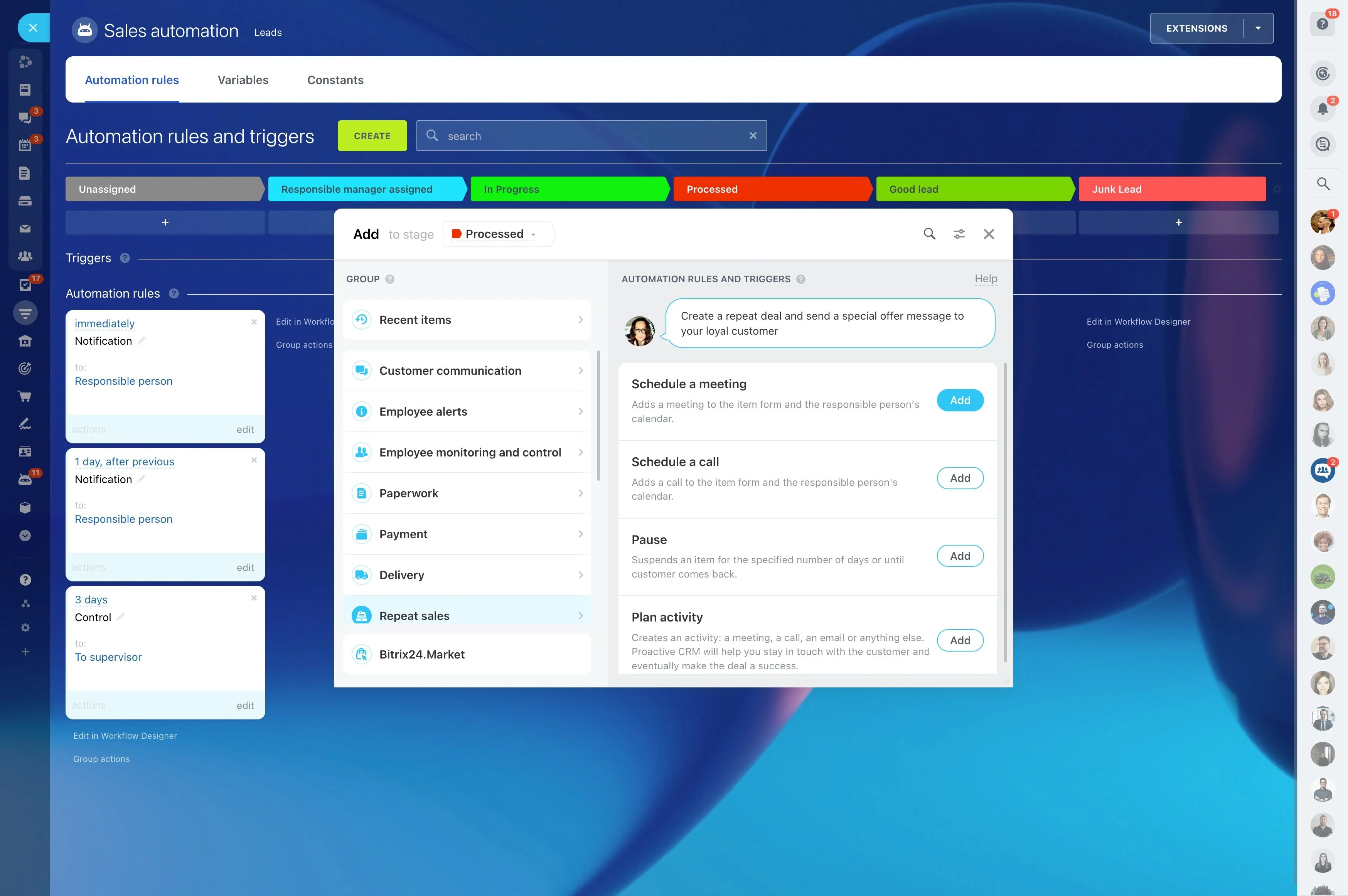
Scripts should appear where work happens—on the lead/contact/deal—so the rep can use the prompt and update the record in one place. Keep prompts short, write questions as copy-ready lines, and end every script with a close that converts into a concrete CRM next action (a task, a scheduled activity, or a stage move).
Make follow-up closes repeatable
Follow-up scripts are easiest to standardize because they’re tied to outcomes: no answer, requested info, agreed to review, delayed decision, stalled. Keep each script focused on confirming the next date/time, what will be sent, and who else must be involved.
When the close is consistent, the CRM record becomes more reliable and next actions are easier to coach and audit.
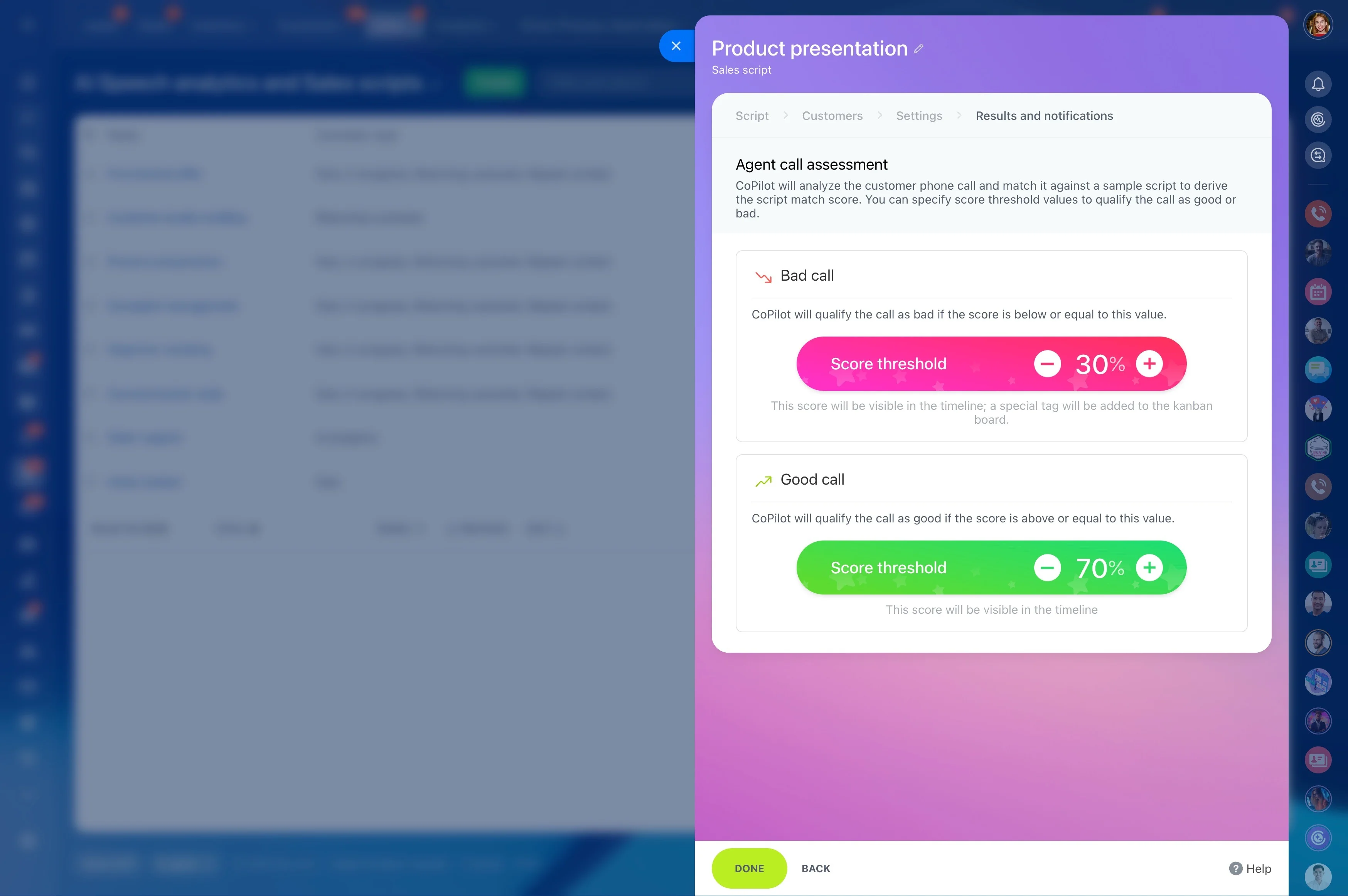
Rollout rules: owner, versions, adoption
Keep scripts current by managing them like enablement assets. Assign an owner, define how changes are requested and approved, and roll updates out in a way reps can notice (by stage and team).
- Separate libraries by motion (inbound SDR, outbound SDR, AE, renewals)
- Modular blocks so updates don’t require rewrites
- Short change notes explaining what changed and why