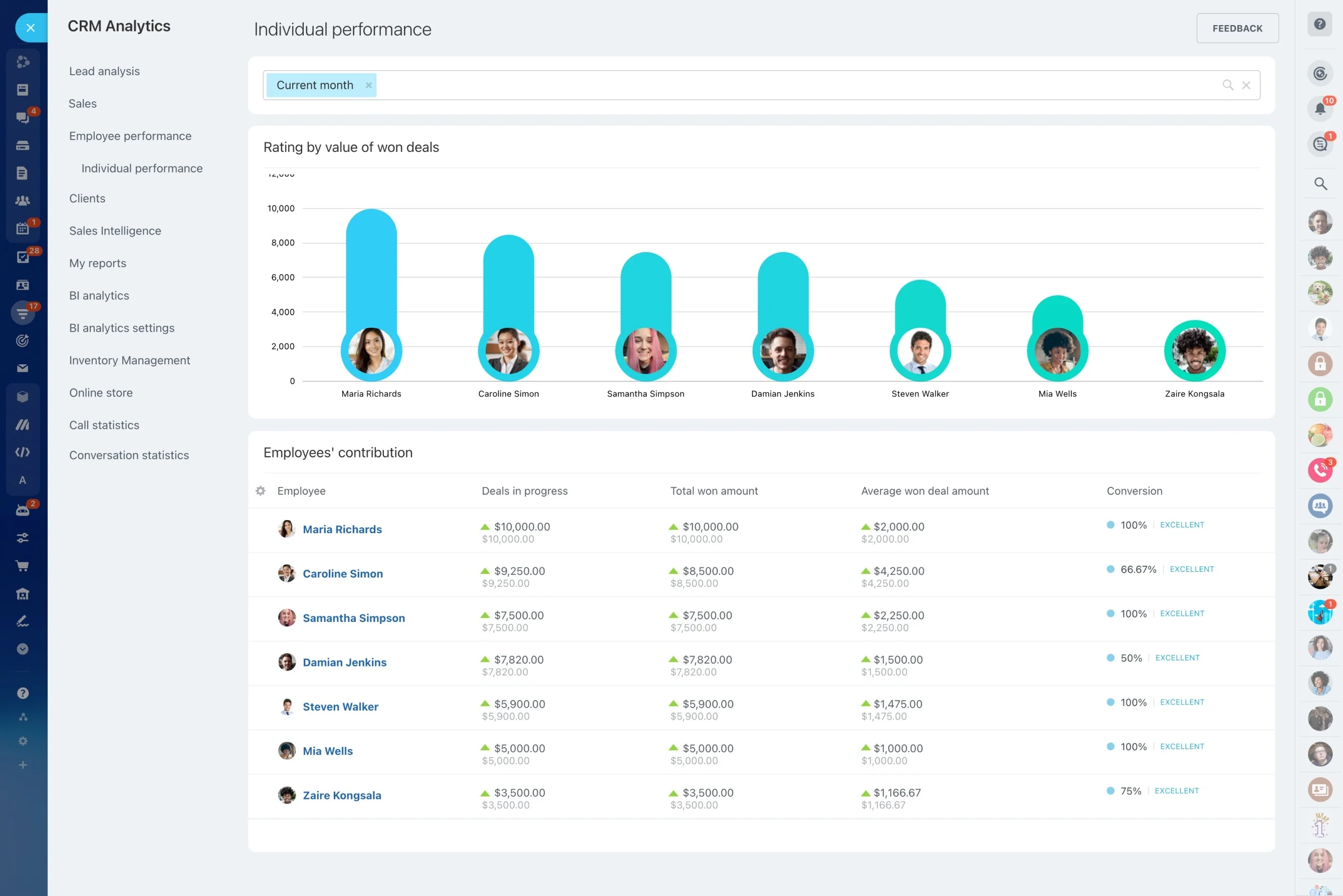
Build a job-order pipeline for demand management
In staffing, speed matters—but so does continuity. A new job order arrives, recruiters source and screen, interviews are scheduled, decisions come back from the client, and once someone accepts you still have start-date readiness and post-start check-ins to manage.
This page focuses on using Bitrix24 as a CRM for staffing agencies where the “thread” stays intact from demand to placement. You can track a job order from intake to close, move candidates through role-specific stages, record interview outcomes and decisions, and schedule post-placement follow-ups—all tied back to the same client and job order records.
- Keep job orders, candidates, and activities connected
- Make stages and ownership explicit for recruiters and account managers
- Carry context into post-start service and future roles
Scenario: one role, two recruiters, one placement
A repeat client requests a Warehouse Supervisor with a two-week start date. The account manager opens a job order, confirms pay range and shift requirements, and moves it to “Recruiting in progress” once terms are agreed.
Recruiter A screens three sourced candidates and logs availability and results; Recruiter B screens two referrals. Four candidates are submitted with dates recorded. The client requests interviews for two; interview activities are scheduled and feedback is captured after each round. One candidate accepts the offer, the team completes readiness steps (documents and start date), and a day-1 check-in is scheduled to close the loop for both client and candidate.
Make interviews a managed handoff, not a scramble
Interview coordination touches recruiters, account managers, hiring managers, and candidates. Treat each interview round as a scheduled activity tied to the job order and candidate, with an owner and an expected outcome.
After each round, record the result (advance/hold/reject/offer requested) and capture feedback consistently so client updates and next steps are based on what’s documented, not what someone remembers.
Define the records you recruit against
Most agencies operate around three core records: client account, job order (open role), and candidate. Treat the job order as the working record for daily execution, while client and candidate context stays linked to every call, note, and decision.
At intake, capture the details that drive recruiting actions: location/work model, shift, pay range, start date, must-haves vs. nice-to-haves, screening questions, and the hiring manager’s preferred update cadence.
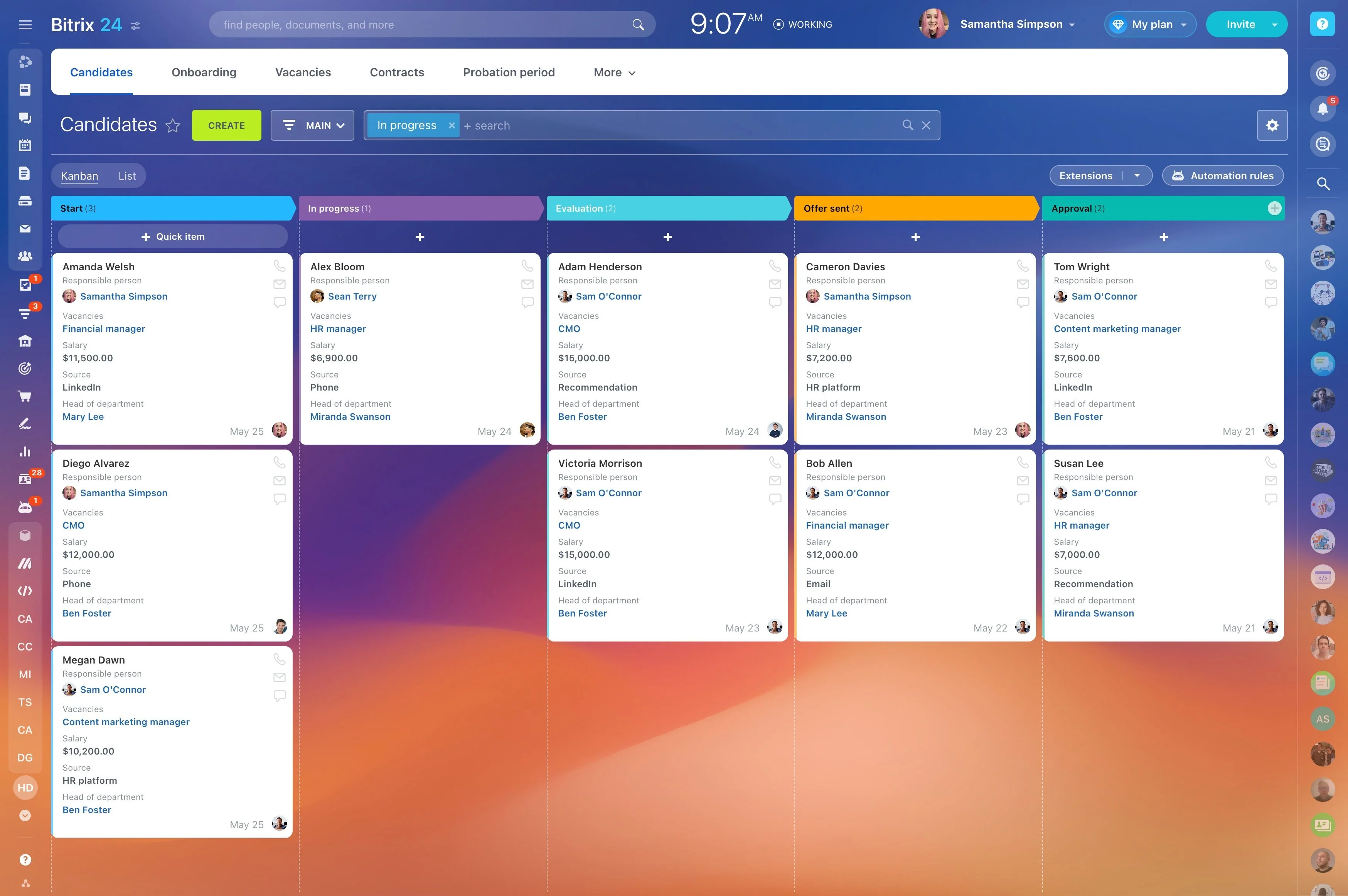
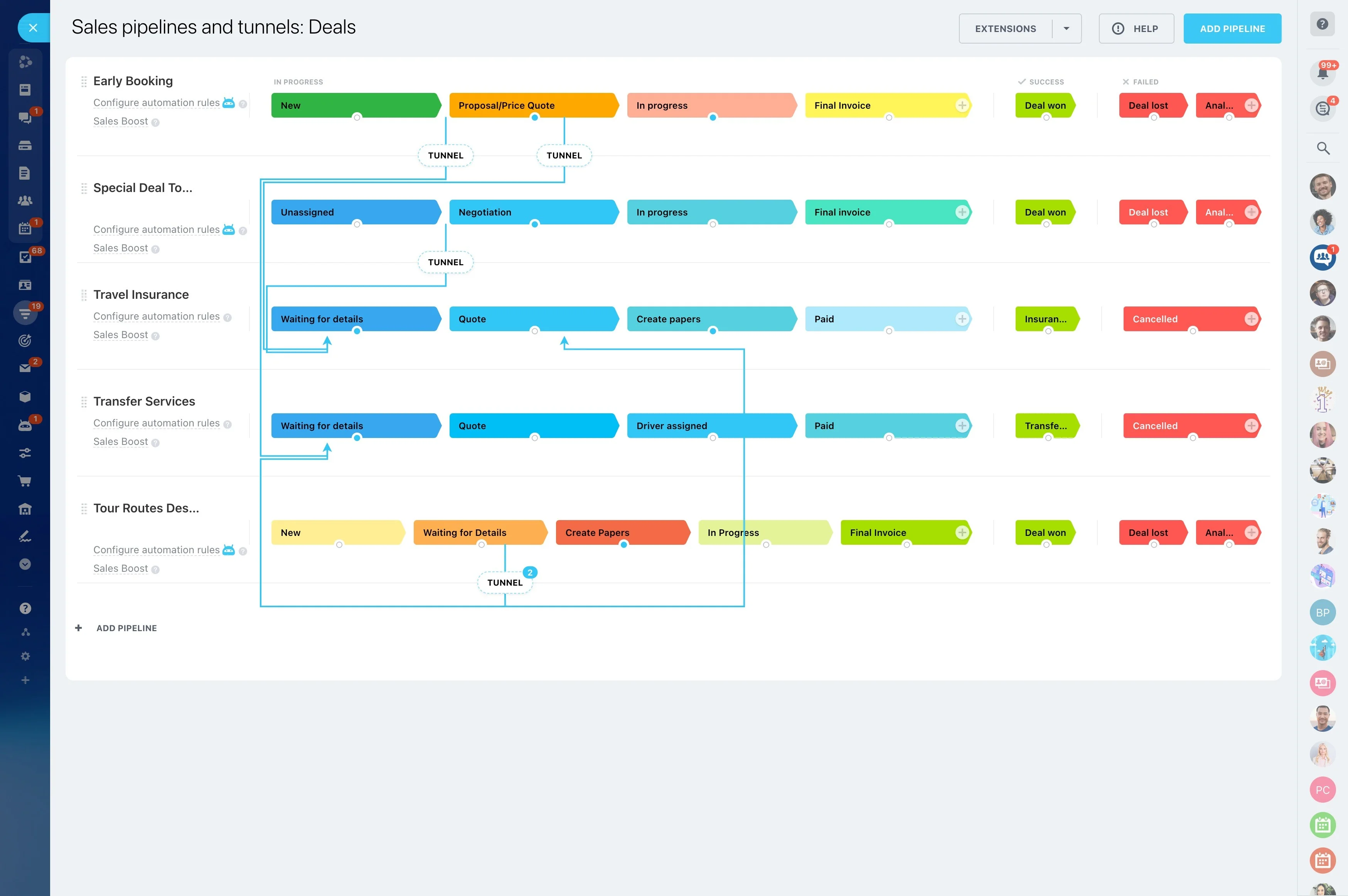
Build a job-order pipeline for demand management
Before recruiting starts, job orders usually move through qualification and approval. A dedicated job-order pipeline keeps each open role in a clear stage with a clear owner, so nothing sits “in progress” without definition.
Typical stages include: new request, requirements confirmed, terms agreed, recruiting in progress, candidates submitted, interviews in progress, offer/decision, placed, and closed (filled/cancelled).
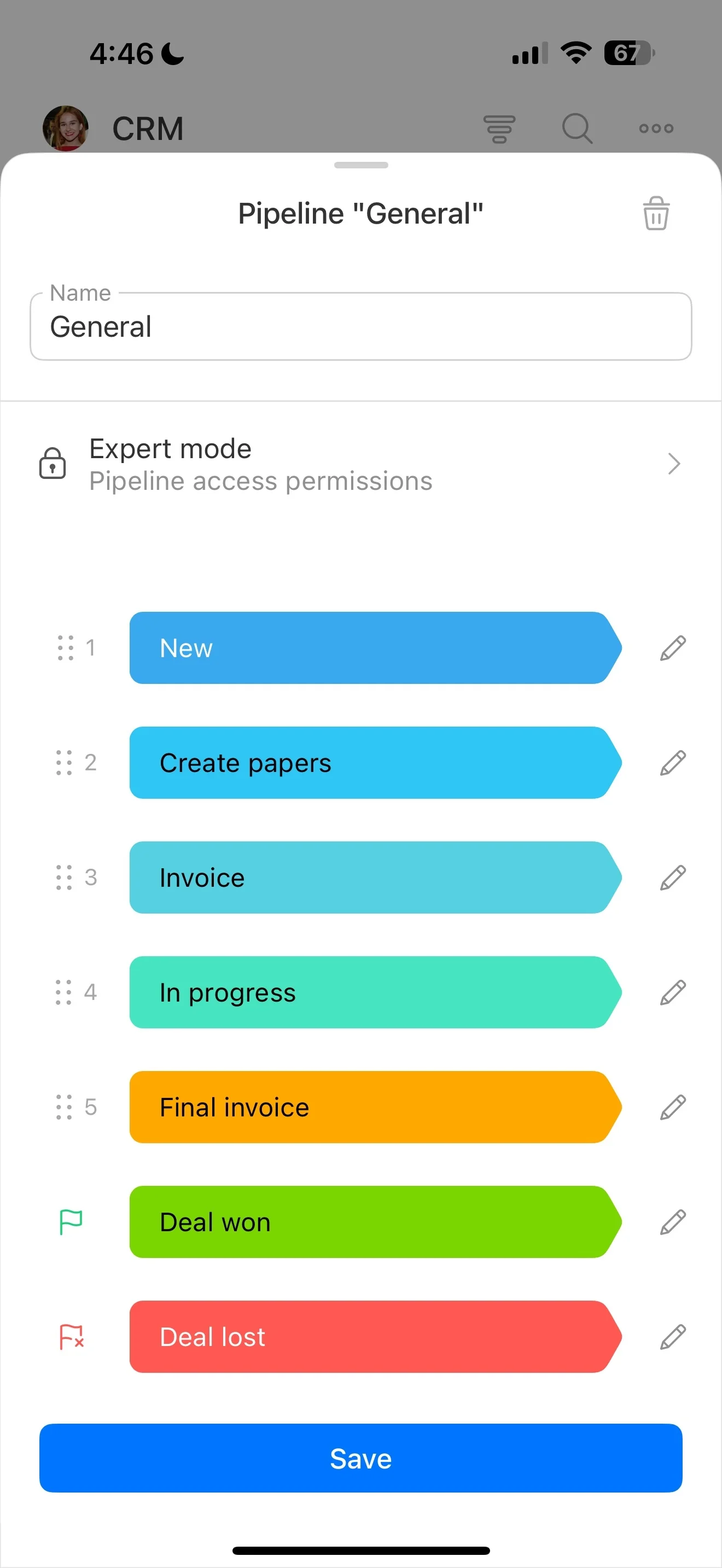
Track candidate progress per job order
A generic candidate list doesn’t show what matters: where each person stands for a specific role. Use a candidate pipeline aligned to the job order so the next step is obvious (screen, submit, schedule, get feedback, decide).
- Source and recruiter ownership
- Screening outcome and availability
- Submission date and client response
- Interview rounds, feedback, and decision
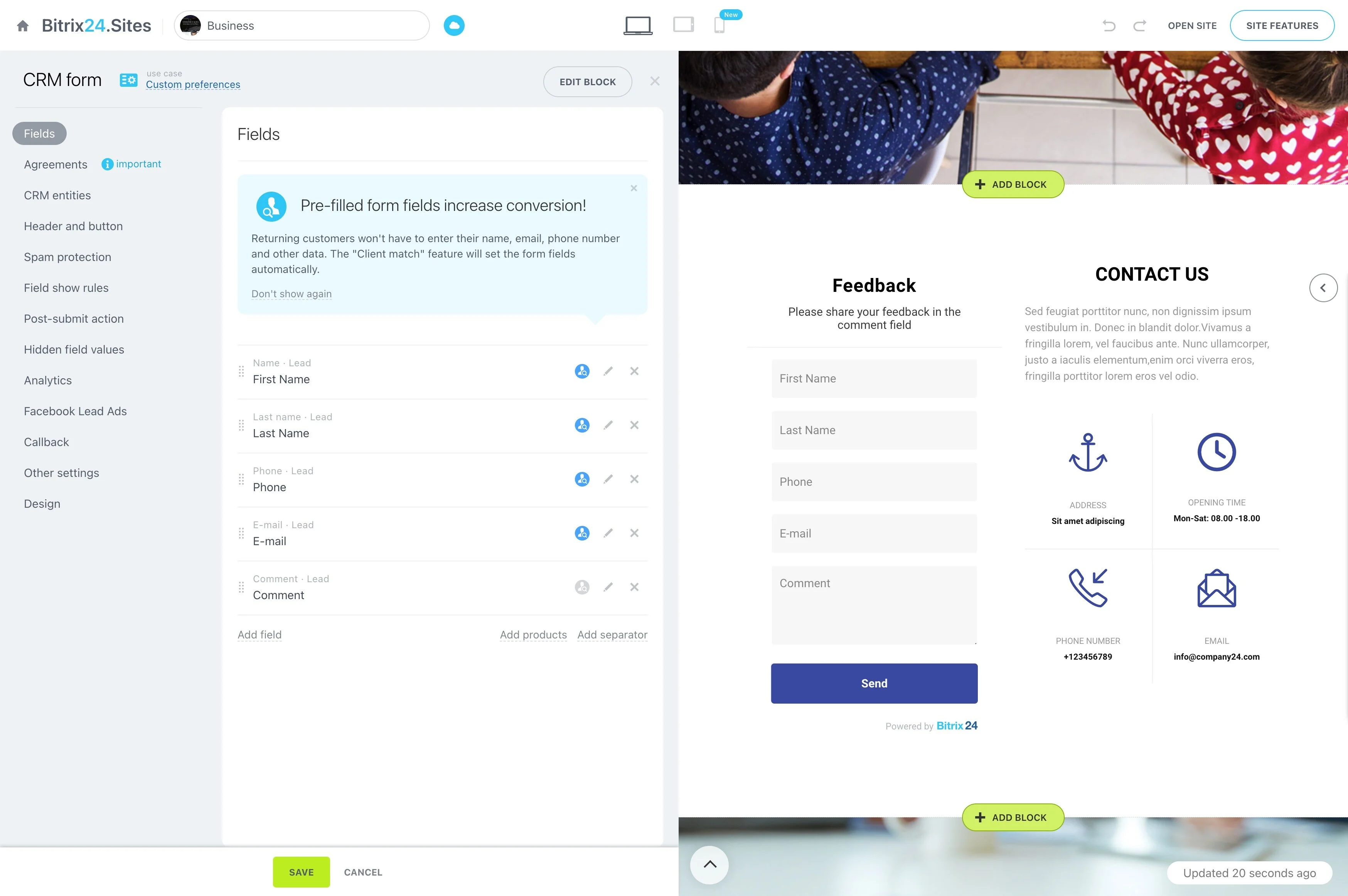
From offer to placement with readiness steps
Once a candidate is selected, the job shifts to acceptance and start-date readiness. Keep these steps inside the same flow so “placed” reflects practical completion, not just a verbal yes.
A placement checklist can include: offer accepted, documents collected, checks initiated/complete (when applicable), start date confirmed, client notified, candidate start confirmation, and a post-start check-in scheduled.
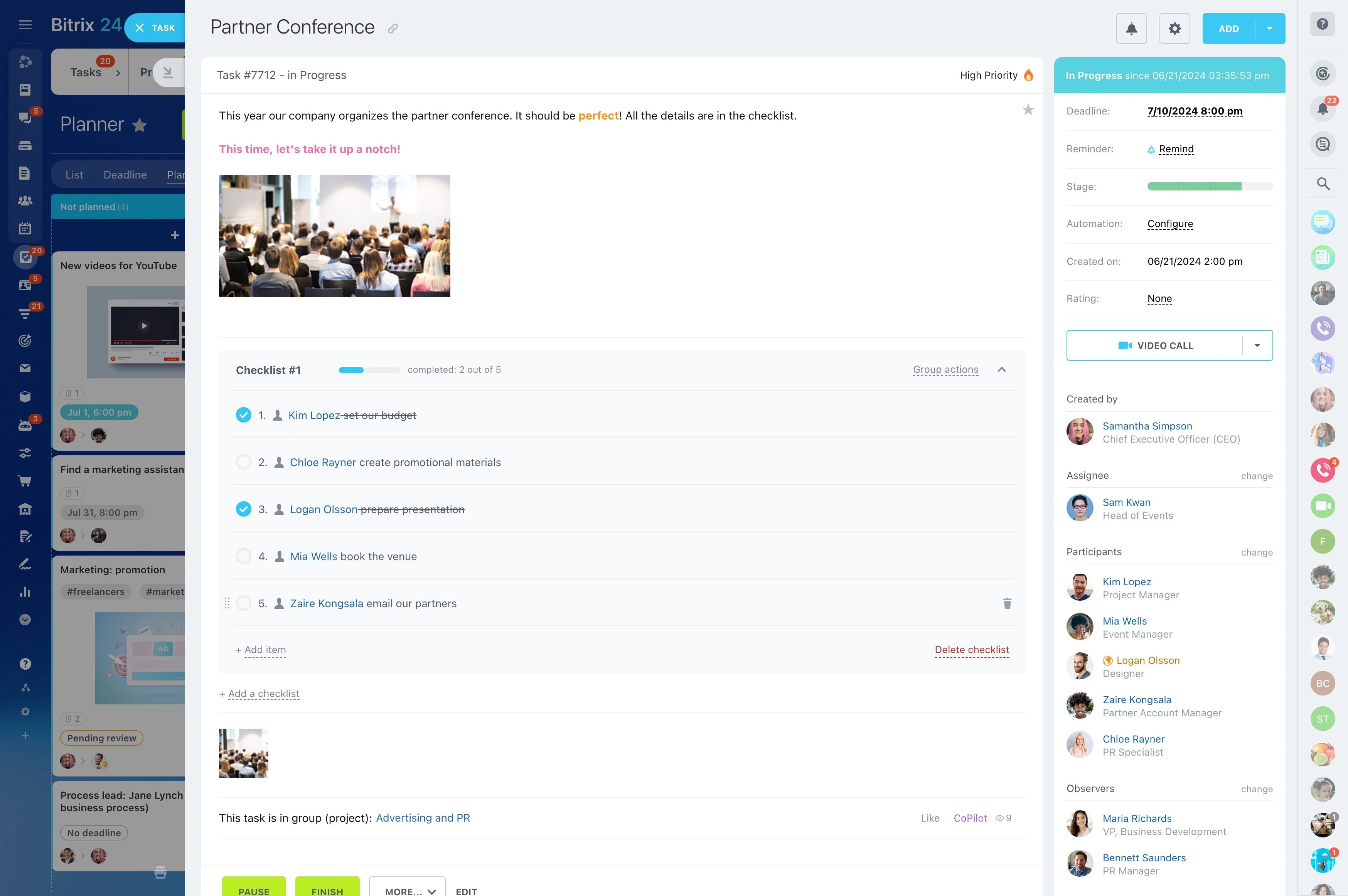
Post-placement follow-ups that protect the account
Service work after the start date influences retention and repeat business. Schedule day-1 confirmation, week-1 check-in, 30/60/90-day touchpoints, and contract extension reminders so they stay connected to the original job order and client expectations.
If issues arise (no-show, early termination, performance concerns), tracking the replacement flow against the same history helps your team act quickly with full context.