Maintain client, property, and access details for every location
Cleaning businesses keep clients by delivering the right scope on the right day, with crews who arrive prepared. That takes more than a contact list—you need job details, access instructions, and visit history connected to the schedule your dispatchers actually run.
Bitrix24 supports a practical cleaning workflow from inquiry to repeat service: capture the request, confirm the booking, schedule the visit, assign the crew, and document completion and next steps. With customer and location notes stored where your team books work, office and field staff stay aligned on what to do at each site.
- Maintain client, property, and access details for every location
- Book one-time jobs and plan recurring visits
- Assign crews and track job status through completion
- Turn completed work into the next booking or follow-up
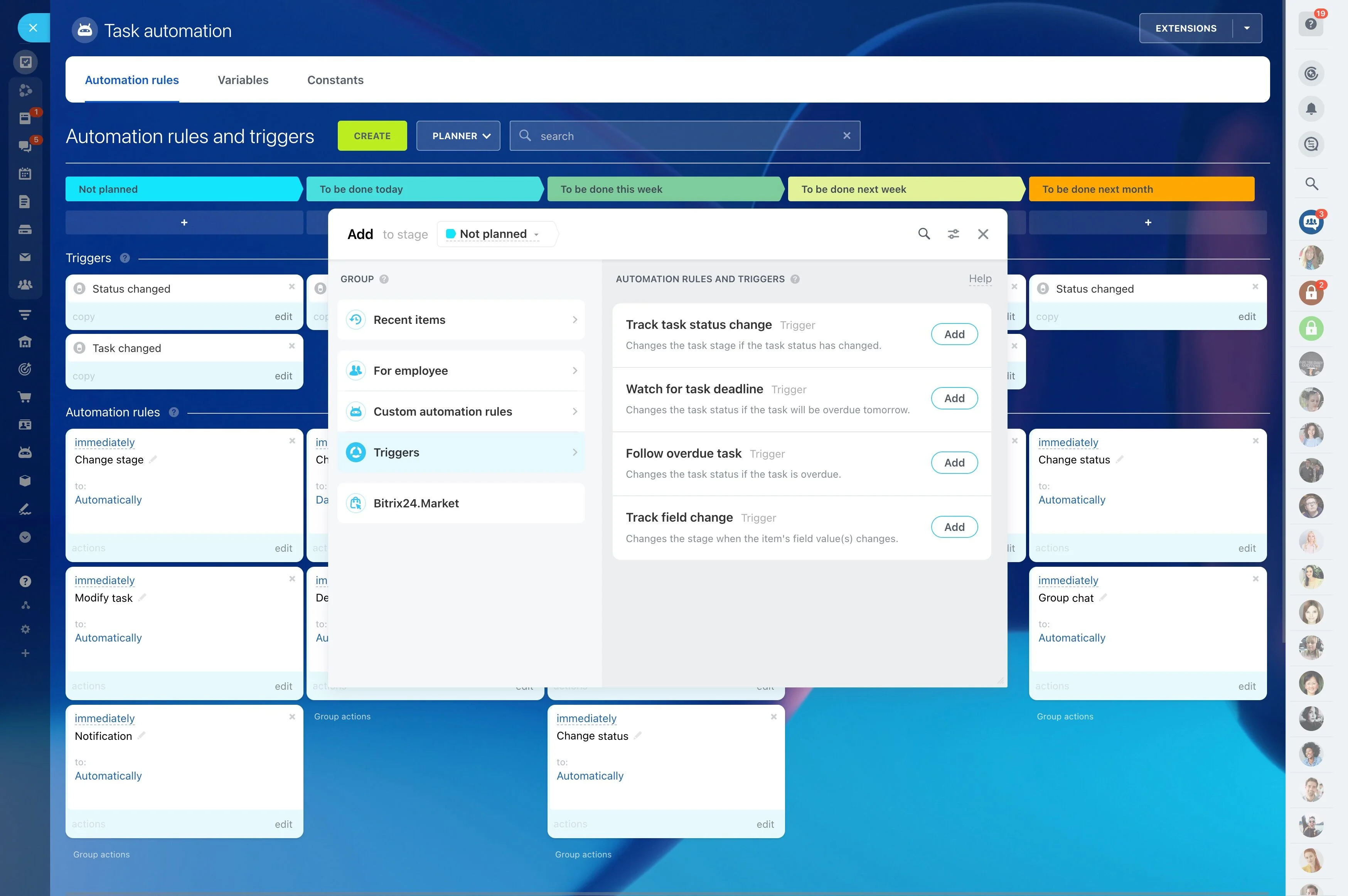
Track each job through simple service stages
Day-to-day operations run smoother when every visit follows the same stages. Track jobs the way your team works—scheduled, in progress, completed, needs follow-up—so dispatch can spot gaps and act quickly.
This view is especially useful when managing multiple crews across multiple addresses in one day and you need to know what’s still pending, what’s running late, and what’s ready for customer confirmation.
Keep client and location details in one place
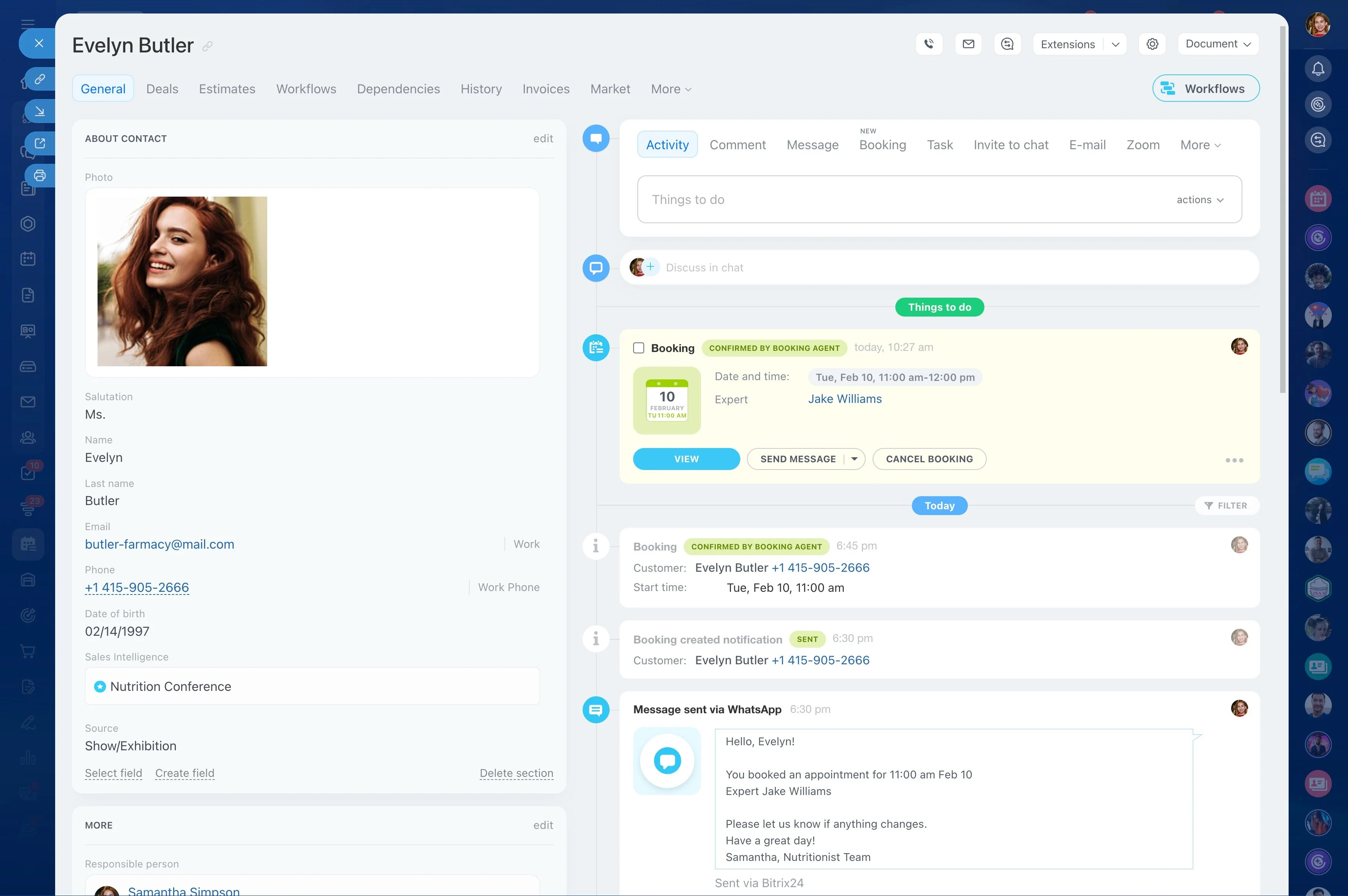
Cleaning accounts often include multiple service locations—separate units, floors, or properties—each with different access rules and preferences. Organize records so every booking and follow-up stays tied to the correct site.
Store the details dispatch and crews rely on: address, entry instructions (gate codes, lockbox, reception), parking notes, preferred arrival window, scope (deep clean vs. maintenance), and special handling requests. Over time, the record becomes a usable history of what was done and what to repeat.
Book jobs with time windows and responsibility
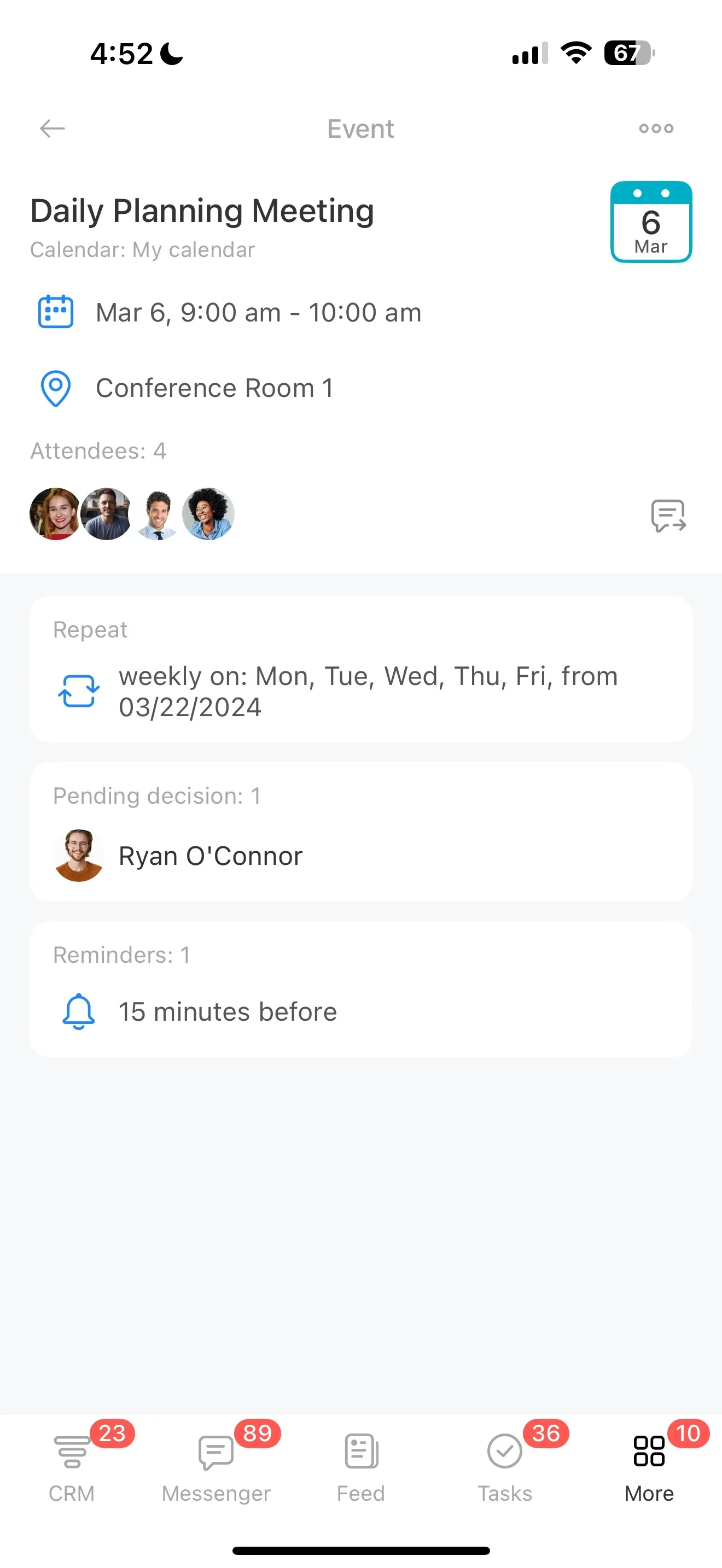
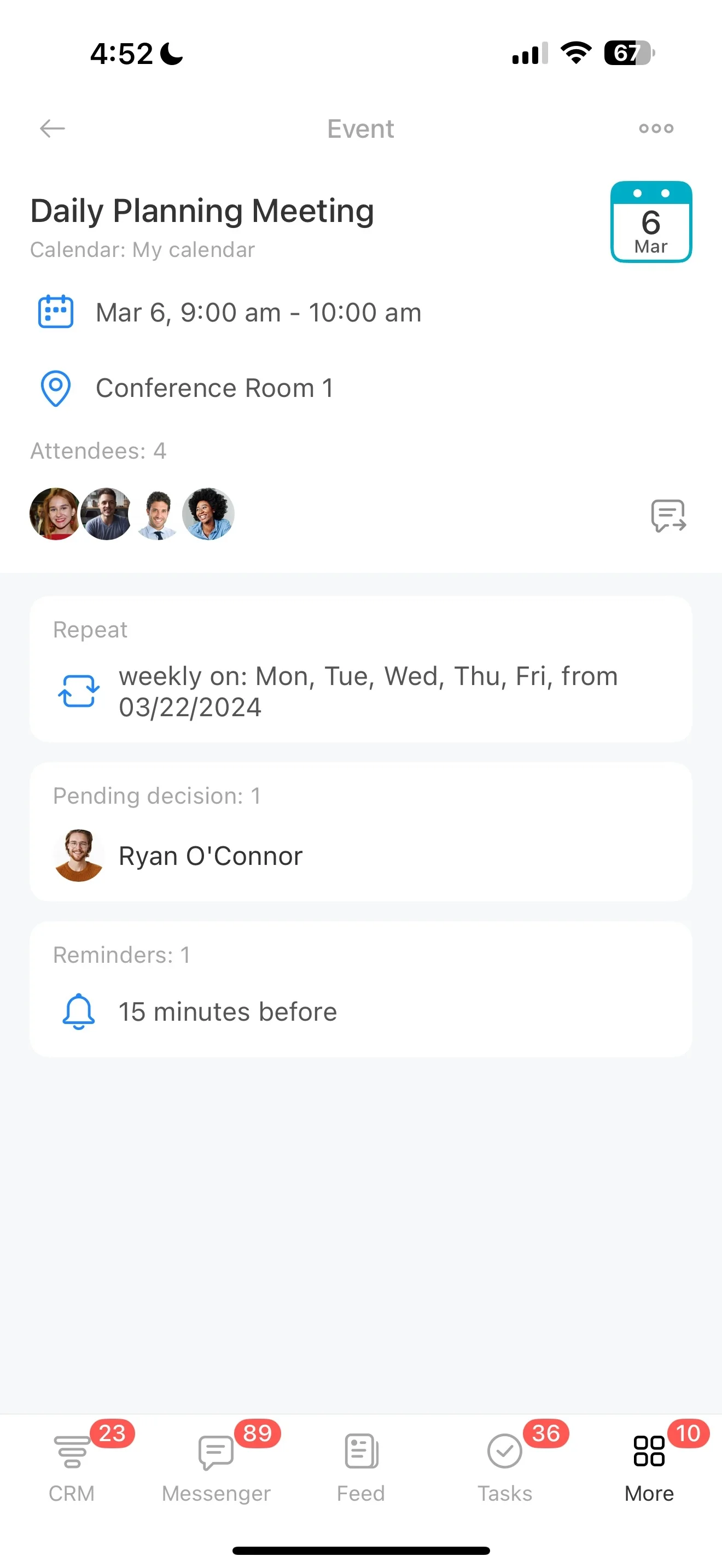
A schedule is only dependable when each visit has clear timing and an owner. When a service request is confirmed, create the job and connect it to the client record so your team can quickly see who’s going, where, and what’s included.
- Service window and estimated duration
- Crew or lead cleaner assignment
- Scope notes and add-ons to include
- Access plan and on-site contact
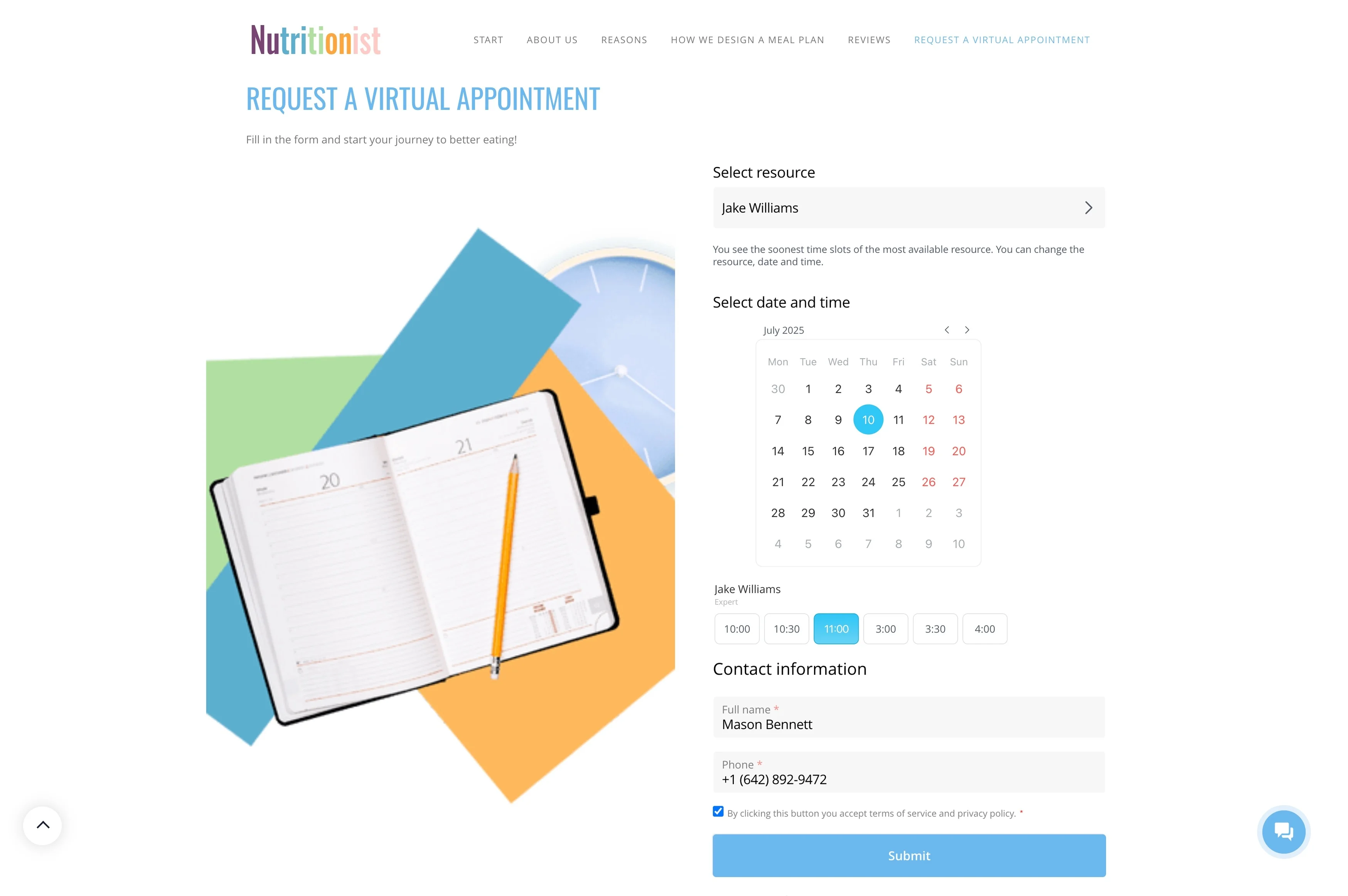
Dispatch crews with clear office-to-field handoffs
The handoff is the work: office confirms the booking, the crew completes the visit, and office closes the loop. Use assignments to make accountability explicit—who leads the job, who supports, and who verifies completion.
When a customer changes the scope, reschedules, or updates access instructions, keep that update attached to the job so the assigned team sees current details and the office can confirm nothing was missed.
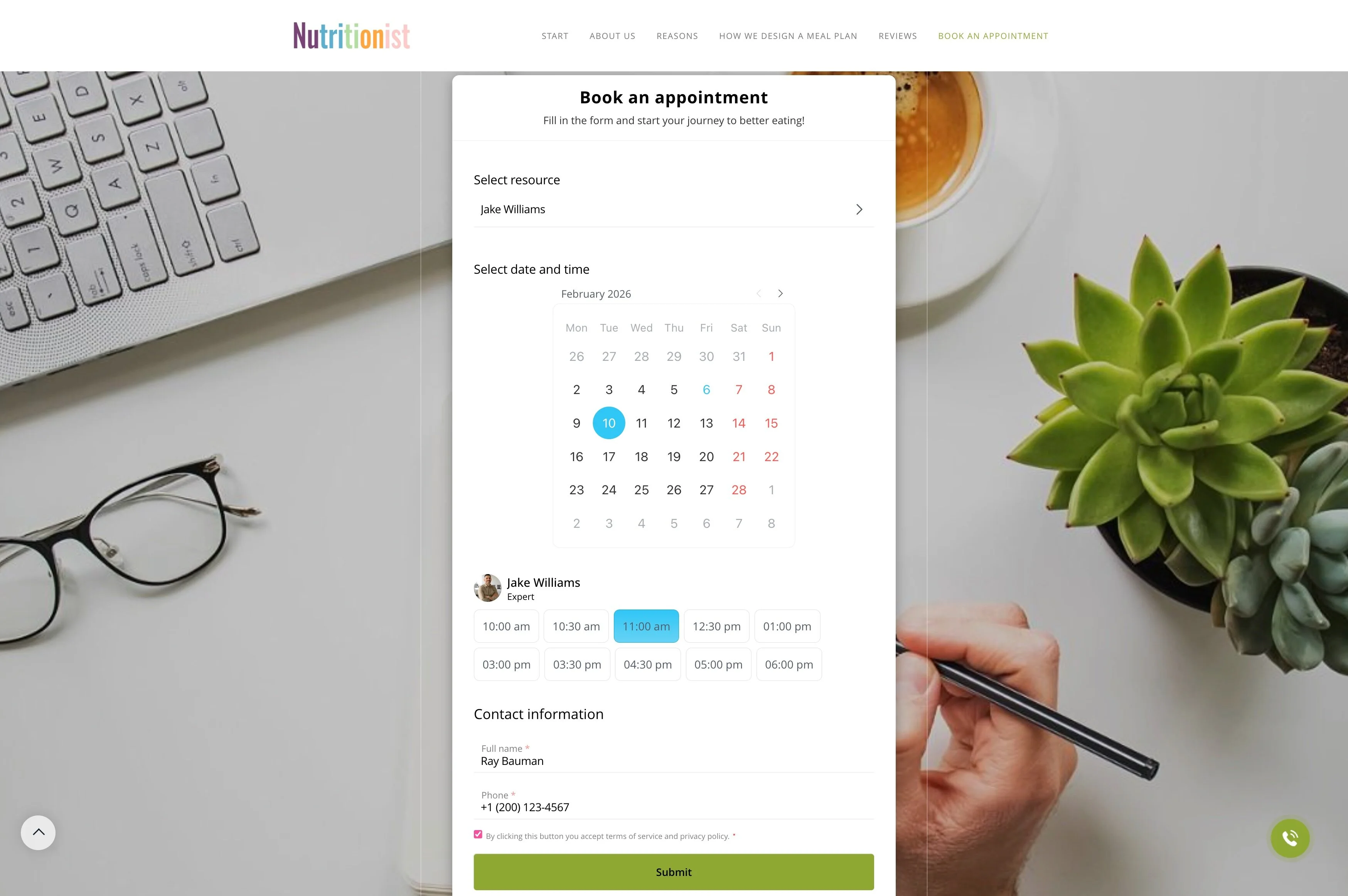
Set up repeat service after every visit
Recurring work (weekly, biweekly, monthly) is built one completed job at a time. After the visit is marked complete, set the next action while details are fresh: book the next slot, schedule a confirmation call, or create a follow-up for feedback and add-ons.
With job history tied to the client, you can quickly review typical scope and frequency (for example, a deep clean every 3 months) and plan upcoming visits accordingly.
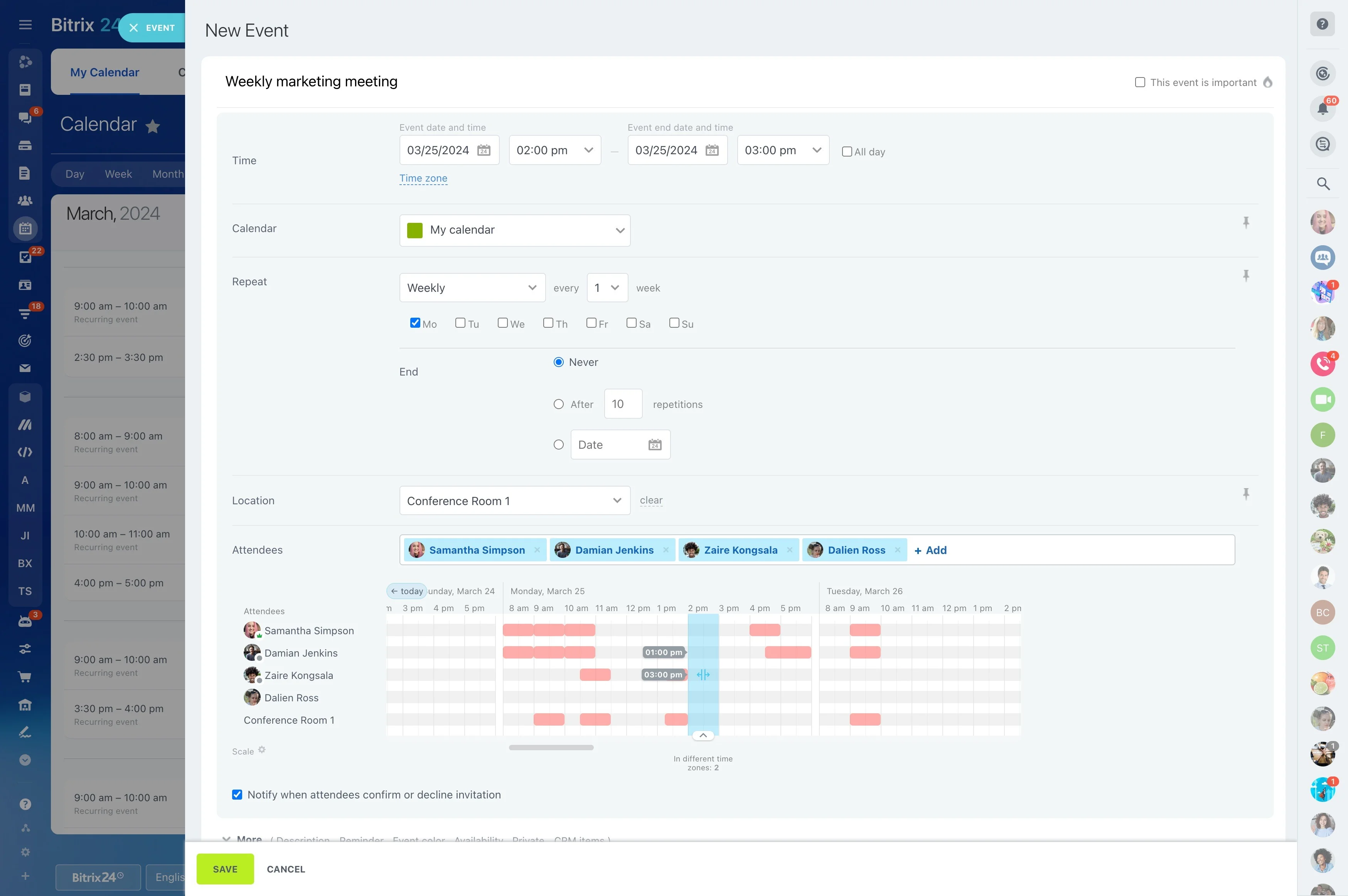
End-to-end scenario: recurring office cleaning with add-ons
1) Inquiry: A property manager requests a quote for a 5,000 sq. ft. office: weekly service, after-hours access. You create the customer record and capture the site address, entry rules, and requested days/times.
2) Booking: The quote is approved. You schedule the first visit for Monday evening and assign a two-person crew with a lead cleaner.
3) Dispatch: The assigned crew gets the job details: entry instructions, parking notes, supply reminders, and scope (restrooms, kitchenette, floors, trash).
4) Completion: The visit is marked complete, and the office reviews the status and follows up if anything needs confirmation.
5) Repeat service: You schedule the next four weekly visits and add a task for the last week of the month to propose a monthly deep-clean add-on based on the client’s history.