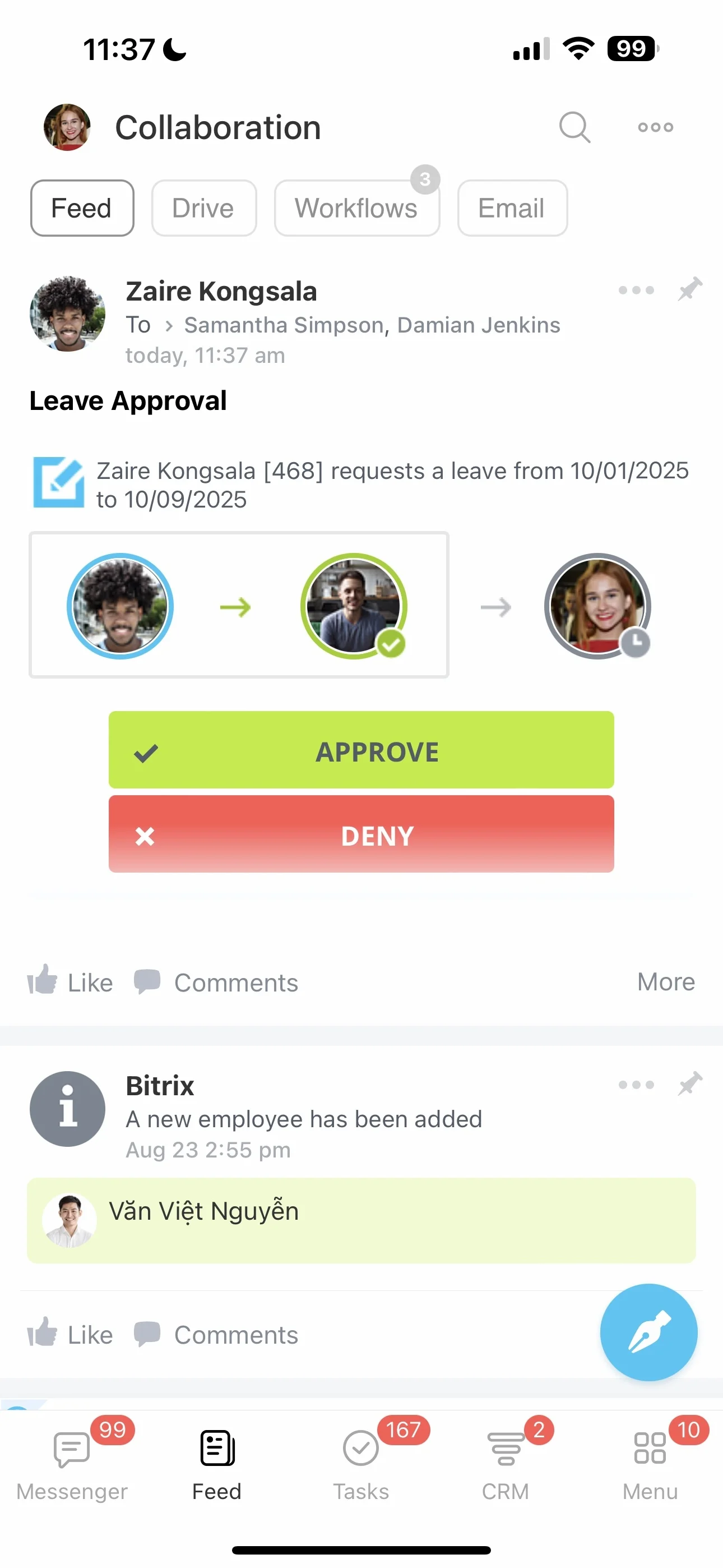
Example: connect a service issue to renewal work
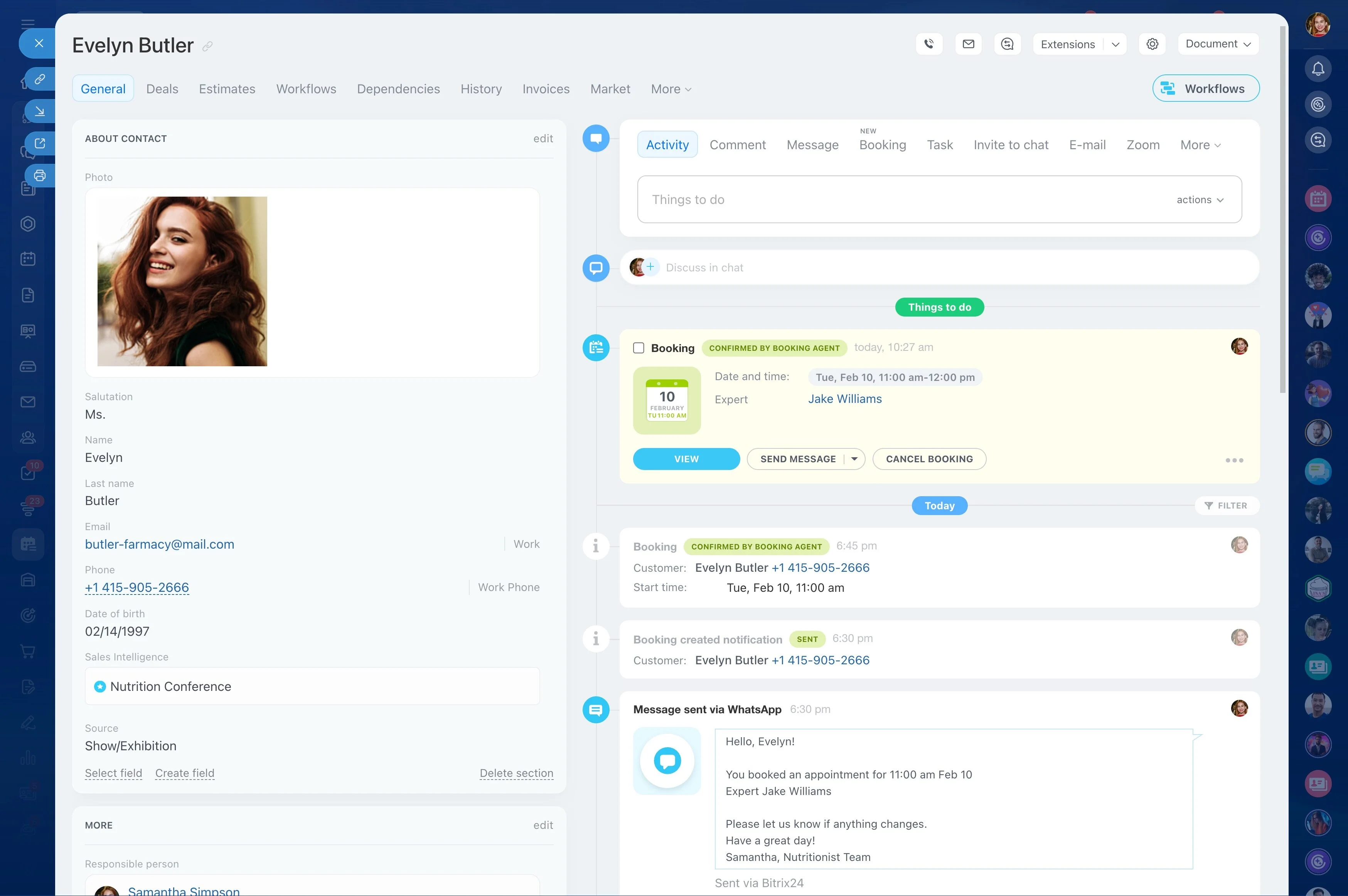
Energy and utilities relationships rarely involve one contact or one location. A single account may include facilities, procurement teams, technical staff, contractors, regulators, service requests, and several renewal dates.
CRM for energy and utilities gives commercial and service teams a structured way to manage that complexity. Keep account and stakeholder context together, assign requests through defined stages, and connect day-to-day service work with renewal planning.
Evaluate CRM against your operating model
The best CRM for energy and utilities should reflect how your teams manage accounts, service requests, stakeholder handoffs, and renewals. Assess whether it can represent complex relationships, preserve communication context, support defined stages, and remain practical for commercial and service users.
Bitrix24 CRM for energy and utilities can provide a shared workspace for organizing customer information and coordinating work from account development through service follow-up and renewal.
Prepare renewals with account history
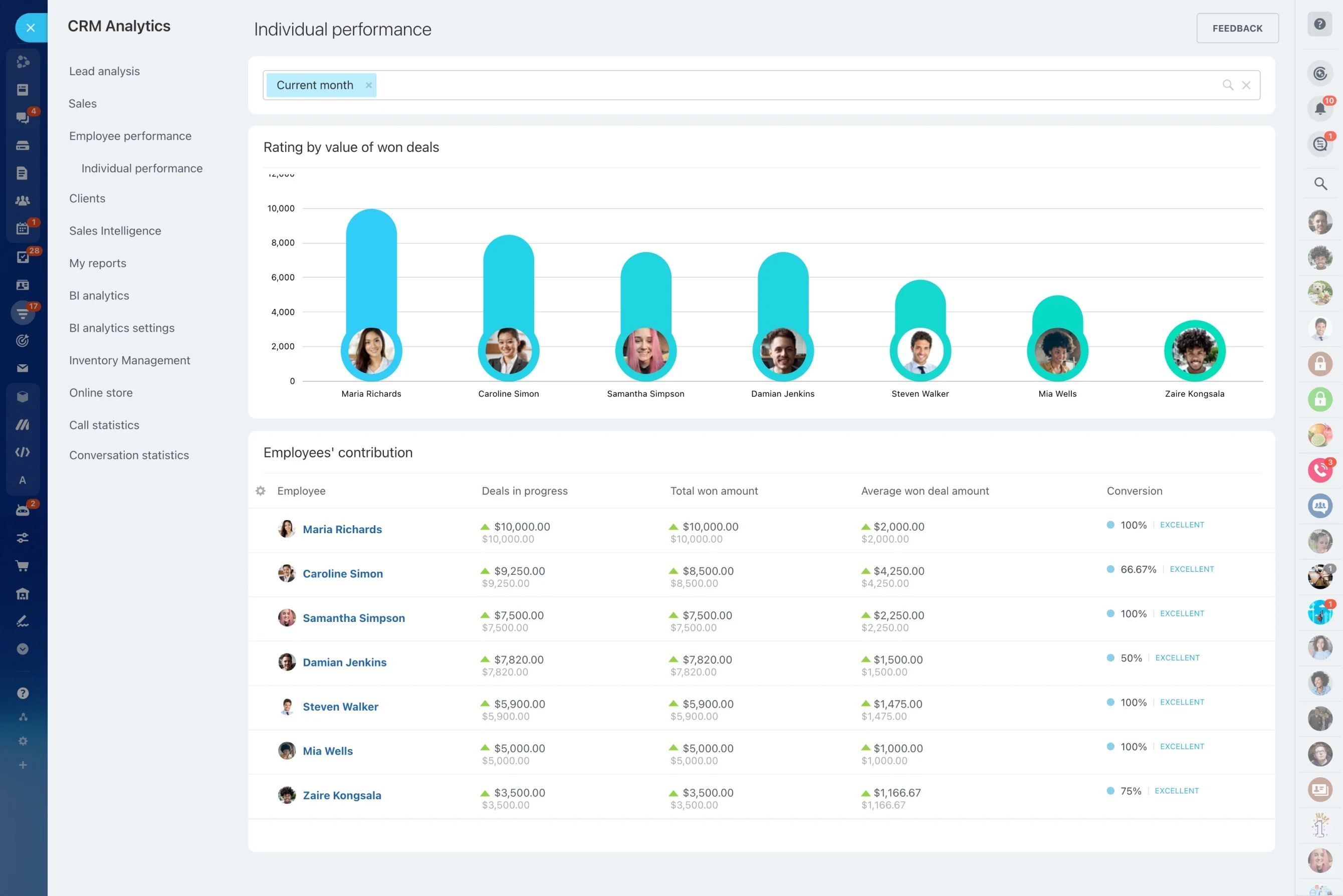
Renewal planning is stronger when it includes the customer’s recent service experience. Review the current arrangement, open or resolved requests, stakeholder concerns, and planned follow-ups before approaching the decision-makers.
Organize the renewal from review and stakeholder contact through proposal, negotiation, decision, and continued account management.
Organize complex account relationships
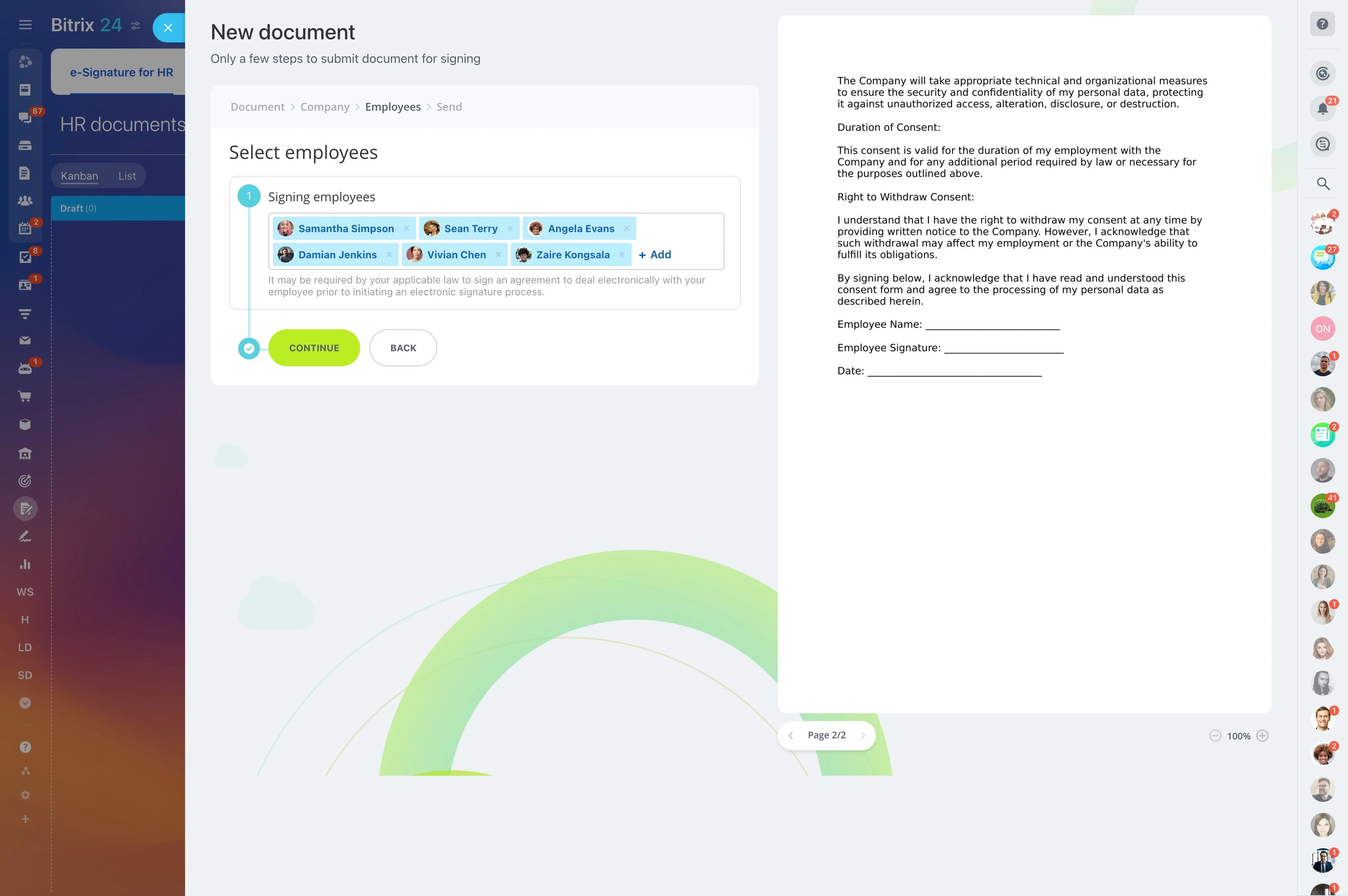
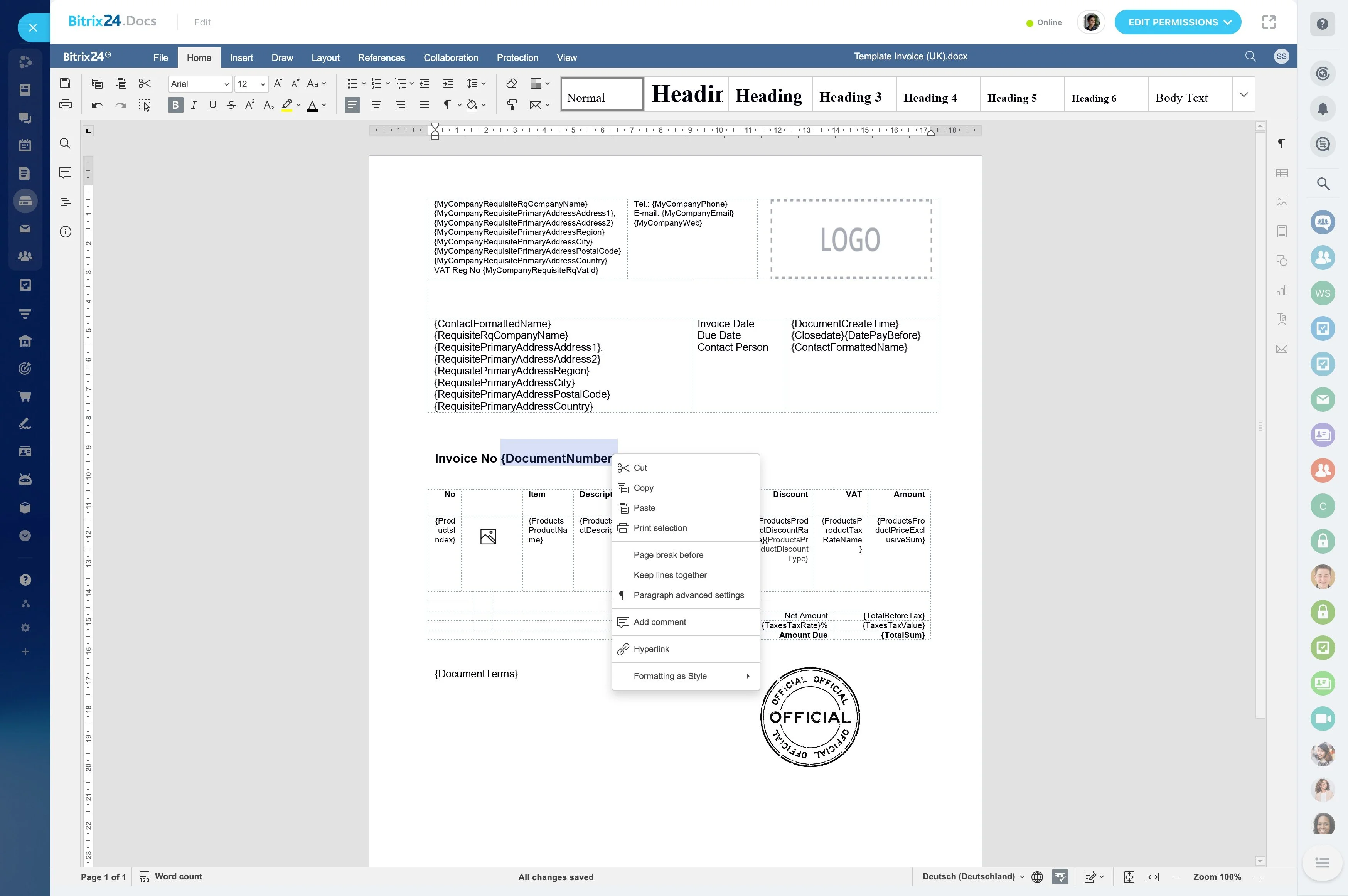
Build account records around the way energy and utilities customers actually operate. Keep the organization, service locations, stakeholder roles, account status, open requests, and commercial milestones connected.
- Separate account details from individual stakeholder information.
- Preserve communication and follow-up history.
- Keep renewal dates and account priorities visible to the responsible team.
Move service requests through clear stages
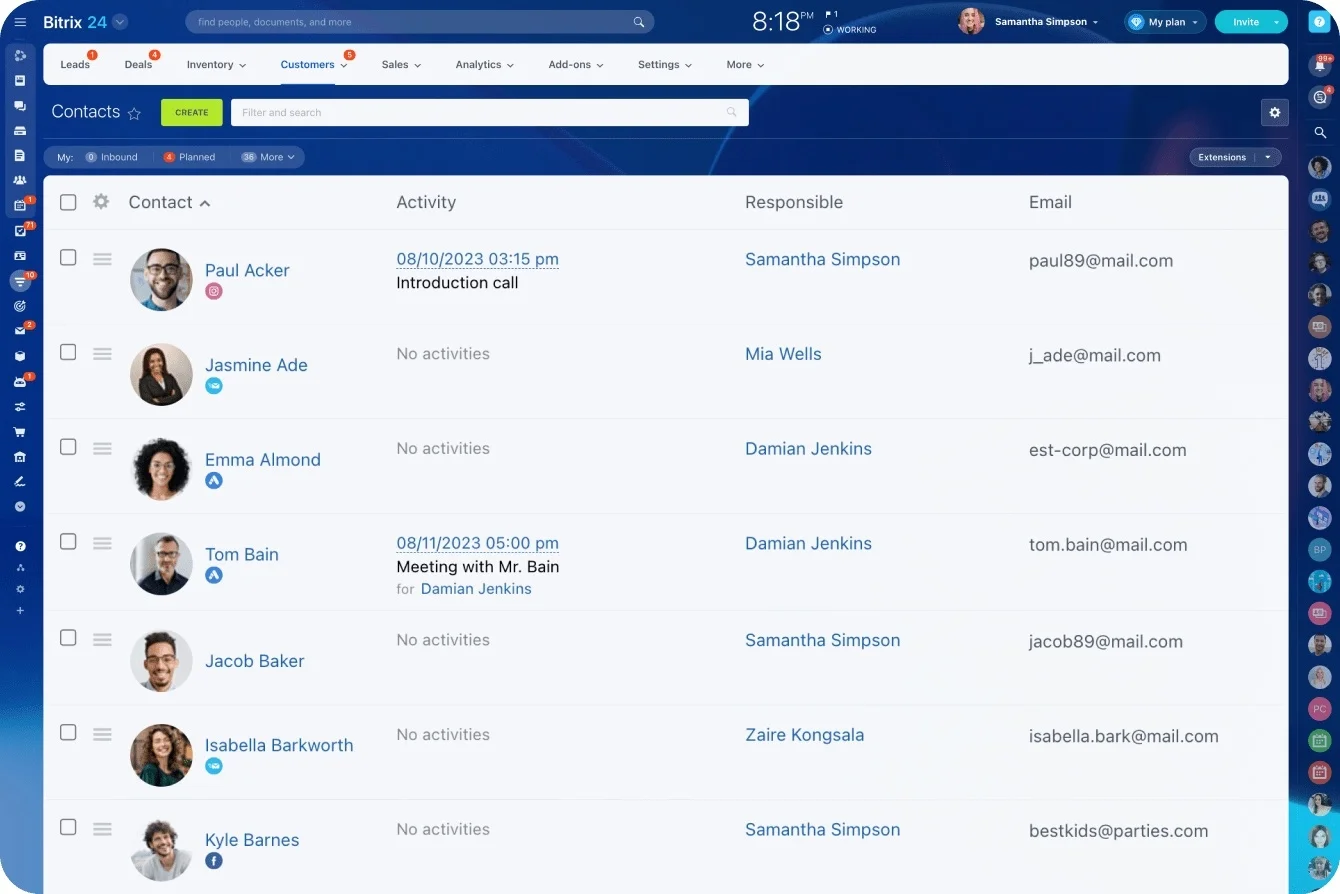
Requests may come from customers, site managers, procurement contacts, or internal teams. A defined workflow records the request context, assigns ownership, and moves the work from intake through investigation, customer updates, resolution, and follow-up.
Everyone involved can see what was requested, who is responsible, what has been communicated, and which action remains open.
Keep every stakeholder handoff connected
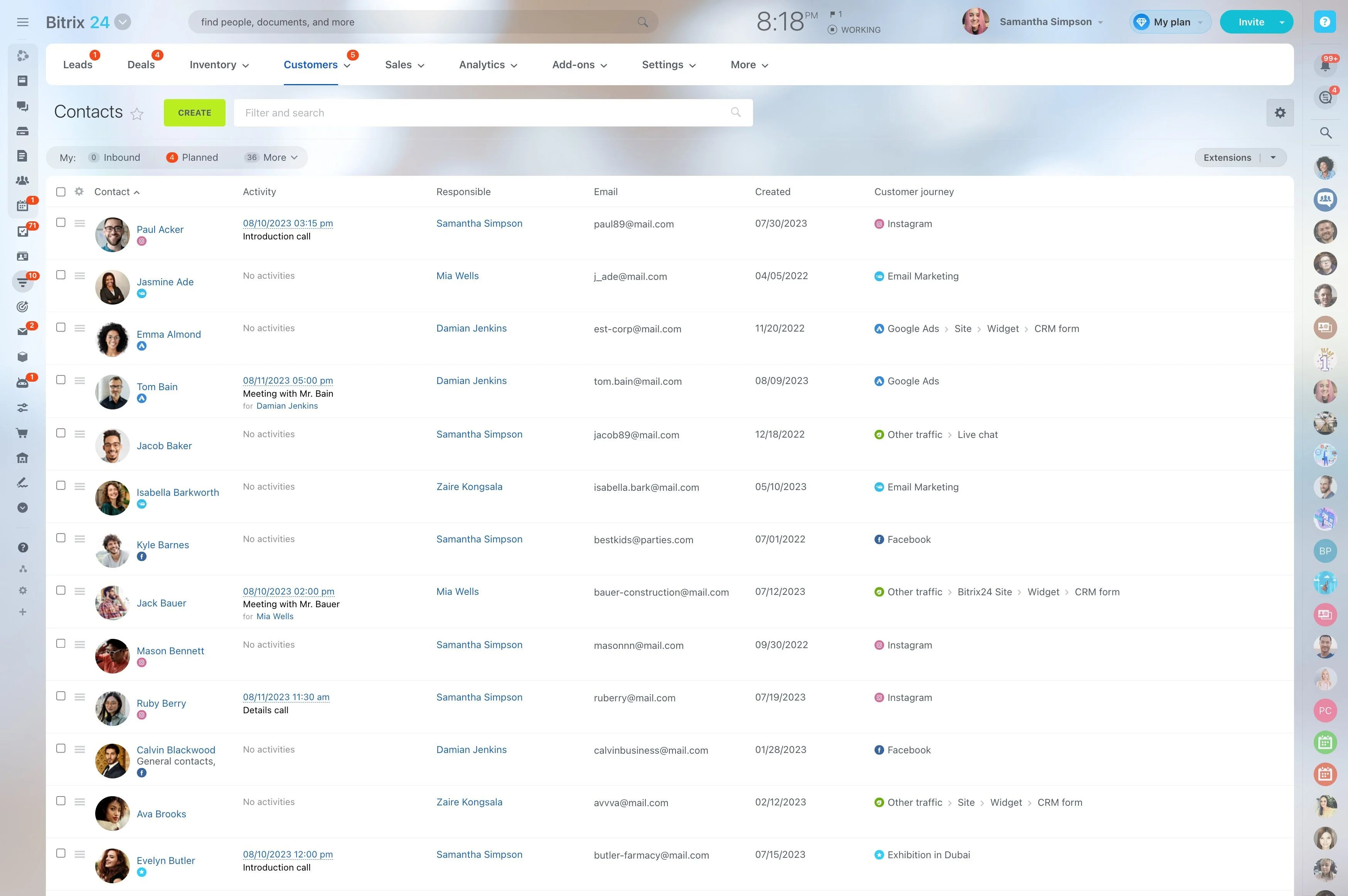
Account managers, service coordinators, field operations, billing contacts, and decision-makers may all contribute to one relationship. Shared account information gives each role the context needed to continue the work without rebuilding the history.
Use the record to prepare for calls, hand over responsibility, and keep communication consistent across departments.
Example: connect a service issue to renewal work
A commercial utility customer reports an issue at one of several locations. The service team records it against the account, assigns responsibility, documents customer updates, and closes the request after resolution.
Before renewal discussions, the account manager can review the affected location, involved stakeholders, response history, and next commercial milestone. Service activity becomes useful context for the long-term relationship.
Review accounts that need action
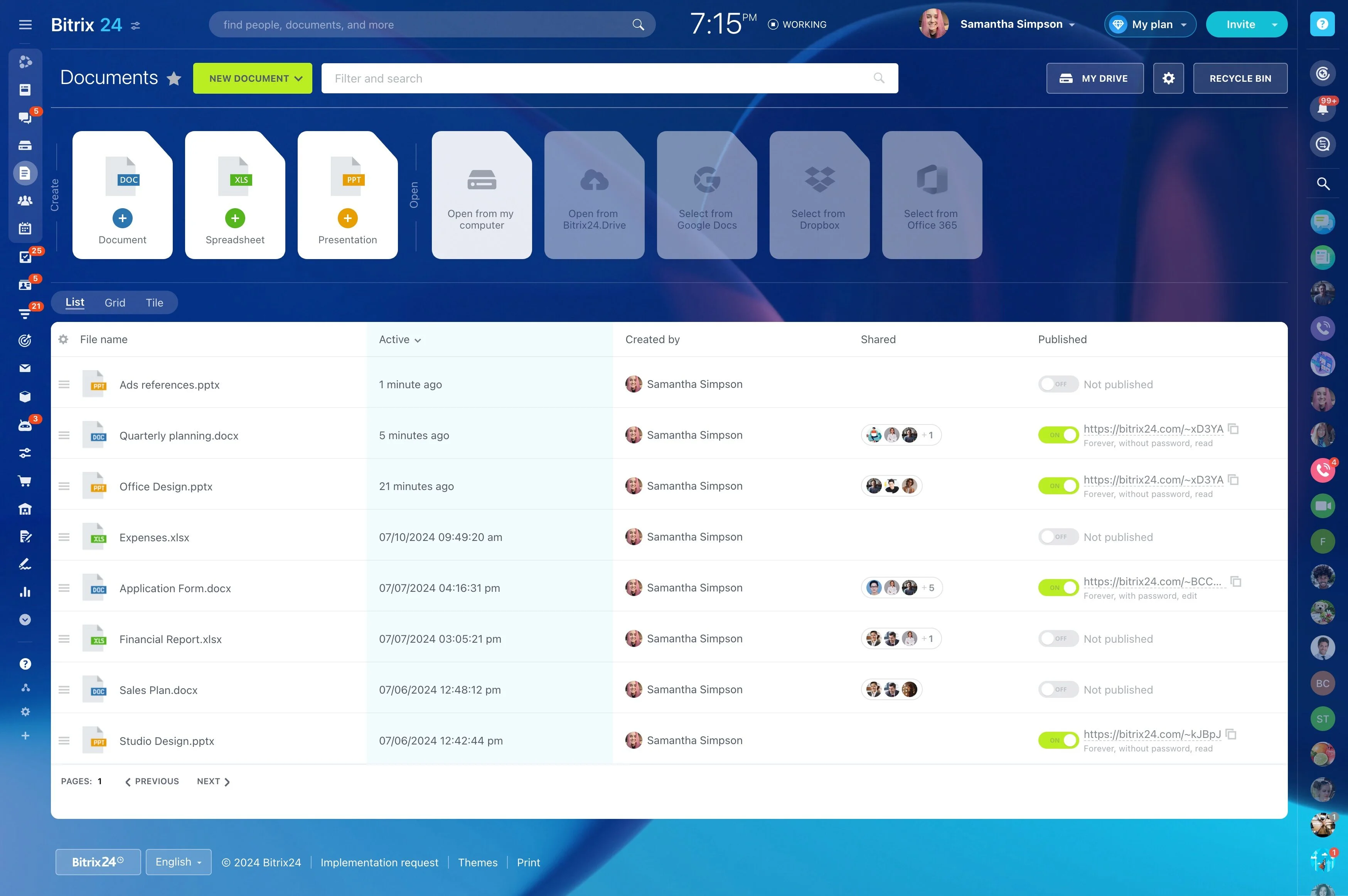
Managers need to identify more than active customers. They need visibility into accounts with open service work, pending follow-ups, approaching renewals, or unresolved stakeholder communication.
Consistent records and workflow stages make ownership gaps easier to spot and help managers direct attention to relationships requiring action.