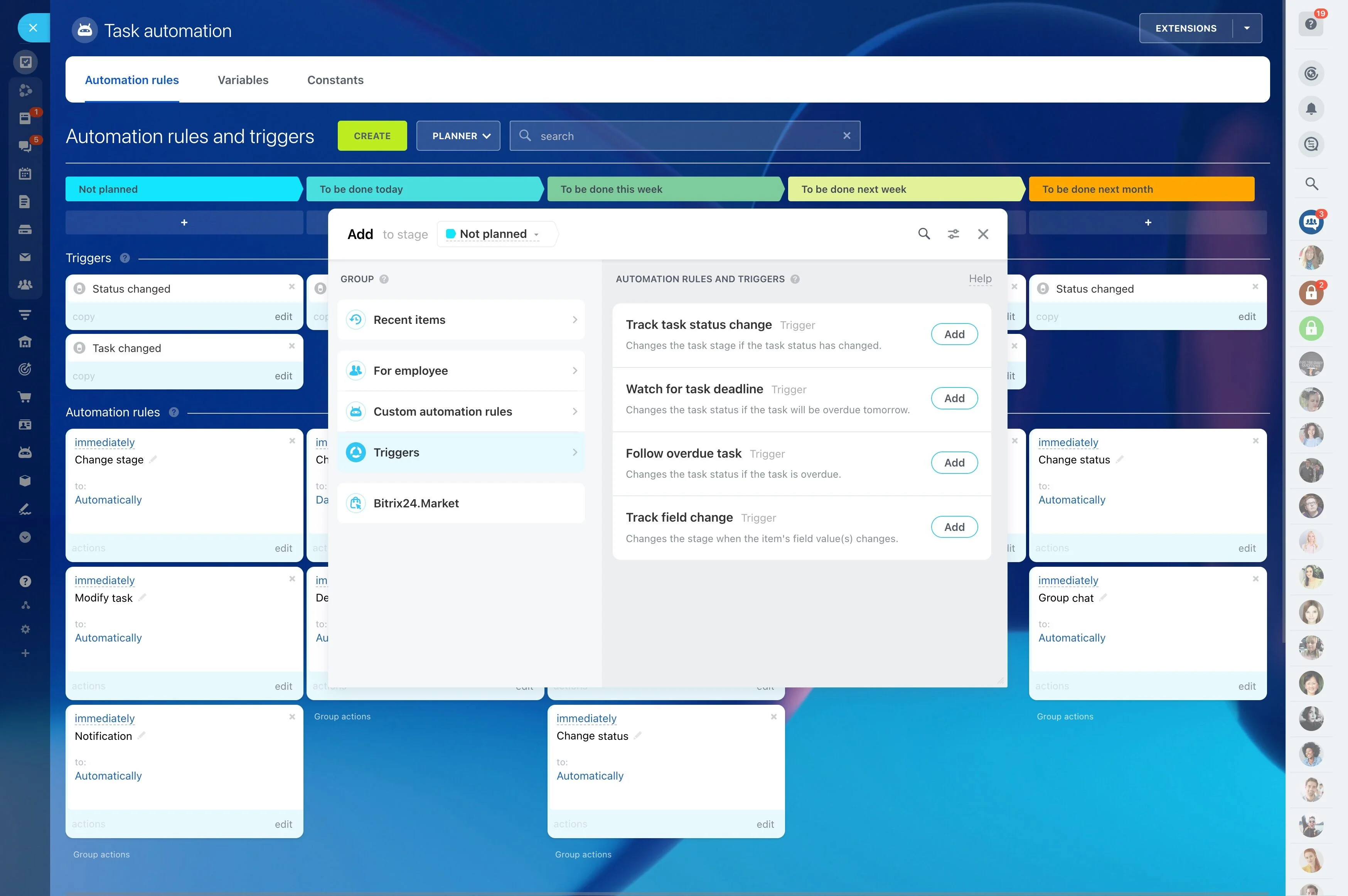
Convert RFQs into opportunities with clear handoffs
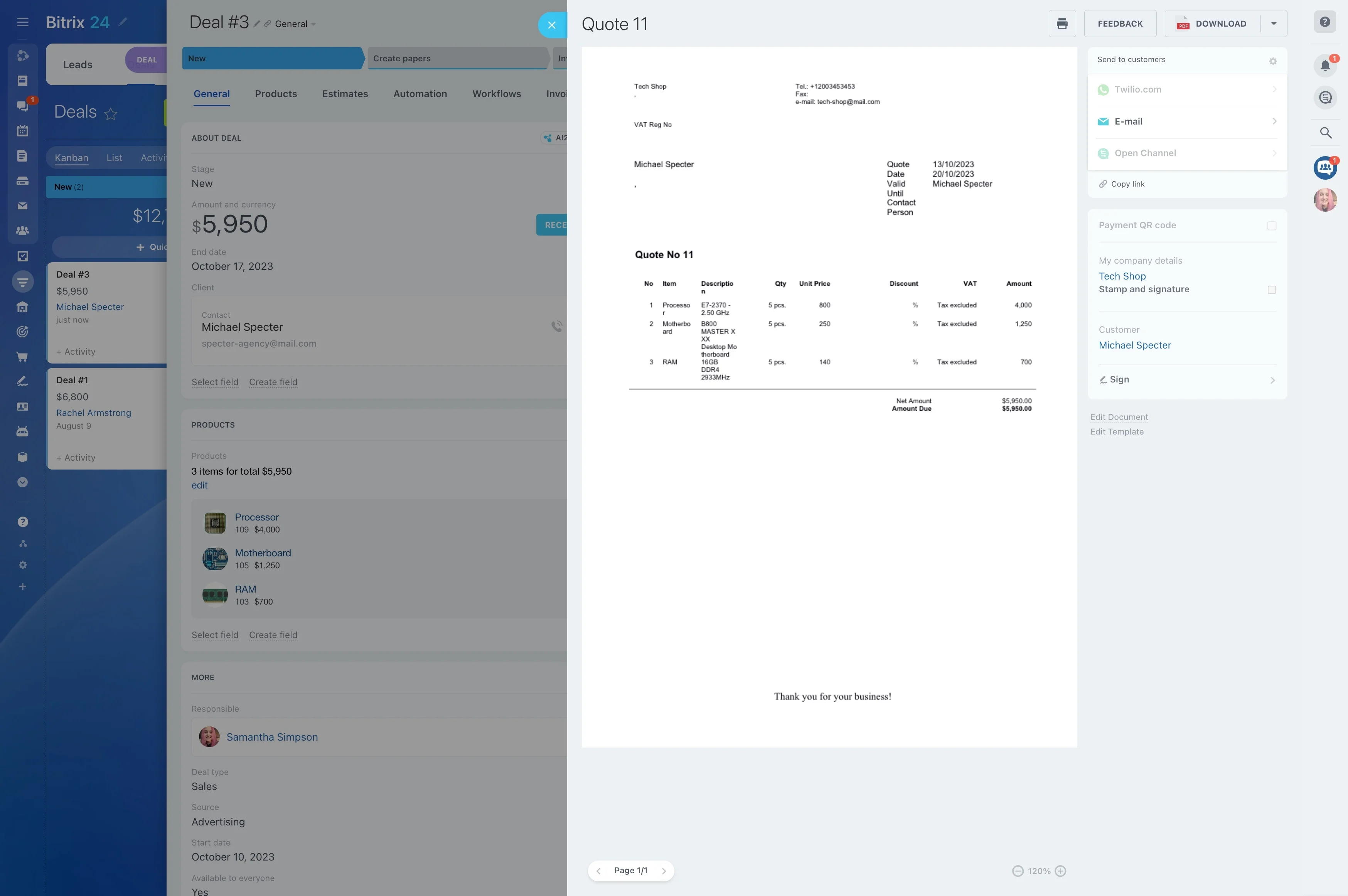
In logistics, a shipper relationship is lived in the middle: pickups that shift, ETAs that change, claims and detention disputes, and the next round of lane and volume negotiations. A CRM for logistics needs to cover more than the initial RFQ—it should keep commercial ownership connected to execution and service recovery.
Bitrix24 organizes work around the shipper account, linking opportunities for quotes, the communication history, and documented service issues to the same record. That makes it easier for sales, pricing, ops, and customer service to coordinate day-to-day updates while keeping renewals and expansion conversations on track.
- Maintain shipper accounts with lanes, contacts, and terms
- Track quote requests as stage-based opportunities with clear owners
- Record shipment updates and exceptions alongside the account history
Track exceptions and claims with accountable ownership
Exceptions are part of retention: missed pickup windows, damage claims, temperature excursions, or detention disputes. Use a consistent intake-and-ownership process to assign responsibility, document actions, and store outcomes against the shipper record.
With clear ownership and an auditable history, the account team can communicate resolutions proactively and protect renewal conversations from surprises.
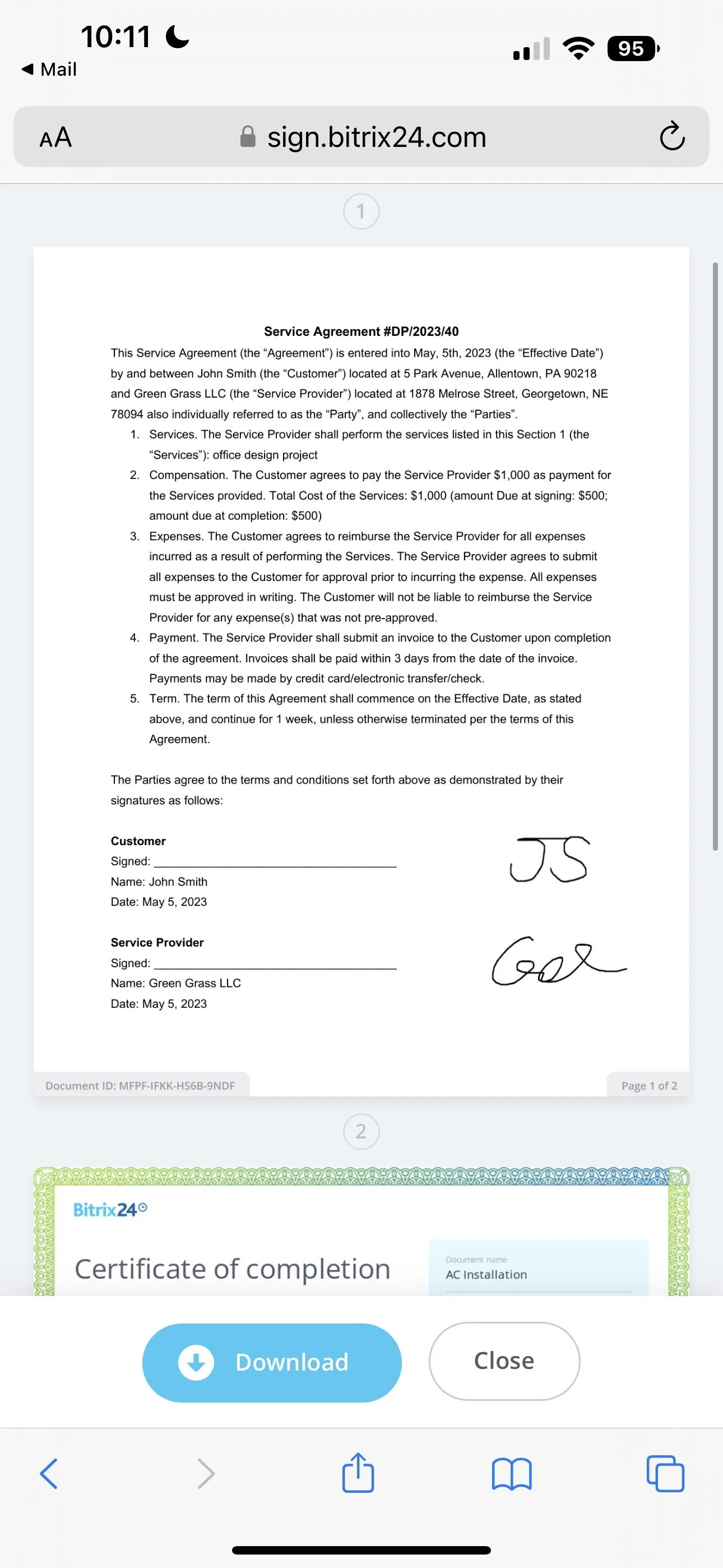
Build shipper accounts around lanes and stakeholders
Logistics selling is account-based: multiple contacts, repeating lanes, seasonal volume shifts, and terms that evolve over time. Structure each shipper account so teams can quickly understand who buys, what moves, and what “good service” means for that customer.
Capture lane notes, service expectations, escalation contacts, and renewal timing so a new rep or ops coordinator can pick up the account without losing context.
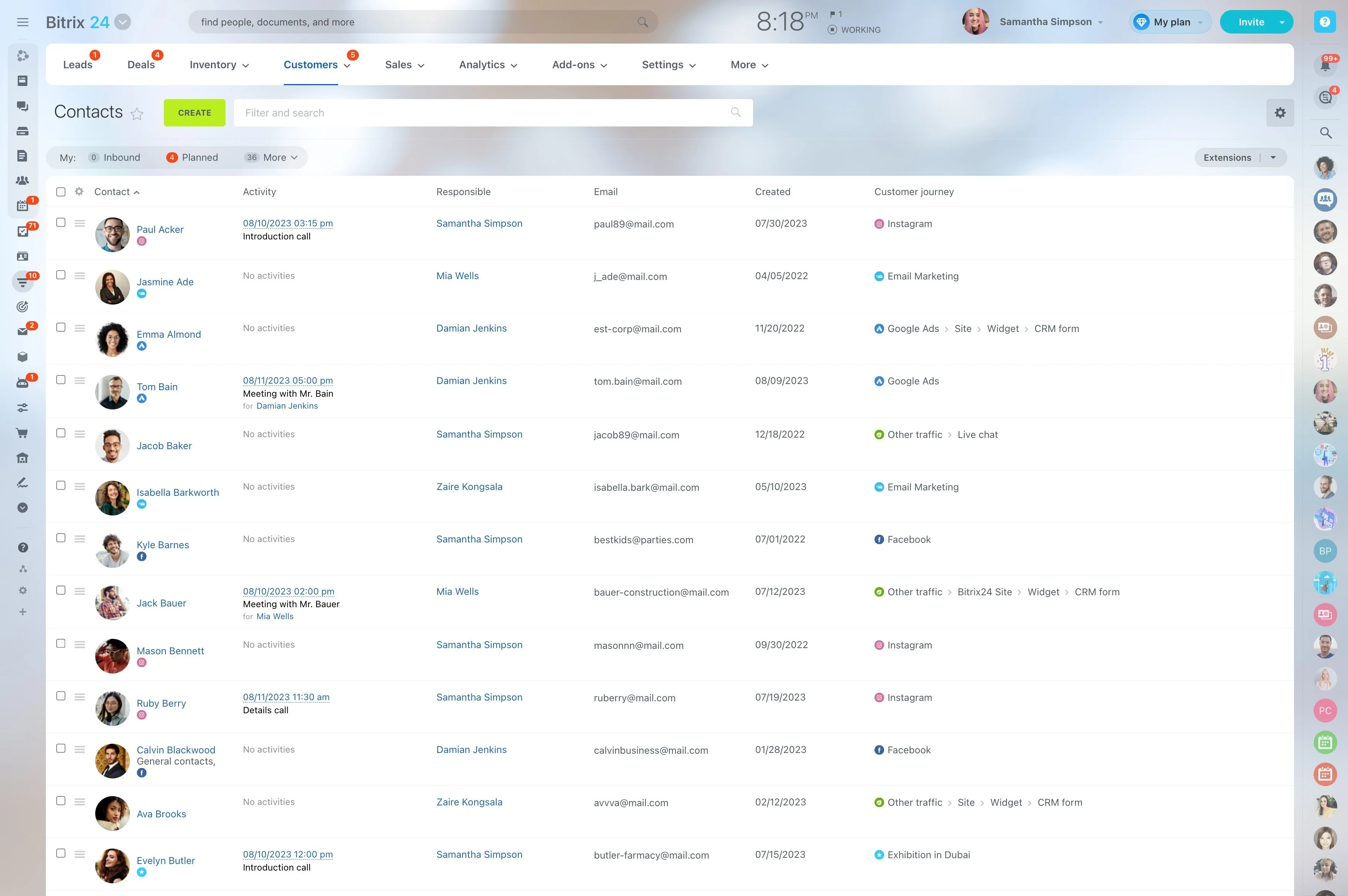
Convert RFQs into opportunities with clear handoffs
RFQs typically move across roles—sales gathers requirements, pricing validates assumptions, and operations confirms feasibility. Track each request as an opportunity with stages and owners so it’s obvious what’s pending, who needs to respond, and what’s ready to send.
Keep scope changes (lanes, accessorials, service level) attached to the opportunity and the shipper account to reduce back-and-forth.
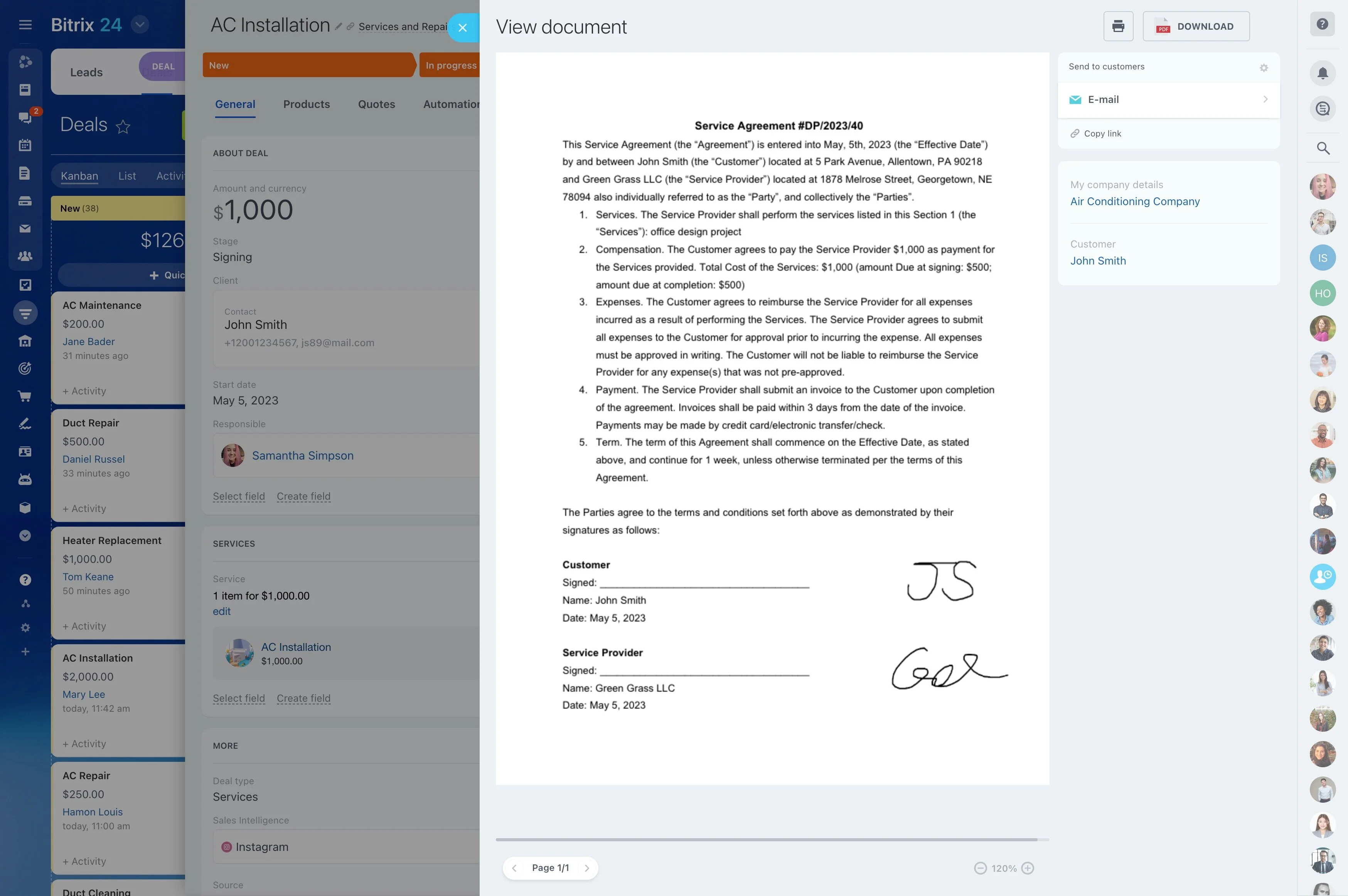
Log shipment updates in the shipper timeline
Shippers ask for ETAs, PODs, and delay explanations in the same thread as commercial conversations. Record shipment-related communication on the account timeline so anyone engaging the customer can see what was promised, what’s waiting on an update, and who owns the next response.
That history also improves the next tender and quote by making prior expectations and exceptions easy to review.
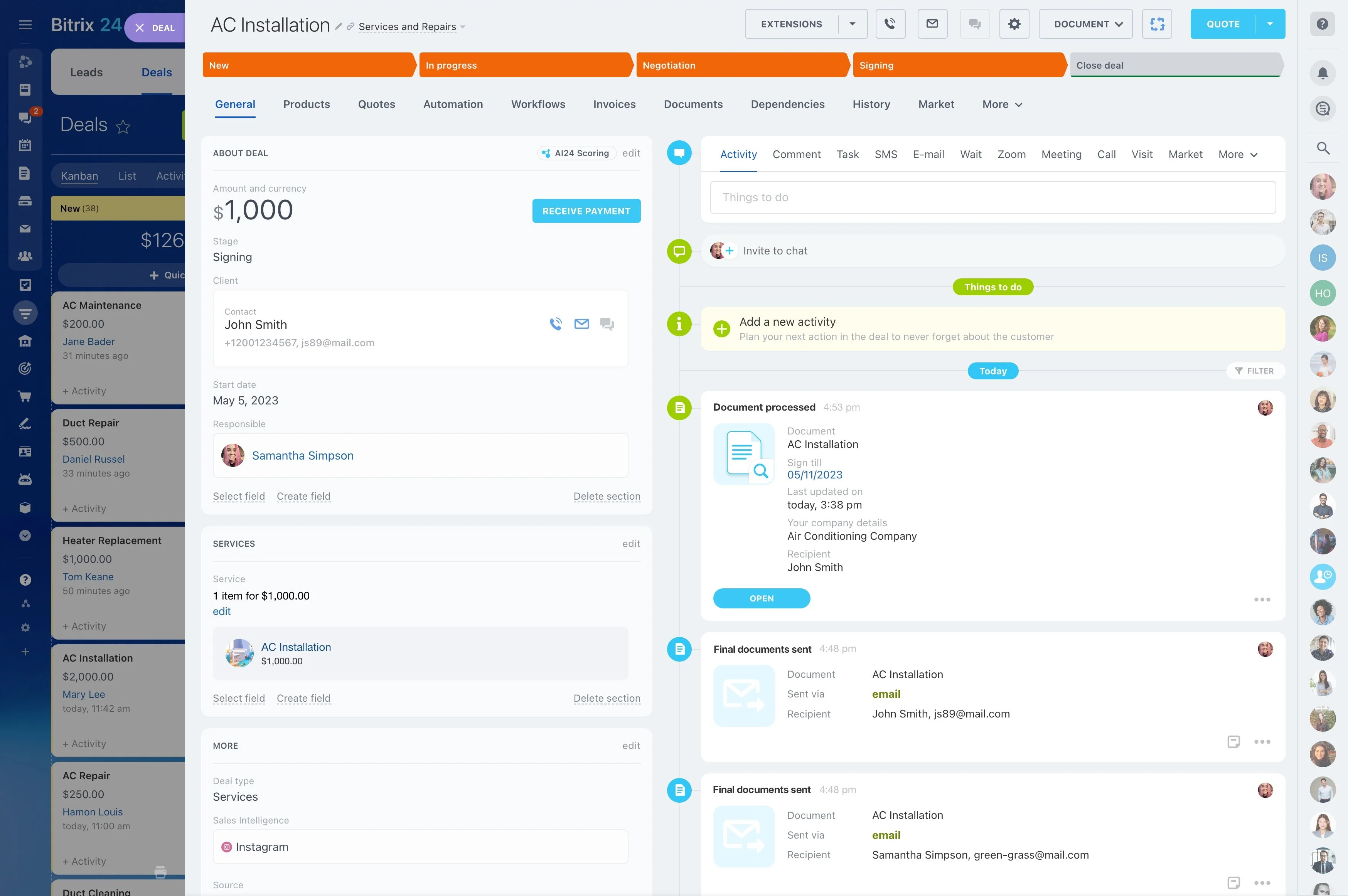
Run renewals without losing sight of execution
Renewals often overlap with daily execution, especially when a shipper is renegotiating rates, lanes, or terms while freight is moving. Keep renewal dates, stakeholder changes, and negotiation status visible on the account so commercial work doesn’t disappear behind operational updates.
A defined renewal workflow helps teams prepare with issue history, validate updated lane/volume assumptions, and coordinate internal approvals before the buying window closes.
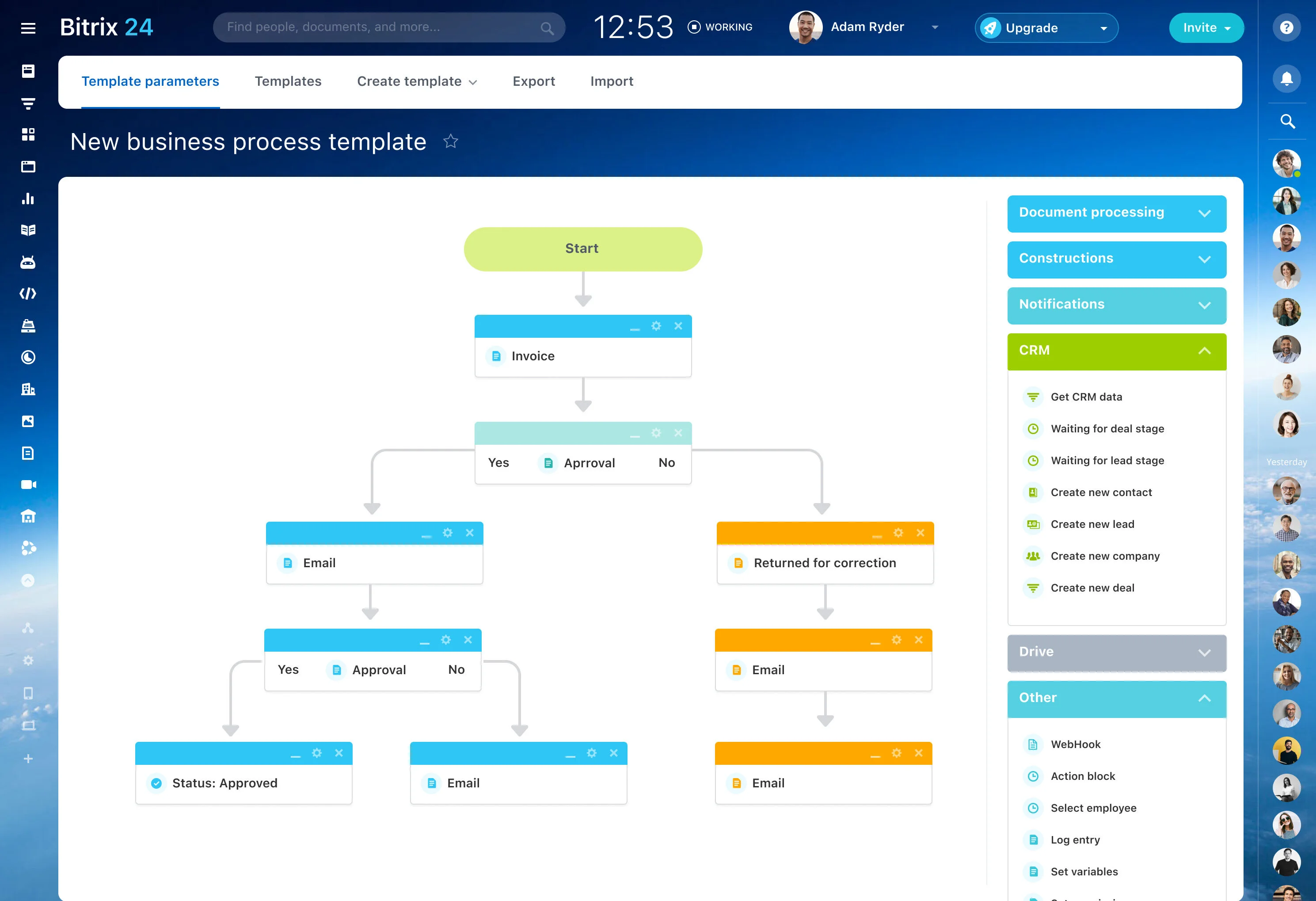
Concrete scenario: RFQ, exception, then renewal prep
A shipper submits an RFQ for two lanes with a strict pickup window and target transit time. Sales creates the shipper account, opens an opportunity for the RFQ, and records requirements and deadlines; pricing and operations add their inputs, and the quote is sent and accepted.
Mid-month, a load hits an exception and the shipper requests an urgent status update and corrective plan. The team logs a service issue, assigns an owner, and records each update in the same account history. After delivery, the account team reviews what happened, confirms updated volume assumptions, and starts the renewal workflow early to align internal approvals and new terms.