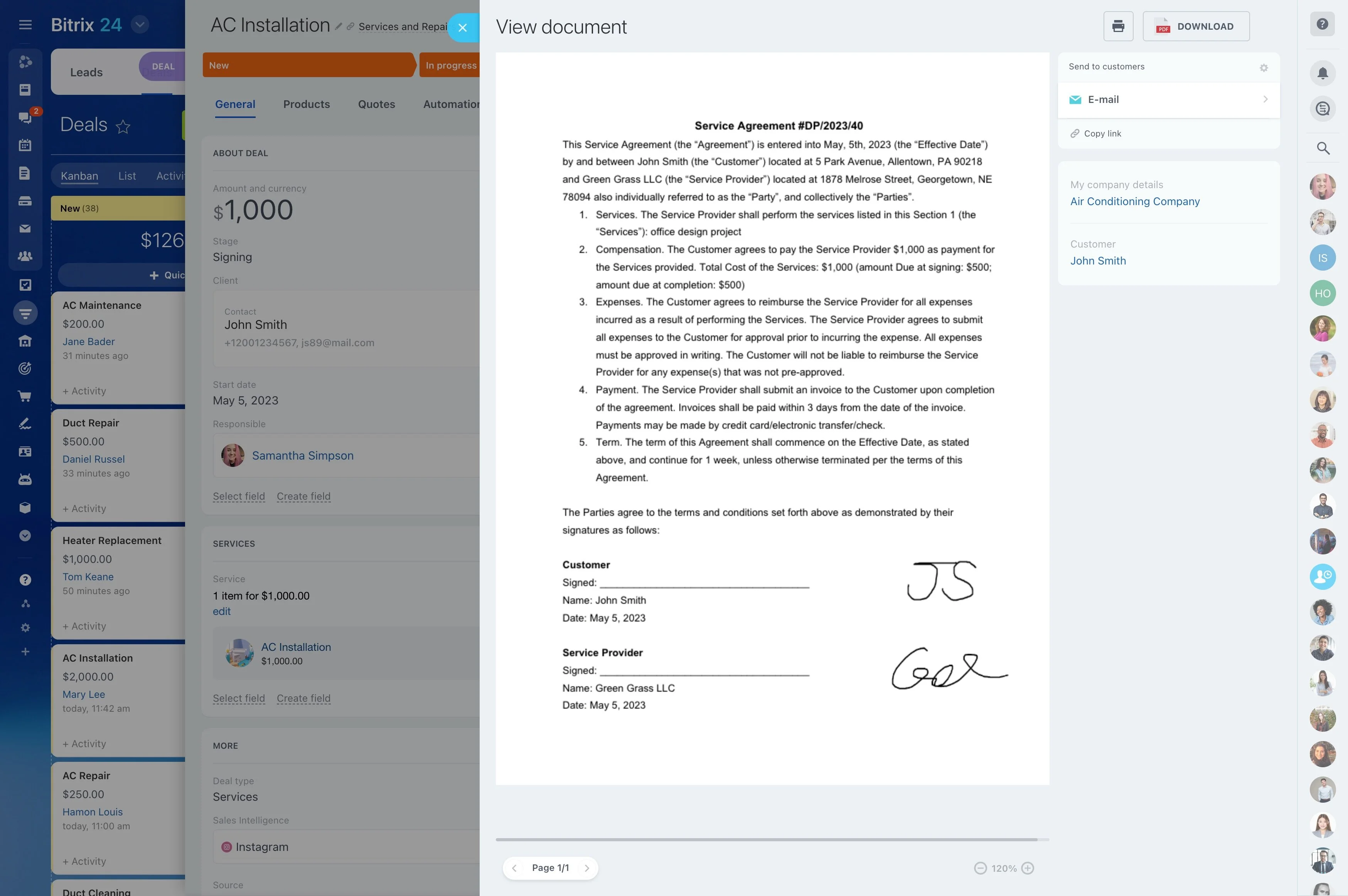
Stage-based visibility across sales and installation prep
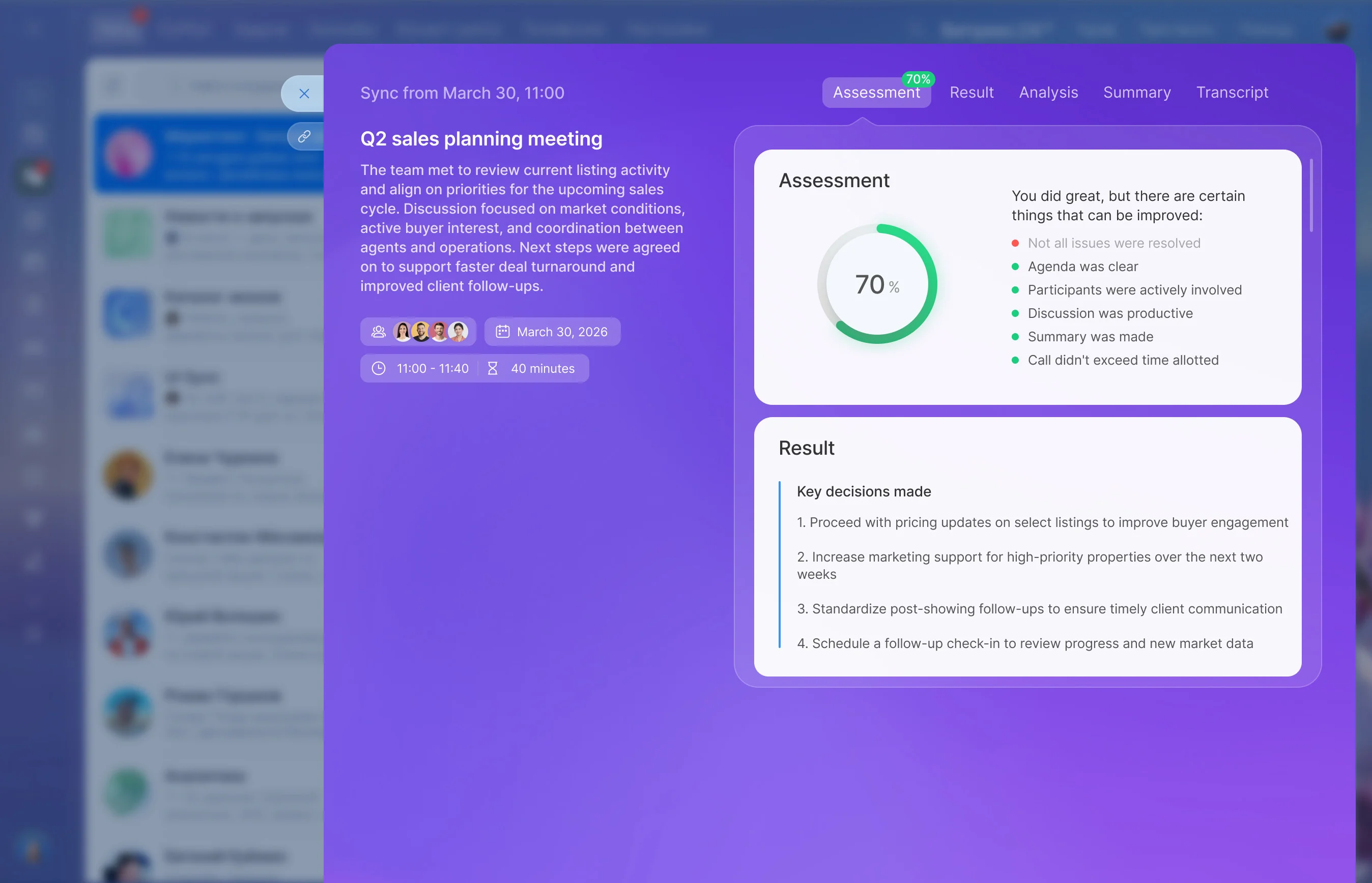
In solar, “closed won” is the start of delivery. After qualification comes site assessment, scope and design decisions, quote revisions, scheduling, installation, and post-install check-ins—often across sales, ops, and field crews.
Bitrix24 can be your CRM for solar companies to keep that entire journey on one record. Move each deal through clear stages, capture assessment outcomes and promises made during quoting, and assign the next owner so every handoff includes the context needed to keep the job moving.
- One customer timeline from inquiry through follow-up
- Stage-based visibility across sales and installation prep
- Clear ownership and next steps at every milestone
Scenario: web inquiry to installed system
A homeowner submits a web inquiry. The lead is created in New inquiry, then qualified (address confirmed, decision-maker identified) and moved to Qualified.
A visit is booked and the deal advances to Site assessment scheduled. After the assessment, constraints and outcomes are recorded and the deal moves to Site assessment complete. A proposal is sent and the deal moves to Quote sent while questions and revisions are handled. Once accepted, it moves to Quote accepted and is reassigned to the installation owner, who confirms prerequisites and moves it to Installation scheduled. After completion, the deal advances to Installed, and Post-install follow-up captures final confirmation and any remaining tasks—keeping the full history in one place for service and referrals.

Keep quote revisions connected to the deal
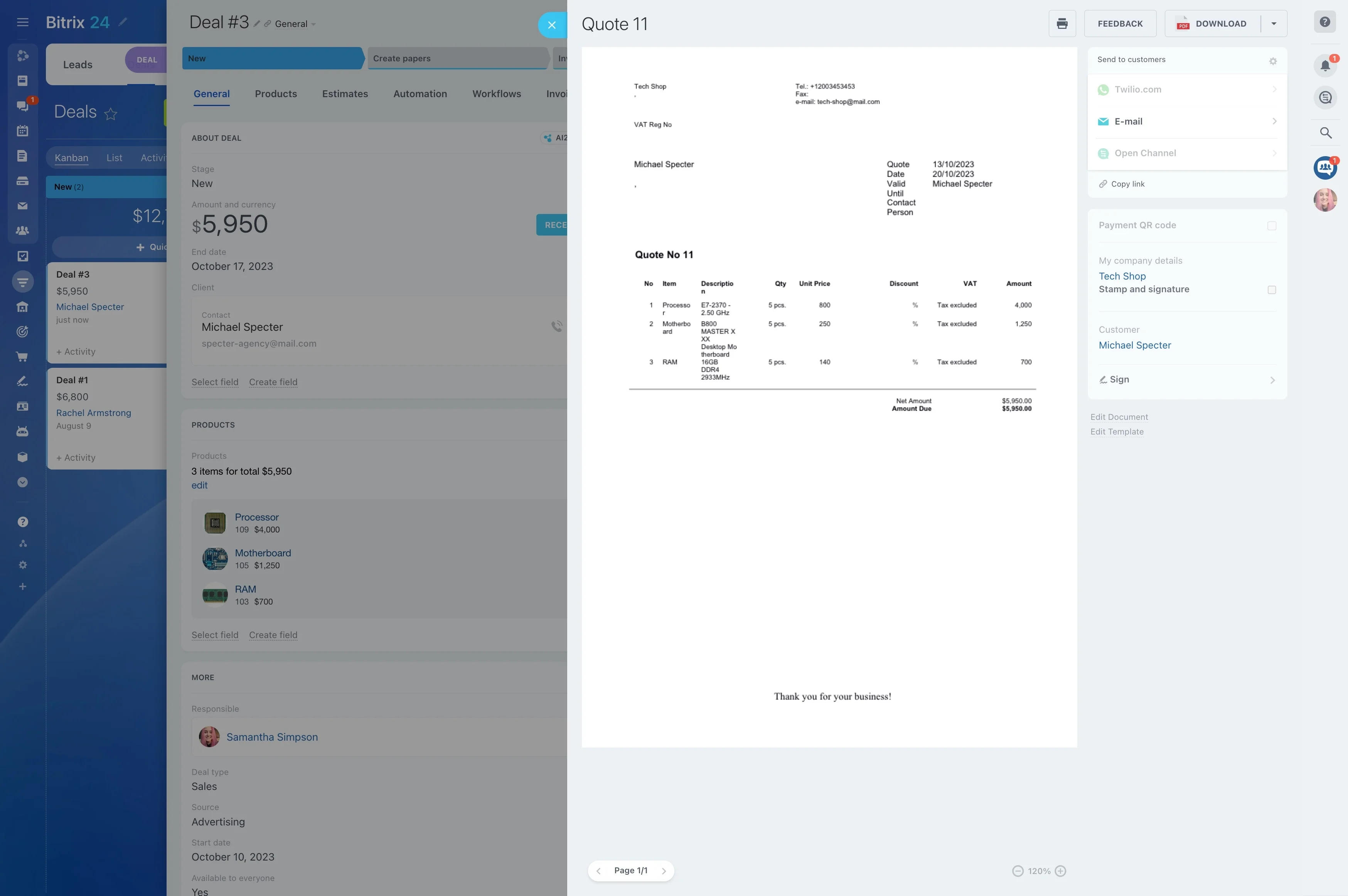
Solar quotes often change as options, financing, or timelines get clarified. Treat quoting as a controlled phase (for example, “Quote sent”) so revisions, questions, and the latest scope stay attached to the opportunity.
This preserves context for follow-ups and reduces surprises when the deal moves into installation planning.
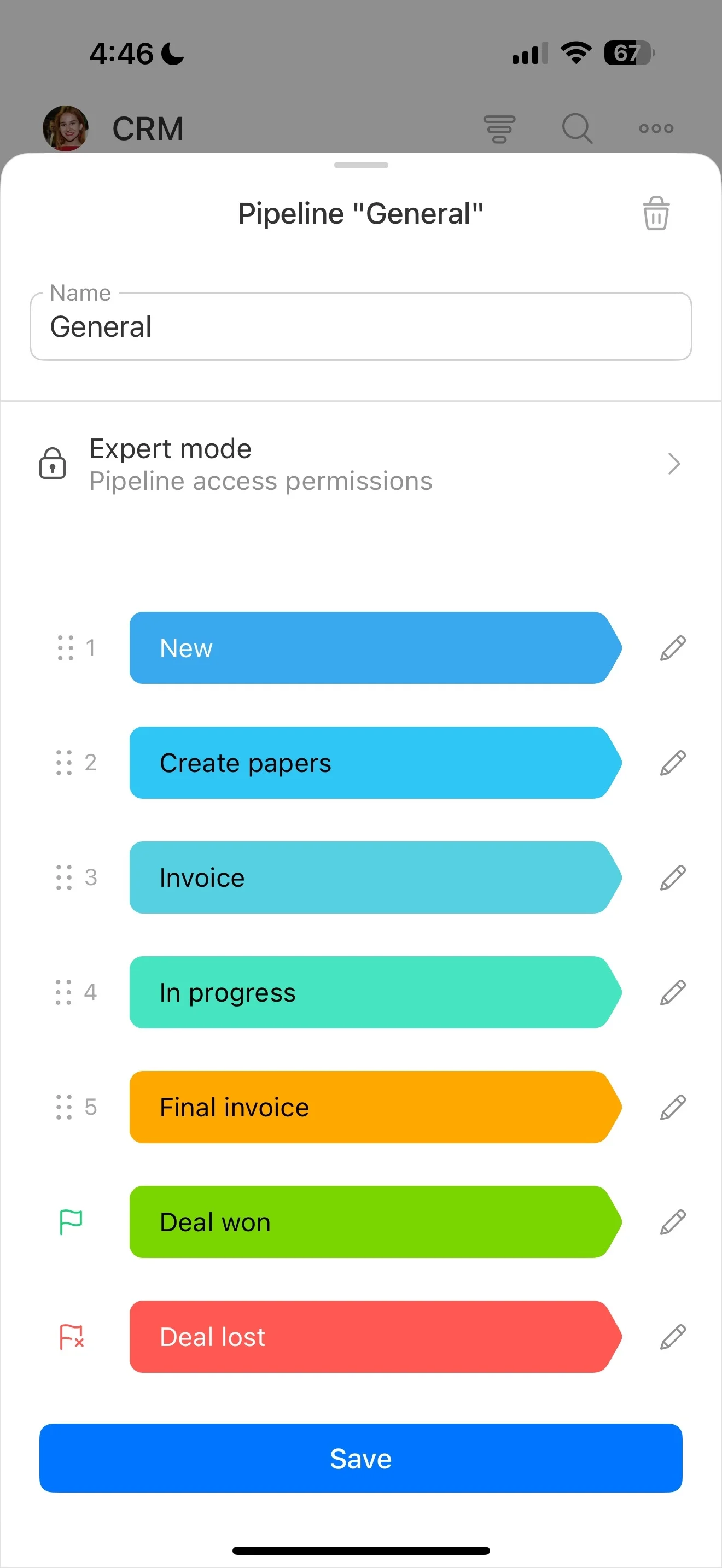
Turn your solar process into pipeline stages
A solar CRM works best when stages match the actual milestones your team manages—not generic statuses. Set up a pipeline that mirrors how work changes hands from sales to assessment to installation.
- New inquiry → Qualified
- Site assessment scheduled → complete
- Quote sent → accepted
- Installation scheduled → Installed
- Post-install follow-up
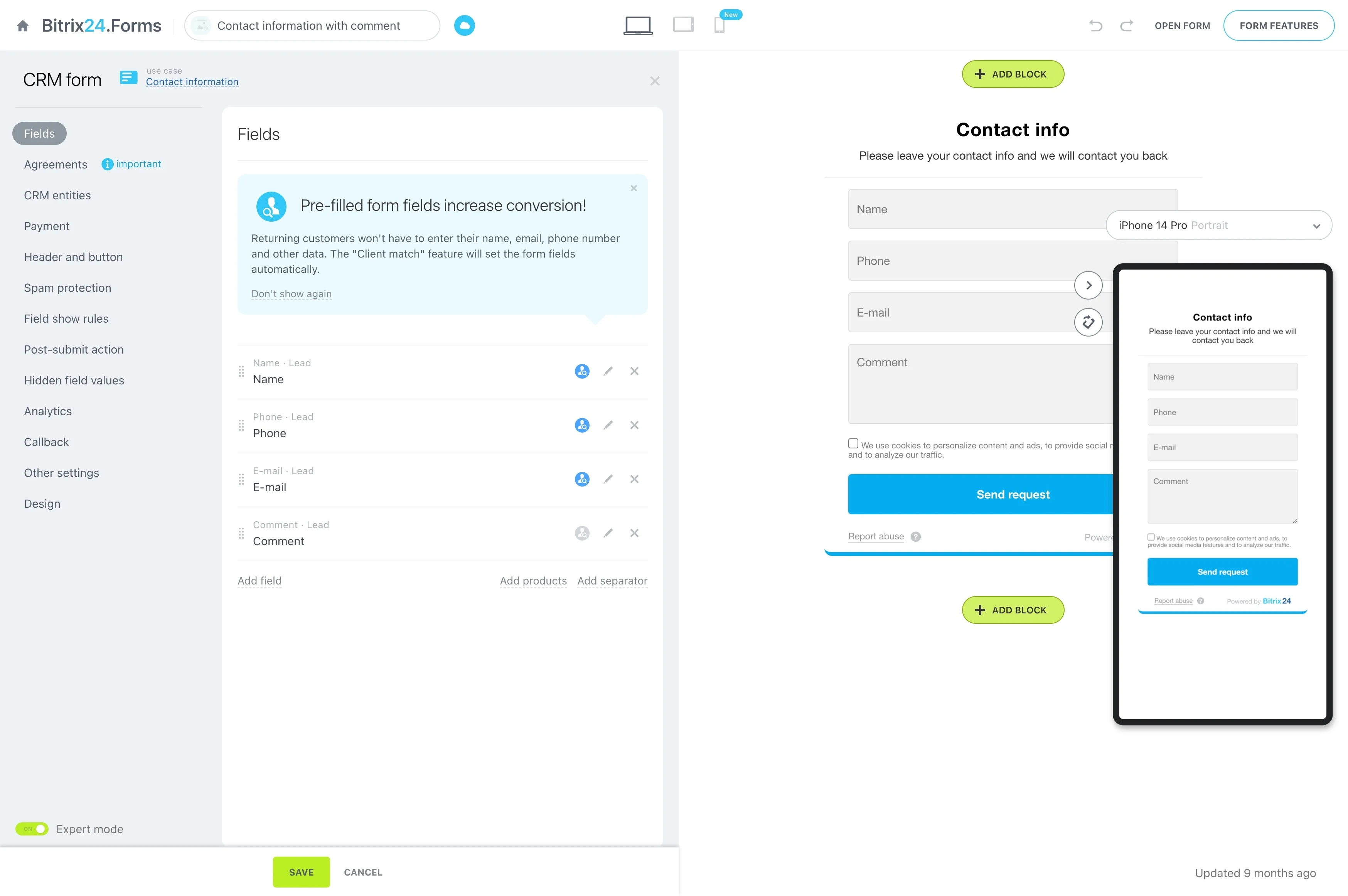
Standardize intake so assessment starts prepared
Intake is where projects either stay clean or become rework. Use the lead/deal record to capture the details your assessor and estimator need before the first visit.
Common fields include service address, roof/ownership basics, decision-maker, timeline, preferred contact method, and early constraints or questions—so the next owner can continue the conversation without starting over.
Track site assessment scheduling and results
Make site assessment a visible stage with a clear owner so you can see what’s booked, what’s pending completion, and what’s ready to quote. After the visit, save outcomes in the same record (notes, customer priorities, constraints) to keep quoting grounded in what was found on site.

Make the sales-to-install handoff explicit
When a quote is accepted, the work shifts from selling to delivery. Move the deal to an installation-prep stage, assign the next owner, and keep the customer’s expectations visible to the team executing the job.
Track the immediate prerequisites as next steps—confirm site access, lock the schedule, and note any on-site requirements—so nothing is left to assumption.
Follow installation through completion and check-in
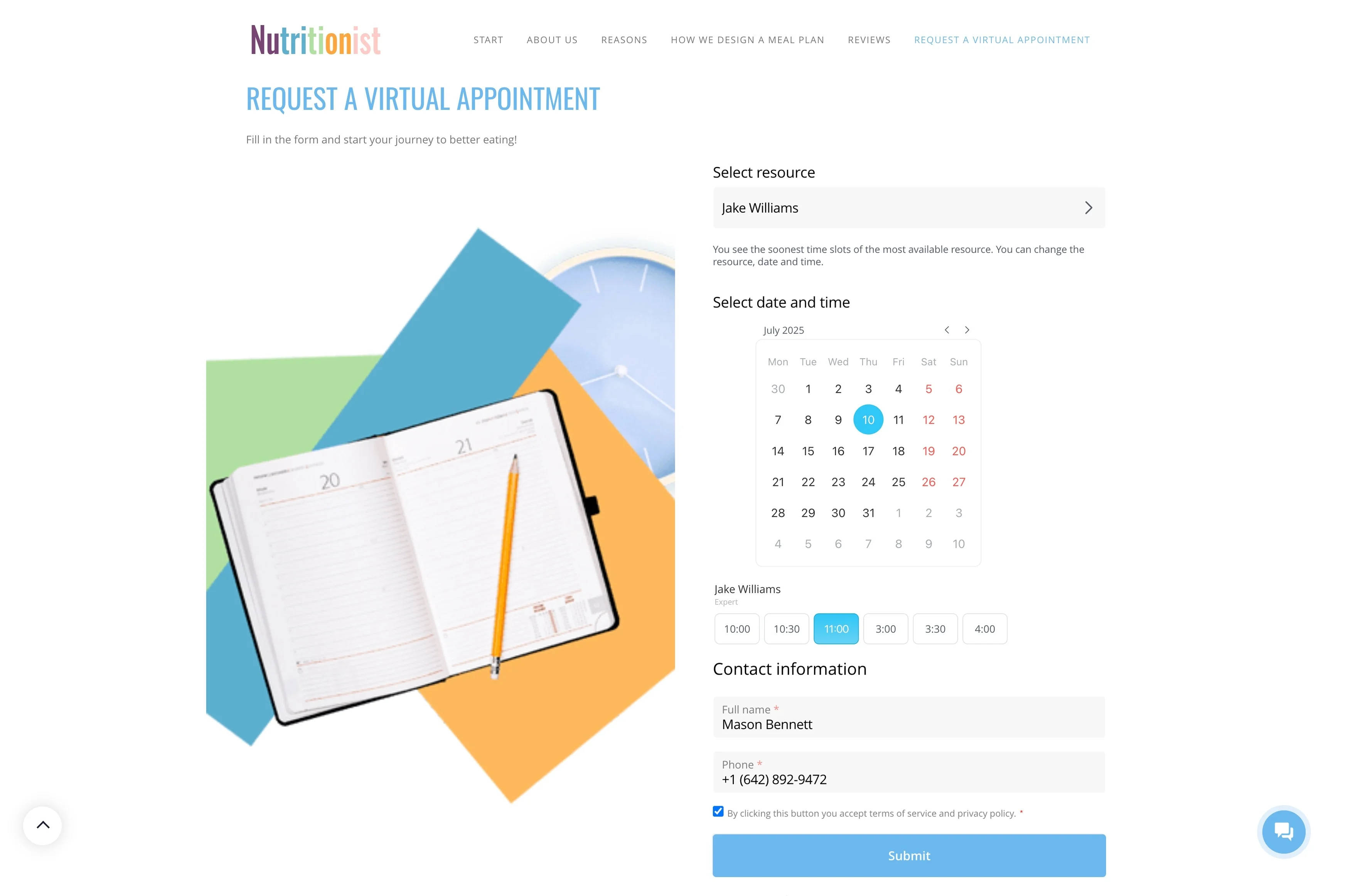
Use stages like “Installation scheduled,” “Installed,” and “Post-install follow-up” to keep work progressing through schedule changes, confirmations, and final questions. Closing with a follow-up step helps document system status, customer feedback, and any open items for future service.