Connect vendor coordination to each booking
Event planning work doesn’t stop at “send a quote.” Each inquiry becomes a moving target of dates, scope, vendors, and approvals—and the moment details live in separate places, it gets harder to protect margins and keep promises.
Bitrix24 lets you run the full event lifecycle inside your CRM. Track each event as a deal with planning-specific stages, capture requirements and decisions on the record, and convert commitments into assigned tasks with due dates. Keep a single communication timeline tied to the booking so anyone can pick up the thread and know what’s next.
- Manage inquiries, proposals, and deposits in one pipeline
- Coordinate vendor follow-ups alongside client approvals
- Connect tasks and deadlines to the event record
Automate key handoffs between stages
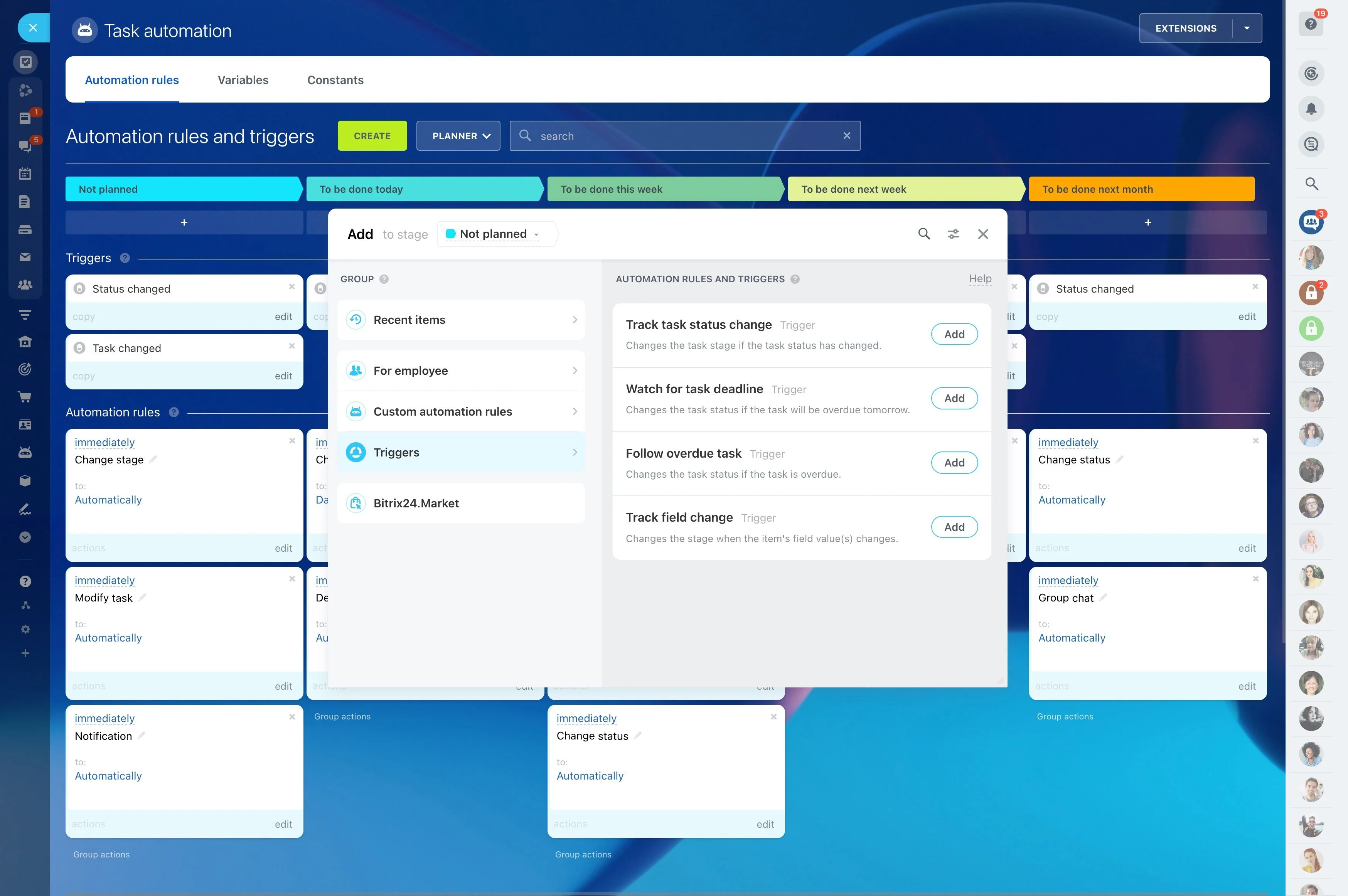
Add automation rules around stages to standardize what happens next. For example, create a follow-up task after “Proposal sent,” launch planning tasks after “Deposit received,” and trigger internal confirmation steps when a vendor is marked “Selected.” This keeps every booking moving through a consistent minimum process.
Connect vendor coordination to each booking
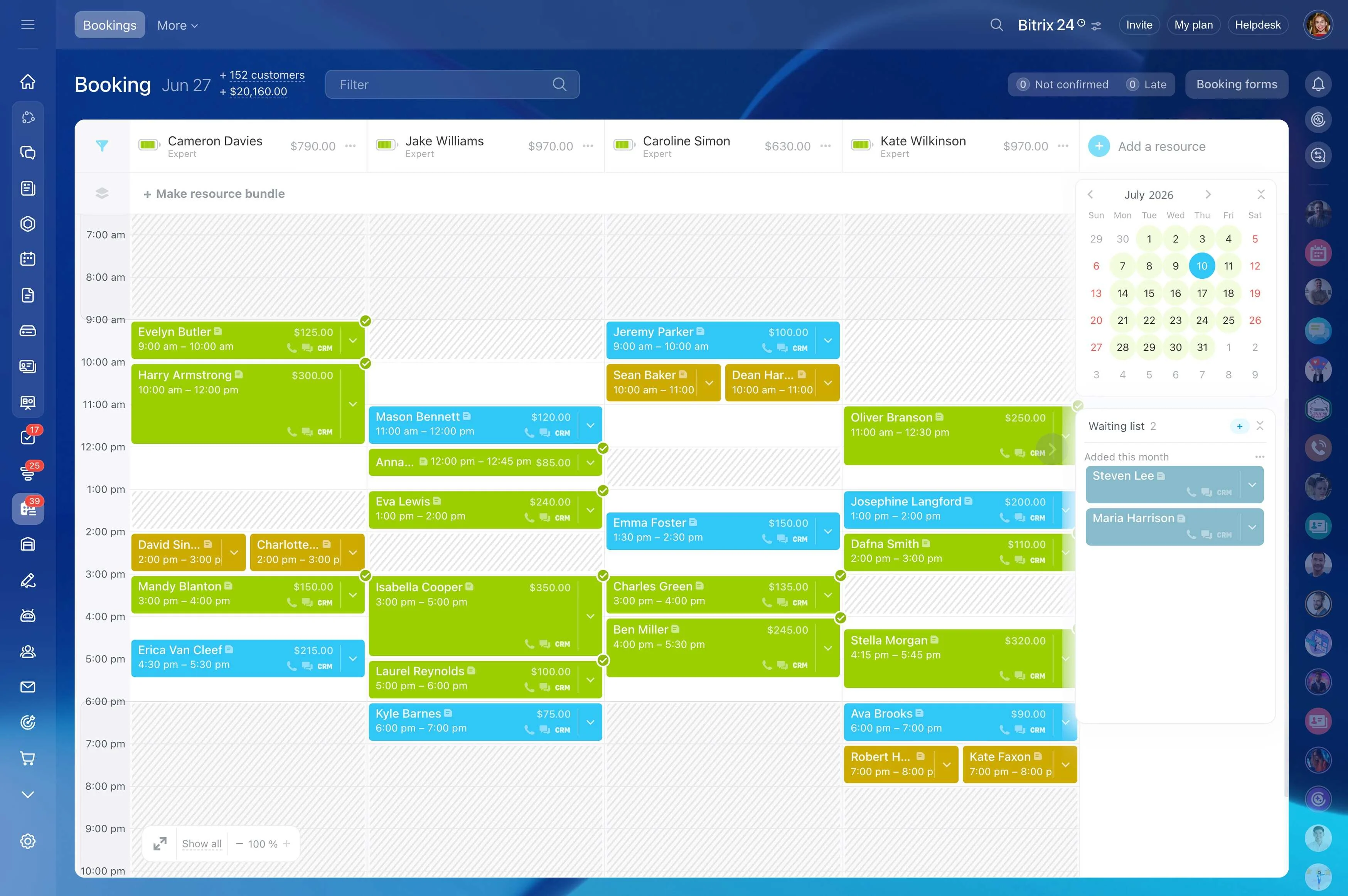
Manage vendor options, selections, and confirmations alongside the client opportunity so nothing gets separated from the event it belongs to. When milestones approach, assign tasks for quotes, availability checks, proofs, and day-of coordination to keep vendor follow-ups moving in parallel with sales activity.
Build an event pipeline from inquiry to closeout
Set up CRM stages that reflect how you sell and deliver events, such as New inquiry, Discovery, Proposal sent, Negotiation, Deposit received, Booked, Planning, and Completed. With every event moving through the same path, it’s easier to see what’s active now, what’s waiting on a decision, and what needs attention.
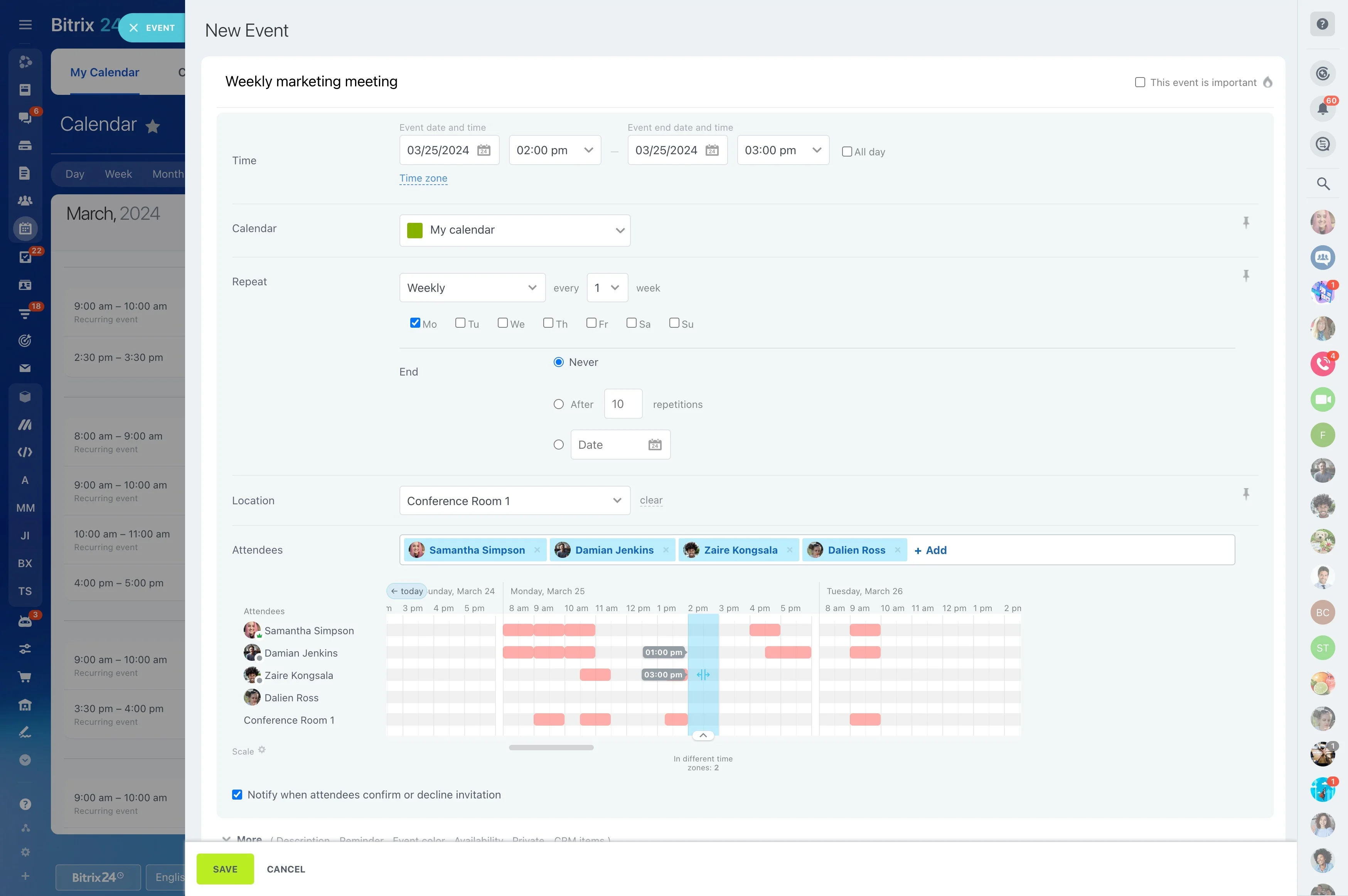
Capture requirements that drive scope and pricing
Use the event record to keep key inputs together: event type, date range, headcount, venue status, budget, and primary contacts. Standardized fields and notes help your team qualify faster, compare opportunities consistently, and avoid re-collecting details when ownership changes.
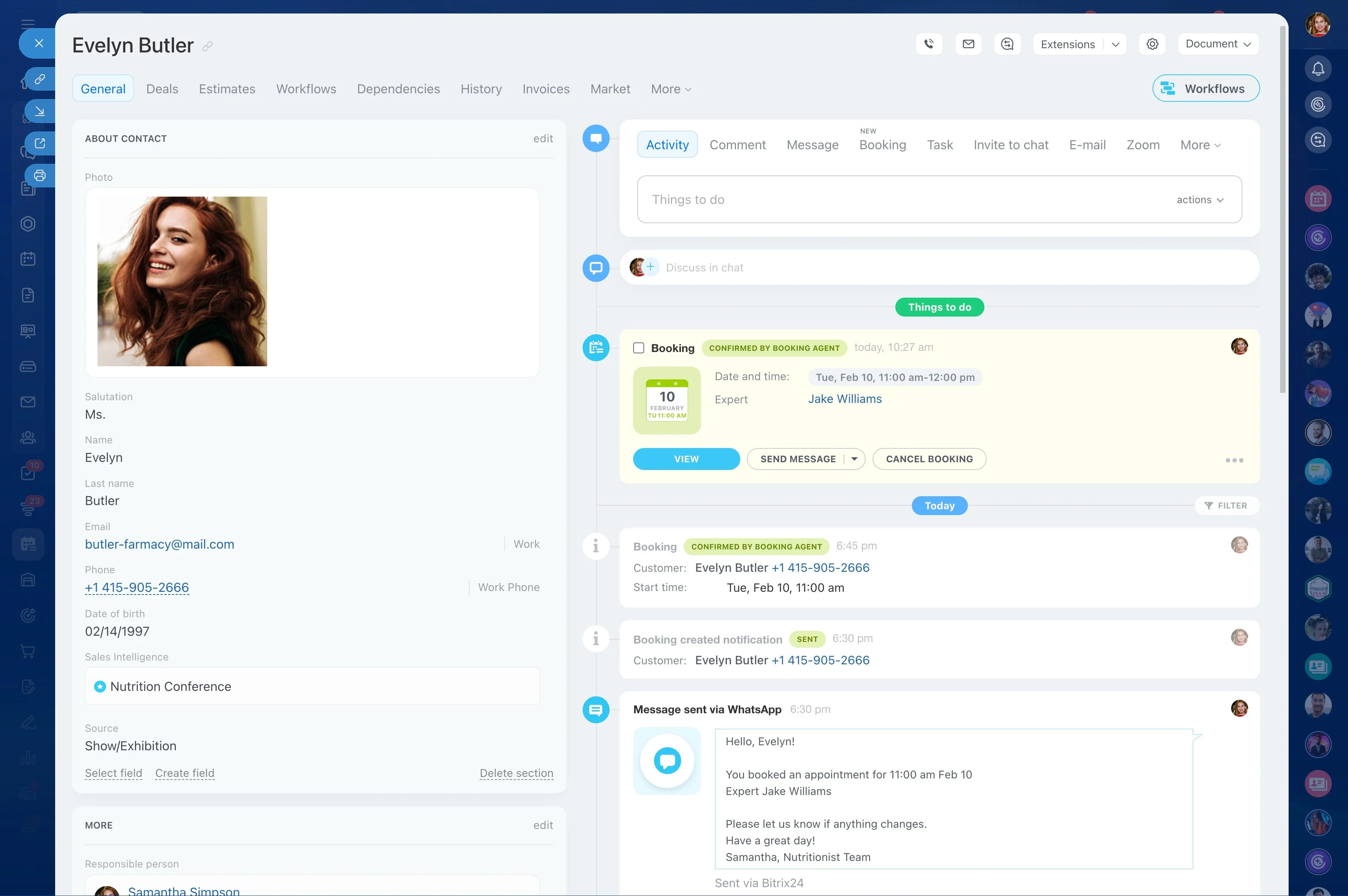
Track proposals and approvals on the deal timeline
Keep proposal steps and client decisions attached to the event, so scope changes have context later. Log feedback, revisions, and approvals as they happen, then set the next action immediately so “waiting on the client” doesn’t become an unowned stall.
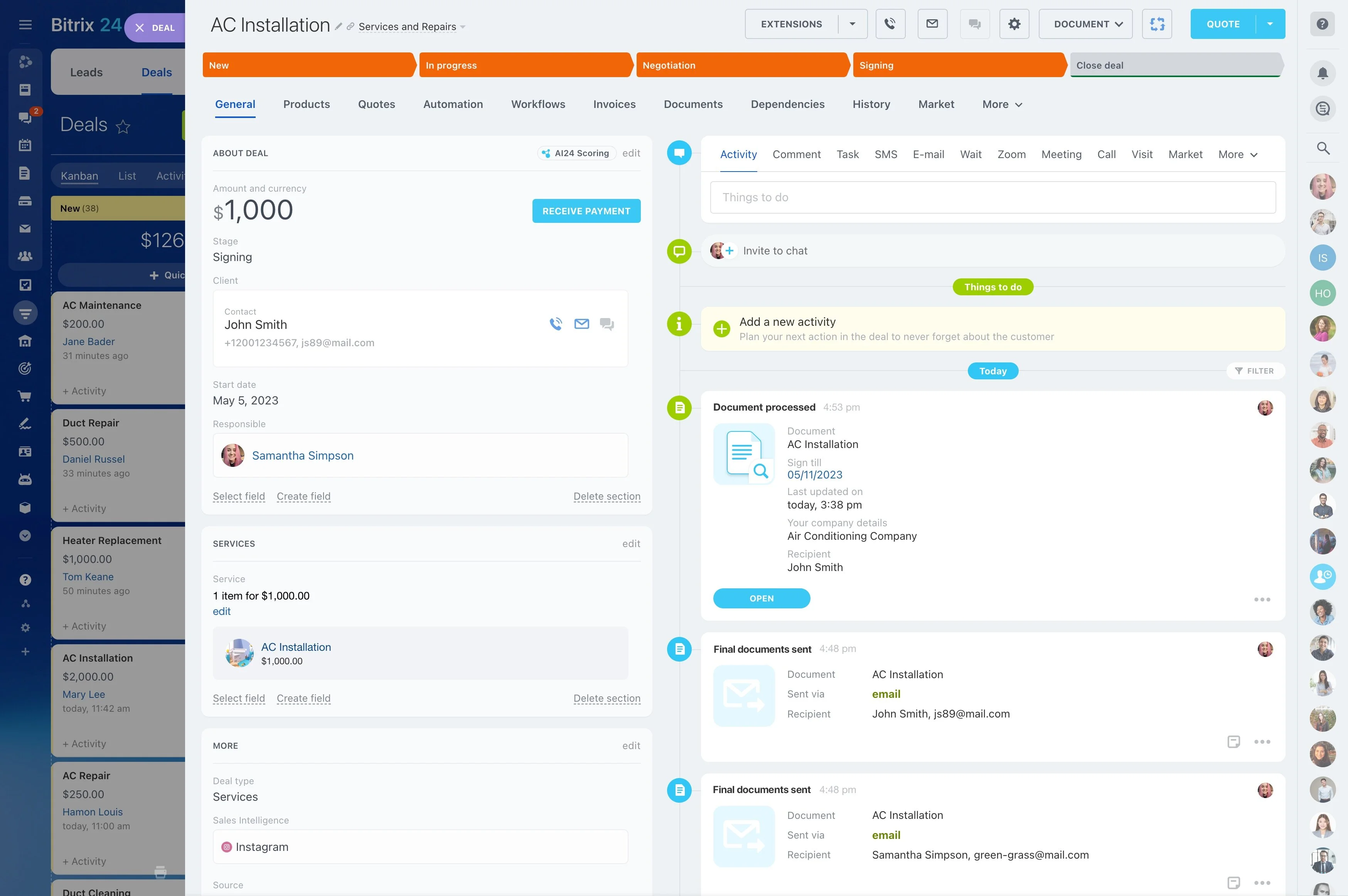
Convert commitments into owned tasks and deadlines
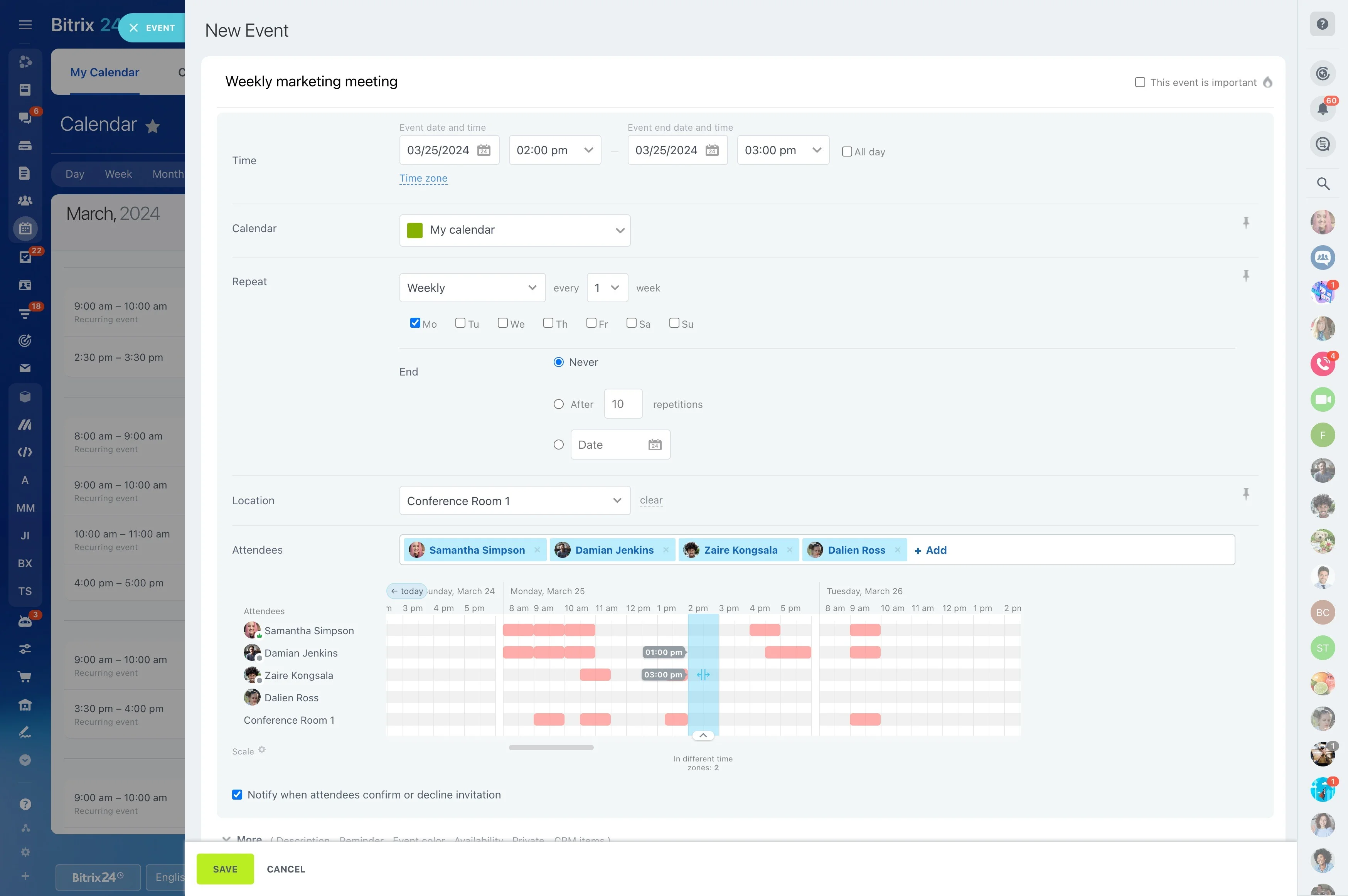
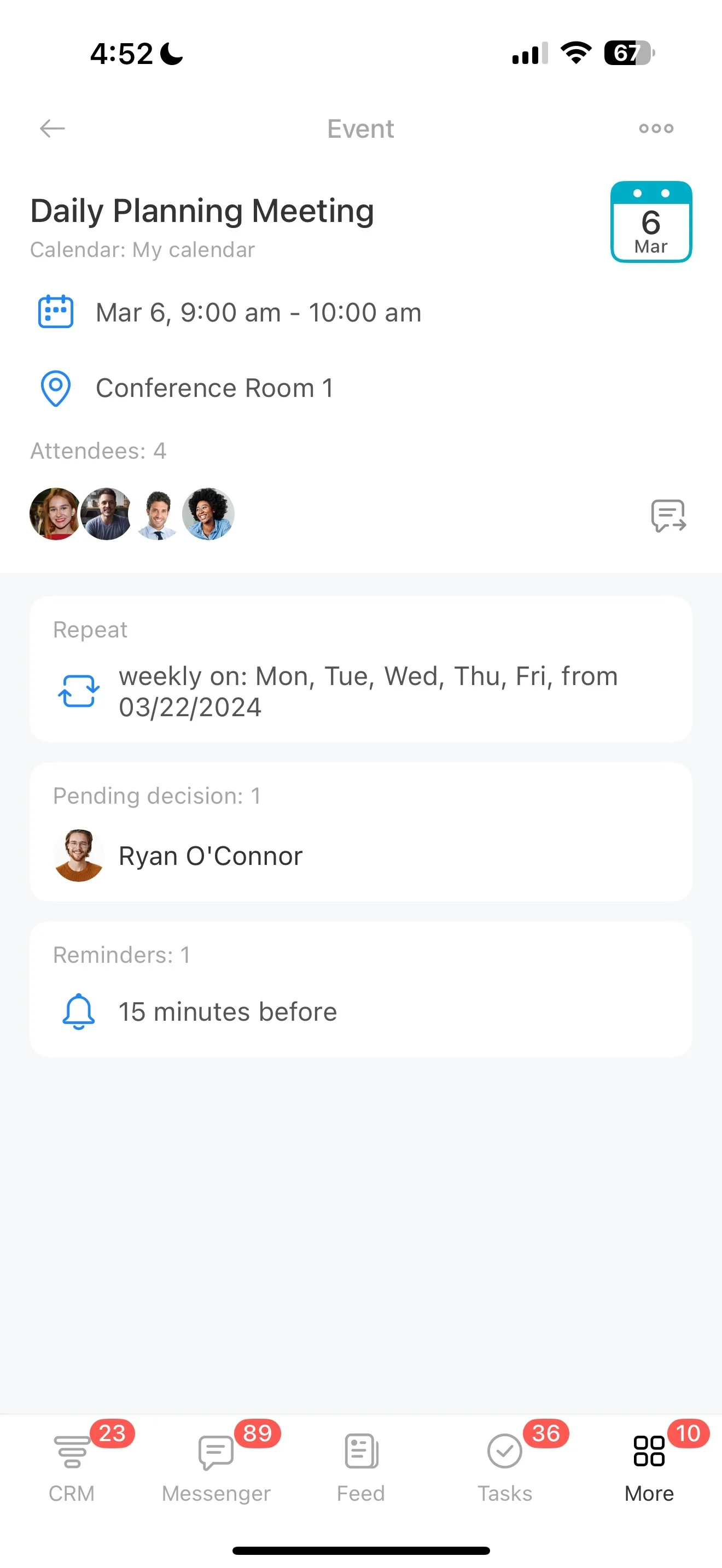
Turn planning commitments—deposit reminders, menu confirmation, layout approvals, walkthroughs, run-of-show drafts—into tasks linked to the event, with clear assignees and due dates. Open the event record to see what’s due, what’s blocked, and what needs client input.
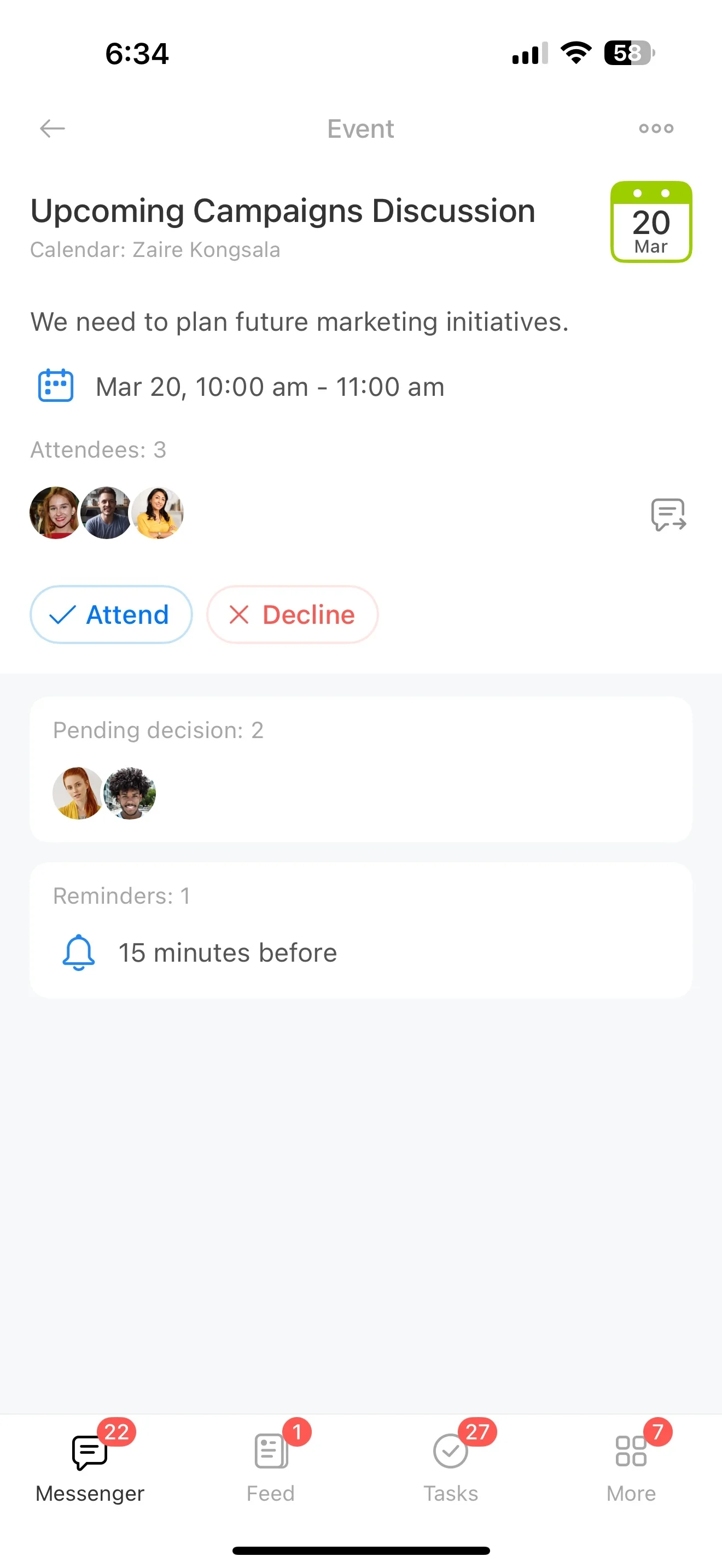
Keep conversations tied to the event record
Event decisions are made across multiple touchpoints, so the priority is preserving context. Store messages, notes, and follow-ups on the CRM timeline to answer questions faster, support scope decisions, and ensure handoffs don’t restart the conversation from scratch.