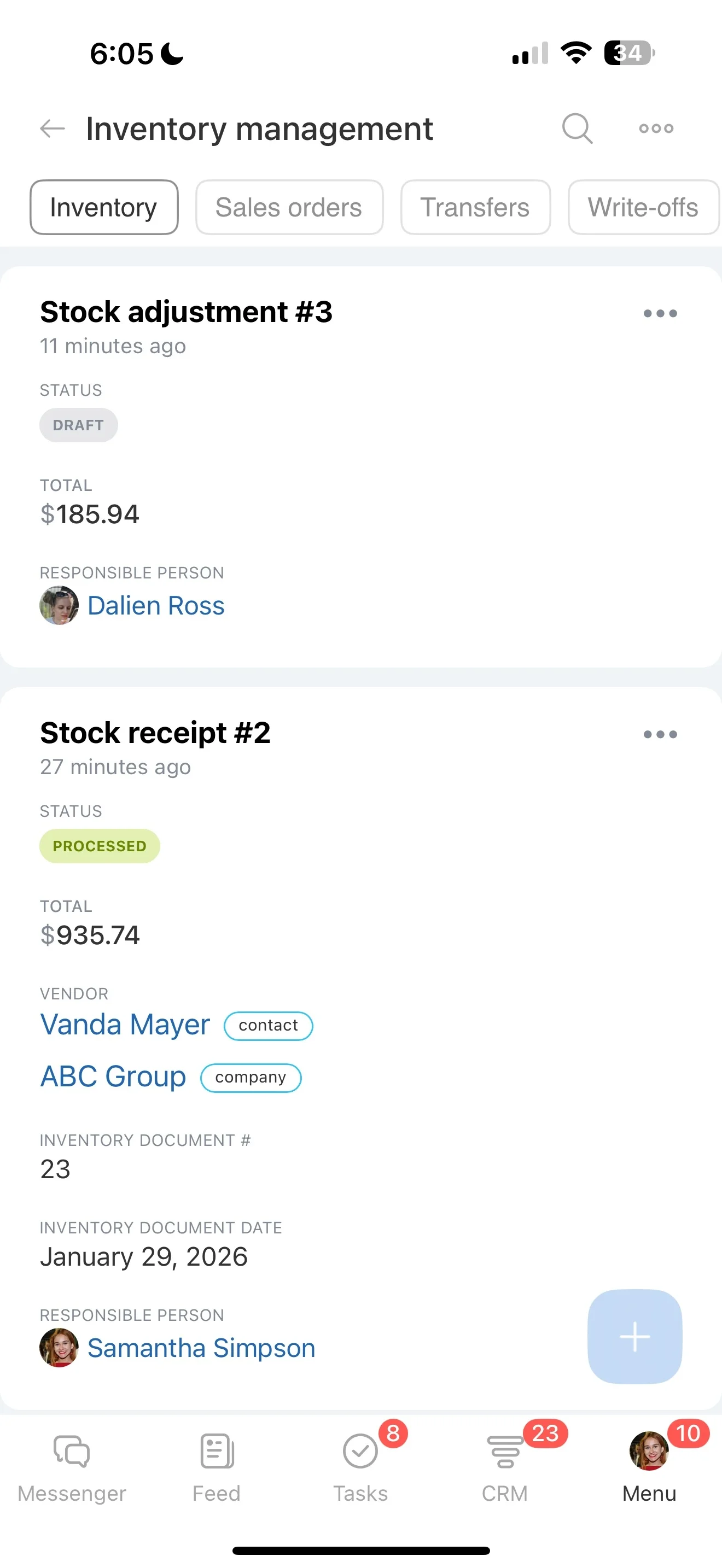
Plan the day from accounts and scheduled activities
Field sales is decided between stops: confirming the next visit, walking into an account with the right context, and turning what happened on-site into a clear next action. When updates wait until the end of the day—or the end of the week—pipeline stages drift and managers lose confidence in what’s real.
A CRM for field sales should match how reps actually work: territories and account lists, scheduled visits, quick visit notes, and immediate follow-ups that move opportunities forward. In Bitrix24, reps can open the customer or deal record, log what happened, schedule the next touch, and update the stage as part of the same routine—so the office team always sees the latest status and what’s needed next.
- Plan visits and outreach as CRM activities tied to the right account
- Record visit outcomes and context while details are fresh
- Create follow-ups and keep stages aligned with what happened in the field
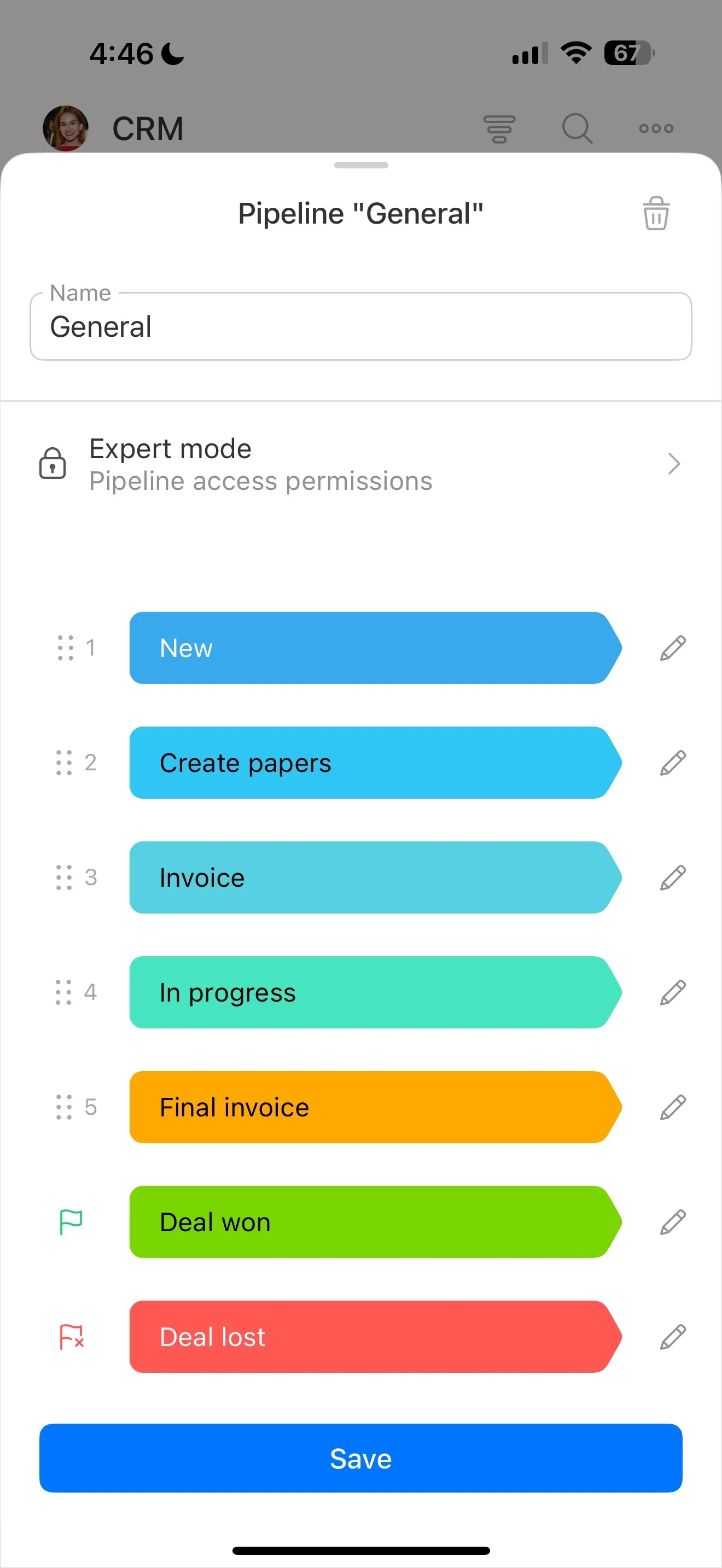
Update deal stages as part of every visit wrap-up
On the road, deal reality changes fast—timelines slip, stakeholders change, or the buyer confirms the next step. If the stage stays stale, forecasting and coaching are based on assumptions.
Make stage updates part of the post-visit checklist and note the reason for the change so the pipeline reflects what the customer actually agreed to.
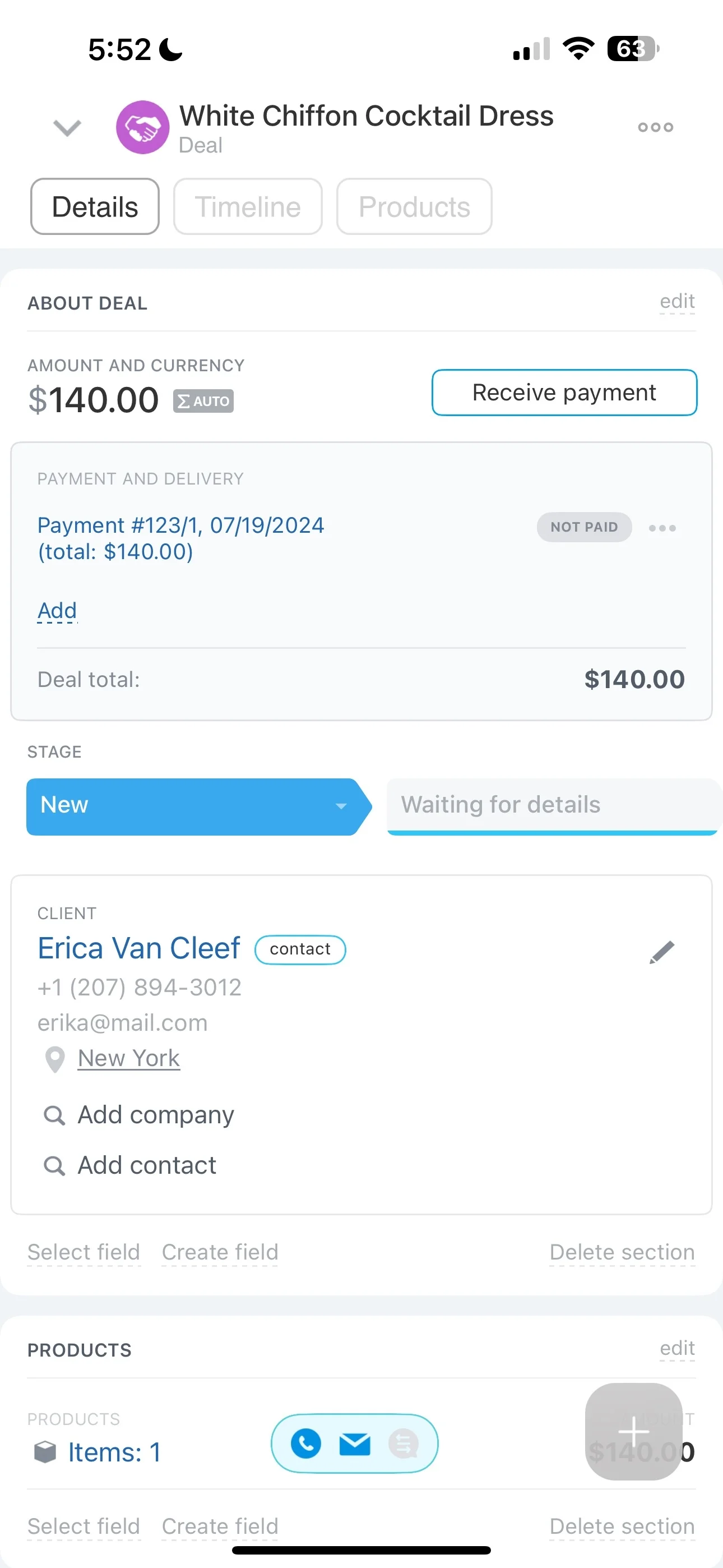
Plan the day from accounts and scheduled activities
Field reps work in stops, not “inbox time.” A practical routine starts with the account list and a set of scheduled activities so each rep knows who to visit, why they’re going, and what outcome they need.
In Bitrix24, planned visits can be tracked as CRM activities linked to the correct contact, company, and deal—so every stop stays connected to customer history and pipeline impact.
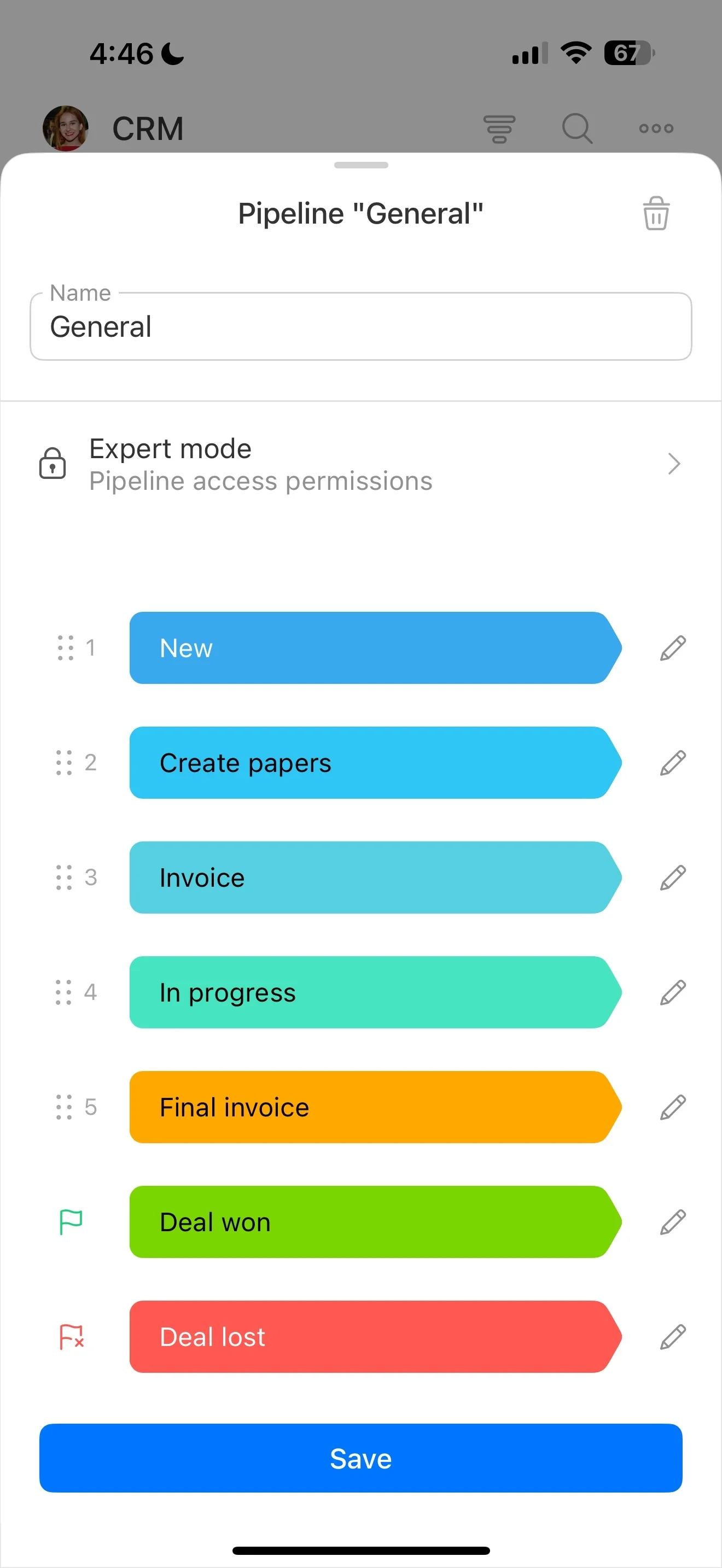
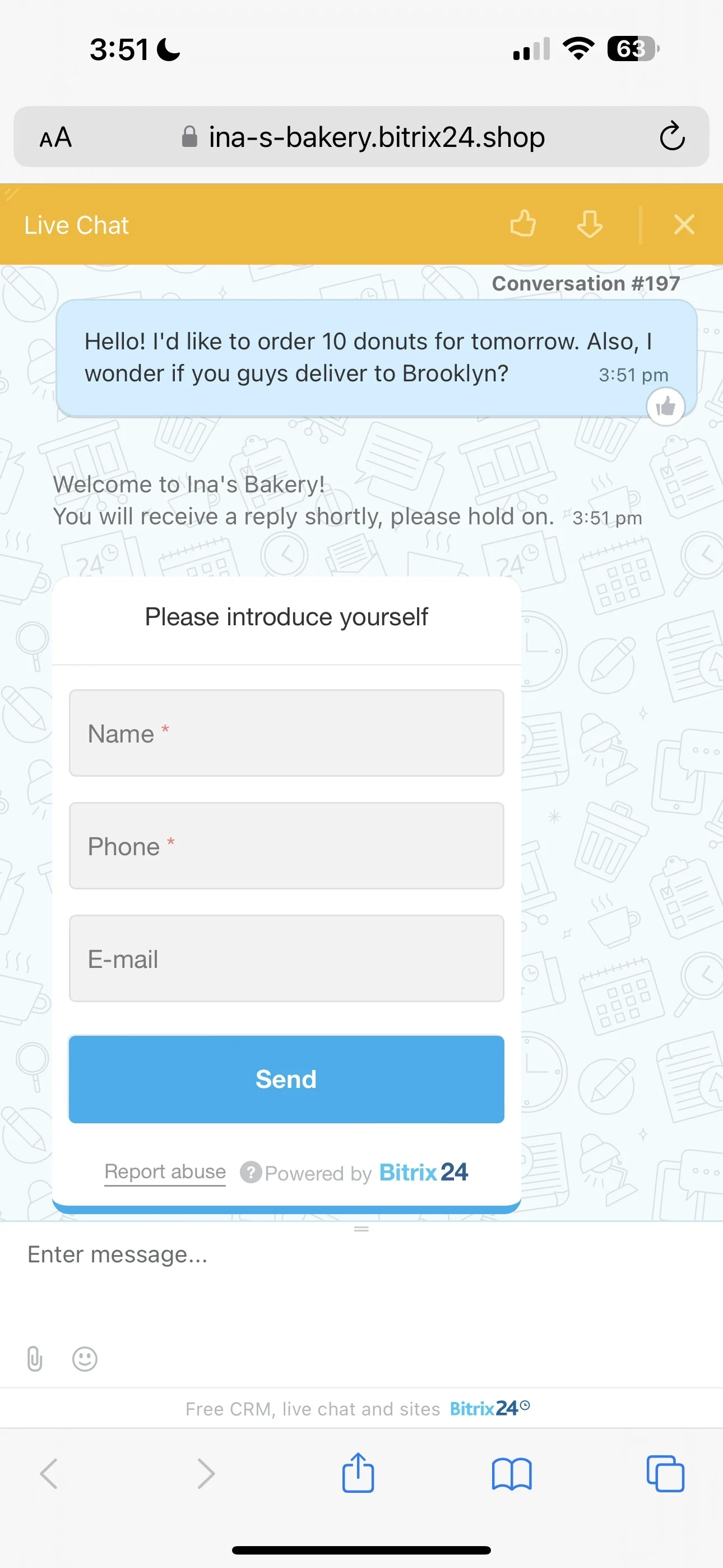
Log visit results immediately on the CRM record
The best time to capture objections, commitments, and new requirements is right after the meeting. Fast logging reduces vague, late updates that don’t help the next conversation.
Record the outcome, next step, due date, and key stakeholders on the relevant CRM record, keeping notes attached to the right account and opportunity for easy handover.
Convert visit notes into owned follow-up tasks
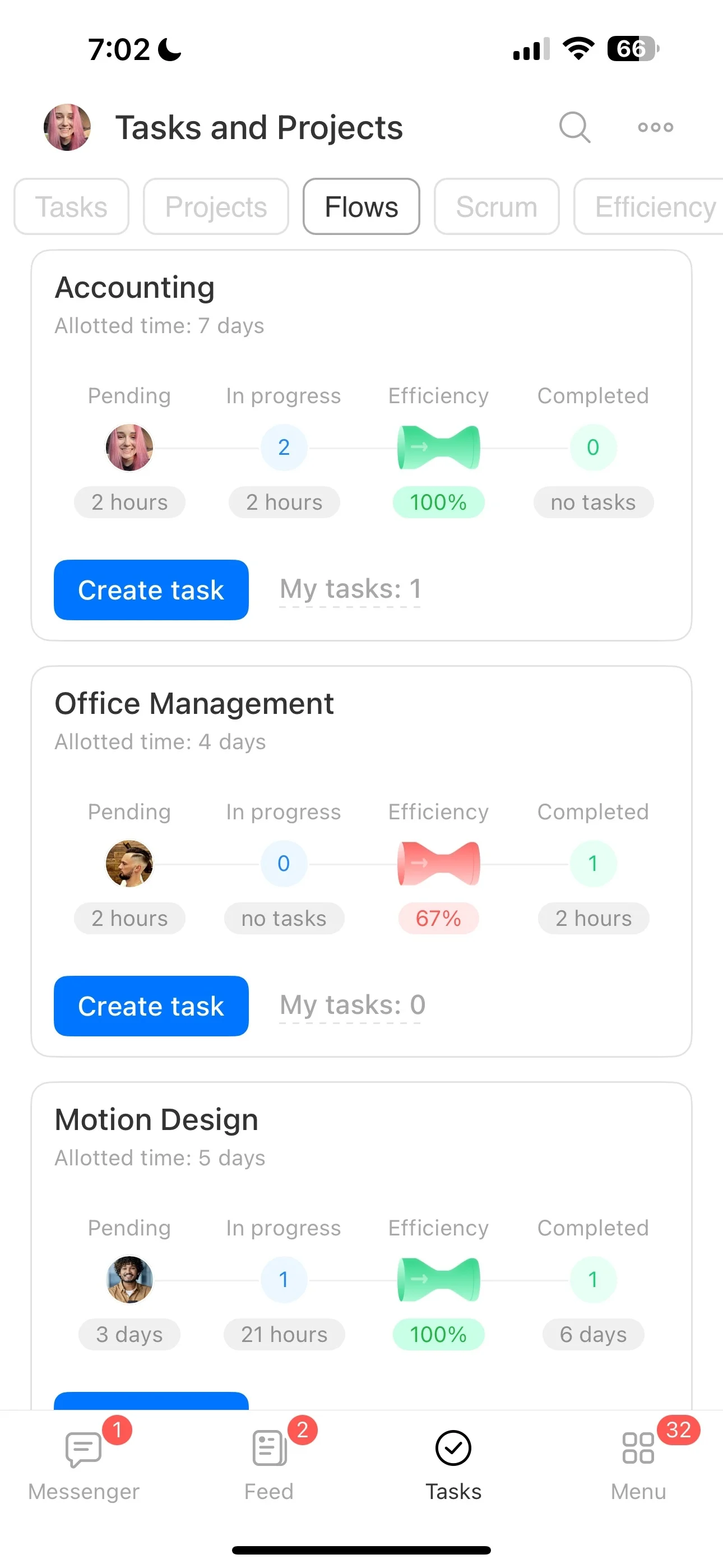
Most follow-ups are specific actions: send a quote, request a discount approval, book a demo, or schedule a second visit. If they aren’t assigned and dated, they don’t happen on time.
Create tasks from visit outcomes and link them to the deal or customer record so reps, managers, and support teams can see ownership, deadlines, and progress.
Standardize next steps with stage-based automation
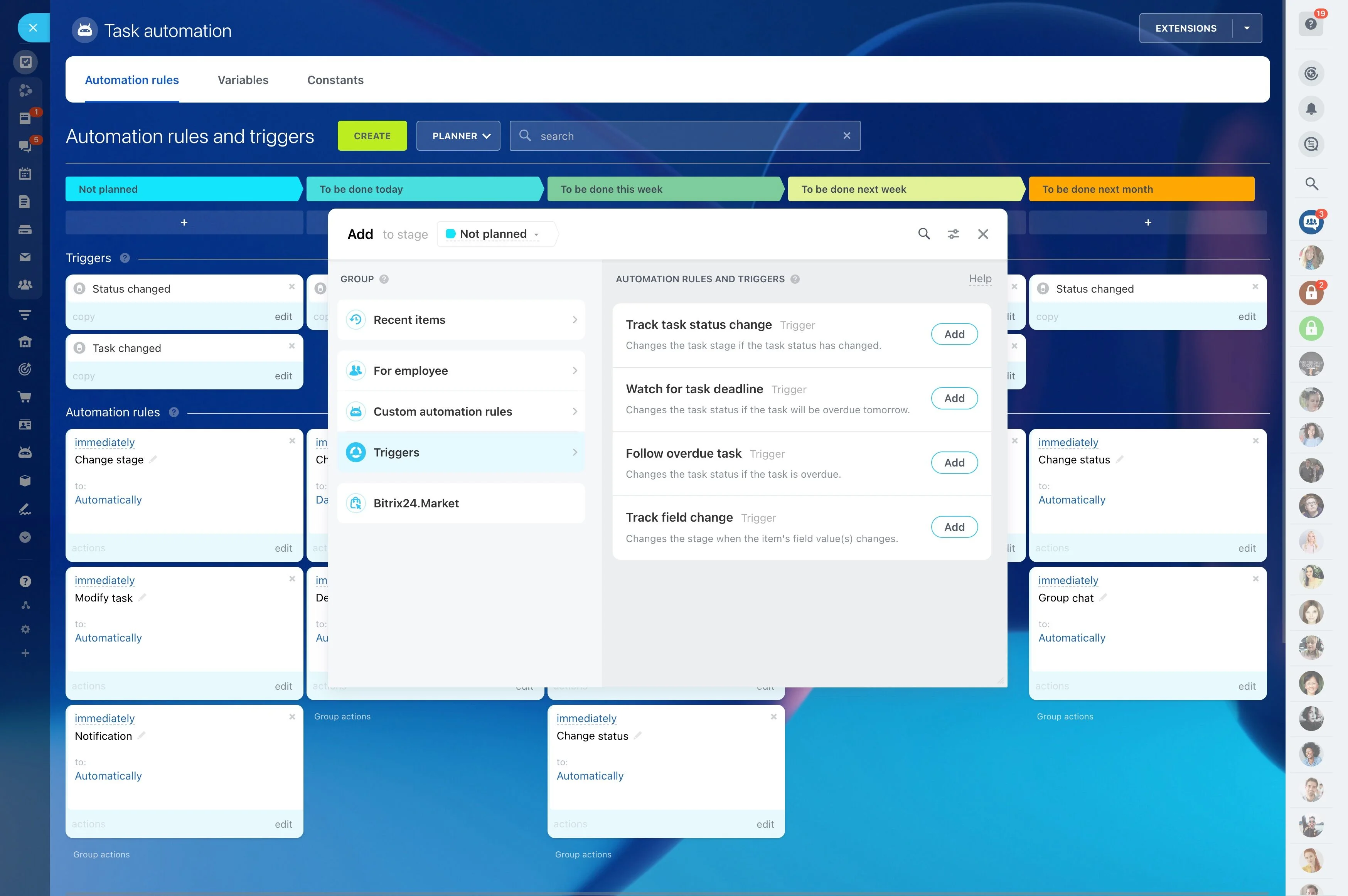
When each rep has a different follow-up habit, the process breaks under pressure. Stage-based automation helps enforce the same “what happens next” rules across the team.
In Bitrix24, automation can trigger actions when a deal changes stage—such as prompting a follow-up activity, creating an internal task, or notifying a teammate for a required handoff.
Run clean handoffs between field and office teams
Field wins often depend on fast support from the office: revised pricing, inventory checks, or contract changes. Without a shared record, context gets lost and the customer waits.
Keep deal status, visit notes, and action items tied to the same CRM record so office roles can act quickly and the rep can see progress without chasing updates.