FreshBooks Integration App
1 min
4541
Updated: April 5, 2023
Updated: April 5, 2023

For experienced FreshBooks users or those looking to empower Bitrix24 with FreshBooks' accounting capabilities, this handy FreshBooks integration app is available.
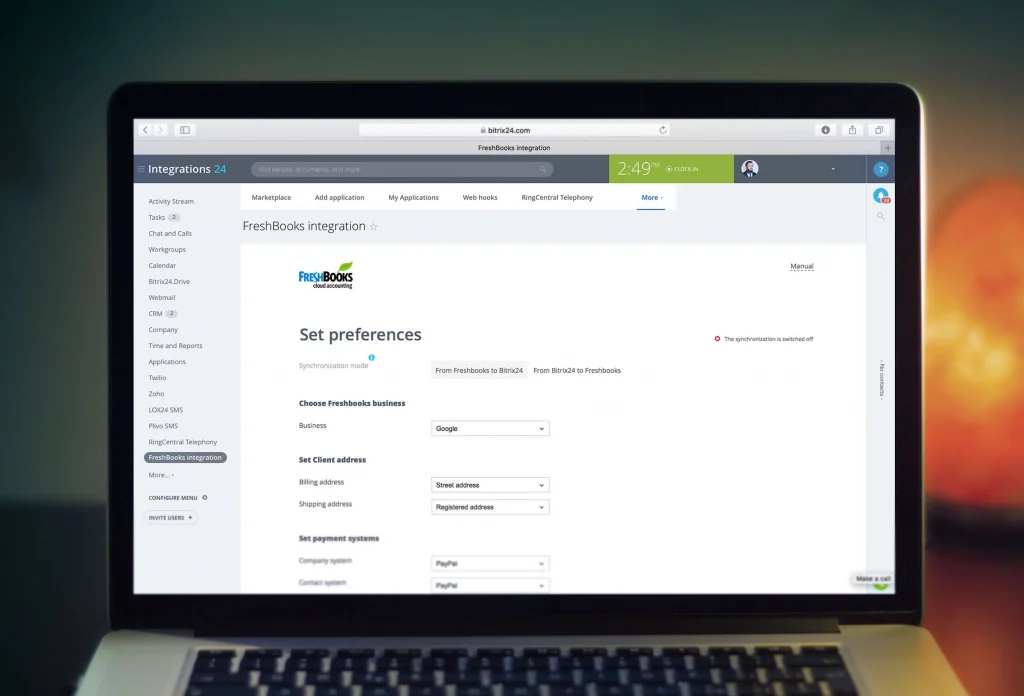
You can synchronize your data between FreshBooks and Bitrix24. After the initial synchronization is complete, you get your Freshbooks clients and invoices in Bitrix24 CRM. New clients and invoices created in Freshbooks will be synced with your Bitrix24 account automatically.
How It Works
You can synchronize your data between FreshBooks and Bitrix24. After the initial synchronization is complete, you get your Freshbooks clients and invoices in Bitrix24 CRM. New clients and invoices created in Freshbooks will be synced with your Bitrix24 account automatically.
How It Works
Create a new invoice in FreshBooks from Bitrix24 company, contact or deal. Select a company, contact or deal from Bitrix24 CRM list, click on «Create invoice in FreshBooks» widget, select a product or service and switch to creating a new invoice in FreshBooks interface.
After the invoice is saved in the additional field of Bitrix24 company, contact or deal, a link to the invoice will appear in FreshBooks.