Why Bitrix24 outperforms Ninja Forms
Bitrix24 is the perfect solution
- Team chat & video calls
- Files and shared docs
- AI project assistant
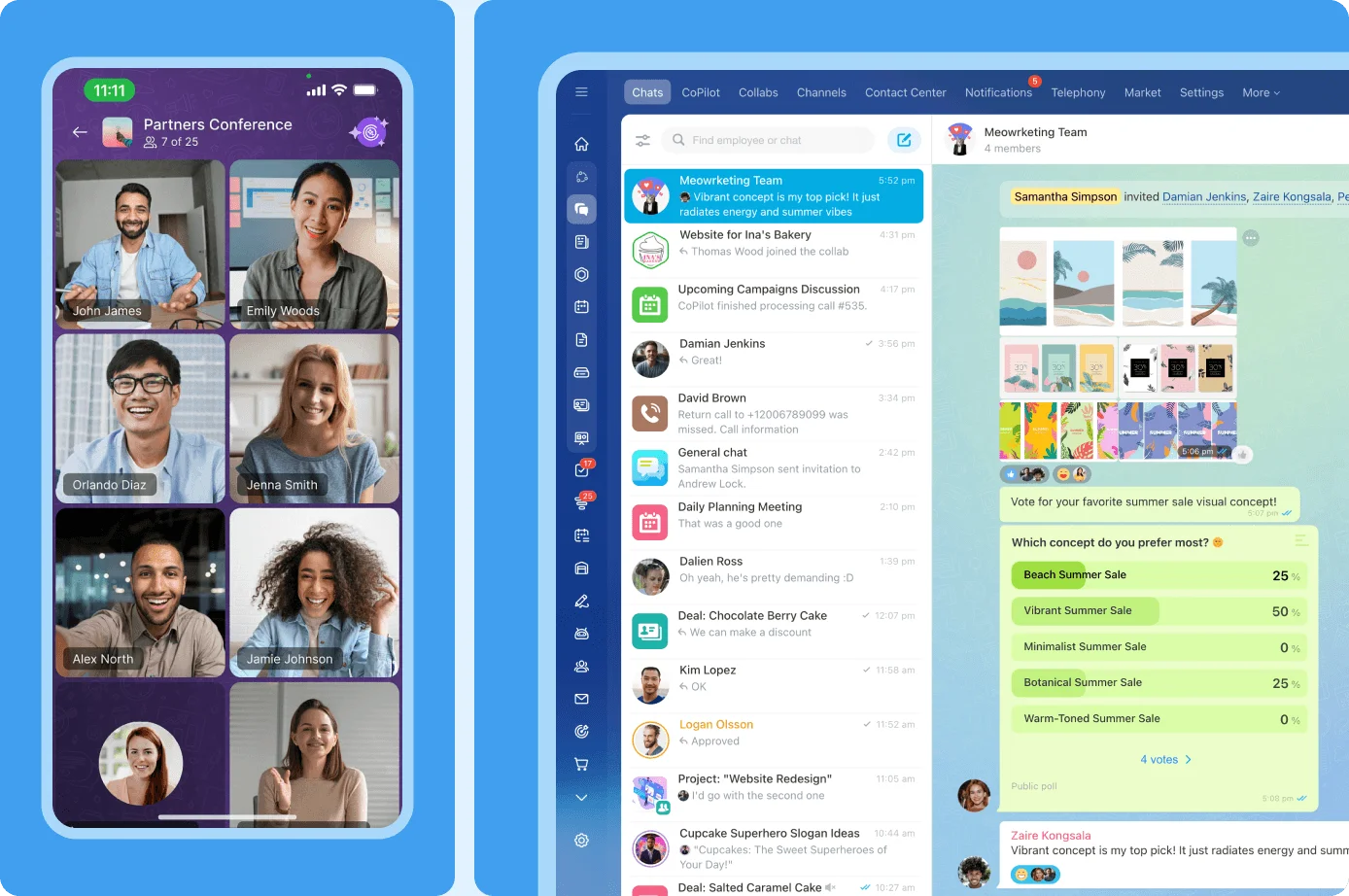
Bitrix24 is an all-in-one solution
Replaces all your current SaaS solutions
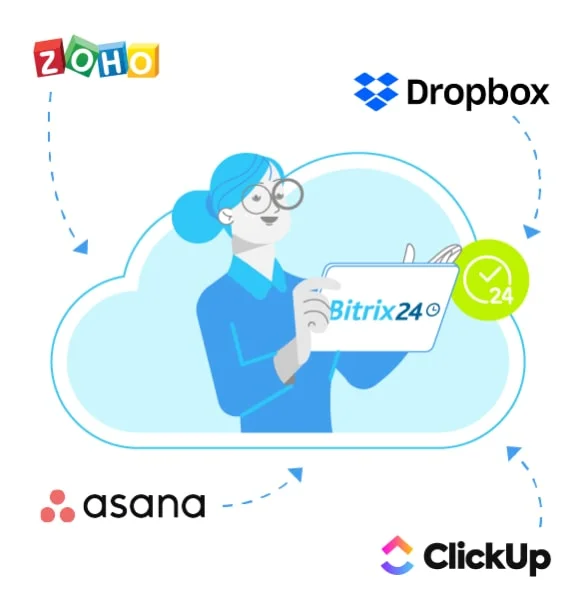
Easy to migrate your data from other systems
100% flat fee: predictable costs, no per-user pricing
Compare Bitrix24 to Ninja Forms
Looking for an all-in-one workspace that goes beyond Ninja Forms? Bitrix24 offers over 35 integrated tools that streamline every aspect of your business - from sales and HR to projects and automation, all at a very affordable rate.
See how Bitrix24 stacks up against other Collaboration solutions.
| Features | Bitrix24 | Ninja Forms |
| Free users |

|
|
| Free AI assistant |
|

|
| Free entries |
|
|
| Free fields |
|
|
| SSL encryption |
|
|
| Customization |
|
|
| Embed/Public |
|
|
| Reporting |
|
|
| Rules |
|
|
| Redirects |
|
|
| Notifications |
|
|
| Templates |
|
|
| Invoicing |
|
|
| Online payments |
|
|
| CRM |
|
|
| Terms of service |
|
|
| Email marketing |
|
|
| Telemarketing |
|
|
| Documents |
|
|
| Tasks & Projects |
|
|
| Collaboration |
|
|
| Chat & Video |
|
|
| Source code |
|
|
| Mobile App |
|
|
| API |
|
|
| Marketplace |
|
|
Ninja Forms Overview
Ninja Forms offers a set of features at no cost and additional paid options. There is no need to be a master in coding to add custom forms to a website. However, the company also provides a set of advanced tools for users experienced in programming.
The Ninja Forms WordPress form creation tool uses a drag-and-drop editor, which allows you to easily rearrange form fields and add new ones. Changing the order of fields or adding descriptions to them are a part of the free plan. Based on your WordPress theme, the forms match with the rest of your website.
However, if you want to decide how the templates should look on your website or use layouts, you will have to select the developer mode. The program provides guides and tutorials to help you create your own settings.
The templates are mainly business oriented. They include feedback collection, contact forms, newsletter sign-ups, job applications, and quote request forms.
Ninja Forms offers several commercial versions: Professional, Personal, Agency, and A La Carte.
The plan A La Carte does not give you a membership, but it enables you to select separate, additional features. The price depends on the features and number of websites you use them on.
Besides advanced tools for developers, fee-based accounts unlock such options as CRM, payment collection, email marketing, and a more extensive set of style options.
Ninja Forms does not provide demo versions for its additional options, but each purchase comes with a 2-week money back guarantee.
Using Bitrix24 as Free Ninja Forms Alternative
If you are searching for an alternative to Ninja Forms, a free Bitrix24 is worth checking out. The service has integrated CRM (Customer Relationship Management), which allows you to keep track of your current and potential clients, issue invoices, view agreements, track conversions, and conduct email marketing and telemarketing campaigns.
The templates include contact forms, feedback, suggestions, booking and online order forms. They can be added to your website or hosted at Bitrix24.com at no expense.
You do not need to own a website or be skilled in coding languages. The web forms integrate with Google Analytics, so you can add your Analytics ID to the form designer.
The Bitrix24 web builder is mobile optimized and supports iOS and Android platforms. The service provides a CRM user guide and educational videos to help you get a handle on how it works.
Compare Bitrix24 to similar solutions
Looking for an all-in-one workspace that goes beyond basic CRM? Bitrix24 offers over 35 integrated tools that streamline every aspect of your business – from sales and HR to projects and automation.
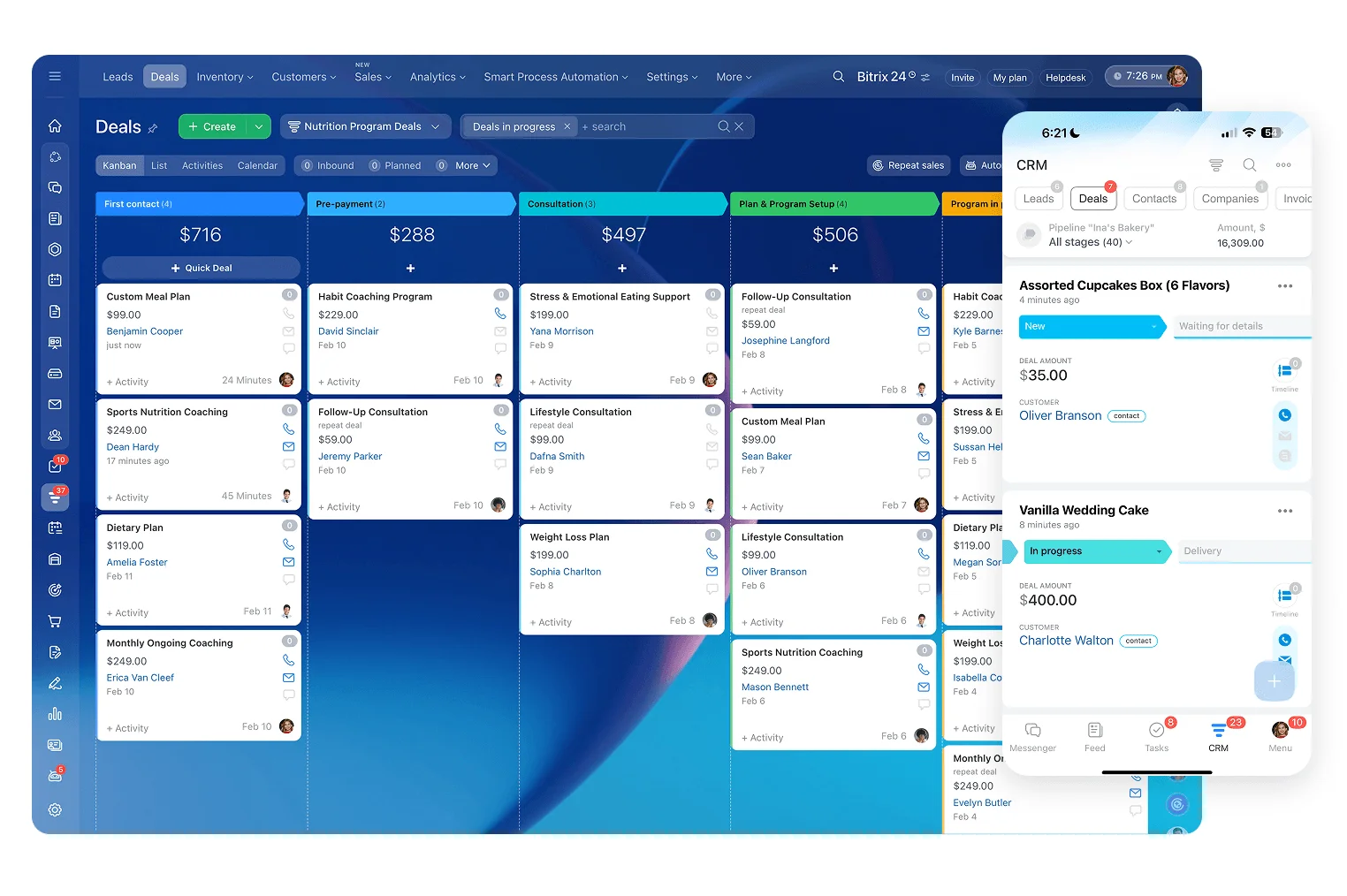
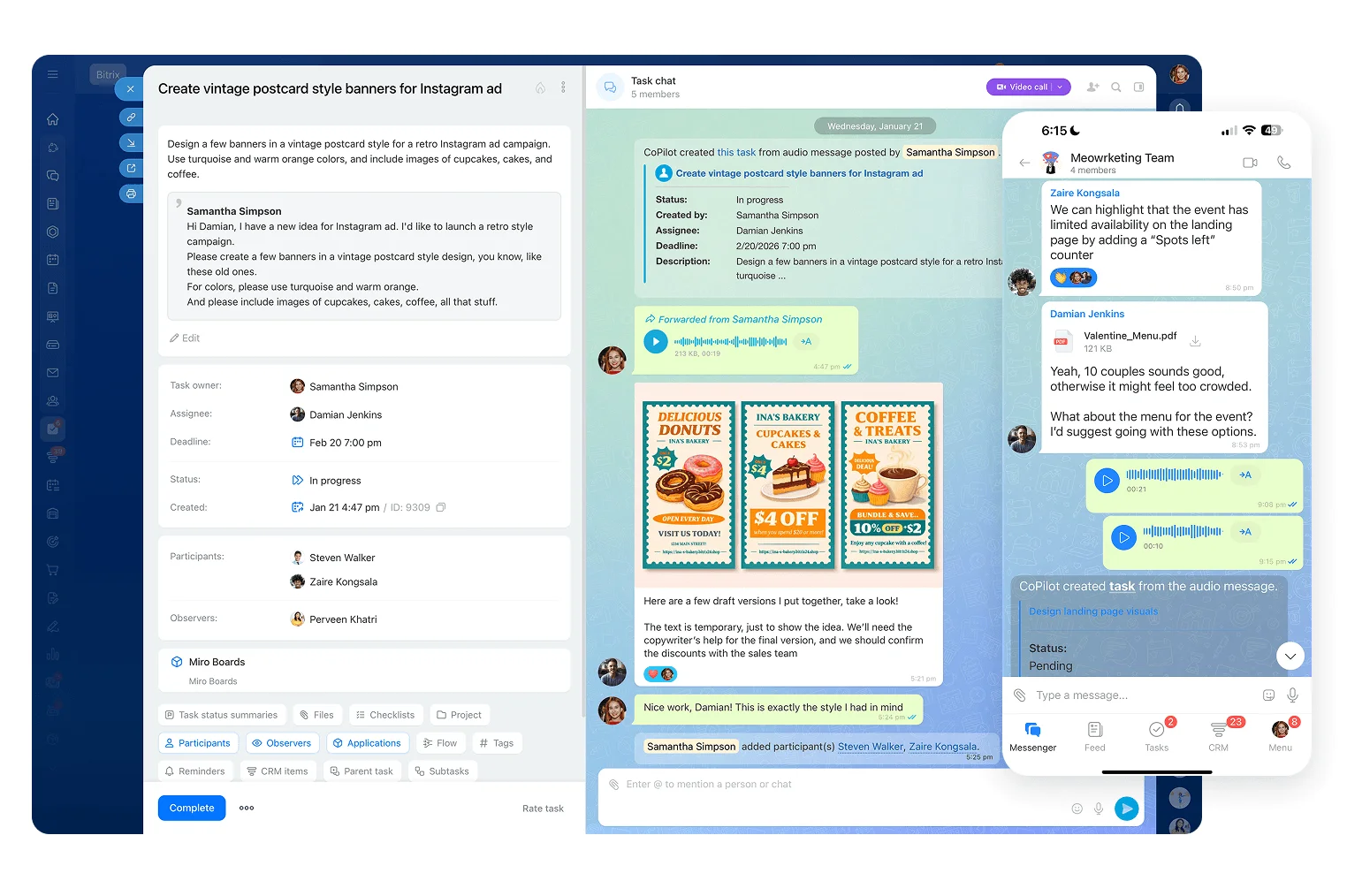
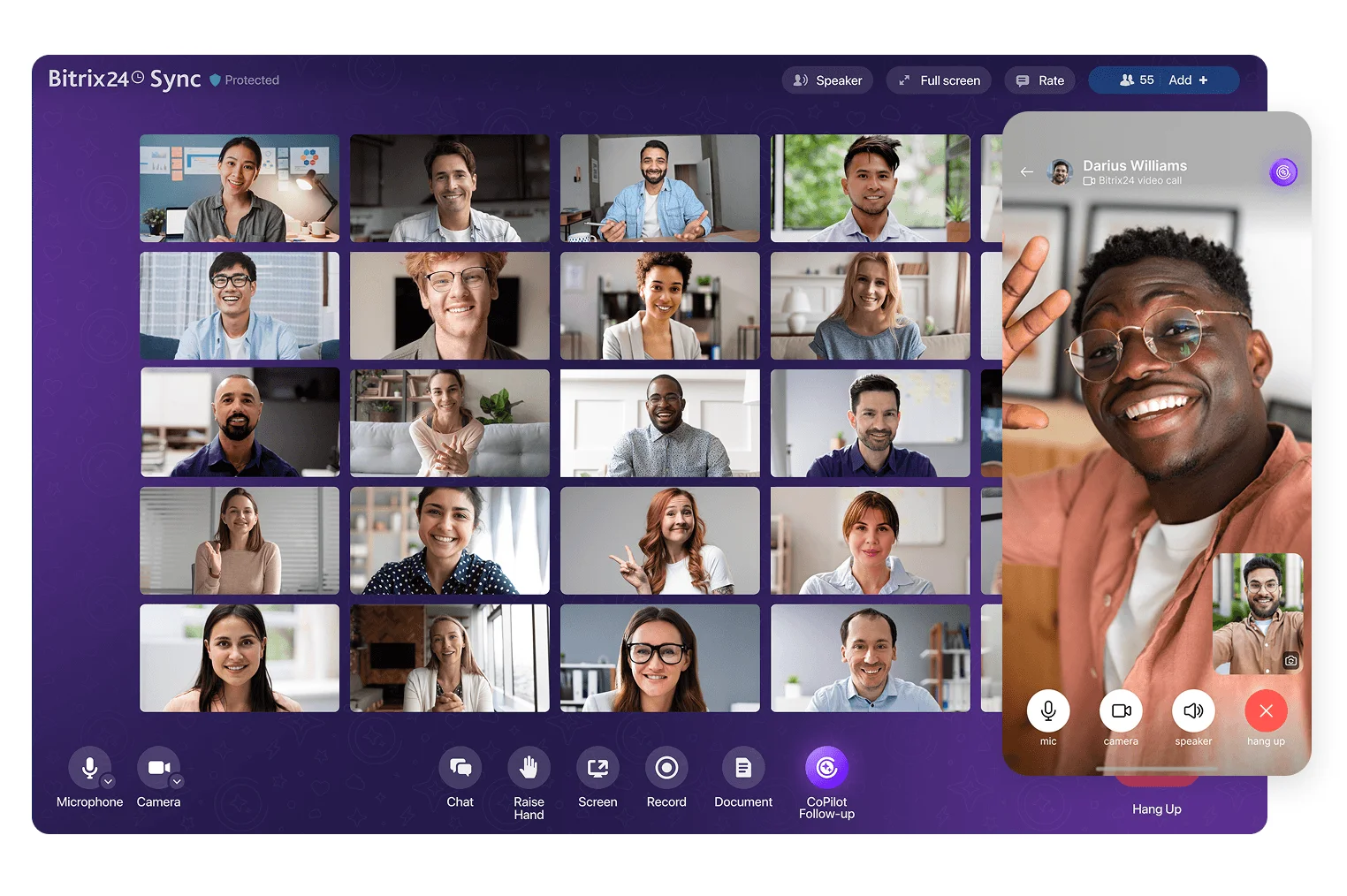
See how Bitrix24 stacks up against other collaboration solutions
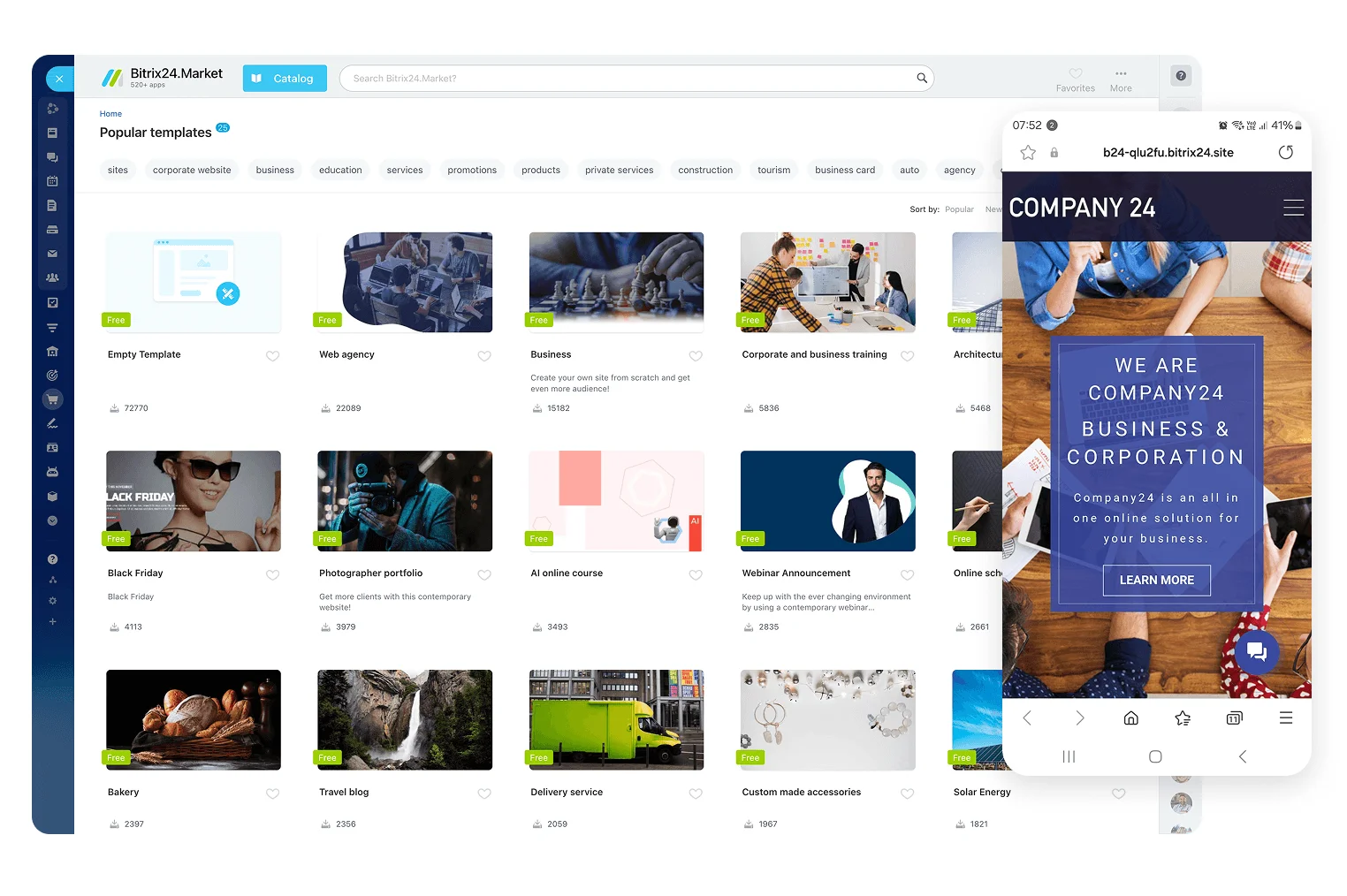
See how Bitrix24 stacks up against other website builder solutions
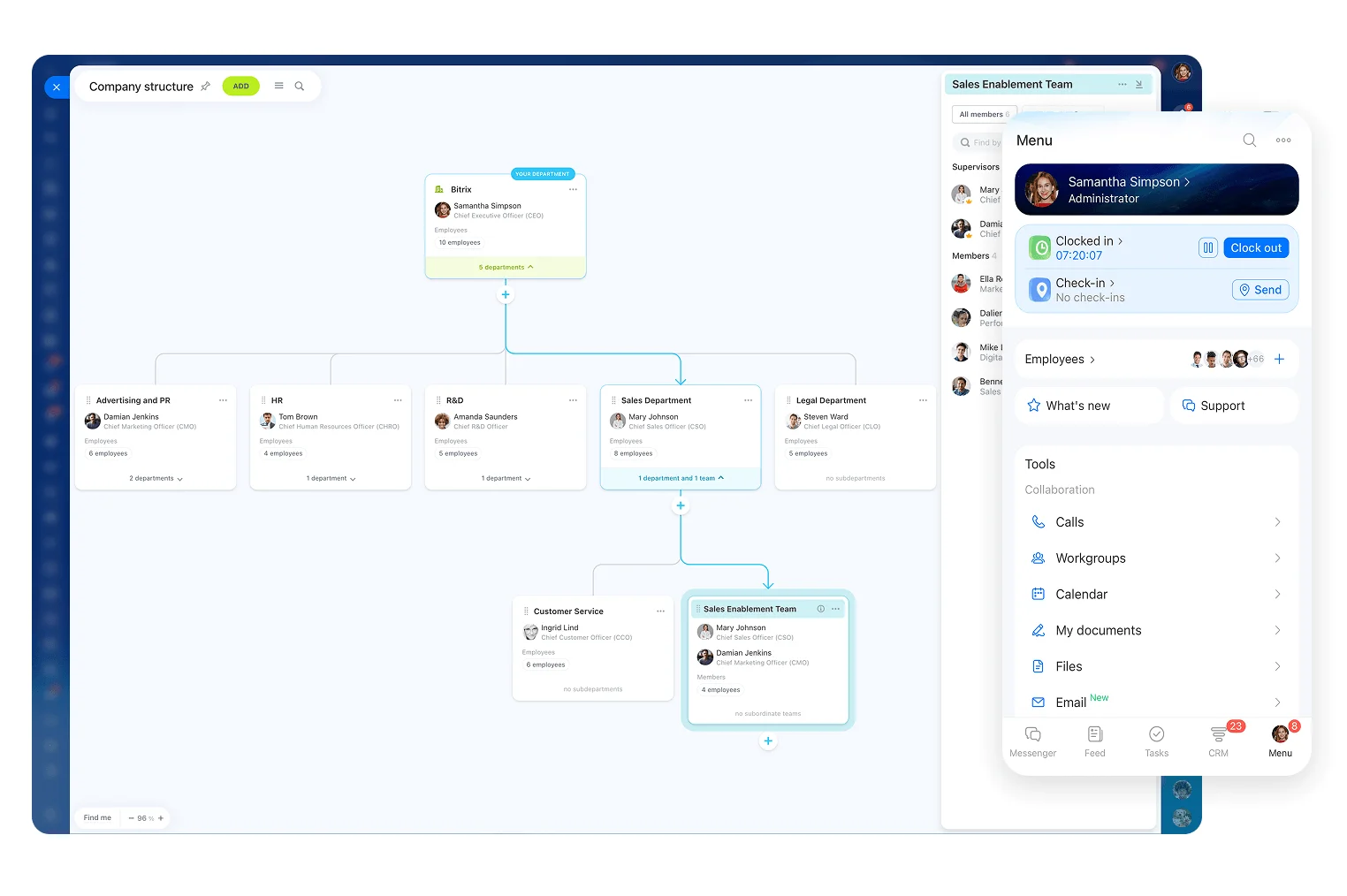
Flat pricing
Each of our plans has a fixed price and a user limit. You can keep adding users within the plan limit and still pay the same amount of money monthly/annually.
Your apps
Which apps do you use?

Slack 8 €
per user

Asana 12 €
per user

Teams 6 €
per user
Google Drive 11 €
per user

Salesforce 22 €
per user

HubSpot 13 €
per user

ChatGPT 23 €
per user

Jira 8 €
per user

Clockify 6 €
per user

Pipedrive 49 €
per user

monday.com 13 €
per user

Trello 5 €
per user

ClickUp 17 €
per user

Zoho 39 €
per user

Wrike 22 €
per user

Wix 25 €
per user

Miro 9 €
per user

Calendly 10 €
per user
30x better value than using a set of separate work tools
Bitrix24 comes with the full package of tools any business needs for remote work — all at a fixed price.
-
CRM
-
Time tracking
-
Tasks & Projects
-
Video calls
-
Payments
-
Website builder
-
E-signature
-
Analytics
How many people work at your company?
Total price per month for a team of 0 users:
0
Flat price and a user limit per month for a team:
0
Save 0/year
Start saving now
* Prices are taken directly from related websites and marketing materials as of March, 2026
Ready to try Bitrix24?
Start by migrating your data
Bitrix24 in the press
-

PC Mag
"With its dizzying array of functions, Bitrix24 CRM has the ability to centralize all communications and collaboration for an organization of any size."
-

SoftwareSuggest
"With Bitrix24, you can customize your eCommerce CRM and integrate it with many popular business apps. Bitrix24 also includes a free tier option. You can use it to construct landing pages and websites that integrate seamlessly with your eCommerce online store and CRM. It’s the perfect solution if you want everything in one place."
-

Inc.
"Bitrix24 pretty much does everything, but run your company for you. Bitrix24 solves the issue of finding messaging apps, HR software, and task management programs that are compatible by putting all of that and more in one spot. More than anything this is a way to simplify office logistics and organization."
-

TechRadar
"It (Bitrix24) includes tools for project management, customer support, internal communications, and even website building. Despite offering such a wide range of features, Bitrix24 is still incredibly affordable."
-

TechRepublic
"The first thing Bitrix24 does when you log in is provide a lot of information. The workspace main page is packed — there are three columns of links to workspaces and workgroups, an activity stream, client apps, and tasks... you can extend Bitrix24 into a full corporate intranet by using its employee directory, company organization, and organization chart features.Bitrix24 is definitely worth a look."

Get started with Bitrix24 in less than 1 minute
Create free account
Invite your team
Tailor Bitrix24 to your needs and start working