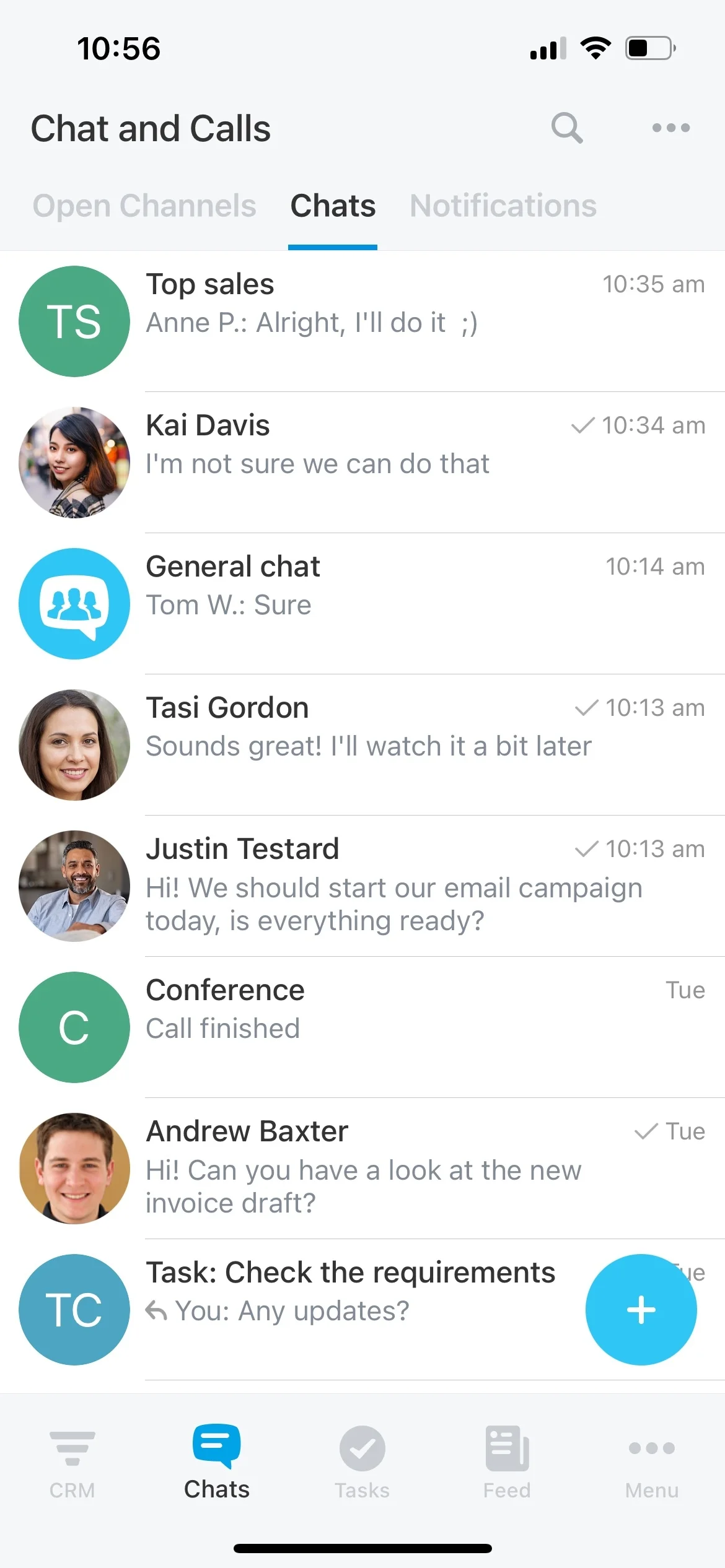
Standardize handoff by writing answers into CRM fields
Leads don’t wait for office hours. If someone asks for a demo at 11 PM, you still need accurate contact details, a basic fit check, and a clear owner for follow-up—without relying on a rep to jump into the conversation.
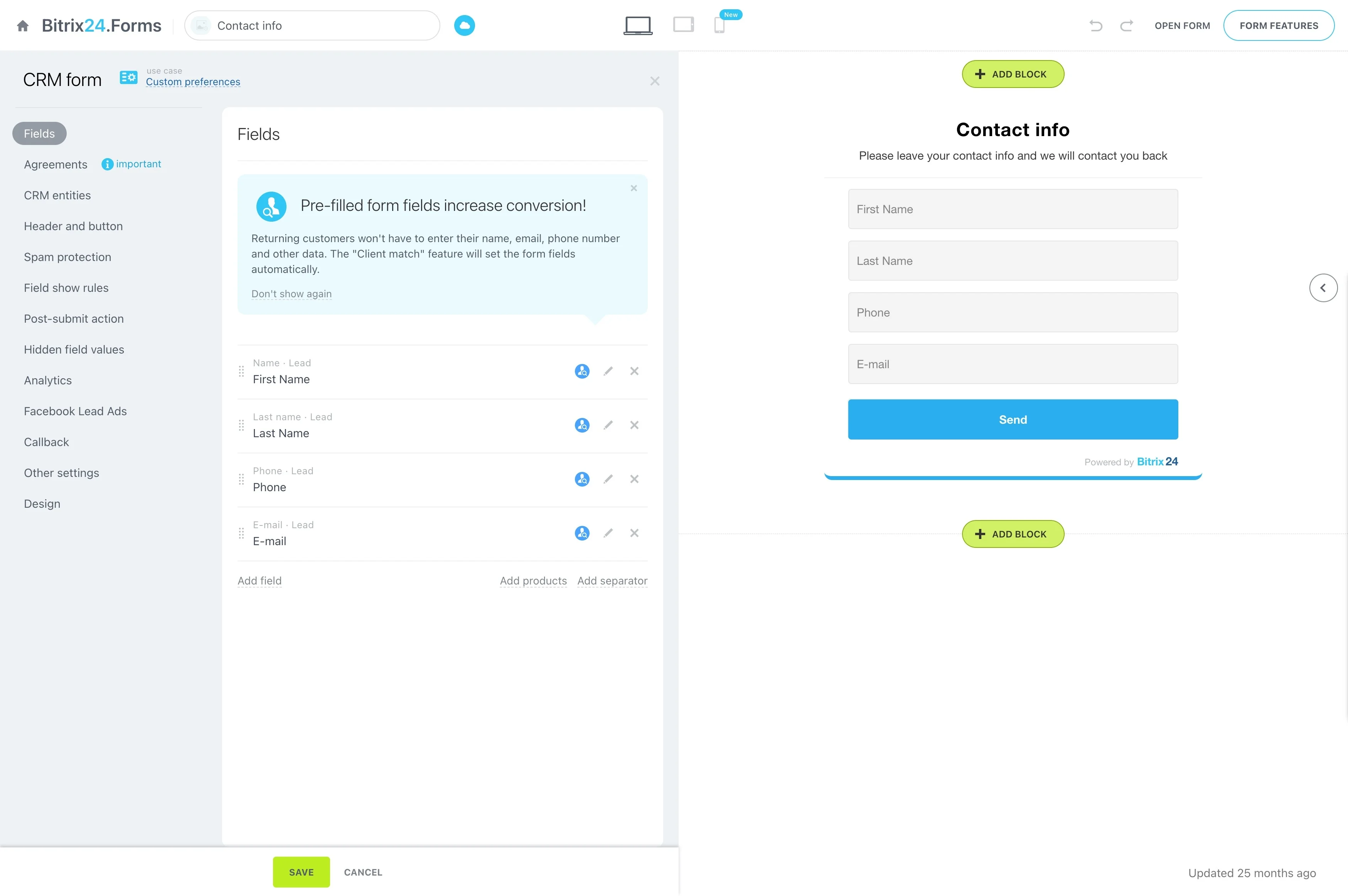
A CRM chatbot handles that first interaction in a consistent way: it greets the visitor, asks a short set of qualifying questions, and turns those answers into structured CRM data. In Bitrix24, you can set up a trigger → CRM action workflow where the chat updates the fields your team actually uses (intent, product interest, region, timeline, preferred contact method) and then assigns the record to the right salesperson or queue based on your routing rules.
Because qualification is captured as CRM fields, you can measure performance over time: how many chats become leads, how many meet your criteria, and how quickly each lead is assigned for follow-up.
- Collect only the data you need for routing
- Standardize handoff by writing answers into CRM fields
- Assign ownership automatically based on rules you control
When to use a CRM chatbot (and when not to)
A CRM chatbot is a strong fit when your first touch can be standardized and routed from a few key fields. If qualification requires deep discovery or bespoke pricing, keep the chatbot focused on capturing essentials and setting the next step—then hand off to a rep.
Start with one high-volume entry point (such as demo requests), then expand once your fields, rules, and reporting are stable.
Setup checklist: write questions to fit your CRM
Design the chat flow from your CRM backwards: decide which fields must be populated for a usable handoff, then ask questions that collect those values consistently. Keep it short, use clear choices where possible, and add a fallback for “not sure.”
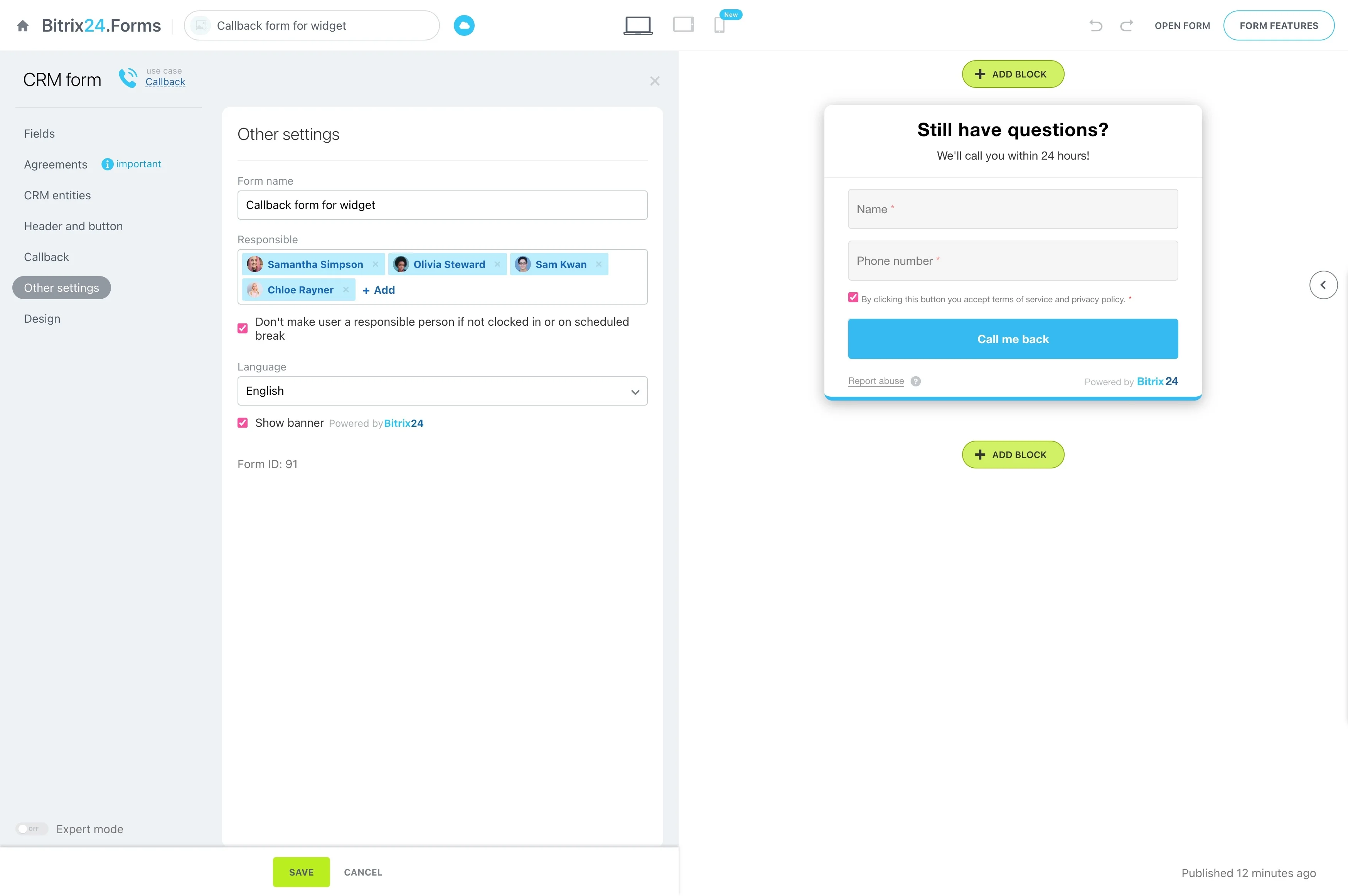
- Which entity to create/update (lead, contact, company) per intent
- Which answers map to which CRM fields
- What marks “qualified” vs. “needs review”
- Who/what queue receives each qualified record
Define “qualified” as data, not a feeling
A CRM chatbot works best when “qualified” is a small set of signals that map directly to CRM fields and stages. That way, routing and next steps are driven by captured data—not by whoever reads the transcript.
- Intent (demo, pricing, support, partnership)
- Use case or product line
- Company size bracket
- Region/time zone
- Preferred contact method and timing
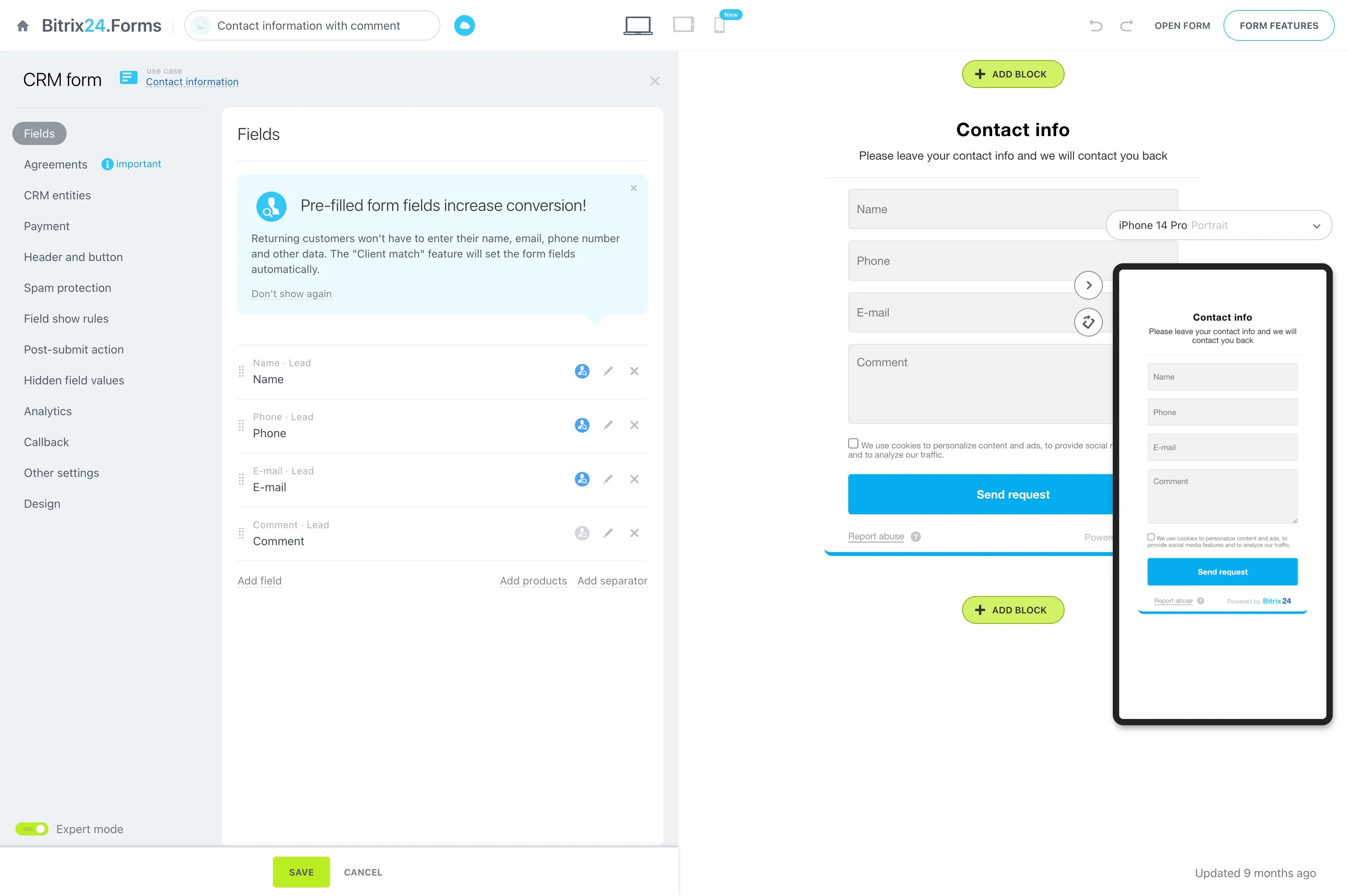
Example: demo request trigger → CRM record → results
Trigger: A visitor opens website chat after hours and chooses “Request a demo.”
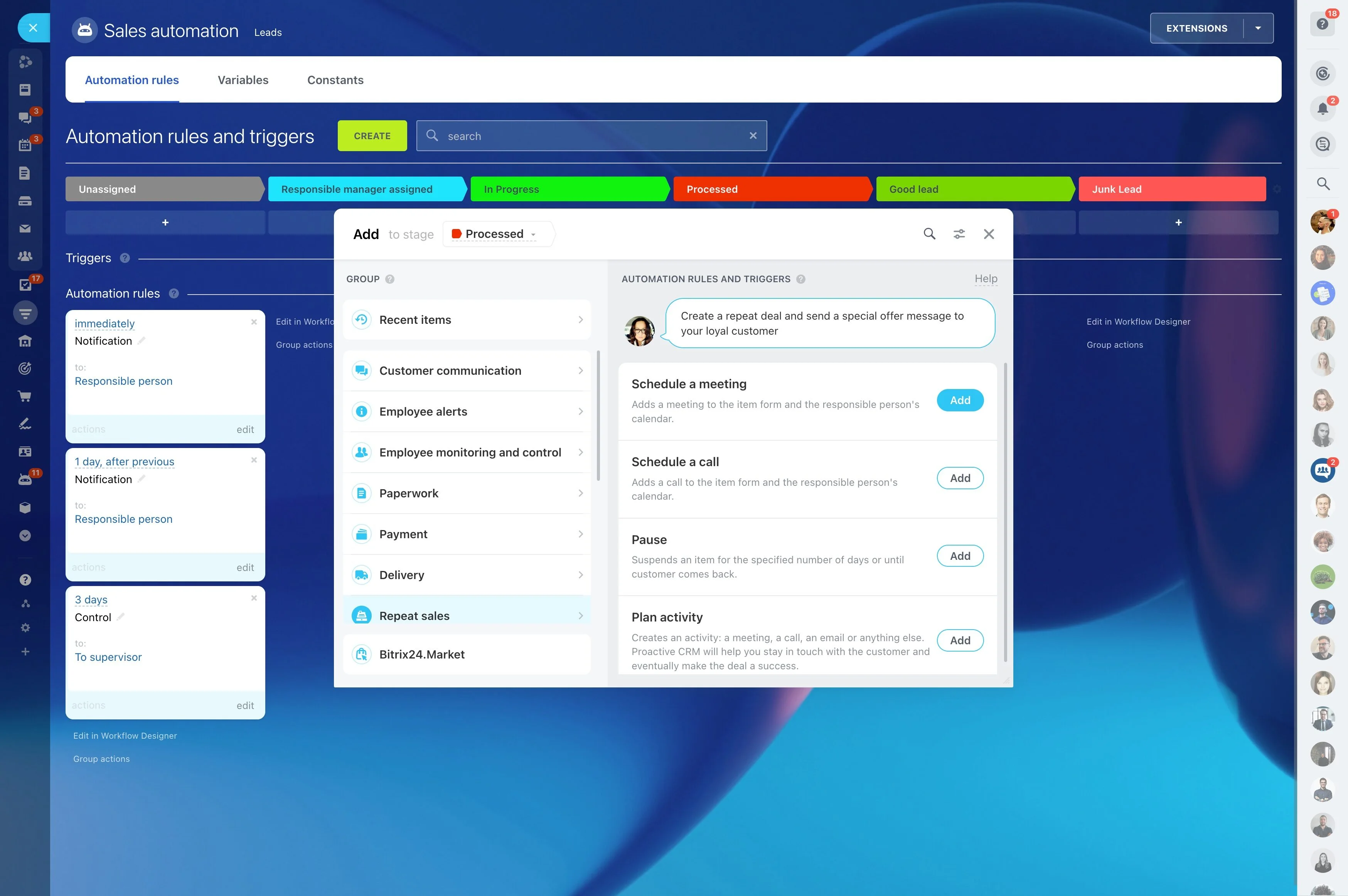
CRM actions: The chatbot asks 3–5 questions (name, company, use case, team size, timeline), creates or updates a CRM record, and writes each answer into matching fields. A rule then assigns the lead to the right owner or queue (for example, by region + product interest) and moves it to the stage you use for follow-up.
Outcome: You can track chat-to-lead conversion, qualification rate, and time to assignment—then adjust questions and rules based on what converts.
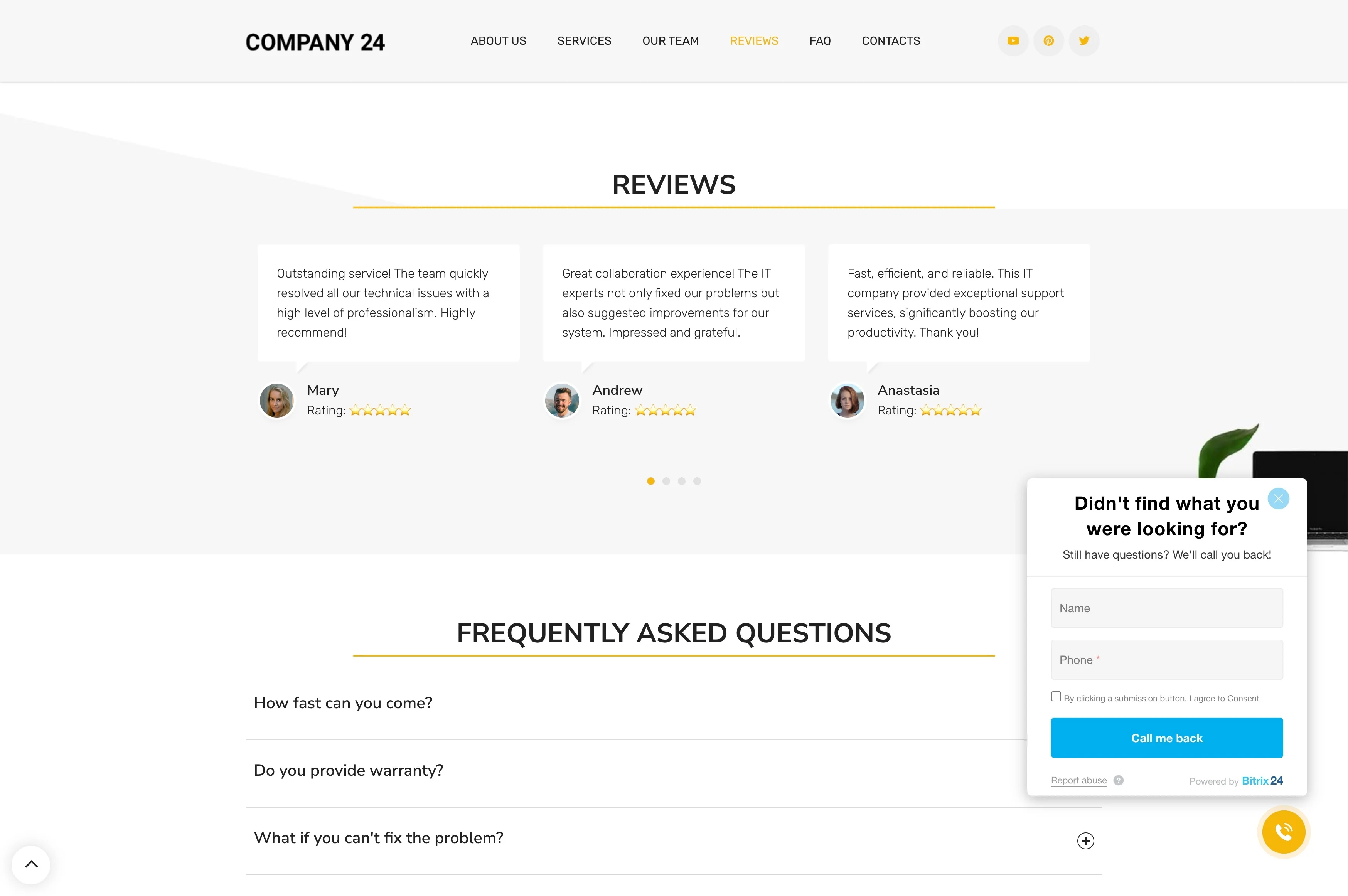
Build routing rules around your coverage model
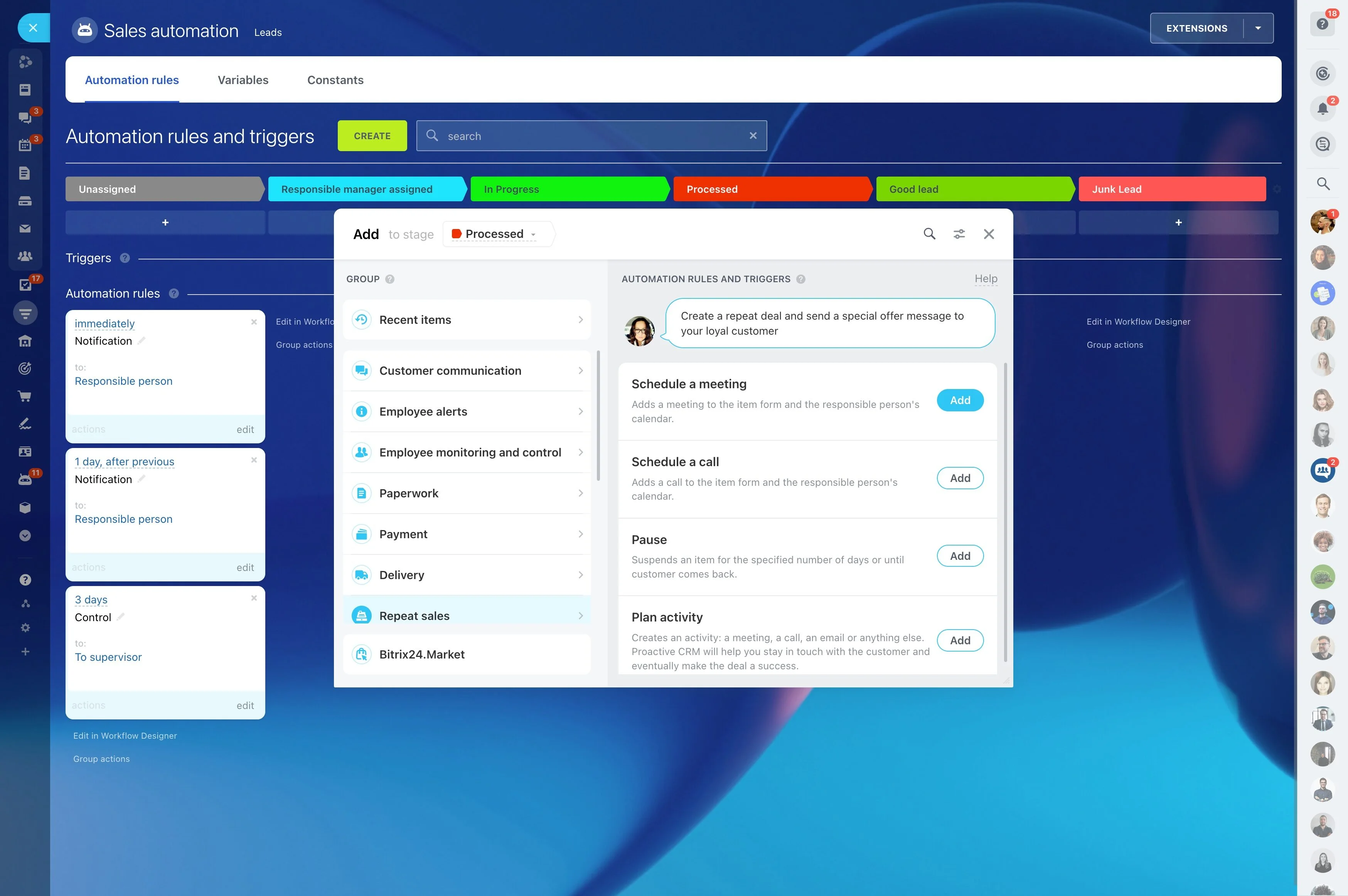
Once the chatbot captures the needed fields, ownership should be automatic and unambiguous. Set routing logic that matches how you actually sell—territory, segment, product line, language, or account type—so leads don’t sit in a general inbox.
- Assign by region, segment, or product interest captured in chat
- Use a priority queue for high-intent requests
- Route non-sales intents (like support) to the right internal owner
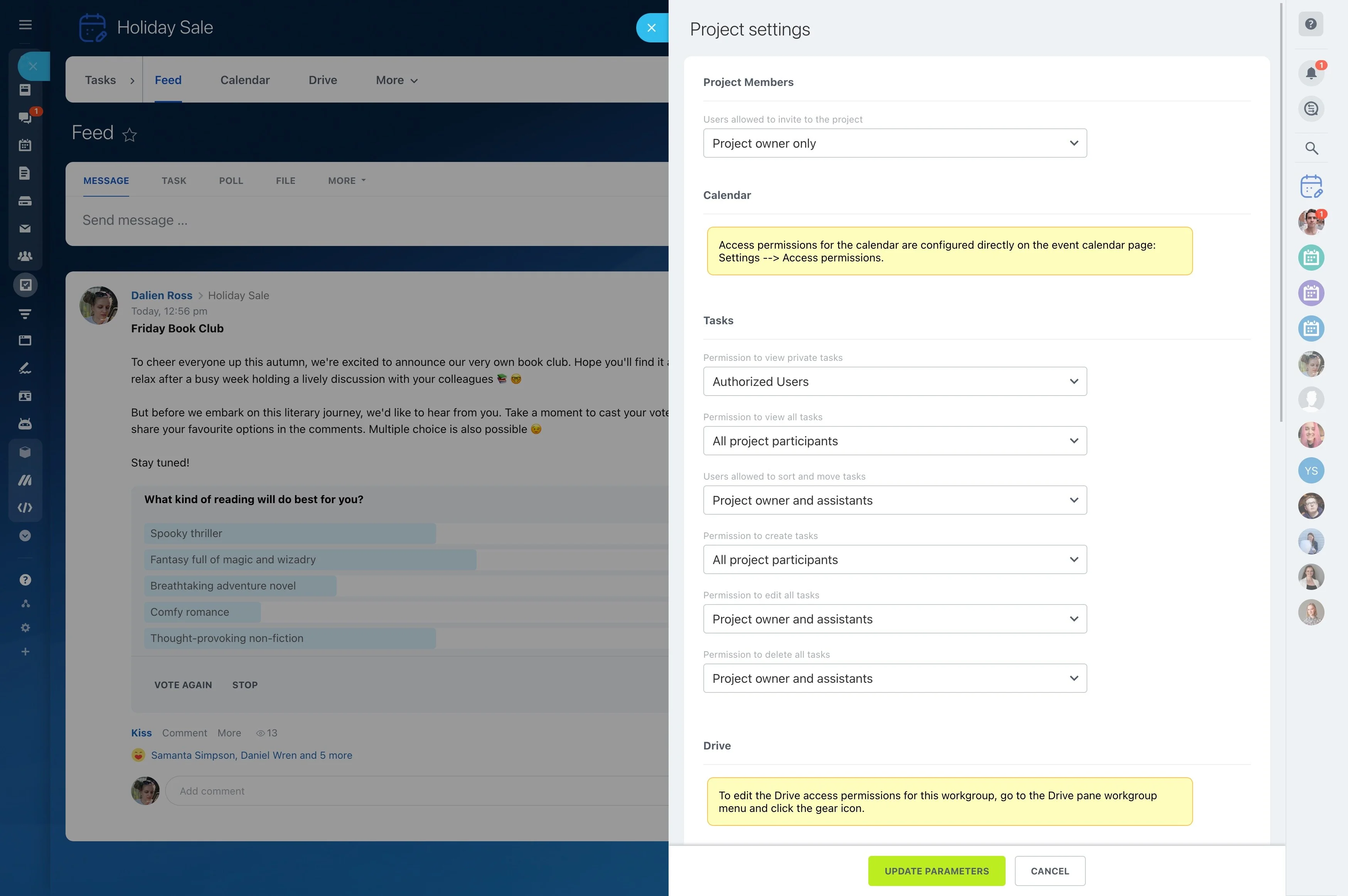
Permissions and control over chatbot intake
Chatbot-created records affect CRM data quality, so decide who can change the chat script, qualification fields, and routing rules. Limit edits to the people accountable for intake, and keep ownership clear for the teams that will work these leads.
This governance prevents accidental rule changes while still allowing iteration as your qualification criteria evolves.
Reporting that ties chats to follow-up
Review performance using reports filtered by the same fields your chatbot fills. The goal is to confirm the chatbot is creating workable records and that routed leads are being acted on quickly.
- Chat-to-lead conversion
- Qualification rate by intent/source
- Time from creation to assignment
- Downstream outcomes from chatbot-qualified leads