Record the details that drive placement decisions
When a parent is comparing centers, speed and consistency matter: they want clear answers about openings, schedules, and start dates, and they expect the same story whether they call the front desk or talk to the director on a tour. A CRM for childcare centers gives you one place to track each family from first inquiry through enrollment confirmation, without losing context between roles.
Use Bitrix24 to run an end-to-end enrollment workflow: capture a new inquiry, qualify needs (age group, schedule, start window), schedule and document the tour, send an enrollment packet, collect required forms, and confirm the start date. With each family’s stage, next action, messages, and documents tied to the same record, your team can follow up on time and hand off work without guesswork.
- Create a family record from the first inquiry
- Move enrollment through clear stages with an owner
- Attach packets, forms, and notes to the right family
- Keep a shared timeline of calls, emails, and tour follow-ups
Attach packets, forms, and proof documents
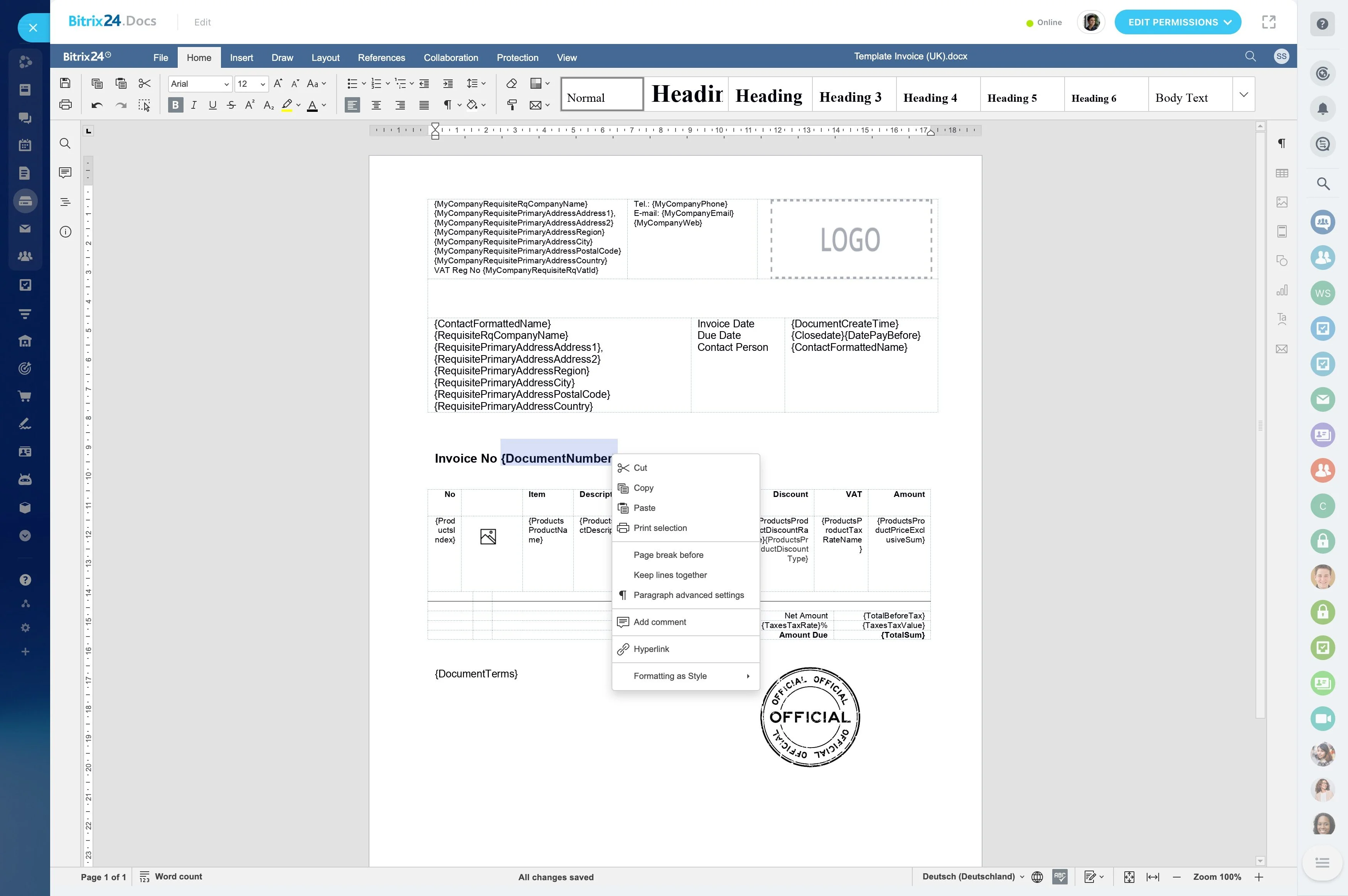
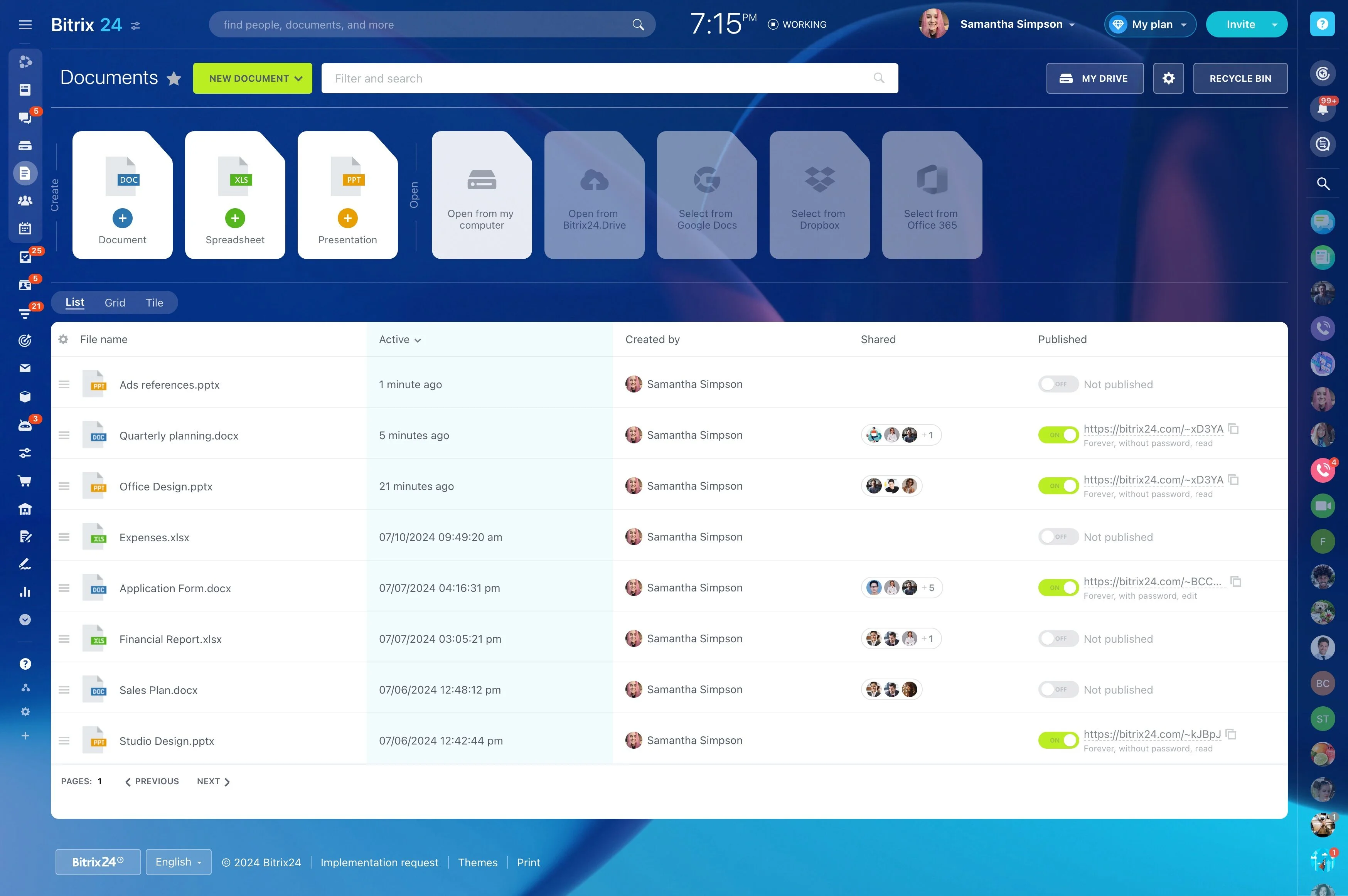
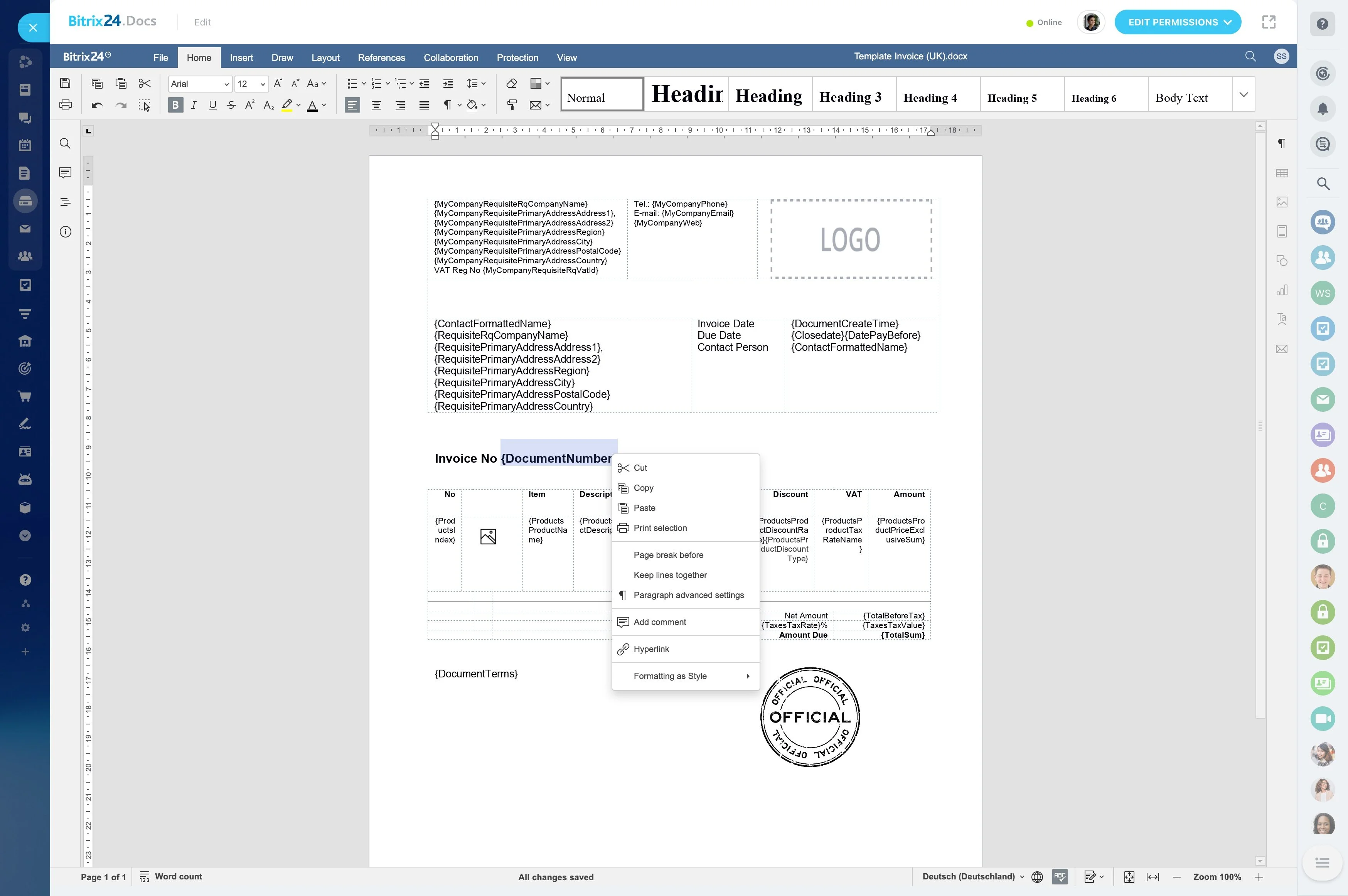
Enrollment paperwork can include center policies, health and immunization records, and other required forms. Keep files and completion status with the family record so staff can verify what’s missing before a start date and avoid chasing outdated versions.
- Mark each item as requested vs received
- Store the latest file version with notes
- Track renewal/expiration dates when relevant
Set enrollment stages your staff can update
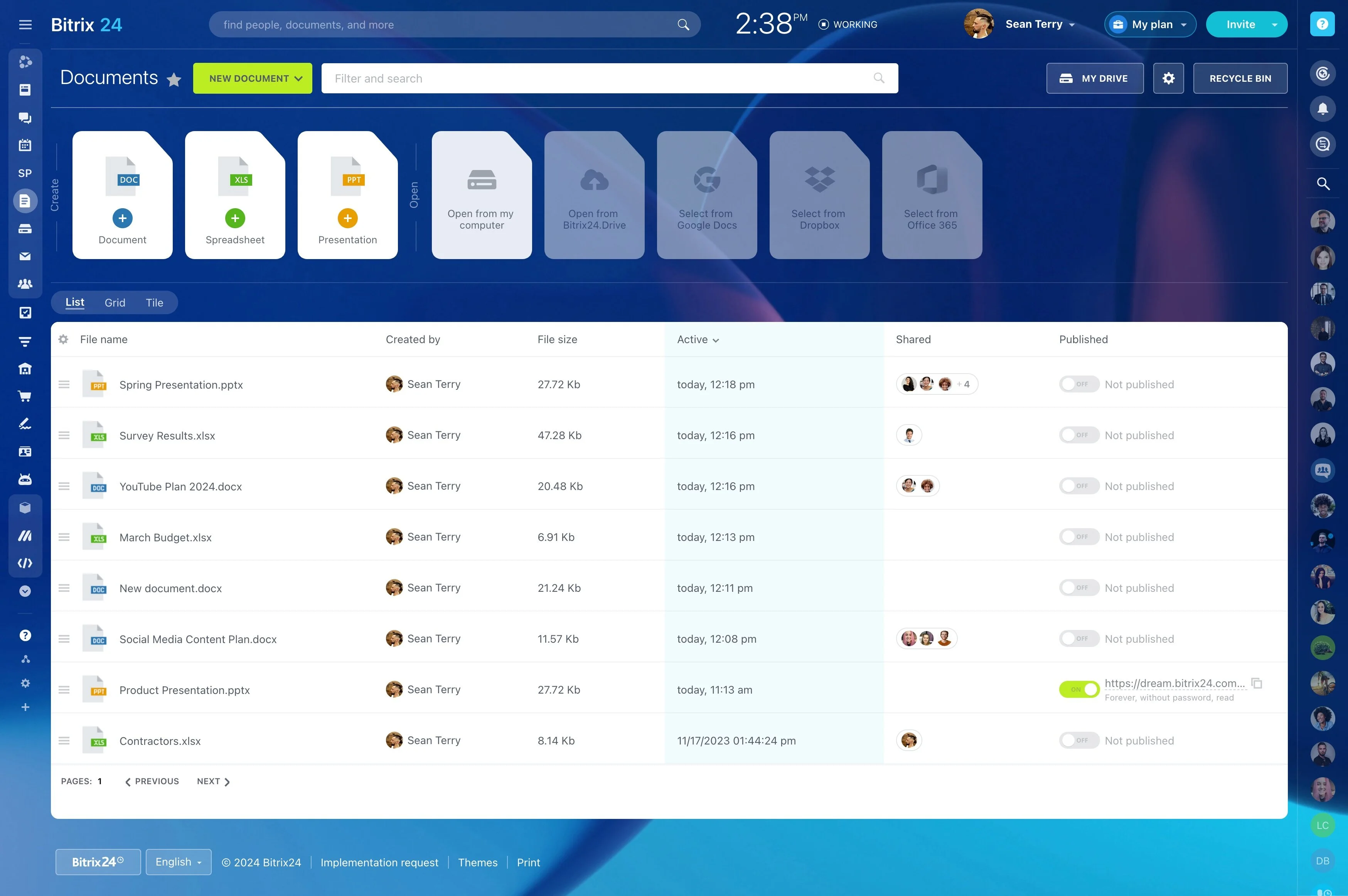
Enrollment is a sequence of small commitments, and families drop off for different reasons at each step. Map your real process into stages so staff always know what “done” means and what the next action is after each call or tour.
- New inquiry → Qualified → Tour scheduled → Tour completed
- Packet sent → Documents received → Deposit/confirmation
- Enrolled/start date set → Lost/not a fit (or Waitlist)
Record the details that drive placement decisions
To respond accurately, your record needs more than a phone number. Capture enrollment-critical details—age group/classroom, schedule needs, start-date window, and decision timeline—so anyone can pick up the conversation and give the right answer.
- Infant/toddler/preschool room needed
- Days/hours required and flexibility
- Preferred start date and waitlist notes
- Siblings and future enrollment interest
Make handoffs explicit across enrollment roles
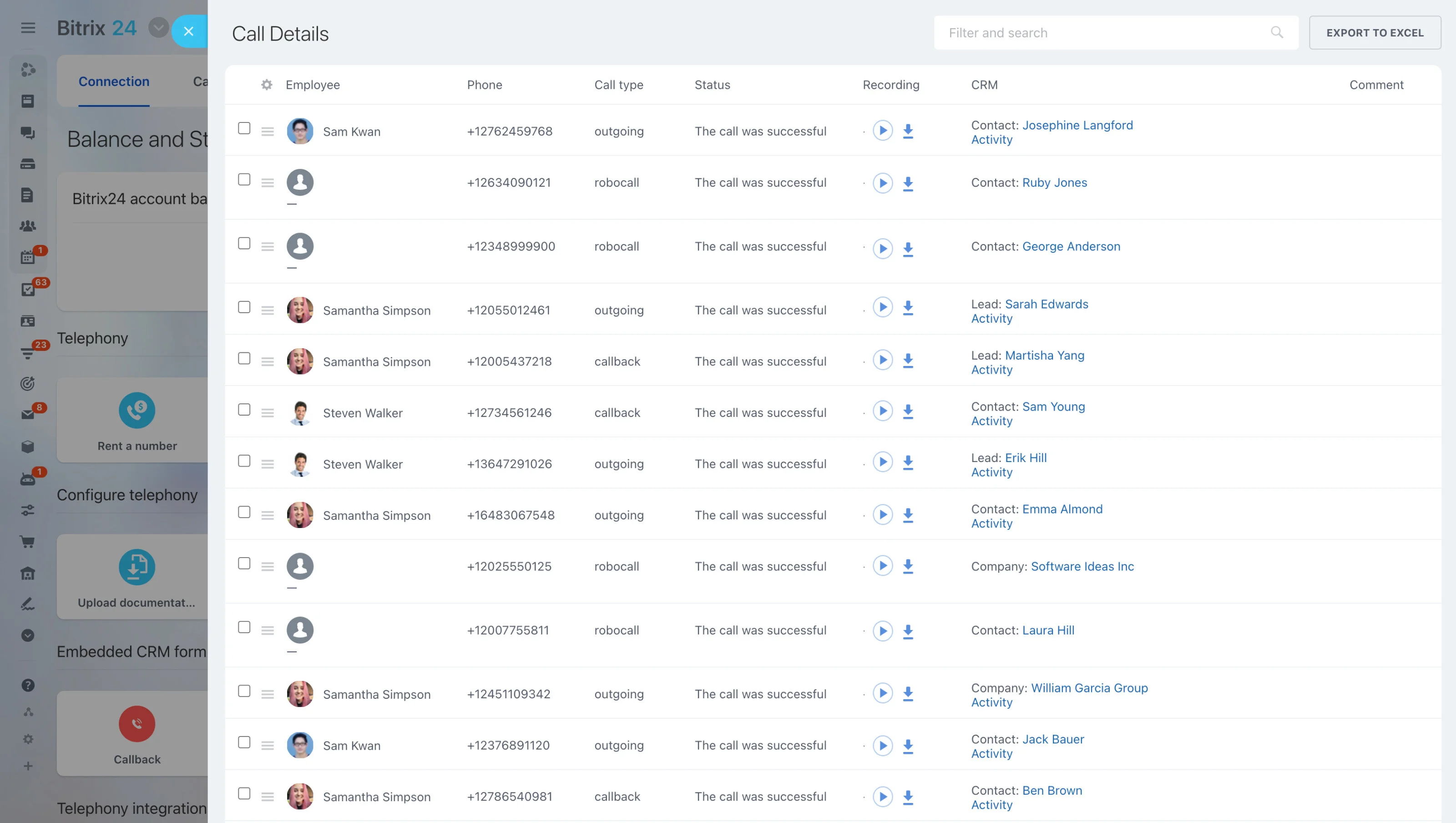
In most centers, the front desk, director/enrollment lead, and admin each handle part of the journey. Keep a single owner for the family record, but use clear assignments and notes so the next person always knows what happened and what must be done next.
- Front desk: intake and basic qualification
- Director/enrollment: tour and decision follow-up
- Admin: documents, deposit, start-date confirmation
- Classroom lead: notified once start date is set
Keep one communication history per family
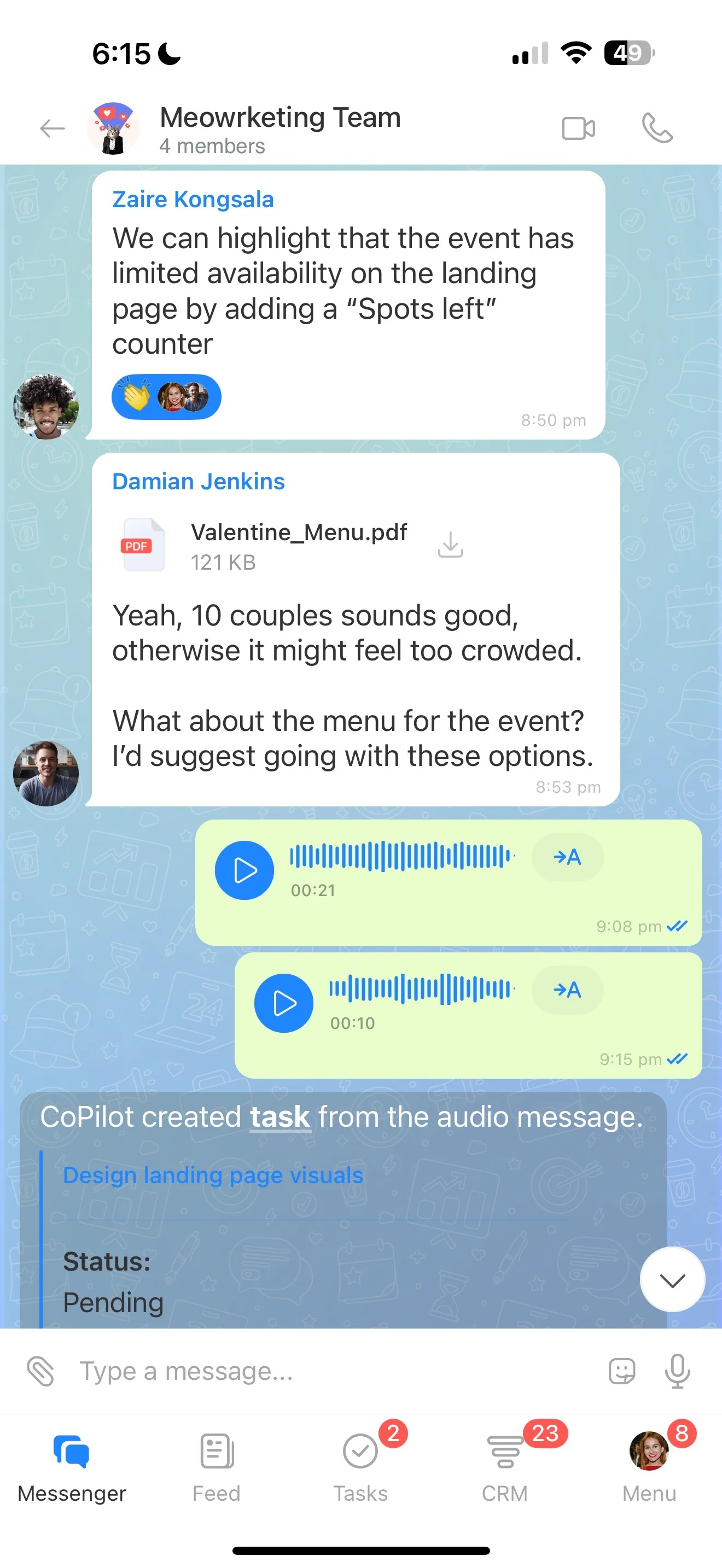
Parents often speak with more than one person before deciding. A shared timeline reduces mixed messages and makes follow-ups easier—especially after a tour or when a packet has been sent.
- Inquiry context and urgency
- Tour confirmations and reminders
- Post-tour questions and objections
- Packet delivery and follow-up dates
- Final confirmation and onboarding notes
Scenario: tour request to confirmed start date
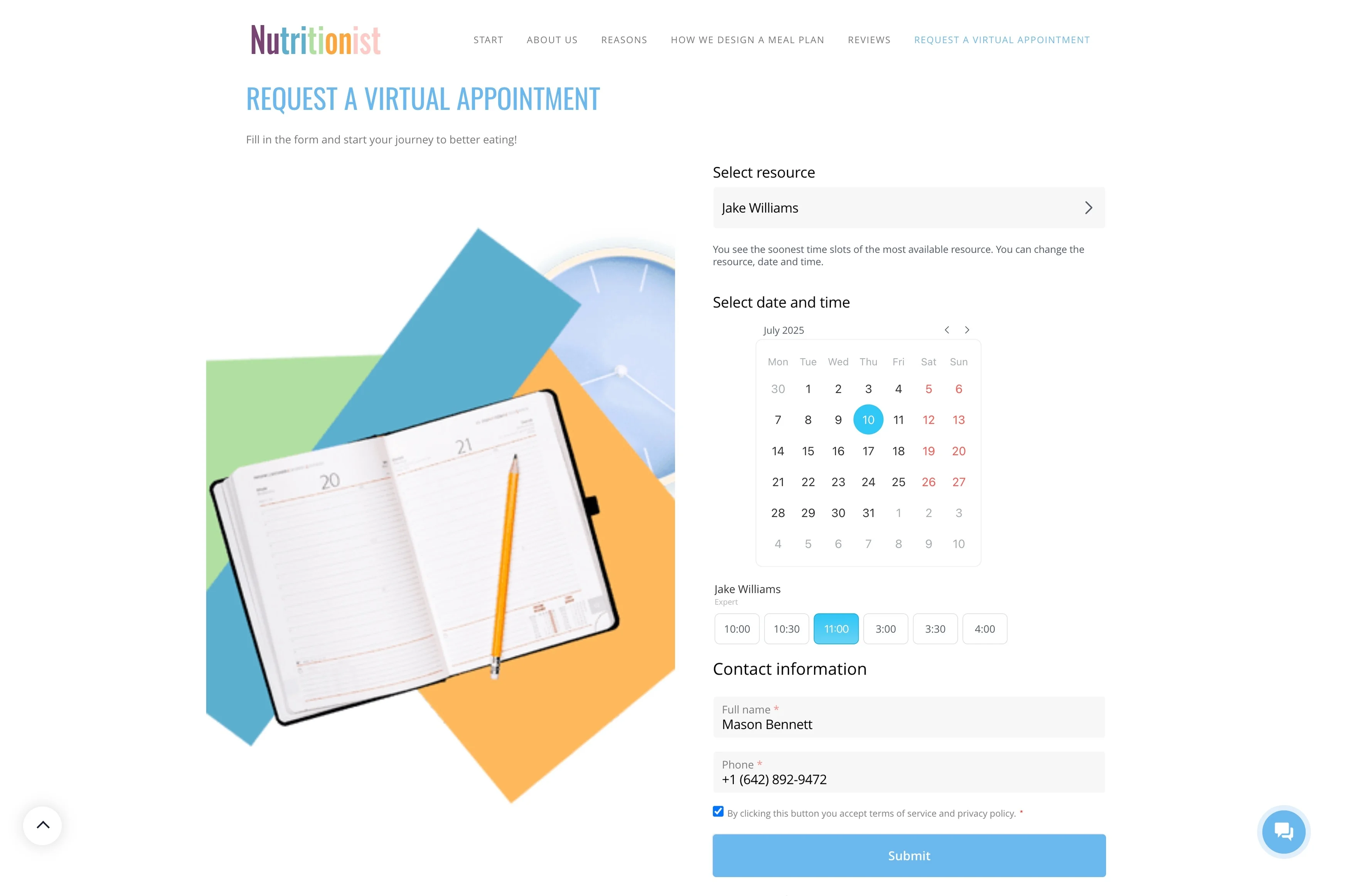
A parent inquires about a toddler spot starting in September, Monday–Friday 8:30–5:30. The front desk creates a family record, logs schedule and start-window flexibility, and moves the enrollment to Qualified; the director schedules a tour and adds the next action: “Confirm tour + send what to bring.”
After the tour, the record moves to Tour completed with notes (“needs answer within 10 days”). The enrollment lead sends the packet and updates to Packet sent, then checks off required documents as they arrive. When the deposit and final confirmation are received, the stage becomes Enrolled / start date set, with a handoff note for the classroom lead to prepare for the child’s first day.