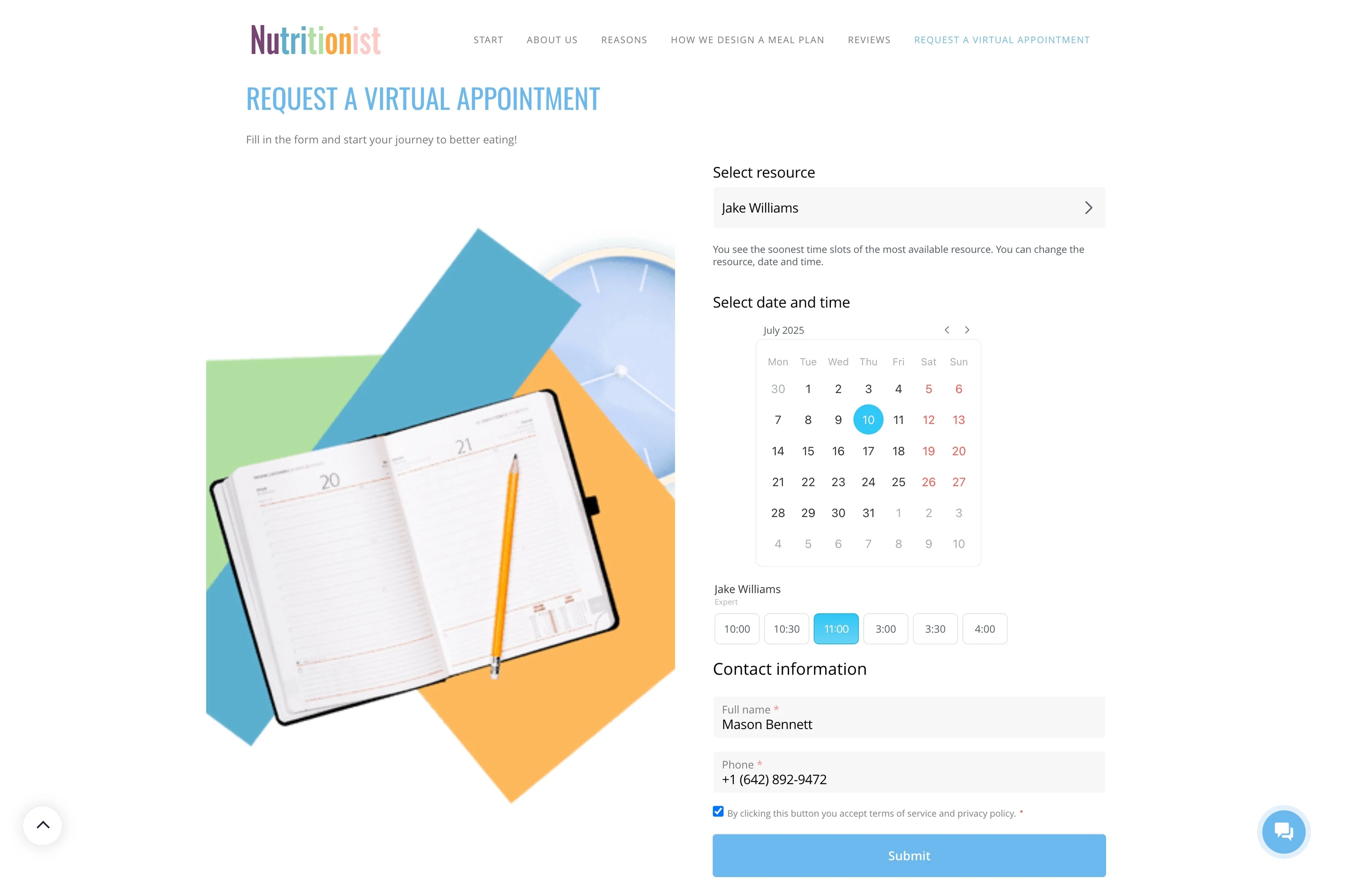
Track reservations and event inquiries from first contact to completion
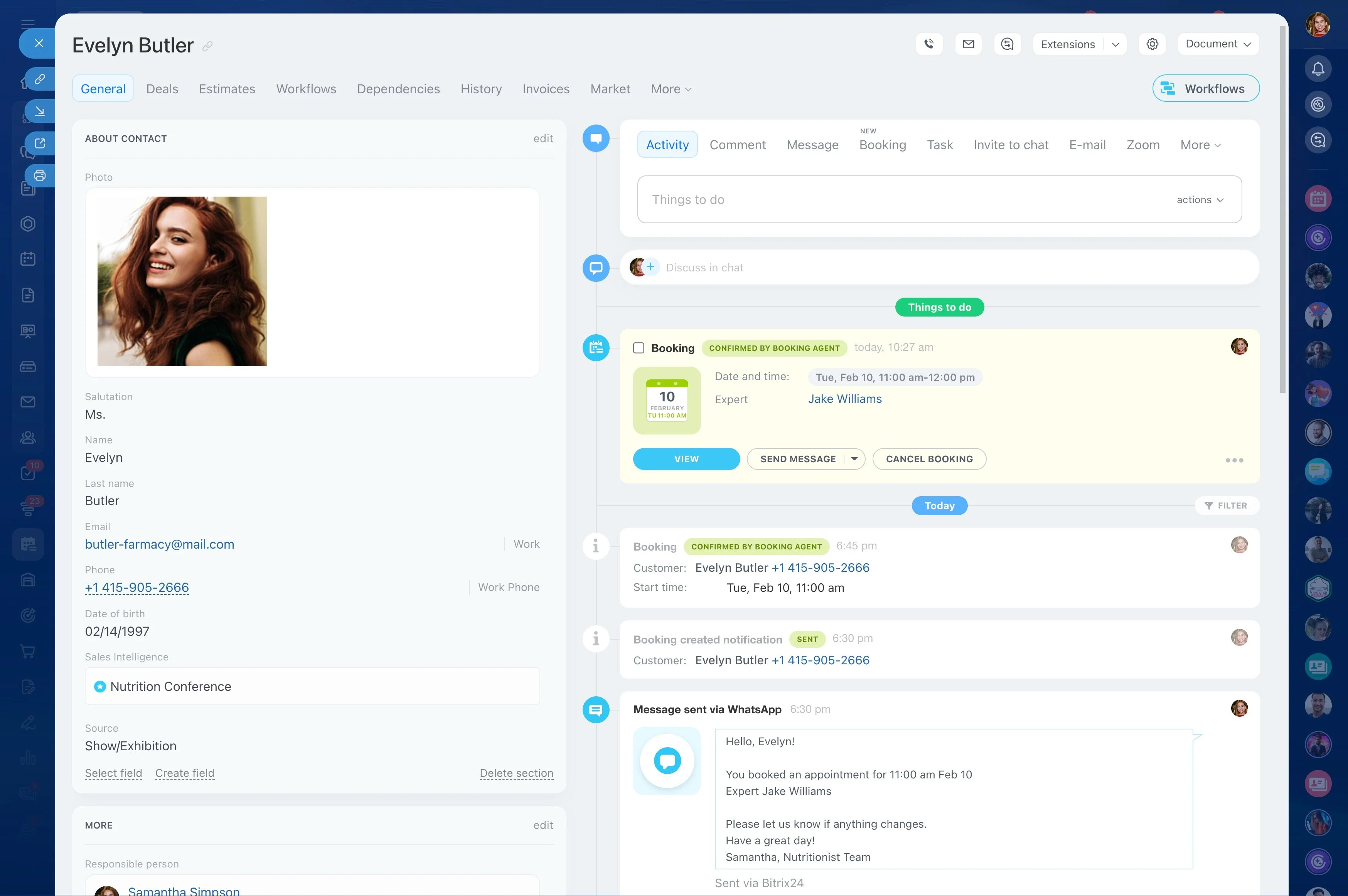
In a restaurant, the guest experience is built across multiple touchpoints: a reservation request, special seating or dietary needs, private dining questions, and the follow-up after a visit. If that context lives only in someone’s memory, it disappears the moment the shift changes.
Use Bitrix24 as CRM software for restaurants to keep each guest’s profile, history, and notes tied to the same record—so hosts, managers, and events staff can see what matters before they confirm a booking or respond to feedback. You can track reservation and event inquiries through clear stages, document decisions (like headcount, timing, and menu preferences), and run repeat-visit outreach based on real signals such as visit date, birthday month, or “special occasion” tags.
- Maintain guest profiles with preferences and visit context
- Track reservations and event inquiries from first contact to completion
- Log feedback with ownership and resolution history
- Run relevant outreach that encourages repeat visits
Log feedback, assign ownership, and document resolution
Feedback only helps when it’s acted on. Record compliments and complaints against the guest profile, assign an owner, and track what was done so the next shift doesn’t repeat the same issue.
Over time you build a reliable history—what happened, how the team responded, and how the guest reacted—which supports consistent service recovery.
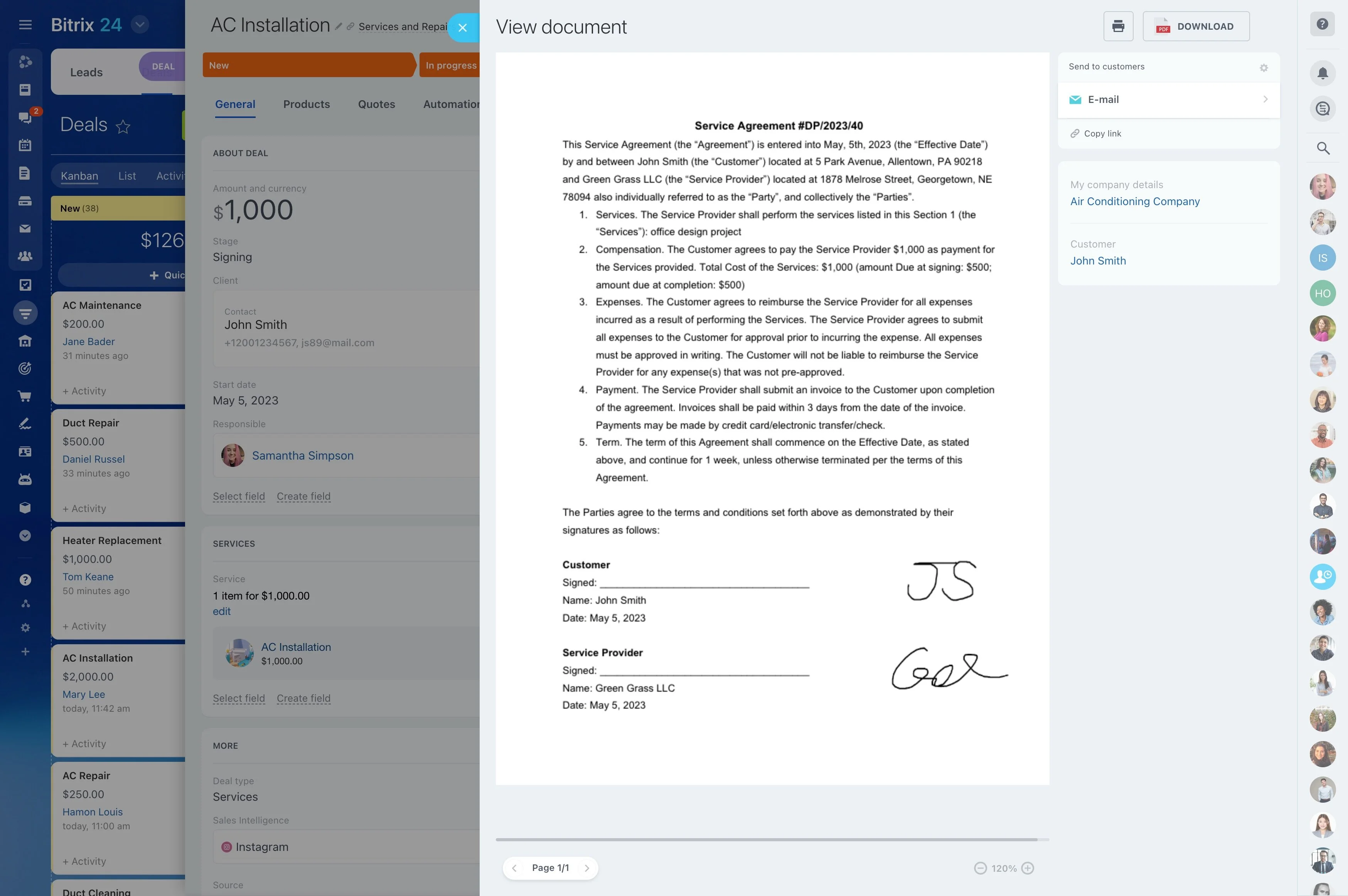
Keep the full guest lifecycle in one record
Guest relationships move fast: inquiry, confirmation, service notes, post-visit feedback, and the next reason to return. In Bitrix24, keep that context in a single guest record (and separate records for corporate contacts or event planners) so the team can pick up where the last shift left off.
Store details that change the experience—preferred seating, allergies, anniversaries, typical party size, and notes from past visits—so recognition and service recovery are consistent.
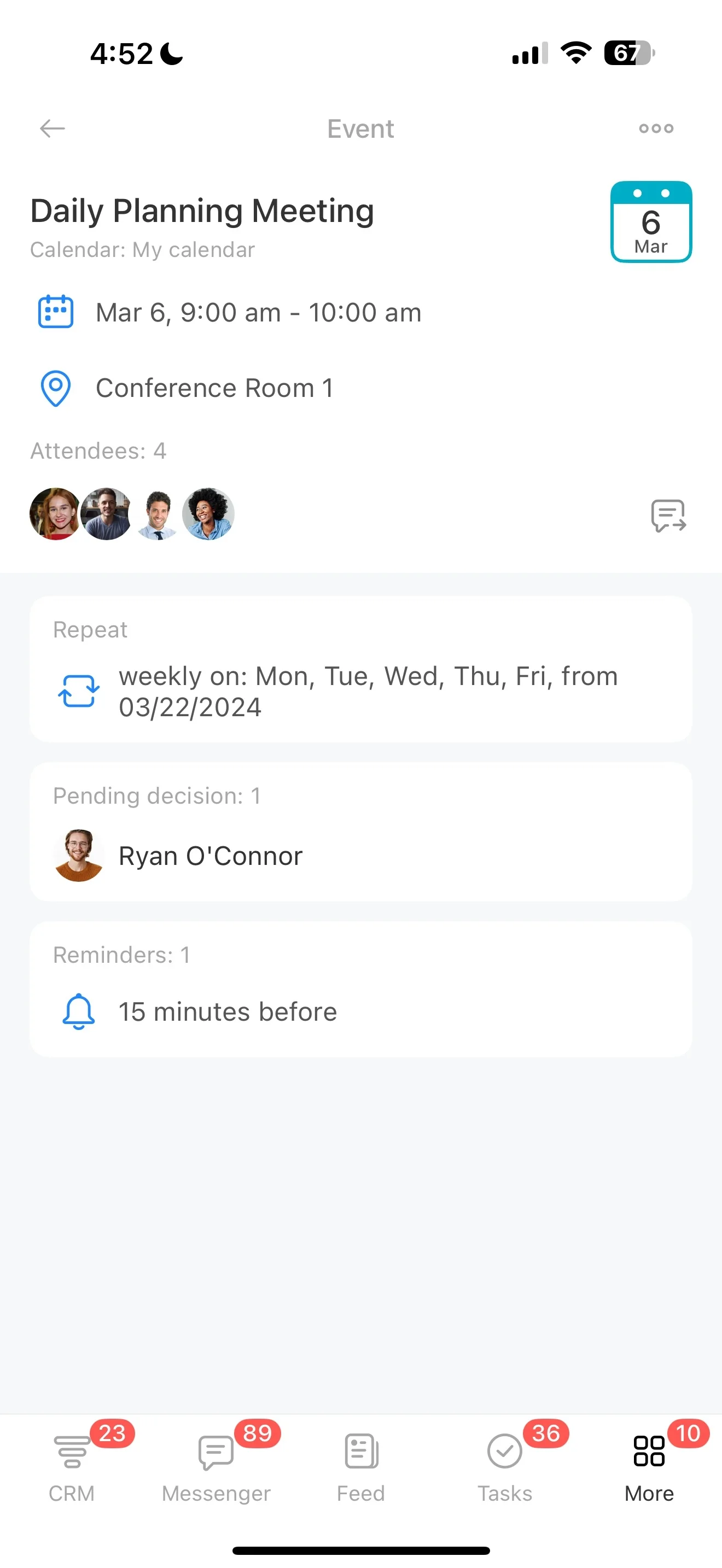
Track reservation requests with clear stages and owners
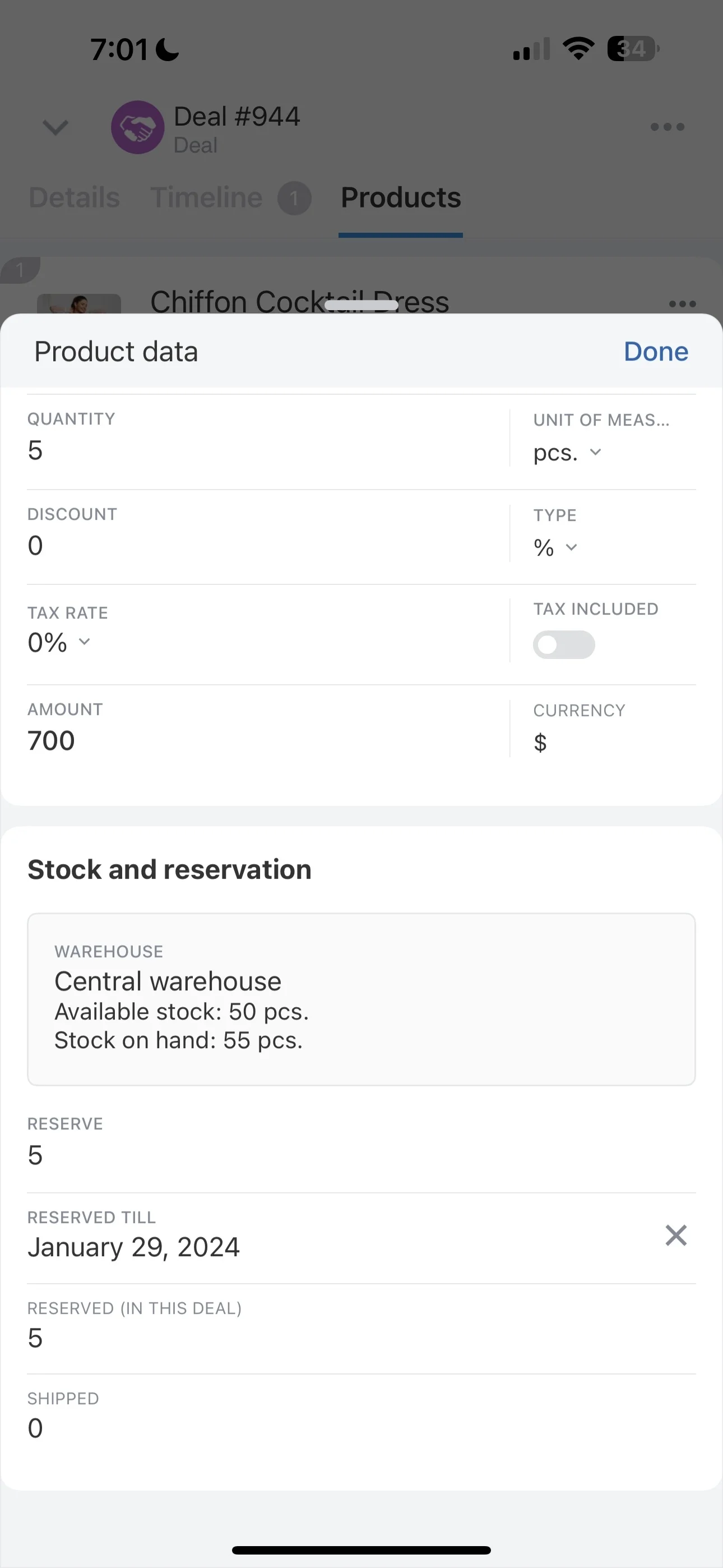
Reservations are time-sensitive, and the handoff from host stand to management needs structure. Set up a reservation pipeline such as inquiry → confirmation → special requests → day-of notes → completed visit to make ownership and next steps obvious.
Use it to capture essentials like party size changes, accessibility needs, and large-party preferences before the guest arrives.
Run private dining and events as a separate pipeline
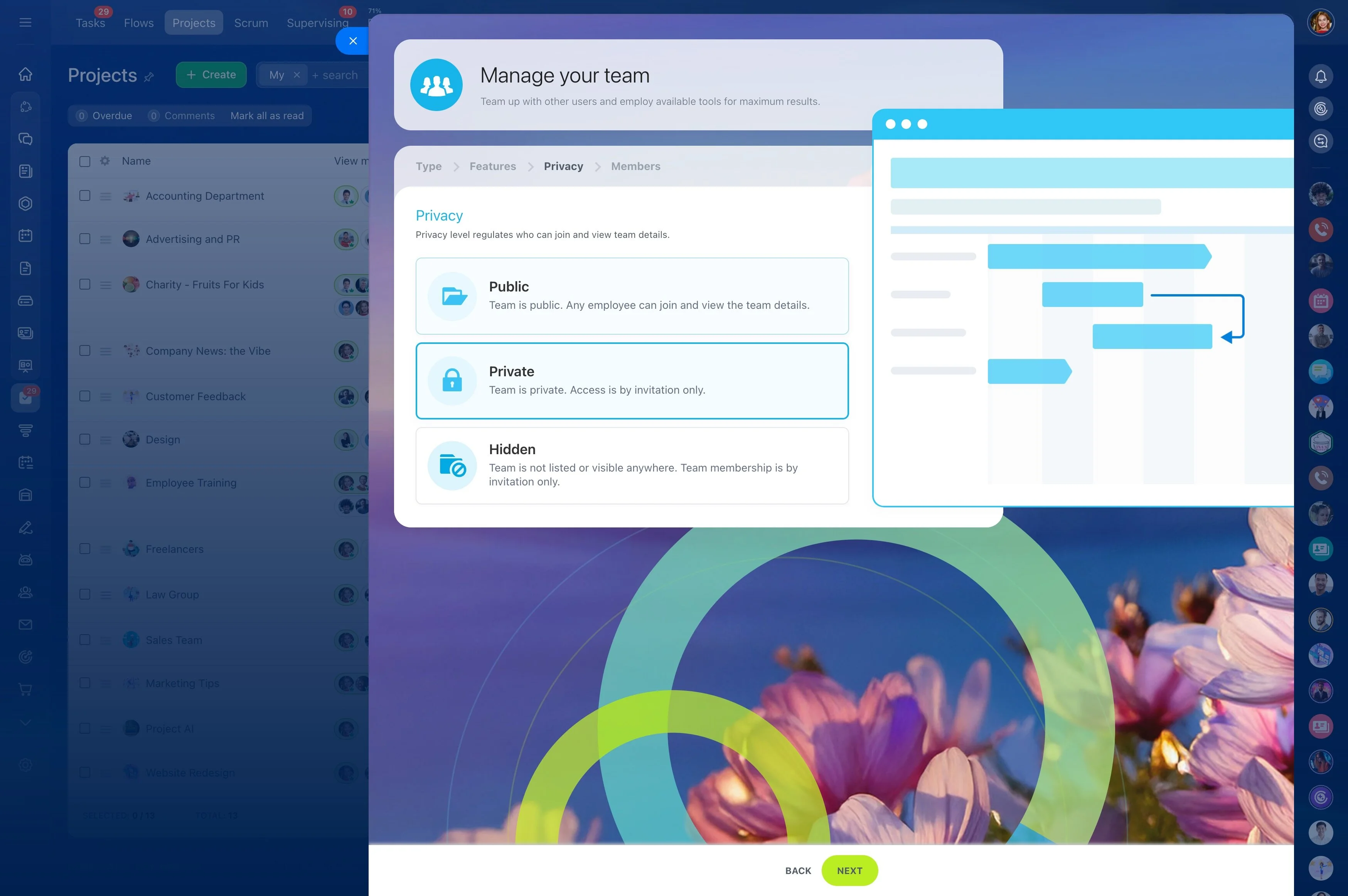
Private dining, catering, and buyouts usually require longer cycles than standard bookings. Track them as opportunities with stages like lead received → requirements gathered → proposal sent → deposit → final details → event completed.
Attach the decisions that operations depends on—headcount range, timing, menu direction, beverage packages, and AV needs—so the event lead, chef, and floor manager are working from the same brief.
Plan repeat-visit outreach from real guest signals
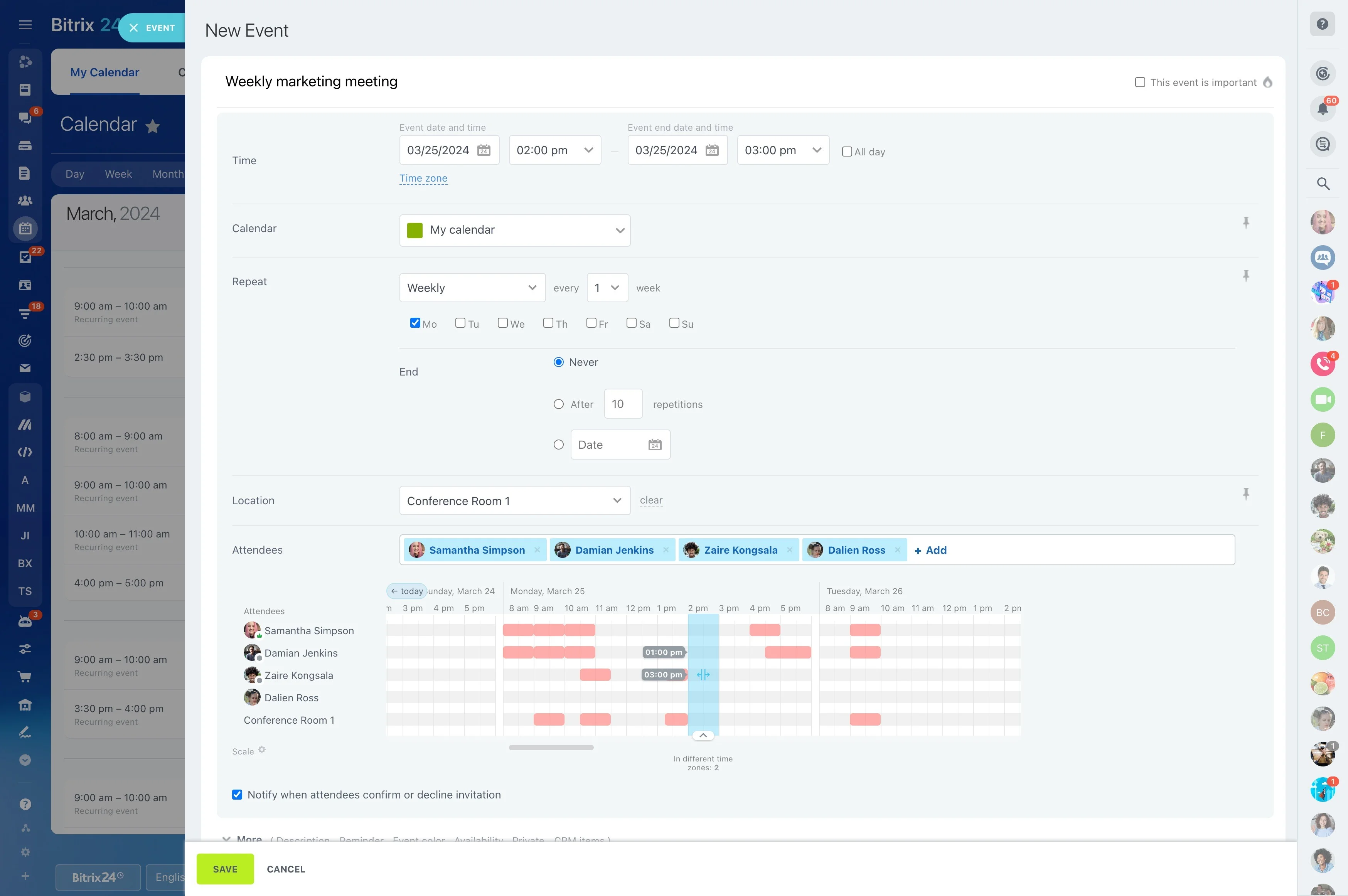
Generic blasts rarely bring diners back. Segment outreach by signals you already have—recent visit date, birthday month, favorite items, or event attendance—then tailor campaigns like “welcome back,” seasonal tasting invites, or special-occasion offers.
When messaging reflects actual history, offers feel personal and the host team can recognize returning guests with confidence.
Scenario: anniversary booking to a repeat visit
A guest calls to book an anniversary dinner for four and mentions a seafood allergy. The host creates a guest profile, notes the allergy and preferred table area, and moves the reservation from inquiry to confirmed with day-of notes for the team.
After the visit, the manager logs positive feedback and tags the guest as “special occasion.” Later, a targeted outreach to special-occasion diners invites them to a seasonal menu; when the guest books again, the host immediately sees the allergy and preferences and can deliver the same level of care.