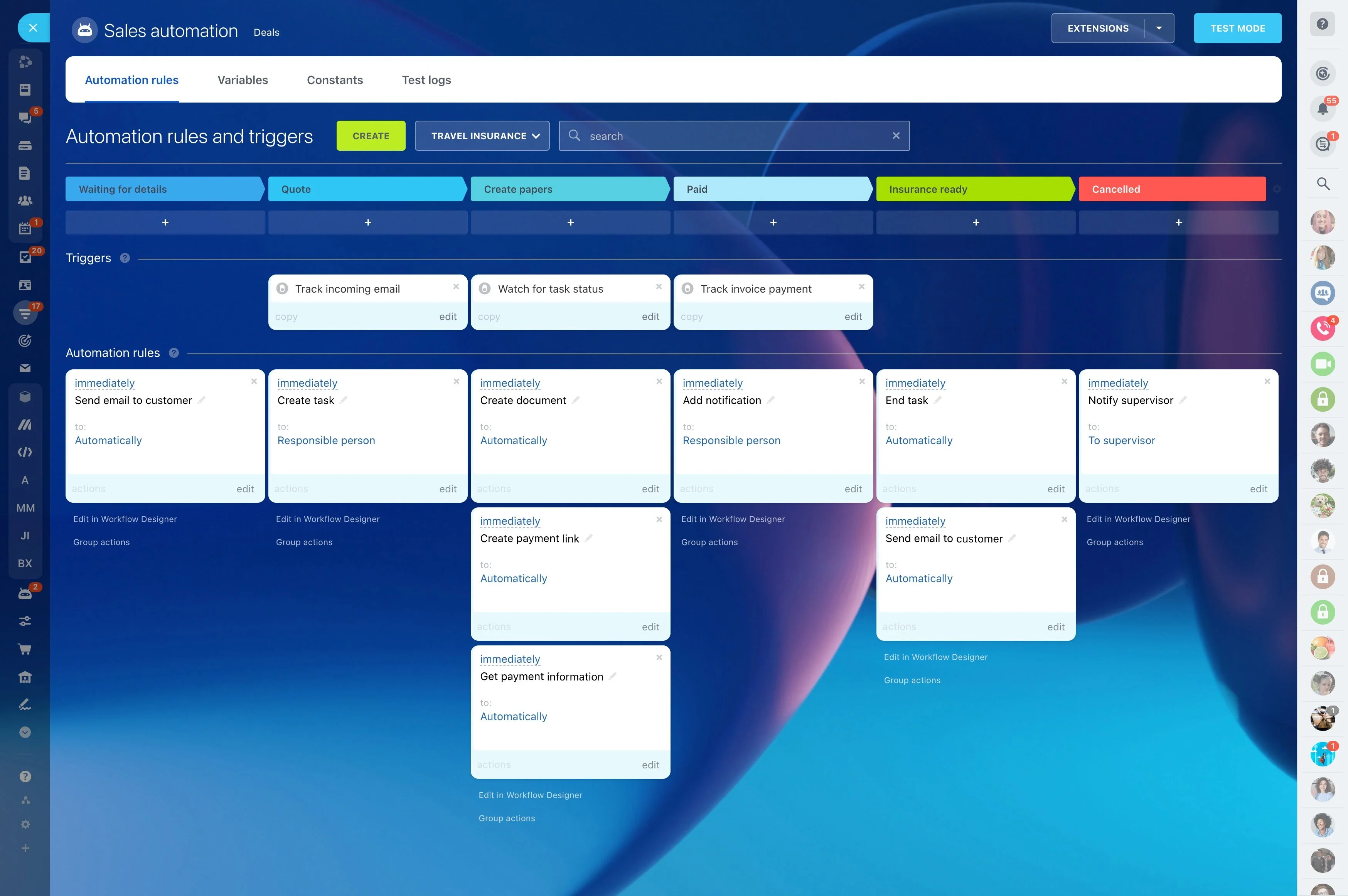
Track progress by stage and stakeholder, not just a close date
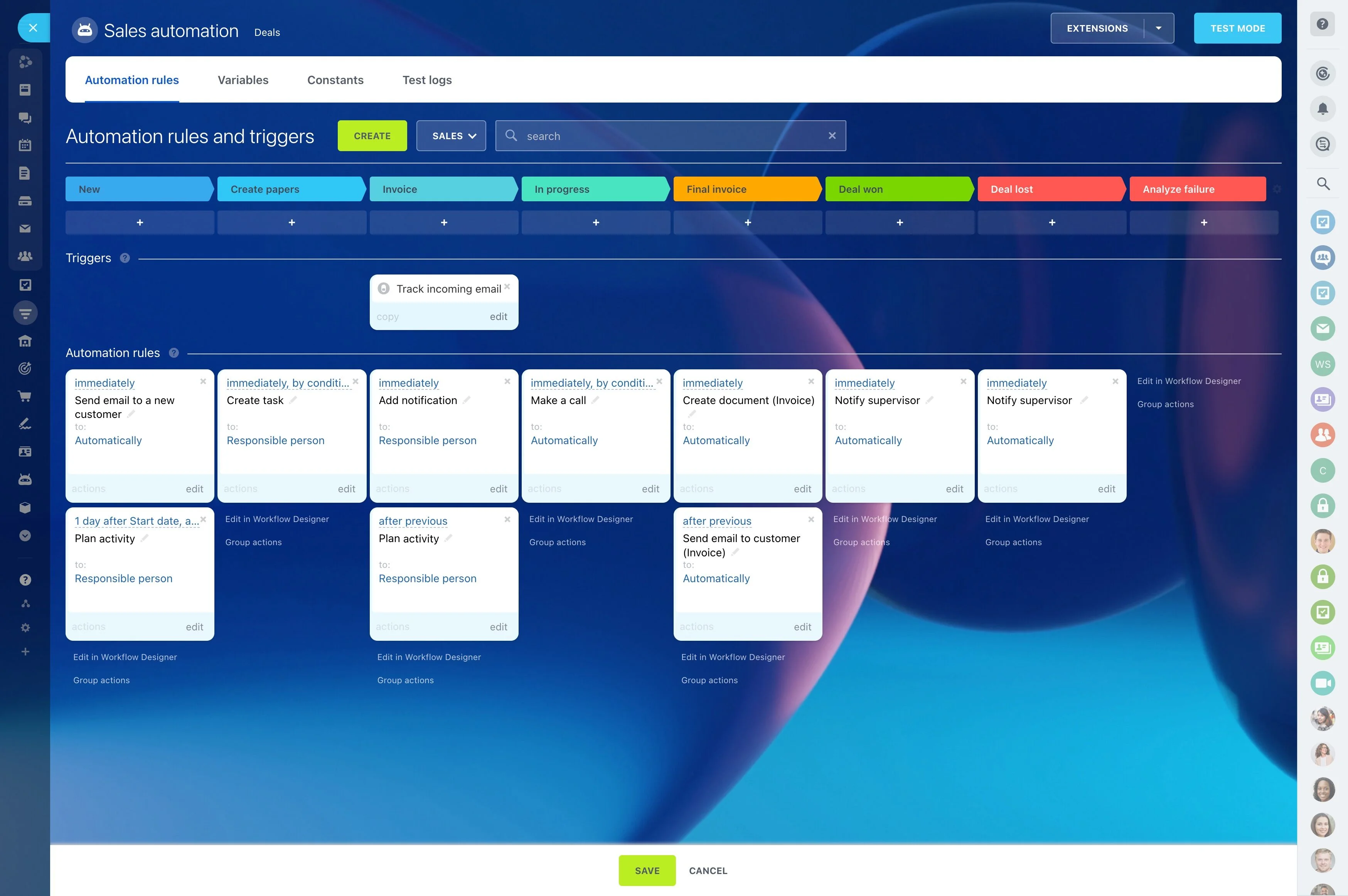
High-ticket selling is rarely linear. You’re managing a long decision cycle across multiple stakeholders, proposal iterations, internal approvals, and follow-ups that need to happen at the right time—even when several complex opportunities are moving in parallel.
Bitrix24 supports that workflow by keeping each opportunity stage-based and evidence-driven: stakeholders and communication stay attached to the deal, next steps become owned tasks, and automation can trigger reminders and handoffs when a deal enters (or sits in) a stage. The result is a close plan your whole team can execute without losing context as deals evolve.
- Track progress by stage and stakeholder, not just a close date
- Keep documents, decisions, and next actions connected to the opportunity
- Make approvals and follow-ups part of the process, not side work
Run deal reviews on proof, not optimism
Forecasting and prioritization improve when reviews focus on evidence: which stakeholders are engaged, what decision is pending, what document is under review, and what the next commitment is. Use the deal’s stage, activity history, and documented next steps to make reviews concrete.
This creates a shared language between sales, leadership, and supporting teams, grounded in what’s happening inside each opportunity.
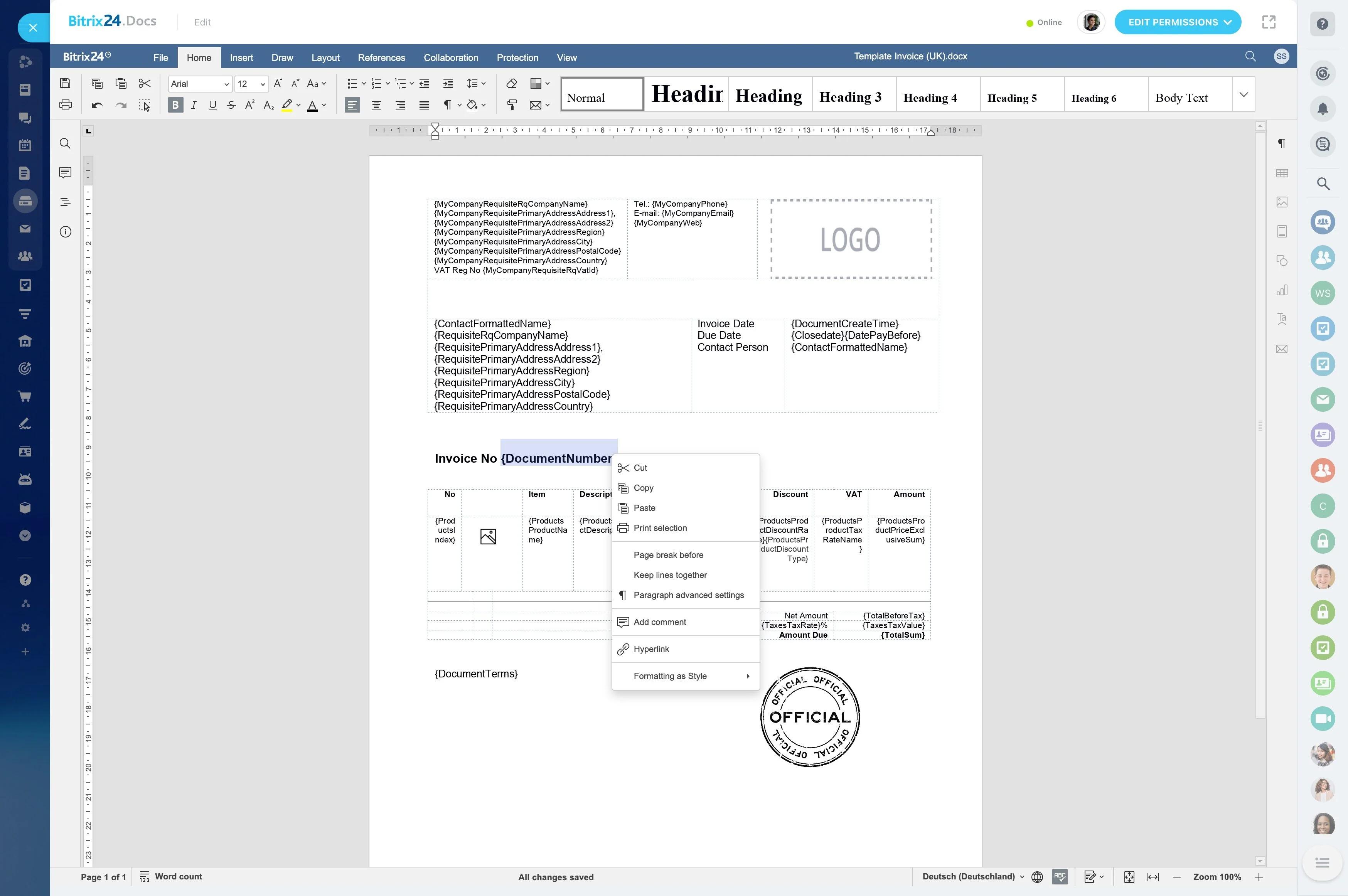
Control proposal and contract versions by deal stage
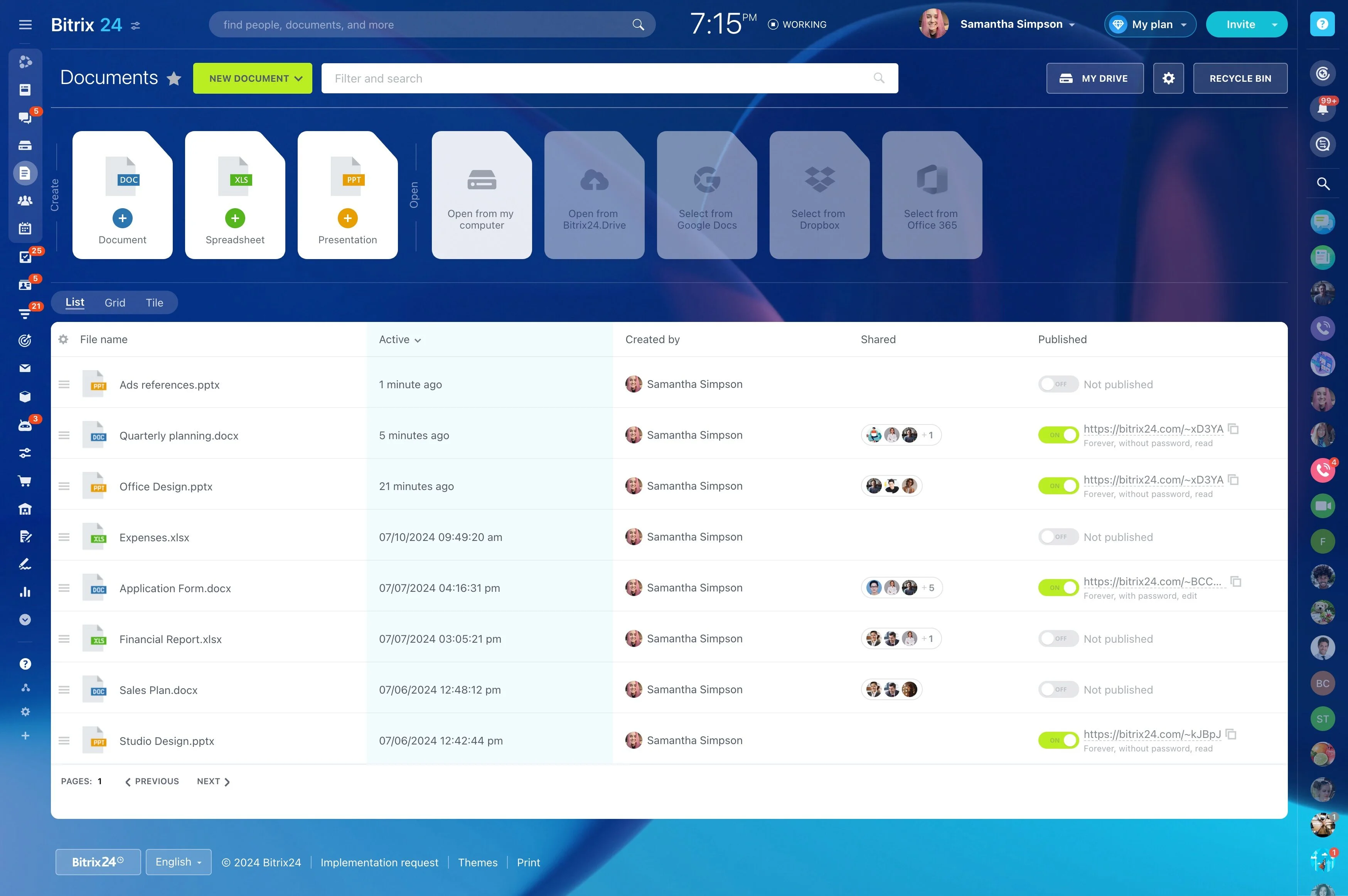
High-ticket sales usually include multiple document iterations: proposals, security questionnaires, SOWs, and redlines. Keep deal files with the opportunity so everyone works from the same current version and can reference prior drafts when decisions depend on what changed.
When a document moves from submission to revision to review, reflect that movement in the pipeline so progress isn’t hidden in email threads.
Model your real buying path in CRM stages
High-ticket deals often move through discovery, solution alignment, business case, proposal, legal/procurement, and final approval—with loops and rework between steps. Configure stages around the way your opportunities actually progress so the pipeline reflects what it takes to advance.
Define what “done” means for each stage (required outcomes, documents, and internal handoffs) so the next step is clear for every deal owner.
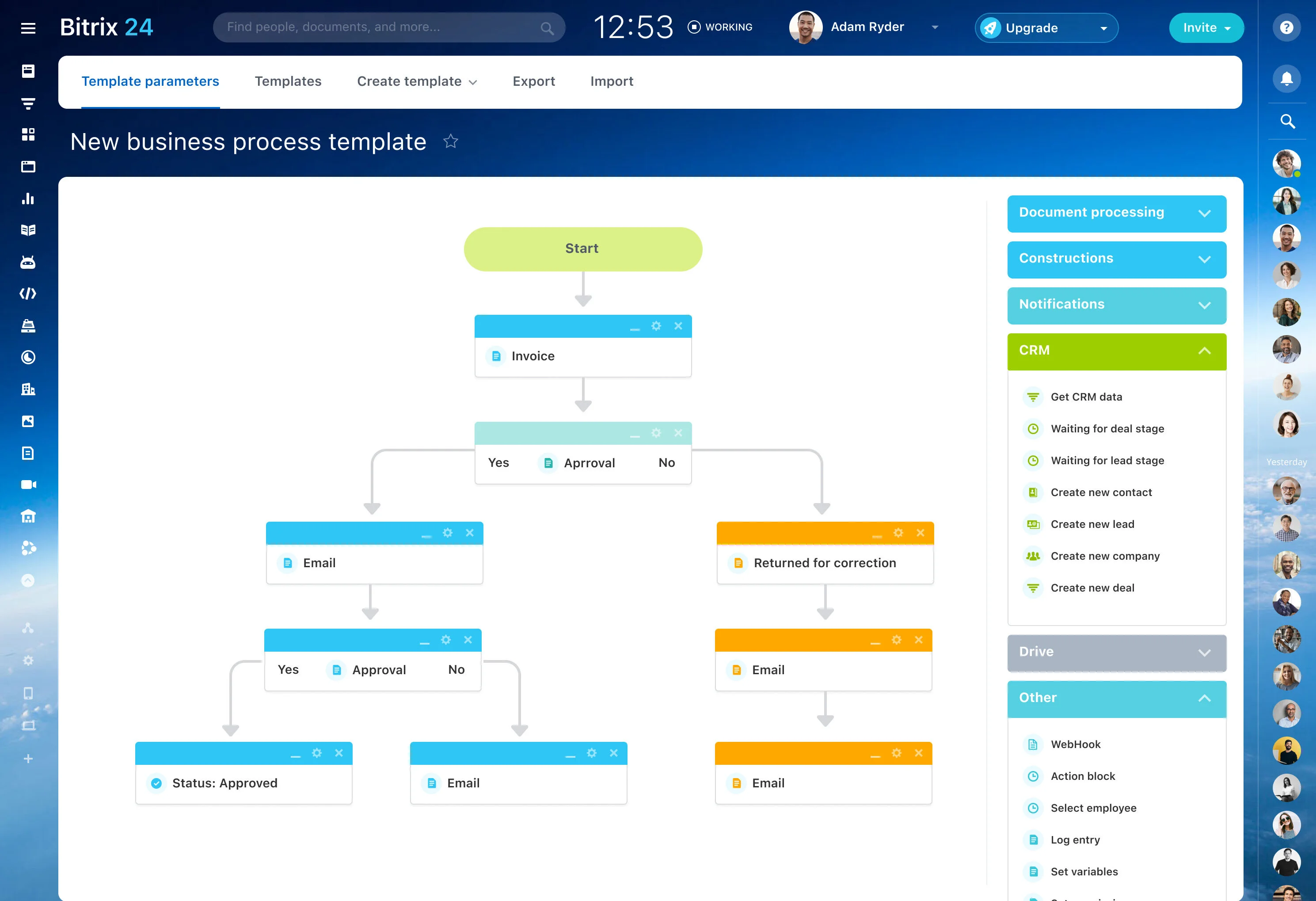
Track buying-committee roles on one opportunity
One account can include a champion, economic buyer, technical reviewers, procurement, legal, and an executive sponsor. Keep those stakeholders tied to the same deal so the team can see who influences the decision, what each person needs, and what’s still pending.
This makes outreach easier to plan by role and reduces surprises caused by a missing approver late in the cycle.
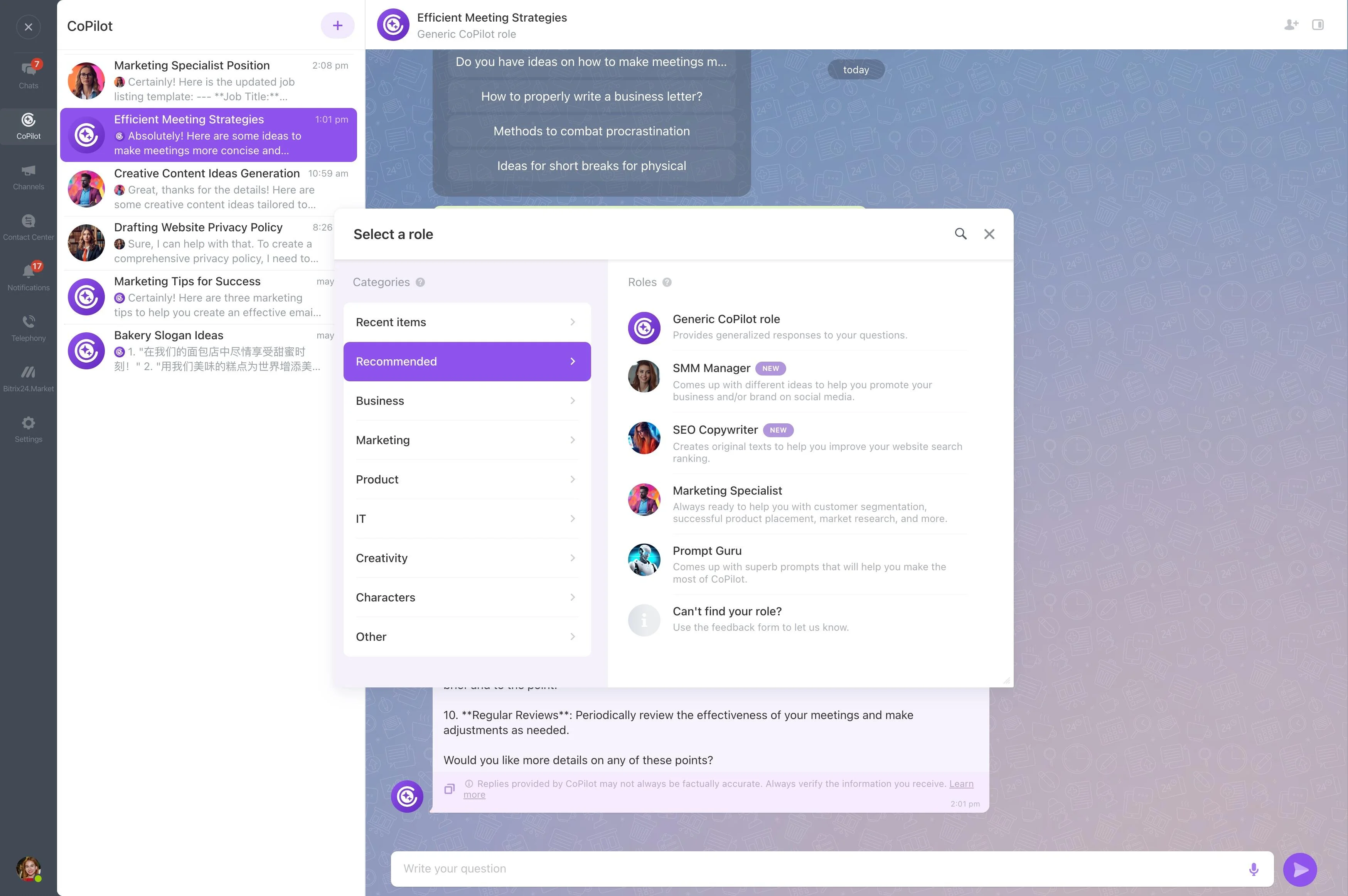
Keep deal communication tied to the record
When a cycle runs for months, context is easy to lose—especially when sales engineers or leadership join midstream. Log communication against the deal so the team can quickly see commitments, objections, open questions, and the next promised touchpoint.
With a consistent history in the opportunity, handoffs become safer and follow-ups stay aligned with what was actually agreed.
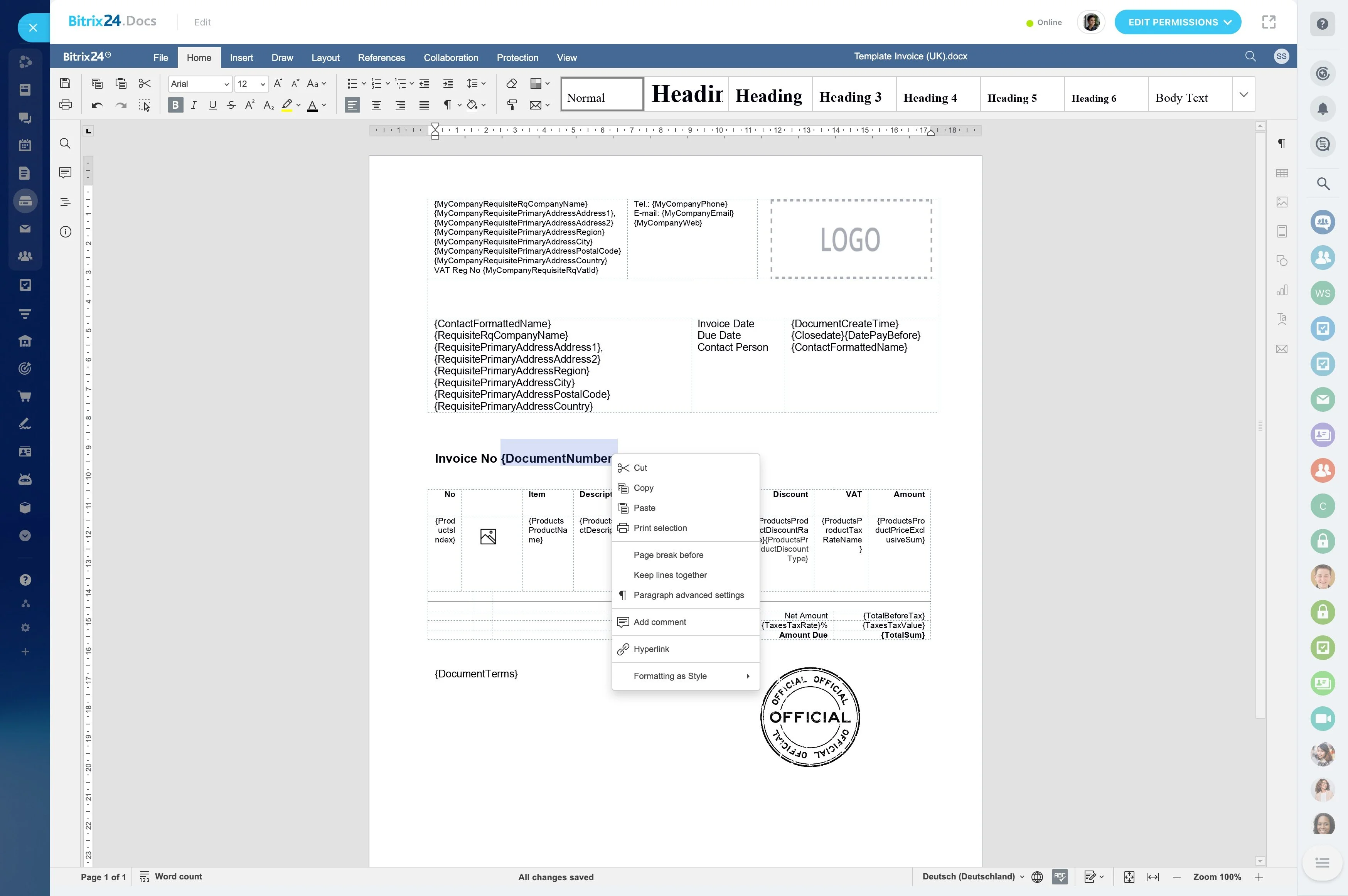
Convert next steps into owned, dated work
Complex deals stall when “next steps” aren’t explicit: schedule a workshop, deliver a revised scope, confirm budget sign-off, prepare an executive readout. Create tasks from the deal and assign owners and due dates so forward motion doesn’t depend on personal reminders.
This is especially helpful when the close plan spans multiple roles (AE, SDR, SE, finance, leadership) with parallel responsibilities.
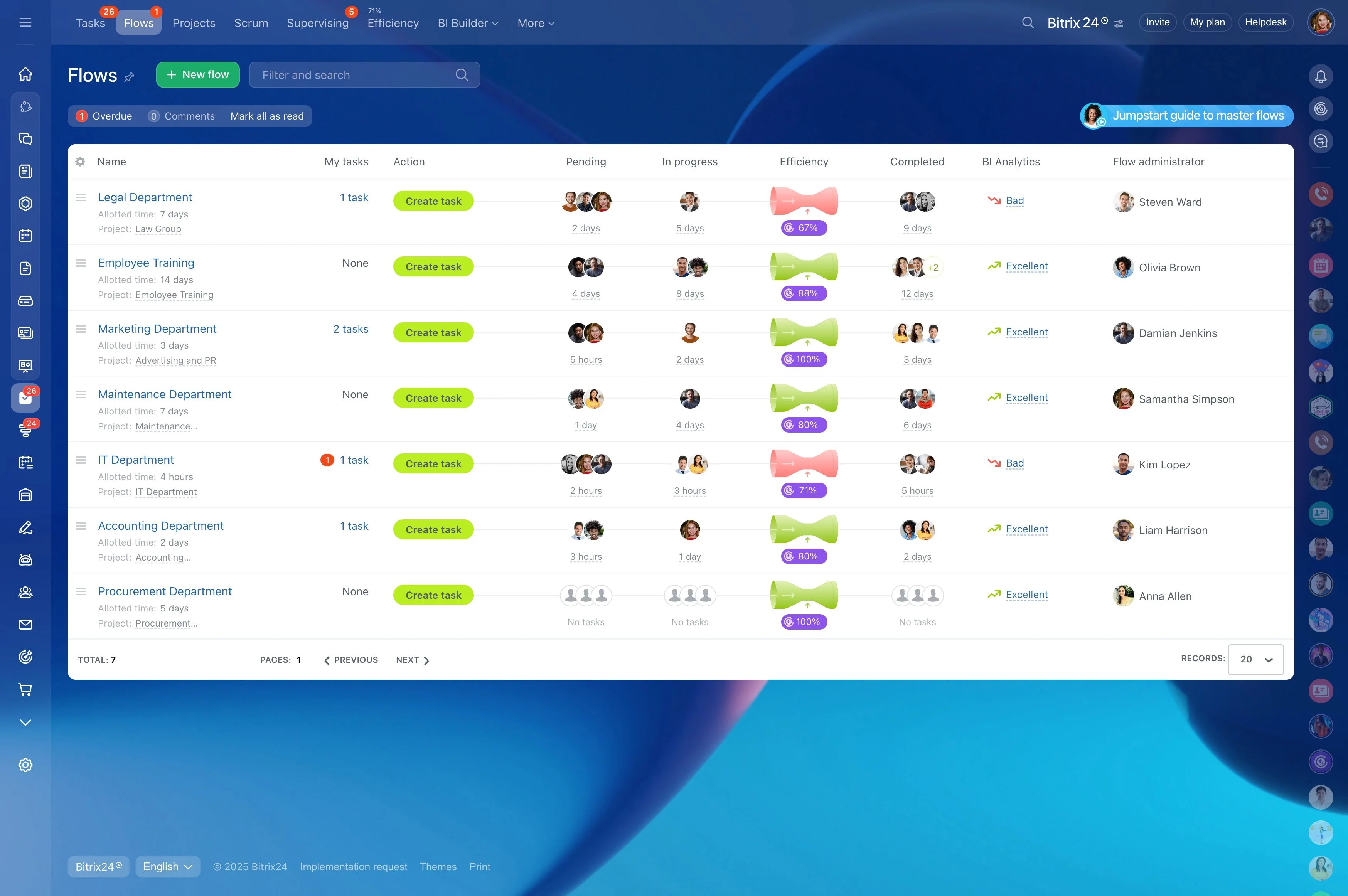
Standardize approvals, reminders, and handoffs with automation
Many steps in high-ticket sales are repeatable: discount approvals, pricing review, contract routing, stakeholder follow-ups, and nudges when a deal sits too long in a stage. Use CRM automation to trigger the right reminders and handoffs at the right point in the pipeline.
That consistency protects the process while leaving negotiation and relationship work in human hands.