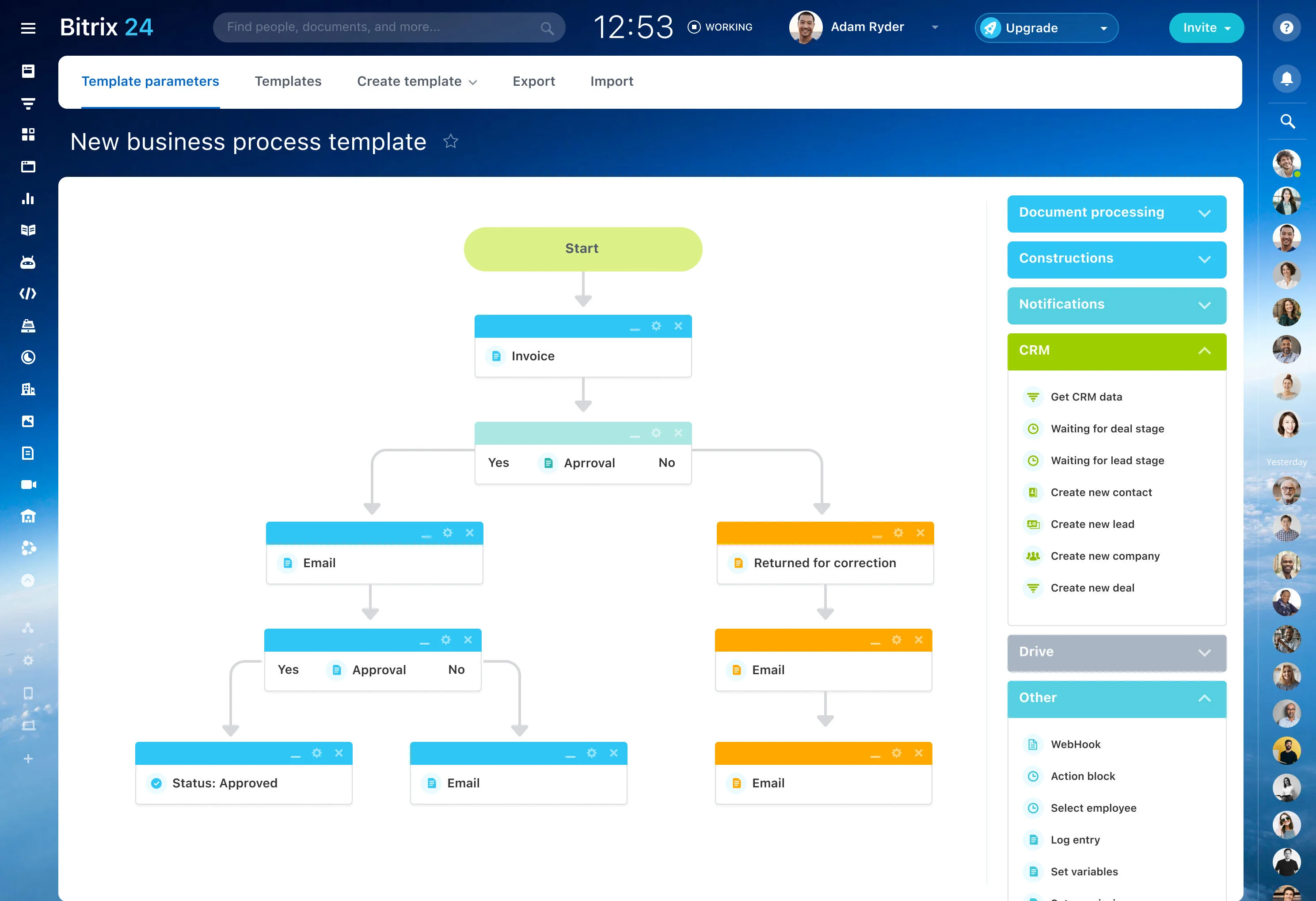
When a project plan lives in rows and columns, important work can be difficult to follow as tasks change hands and dates move. Moving from spreadsheets to project management software gives the team a structured place for tasks, owners, deadlines, and progress.
Bitrix24 supports the transition by bringing project information into a task and project workflow. You can organize existing work, assign responsible people, set due dates, and choose views that fit the way the team reviews the plan. The aim is to turn each useful spreadsheet row into an actionable piece of project work.
Turn spreadsheet dates into due dates
Move planned dates into task deadlines that owners can use when organizing daily work. Review each date with the responsible person, especially where the spreadsheet contains old or approximate target dates.
For sequential work, use the project plan to clarify which tasks should come first and which dates depend on earlier steps. This keeps the schedule connected to the work rather than treating dates as static cells.
Prepare the spreadsheet for migration
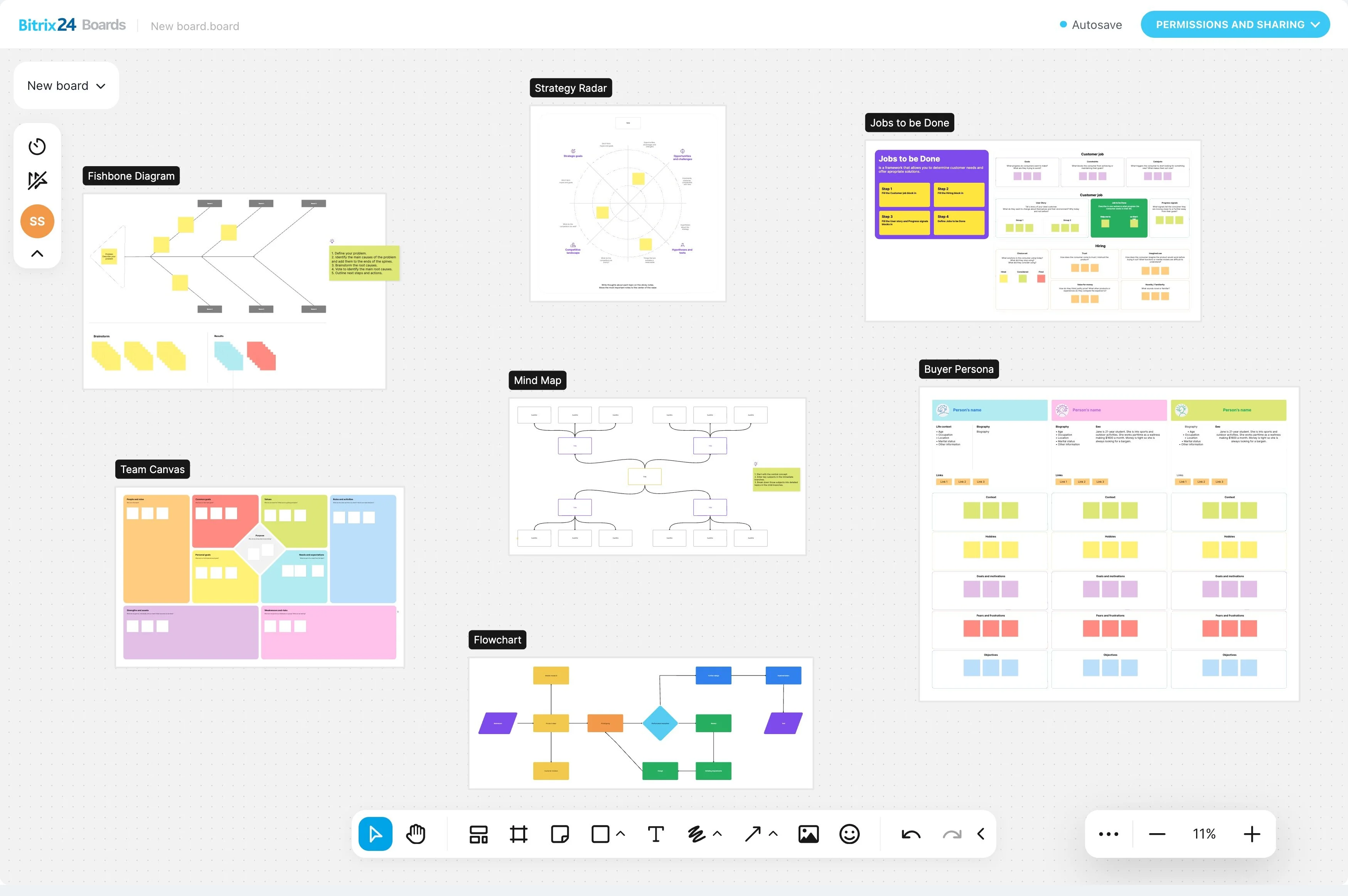
Begin by separating active work from historical rows and deciding which columns contain task details. Identify the task name, responsible person, deadline, status, and notes that the team still needs. Standardize names, dates, and status values before moving the project so the new structure is easier to review.
- Keep active tasks distinct from archived work.
- Check that every task has an owner.
- Resolve inconsistent dates and status labels.
Convert rows into actionable tasks
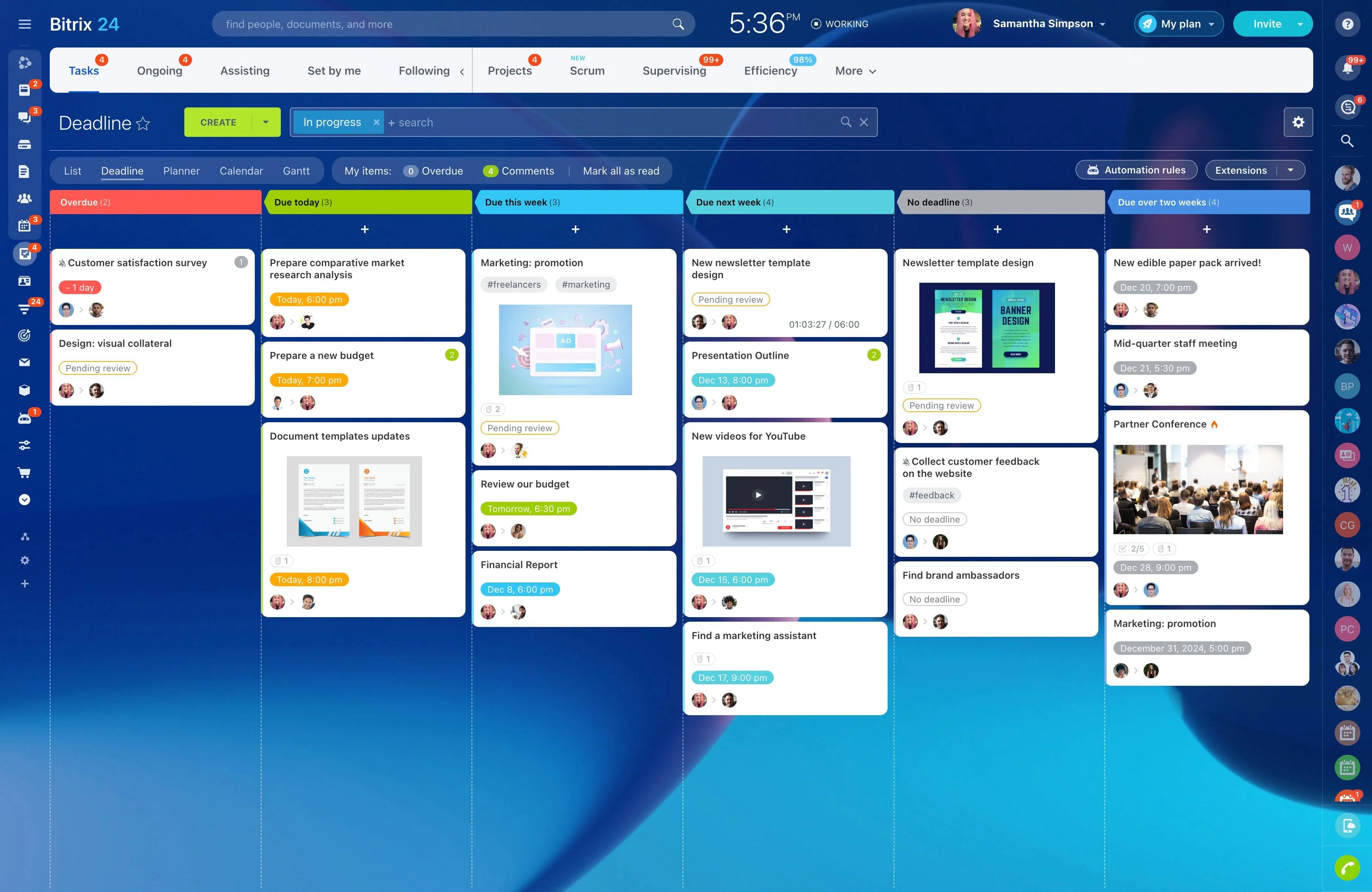
Each relevant spreadsheet row should become a task with a clear subject, responsible person, deadline, and project context. Use the existing sheet as the starting point, then fill gaps that could prevent the owner from acting.
A structured task makes the expected outcome clearer than a row whose meaning depends on column order, formatting, or team knowledge.

Give every task a responsible owner
Assigning an owner turns a project list into work that someone is expected to move forward. Map names or initials from the spreadsheet to the people responsible for each task, and keep related tasks within the same project context.
This makes handoffs easier to review. Team members can identify their work directly, while project leads can check responsibility without interpreting color codes or informal spreadsheet conventions.
Select views for planning and execution
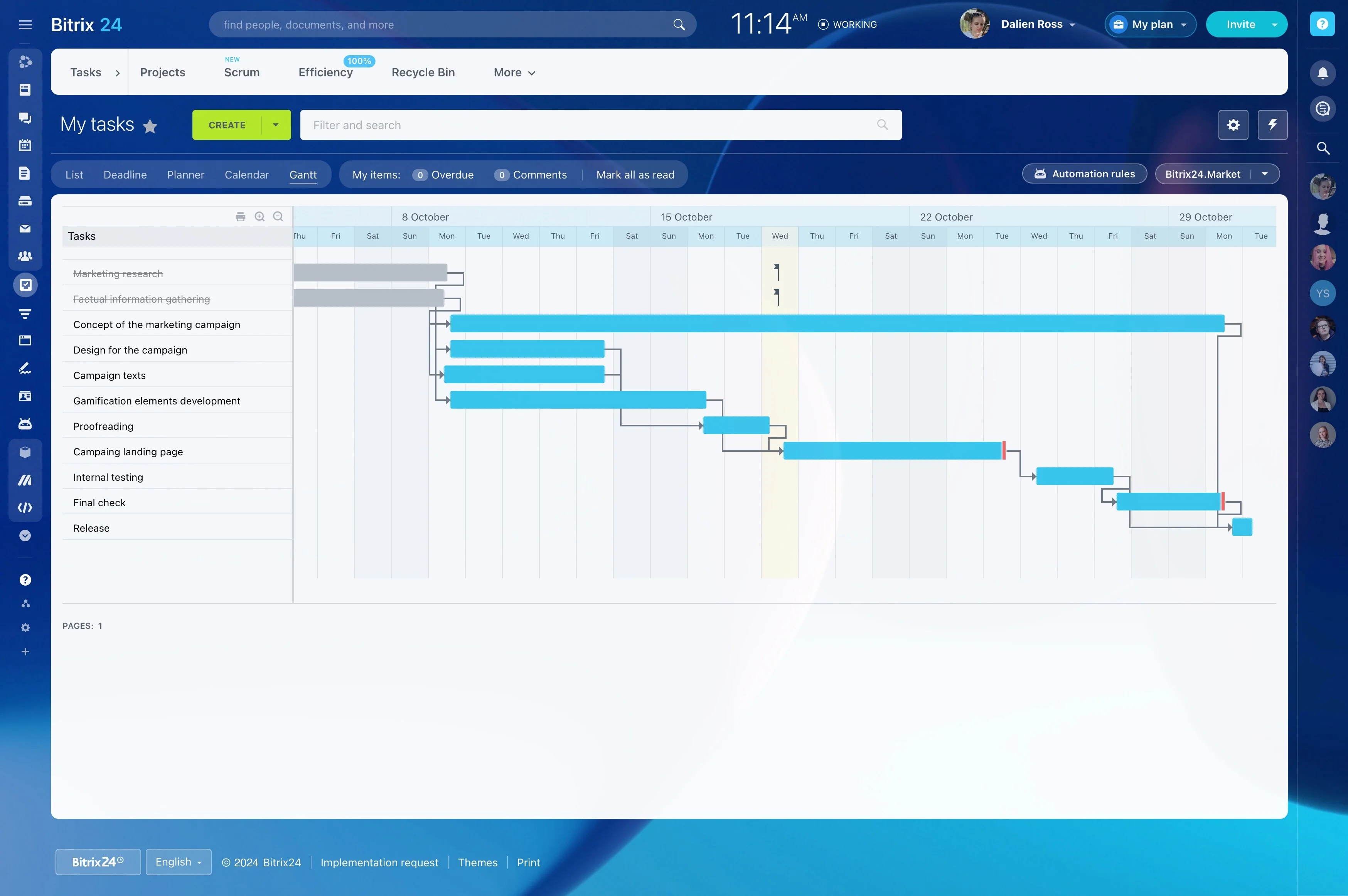
The same project can need different views at different moments. A task list can support daily execution, while a broader project view can help leads review timing, ownership, and progress across the plan.
Choose the view according to the decision being made: what needs attention today, which work is approaching its deadline, or how the project is progressing overall. This makes the imported plan easier to use than a wide sheet with manually maintained formatting.
Check the new project before switching over
Compare the structured project with the original spreadsheet before making it the working record. Confirm that active rows became the right tasks, owners are correct, deadlines are usable, and important notes or context remain available.
- Review active tasks with their owners.
- Confirm dates and statuses.
- Ask the team to test the workflow on current work.
Keep the spreadsheet for reference during the transition, then make updates in the project workspace.