The 10 Innovative Tools for Landing Page Creation that Will Empower Your Marketing


Choosing a landing page builder is a workflow decision more than a software one. You'll judge these ten tools on their editors, because that's what demos show, but the editor is rarely what breaks.
What breaks is the form that stops syncing to your CRM, the template six people edited out of consistency, the reporting you can't trust because two campaigns counted conversions differently.
The real question isn't which builder is nicest to use. It's which one fits how your team launches, approves, and measures campaigns once more than one person and more than one campaign are in play.
This piece compares ten tools on that basis, with a framework for matching the choice to whichever bottleneck is actually slowing you down.
What marketing teams should evaluate before switching landing page tools
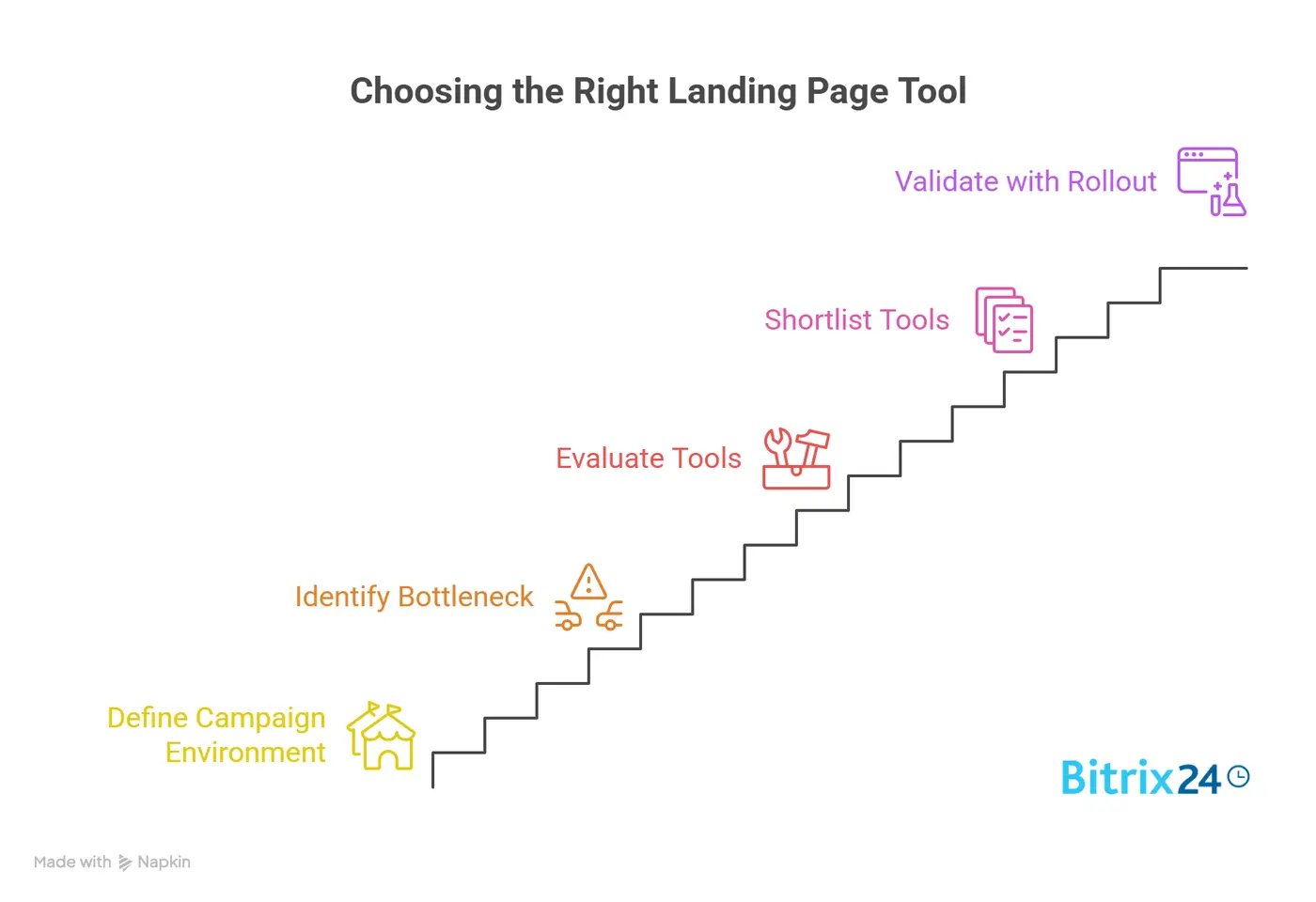
Before comparing vendors, teams need to define the environment the tool has to support.
Volume and traffic
A company producing 10 paid campaign pages per quarter has very different requirements than a business launching localized pages weekly across product lines and regions.
Lightweight systems often feel fine at low output and become messy once templates, approvals, and reporting multiply. High-traffic campaigns add pressure on page speed and analytics consistency.
Research from Portent found that a page loading in 1 second converts at 3x the rate of one loading in 5 seconds, so for paid campaigns running meaningful spend, that gap matters.
Stakeholders and localization
If page creation involves demand gen, design, compliance, product marketing, and regional teams, collaboration and governance quickly become more important than editor simplicity. Teams managing multiple languages or regional variants also need reusable structures and controlled duplication, not a rebuild from scratch for every locale.
Operational constraints
Map these before evaluating any tool:
- Who builds pages day to day, and who approves them before launch
- How analytics and conversion tracking are implemented
- How forms sync with CRM and marketing automation
- How paid media parameters and attribution are managed
- What level of design governance is required
The success metric that actually matters
Some teams need to cut launch time from weeks to days. Others already launch quickly but need better testing discipline. Some want to remove developer dependency entirely.
Teams that can't define the operational result they want tend to overvalue demos and undervalue day-to-day fit.
Common workflow problems with traditional or lightweight landing page builders
Simple landing page builders often work well early on because they reduce friction. One marketer can duplicate a page, swap copy, add a form, and launch. The problem appears when more people, more campaigns, and more exceptions enter the process.
Brand consistency breaks down first
Teams duplicate old pages because it's faster than using a standard template, and then each version drifts. Fonts, spacing, CTA styles, legal language, and mobile behavior start varying across campaigns. Design teams either become bottlenecks again or lose visibility into what's being published in their name.
A regional marketing team, for example, might inherit a campaign template from HQ, make "small" localization edits, and inadvertently strip out a required legal disclaimer or change the form field configuration. It's a common failure pattern when template governance is light, not a hypothetical.
Collaboration breaks down next
Lightweight tools may support editing, but not a structured handoff between campaign managers, designers, and approvers. Comments get handled in email or chat, versions are hard to track, and last-minute changes create publishing risk. Once multiple marketers are building simultaneously, operational discipline matters more than the editor's initial ease of use.
Reporting becomes unreliable at scale
If pages are scattered across subaccounts, duplicated manually, or instrumented inconsistently, performance analysis becomes unreliable. Teams can't compare conversion rates across campaigns because naming conventions, events, and form mappings differ. Asset reuse suffers too: instead of maintaining a small set of governed templates, teams rebuild blocks repeatedly.
This is why businesses outgrow some tools even if the pages themselves still look fine. A builder that suits a solo marketer running a few paid campaigns can become a liability once the organization adds experimentation, compliance review, regional teams, or multiple brands.
Landing Page Build Brief Template: Copy, Layout, Launch
Enter your email address to get a comprehensive, step-by-step guide

A practical framework for comparing landing page creation tools
A useful evaluation starts with business criteria, not design demos. Five criteria matter most:
|
Criterion |
What to assess |
|---|---|
|
Page production speed |
Time from brief to published page using approved templates |
|
Template governance |
Can teams standardize layouts, lock elements, and reuse sections without constant manual checks? |
|
Experimentation support |
Does the tool make it easy to run variant tests repeatedly, not just build one page? These aren't always the same strength. |
|
Collaboration model |
Does the platform support multi-person workflows, review cycles, and distributed teams? |
|
Integration depth |
Not just whether integrations exist, but whether data flows reliably into CRM, analytics, and ad systems |
Technical factors deserve equal weight alongside these. Page performance directly hurts paid traffic efficiency. Analytics reliability matters because a high-converting page is hard to optimize if attribution and event tracking are inconsistent. Personalization can be valuable, but only if the team can operationalize it against actual data sources.
Before shortlisting tools, separate must-haves from extras:
- Must-haves: dependable publishing, usable templates, accurate tracking, integration with core systems, acceptable page speed, clear ownership
- Nice-to-haves: advanced personalization, extensive animation, niche widgets, highly granular design freedom, edge-case integrations
That distinction keeps teams from buying complexity they'll never use, or choosing a visually impressive platform that fails in daily campaign operations.
10 Landing page tools and where each one fits best
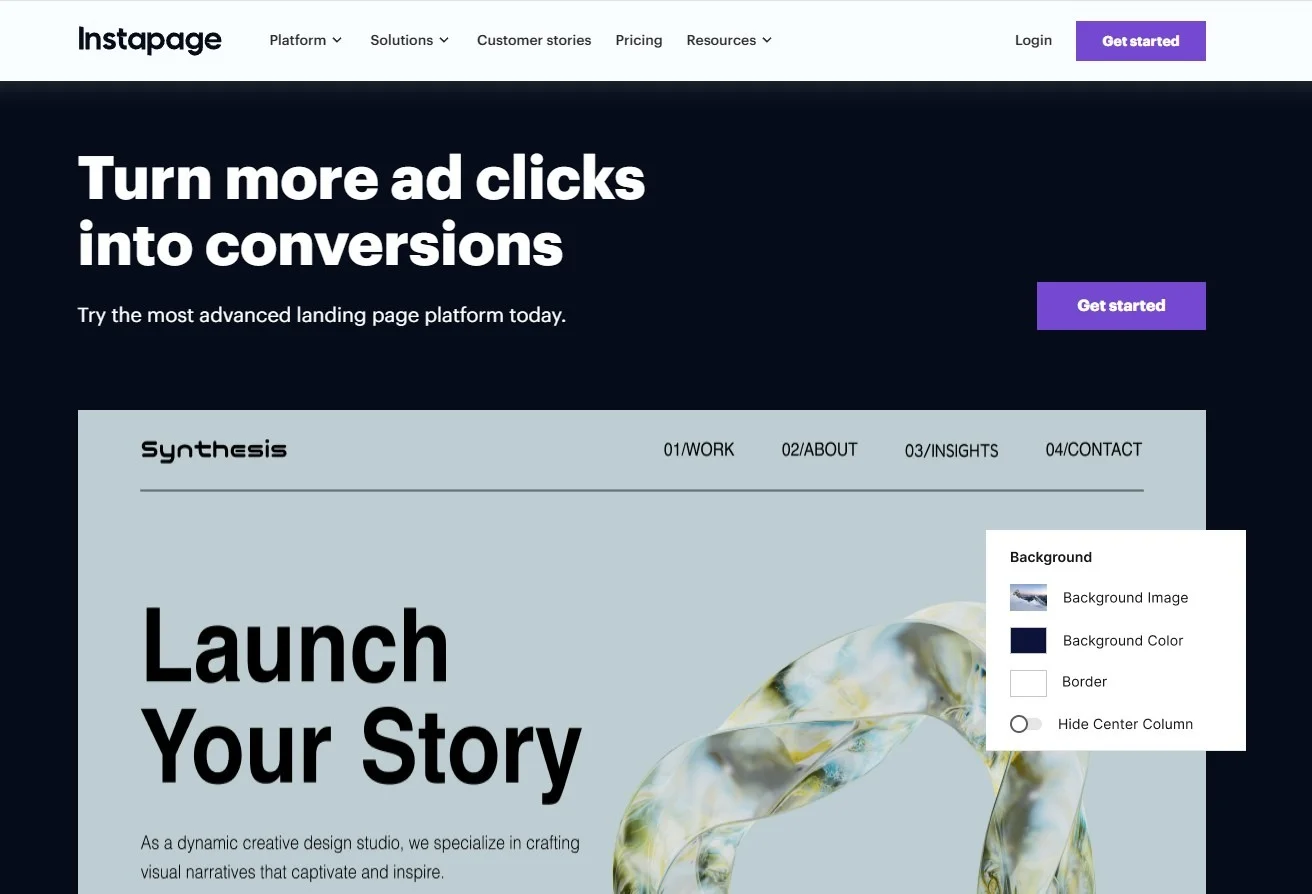
Unbounce
Strong for paid acquisition programs that need dedicated pages, rapid deployment, and testing-oriented workflows. Less ideal when landing pages need to be managed as part of a larger content ecosystem or under stricter enterprise governance.
Instapage
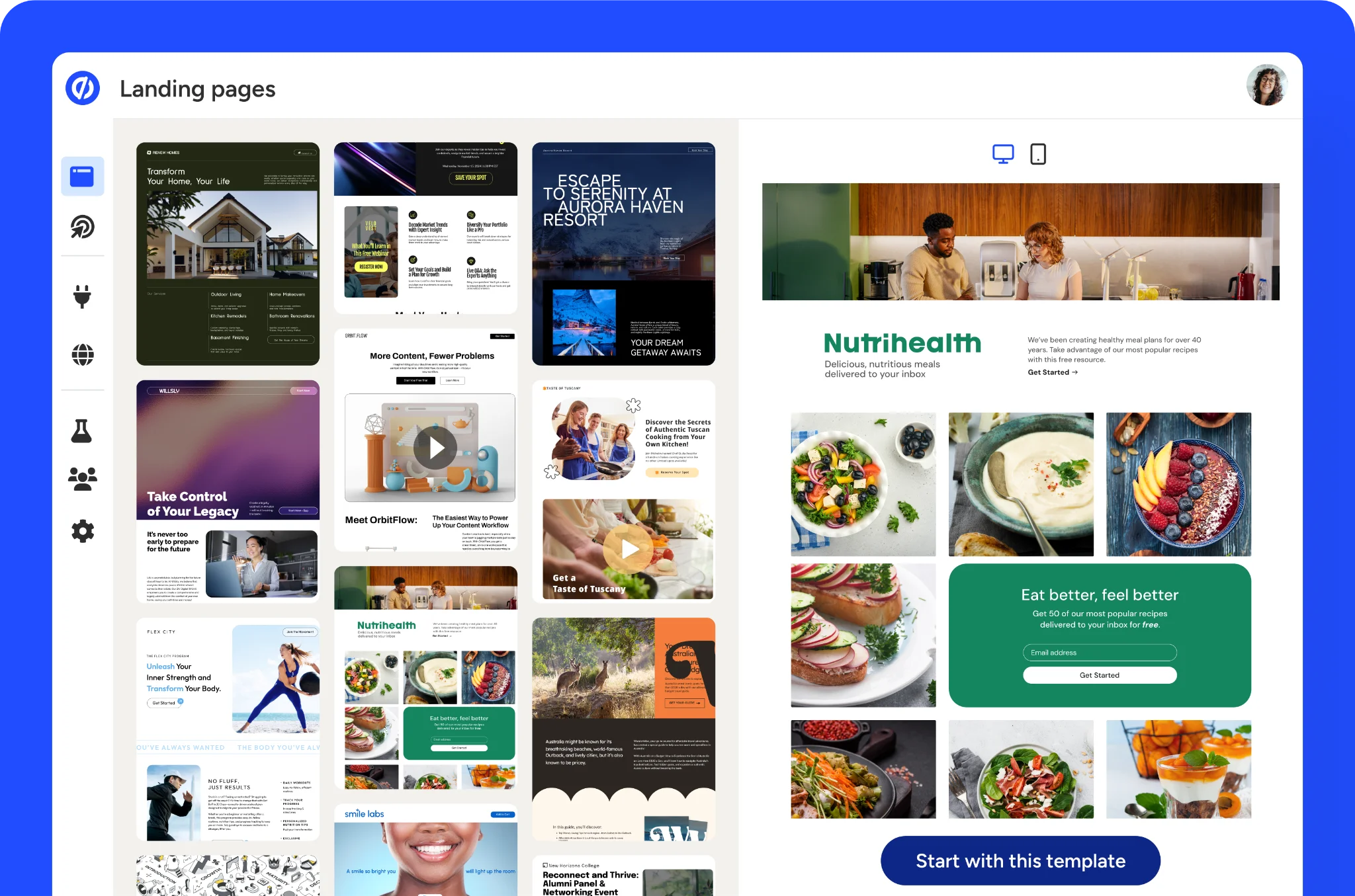
Often a fit for performance marketing teams with meaningful ad spend and a need for polished post-click experiences. Its workflow is built around campaign velocity and optimization rather than general website management. Harder to justify for smaller teams that don't need that level of optimization structure or collaboration depth.
Leadpages
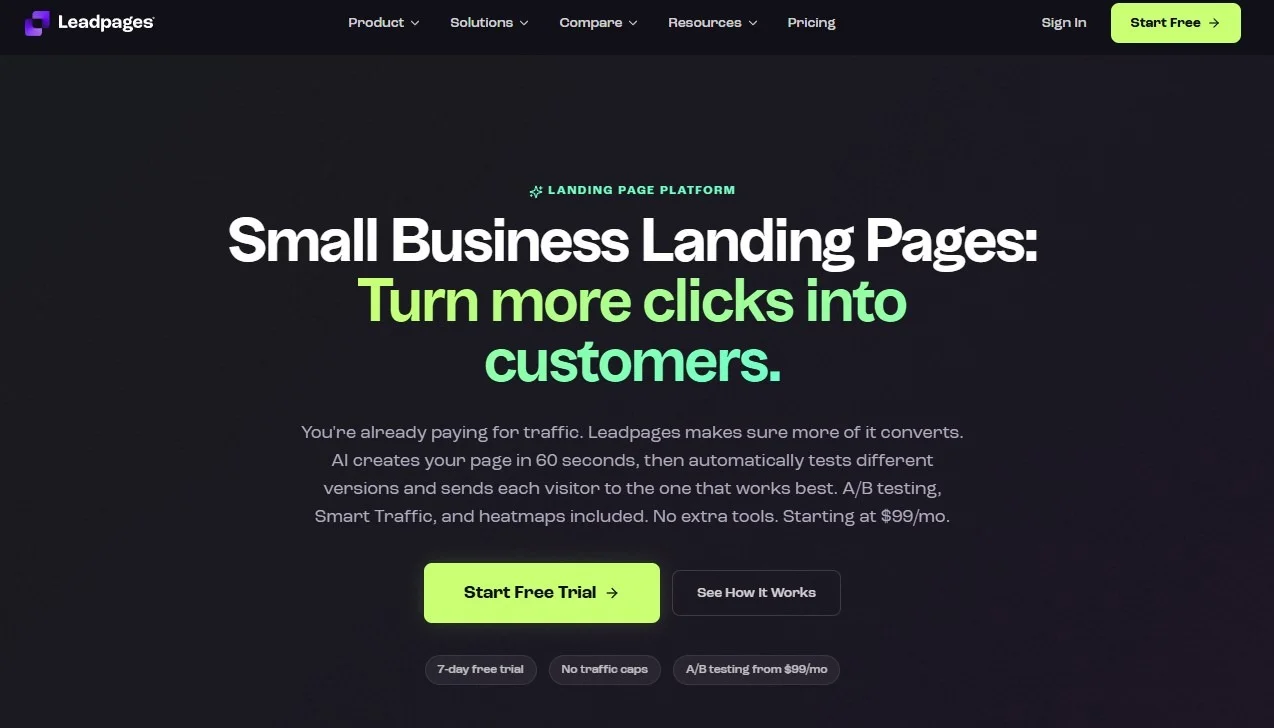
Works well for smaller teams that want speed and simplicity without implementation overhead. It lowers the barrier to launch for lead capture pages and simple campaign funnels. The downside appears when teams need more sophisticated governance, deeper experimentation, or tighter control over multi-team publishing standards.
HubSpot
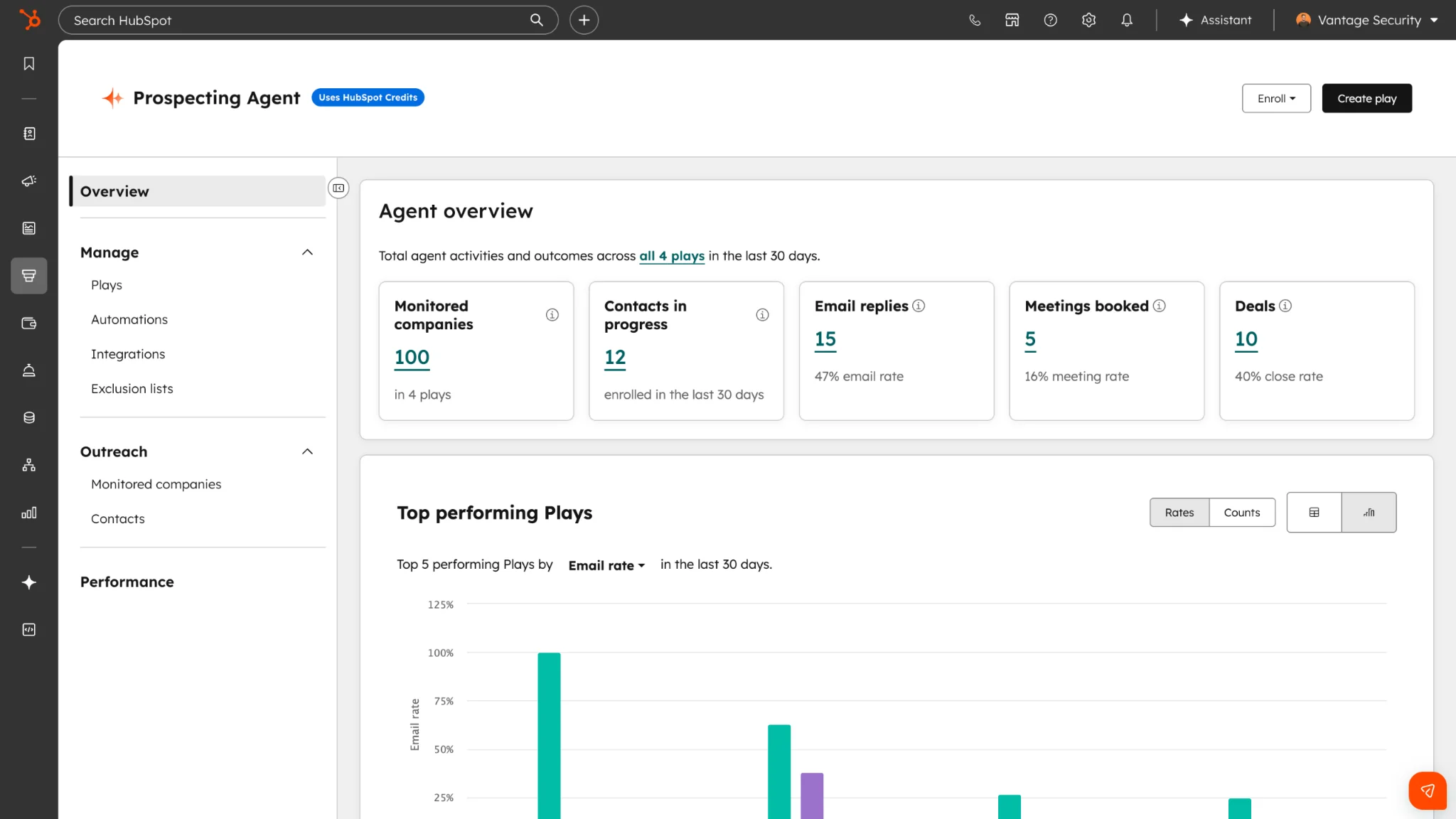
Makes sense when landing pages are one part of a broader inbound and CRM-driven motion. If forms, lead routing, nurture workflows, attribution, and contact records already live in HubSpot, operational simplicity improves because the landing page isn't a disconnected asset. Teams buying HubSpot mainly for landing pages may pay for a much larger platform than they need.
Webflow
Fits design-conscious teams that want more control over layout, structure, and site consistency than traditional landing page tools usually offer. Useful when campaign pages need to align closely with a broader branded web presence. That flexibility comes with more setup discipline, and non-technical marketers may need stronger enablement to work in it efficiently.
Elementor
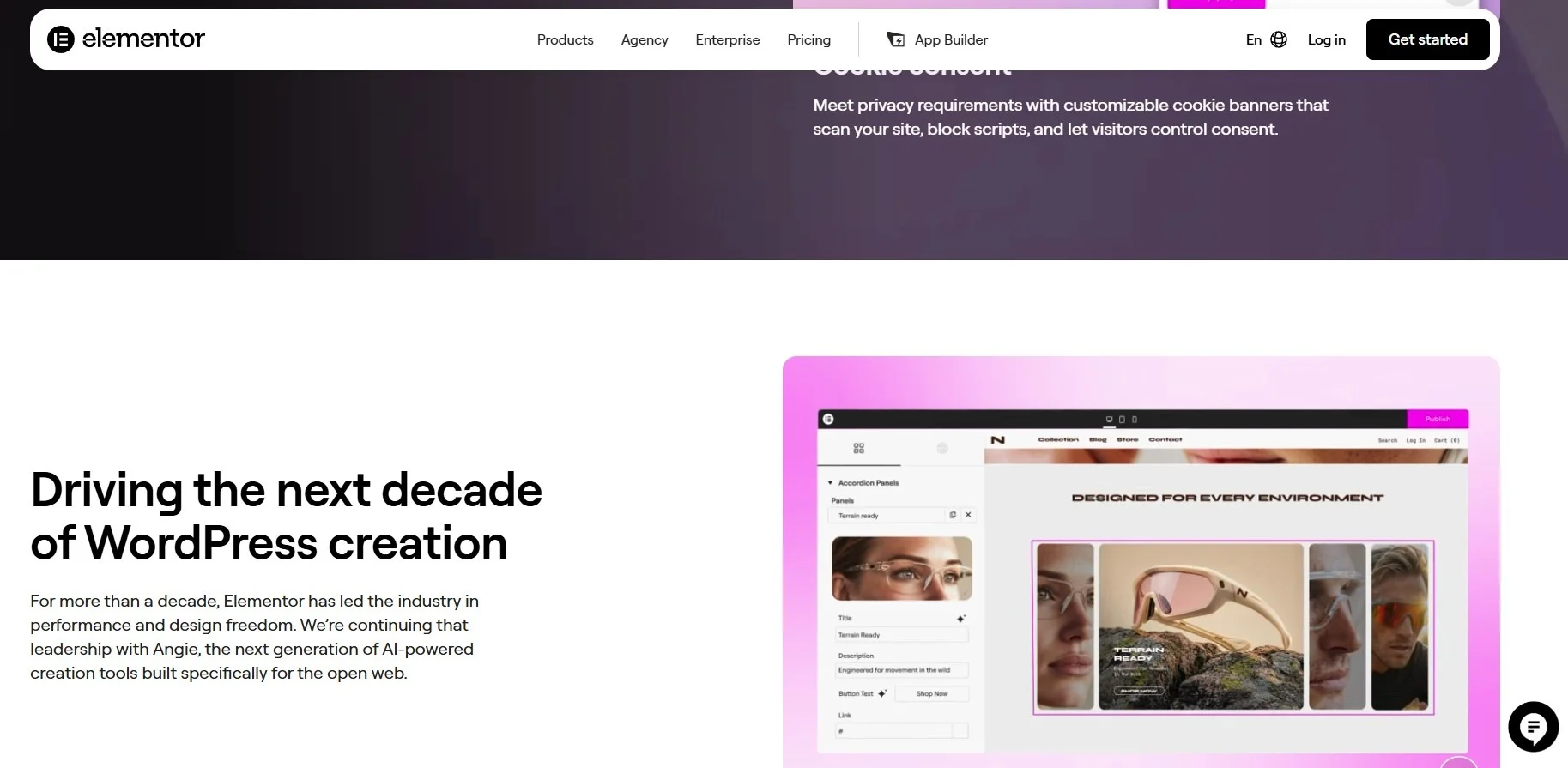
A practical choice for WordPress-based teams that want landing page functionality without adopting a separate platform. The limitation is that workflow quality depends heavily on the underlying WordPress setup, plugins, hosting, and internal governance.
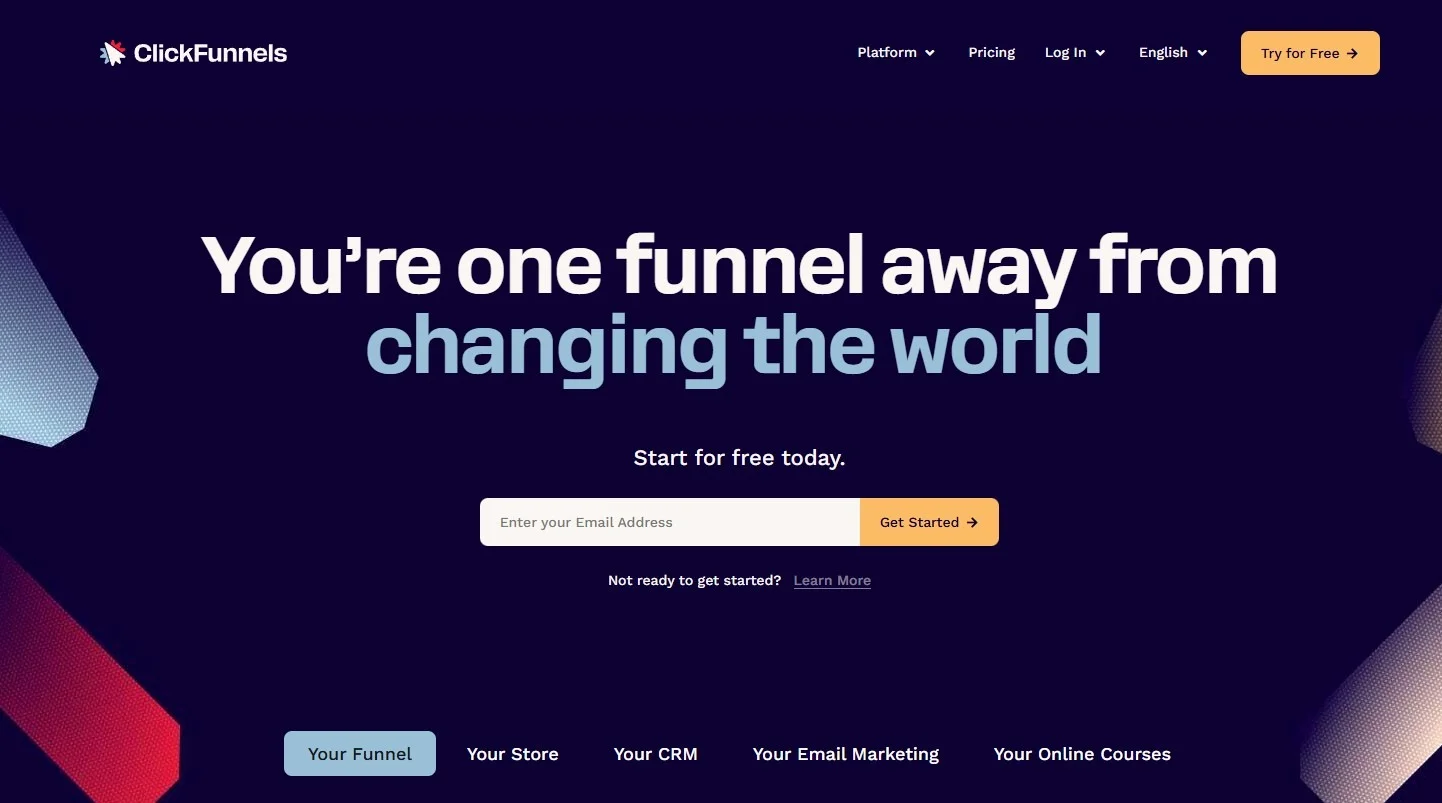
ClickFunnels
Designed more around funnel construction than classic B2B campaign operations. Can help teams that want prebuilt conversion paths and direct-response style workflows. However, for B2B organizations that need stronger brand control, sophisticated reporting alignment, or cleaner collaboration with broader web and CRM systems, it can feel operationally narrow.
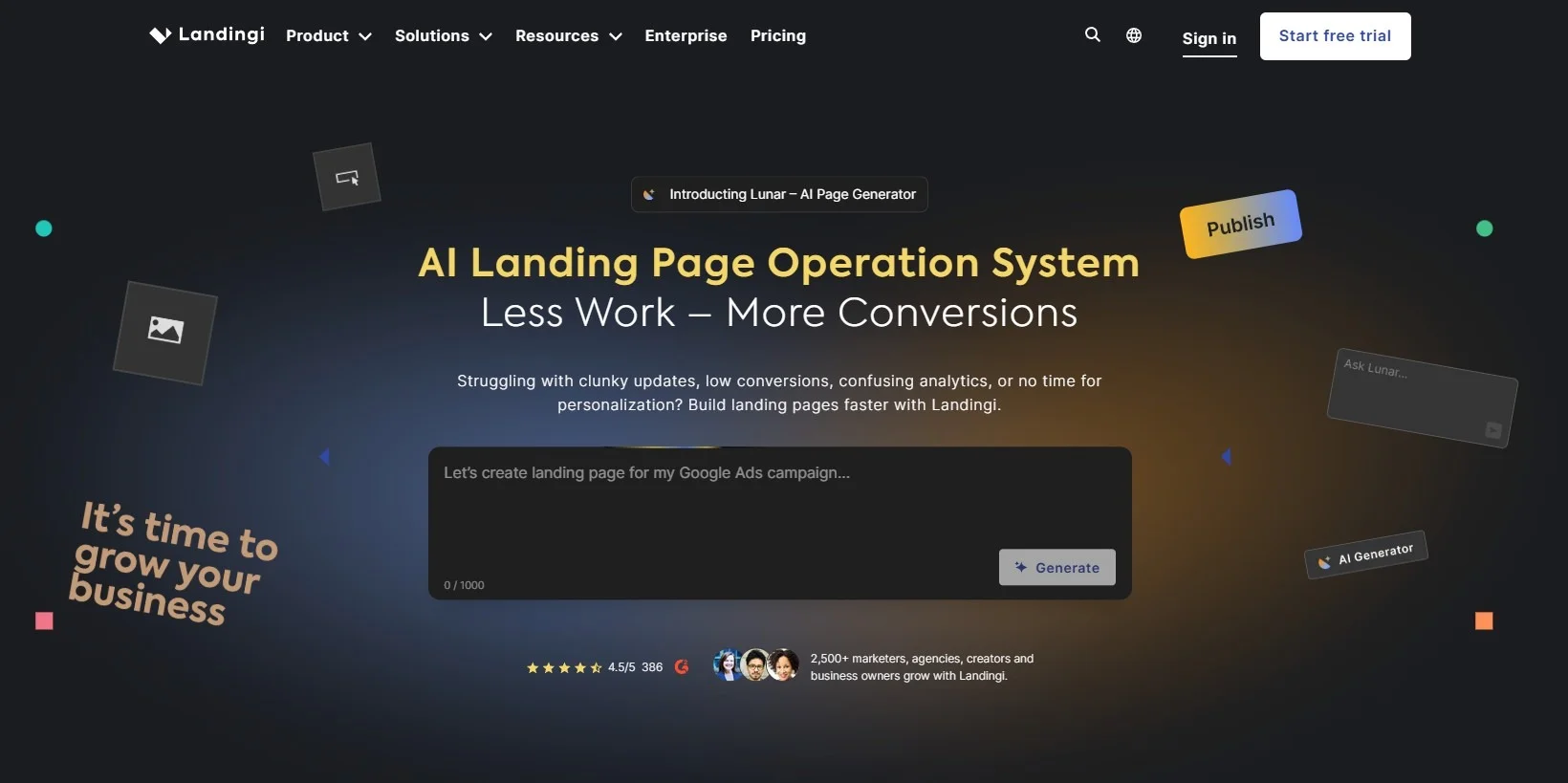
Landingi
A middle-ground option for teams that need dedicated landing page capabilities without stepping into more expensive enterprise territory. Its limitations show up when organizations need more advanced cross-team governance or more mature experimentation programs.
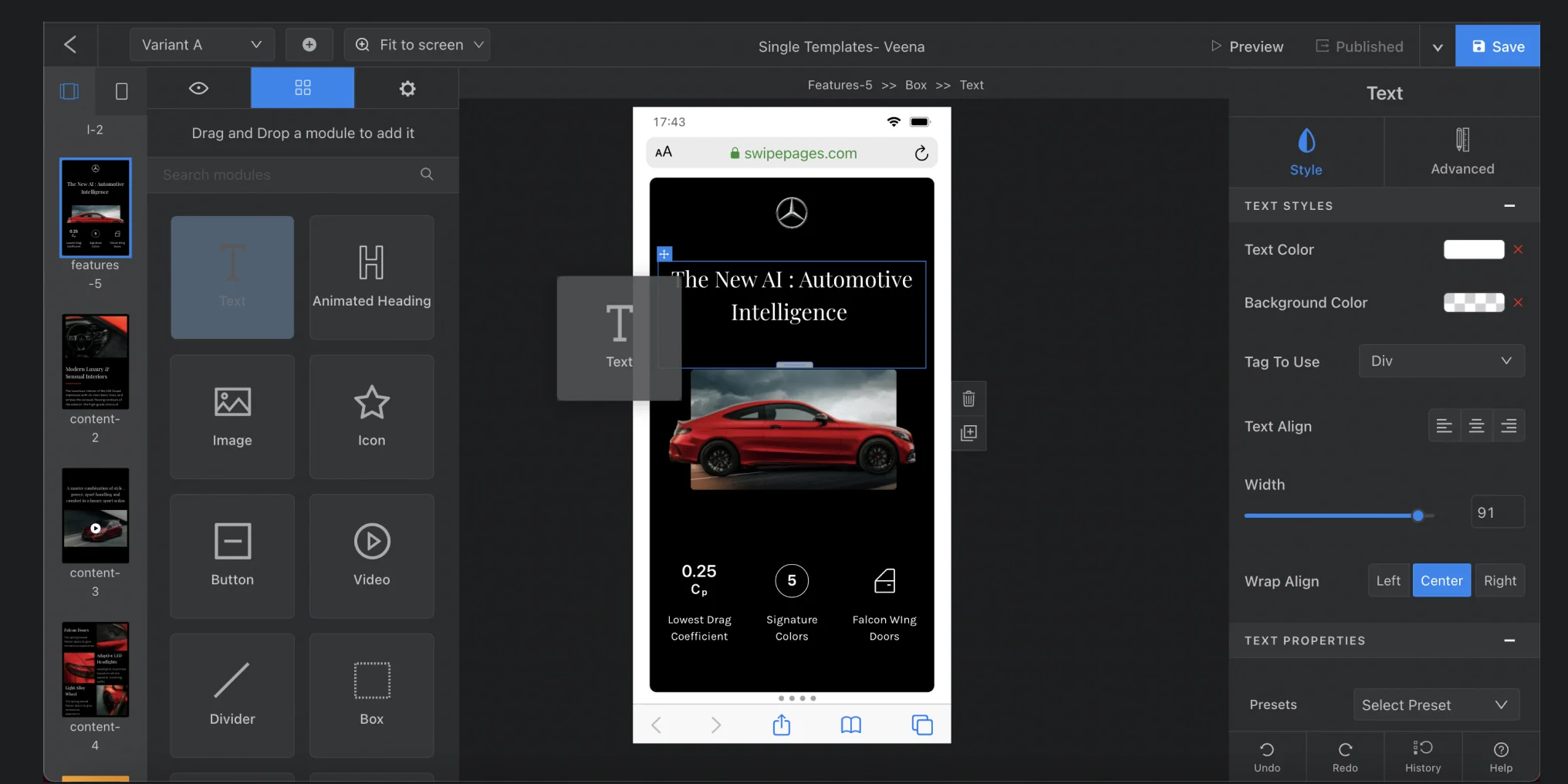
Swipe Pages
Attractive for teams prioritizing mobile performance and rapid page production, especially in paid traffic scenarios where load speed matters. Less suited to organizations wanting deep design-system control or broad enterprise workflow management.
Bitrix24
A strong fit for SMBs and growing teams that want landing pages inside a broader CRM.
Pages are built with a no-code editor (100+ templates, free hosting and domain, AI-generated pages via CoPilot), and every form submission pushes straight into the CRM as a lead or deal with no integration work. Automated funnels, CRM triggers, booking forms, and GA4 are all built in, and the free plan supports unlimited users, which sets it apart from most tools here.
The limitation mirrors HubSpot: you're acquiring a much larger platform than landing pages alone require. A/B testing is built in but less specialised than conversion-focused tools like Unbounce or Instapage, where optimisation is the core product.
|
Tool |
Operational fit |
Main limitation |
|---|---|---|
|
Unbounce |
Conversion-focused campaign teams |
Less suited to broad web governance |
|
Instapage |
Performance marketing at scale |
Harder to justify for smaller teams |
|
Leadpages |
Small teams needing fast launch |
Limited operational depth |
|
HubSpot |
CRM-centered marketing operations |
Overkill if only pages are needed |
|
Webflow |
Design-led teams and branded web consistency |
Requires more setup discipline |
|
Elementor |
WordPress-centric teams |
Depends on broader WordPress stack quality |
|
ClickFunnels |
Funnel-driven direct response workflows |
Can be narrow for B2B operations |
|
Landingi |
Mid-market campaign execution |
Less robust at higher governance maturity |
|
Swipe Pages |
Fast mobile-first campaign launches |
Less depth for structured multi-team use |
|
Bitrix24 |
SMBs wanting CRM-native landing pages |
Limited A/B testing; broader platform than some teams need |

How these tools differ in workflow, automation, and campaign operations
The biggest differences show up after the page mockup is approved.
Template integrity vs. creation speed
In some tools, building from a template is straightforward, but maintaining template integrity is not. In others, reusable blocks and controlled layouts let demand gen teams launch quickly without redesigning every page.
That distinction determines whether marketers can self-serve safely or whether every page eventually needs manual review from design or ops.
Handoff between teams
Platforms like Instapage and Unbounce are generally closer to campaign execution workflows, where a growth or paid team can move from concept to live variant with limited friction. Webflow and Elementor can support richer design control, but handoff usually requires more process definition so campaign managers don't inadvertently create inconsistency. HubSpot sits differently: the landing page is embedded in a larger operational system, which simplifies follow-up workflows once the form is submitted.
Approval and edit control
This matters most in multi-team environments. Lightweight tools support fast edits but can become risky when several stakeholders touch the same asset. A demand gen manager, a regional sales leader, and a compliance reviewer all editing the same page at different times without version control is a genuine failure mode in these systems, not an edge case.
More structured platforms tend to support repeatability better, even if they feel slower at first. That matters for regulated industries, regional review processes, or organizations with strong brand and legal requirements.
Automation and integration tradeoffs
Native CRM connections reduce lead-routing errors and speed up follow-up. Ad platform syncing and UTM handling affect attribution reliability. Dynamic content and personalization can improve relevance, but only if the tool connects cleanly to the data source powering those experiences. Some builders are excellent at standalone page creation and weaker at downstream orchestration.
In practice:
- Tools like Leadpages and Swipe Pages are strong for rapid standalone launches.
- Bitrix24 and HubSpot (and Webflow, when used with a disciplined web team) better support structured operations where CRM connection, data flow, and reuse matter over time.
- Unbounce and Instapage sit closer to the middle, with stronger optimization capability for campaign teams that need both speed and ongoing conversion work.

Migration and implementation considerations before you commit
Switching platforms isn't just a design exercise. Teams usually need to:
- rebuild templates
- reconfigure domains and subdomains
- recreate forms
- reconnect CRM and automation workflows
- validate all tracking before launch
If existing pages have accumulated custom scripts, hidden fields, thank-you flows, or ad-specific parameters, the scope grows quickly.
What trips teams up most
Tracking preservation is where migrations most often go wrong. Conversion events, analytics tags, ad pixels, and form submissions all need to be tested end to end. A page that looks correct but drops source data or misroutes leads can create a reporting gap that takes weeks to unwind, and rushed migrations treat launch as the finish line rather than the start of validation.
Adoption risk is the other overlooked issue. Some implementations fail because the platform is too complex for the people expected to use it. Others fail because ownership is vague: no one defines who manages templates, who approves changes, and who maintains integrations.
A better rollout approach
A phased rollout beats a full cutover. Start with one high-volume campaign where speed and measurement matter. Build one or two governed templates, set publishing standards early, confirm tracking and lead routing, and measure time-to-launch against the current process. Then compare conversion performance and operational effort before expanding across teams or regions.
Common mistakes teams make when choosing a landing page platform
Choosing based on the visual editor
The editor is what people see in demos, but it's rarely what breaks operations later. Problems usually come from inconsistent analytics, weak integration reliability, poor template control, or unclear ownership between marketing, design, and ops.
Mismatching expectations to the product category
Tools built for speed often constrain deep customization. That's not a flaw if the team values rapid repeatable launches. More flexible platforms require more setup, stronger process discipline, and occasionally more technical support. Teams that expect maximum flexibility and minimal operational effort from the same system will be disappointed, because those goals are usually in tension.
Overbuying and underbuying
A small team can waste budget and time on a platform designed for enterprise collaboration they'll never need. But teams also underbuy when they choose the cheapest option for a program that already involves frequent testing, multiple approvers, or regional variation. The hidden cost appears as rework, duplicate templates, and unreliable reporting.
Identify the current bottleneck honestly, then choose for it:
- Campaign speed → operational simplicity
- Testing maturity → experimentation support
- Governance across many contributors → controlled reuse and workflow structure
Buying for the wrong bottleneck is how teams end up replacing the tool again 12 months later.
FAQ: Landing page tool comparison questions teams ask most often
What's the best landing page builder for small teams?
Leadpages and Swipe Pages reduce setup overhead and make launch fast for small teams with simple workflows. Bitrix24 is worth considering too: its free plan supports unlimited users and includes CRM integration out of the box, which removes a friction point that typically requires a separate tool.
Which platform is strongest for conversion optimization?
Unbounce and Instapage are usually stronger choices when conversion improvement and testing are central to the operating model. They fit teams running sustained paid campaigns and actively iterating on page performance.
Which tools integrate best with CRM and ad platforms?
HubSpot stands out when the CRM and marketing automation environment already lives there. Bitrix24 makes a different case: the CRM is built in and free, so form submissions land directly on CRM records and automated funnels can fire from a submission without any connector or extra subscription, even for teams that don't already run a CRM. Unbounce and Instapage also support serious campaign operations, but the right answer depends on where lead data, attribution, and follow-up workflows are managed today.
Do teams need a developer to use these tools?
Not always. Many can be operated by marketers for standard use cases. Developer support becomes more likely when teams need advanced tracking, custom scripts, complex integrations, or tighter alignment with a broader web infrastructure.
How hard is migration?
Moderate if the current setup is simple; much harder if pages contain custom tracking, multiple form routes, regional variants, or embedded third-party logic. The biggest work is usually not design recreation but validation of data flows and campaign continuity.
When is a CMS or website platform better than a dedicated landing page tool?
If landing pages are closely tied to the main site, brand system, SEO structure, or ongoing content operations, Webflow or WordPress with Elementor may be a better fit than a standalone platform.
Can cheaper tools support serious experimentation?
They can support basic testing, but serious experimentation requires more than simple variant creation. It needs reliable measurement, disciplined template strategy, and enough workflow control to run tests repeatedly without operational drift.
What signals it's time to upgrade?
Repeated template duplication, inconsistent reporting, growing approval friction, dependence on a few power users, and difficulty managing multiple campaigns or regions are strong signs the current platform no longer fits how the team operates.
Build CRM-connected landing pages faster
Bitrix24 combines no-code landing pages, forms, CRM, automation, and analytics so teams launch campaigns and capture leads reliably.
Get Started NowChoose the tool that matches how your team actually launches campaigns
The right tool fits your campaign velocity, collaboration model, testing maturity, and integration needs. That might be a conversion specialist like Unbounce or Instapage, a CRM-native system like HubSpot or Bitrix24, a design-led environment like Webflow, or a lightweight launcher like Leadpages — and which one is right changes entirely depending on what's slowing you down now.
So name the bottleneck before you shortlist anything.
Slow launches point to production simplicity; weak conversion rates point to testing and optimization; coordination problems across teams point to governance and integration depth. Teams that skip this step buy for the editor, the demo, or the feature count, and end up replacing the tool a year later when the real constraint resurfaces.