Trigger → CRM action → measurable outcome
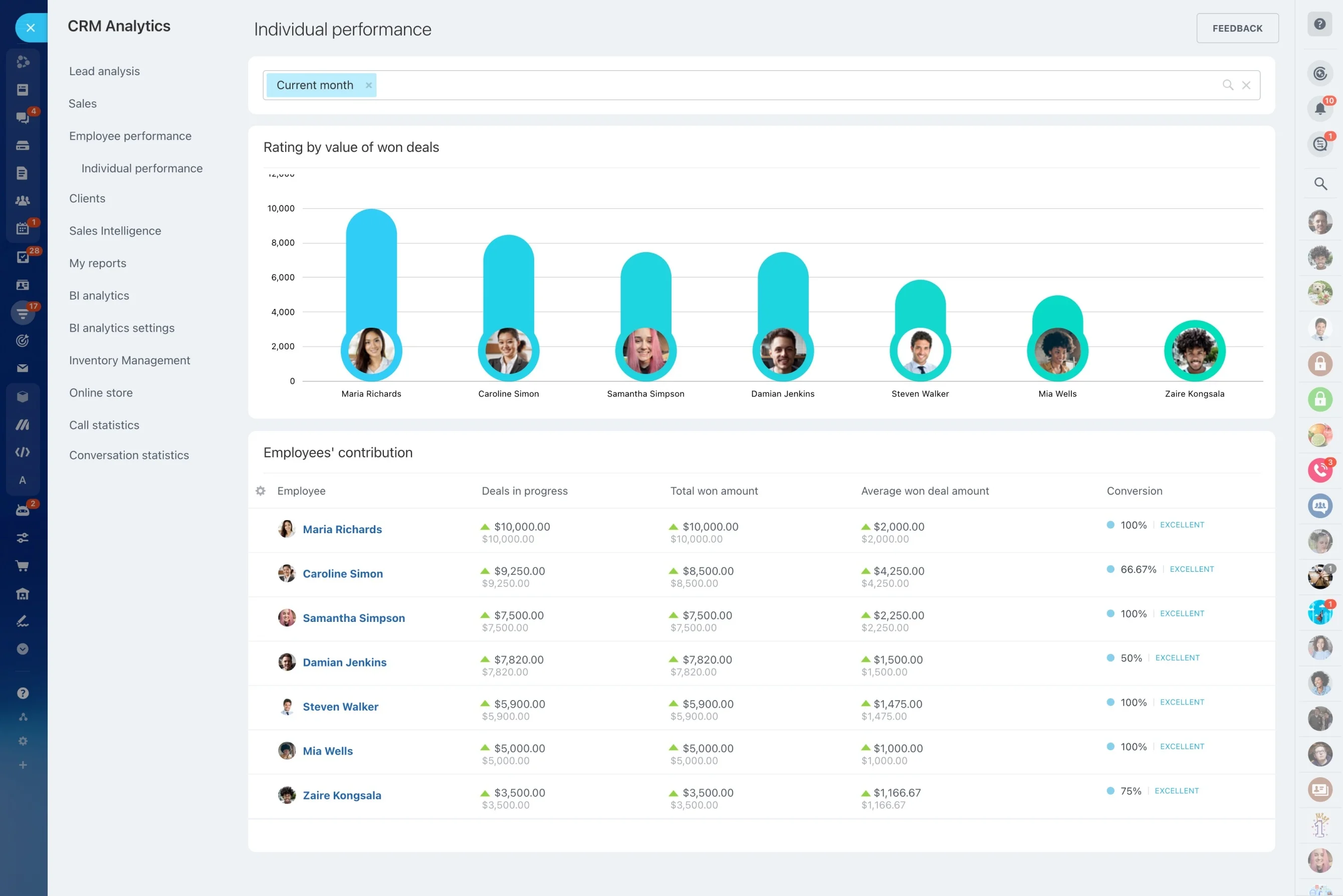
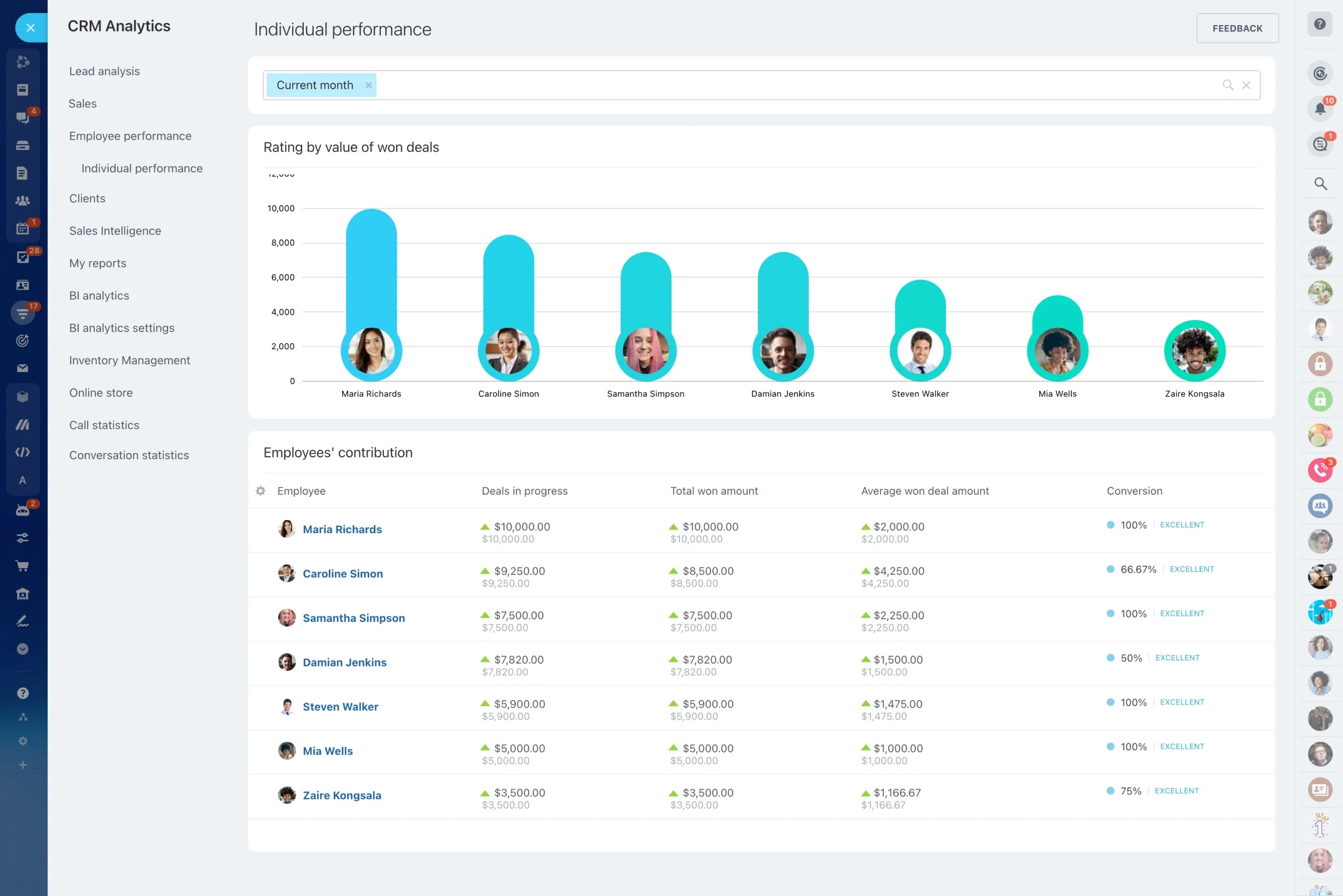
When you’re accountable for a revenue target, the most important question isn’t “what happened last month?”—it’s “what changed today, and what do we do about it?” A CRM analytics dashboard should make that answer obvious by showing the KPIs that influence outcomes: pipeline movement, stage conversion, sales activity, and revenue performance.
In Bitrix24, the point of analytics is follow-through. Start with the KPI that moved, narrow it by a consistent time window and filters (team, owner, deal type), then open the impacted deal set to drive a concrete CRM action—update deal status, clarify next steps, and assign follow-ups—so you can measure whether the KPI recovers.
- Monitor: pipeline, conversion, activity, and revenue signals
- Diagnose: which stages, deals, or owners drive the change
- Act: assign next steps and keep deals moving
Set up KPIs, filters, and a review cadence
Start small and operational: pick the KPIs you’ll act on, then standardize the filters and time windows you’ll use each time you review. Consistent views make trend changes easier to spot and easier to discuss with the team.
- Select a tight KPI set: pipeline movement, key conversions, activity signals, revenue
- Use consistent time windows (daily, weekly, monthly)
- Match filters to how you run the team (owner, team, segment)
Define permissions and reporting ownership
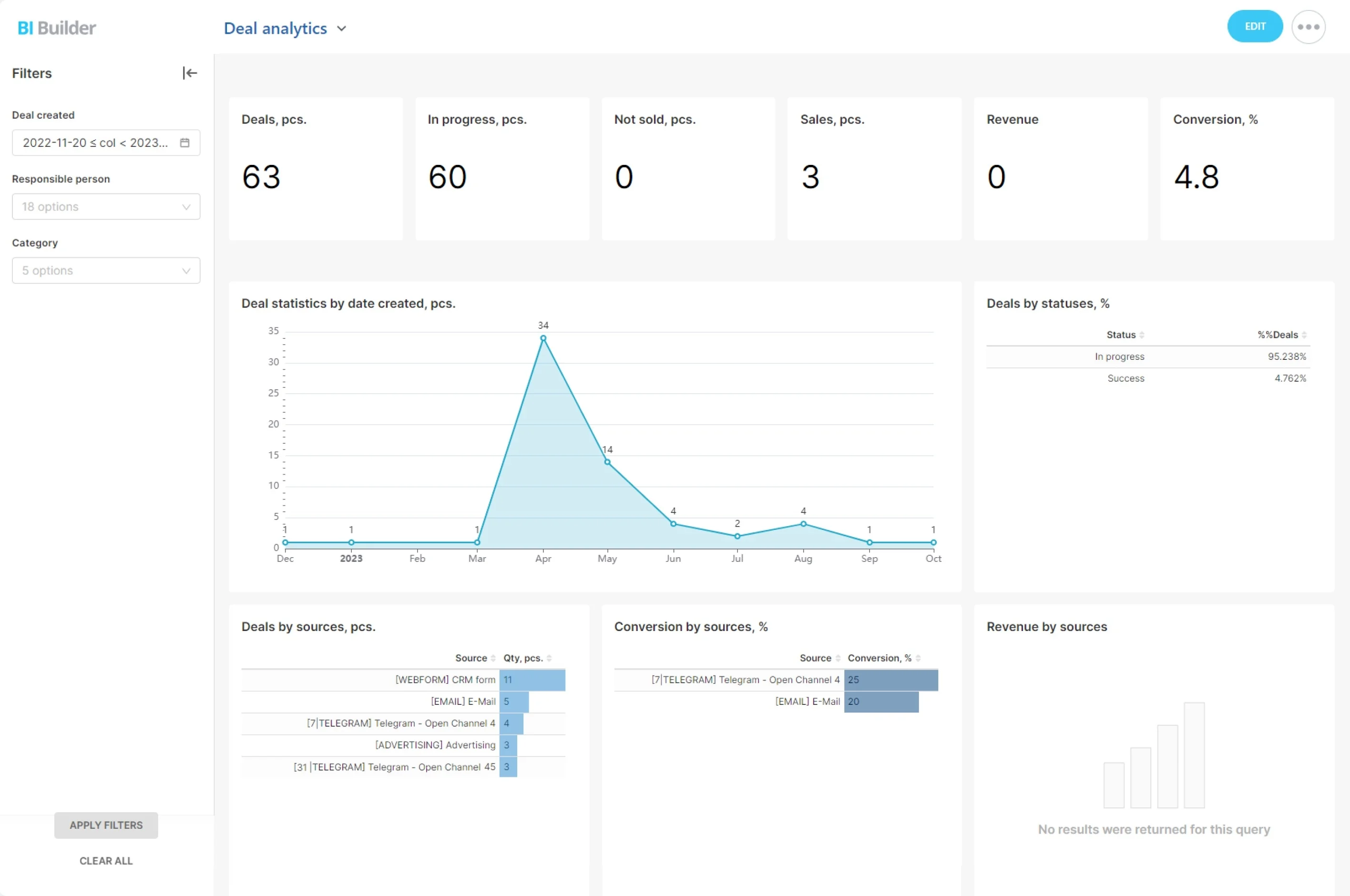
Analytics works when access matches responsibility. Sales leaders typically need roll-ups plus the ability to drill down to deal-level details, while reps need visibility into their own pipeline, activity, and results.
Agree who owns the dashboard view and who is responsible for maintaining CRM data quality so KPI changes reflect reality.
Track activity as a leading indicator
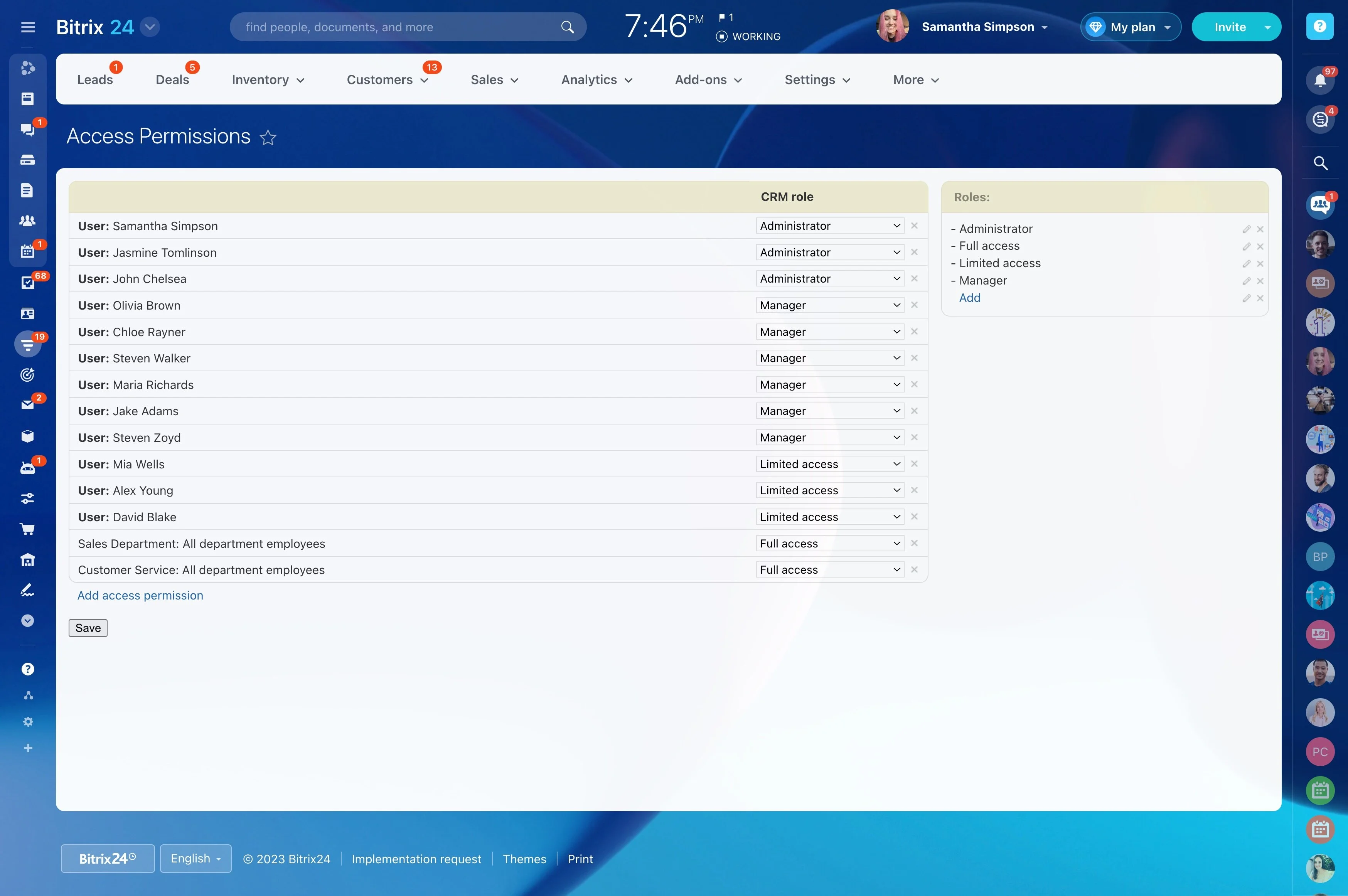
Activity KPIs are most valuable when they explain pipeline outcomes. Compare follow-up activity with movement and conversion to confirm whether late or missing touches are driving slowdowns—or whether the issue is elsewhere in the process.
- Watch for activity dips before pipeline stalls
- Check whether late follow-ups correlate with lower conversion
- Use the deal list behind the KPI to prioritize next actions
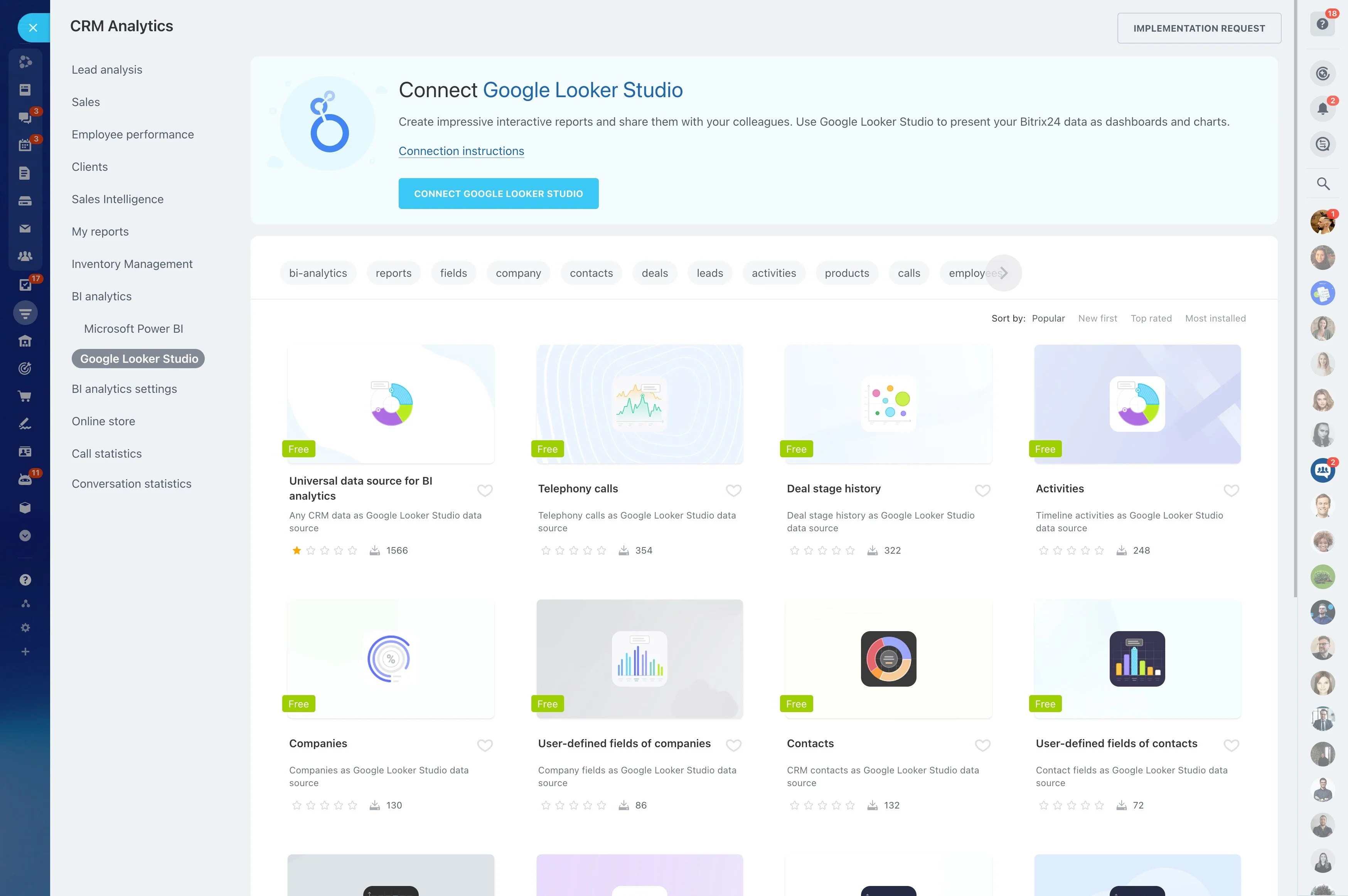
Start with a KPI, then drill into deals
A dashboard is only useful if it explains the change behind the number. Begin with the KPI that shifted (for example, a drop in stage-to-stage conversion), then review the underlying deals for the same time window and filters to see whether the issue is a specific stage, segment, or owner.
Once the pattern is clear, move from analysis to execution by updating the affected deals and setting the next action for each one.
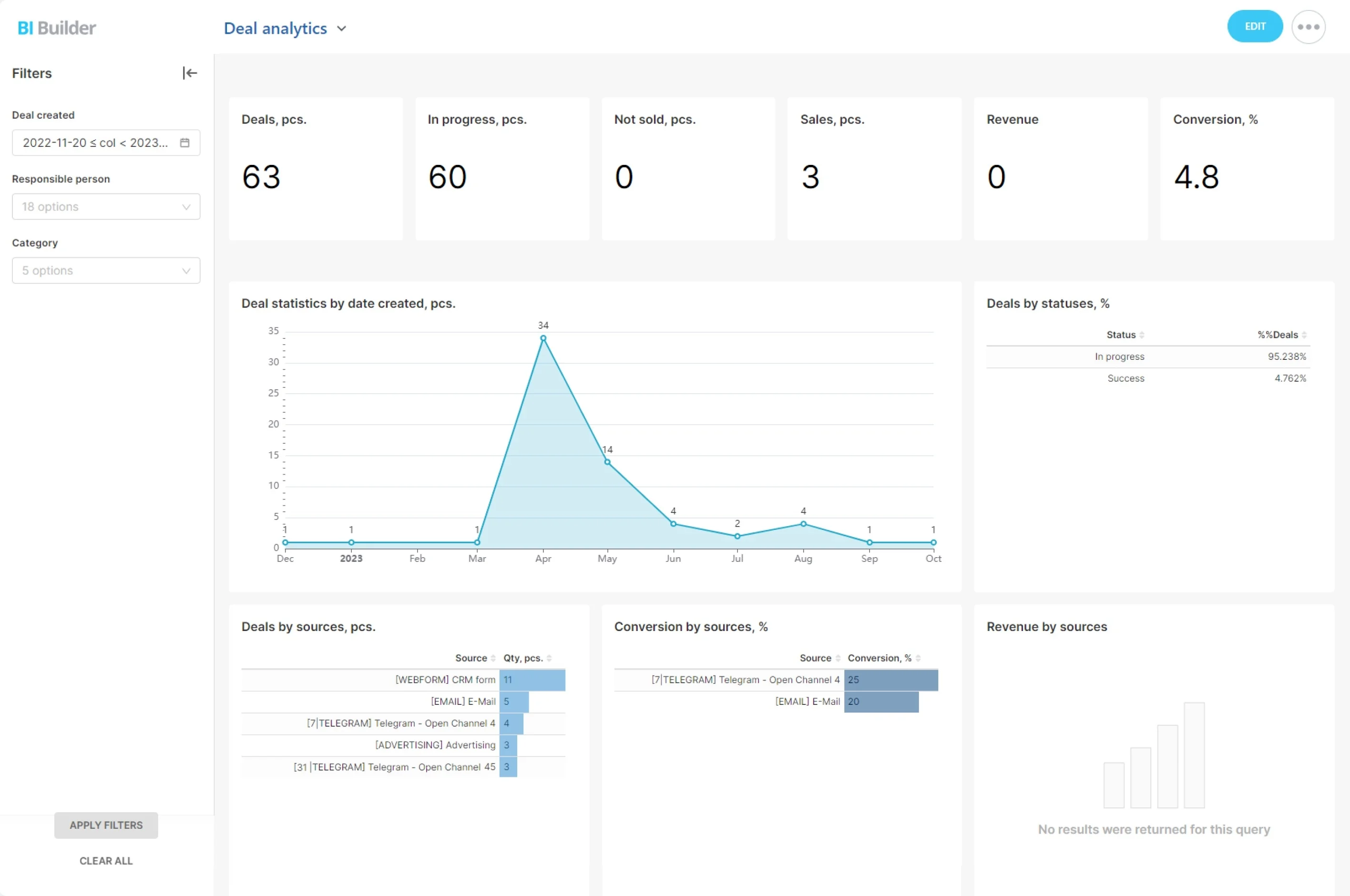
Manage pipeline by stage movement
Daily pipeline management needs more than a total value figure—it needs stage context. Track stage distribution and movement so you can see where deals accumulate, where inflow slows, and whether the stage mix supports the current target.
- Review stage distribution and movement trends
- Identify stalled stages and weakening progression
- Translate findings into stage-specific actions
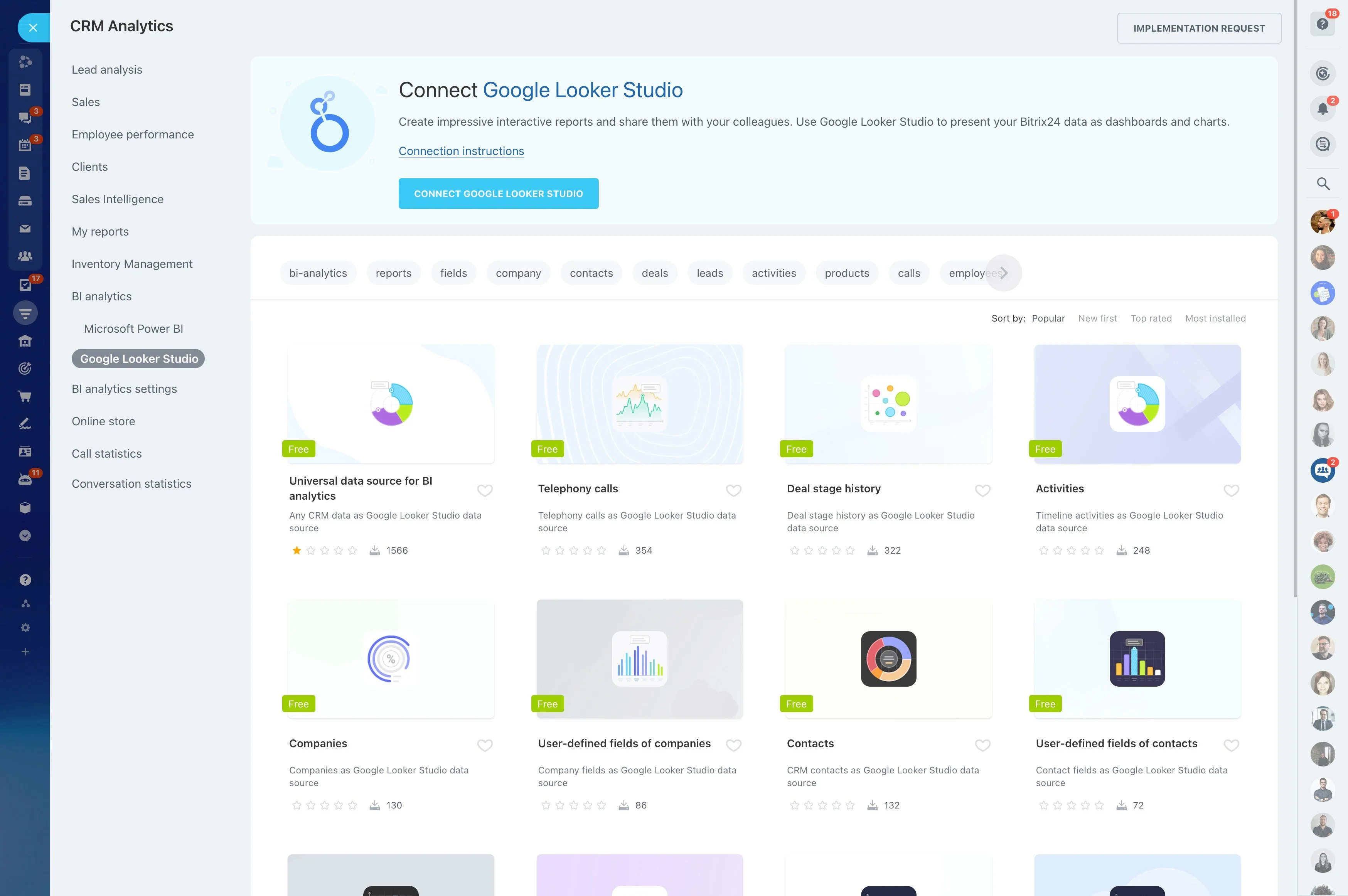
Use conversion to pinpoint process breakdowns
Conversion becomes actionable when it’s tied to a specific transition. Watch stage-to-stage conversion at the points that matter most, then focus coaching and process fixes on the exact handoff where deals drop off.
After a change, validate deal quality at the affected stage and standardize the next step reps should take to move opportunities forward.
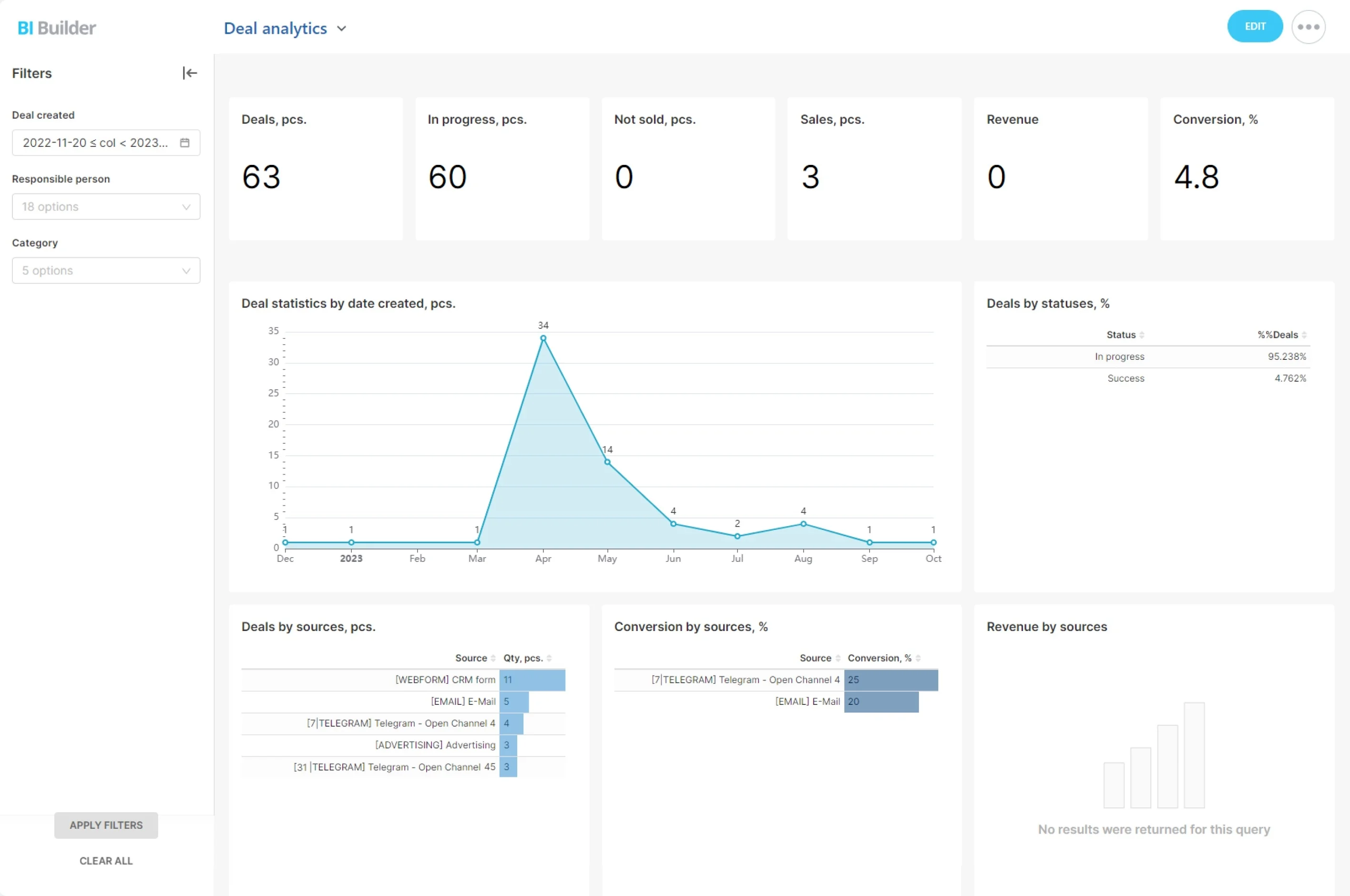
Check revenue and forecast with deal-level context
Revenue tracking should tell you where intervention is still possible. Review performance against the period’s expectation, then drill down to the deals that are (or aren’t) contributing so you can focus attention where it matters.
If the number is off, prioritize deals that must move stages and clean up deal data that makes forecasting unreliable.
Trigger → CRM action → measurable outcome
Trigger: Conversion from “Proposal sent” to “Negotiation” drops versus the prior period.
CRM action: Open the impacted deals, identify shared blockers (for example, missing decision-maker or delayed follow-up), then assign a specific next step per deal (call scheduled, revised proposal sent, timeline confirmed).
Measurable outcome: Track whether conversion at that transition improves and whether pipeline movement and revenue trend back toward plan.