Use service history for repeat work
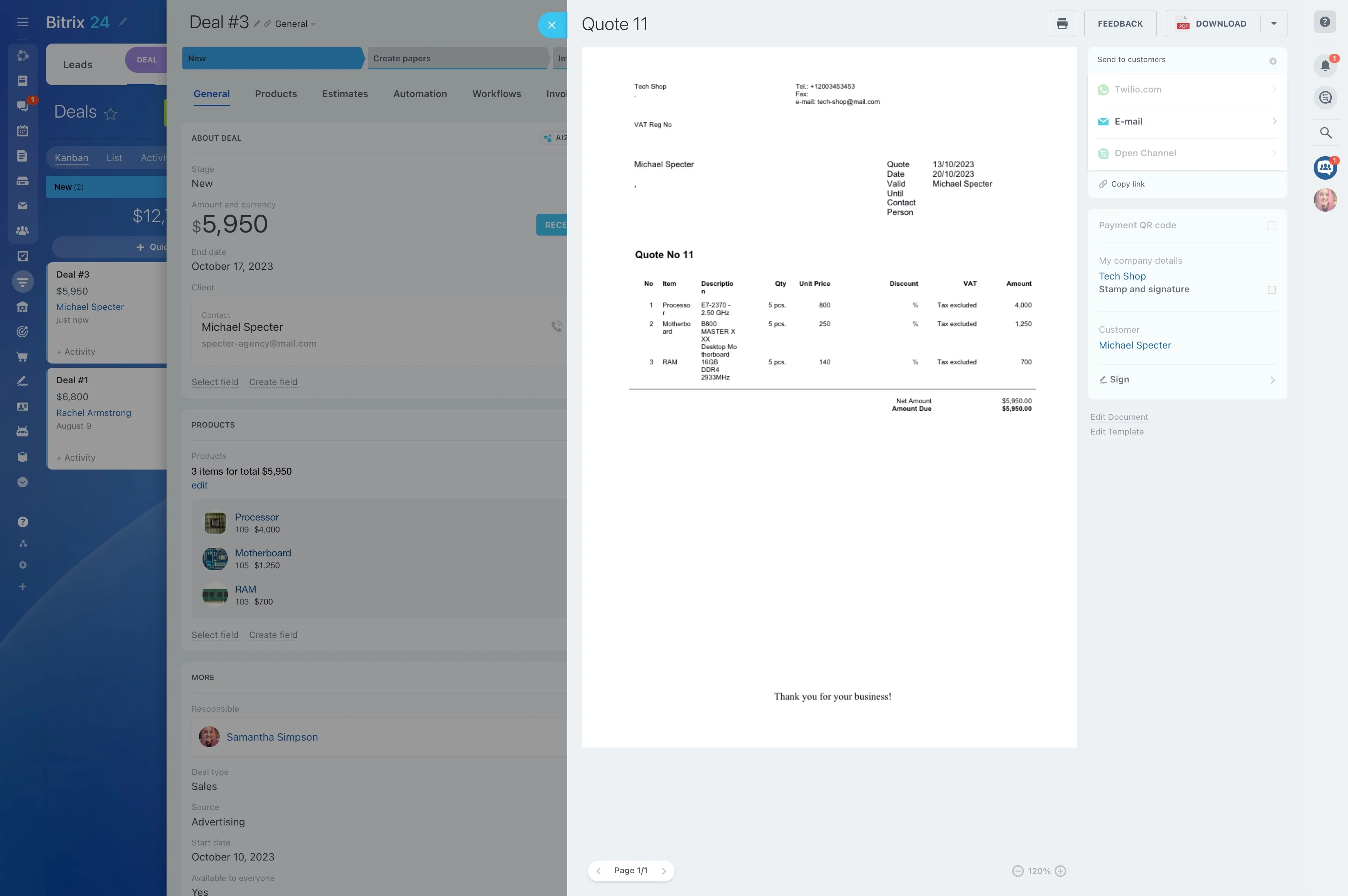
When a homeowner requests a repair, installation, or maintenance visit, the job has to move cleanly from the first conversation to the final follow-up. A CRM for home services connects the request with the estimate, appointment, assigned technician, and service history.
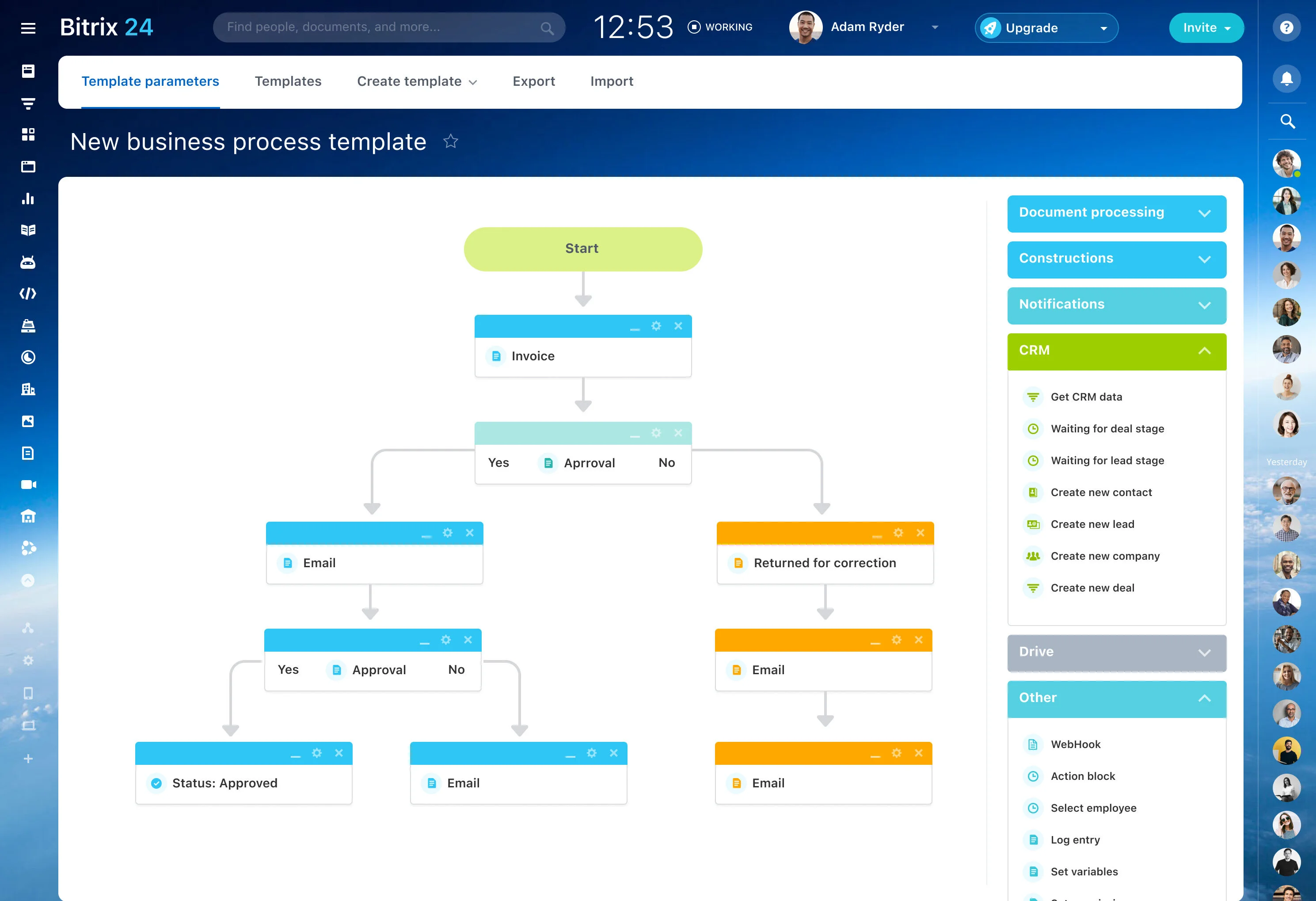
Bitrix24 gives office coordinators and managers a shared workflow for handling that journey. They can keep customer and property details with the request, move approved work into scheduled activities, assign field responsibilities, and preserve the context needed for future maintenance or repeat service.
Choose CRM software around your workflow
Home services CRM software should reflect how your business accepts requests, prepares estimates, schedules visits, and manages the relationship afterward. Look for a workflow that keeps office ownership, field assignments, and customer history connected.
- Customer records with service history
- Stages for requests, estimates, approvals, and completed work
- Activities and assignments for scheduled visits
- Follow-up processes for recurring services
Close the loop after the visit
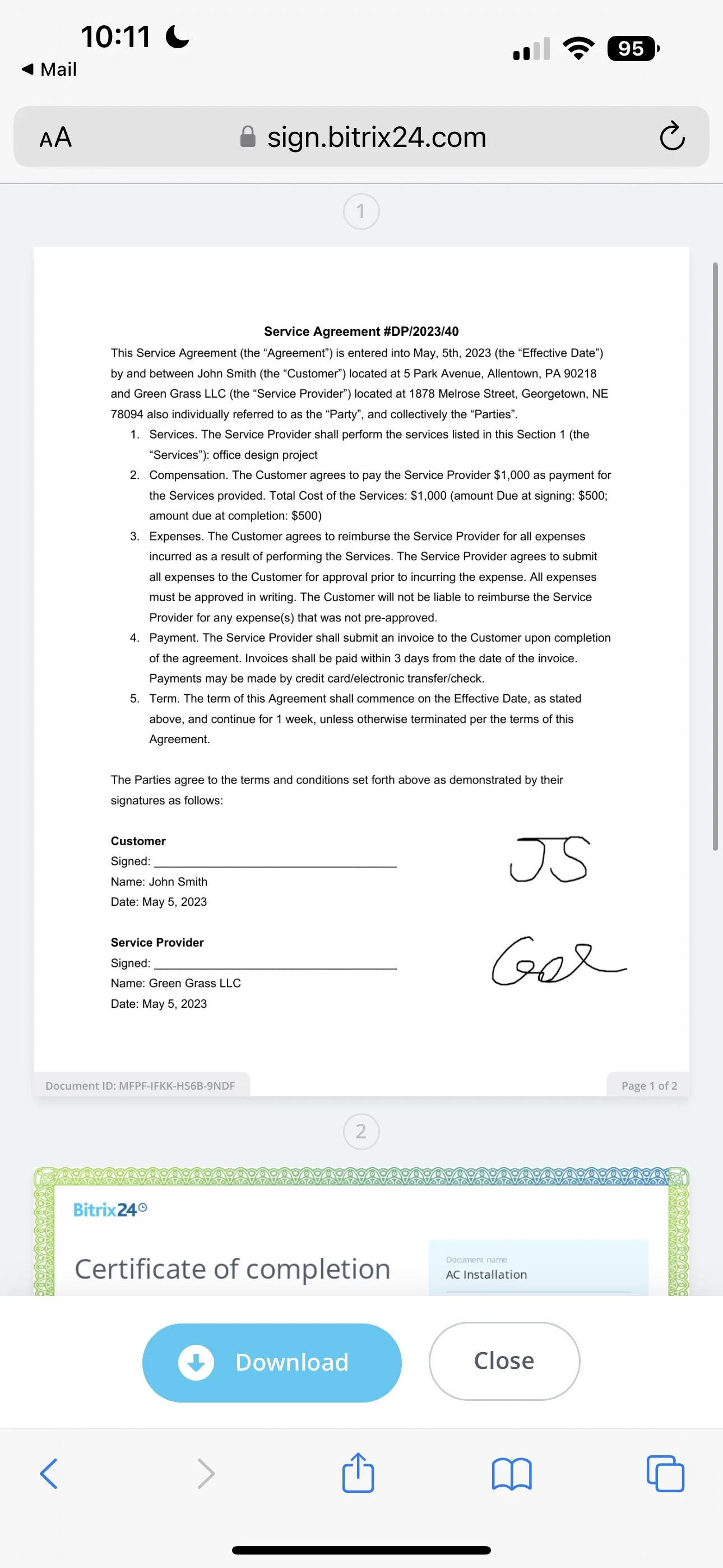
A completed visit may still require confirmation, documentation, answers to customer questions, or a future maintenance appointment. Keeping these activities with the customer record shows what has been done and who owns the next step.
This gives office staff a practical way to continue the relationship after the technician leaves the property.
Turn each request into a job record
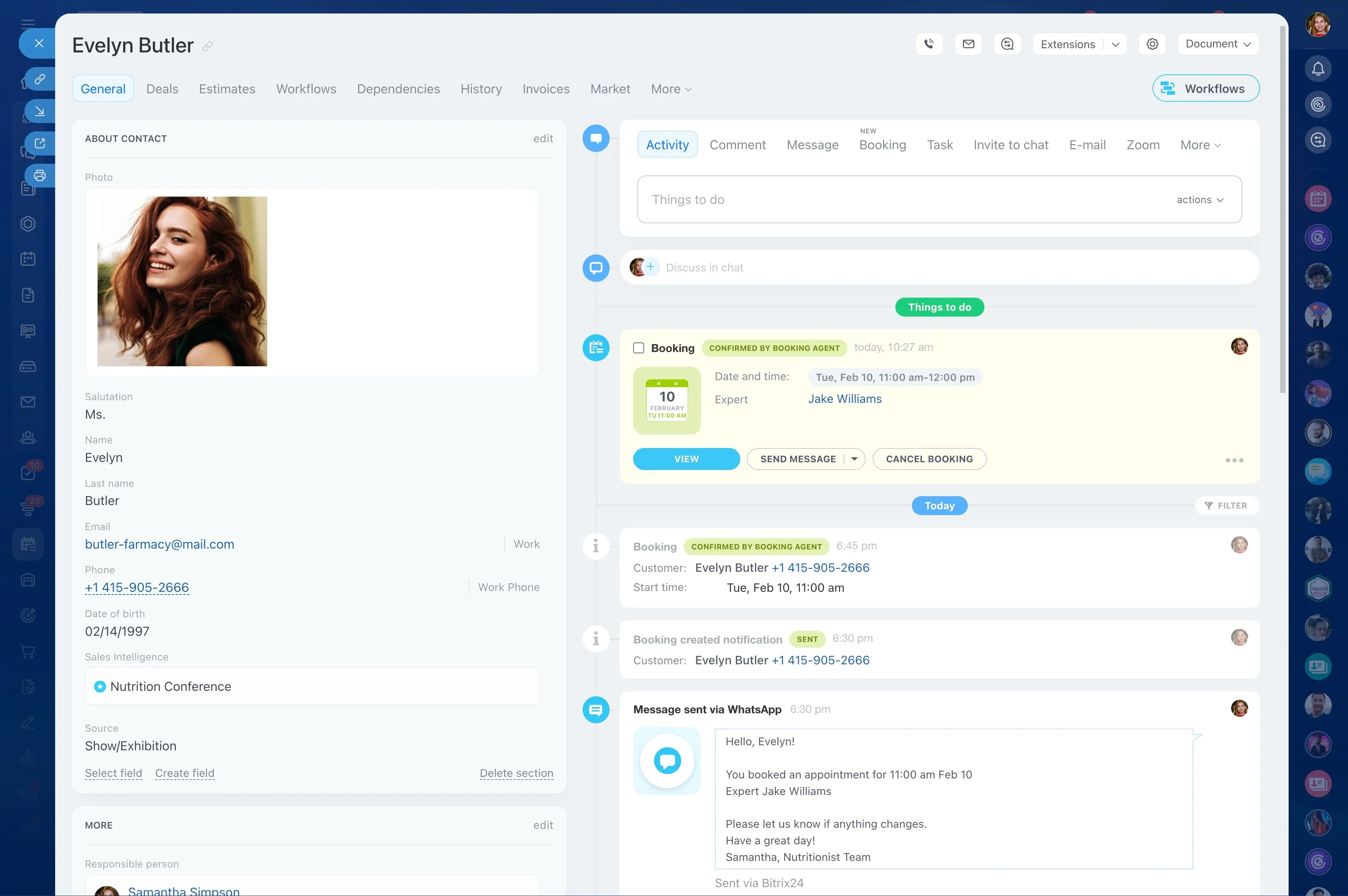
Start with a record that captures the homeowner, property, service need, and next action. Whether the request is for plumbing, electrical work, HVAC maintenance, cleaning, or another household service, the team can keep the inquiry connected to the customer history.
- Record contact details and the reported issue
- Keep service requirements with the customer record
- Move the request toward an estimate or visit
Keep estimates moving toward approval
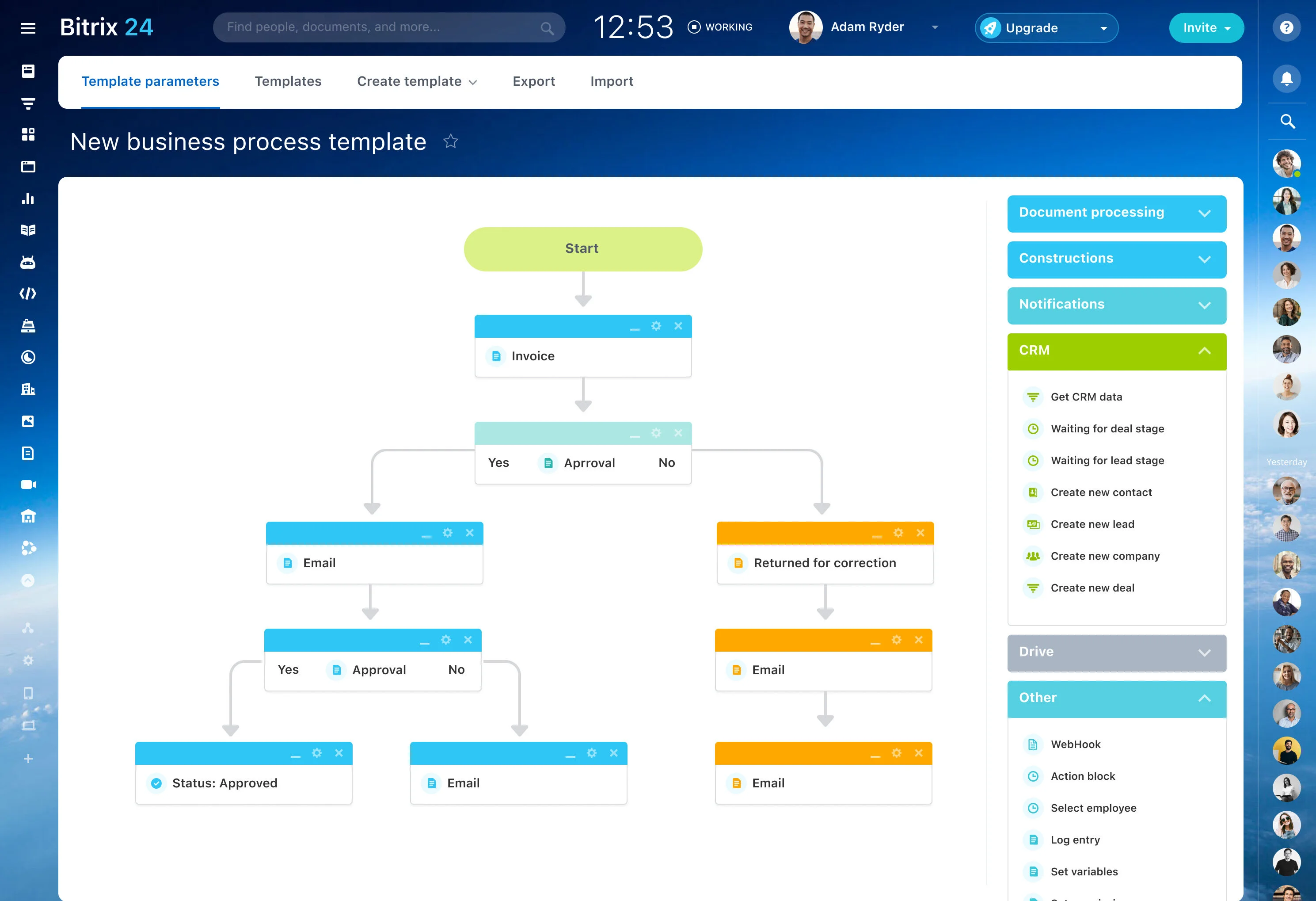
Before work is scheduled, the office may need to review the job, prepare pricing, confirm materials, and wait for the customer’s decision. Defined stages show which estimates are being prepared, awaiting approval, or ready for scheduling.
That view helps coordinators focus follow-up on the requests that need a response rather than treating every inquiry alike.
Hand approved work to field teams
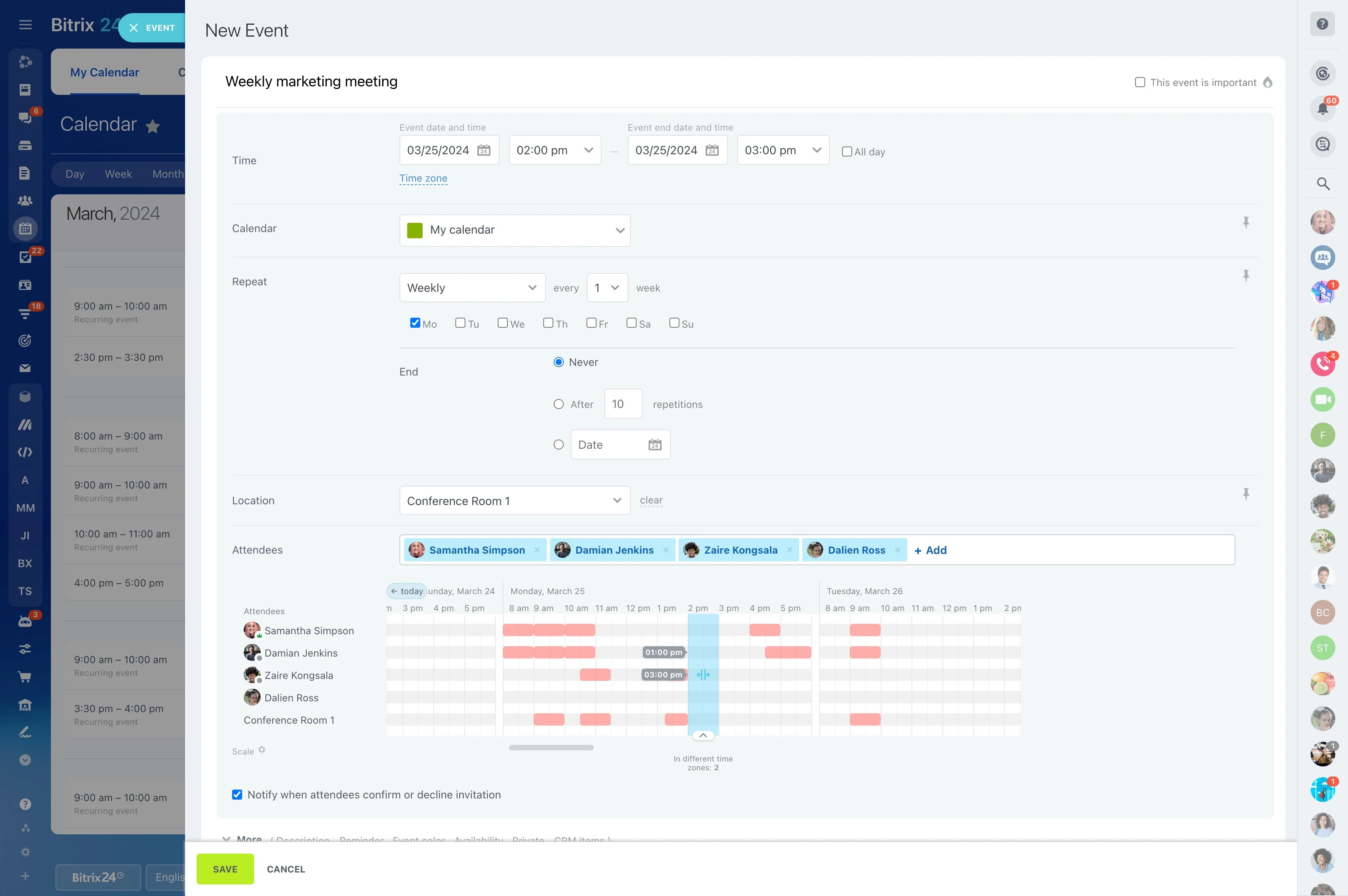
After an estimate is accepted, the key handoff is from office coordination to the technician or field crew. The assignment should remain connected to the customer, job details, timing, and next action.
Bitrix24 supports this workflow through scheduled activities and assignments, giving coordinators a way to organize visits while managers follow progress from planning through completion.
Use service history for repeat work
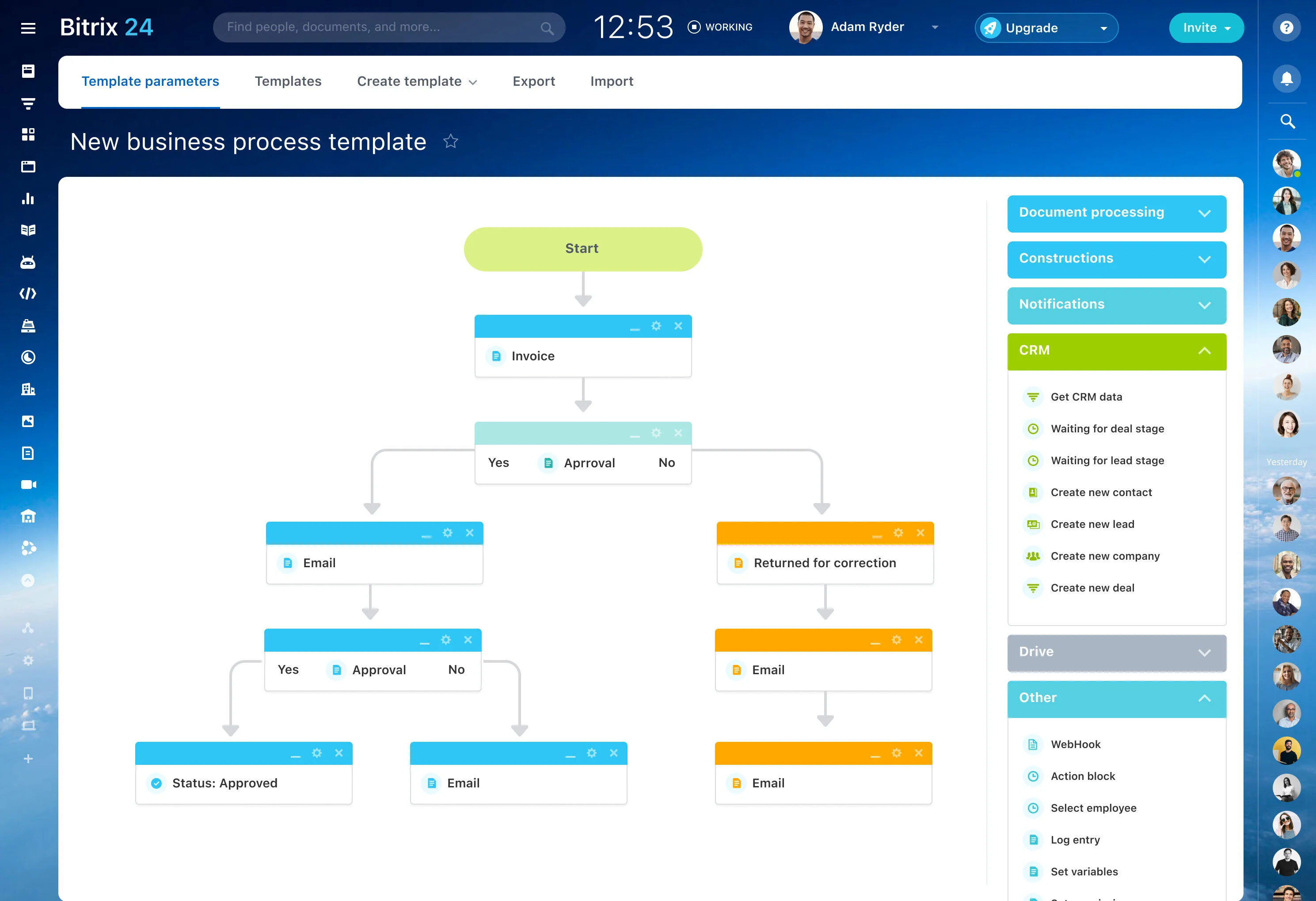
Recurring maintenance, seasonal services, inspections, and referrals often build on earlier jobs. A connected customer history lets the team see what was previously completed and make future outreach more relevant.
Preserve completed-job context, note follow-up opportunities, and use the record as the starting point for the next service conversation.
From air-conditioning request to follow-up
A homeowner submits an air-conditioning repair request. The office records the issue and property details, reviews the work, prepares an estimate, and waits for approval. Once approved, a coordinator schedules the visit and assigns a technician.
The job stays tied to the customer record through completion and follow-up. Later, the service history can support a relevant maintenance conversation without rebuilding the customer’s story from the beginning.